


People
Cancel subscription
How to Cancel a People Magazine Subscription Safely
Learn how to cancel People through the right billing provider. Follow official steps, understand access timing, refunds, and the confirmation to keep.
- 2 cancellation paths matched to the billing owner
- Renewal timing and access outcome explained
- Refund requests routed to the company that billed you
- Confirmation steps included for every path
Choose the People cancellation path that matches who bills you
iPhone or iPad (Apple billing) · verify the billing owner
iPhone or iPad (Apple billing)
 1
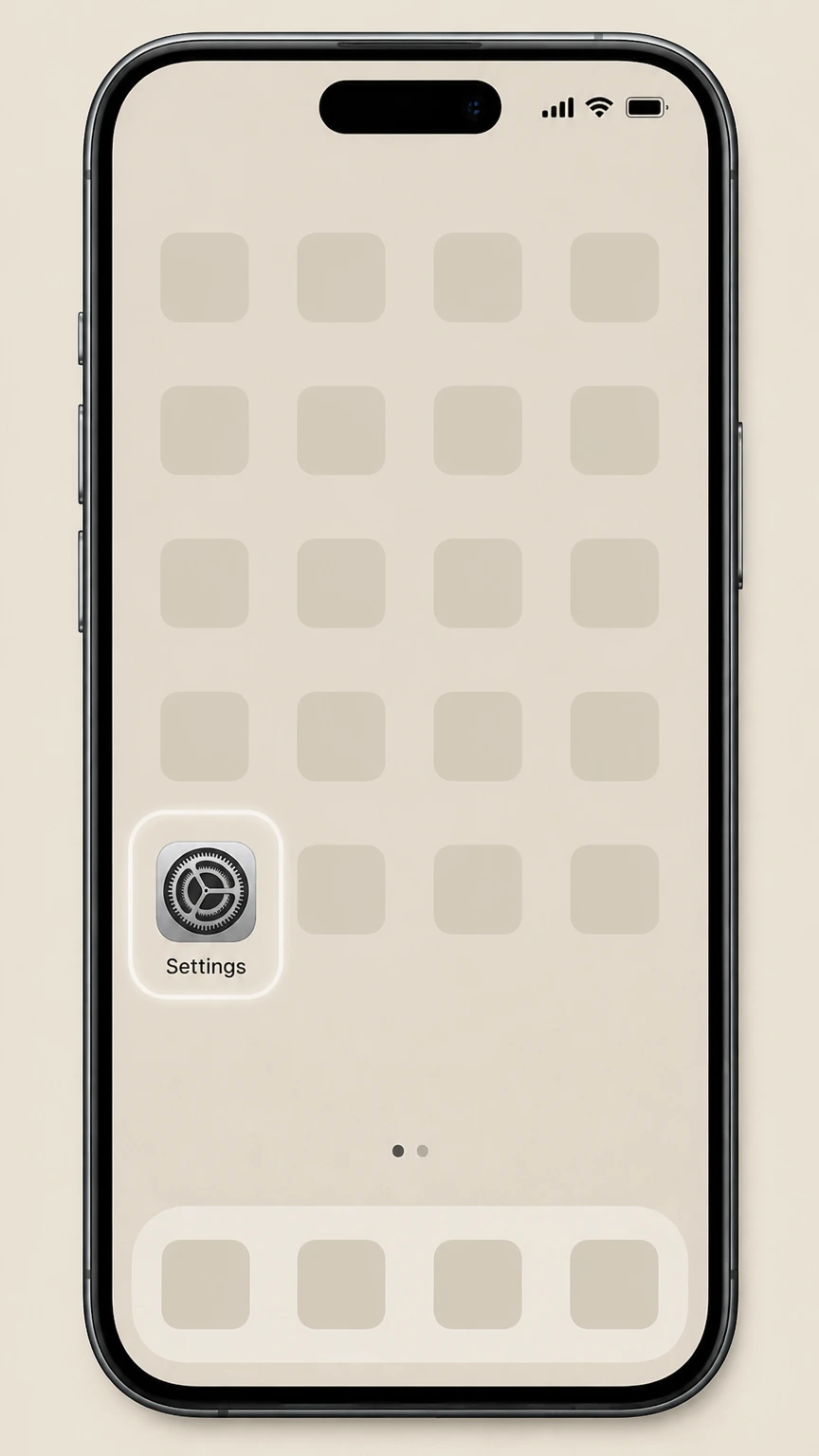
1Open Settings
Open the Settings app on your iPhone or iPad to manage your Apple‑billed subscriptions, including People.
 2
2Tap your name
Tap your name banner at the top of Settings to open your Apple Account settings.
- Let Pine handle it
Pine can help
Too many steps?
Pine can find the right iPhone or iPad (Apple billing) path and handle the cancellation for you.
 3
3Open Subscriptions
Tap Subscriptions to see all active and expired subscriptions tied to your Apple Account.
 4
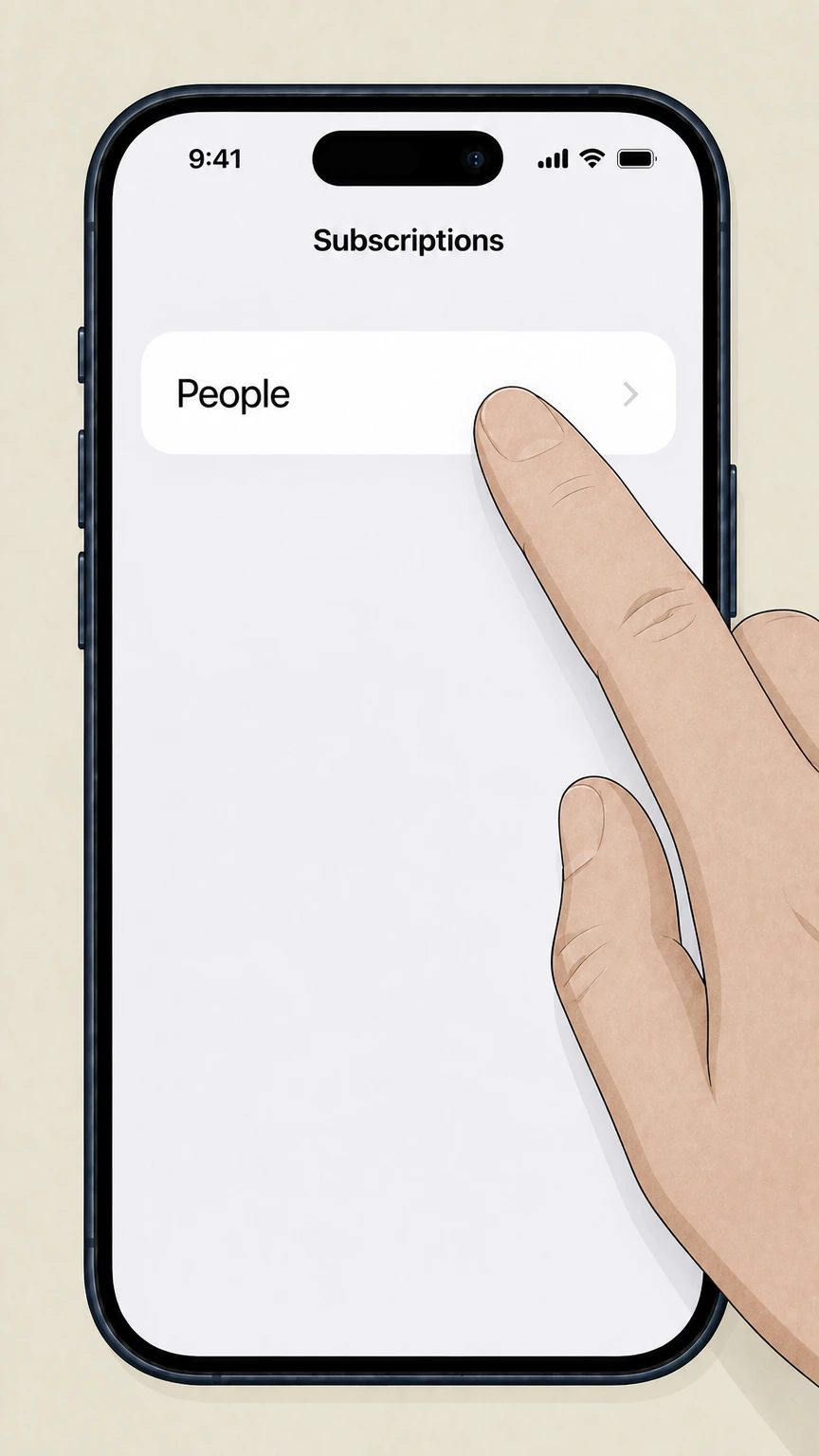
4Select People
In the list of subscriptions, tap People to open the subscription details screen.
 5
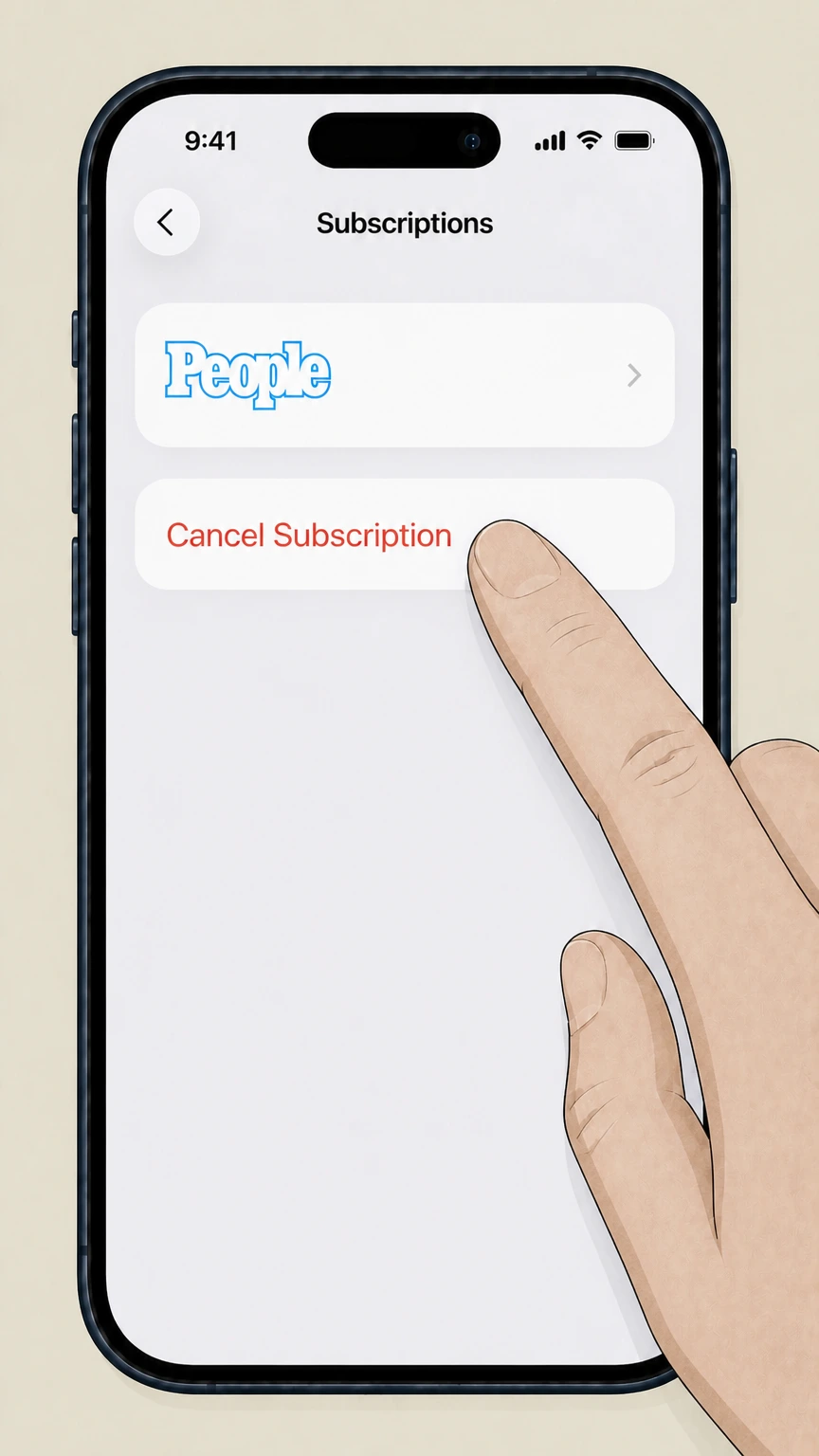
5Cancel the subscription
Tap Cancel Subscription and follow the prompts; if you only see an expiration date and no Cancel option, your People subscription is already cancelled.

Android (Google Play billing) · verify the billing owner
Android (Google Play billing)
 1
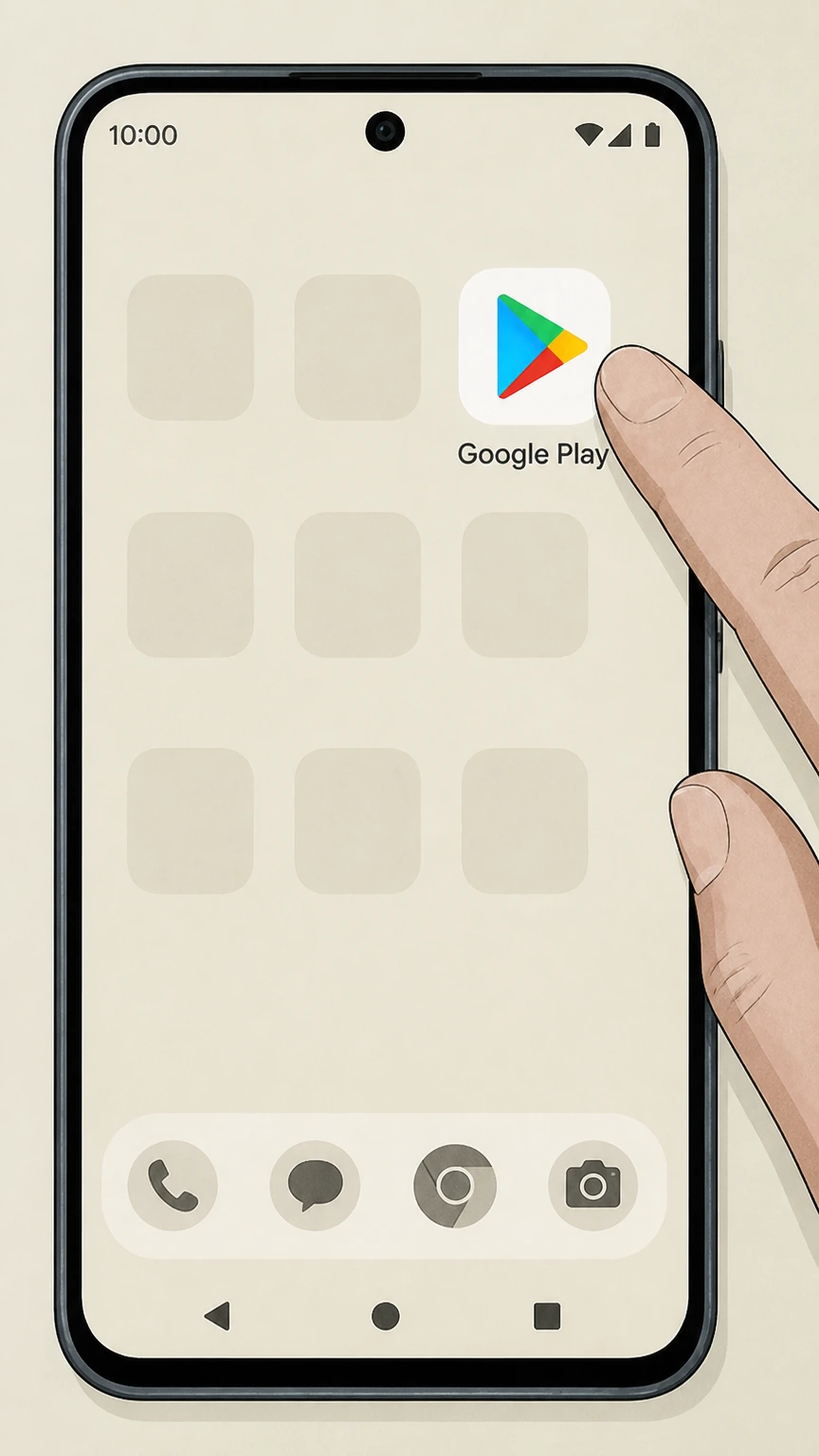
1Open Google Play Store
Open the Google Play Store app on your Android device using the Google account that pays for your People subscription.
 2
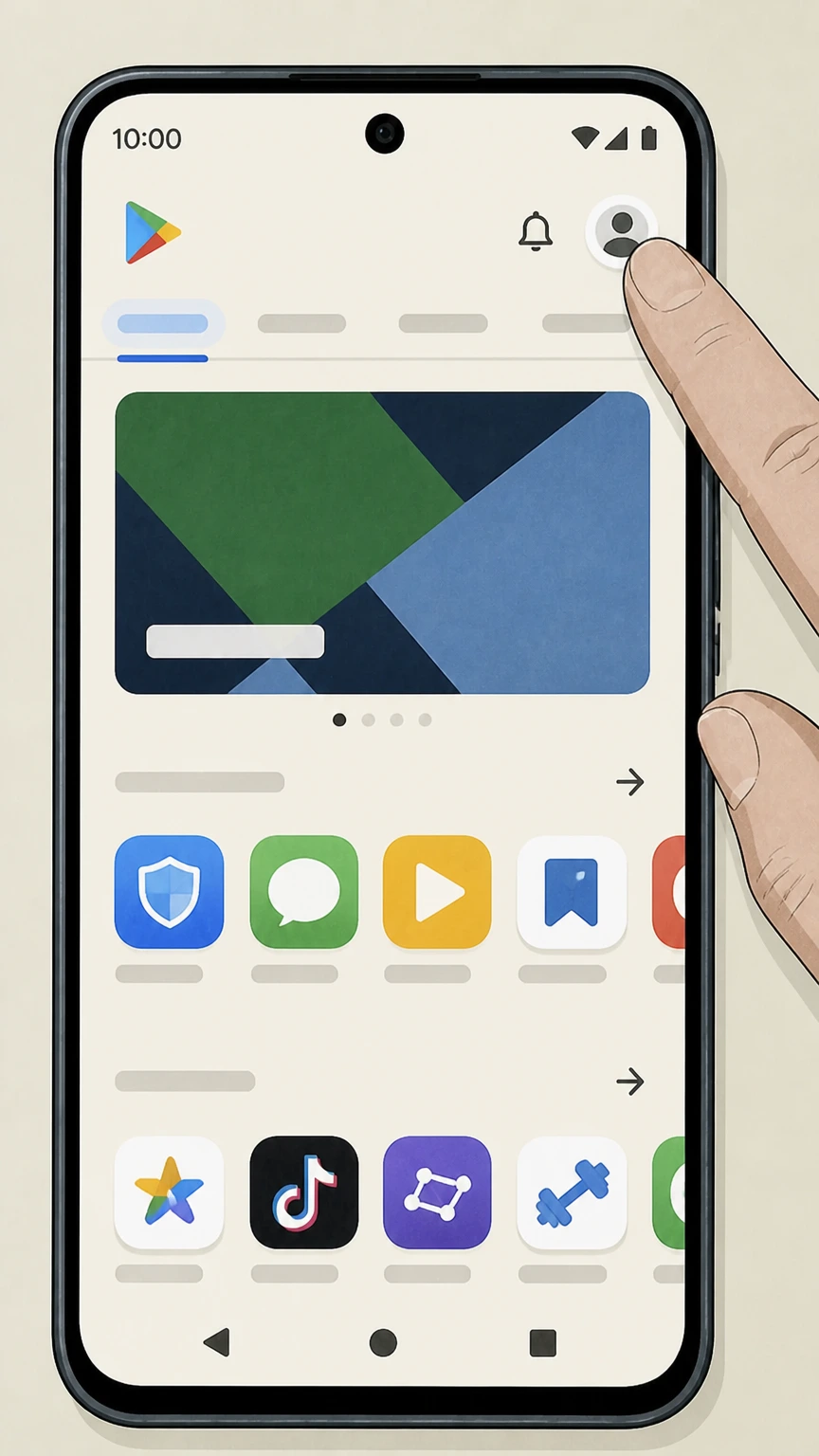
2Tap your profile icon
Tap your profile icon in the top‑right corner of Google Play to open the account menu.
- Let Pine handle it
Pine can help
Too many steps?
Pine can find the right Android (Google Play billing) path and handle the cancellation for you.
 3
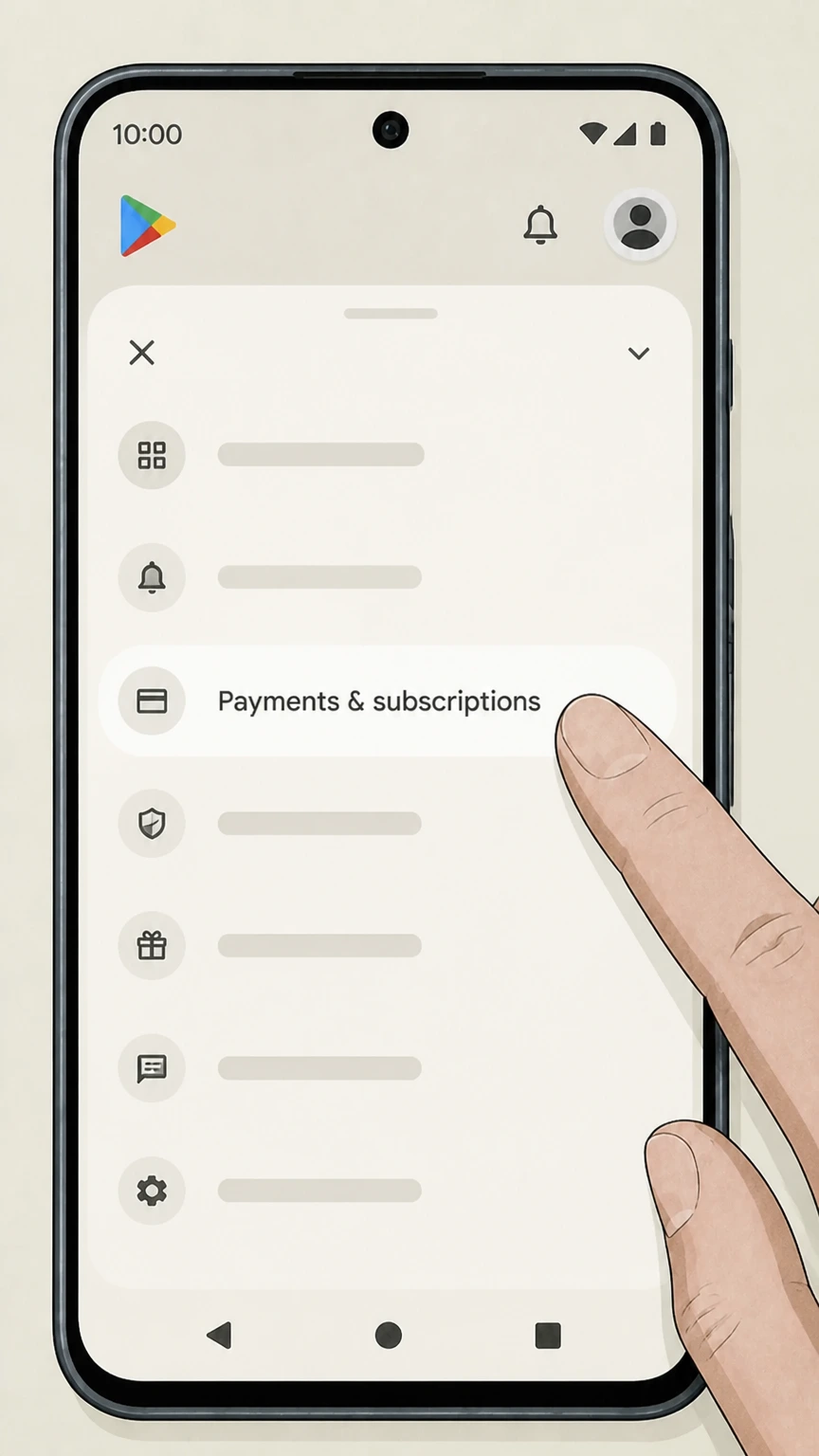
3Open Payments & subscriptions
From the menu, tap Payments & subscriptions to access your billing options.
 4
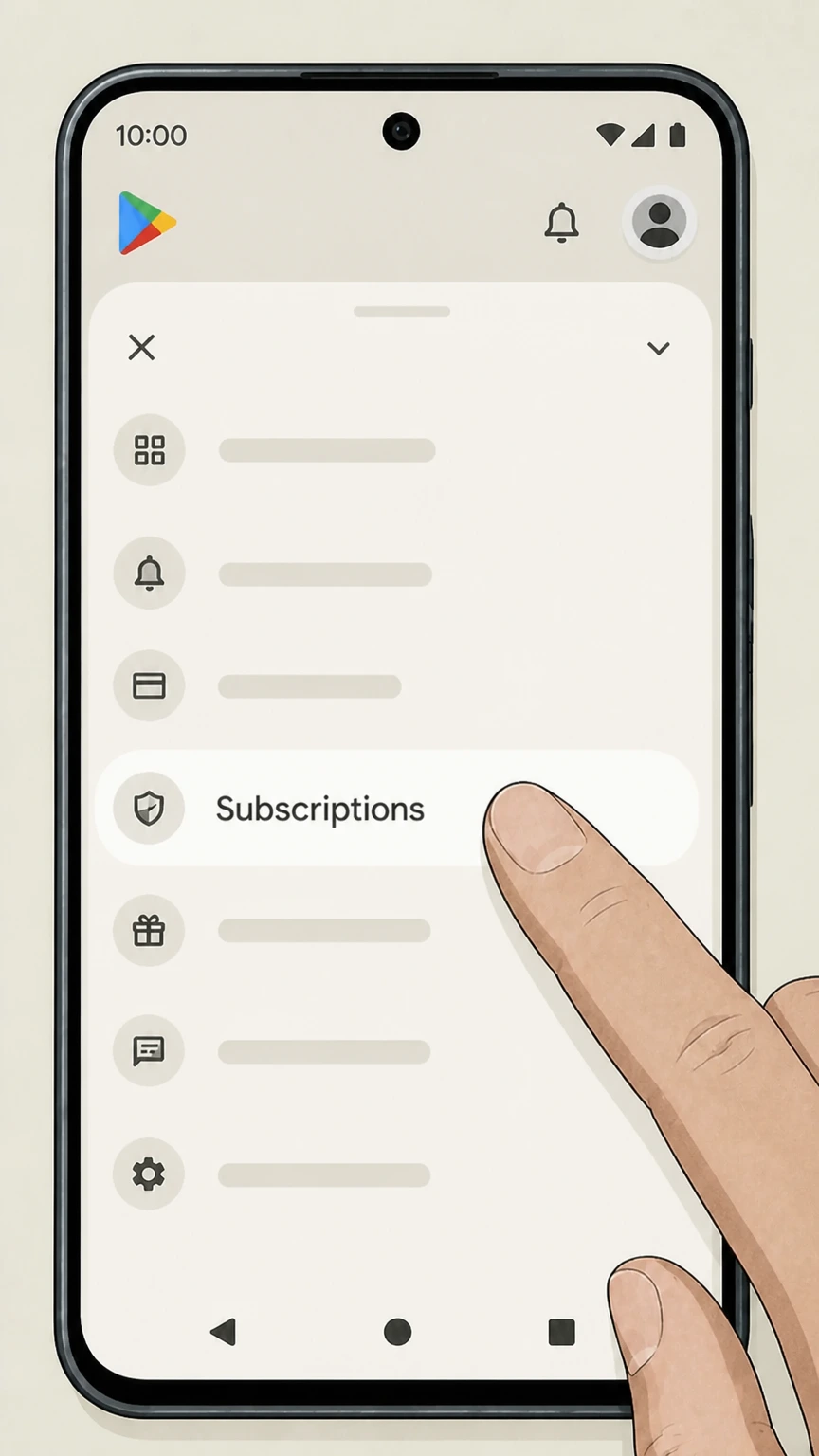
4Tap Subscriptions
Tap Subscriptions to see a list of all active subscriptions on this Google account, including People if Google bills it.
 5
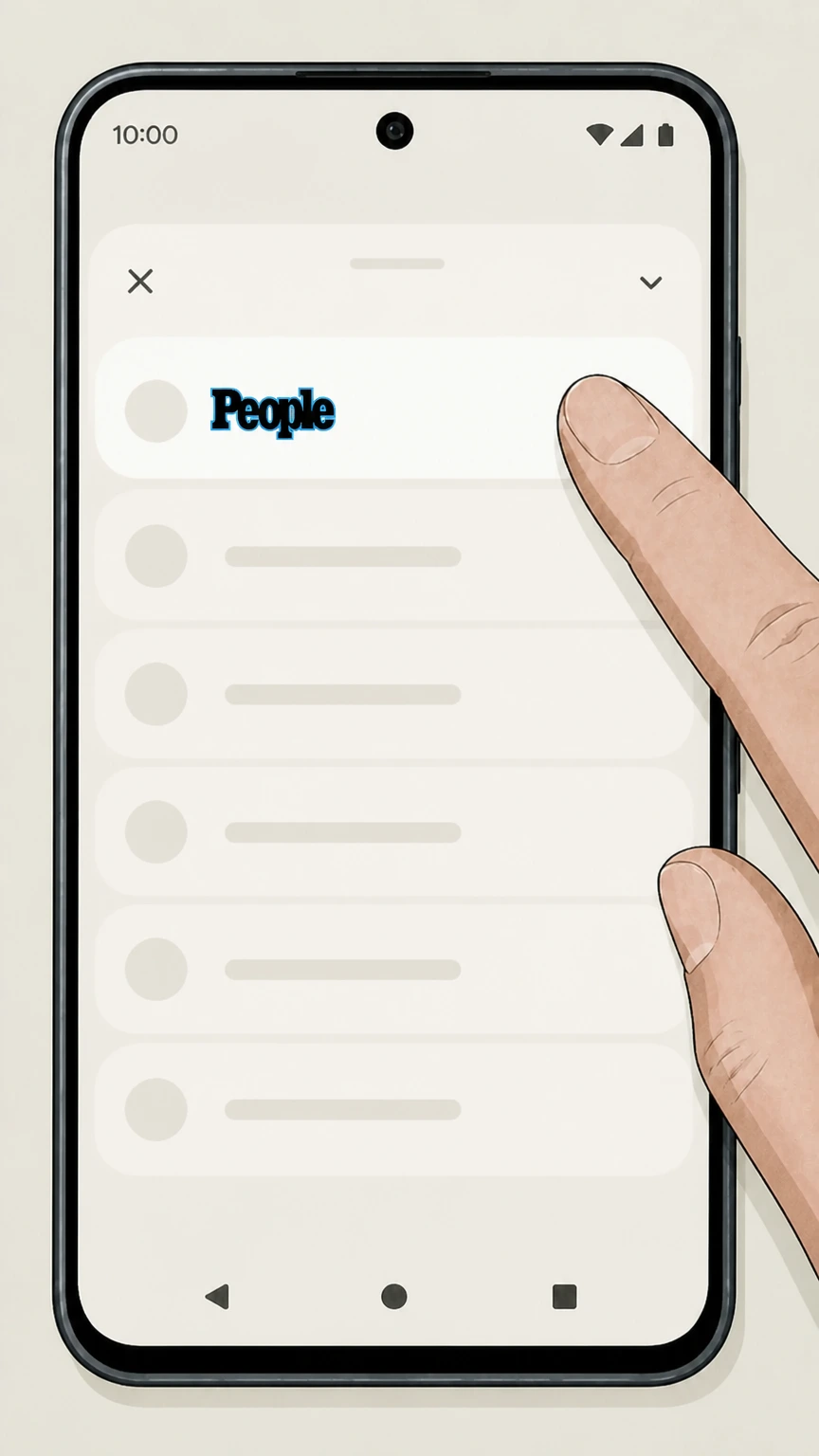
5Select People
Find People in your subscriptions list and tap it to open the subscription details.
 6
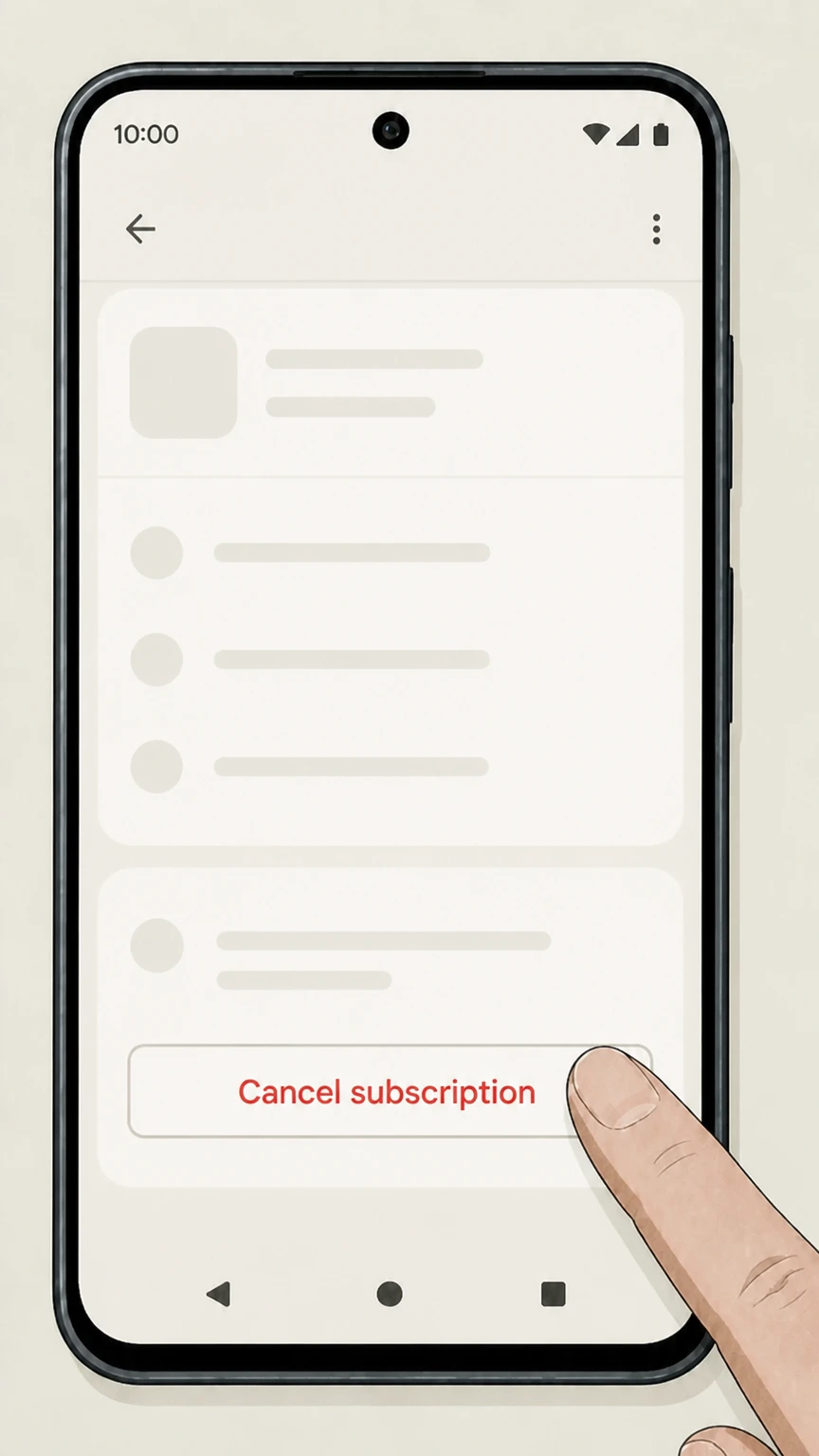
6Tap Cancel subscription
Tap Cancel subscription and complete the on‑screen confirmation so Google Play stops renewing your People subscription.
Refund policy
Refund requests after canceling People
Canceling a store-billed People subscription stops its renewal; a refund request is a separate action handled by the store that charged you.
Check my refund options- Apple-billed purchase
- Apple evaluates any refund request for a People subscription purchased through the App Store.
- Google Play purchase
- Google evaluates any refund request for a People subscription purchased through Google Play.
- Another merchant
- If neither store owns the charge, identify the merchant on the receipt and use that merchant’s current refund policy.
Keep the store cancellation status and charge record before submitting any separate refund request. Review the billing store refund process
Billing owner
Match the People receipt to the billing store
Use the store that lists the People subscription; if neither store lists it, return to the merchant shown on the receipt.
Apple listing
Use Apple Subscriptions only when People appears under the Apple Account that issued the receipt.
Google listing
Use Google Play Subscriptions only when People appears under the Google Account that issued the receipt.
Another merchant
If neither store lists People, identify the merchant from the receipt and do not infer a People account screen from this guide.
Refund ownership
Cancellation and a People refund are separate
The billing store evaluates any refund request.
Apple request
Apple decides a refund request for an Apple-billed People subscription.
Google request
Google decides a refund request for a Google Play-billed People subscription.
No automatic refund
Turning off renewal does not by itself submit or approve a refund request with either store.
Confirmation
Confirm People in the billing store
Use the same store account that owns the subscription.
Apple status
Reopen the People entry in Apple Subscriptions and keep the expiration or canceled status shown there.
Google status
Reopen the People entry in Google Play Subscriptions and keep the canceled status or end date shown there.
People cancellation FAQ
Answers about People billing ownership, cancellation timing, refunds, and access after cancellation.
How do I cancel a People subscription?
How do I cancel People on my iPhone if I subscribed in the App Store?
How do I cancel People on Android if I subscribed through Google Play?
Will I still have access to People after I cancel my subscription?
Do I get a refund when I cancel my People subscription?
How can I confirm my People subscription is really cancelled?
What if I don’t see People listed in my Apple or Google Play subscriptions?
Untangle this People issue.
Let Pine handle the provider follow-up and keep the confirmation in one place.
