


Omega XL
Cancel subscription
How to Cancel Omega XL: Official Steps & Timing
Cancel Omega XL through the correct billing route. Follow official steps, understand renewal timing and refunds, and keep proof of the final result.
- 1 verified cancellation route
- Billing ownership and renewal timing explained
- Provider-specific refund boundaries included
- A confirmation check follows every route
Choose the correct Omega XL cancellation route
Phone – OmegaXL Customer Care · verify the billing owner
Cancel Omega XL through Phone – OmegaXL Customer Care
 1
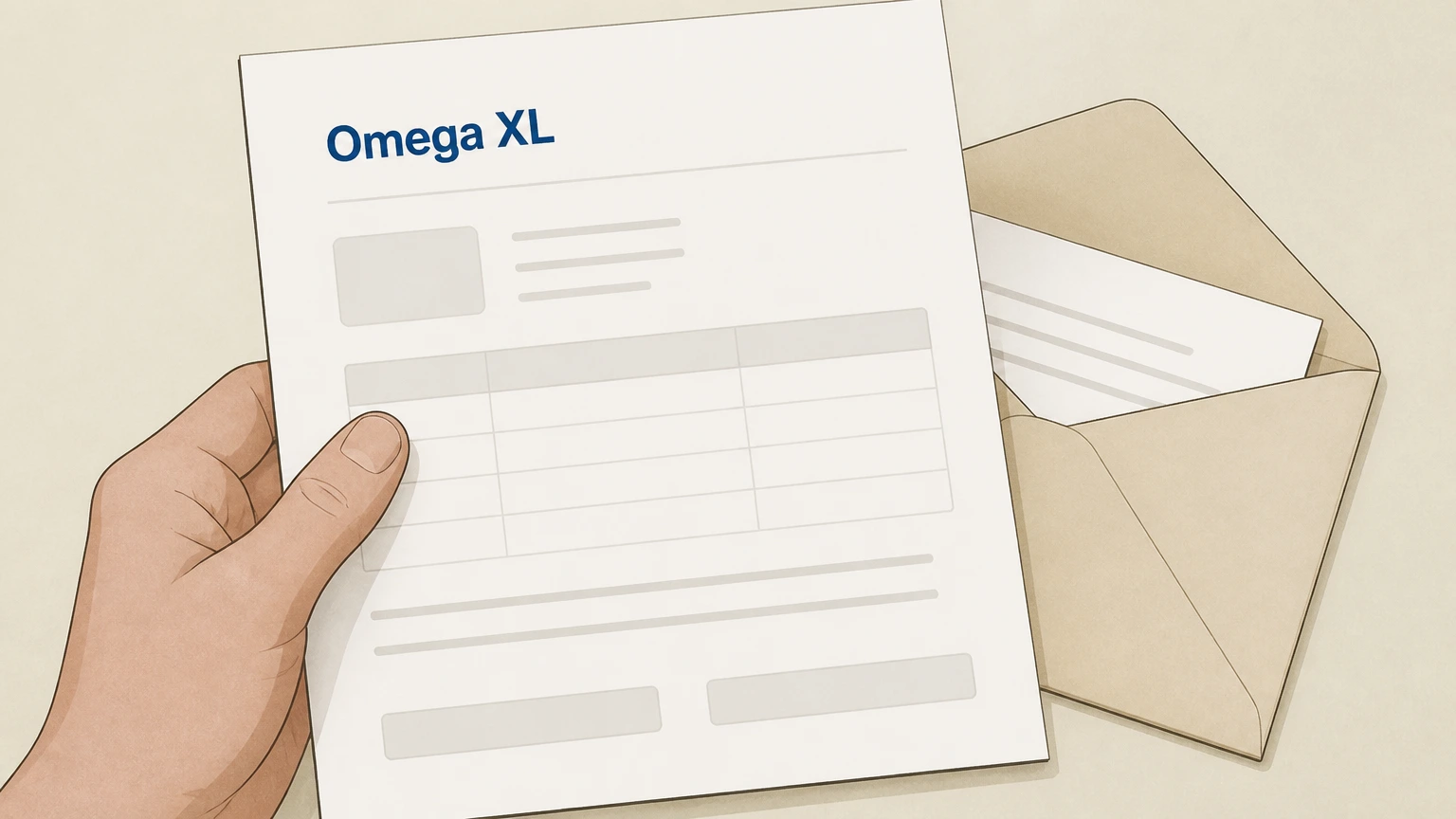
1Gather your OmegaXL account details
Locate your most recent OmegaXL packing slip, order confirmation email, or billing statement so you have your customer or order number and the phone number used on the account.
 2
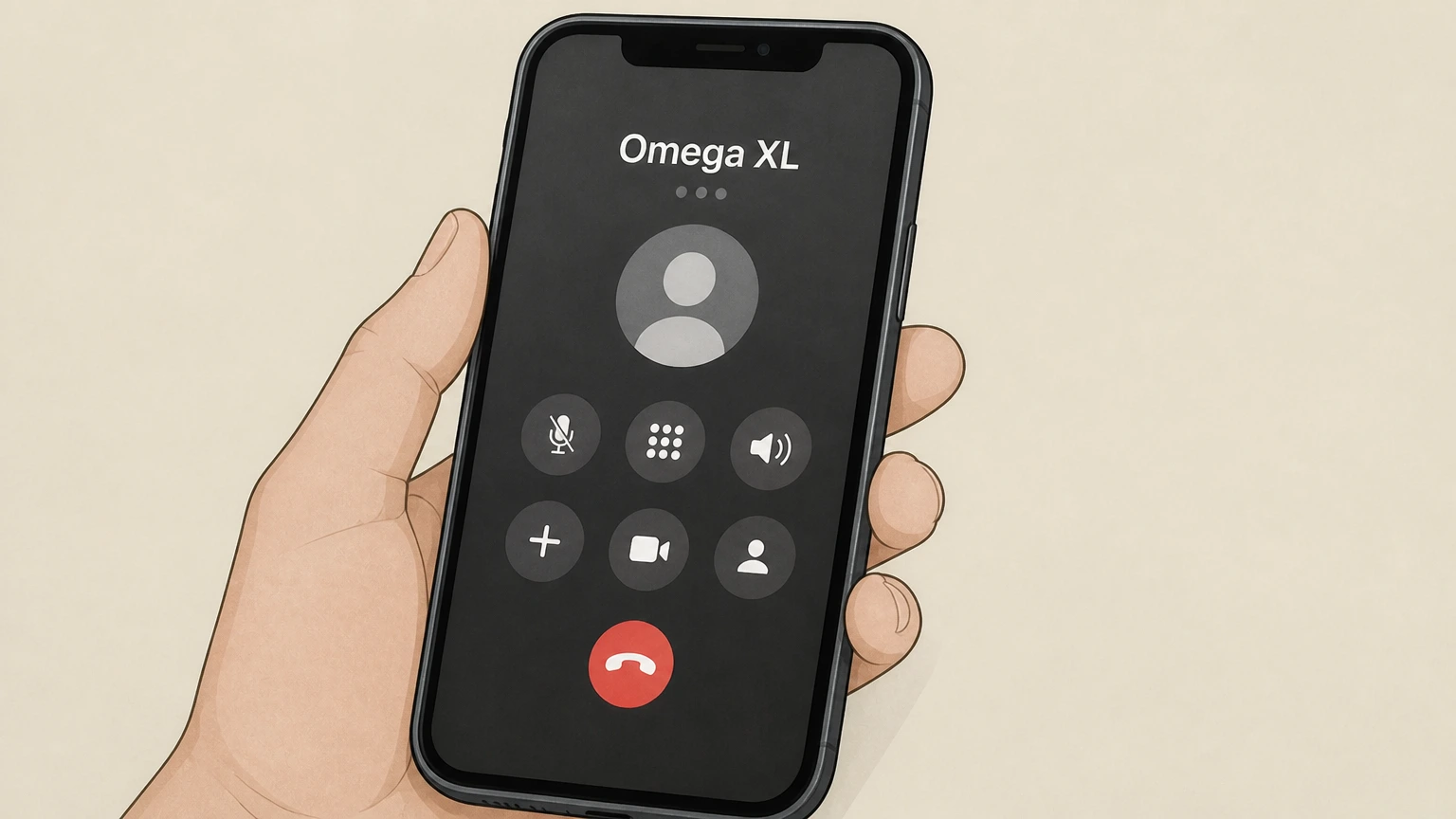
2Call OmegaXL Customer Care
Use the Customer Service phone number listed on OmegaXL’s Contact page to call during published customer service hours.
- Let Pine handle it
Pine can help
Too many steps?
Pine can find the right Phone – OmegaXL Customer Care path and handle the cancellation for you.
 3
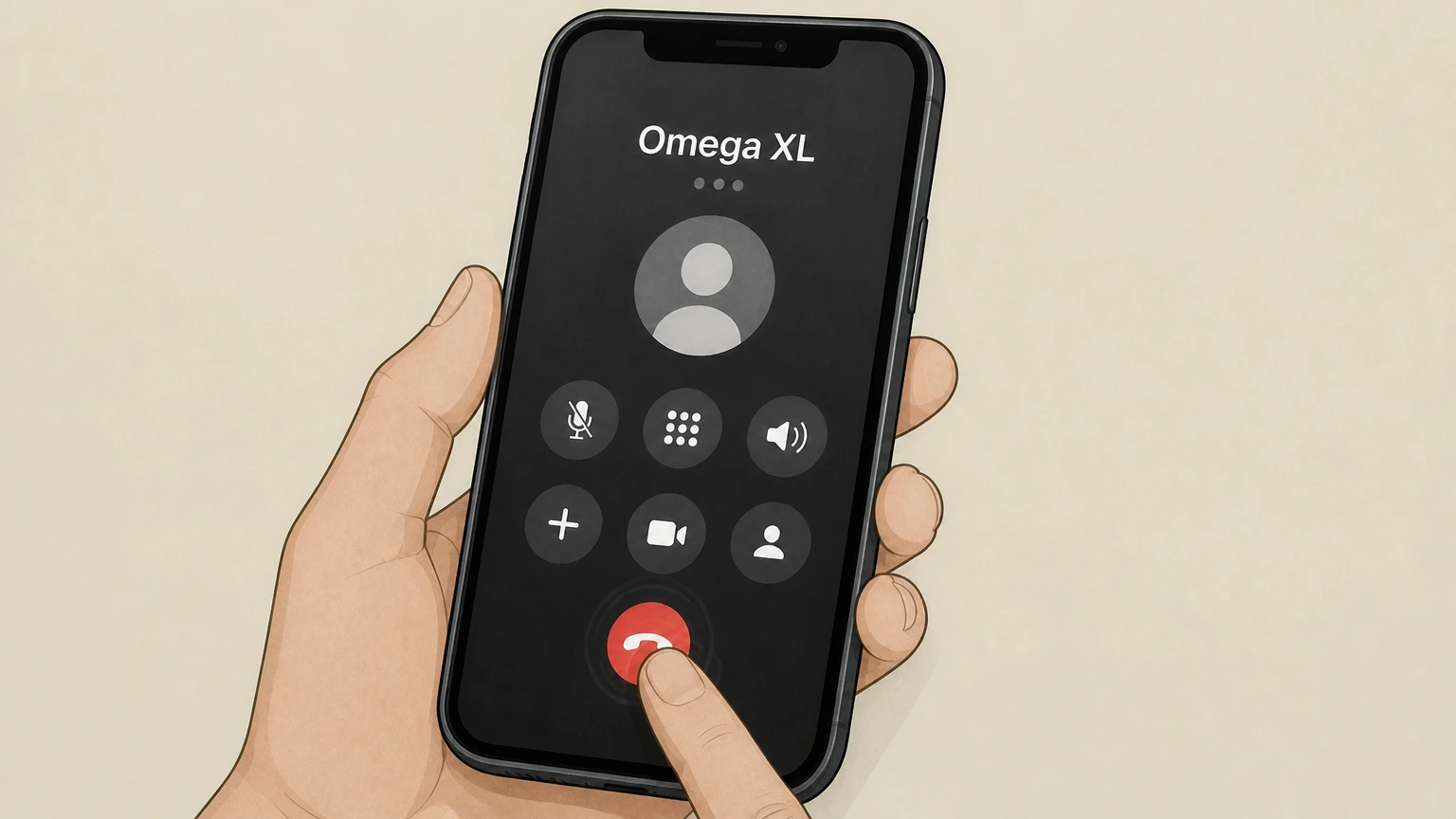
3Request cancellation of your auto-ship program
Tell the representative clearly that you want to cancel your OmegaXL automatic shipment or auto-ship subscription and do not want future recurring deliveries.
 4
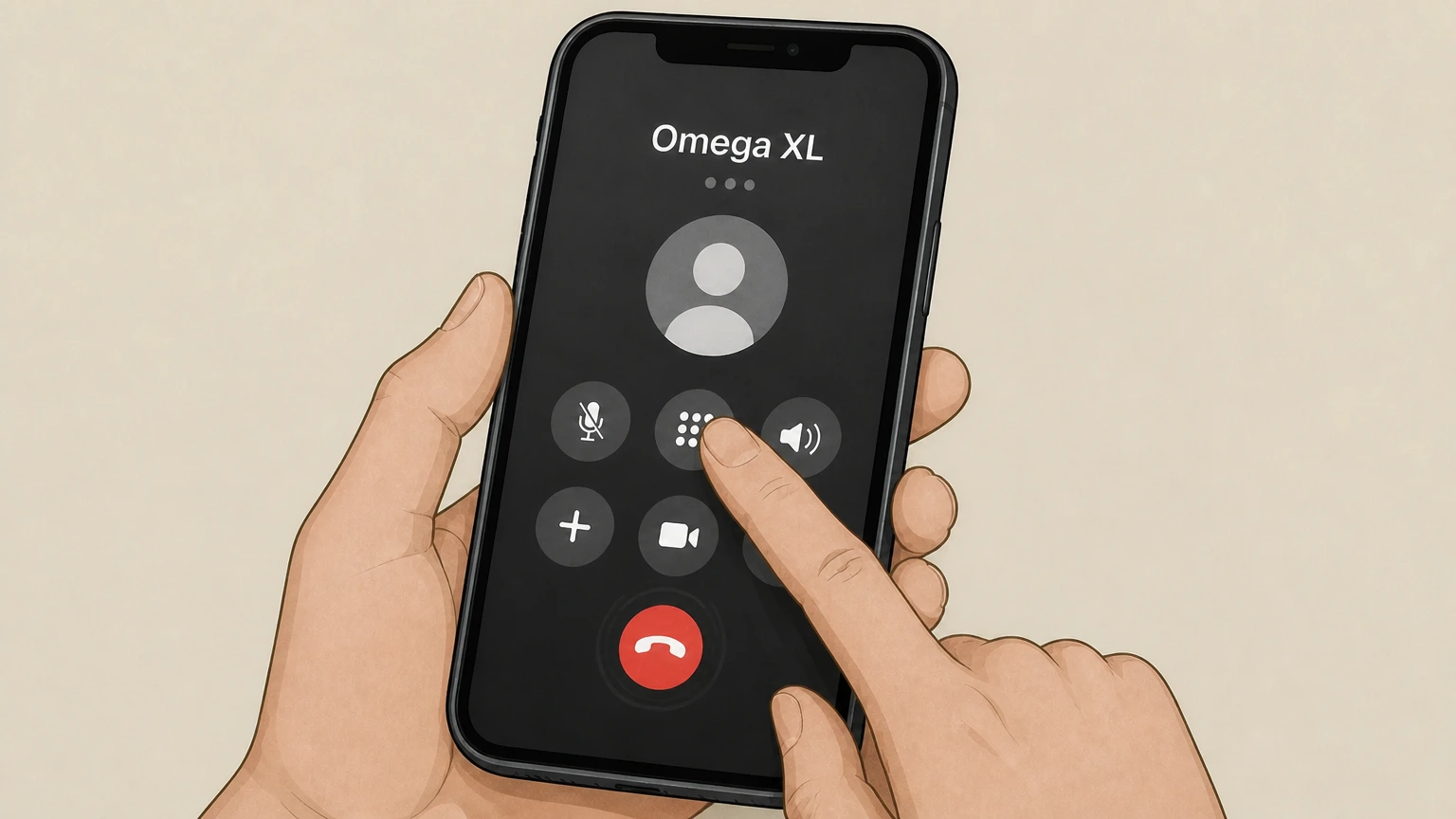
4Verify your identity and account
Provide any requested details—such as your name, address, or recent order information—so the agent can locate and authenticate your OmegaXL account.
 5
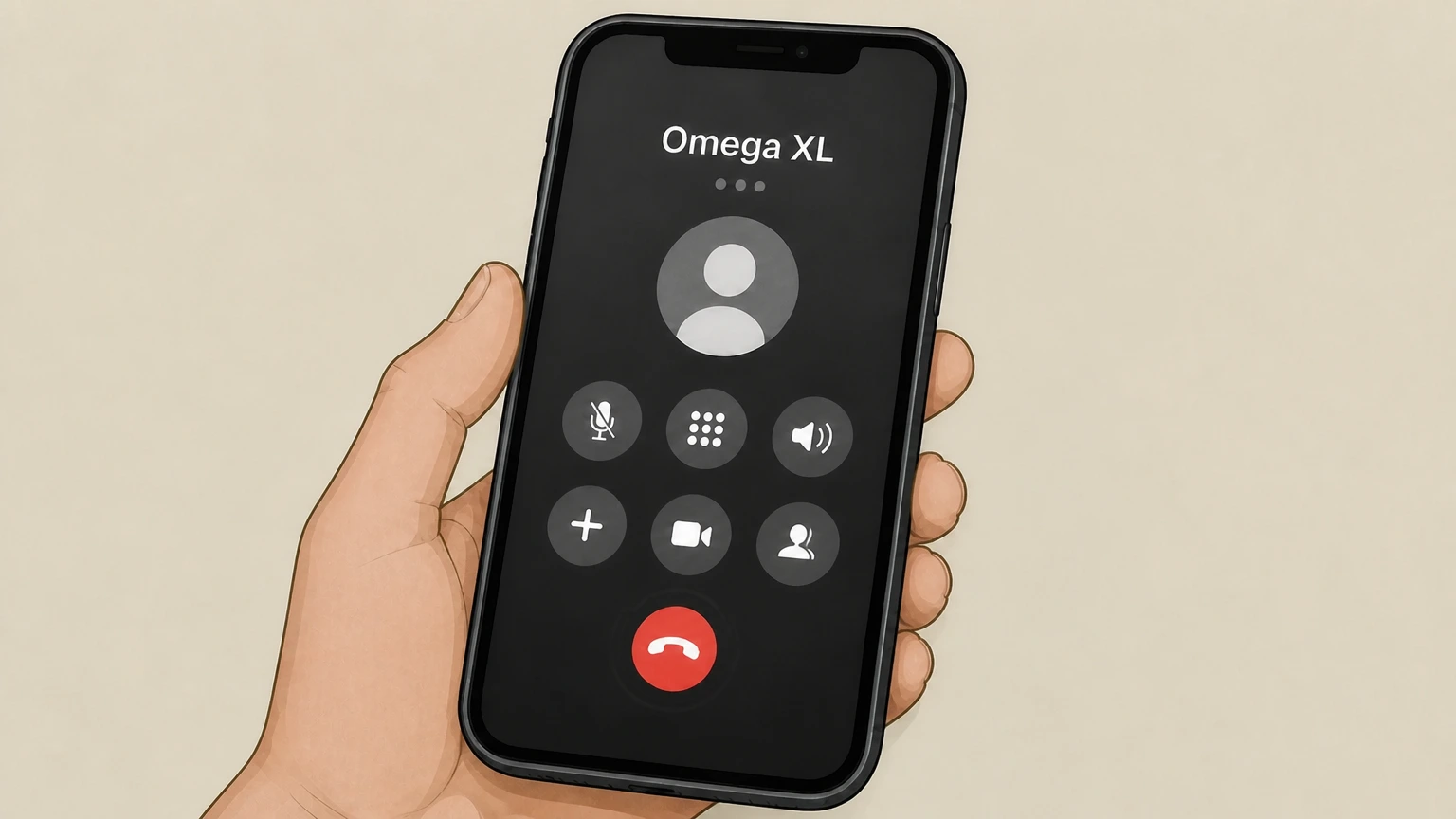
5Confirm that auto-ship has been canceled
Ask the agent to confirm that your automatic renewal has been canceled, note any confirmation details they provide, and request that a confirmation be sent to you (for example by email).

Refund policy
Refunds and returns after canceling OmegaXL
Canceling your OmegaXL auto-ship stops future renewals, but refunds depend on the specific product, when you bought it, and where you purchased it. OmegaXL offers a dedicated 30‑day money‑back guarantee for OmegaXL and OmegaXL Sport for new direct customers, plus a separate standard 30‑day return policy for most other Great HealthWorks products.
Check my refund options- 30-day guarantee for new OmegaXL customers
- New customers who bought OmegaXL or OmegaXL Sport directly from Great HealthWorks by phone or on OmegaXL.com can return eligible bottles within 30 days of their initial purchase date for a refund of the product price, excluding shipping and handling.
- Standard 30-day return policy for non-OmegaXL items
- Most other Great HealthWorks and Pet HealthWorks products fall under a standard 30‑day return policy that applies to unused, unopened, fully sealed items purchased directly from Great HealthWorks, but specifically excludes OmegaXL, OmegaXL Sport, and Antinol Plus.
For the most current eligibility rules, bottle limits, and return instructions, review OmegaXL’s official money-back guarantee and return policy pages before sending anything back. View full OmegaXL refund policies
Subscription basics
How the OmegaXL auto-ship program works
Key facts about how OmegaXL’s automatic shipment program operates and why canceling matters.
Automatic renewal until you cancel
OmegaXL’s Terms describe automatic shipment programs where payments for each shipment are processed to the payment method you provided and continue until you cancel your participation.
Enrollment through phone or website
You can enroll in auto-ship when ordering OmegaXL online or by telephone; product pages show an Auto-Ship Purchase option with repeat billing until canceled.
Control over delivery frequency
Product and bundle pages indicate that with subscription orders you are "in control" and may skip, pause, or cancel regular deliveries, but changes are handled via Customer Care or account tools, not a one-click toggle on the product page.
Customer Care handles changes
OmegaXL’s FAQs direct customers to call Customer Care or use an account modification or support form to adjust delivery frequency or pause orders, indicating the same channels are used to stop auto-ship entirely.
Who bills you
Who controls billing for OmegaXL subscriptions
Understanding who owns your recurring charges helps you choose the right cancellation path.
Great HealthWorks bills direct auto-ship orders
For orders placed on OmegaXL.com or by phone as part of an automatic renewal program, Great HealthWorks charges your payment method each shipment and manages the subscription.
Wallets don’t replace OmegaXL as biller
OmegaXL accepts payment methods like credit/debit cards, PayPal, Apple Pay, Google Pay, and Truemed HSA/FSA, but the Terms still describe Great HealthWorks as processing recurring charges, so cancellation remains with their Customer Care team.
Third-party purchases follow third-party rules
Return and refund pages specify that products bought through retailers, third-party marketplaces, or other third parties are subject to those sellers’ policies, not OmegaXL’s own return rules.
Subscriptions normally start with Great HealthWorks
Automatic shipment language and subscription controls appear on OmegaXL’s own product pages, which indicates that recurring auto-ship programs are designed for direct customers rather than retail-store purchases.
What changes
What changes after you cancel OmegaXL auto-ship
How canceling affects shipments, billing, access, and your ability to buy again.
Future auto-shipments and charges stop
Under the automatic shipment terms, your participation and associated recurring charges remain in effect until canceled; once Customer Care processes your cancellation, future scheduled auto-shipments and automatic charges should cease.
Existing processed orders may still ship
Shipping terms explain that orders can be canceled before they are processed for shipping; once processing has begun, you may instead need to rely on the applicable money‑back guarantee or return policy for a refund.
Your ability to reorder typically remains
OmegaXL’s policies talk about canceling automatic renewal programs but do not say canceling closes your account, so in practice you should still be able to place future one‑time orders or re‑enroll if desired. (This is an inference from the published policies.)
Other Great HealthWorks products are unaffected
Canceling OmegaXL auto-ship only stops that program; separate subscriptions for other Great HealthWorks products follow their own return policies and would need to be adjusted or canceled individually.
Omega XL cancellation FAQ
Provider-specific answers about billing, timing, refunds, and confirmation.
How do I cancel my OmegaXL subscription?
How do I cancel Great Healthworks?
Can I cancel OmegaXL online instead of calling?
Does canceling OmegaXL stop all future shipments and charges?
What is OmegaXL’s refund policy if I cancel?
Untangle this Omega XL issue.
Let Pine handle the provider follow-up and keep the confirmation in one place.
