


KiwiCo
Cancel subscription
How to Cancel KiwiCo: Official Steps & Timing
Cancel KiwiCo through the correct account. Follow current official steps, check when crates and access end, and understand refund limits before renewal.
- 1 cancellation path matched to the billing owner
- Renewal timing and access outcome explained
- Refund requests routed to the company that billed you
- Confirmation steps included for every path
Choose the KiwiCo cancellation path that matches who bills you
KiwiCo account subscription controls · verify the billing owner
How to cancel KiwiCo through KiwiCo account subscription controls
 1
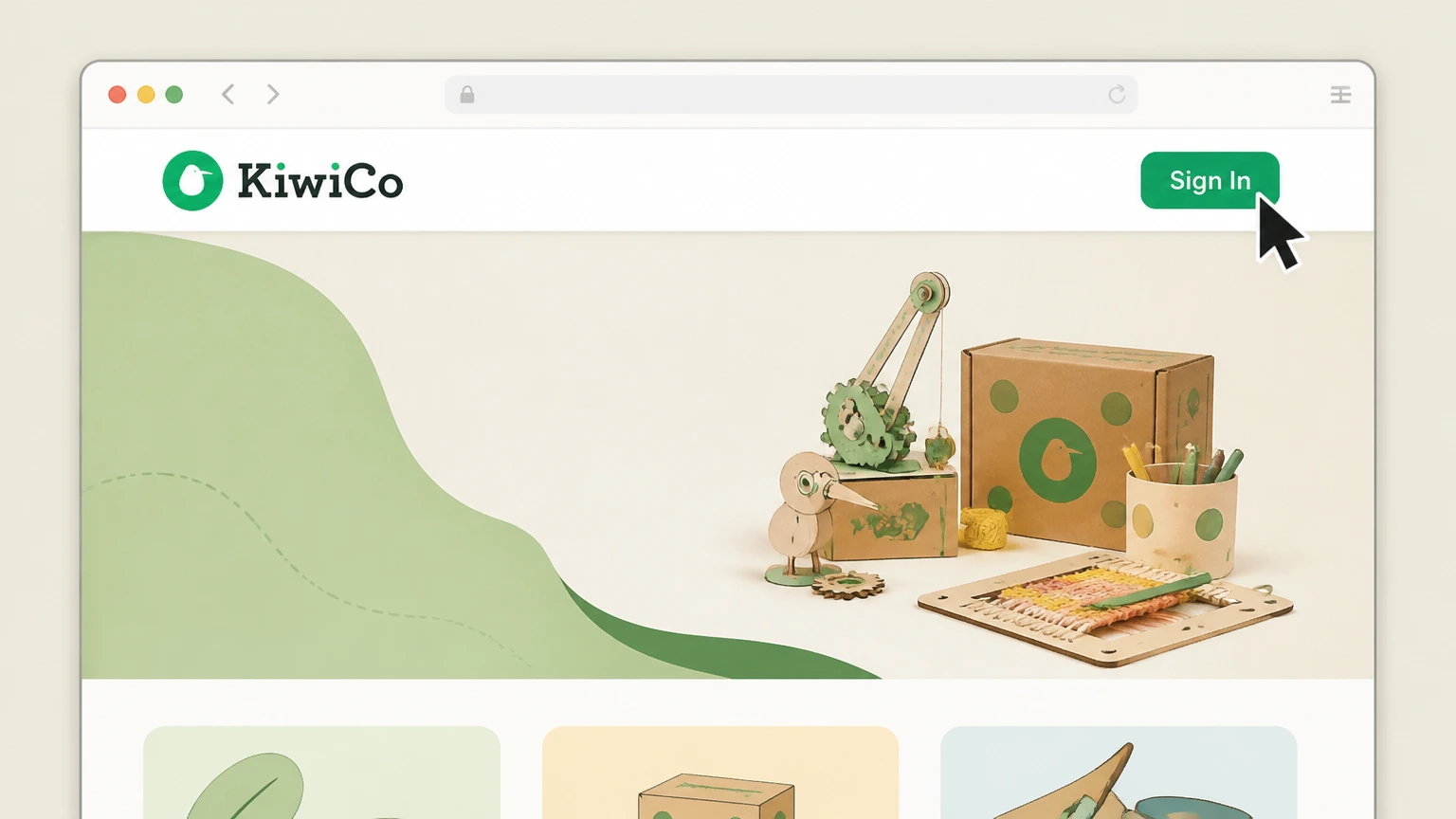
1Sign in to KiwiCo
Open KiwiCo and sign in with the email used for the crate subscription.
 2
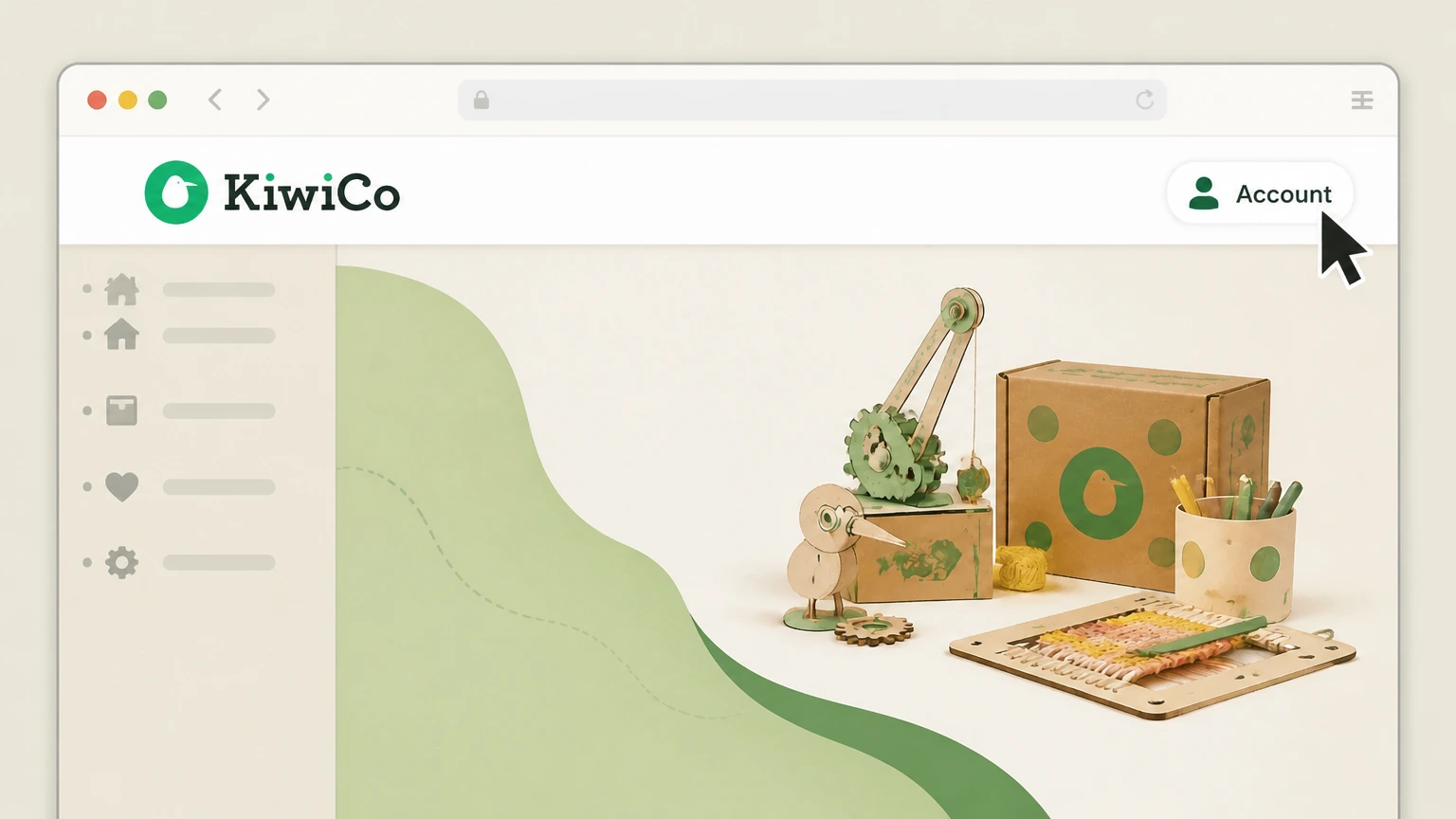
2Open the account menu
Select the account name in the top right corner to open its current menu.
- Let Pine handle it
Pine can help
Too many steps?
Pine can find the right KiwiCo account subscription controls path and handle the cancellation for you.
 3
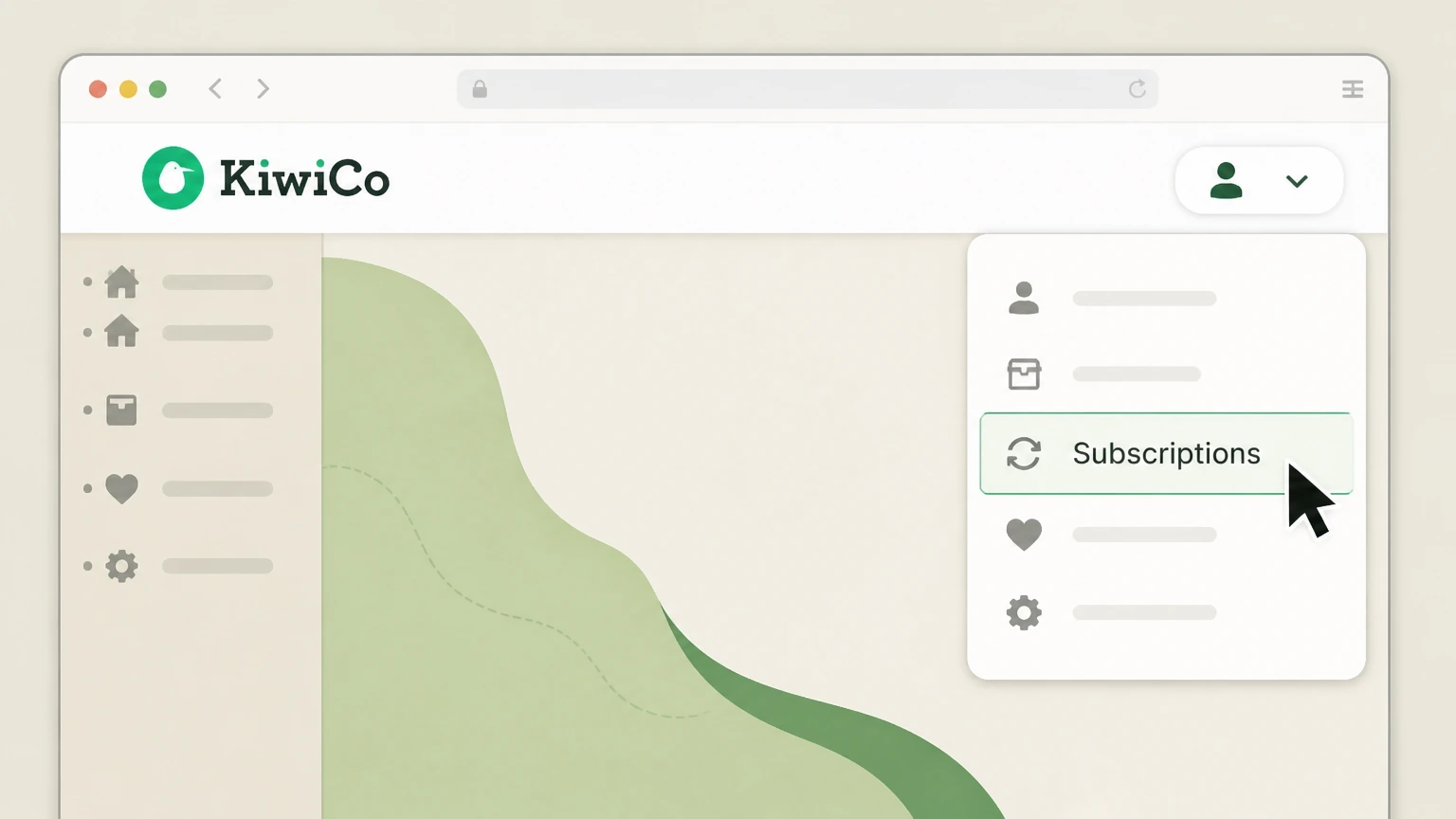
3Open Subscriptions
Choose Subscriptions from the account menu to view the active crate plans.
 4
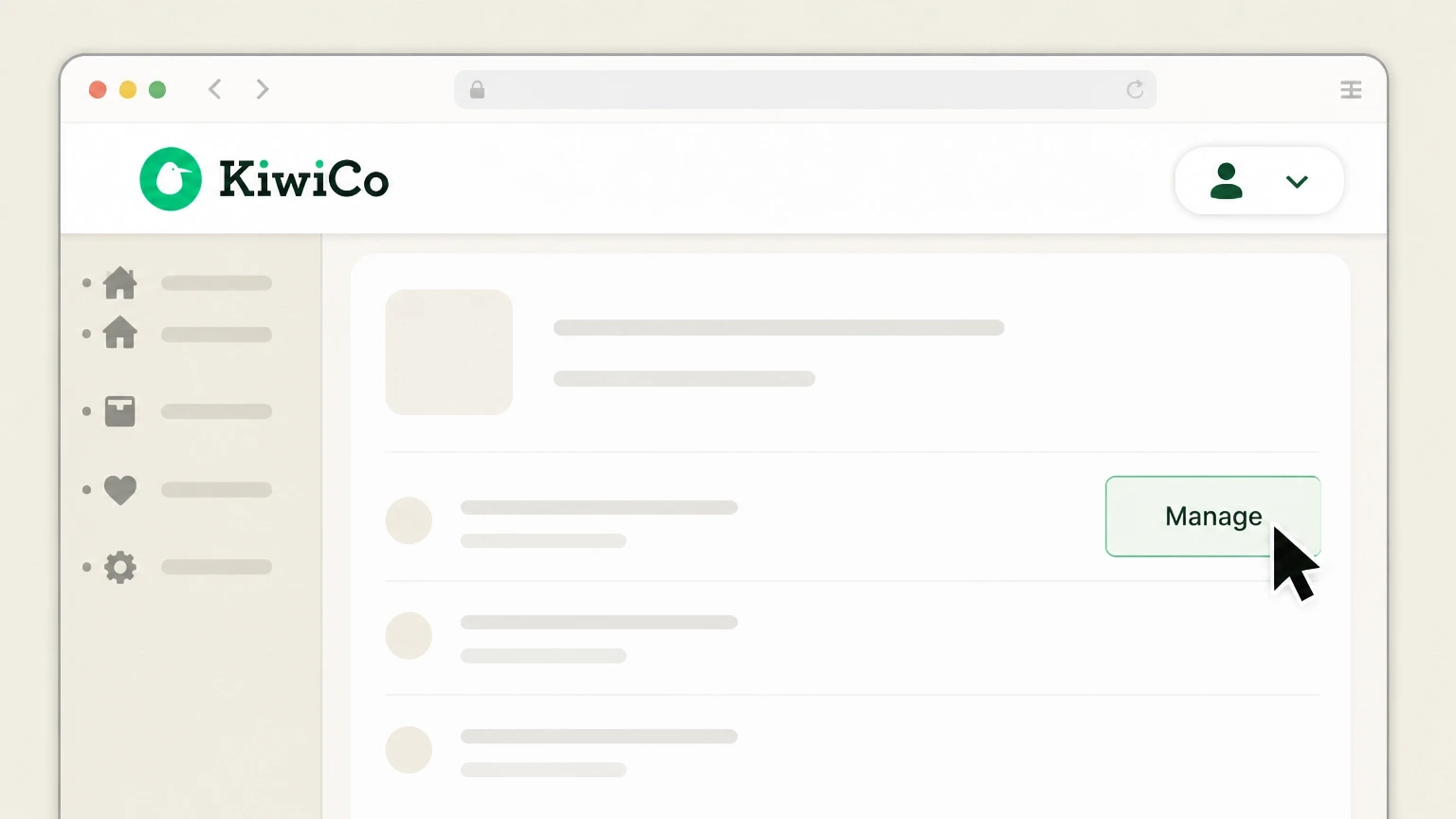
4Manage the subscription
Open the relevant crate subscription detail, then choose its single Manage control.
 5
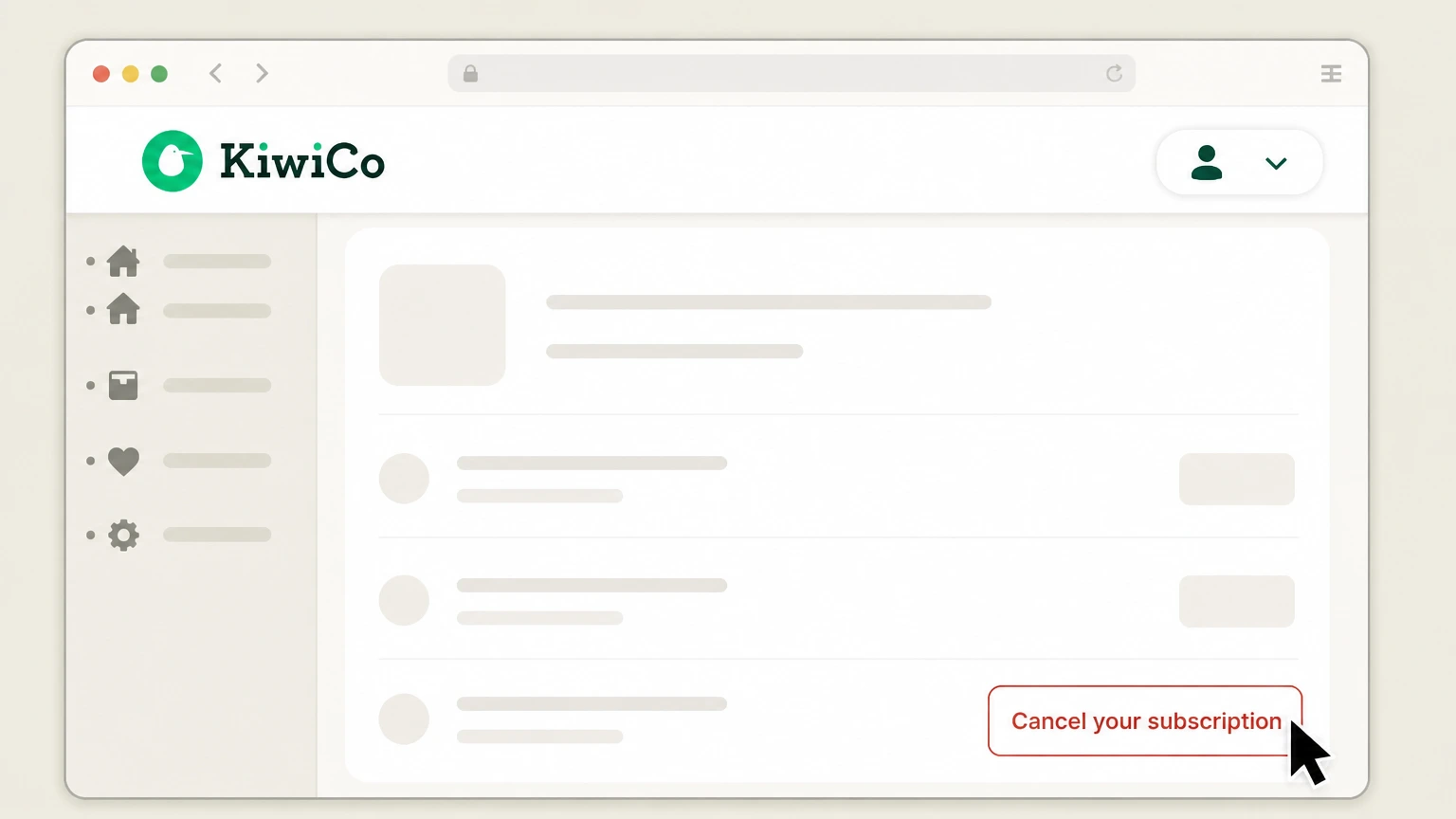
5Cancel the subscription
Choose Cancel your subscription and complete the on screen confirmation.

Refund policy
KiwiCo crate and refund timing
Payments are nonrefundable except where KiwiCo's terms expressly provide otherwise. Do not imply that cancellation refunds a processed crate or unused fixed term.
Check my refund options- Monthly timing has a cutoff
- For monthly and free-trial subscriptions, cancel by 11:59 PM Eastern Time on the day before the next billing date; email requests require at least two business days.
- Remaining crates continue
- Crates already included in a fixed or prepaid term remain scheduled even after the next automatic term is disabled.
Review the current KiwiCo terms if the account shows a different term or billing date. Review KiwiCo terms
Billing owner
Match the KiwiCo account
Use the KiwiCo account that shows the subscription and its next billing date. No app-store cancellation route was found in the cited KiwiCo sources.
Locate the provider record
Confirm that KiwiCo lists the crate subscription and its next billing date before changing the plan.
Separate outside purchases
A crate purchased through another seller is not assigned to the KiwiCo account flow without a matching provider record.
Timing
Know what the KiwiCo action changes
A crate already billed continues to ship. Quarterly, semiannual, annual, prepaid, and pay-as-you-go terms cannot be canceled midterm; turning off auto-renew stops the next term and remaining crates continue.
Separate renewal from the paid term
Turning off the next KiwiCo term does not remove crates already paid for under a fixed subscription.
Check what remains
Review the crate schedule and any plan still processing before relying on the new renewal state.
Confirmation
Keep the final KiwiCo result
The cancellation flow reaches its on-screen confirmation. The subscription no longer shows a future renewal after auto-renew is turned off
Reopen the subscription record
Return to the managed crate and verify that KiwiCo no longer presents a future renewal for the canceled plan.
Compare the next billing event
Use the crate billing date and provider confirmation to check whether another cycle remains scheduled.
KiwiCo cancellation FAQ
Answers about KiwiCo billing ownership, cancellation timing, refunds, and access after cancellation.
How do I cancel a KiwiCo subscription online?
Can every KiwiCo plan be canceled midterm?
What happens to KiwiCo crates after cancellation?
Can I cancel KiwiCo by email?
Untangle this KiwiCo issue.
Let Pine handle the provider follow-up and keep the confirmation in one place.
