


Equinox
Cancel subscription
How to Cancel Your Equinox Membership or Subscription
Learn how to cancel Equinox through the right billing provider. Follow official steps, understand access timing, refunds, and the confirmation to keep.
- Official Equinox and billing-owner sources
- 3 provider-specific cancellation paths
- Refund and post-cancellation effects separated from renewal
- Verified August 16, 2026
Choose the Equinox cancellation path that matches who bills you
In-club with an Equinox manager · verify the billing owner
 1
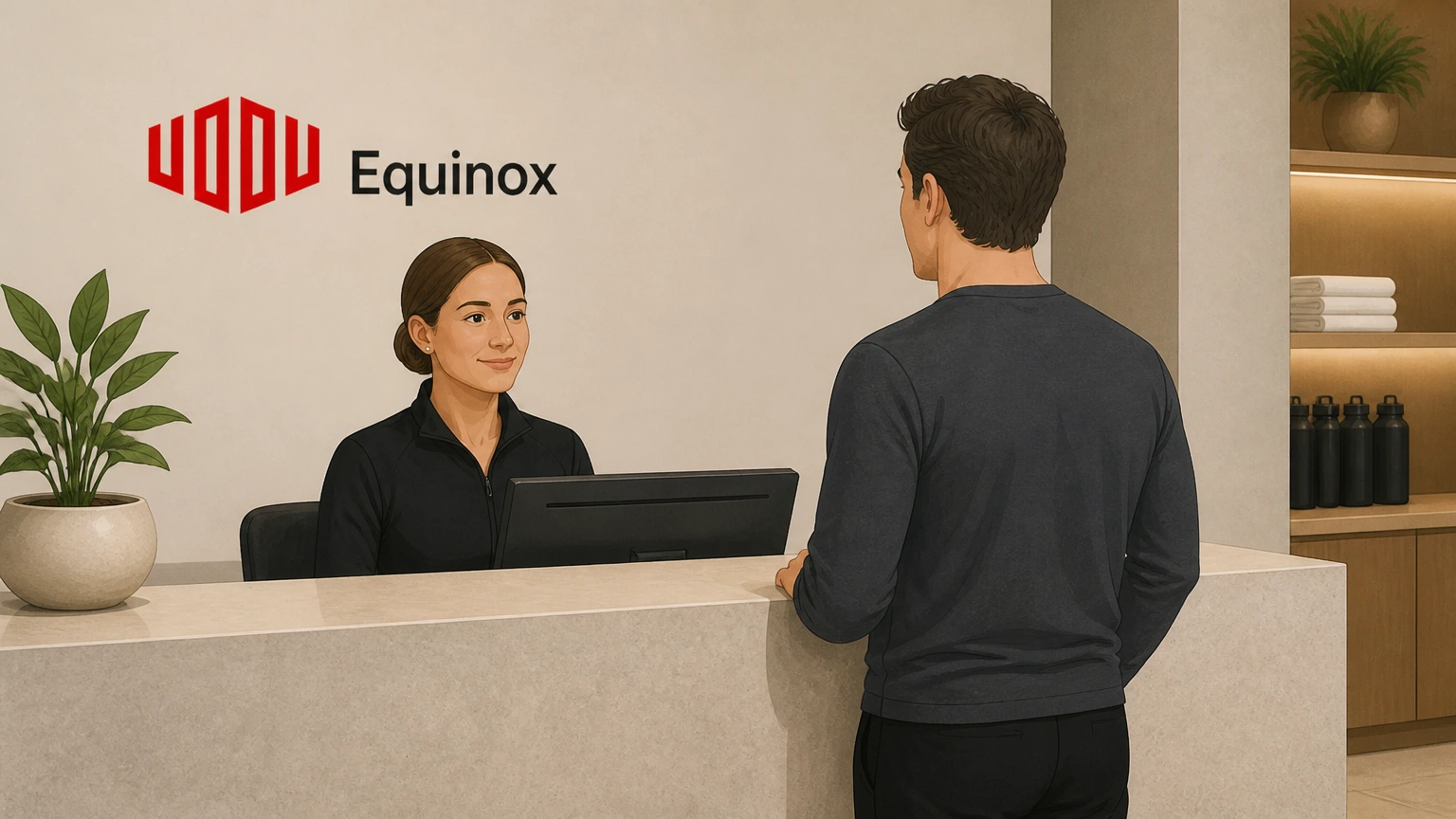
1Visit your home Equinox club
Go to the Equinox club where your membership is based during staffed hours so member services staff and a manager are available.
 2
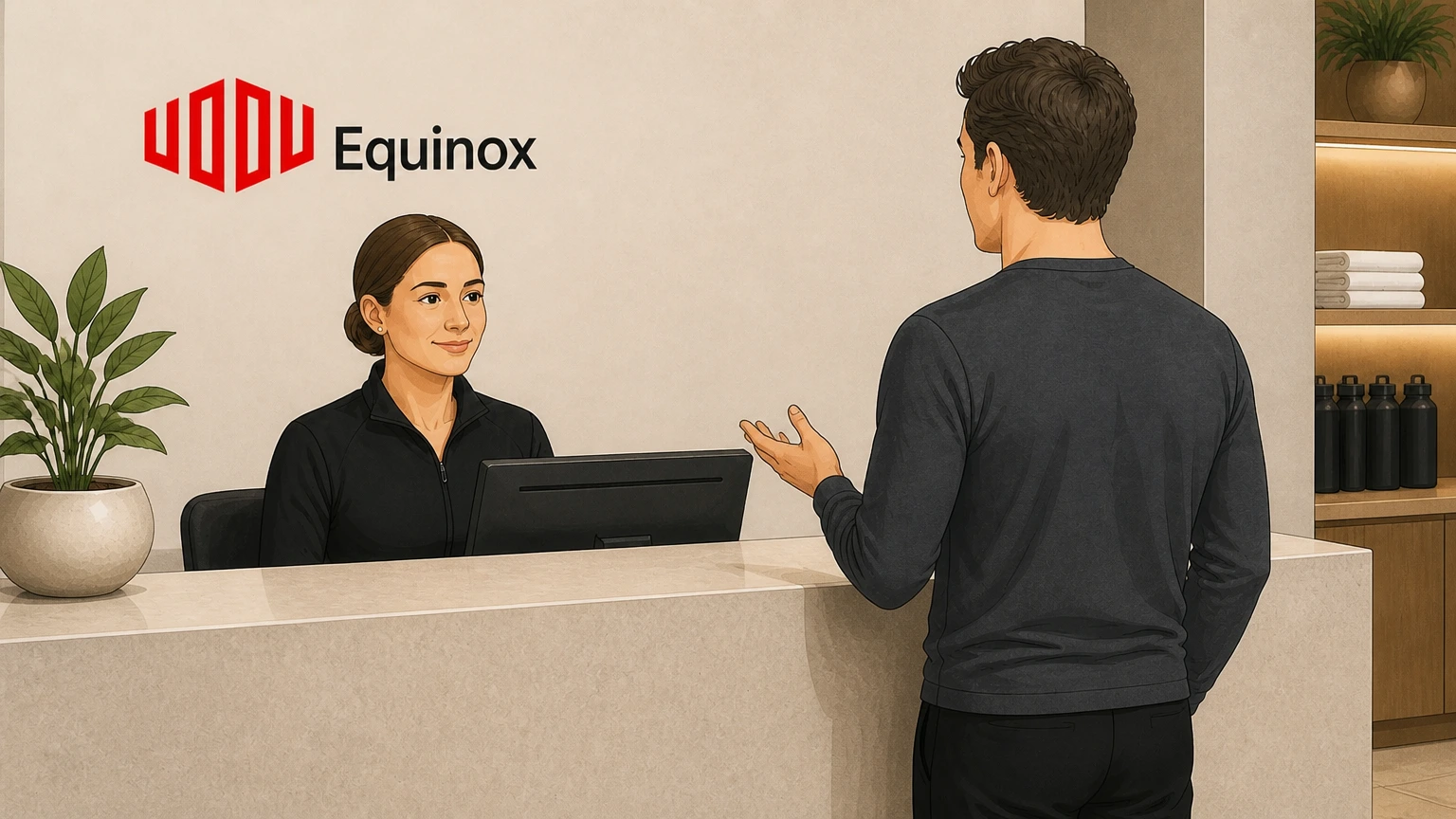
2Request a club manager for cancellation
Tell the front desk that you need to cancel your membership and ask to speak with a club manager or membership advisor.
- Let Pine handle it
Pine can help
Too many steps?
Pine can find the right In-club with an Equinox manager path and handle the cancellation for you.
 3
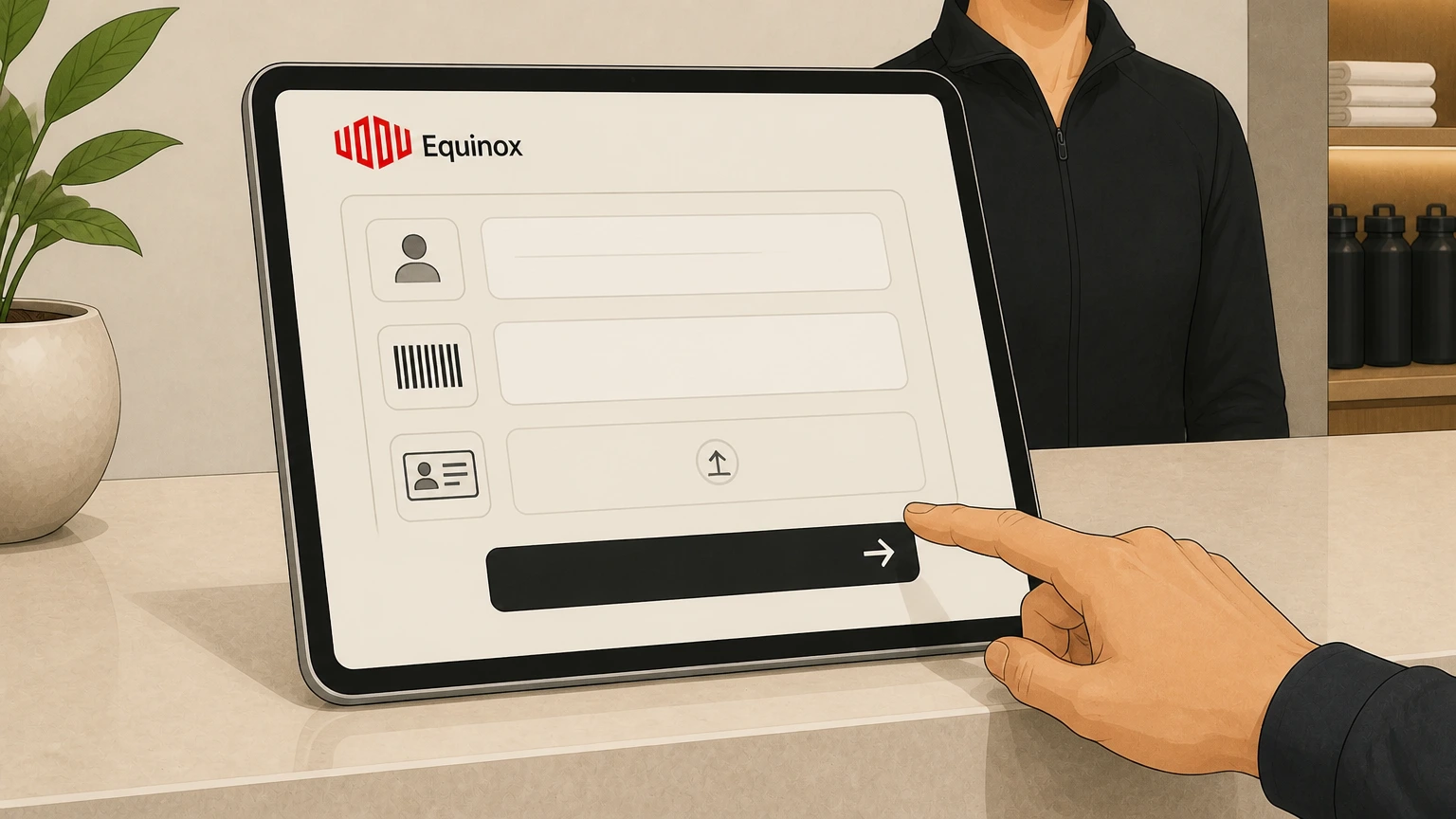
3Verify your identity and membership
Provide your name, membership barcode or ID, and a valid photo ID so the manager can locate and confirm your account.
 4
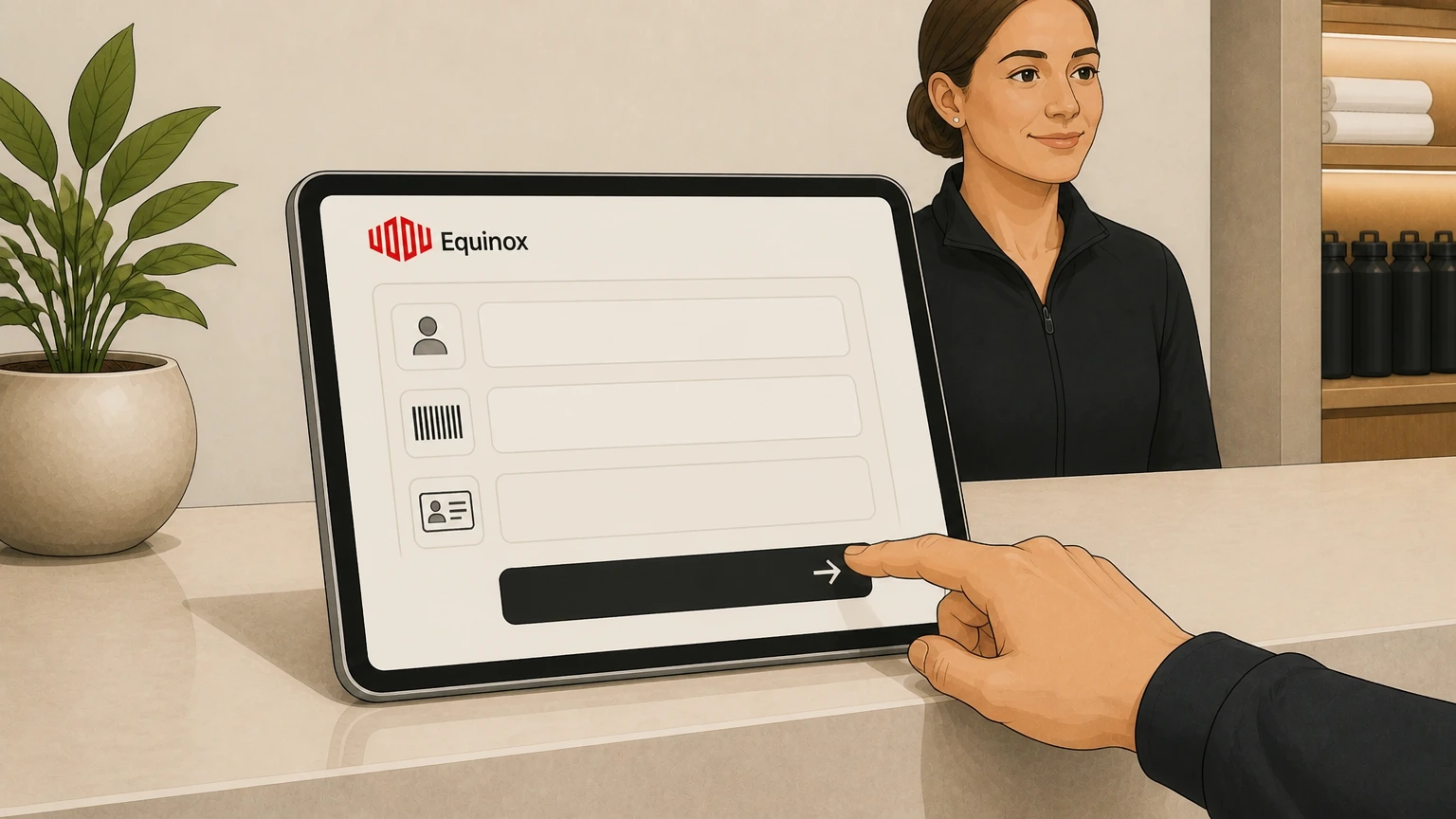
4State that you are cancelling your membership
Clearly tell the manager you are submitting a request to cancel your membership in accordance with your Membership Agreement and applicable state rights.
 5
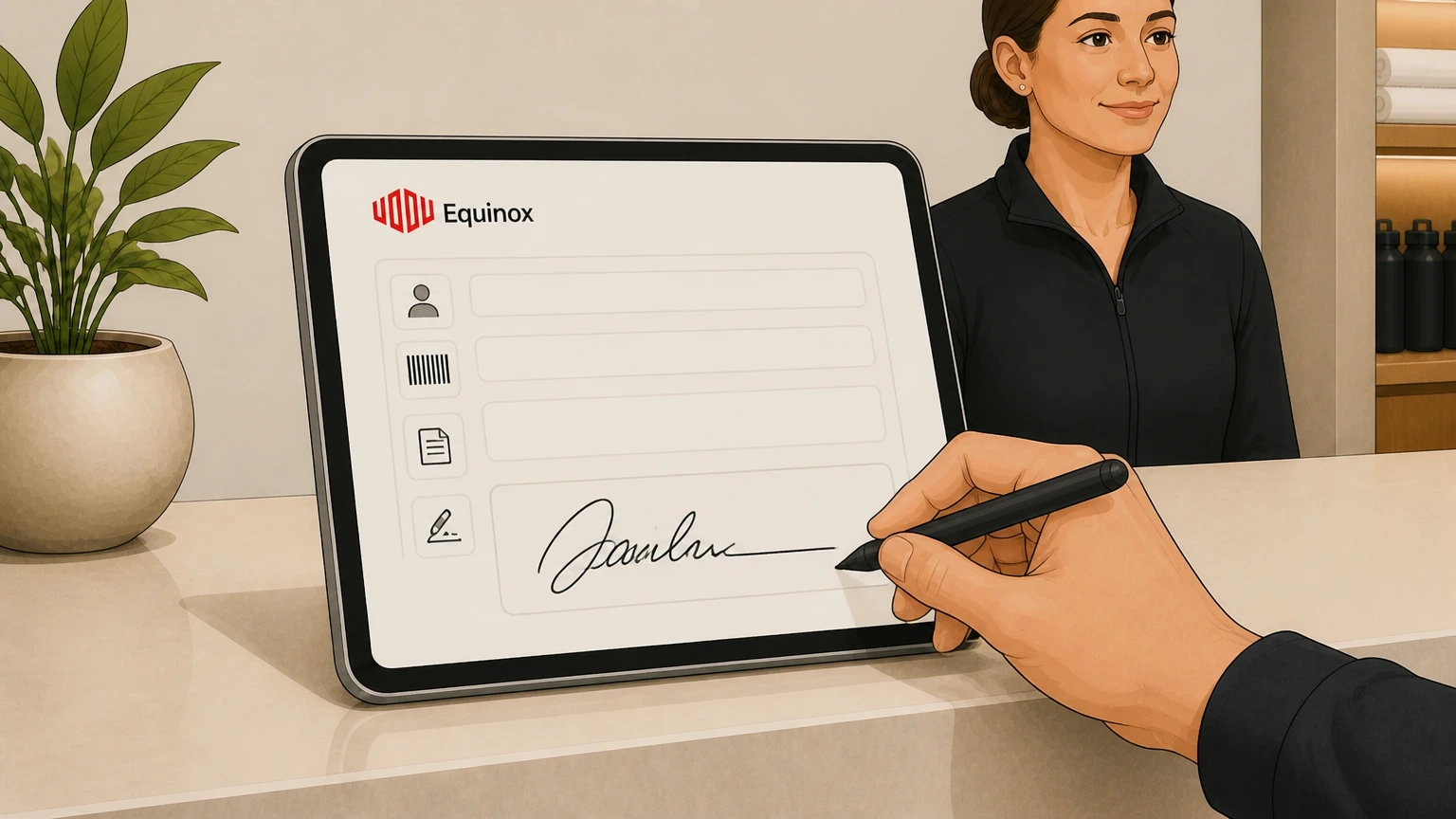
5Complete any required cancellation form
Review any paper or digital cancellation form the manager presents, then sign or acknowledge it if you agree to the terms, including the stated effective date.
 6
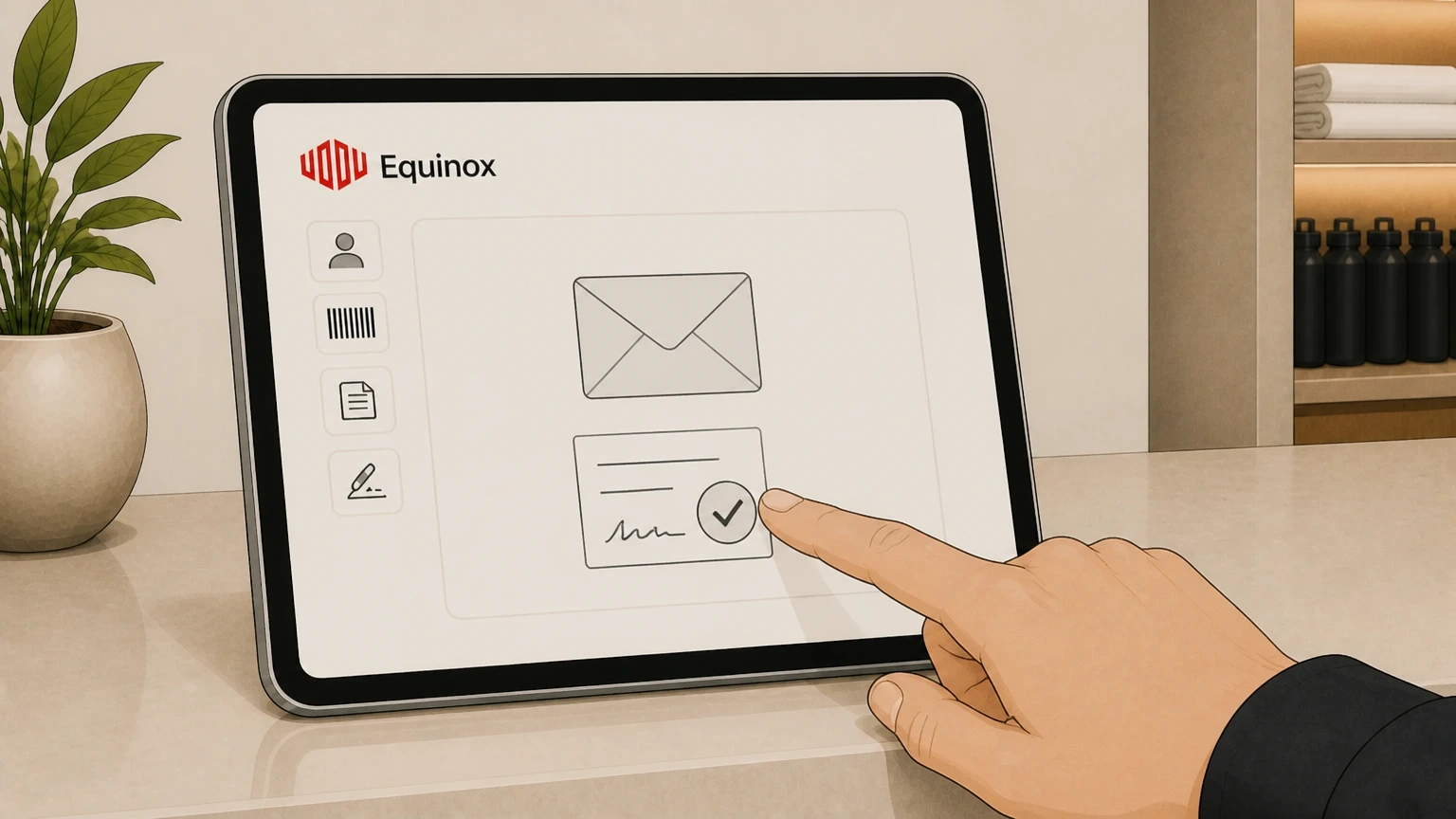
6Obtain written confirmation for your records
Ask for written confirmation—such as an email or printed receipt—showing your cancellation request and effective date, and keep a copy for your records. equinox.com

Email Equinox’s cancellations address · verify the billing owner
 1
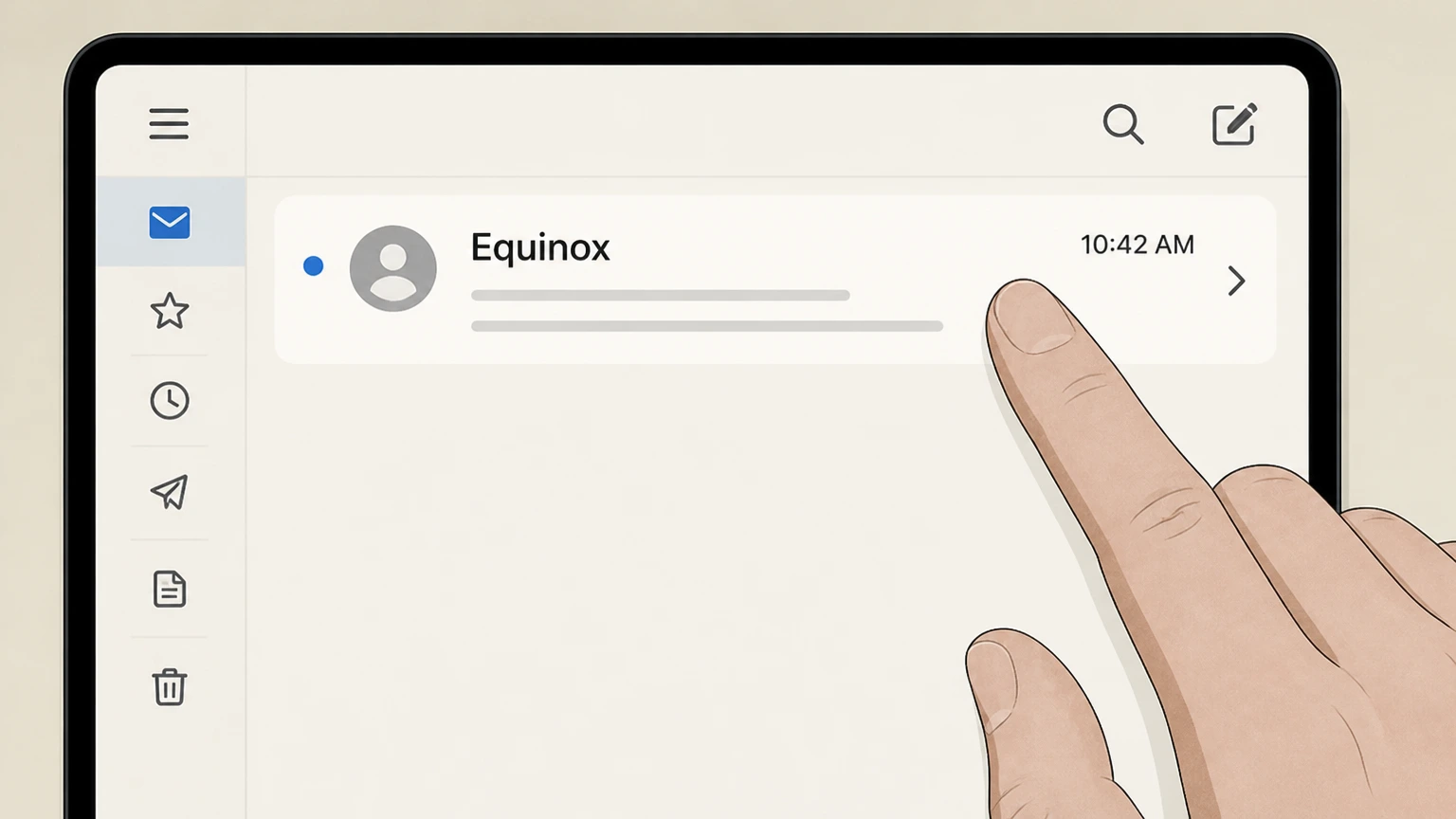
1Open your email client
Open the email app or webmail service you normally use for your Equinox account communications. Use the Equinox account named on your receipt, and continue only after the next status in this cancellation path is visible.
 2
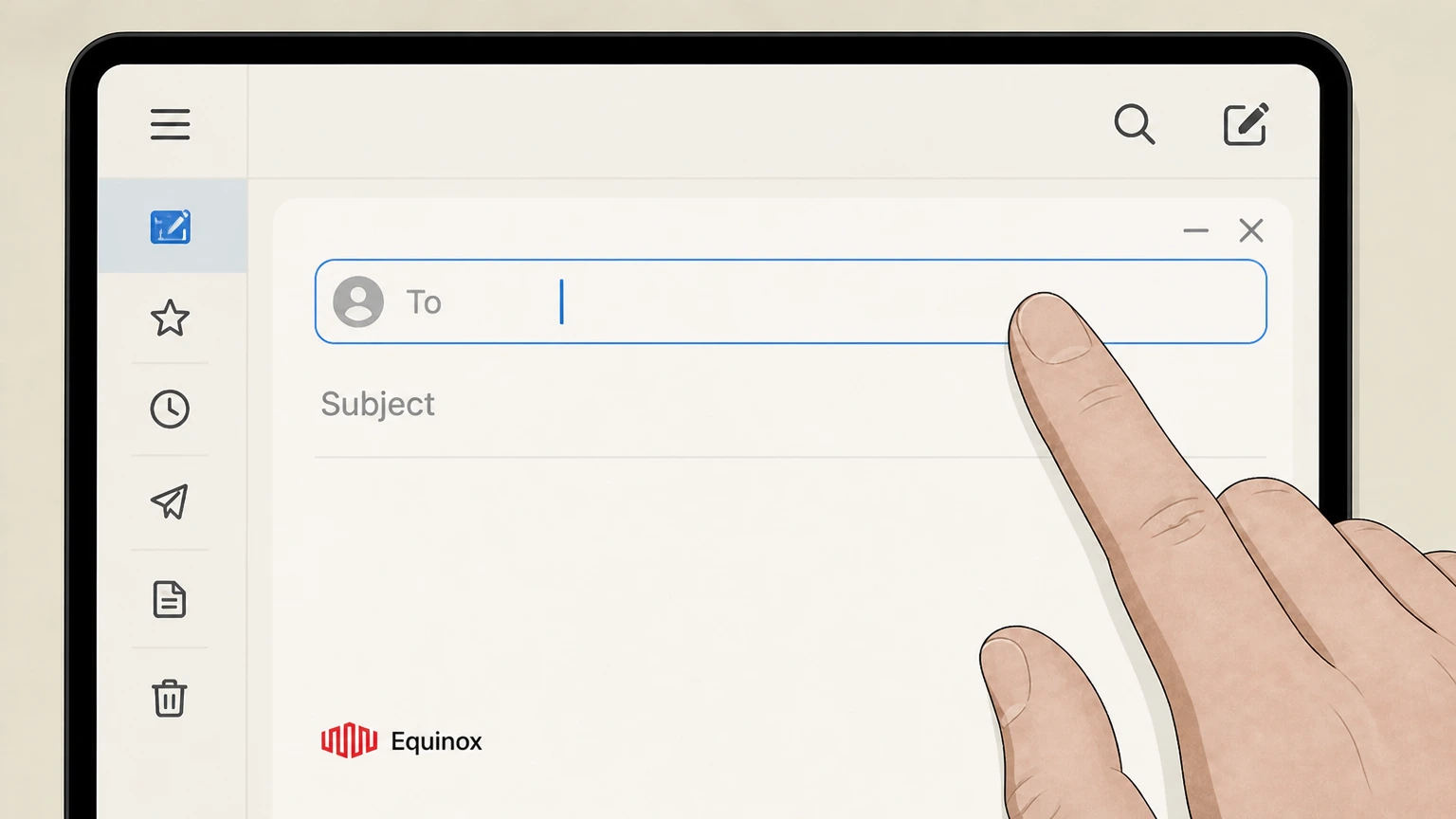
2Compose a new message to the official cancellations email
Start a new email and address it to the dedicated Equinox cancellations email shown in the official FAQ (Cancellations@Equinox.com). equinox.com
- Let Pine handle it
Pine can help
Too many steps?
Pine can find the right Email Equinox’s cancellations address path and handle the cancellation for you.
 3
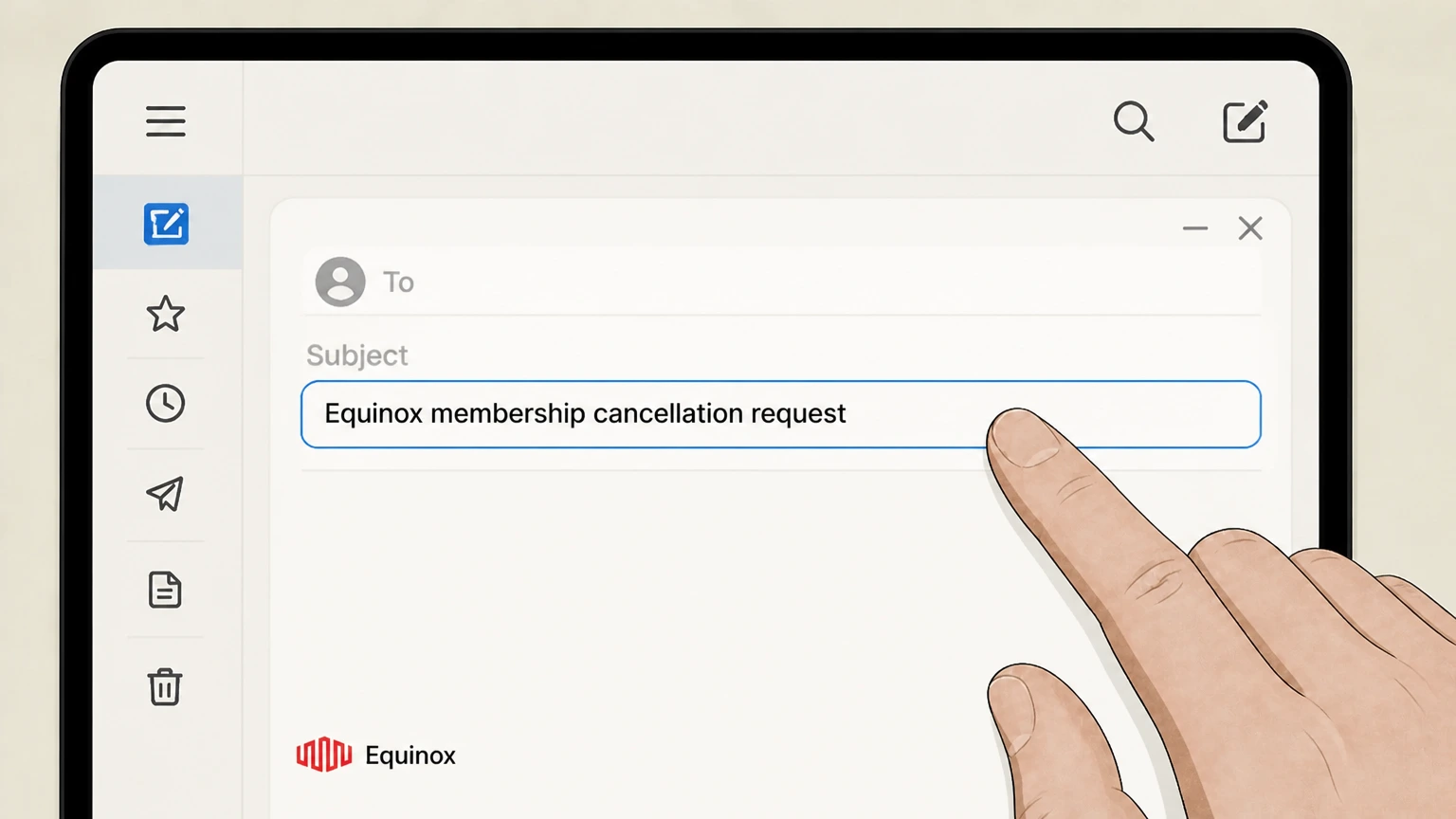
3Write a clear subject line requesting cancellation
Use a subject such as "Equinox membership cancellation request" so Equinox can route your message correctly. Use the Equinox account named on your receipt, and continue only after the next status in this cancellation path is visible.
 4
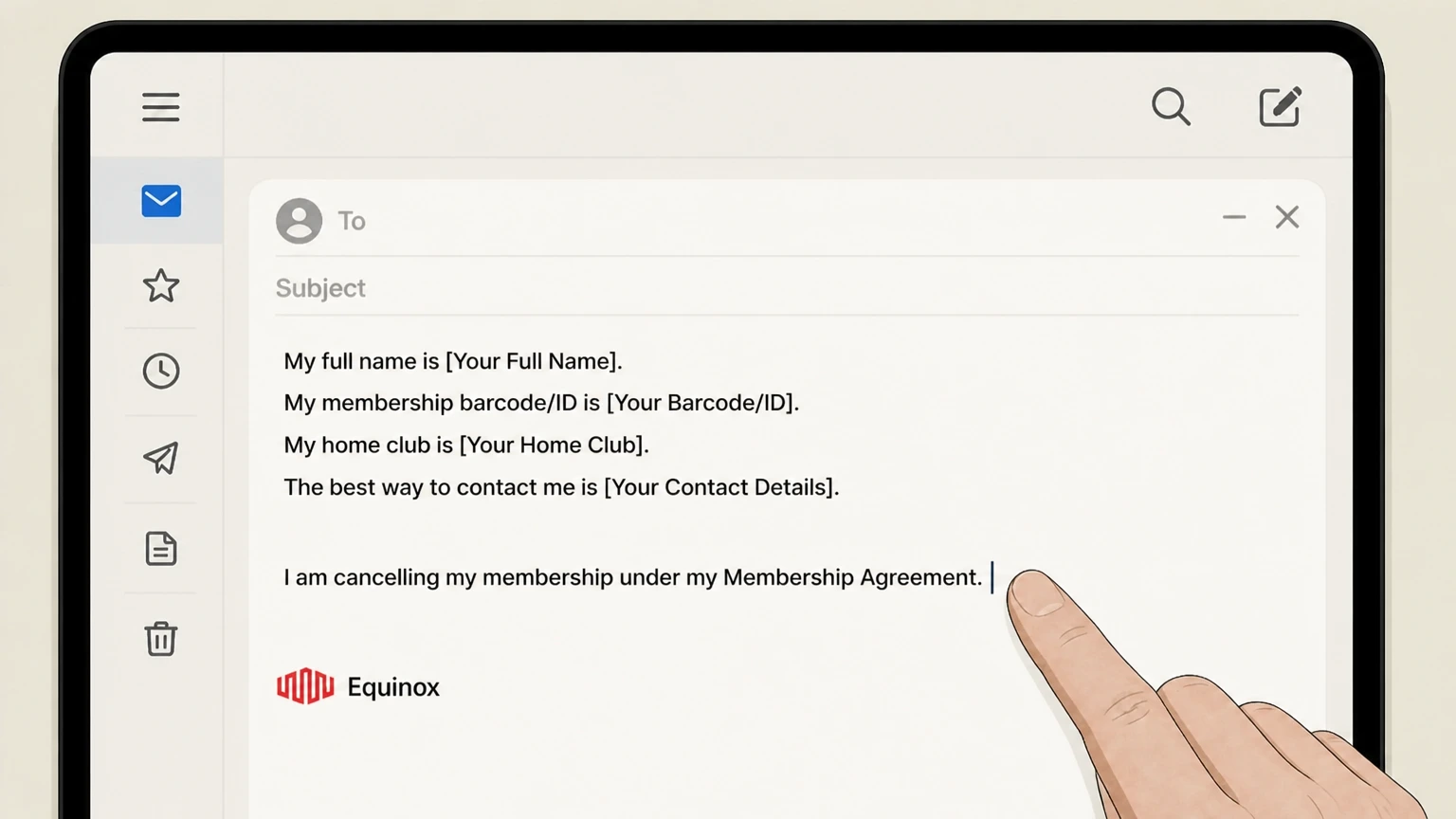
4Include your identifying details and cancellation statement
In the email body, include your full name, membership barcode or ID, home club, best contact details, and a clear statement that you are cancelling your membership under your Membership Agreement.
 5
5Send the email and retain a copy
Send the message to Equinox and keep a copy in your Sent folder or export it as a PDF so you have time‑stamped proof of your written notice.
 6
6Monitor for and review Equinox’s confirmation
Watch your inbox (and spam folder) for a written confirmation from Equinox, then review it to verify your membership, effective cancellation date, and any remaining billing.
Apple iOS (Equinox+ via Apple) · verify the billing owner
 1
1Open Settings
On your iPhone or iPad, open the Settings app from your home screen. Use the Equinox account named on your receipt, and continue only after the next status in this cancellation path is visible.
 2
2Tap your name
At the top of Settings, tap your name to open your Apple Account settings. Use the Equinox account named on your receipt, and continue only after the next status in this cancellation path is visible.
- Let Pine handle it
Pine can help
Too many steps?
Pine can find the right Apple iOS (Equinox+ via Apple) path and handle the cancellation for you.
 3
3Open Subscriptions
In your Apple Account settings, tap "Subscriptions" to see your active and expired subscriptions. support.apple.com Use the Equinox account named on your receipt, and continue only after the next status in this cancellation path is visible.
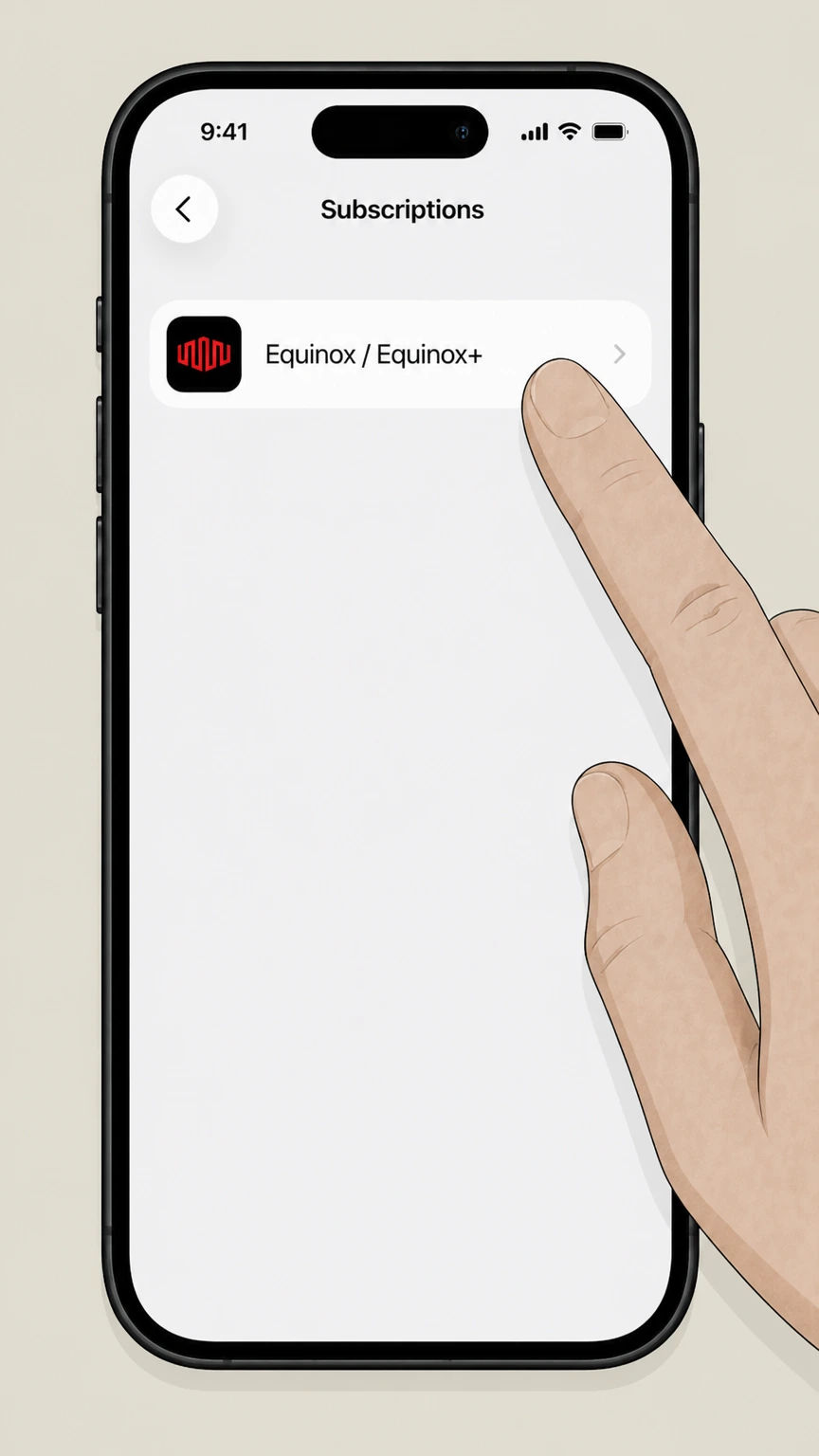 4
4Select Equinox or Equinox+
In the list of active subscriptions, tap the Equinox or Equinox+ entry to open its subscription details. Use the Equinox account named on your receipt, and continue only after the next status in this cancellation path is visible.
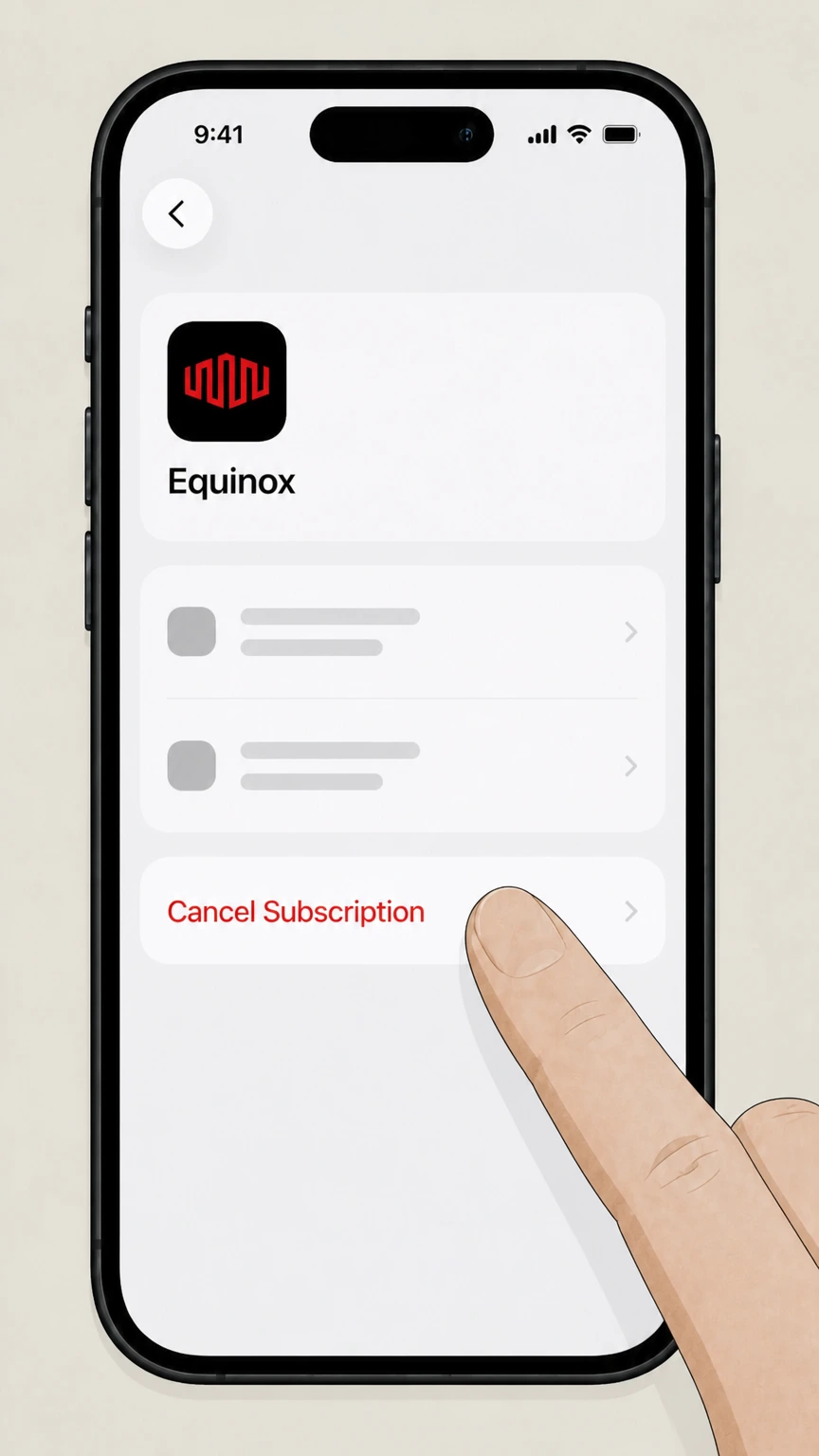 5
5Cancel the subscription
On the subscription details screen, tap "Cancel Subscription" (or "Cancel All Services") and follow the prompts; the subscription will usually remain active until the end of the current billing period. support.apple.com
Refund policy
Refunds and billing after you cancel Equinox
Equinox’s public policies distinguish between cancelling to stop future charges and being refunded for amounts already paid. Membership dues, ancillary services, and app‑store subscriptions follow different rules and are often non‑refundable except where your contract or platform policies allow.
Check my refund options- Membership-dues refunds depend on your agreement
- Equinox’s FAQ directs members to their Membership Agreement for state‑specific notice periods, cancellation methods, and any special rights after dues increases; it does not advertise a general refund policy for dues on its public site. equinox.com
- Personal training, Pilates, and spa are usually final sale
- Member Policies state that personal training sessions, Pilates sessions, and spa treatments are final and non‑refundable except as required by law, and any unused sessions normally expire upon membership termination or after six months, whichever comes first. equinox.com
- Complimentary credits aren’t refunded or extended
- Complimentary items and referral rewards are described as having no cash value, expiring after a set period, and becoming null and void upon cancellation of your membership; they are not included when calculating any refund you might receive. equinox.com
- App-store subscription refunds follow Apple or Google rules
- Apple and Google explain that canceling an in‑app subscription like Equinox+ normally stops future renewals only; refunds for prior periods require a separate refund request and are granted based on each platform’s refund policies and local law. support.apple.com
- HSA/FSA payments stop when membership billing stops
- For HSA/FSA memberships, Equinox indicates dues are automatically charged to your HSA/FSA card after approval; stopping further charges therefore depends on successfully cancelling the underlying membership and, if needed, updating your HSA/FSA administrator’s records. equinox.com
If you need clarification about how Equinox applied your cancellation or any potential refund of dues, contact Equinox directly through its official contact page or your local club before disputing charges with your bank or benefit provider. Contact Equinox Member Services
Know your plan
Understand which Equinox service you are cancelling
Equinox now offers integrated club memberships and digital access, but cancellation still depends on what you actually bought and who bills you.
Club memberships vs. Equinox+ app
Standard Equinox memberships provide access to physical clubs and include Home Workouts with Equinox+ as a member benefit; cancelling the club membership typically ends that included app access. equinox.com
Standalone Equinox+ subscriptions
You can also buy Equinox+ as a standalone digital subscription through the Apple App Store or Google Play, in which case the app store, not your club, handles billing and cancellation. play.google.com
Corporate and partner memberships
Employers and partners such as Morgan Stanley may offer preferred pricing or waived initiation fees, but members still enter into an Equinox Membership Agreement that governs cancellation. equinox.com
HSA/FSA‑funded memberships
Equinox’s HSA/FSA program routes membership dues through a compatible HSA/FSA card after approval, but the underlying membership and its cancellation rules remain with Equinox. equinox.com
Official channels
Official ways to cancel an Equinox club membership
Equinox lists several cancellation methods for health‑club memberships; your Membership Agreement and local law determine which ones are available and how much notice is required.
In-club with a manager
Equinox’s FAQ states you may cancel in club with a club manager—this is often the most direct way to have your request recorded and to ask questions about your specific agreement. equinox.com
Cancellation by mail
You may cancel by mail as described in your Membership Agreement; because the mailing address and any required wording vary, Equinox directs members to review their agreement for exact instructions. equinox.com
Dedicated cancellations email
Equinox lists a dedicated Cancellations@Equinox.com address as an official way to cancel, allowing you to submit written notice and keep a time‑stamped copy for your records. equinox.com
Phone via Equinox Concierge
The FAQ notes that you may also cancel by phone through Equinox Concierge; this can help you start the process, but you should still request written confirmation of any cancellation. equinox.com
Online through Equinox.com account
Equinox confirms that you can cancel by logging into your account on Equinox.com; after logging in, go to your account or Membership & Billing section and follow any on‑screen cancellation options. equinox.com
Self-service tools
Using your Equinox account and EQX+ app
Equinox’s online account and EQX+ app provide tools to see status and billing history, even when you cancel by another method.
Registering and accessing your account
If you have not used the site before, Equinox’s FAQ links to an account‑registration page where you can create login details using your membership barcode ID, then access https://www.equinox.com/account. equinox.com
Checking membership status
You can view your active or frozen status in the EQX+ app under "Membership & Billing," or by visiting the Equinox account page in a browser, which is useful for confirming that a cancellation has taken effect. equinox.com
Viewing invoices and check-ins
Within the EQX+ app you can download membership invoices and check‑in history via the "Membership & Billing" section, which helps you verify the last charges after cancellation. equinox.com
Managing auto-renew for training and Pilates
You can turn auto‑renew on or off for personal training and Pilates session packs in the Equinox+ app; this is separate from cancelling your club membership but helps prevent unwanted session renewals. equinox.com
Timing & options
Notice periods, effective dates, and freezing instead of cancelling
Your contract and state law control when your cancellation takes effect and whether freezing is available as an alternative.
Notice periods vary by state and contract
Equinox’s FAQ stresses that notice periods vary by state and that some states may provide additional cancellation methods or rights; these details are in your Membership Agreement, not on the public site. equinox.com
Possible extra rights after dues increases
The FAQ notes that in certain states, cancelling soon after a membership‑dues increase may grant additional rights, again depending on state law and your Membership Agreement. equinox.com
Freezing your membership
Equinox’s Member Policies allow temporary "Freezes" when you are medically unable to use any club or for other statutorily required reasons, and the FAQ suggests freezing instead of cancelling for short absences. equinox.com
How to request a freeze
You may request a freeze in person at a club—where you complete a freeze form—or by emailing Equinox Concierge; retroactive freezes are not permitted. equinox.com
When freezes are not allowed
Member Policies state that you generally cannot freeze if you are past‑due, on certain payroll‑deducted corporate programs, or on short‑term memberships, so cancellation might be your only option in those cases. equinox.com
What changes
What changes when your Equinox membership ends
Ending a club membership affects club access, digital benefits, and purchased add‑ons differently.
Club access ends at the effective date
Once your cancellation becomes effective under your Membership Agreement, you should no longer be able to check into clubs as a member; any further entry would normally require a day pass or a new membership. equinox.com
Equinox+ access included with membership
Because Home Workouts with Equinox+ are listed as included in your membership, that app access normally ends when the underlying membership ends, unless you maintain a separate standalone Equinox+ subscription. equinox.com
Personal training and Pilates sessions
Member Policies state that unused personal training and Pilates sessions generally expire upon membership termination or after six months from purchase, whichever comes first, and they are typically non‑refundable except as required by law. equinox.com
Spa treatments and class inventory
Spa treatments and purchased premium class inventory also carry expiration dates and are described as final sale and non‑refundable in the Member Policies, so plan usage before your membership ends. equinox.com
Complimentary credits and referral rewards
Complimentary items such as promo credits and referral rewards have separate expiration periods and become null and void upon cancellation of your membership, and they are not considered when calculating any refund. equinox.com
Equinox+ app
Managing Equinox+ subscriptions through Apple or Google
If you purchased Equinox+ through an app store, you manage and cancel it through that store rather than through Equinox’s front desk.
Auto-renewing app-store subscriptions
The Google Play and Apple App Store listings for Equinox+ explain that payment automatically renews unless you cancel your subscription at least 24 hours before the end of the current subscription month. play.google.com
Cancel via Apple Subscriptions
For Equinox+ billed by Apple, Apple’s subscription help directs you to Settings > your name > Subscriptions, where you select the Equinox subscription and tap Cancel Subscription or Cancel All Services. support.apple.com
Cancel via Google Play Subscriptions
Google Play Help explains that you can cancel subscriptions from the Google Play app by going to your profile, then Payments & subscriptions > Subscriptions, selecting the item, and choosing Cancel subscription. support.google.com
Cancellation vs. refunds in app stores
Google’s refund policies and Apple’s "Request a refund" page stress that canceling a subscription usually only stops future renewals; you must submit a separate refund request and eligibility varies by product, timing, and region. support.google.com
Standalone vs. membership-included access
If you cancel a standalone Equinox+ subscription bought in an app store but keep an active club membership, you may still have Equinox+ access through your membership benefit; check the EQX+ app and your membership status. equinox.com
Third-party billing
Corporate, HSA/FSA, and other third-party arrangements
Some Equinox memberships are funded or subsidized by employers or health‑benefit partners, but Equinox still manages the membership itself.
Employer partnership offers
Equinox pages for partners such as Morgan Stanley describe discounted initiation and dues, but the memberships themselves are standard Equinox contracts; you cancel through Equinox, not the employer. equinox.com
HSA/FSA automatic payments
Under Equinox’s HSA/FSA program, once approved your monthly dues are automatically charged to your HSA/FSA card, so stopping those charges requires properly cancelling the underlying membership. equinox.com
Freeze limits for some corporate plans
Member Policies indicate that members who joined under certain payroll‑deducted or subsidized corporate programs may not be eligible to freeze, making timely cancellation more important if you need to stop charges. equinox.com
Coordinating with benefit administrators
If your dues are reimbursed or paid by an employer wellness program or HSA/FSA administrator, you may also need to notify that third party once Equinox confirms cancellation, so they stop expecting ongoing documentation or payments. equinox.com
Records & issues
Confirmation, records, and handling billing issues
Keeping clear records and using platform tools makes it easier to resolve any problems after you cancel.
Check membership status after cancelling
Use the EQX+ app’s "Membership & Billing" section or the Equinox account page to confirm that your membership status and any end date reflect the cancellation you requested. equinox.com
Download statements and check-ins
Before and after cancelling, download your invoices and check‑in history from the EQX+ app so you can verify which periods you used the club and were billed for. equinox.com
Verify app-store subscription status
In Apple’s Subscriptions and Google Play’s Subscriptions pages, check that your Equinox+ subscription shows an expiration date instead of a renewal date after cancellation. support.apple.com
Requesting app-store refunds if needed
For Equinox+ subscriptions billed by Apple or Google, use Apple’s Report a Problem site or Google Play’s refund workflow if you believe you’re eligible for a refund; simply cancelling may not credit past charges. support.apple.com
Contacting Equinox about billing concerns
If you believe Equinox has not applied your membership cancellation correctly, use the official Contact Us page or speak with your club’s General Manager to review your account details. equinox.com
What official sources do not confirm
Limits of the public Equinox cancellation guidance
These points are intentionally qualified because the official sources reviewed on August 16, 2026 do not publish a complete answer.
Documented limitation 1
Equinox does not publish its full Membership Agreement templates publicly, so this guide cannot state exact notice periods, early-termination rules, or cancellation fees and instead directs readers to their signed contract.
Documented limitation 2
The FAQ confirms mail, phone, email, and online cancellation options but does not expose the internal web cancellation interface, so specific button labels and on-screen wording for Equinox.com cancellation cannot be described with certainty.
Documented limitation 3
Corporate, payroll-deducted, and other subsidized membership arrangements may include additional employer or program rules that are not documented on public Equinox pages, limiting the precision of guidance for those plans.
Documented limitation 4
Direct-billed Equinox+ subscriptions managed through Equinox’s own websites are documented primarily on equinoxplus.com, which falls outside the allowed domains, so this guide focuses on Apple- and Google-billed digital subscriptions only.
Documented limitation 5
Public policies describe ancillary-service refund and expiration rules but not comprehensive membership-dues refund criteria, so any discussion of dues refunds must remain high-level and defer to the Membership Agreement and applicable law.
Equinox cancellation FAQ
Questions people search about canceling Equinox, answered with official provider or billing-platform sources checked on August 16, 2026.
How do I cancel my Equinox membership?
Can you cancel Equinox before 12 months?
Is it better to freeze or cancel my Equinox membership?
How can I confirm my Equinox membership is cancelled?
Does cancelling my Equinox membership cancel Equinox+ access?
How do I cancel my Equinox+ app subscription on iPhone?
How do I cancel Equinox+ on Android or Google Play?
What happens to personal training, Pilates, or spa packages when I cancel?
How do corporate or HSA/FSA Equinox memberships affect cancellation?
Can I cancel my Equinox membership in the EQX+ app?
Untangle this Equinox issue.
Let Pine handle the provider follow-up and keep the confirmation in one place.
