


Crunch Fitness
Cancel subscription
How to Cancel Your Crunch Fitness Gym Membership
Guide to cancel a Crunch Fitness gym membership. Learn when you can cancel online, when to contact your home club, and what happens to fees and access.
- Official Crunch Fitness and billing-owner sources
- 3 provider-specific cancellation paths
- Refund and post-cancellation effects separated from renewal
- Verified August 16, 2026
Choose the Crunch Fitness cancellation path that matches who bills you
Crunch Member Portal (online cancellation) · verify the billing owner
 1
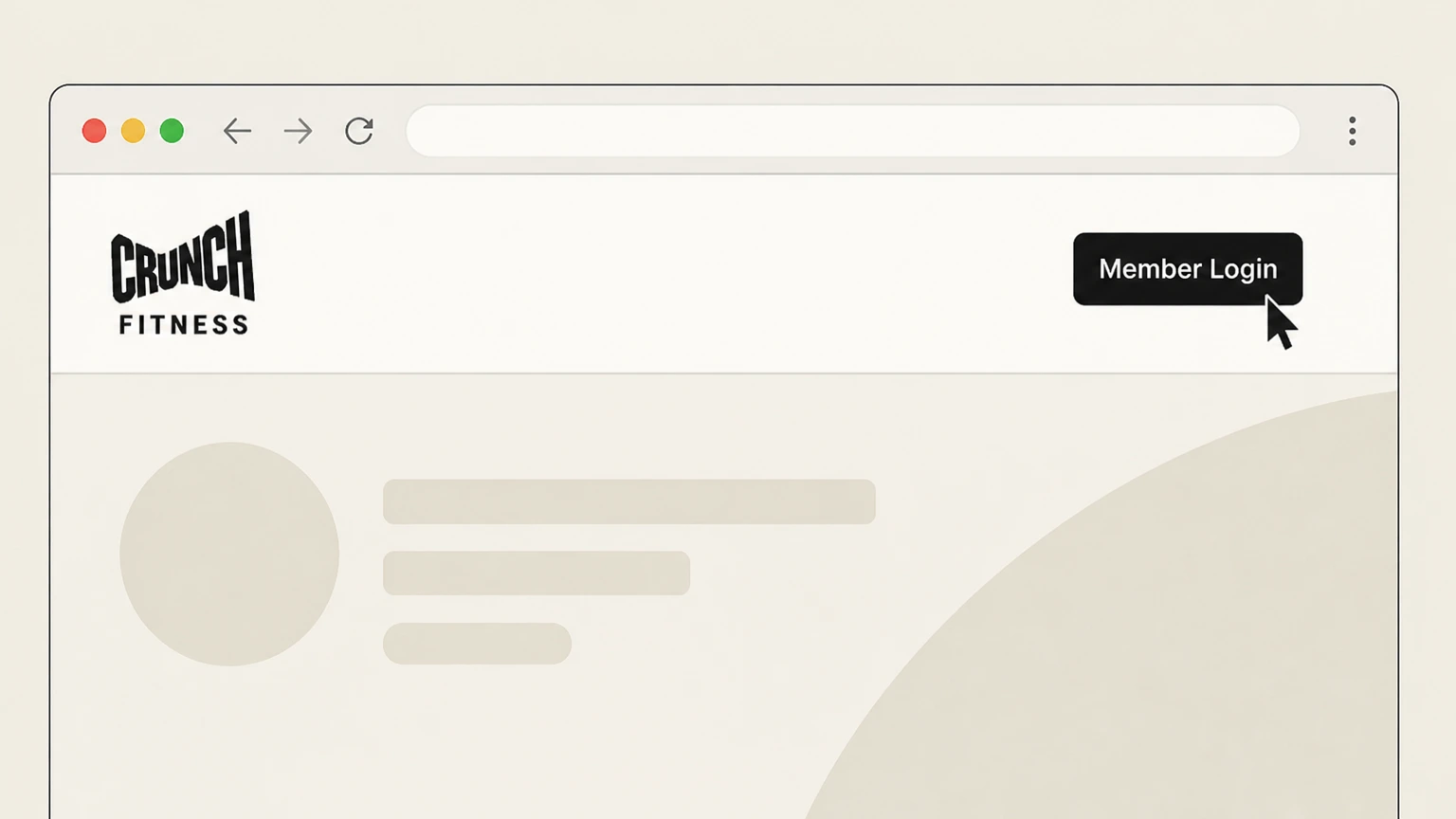
1Open the Crunch Member Portal
Go to members.crunch.com or click the Member Login link at the top of crunch.com to access the Crunch Member Portal.
 2
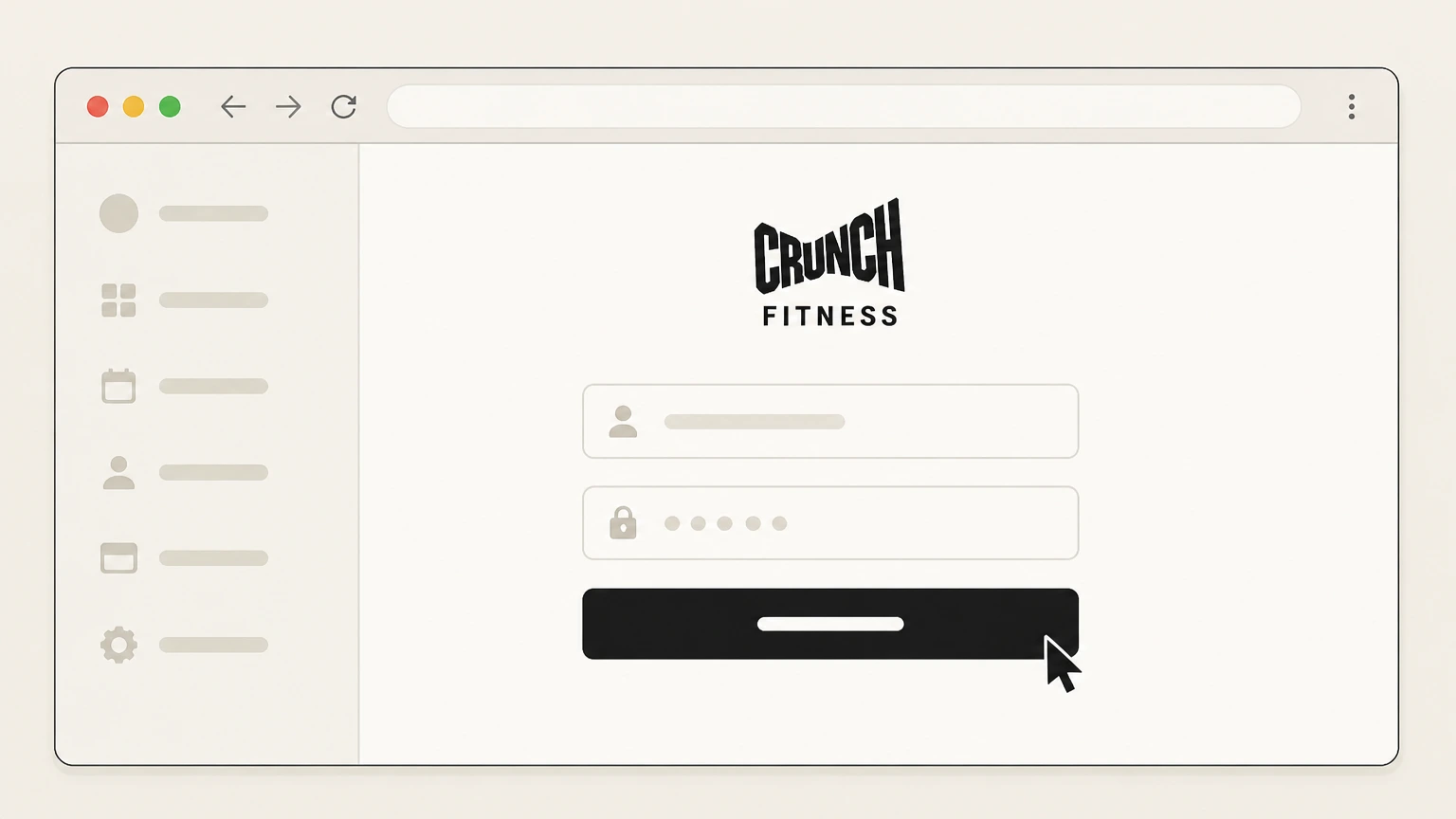
2Sign in to your Crunch account
Enter the email and password associated with your Crunch membership and sign in to the Member Portal. Use the Crunch Fitness account named on your receipt, and continue only after the next status in this cancellation path is visible.
- Let Pine handle it
Pine can help
Too many steps?
Pine can find the right Crunch Member Portal (online cancellation) path and handle the cancellation for you.
 3
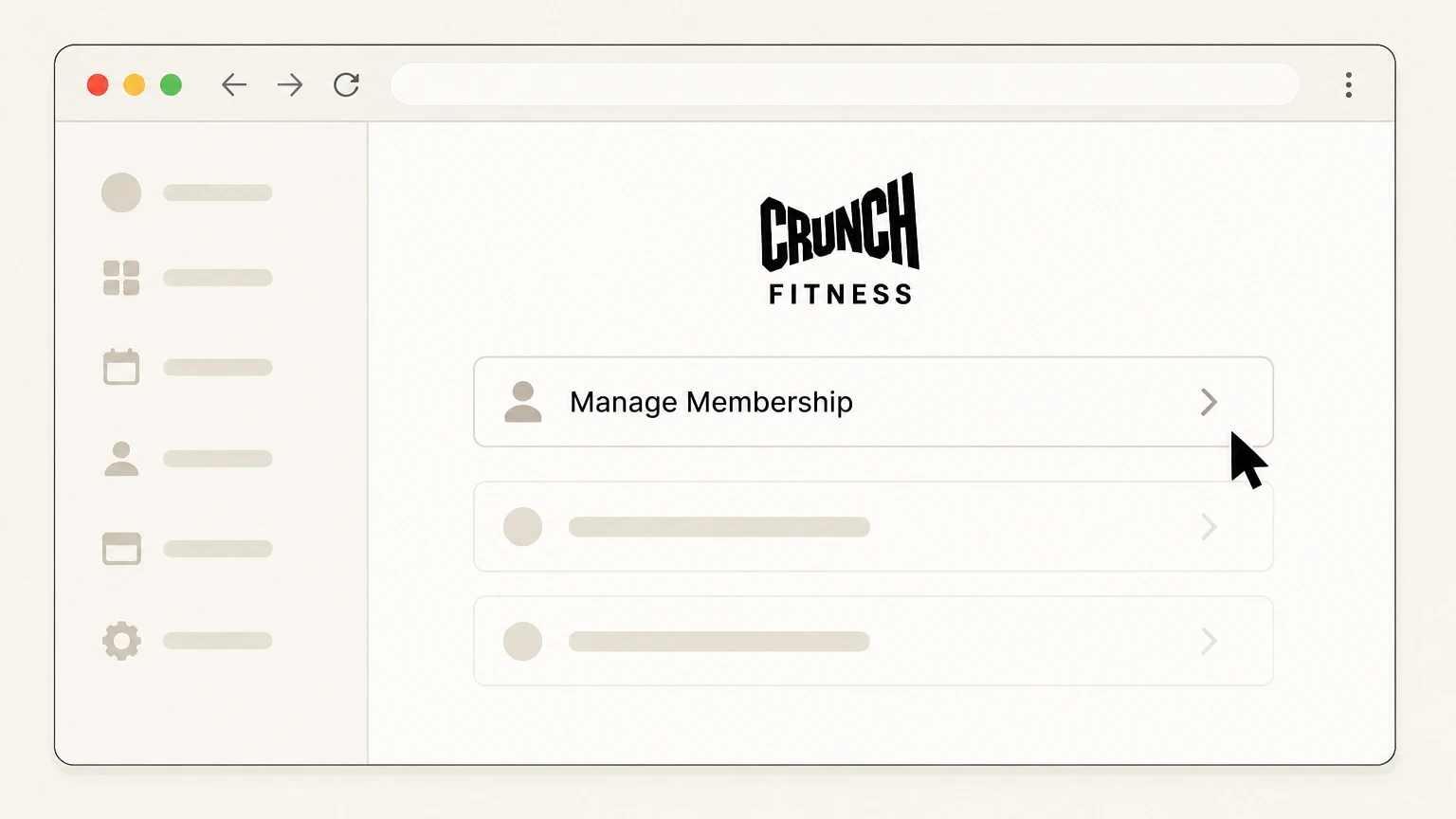
3Go to Manage Membership
From the portal menu, open the Manage Membership section for your home club to view available self-service options. Use the Crunch Fitness account named on your receipt, and continue only after the next status in this cancellation path is visible.
 4
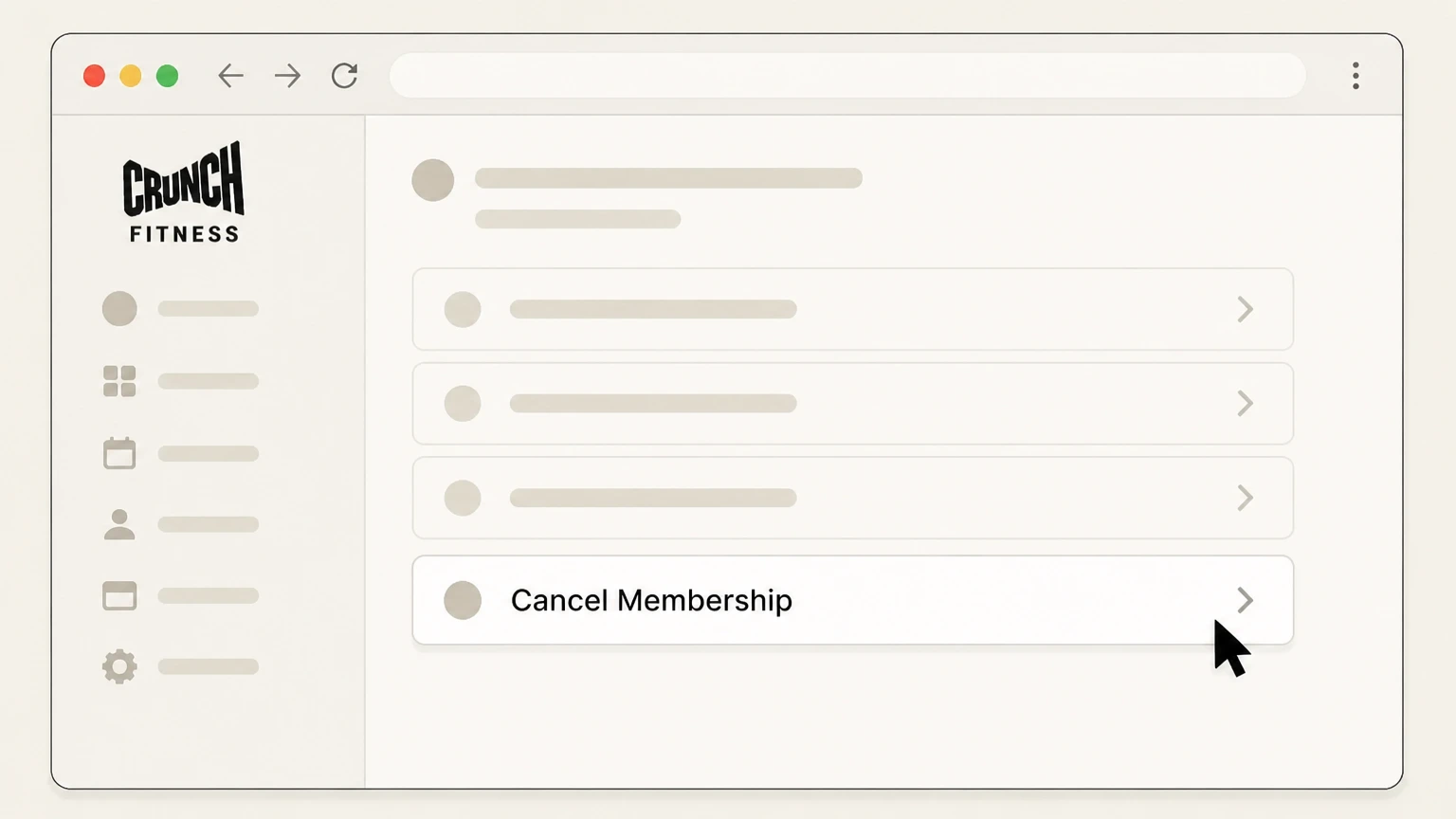
4Select the online cancellation option
If your club supports online cancellation, choose the Cancel Membership option under Manage Membership and follow the on-screen prompts to submit your request.
 5
5Save your cancellation confirmation
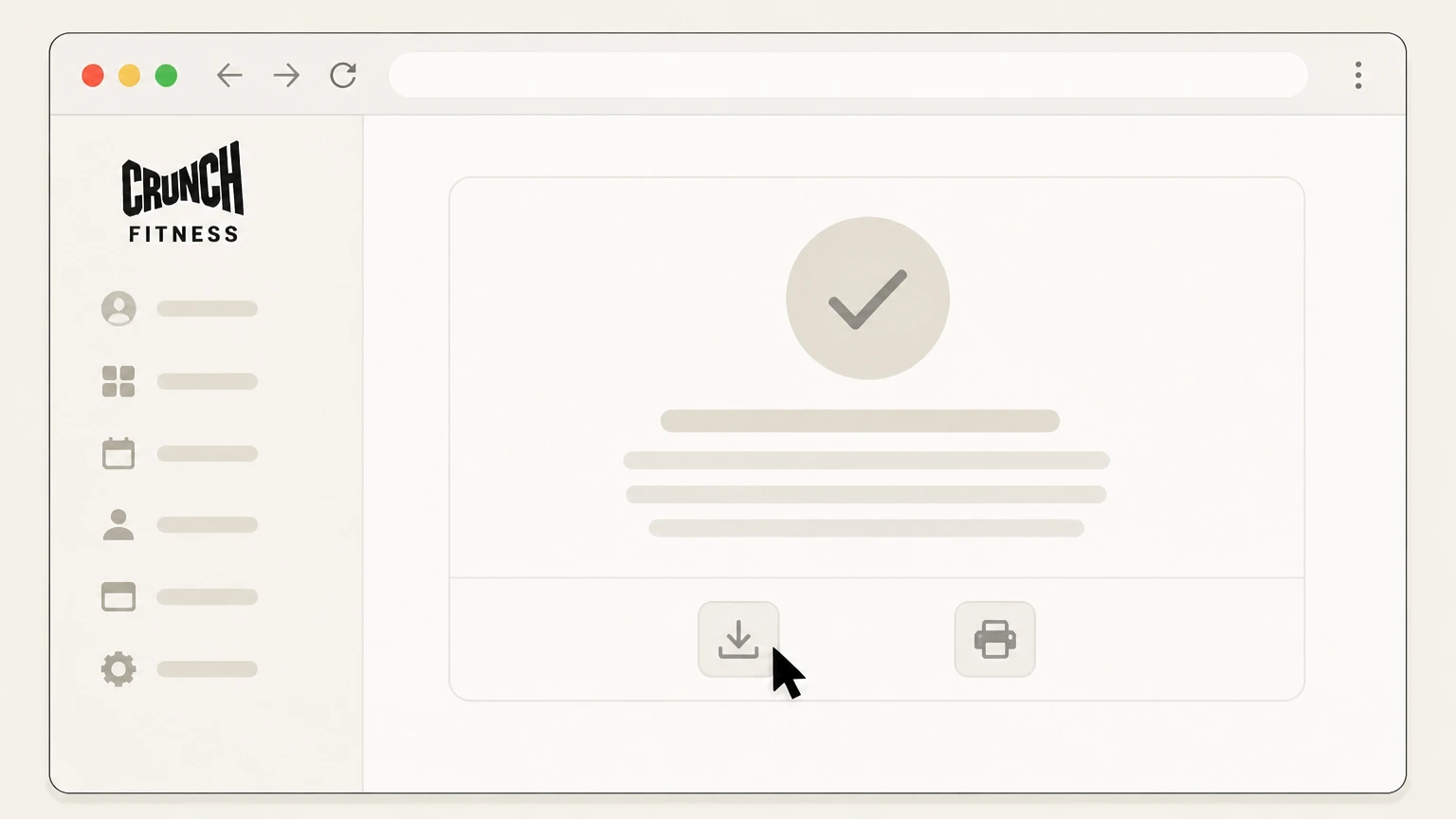
After submitting the request, save or screenshot any confirmation page or email showing your cancellation and final access date for your records.

Call your Crunch home club · verify the billing owner
 1
1Find your club’s phone number
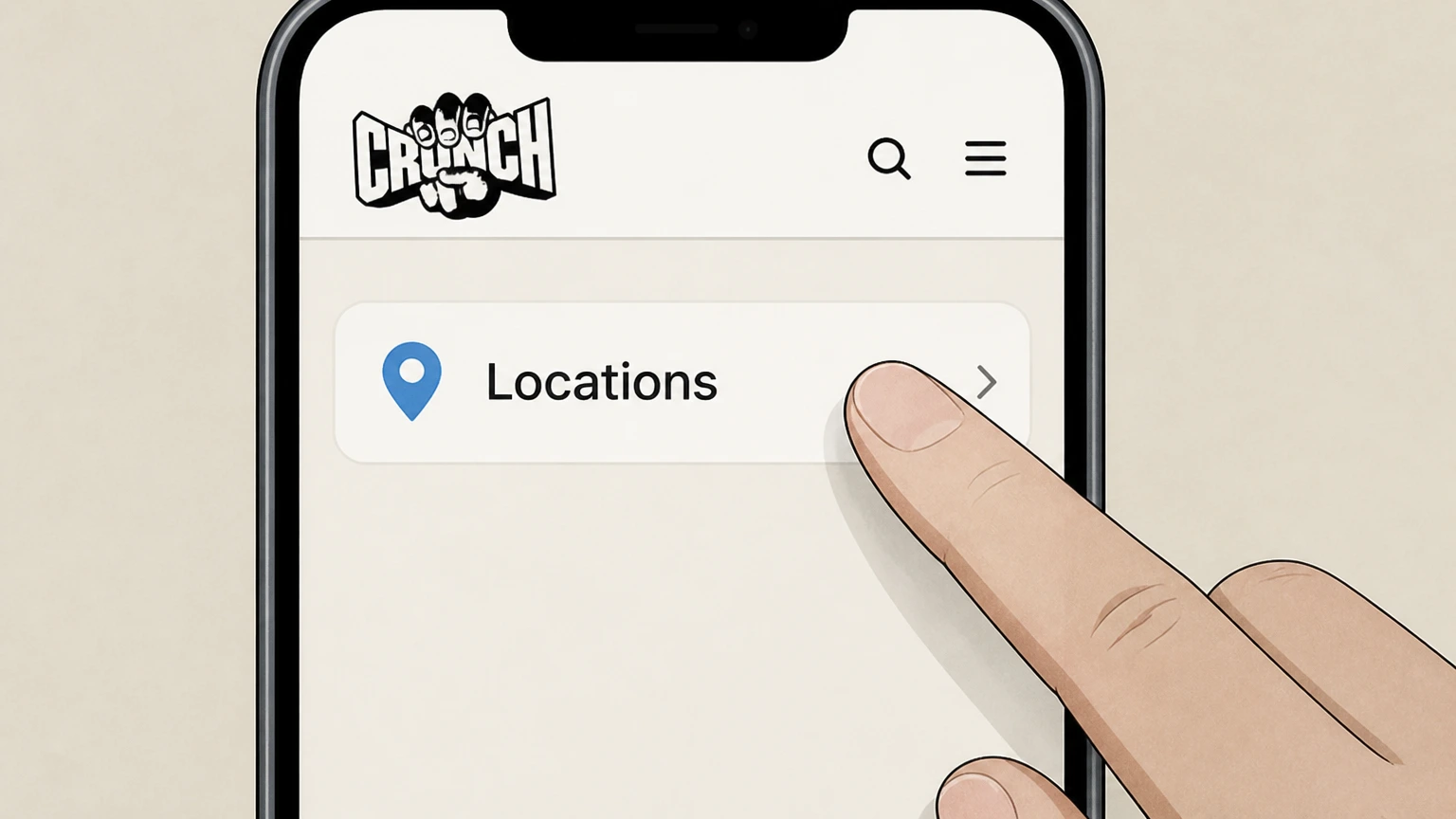
Visit crunch.com/locations, search for and select your home club, and note the phone number listed for that location. Use the Crunch Fitness account named on your receipt, and continue only after the next status in this cancellation path is visible.
 2
2Call your home club
Use the listed phone number to call your home club during staffed hours so a team member can access your account.
- Let Pine handle it
Pine can help
Too many steps?
Pine can find the right Call your Crunch home club path and handle the cancellation for you.
 3
3Ask to cancel your membership
Tell the staff member who answers that you want to cancel your Crunch membership for that home club. Use the Crunch Fitness account named on your receipt, and continue only after the next status in this cancellation path is visible.
 4
4Confirm notice period and final charges
Ask the staff member to explain your required cancellation notice, last day of access, and any remaining charges based on your Membership Agreement.
 5
5Provide requested account details
Give any identifying details the staff member requests, such as your full name or membership or barcode number, so they can locate your account and submit the cancellation request.
 6
6Request written confirmation
Ask the club to send written confirmation of your cancellation—such as an email, text, or receipt—and keep it with notes of the call date and time.
Cancel at your home club in person · verify the billing owner
 1
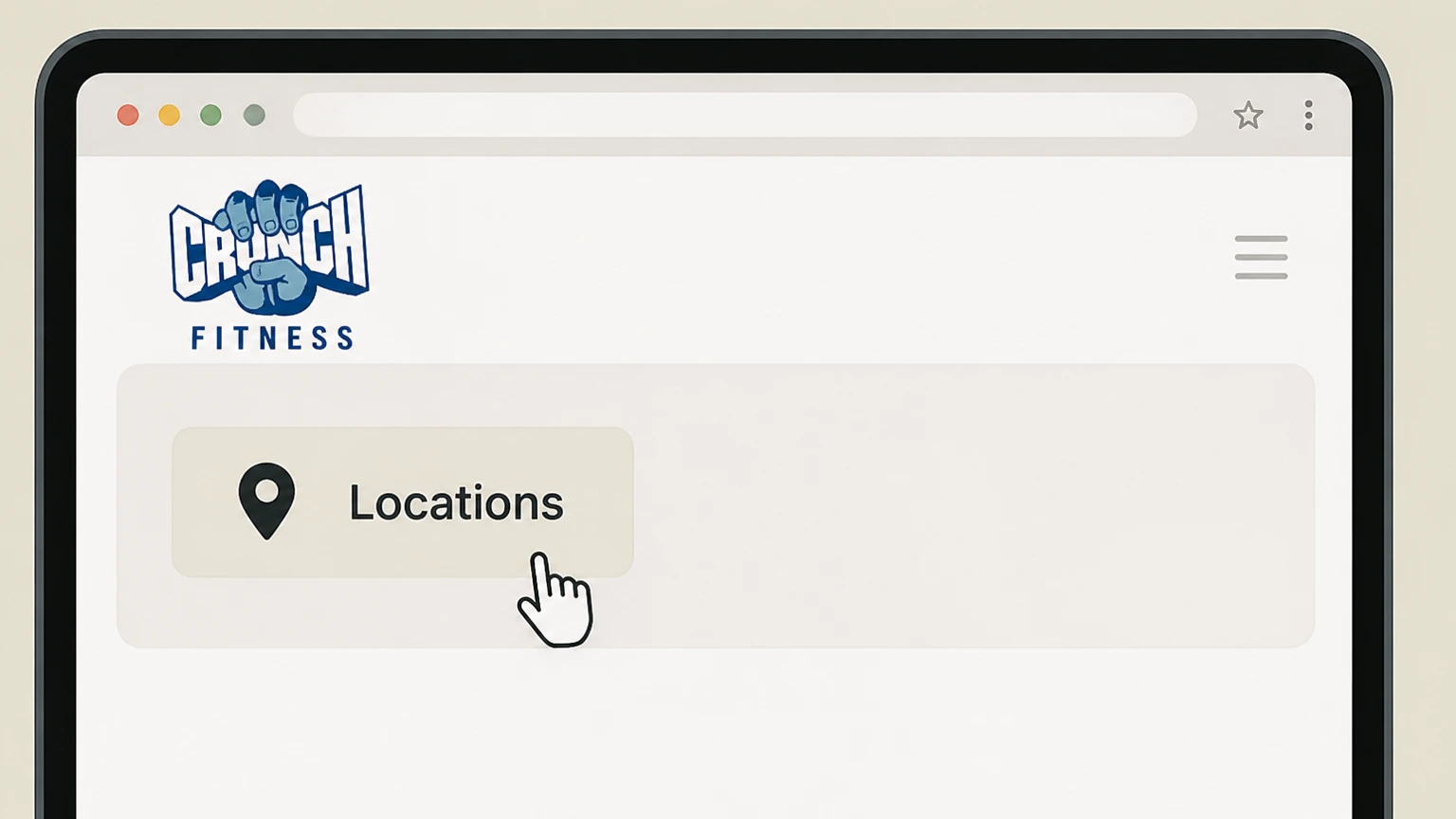
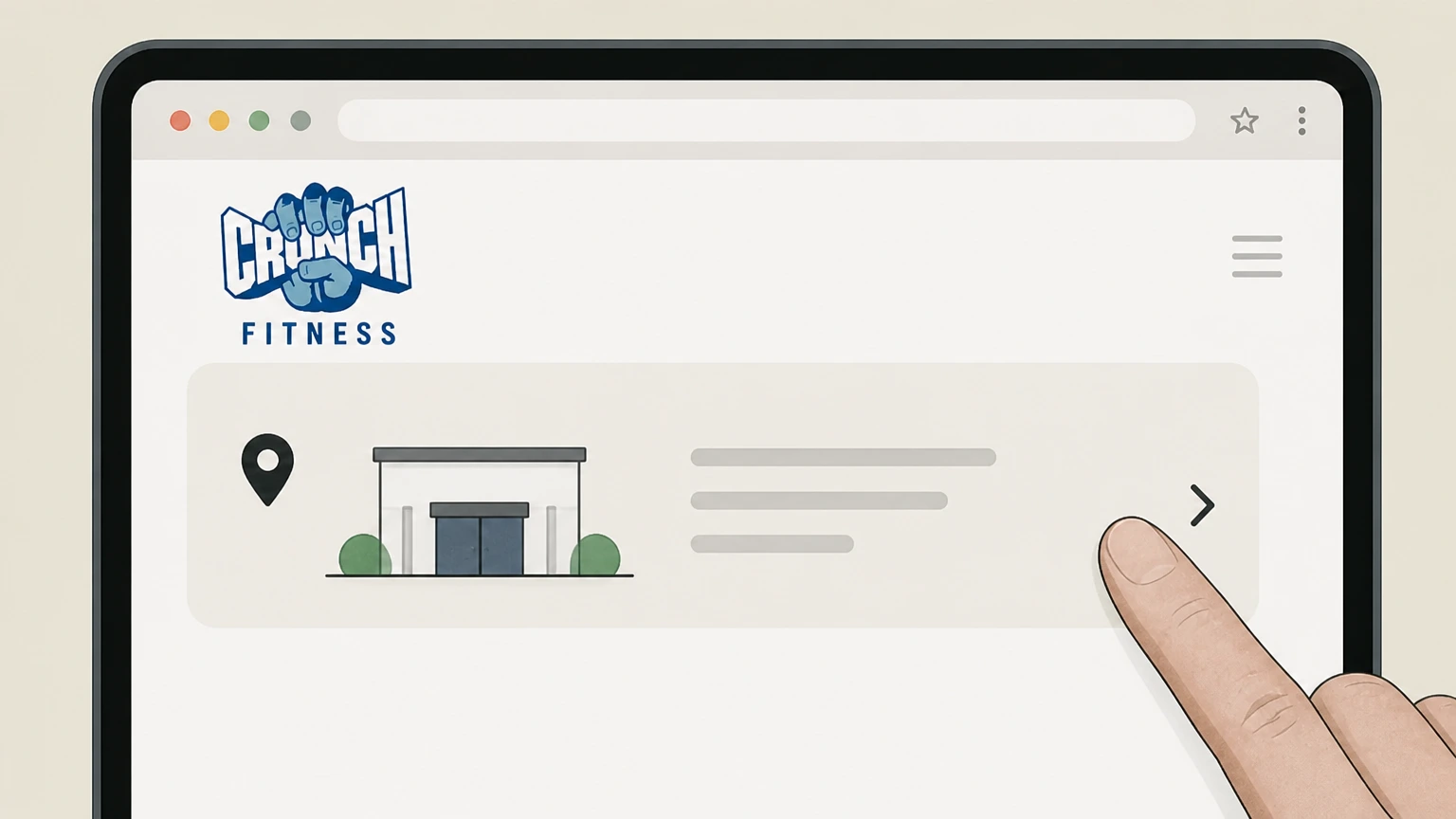
1Confirm your home club and hours
Go to crunch.com/locations, select your home club, and check its address and staffed hours so you know when to visit.
 2
2Visit your home club
Go to your home club during staffed hours and go to the front desk where staff can access your membership.
- Let Pine handle it
Pine can help
Too many steps?
Pine can find the right Cancel at your home club in person path and handle the cancellation for you.
 3
3Tell staff you want to cancel
Tell the front-desk staff that you want to cancel your Crunch membership at that location. Use the Crunch Fitness account named on your receipt, and continue only after the next status in this cancellation path is visible.
 4
4Ask about notice period and end date
Ask the staff to explain your required cancellation notice, the last day you can use the gym, and any remaining charges under your Membership Agreement.
 5
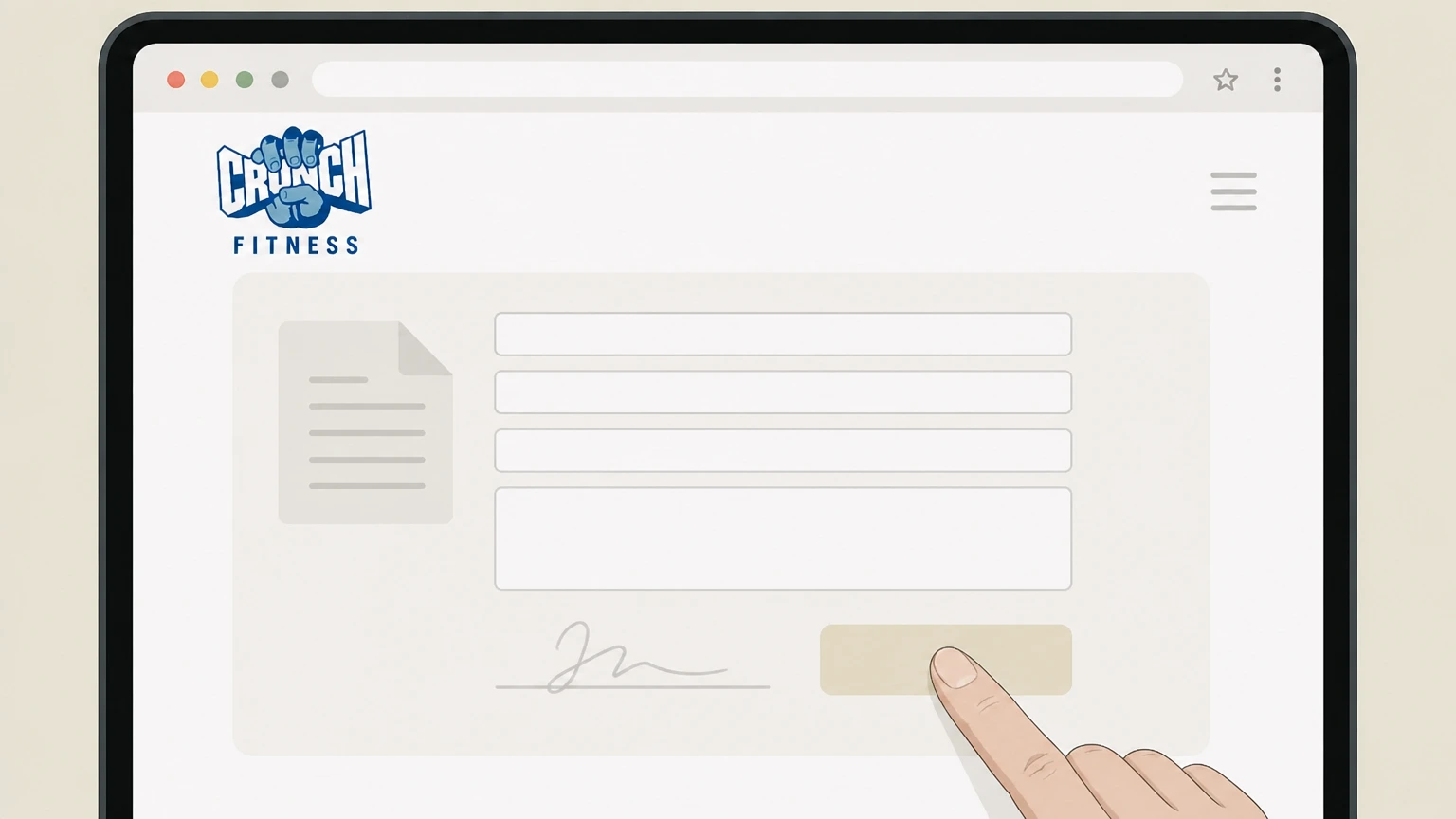
5Complete the cancellation form
Fill out and sign any cancellation form or digital request the club provides so they have your written authorization on file.
 6
6Obtain proof of cancellation
Before leaving, ask for a printed copy, photo, or email of the completed cancellation form or confirmation and keep it with your records.
Refund policy
Crunch Fitness refunds after membership cancellation
Crunch Fitness offers limited refunds on memberships, mainly tied to short state-law grace periods and company errors. Most cancellations stop future billing but do not generate refunds for past dues or partially used periods.
Check my refund options- Limited valid reasons for refunds
- Crunch’s FAQ states that the only valid reasons for a membership refund are cancelling within the first few days of having your membership—reflecting state cooling-off laws—or cases where Crunch missed a prior cancellation request under extenuating circumstances. crunch.com
- Proof of cancellation may be required
- If you claim you cancelled and your membership was not terminated, Crunch explains that you will be asked to provide proof of the initial request, such as a confirmation email or other documentation, making record-keeping important. crunch.com
- State-law grace periods differ
- Crunch notes that the length of the initial grace period for a refund depends on state law, so how many days you have after joining to cancel for a refund can vary by location; your agreement and local statutes control the exact window. crunch.com
- Ongoing dues generally non-refundable
- Outside the short grace period or proven company error, Crunch’s policy implies that monthly dues and annual fees already billed are not typically refunded when you cancel—you mainly stop future billing once the notice period runs. crunch.com
- Separate rules for personal training and add-ons
- Crunch’s FAQ suggests that personal training contracts and other add-ons have their own refund rules and accepted reasons for cancellation, which must be discussed with your home club and are not automatically covered by the membership refund policy. crunch.com
If you believe you qualify for a refund—for example, you cancelled within your state’s initial grace period or have proof Crunch missed a prior request—contact your home club’s billing team or Member Services with your documentation, and consider disputing unauthorized charges with your card issuer if billing continues after confirmed cancellation. Contact Crunch about a possible refund
Where to cancel
How Crunch handles membership cancellation channels
Crunch Fitness runs U.S. clubs as a mix of corporate and franchise locations, so cancellation channels are standardized in principle but can differ slightly in execution by club.
Member Portal online cancellation
Crunch’s FAQ explains that some clubs allow members to cancel online in the Member Portal under a Manage Membership section. If your club has enabled this, it is the most direct self-service option. crunch.com
Phone and in-person cancellation
When online cancellation is not available, Crunch instructs members to contact their home club directly by phone or in person to cancel, with that location’s team completing the request. crunch.com
Location-specific policies
The FAQ notes that cancellation policies—including whether online cancellation is offered—vary by location based on state and local guidelines, so your home club’s rules control the exact steps and timing. crunch.com
Changes vs. cancellation
For membership upgrades, downgrades, or transfers, Crunch directs members to contact their home club or use an online contact form; these are separate from fully cancelling your membership. crunch.com
Non-use does not cancel
Crunch clarifies that simply not using the gym does not end a month-to-month membership; you must request cancellation through one of the supported channels or your membership will continue. crunch.com
Timing rules
Notice periods and last day of Crunch membership
Exact notice requirements at Crunch are defined in each member’s agreement and can differ for month‑to‑month, term, and Signature memberships.
Notice period varies by agreement
In its FAQ, Crunch states that the required cancellation notice before your next billing date varies based on the terms of your Membership Agreement and advises members to review that agreement or speak to their home club for details. crunch.com
Month-to-month vs. paid-in-full
Crunch offers both month-to-month “cancel any time” plans and contracts with annual commitments or paid-in-full terms. A month-to-month plan keeps billing until you request cancellation, whereas a paid-in-full plan typically ends at the contract end date unless renewed. crunch.com
Crunch Signature last-month prepayment
For Crunch Signature memberships, Crunch explains that you prepay your last month’s dues when you join, so when you later cancel, your access typically continues through the last day of the following month after cancellation. crunch.com
Annual fee timing
Crunch assesses an annual fee that can fall near your cancellation date; the exact amount and timing vary by club and membership type, so you may still owe an annual fee if it is due during your notice period. crunch.com
Collections risk if you don’t cancel
Crunch warns that if you stop paying a month-to-month membership without cancelling, a balance will accrue on your account and, after a time, may be sent to collections, so proper cancellation is critical. crunch.com
What changes
What happens to Crunch access and perks when you cancel
Cancelling a Crunch membership affects gym access, guest privileges, and class reservations, but some digital tools and history may remain available.
Gym access until final date
Depending on your plan and local policy, Crunch generally allows continued gym access until the end of the paid-through period (such as the prepaid final month for Signature memberships) rather than removing access immediately on the cancellation request date. crunch.com
Guest and reservation privileges end
When your membership reaches its effective end date, guest privileges and the ability to reserve classes online end along with access, since these benefits are tied to having an active membership. crunch.com
Billing history in app and portal
Crunch indicates that members can see Billing & Payment History in the Crunch app and on the website, which helps you verify your last charges even after you have submitted a cancellation. crunch.com
Non-transferability of memberships
Crunch does not permit sharing memberships, and some membership types cannot be transferred to a new location, meaning you may need to cancel and rejoin if you move or change clubs. crunch.com
Personal training handled separately
Crunch notes that cancelling a personal training contract may have its own accepted reasons and refund rules; members are told to contact their home club directly about PT contract cancellation rather than assuming it ends with the gym membership. crunch.com
Related services
Crunch+ and other add-ons when cancelling your gym membership
Crunch sells digital and add-on services that are legally and billing-wise separate from your base gym membership.
Crunch+ billed separately
Crunch’s FAQ explains that Crunch+ online workouts are billed as a separate monthly charge that shows up on your credit card statement as Crunch+ and are not bundled into your standard gym dues. crunch.com
Crunch+ cancellation does not end gym access
Crunch instructs members to manage Crunch+ subscriptions at crunchplus.com, noting that cancelling Crunch+ won’t affect your Crunch gym membership; you can cancel one service and continue the other. crunch.com
Gym cancellation does not auto-cancel Crunch+
The same FAQ indicates that if you cancel your gym membership, you may still subscribe to Crunch+ separately, so cancelling the gym does not automatically stop Crunch+ billing—you must cancel Crunch+ through its dedicated site. crunch.com
Class late-cancel and no-show fees
Crunch may charge separate late-cancel or no-show fees for reserved classes if you cancel too close to class time or miss class; these are tied to reservations, not to your baseline membership dues. crunch.com
Corporate and healthcare memberships
Crunch partners with employers and healthcare programs for special memberships; while sponsors may subsidize dues, cancellation of the underlying Crunch membership still follows Crunch’s cancellation channels and club-level rules. crunch.com
Money details
How Crunch bills memberships and what cancellation changes
Understanding how Crunch bills helps you predict what will happen to charges when you cancel and what actions do—and do not—stop billing.
Recurring dues and annual fees
Crunch membership involves recurring monthly dues plus an annual fee that helps fund equipment upkeep and facility maintenance; amounts and billing dates vary by club and membership type. crunch.com
Changing cards doesn’t cancel membership
Crunch warns that simply changing the credit card on file or letting payments lapse causes a balance to accrue and can lead to collections, because the membership continues until you formally cancel it. crunch.com
Cancel with Crunch, not just your bank
The Consumer Financial Protection Bureau recommends cancelling the service contract itself—in this case, your Crunch membership—when stopping automatic payments; otherwise you may still owe the gym under the contract. consumerfinance.gov
ABC Fitness as billing partner
ABC Fitness public materials highlight Crunch as a major client using ABC’s club management and billing platform, indicating that ABC processes many Crunch membership payments, though members still cancel through Crunch channels. abcfitness.com
Receipts available online
Crunch’s FAQ explains that you can view billing receipts in the Crunch app under My Account and on the website under Billing and Payment History, which is useful to verify final charges after cancellation. crunch.com
Account management
Crunch app and Member Portal tools that support cancellation
Crunch’s digital tools don’t replace formal cancellation, but they help you manage and document your membership before and after you submit a request.
Member Portal for self-service
The Member Portal, accessible via members.crunch.com or the Member Login link on crunch.com, lets you manage membership options, and for some clubs, submit an online cancellation under Manage Membership. crunch.com
Crunch app check-ins and billing history
The Crunch mobile app allows members to check into the gym, track check-ins, manage class bookings, and view billing history, helping you confirm that charges stop after your cancellation date. crunch.com
Resetting your password
If you need to access the portal to review terms before cancelling, Crunch provides a Reset Password link at members.crunch.com and within the app so you can regain access to your account. crunch.com
Contact forms for support
Crunch’s FAQ links to an online form for questions or feedback for your home club; while cancellation itself is usually handled by phone, in person, or the portal, the form can help you clarify local policies before acting. crunch.com
Digital proof of cancellation
Because Crunch often sends email confirmations and posts fees and receipts in your account, downloading or screenshotting these digital records gives you evidence if there is a later dispute about whether and when you cancelled. crunch.com
If you move or switch clubs
Transfers, home club changes, and when you must cancel instead
Moving or wanting a different location does not always require cancelling your Crunch membership, but some memberships cannot be transferred and must be cancelled and re-purchased.
Home club transfers managed locally
Crunch’s FAQ states that home club transfers are managed by your current home club, which can explain your options if you want to switch locations within the Crunch network. crunch.com
Some plans cannot be transferred
The FAQ notes that some memberships are not eligible for transfer and may require cancelling your current membership and rejoining at the new location or under a different membership type. crunch.com
All Crunch vs One Crunch access
Crunch describes All Crunch, City Crunch, and One Crunch memberships, which differ in which locations you can use; changing from one access level to another may be treated as a membership change or require cancellation, depending on the club. crunch.com
Corporate or insurance-linked plans
For memberships obtained through corporate perks or healthcare networks like Optum or American Specialty Health, Crunch still directs members to follow Crunch’s own processes for reservations and club access; cancellation usually still runs through Crunch, not the sponsor. crunch.com
Consumer protections
Consumer expectations and rights around cancelling gym memberships
While Crunch-specific rules come from your Membership Agreement, U.S. consumer agencies describe general expectations for how gyms should handle recurring memberships and cancellations.
Cancel should be as easy as sign-up
The FTC has highlighted that businesses, including gyms, should not create confusing mazes for cancelling compared with easy sign-ups; overly burdensome cancellation practices can be considered unlawful. consumer.ftc.gov
Click-to-cancel trend
The FTC’s Negative Option Rule guidance emphasizes that recurring subscriptions should offer straightforward ways—often online or by phone—to cancel, a standard that informs how regulators view gym membership practices. ftc.gov
Cancel contract and payments
The CFPB explains that stopping automatic payments at your bank does not by itself cancel a service contract like a gym membership; you must cancel with the company as well to avoid still owing under the contract. consumerfinance.gov
Keep documentation of cancellation
Regulators advise keeping notes and copies of cancellation requests, confirmations, and disputed charges, so saving Crunch emails, portal confirmations, and call notes can protect you if billing problems occur. consumer.ftc.gov
Report unresolved problems
If a company continues to bill after you have clear proof of cancellation, the FTC encourages consumers to dispute unauthorized charges with their card issuer and report issues at ReportFraud.ftc.gov. consumer.ftc.gov
What official sources do not confirm
Limits of the public Crunch Fitness cancellation guidance
These points are intentionally qualified because the official sources reviewed on August 16, 2026 do not publish a complete answer.
Documented limitation 1
Could not safely state a universal Crunch cancellation fee or minimum notice period because Crunch’s FAQ and contracts emphasize that both vary by location, membership type, and state law.
Documented limitation 2
Could not confirm any official, system-wide process for cancelling Crunch memberships purely by email; guidance is limited to portal, phone, and in-person options described in Crunch’s FAQ.
Documented limitation 3
Could not verify that any Crunch gym memberships are billed directly through Apple or Google app-store subscriptions; available sources show club and Crunch+ billing handled by Crunch/ABC and Crunchplus.com instead.
Documented limitation 4
Could not provide detailed data-retention periods or how long digital account data remains after cancellation, as Crunch’s public materials do not specify retention timelines. For Crunch Fitness, verify this account-specific point with the current billing owner because the reviewed public sources do not publish a more precise universal rule.
Documented limitation 5
Could not comprehensively describe all variations in franchise-level cancellation rules (for example, special medical or relocation clauses) because those are contained in individual Membership Agreements not published centrally.
Crunch Fitness cancellation FAQ
Questions people search about canceling Crunch Fitness, answered with official provider or billing-platform sources checked on August 16, 2026.
How do I cancel a Crunch Fitness membership?
Why is Crunch Fitness hard to cancel?
Can I cancel my Crunch membership via phone?
How much is a cancellation fee for Crunch Fitness?
Can I cancel my gym membership online?
Can I cancel my Crunch membership in the app?
Can I cancel my Crunch membership by email?
Can I cancel my Crunch membership for free?
What happens if I just stop paying my Crunch membership?
What happens to my Crunch+ subscription when I cancel my gym membership?
Untangle this Crunch Fitness issue.
Let Pine handle the provider follow-up and keep the confirmation in one place.
