

BURST Oral Care
Cancel subscription
How to Cancel BURST Oral Care: Official Steps & Timing
Cancel BURST Oral Care through the correct billing route. Follow official steps, understand renewal timing and refunds, and keep proof of the final result.
- 2 verified cancellation routes
- Billing ownership and renewal timing explained
- Provider-specific refund boundaries included
- A confirmation check follows every route
Choose the correct BURST Oral Care cancellation route
BURST My Account · verify the billing owner
Cancel a BURST product subscription online
 1
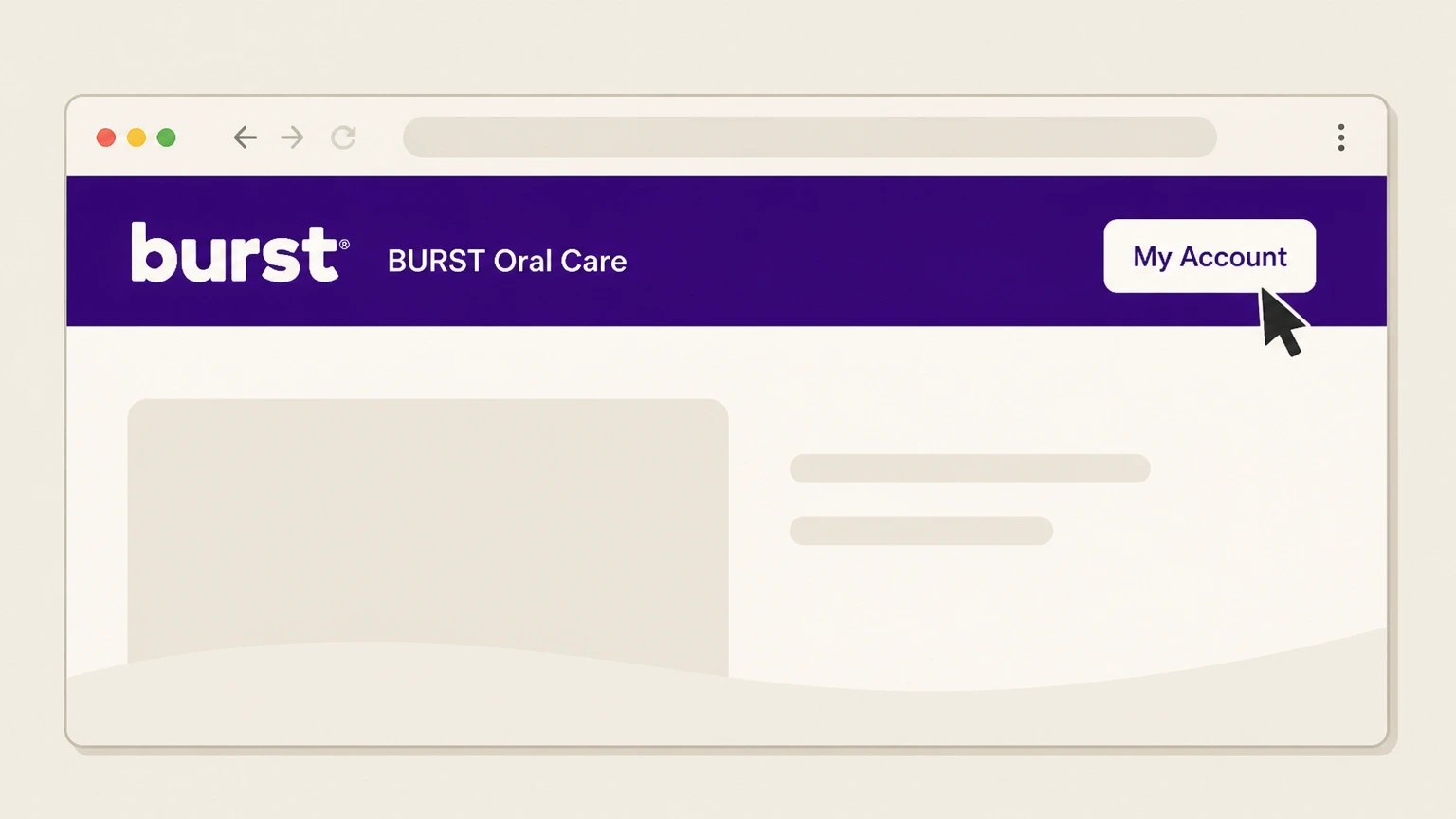
1Open My Account
Sign in to BURST and open My Account.
 2
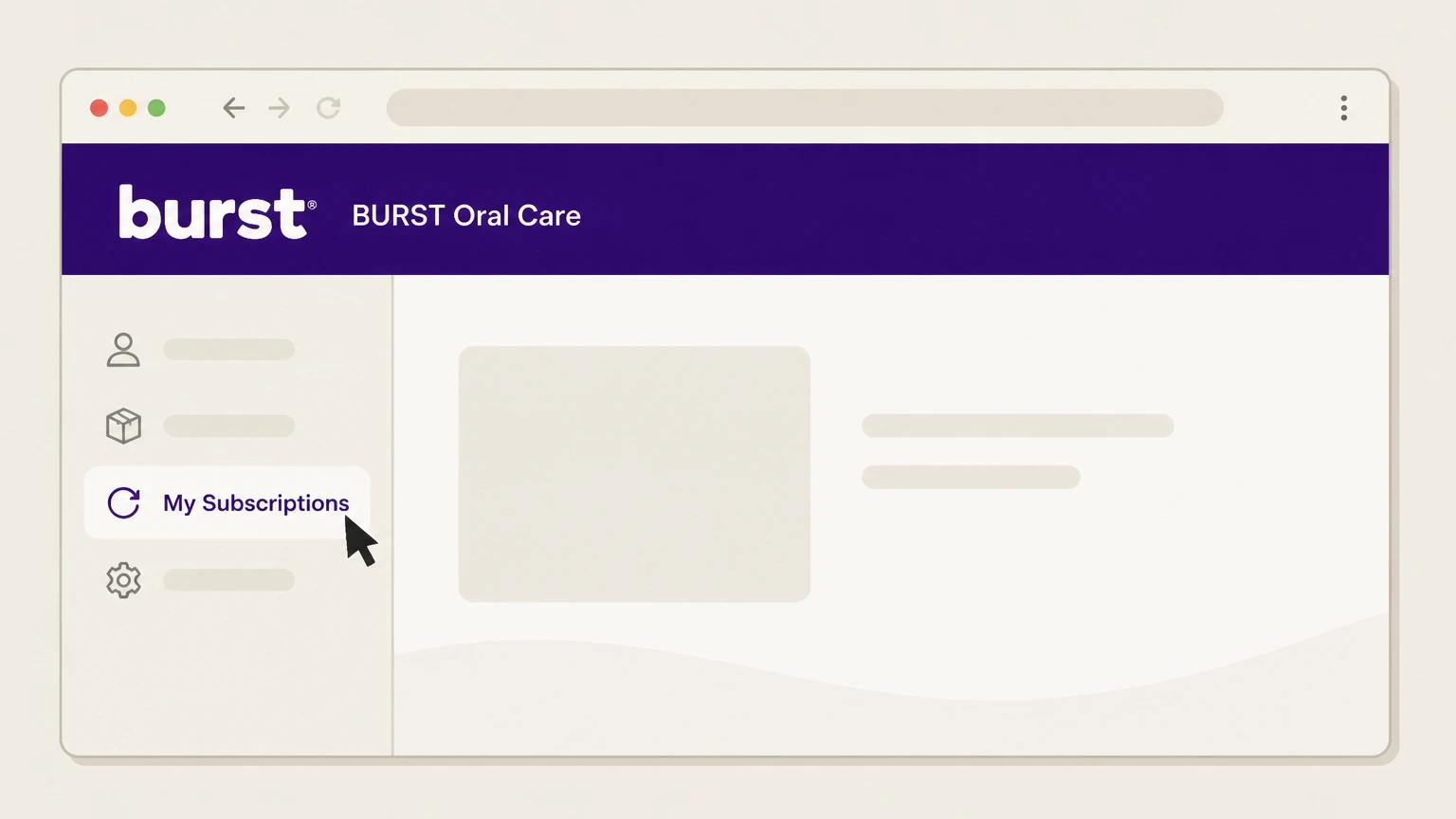
2Open My Subscriptions
Select My Subscriptions.
- Let Pine handle it
Pine can help
Too many steps?
Pine can find the right BURST My Account path and handle the cancellation for you.
 3
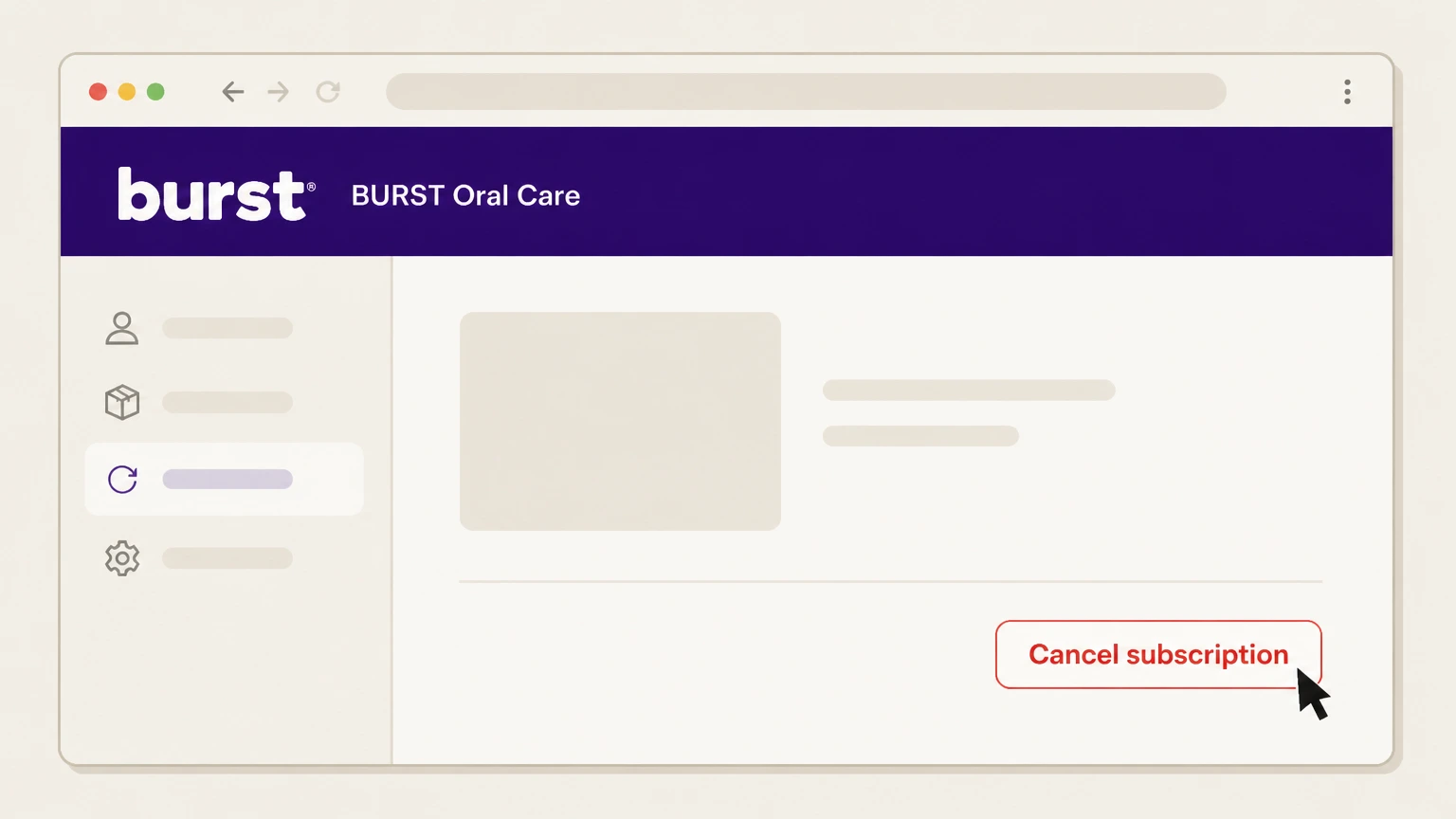
3Cancel the product subscription
Select the product subscription that should stop and complete its cancellation.

BURST email support · verify the billing owner
Cancel a BURST product subscription by email
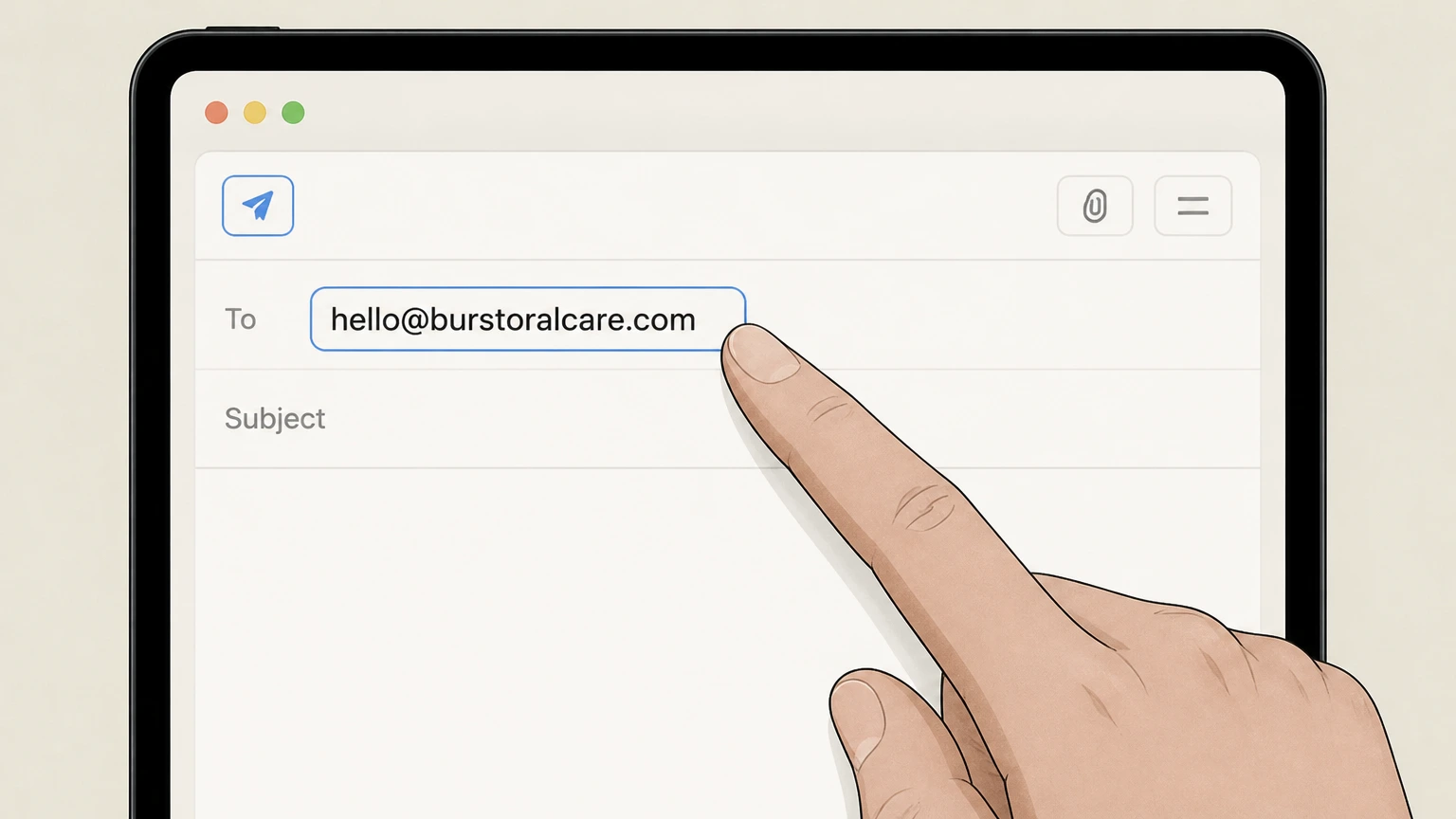 1
1Write to BURST support
Create an email to hello@burstoralcare.com from the subscription account email.
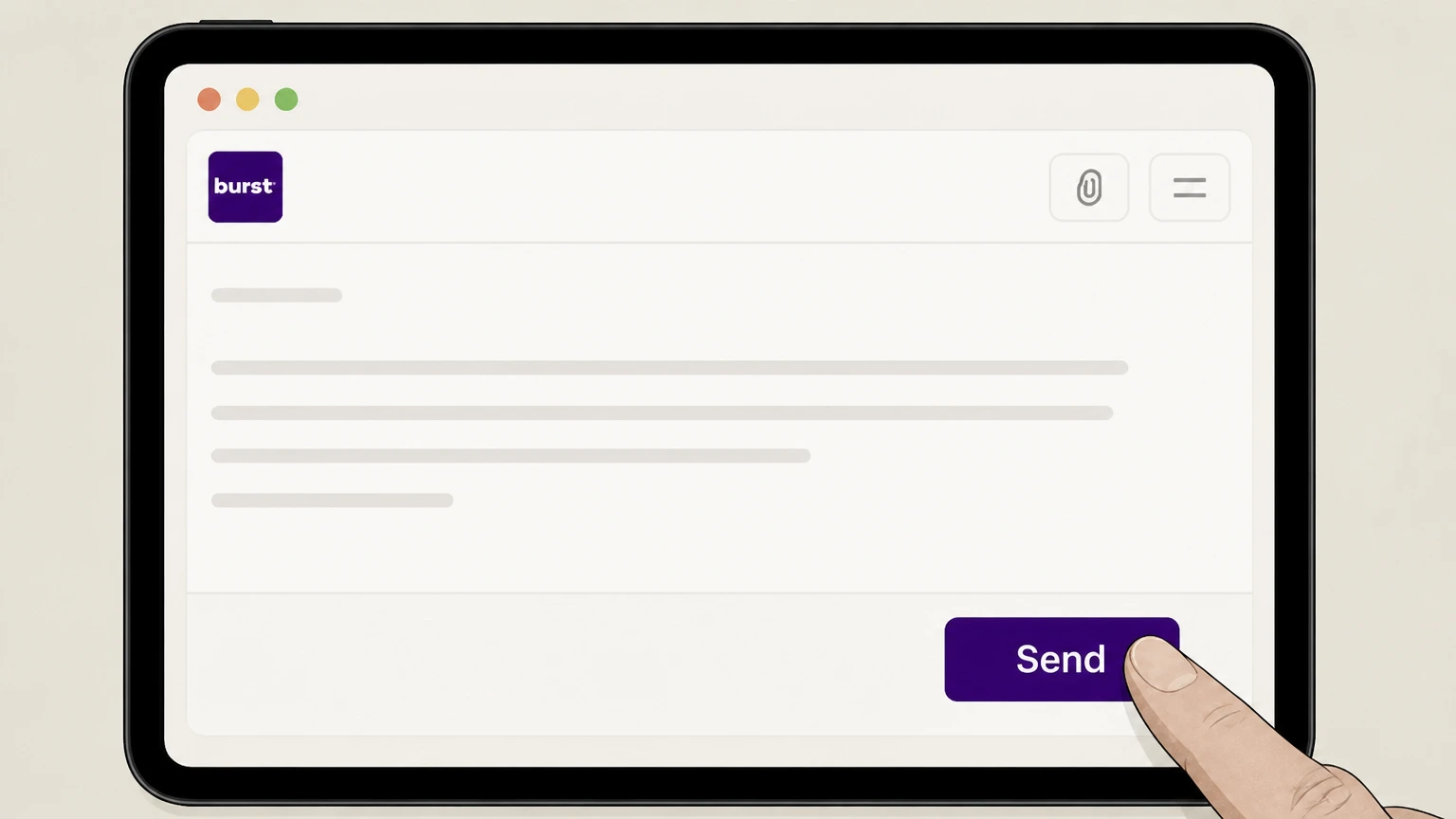 2
2Identify the product subscription
Name the recurring product subscription and ask to cancel it.
- Let Pine handle it
Pine can help
Too many steps?
Pine can find the right BURST email support path and handle the cancellation for you.
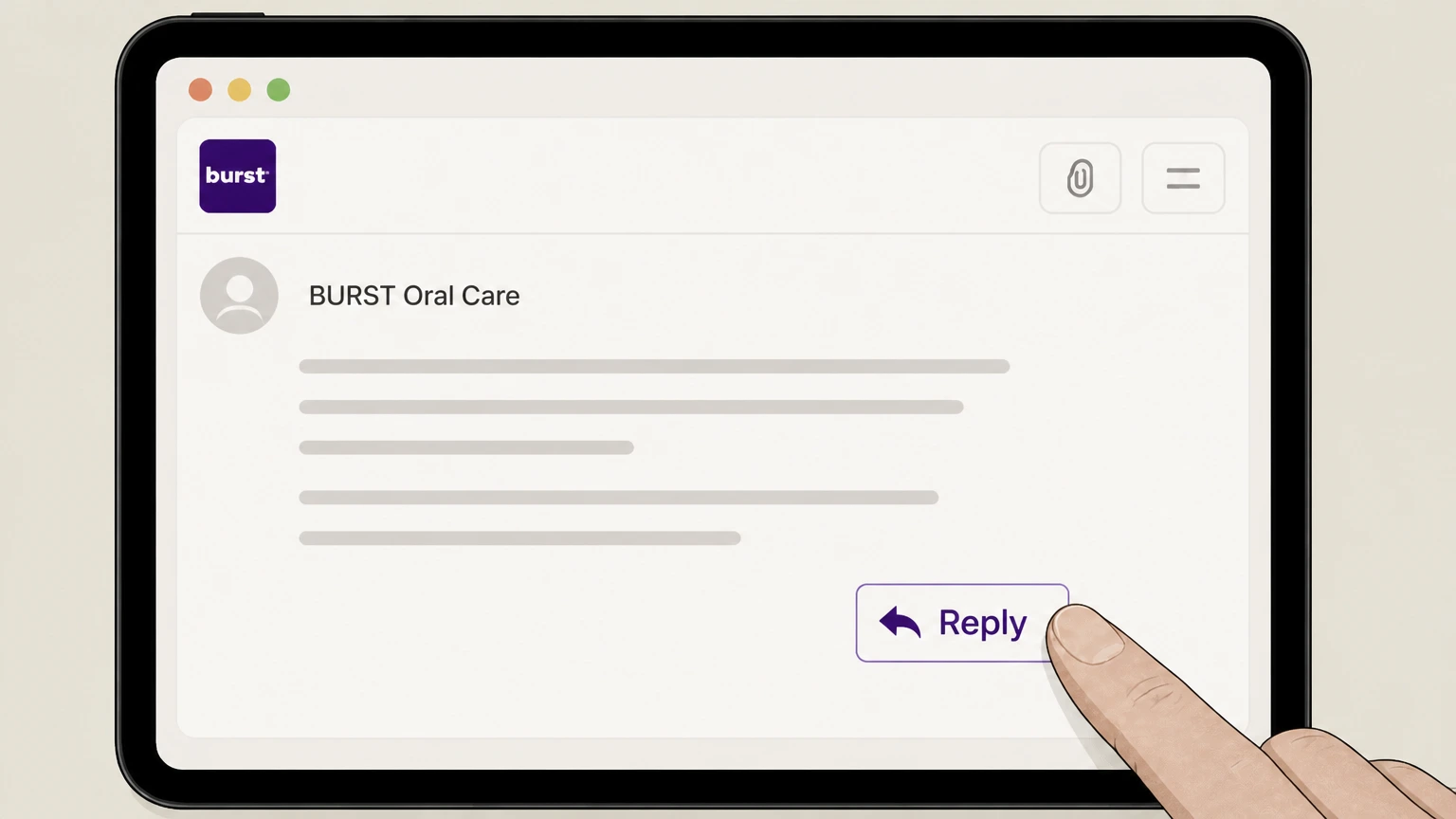 3
3Keep the provider response
Retain BURST’s reply and verify that the subscription will not renew.
Refund policy
BURST product-subscription refunds
The current terms say there is no prorated refund for the current product-subscription term.
Check my refund options- Current term
- Cancellation stops future renewal but does not refund the unused portion of the present term.
- Membership warning
- A separate membership may have a first-year balance termination fee.
Confirm which BURST plan appears in the account before cancelling. Read BURST terms
Renewal cutoff
Cancel by the last day of the term
BURST says product-subscription cancellation must be completed by 11:59 PM Pacific on the final day of the current term.
Twelve-week renewal
The current terms describe product subscriptions that renew every 12 weeks.
Plan scope
Product subscription and membership are different
The membership section has a one-year minimum and may impose a first-year balance termination fee.
Use this page for product subscriptions
Do not apply the product-shipment rule to a BURST membership plan.
Proof
Verify renewal is off
Keep the account status or support reply.
Check before cutoff
The result must be recorded by the final day of the current term.
BURST Oral Care cancellation FAQ
Provider-specific answers about billing, timing, refunds, and confirmation.
How do I cancel a BURST Oral Care subscription?
What is the BURST cancellation cutoff?
Does BURST give a prorated refund?
Is a BURST membership the same as a product subscription?
Untangle this BURST Oral Care issue.
Let Pine handle the provider follow-up and keep the confirmation in one place.
