


The Boston Globe
Cancel subscription
How to Cancel Your Boston Globe Print or Digital Subscription
Step‑by‑step guide to cancel a Boston Globe subscription. Learn how to end digital access or home delivery, what changes after cancellation, and refund rules.
- Official The Boston Globe and billing-owner sources
- 3 provider-specific cancellation paths
- Refund and post-cancellation effects separated from renewal
- Verified August 16, 2026
Choose the The Boston Globe cancellation path that matches who bills you
BostonGlobe.com My Account (digital subscriptions) · verify the billing owner
 1
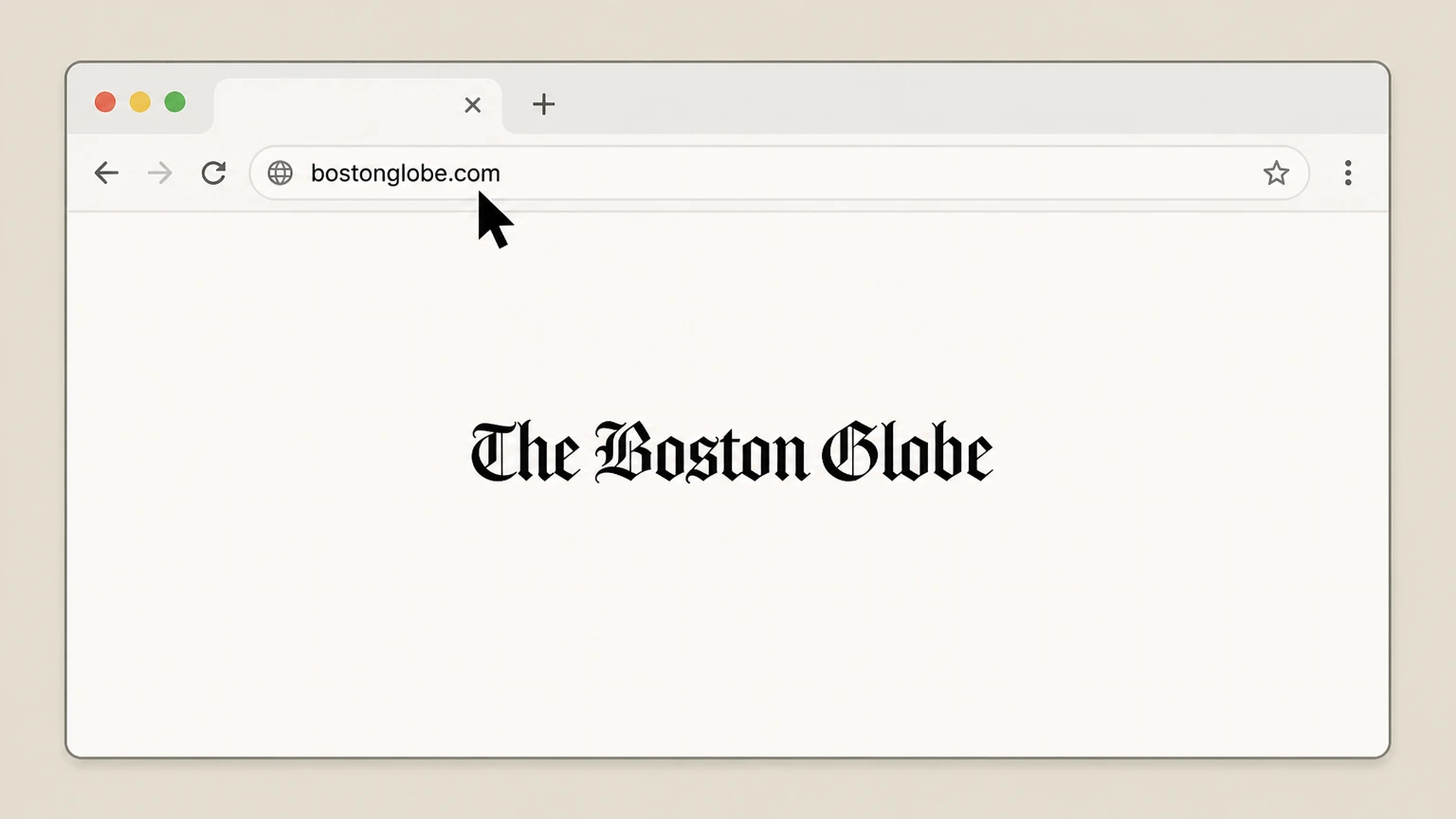
1Open bostonglobe.com
In a web browser, go to bostonglobe.com. Use the The Boston Globe account named on your receipt, and continue only after the next status in this cancellation path is visible.
 2
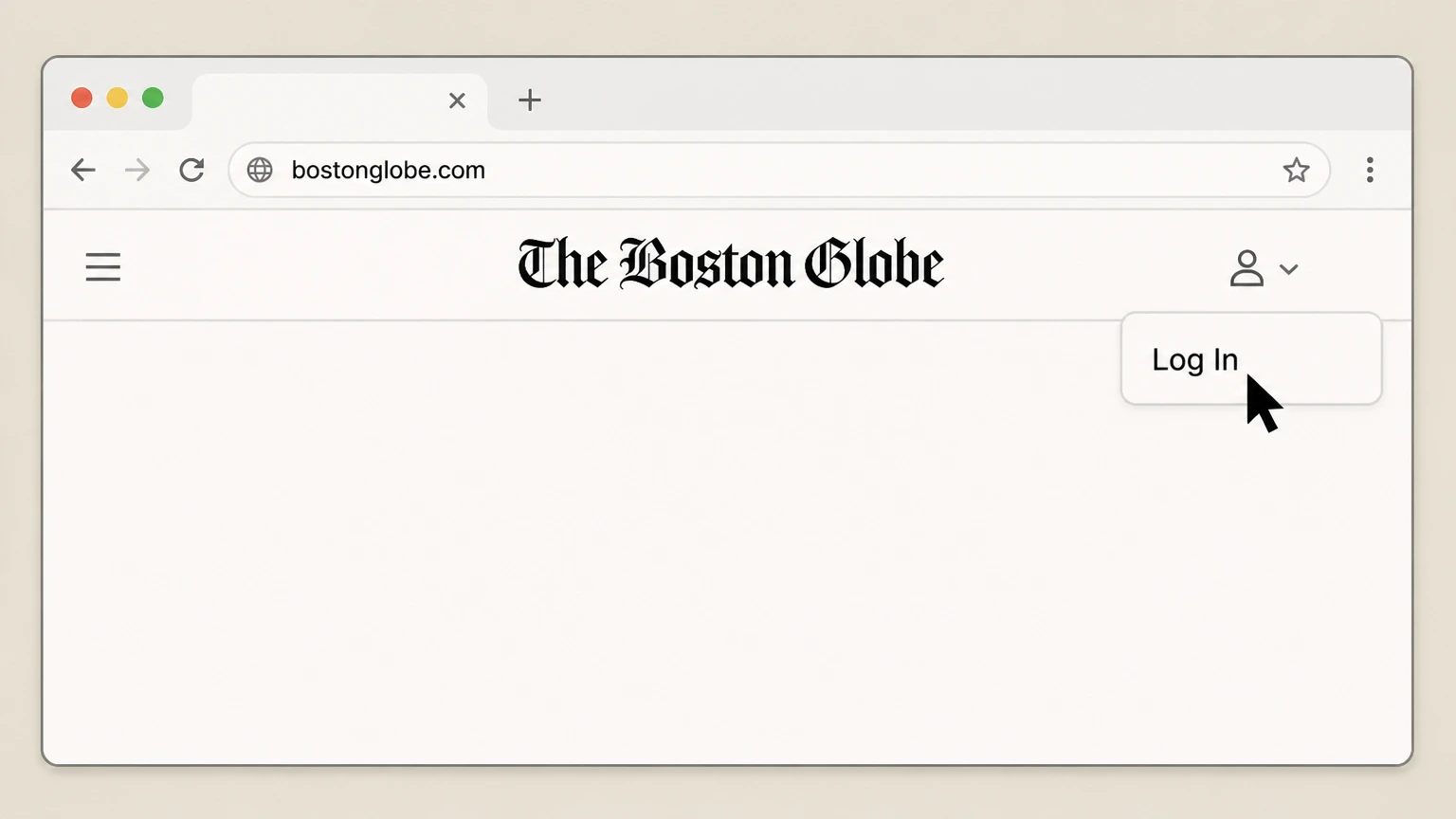
2Open the Log In page
In the site header under My Account, select Log In to reach the subscription sign-in screen. Use the The Boston Globe account named on your receipt, and continue only after the next status in this cancellation path is visible.
- Let Pine handle it
Pine can help
Too many steps?
Pine can find the right BostonGlobe.com My Account (digital subscriptions) path and handle the cancellation for you.
 3
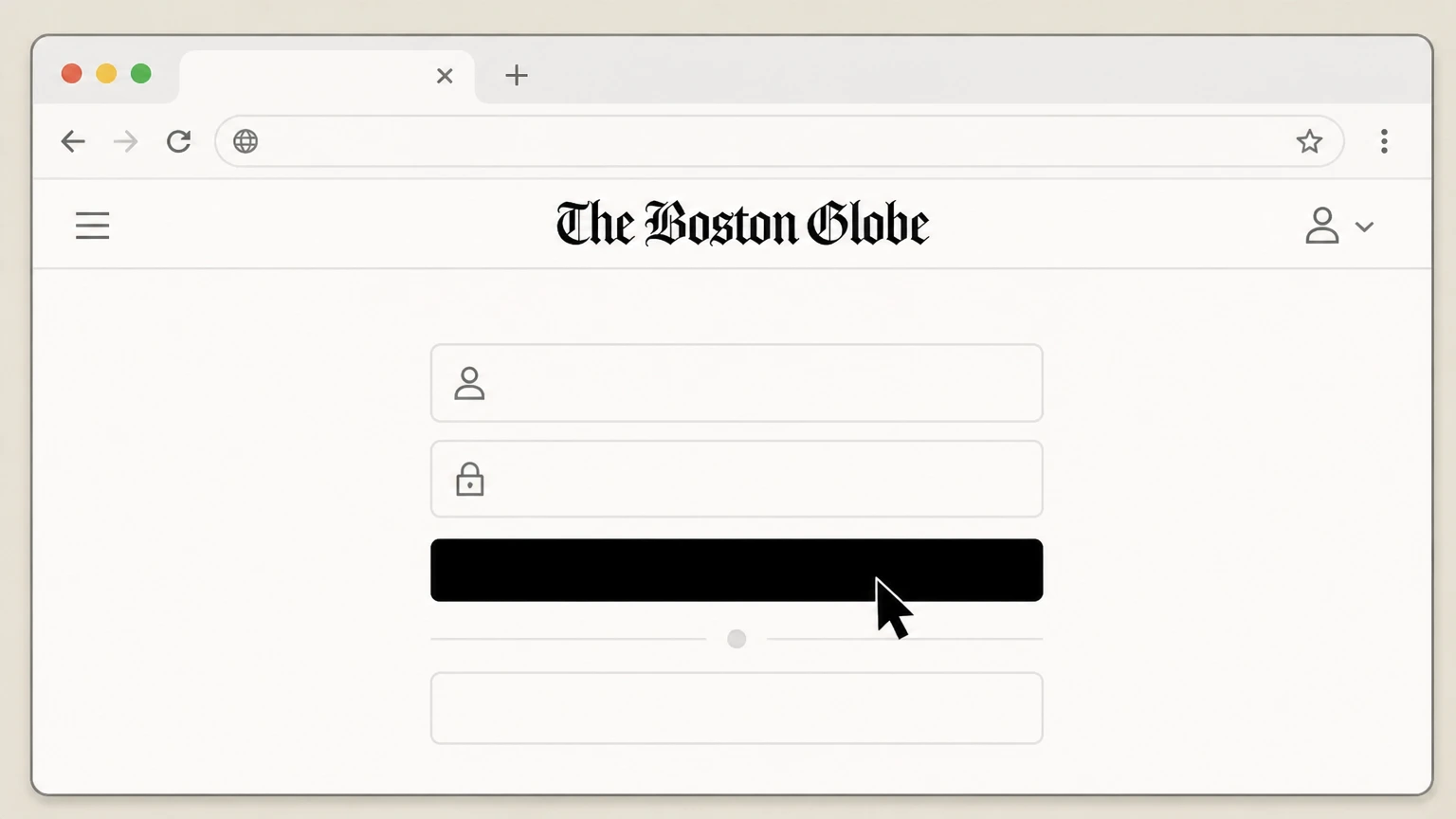
3Sign in to your subscription account
Sign in using the email address and password associated with your Boston Globe digital subscription. Use the The Boston Globe account named on your receipt, and continue only after the next status in this cancellation path is visible.
 4
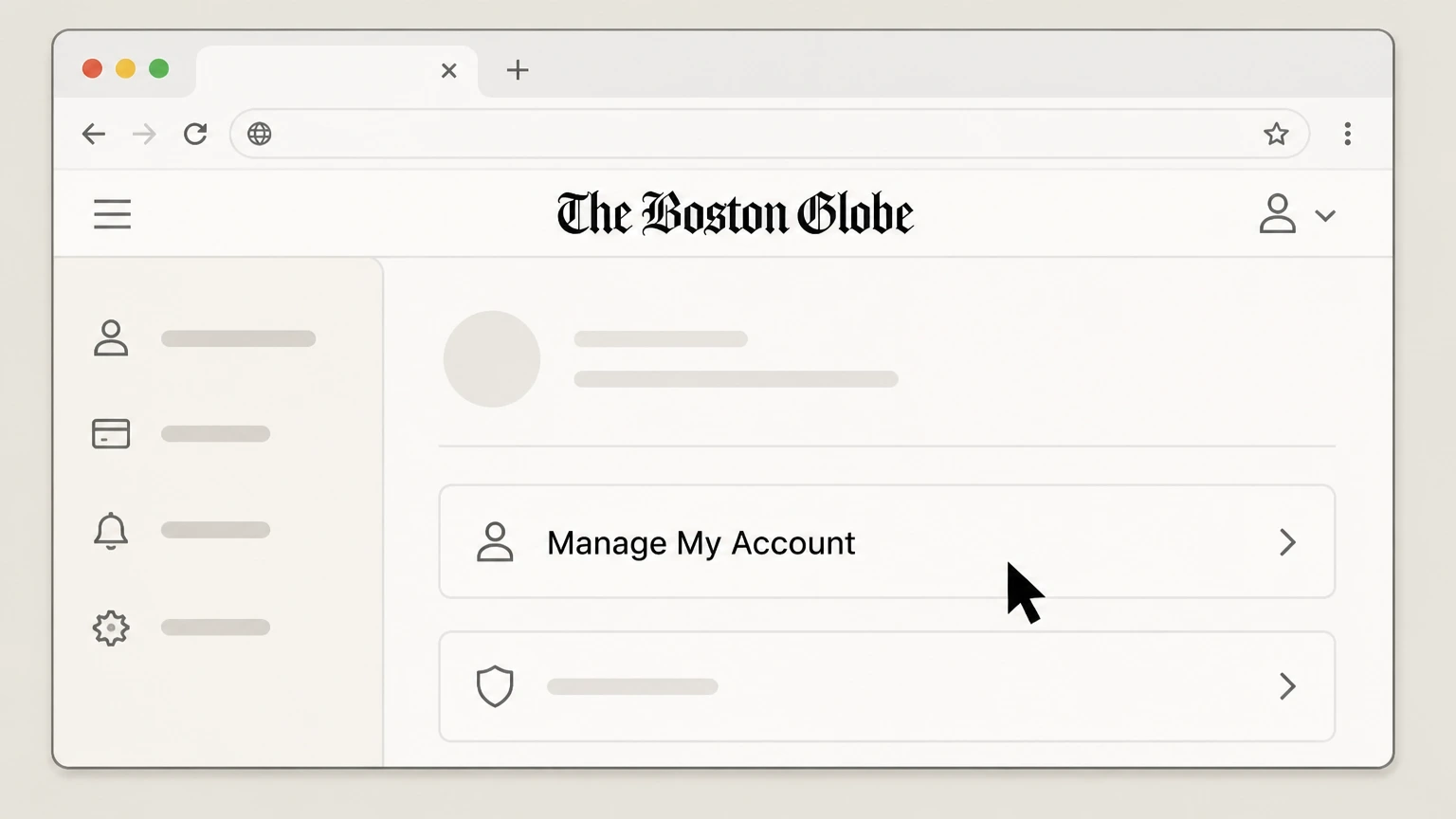
4Open Manage My Account
From the account area, select Manage My Account to view your subscription management dashboard. Use the The Boston Globe account named on your receipt, and continue only after the next status in this cancellation path is visible.
 5
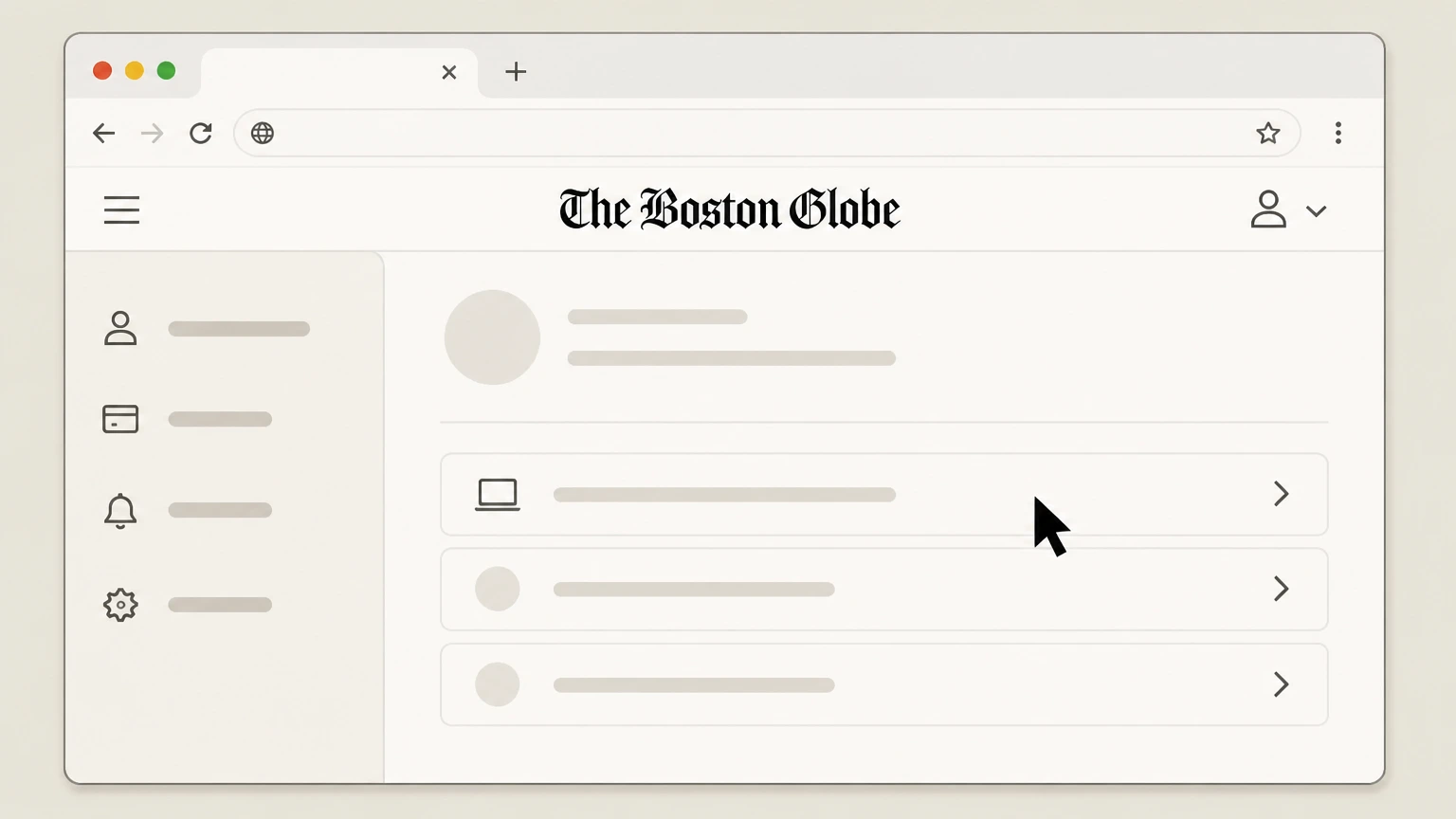
5Select your Boston Globe digital subscription
In the list of products, select your Boston Globe digital subscription to open its details page. Use the The Boston Globe account named on your receipt, and continue only after the next status in this cancellation path is visible.
 6
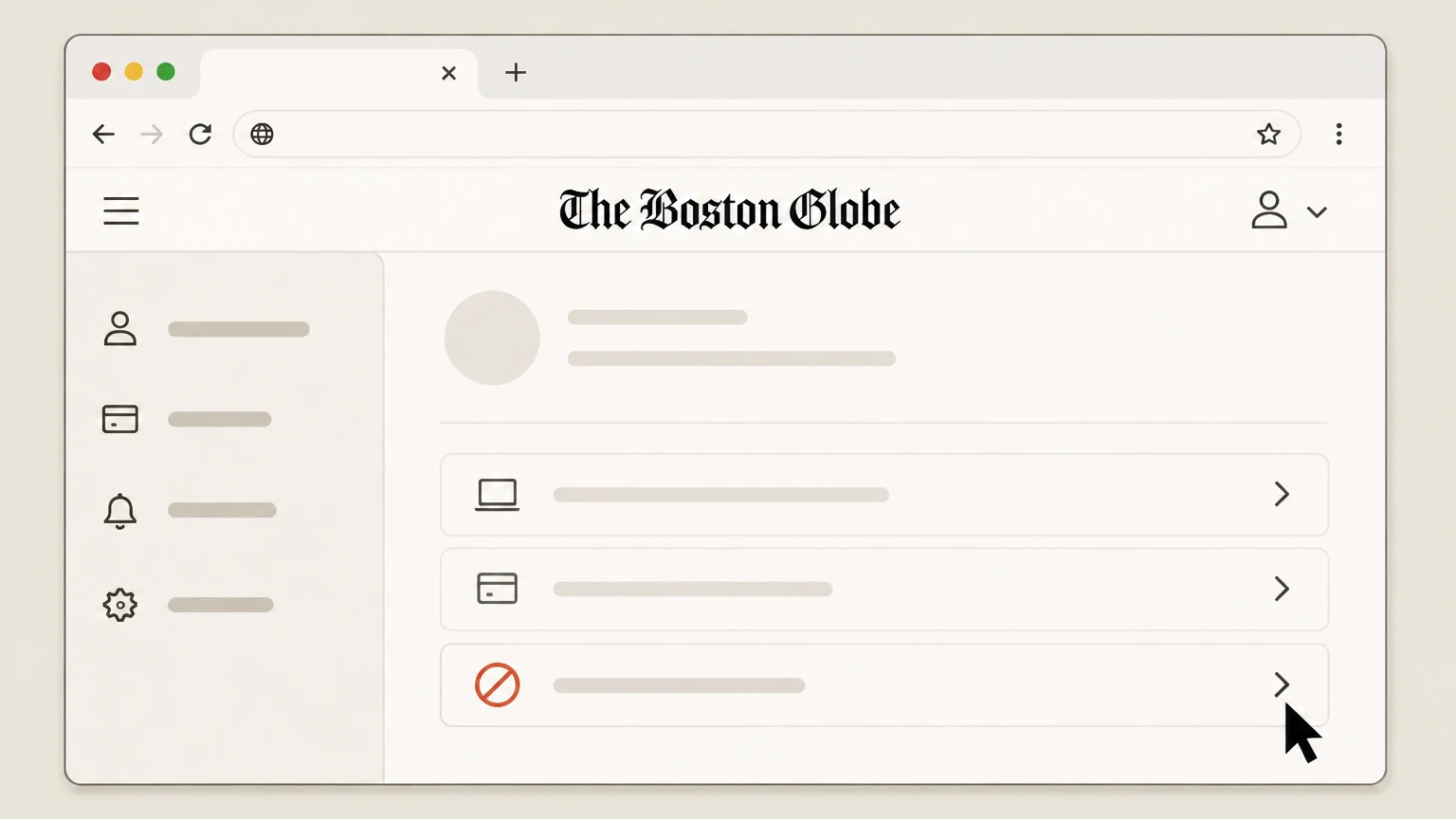
6Use the cancellation option for the subscription
Use the cancellation or stop‑renewal control shown for that subscription to turn off future charges, then follow any on‑screen prompts until the process is complete.

Boston Globe Customer Service (print and digital) · verify the billing owner
 1
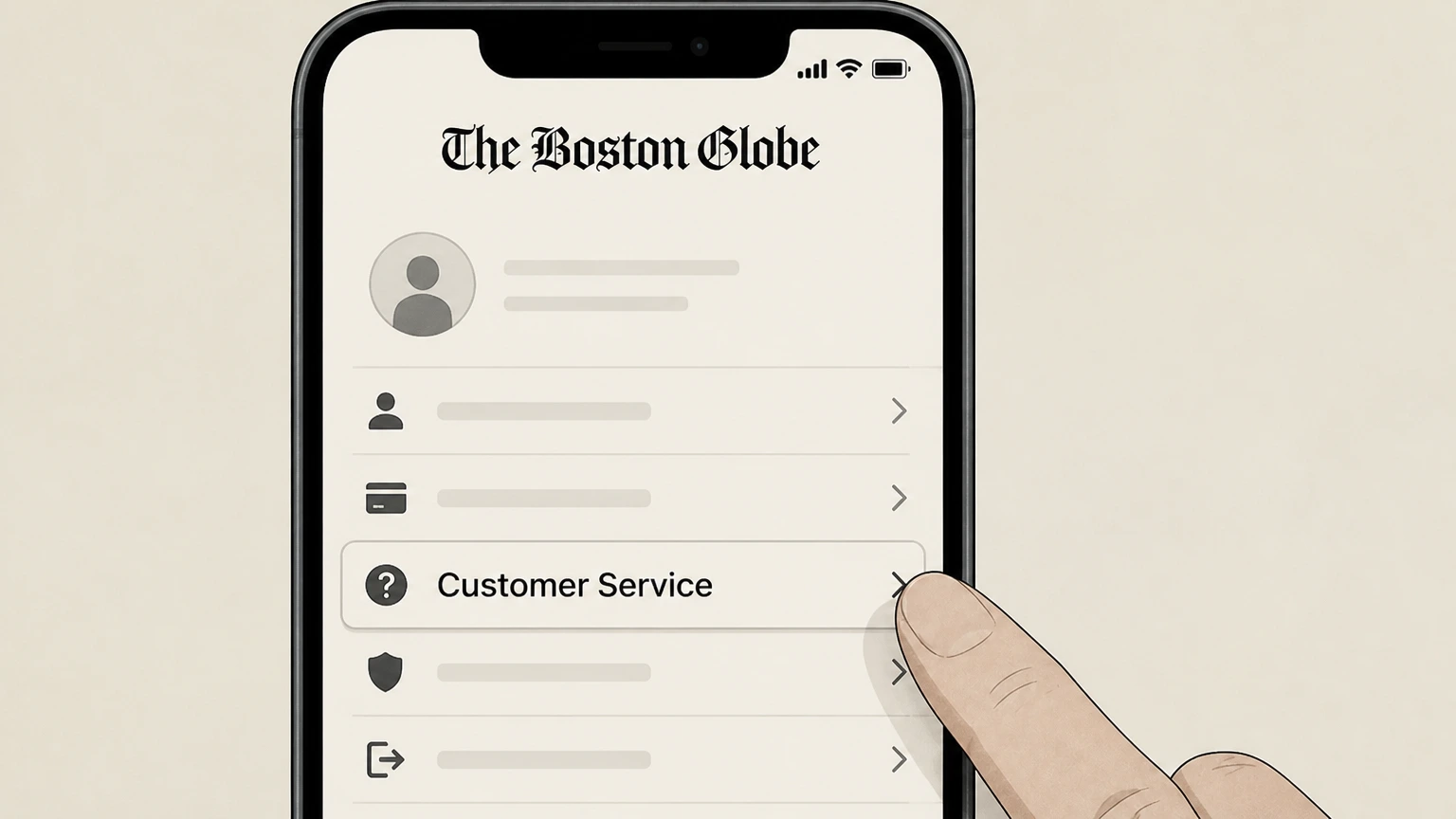
1Open the Customer Service information
On bostonglobe.com, open the Help or Customer Service link to find the current phone number for subscription support. Use the The Boston Globe account named on your receipt, and continue only after the next status in this cancellation path is visible.
 2
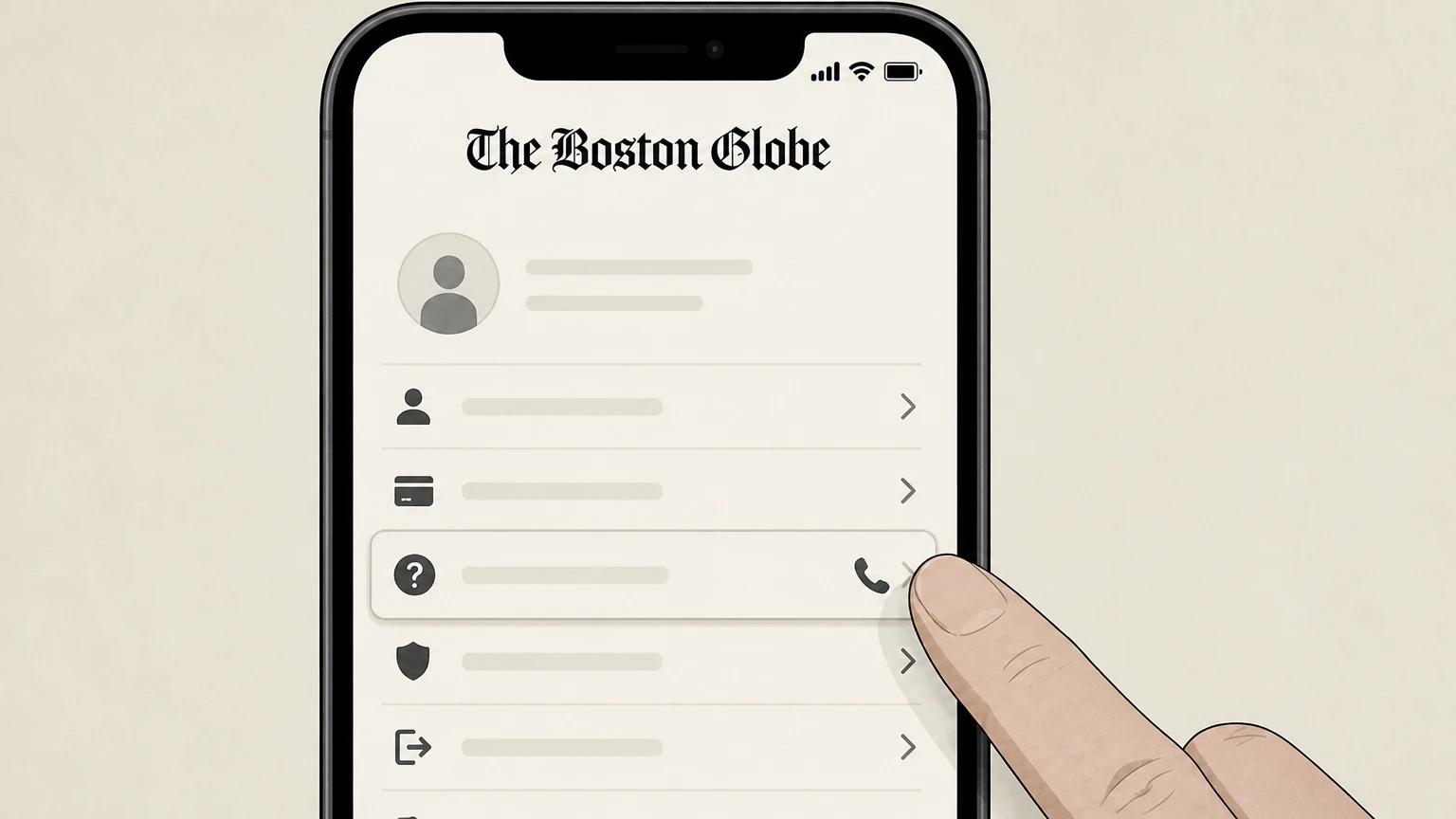
2Call Boston Globe Customer Service
Use your phone to call the subscription support number listed on the Customer Service page. Use the The Boston Globe account named on your receipt, and continue only after the next status in this cancellation path is visible.
- Let Pine handle it
Pine can help
Too many steps?
Pine can find the right Boston Globe Customer Service (print and digital) path and handle the cancellation for you.
 3
3Provide account details for verification
When connected, provide the account information the representative requests so they can locate your Boston Globe subscription. Use the The Boston Globe account named on your receipt, and continue only after the next status in this cancellation path is visible.
 4
4Request cancellation of your subscription
Tell the representative that you want to cancel your Boston Globe subscription and specify whether you are cancelling digital access, home delivery, or both.
 5
5Ask for written confirmation
Ask the representative to send written confirmation of your cancellation, such as an email or text message, and keep it for your records.
 6
6Check that billing has stopped
After the current billing period ends, review your payment method or bank statement to confirm that no new Boston Globe subscription charges appear.
Apple App Store on iPhone or iPad · verify the billing owner
 1
1Open Settings
On your iPhone or iPad, open the Settings app. Use the The Boston Globe account named on your receipt, and continue only after the next status in this cancellation path is visible.
 2
2Tap your name
At the top of Settings, tap your name to open your Apple ID settings. Use the The Boston Globe account named on your receipt, and continue only after the next status in this cancellation path is visible.
- Let Pine handle it
Pine can help
Too many steps?
Pine can find the right Apple App Store on iPhone or iPad path and handle the cancellation for you.
 3
3Open Subscriptions
In your Apple ID settings, tap Subscriptions to see the list of active and expired subscriptions. Use the The Boston Globe account named on your receipt, and continue only after the next status in this cancellation path is visible.
 4
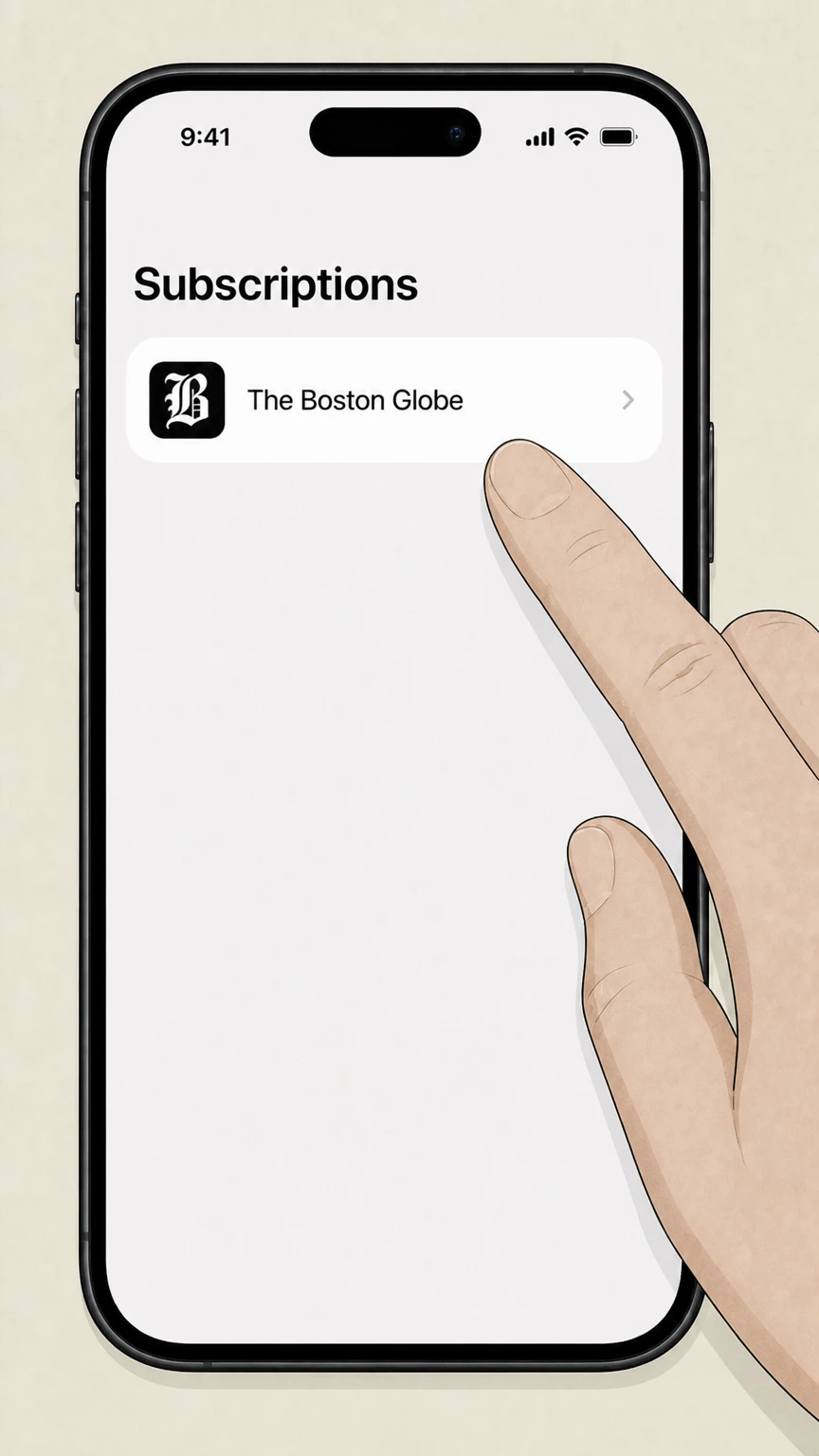
4Select The Boston Globe
In the subscriptions list, select The Boston Globe subscription that you want to cancel. Use the The Boston Globe account named on your receipt, and continue only after the next status in this cancellation path is visible.
 5
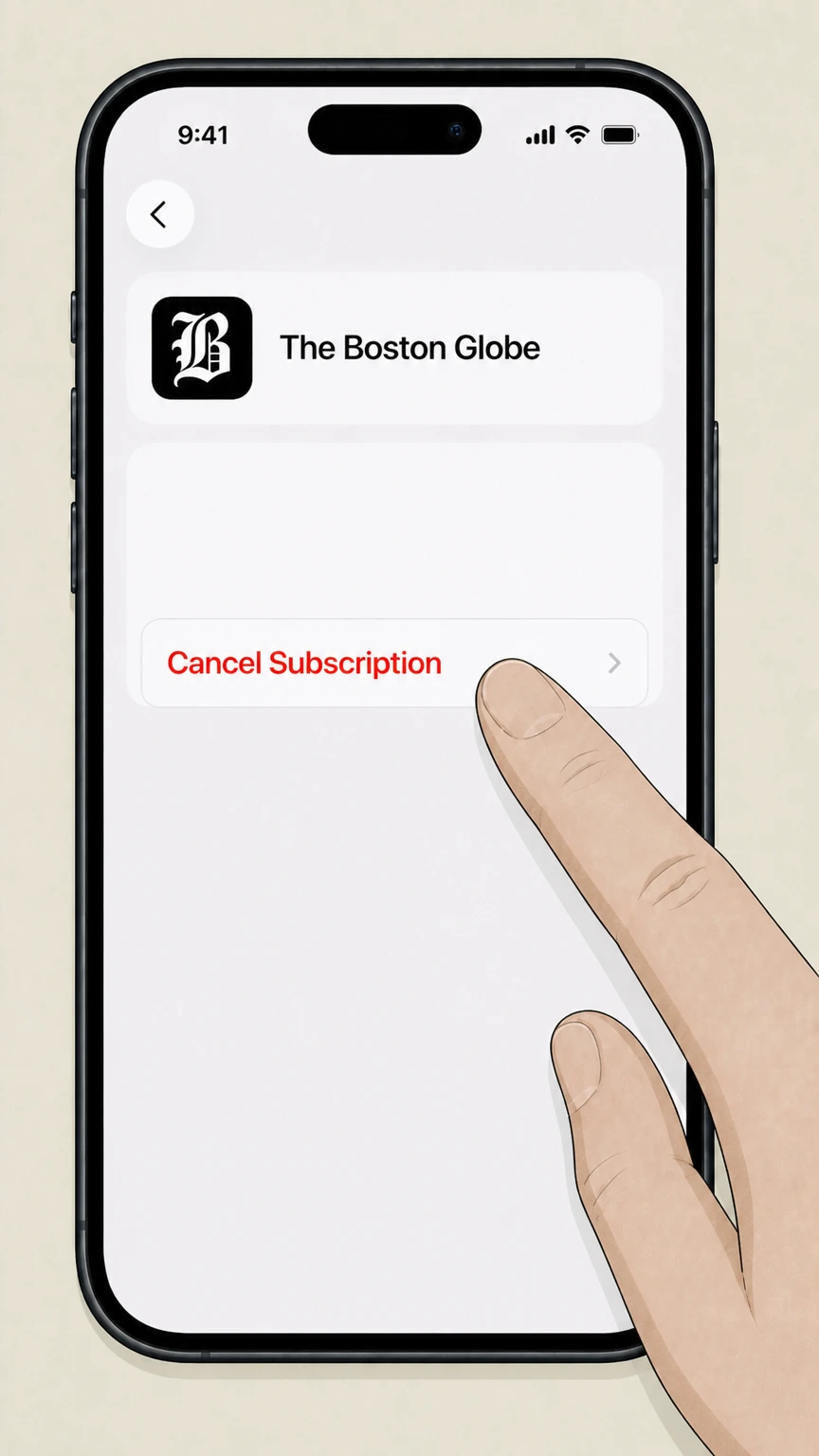
5Cancel the subscription
On the Boston Globe subscription page, tap Cancel Subscription and follow any additional prompts until the cancellation is confirmed. Use the The Boston Globe account named on your receipt, and continue only after the next status in this cancellation path is visible.
Refund policy
Boston Globe refunds and effective cancellation dates
Boston Globe treats subscription cancellations as stopping future charges at the end of the current billing period, with limited circumstances where the company may issue discretionary refunds or credits.
Check my refund options- Cancellations are effective at period end
- When you cancel a Boston Globe subscription, the cancellation becomes effective at the end of your current billing period; you retain access and deliveries for the rest of that period, and future renewals are stopped.customerservice.bostonglobe.com
- No standard refunds for partial billing periods
- The Terms of Purchase state that payments are non‑refundable and there are no refunds or credits for partially used billing periods, although Boston Globe may choose to issue a refund or credit at its sole discretion.bostonglobe.com
- Print‑to‑digital conversions may be allowed
- The policy notes that the Globe may permit print subscribers who are moving to convert to digital subscriptions, potentially adjusting value between the remaining print term and new digital access, but this is not guaranteed.bostonglobe.com
- Third‑party refunds follow platform rules
- If you subscribed through Apple, Google Play, Amazon, or another platform, any refunds are governed by that platform’s policies, and you must request cancellations or refunds through your app‑store or third‑party account.bostonglobe.com
If you believe you were billed incorrectly after cancelling, contact Boston Globe Customer Service with your cancellation confirmation and recent billing statement so they can review your account under the current cancellation and refund policy. Review Terms of Purchase
Subscription types
Print and digital Boston Globe subscriptions
Boston Globe cancellation rules differ slightly between digital-only eGlobe access and print home-delivery subscriptions, which may also include digital access.
Digital subscriptions bundle site, ePaper, and apps
Boston Globe digital subscriptions provide access to bostonglobe.com, the ePaper, and the mobile app under a single digital subscription, all governed by the digital‑only billing rules in the Terms of Purchase.bostonglobe.com
Print subscriptions focus on home delivery
Print subscriptions cover delivery of the physical Boston Globe on selected days and may or may not include digital access; print and digital components share the same billing period but can have distinct access rules.bostonglobe.com
Home delivery often includes digital access
Many home‑delivery subscribers can activate unlimited digital access on bostonglobe.com and in the Globe’s apps at no extra charge by registering with their print account details.customerservice.bostonglobe.com
Cancellation options depend on product type
Digital-only subscribers can cancel through My Account or Customer Service by several channels, while home‑delivery subscribers are restricted to cancelling by phone even when they manage parts of the account online.customerservice.bostonglobe.com
Cancellation options
How Boston Globe accepts cancellation requests
Boston Globe publishes specific help articles explaining which channels it accepts for cancelling digital and home‑delivery subscriptions.
Digital eGlobe: My Account, phone, email, or chat
For digital subscriptions, the Globe’s help center says you can cancel by phone, through My Account on bostonglobe.com, by emailing customerservice@globe.com, or by starting a live chat from My Account or the help site.customerservice.bostonglobe.com
Home delivery: cancellation by phone only
The home‑delivery help article states that cancellations for home‑delivery subscriptions are accepted by phone only, directing customers to call Customer Service to end service. Online requests alone are not listed as sufficient.customerservice.bostonglobe.com
Terms also allow cancellation via My Account
The Terms of Purchase note that Boston Globe products can be cancelled at any time by contacting Customer Service and that cancellations may also be made via the applicable My Account page, aligning with the eGlobe help article.bostonglobe.com
Vacation stops differ from cancellation
A separate vacation‑stop policy lets home‑delivery customers temporarily suspend delivery and, in some cases, receive credits or an extended service period; this does not cancel the subscription or stop future billing beyond the paused period.customerservice.bostonglobe.com
Billing rules
Auto‑renewal, billing periods, and future charges
Understanding how Boston Globe bills subscriptions helps explain why cancellations take effect at the end of a billing period instead of generating partial refunds.
Subscriptions auto‑renew by default
The Terms of Purchase state that print and digital subscriptions will automatically renew before each billing period ends unless cancelled, using the payment method associated with your account.bostonglobe.com
Cancellation stops only future charges
When you cancel, you cancel only future charges tied to your subscription; your cancellation becomes effective at the end of the current billing period rather than immediately.bostonglobe.com
No refunds for partially used periods
The policy explains that payments are generally non‑refundable and there are no refunds or credits for partially used billing periods, though Boston Globe may grant refunds or credits at its sole discretion.bostonglobe.com
Changes and interruptions do not guarantee refunds
The Globe reserves the right to change print or digital products and notes that temporary changes in access or price reductions during a term do not entitle subscribers to refunds.bostonglobe.com
Unpaid or invalid payment methods may stop service
If a payment method expires or becomes invalid, subscriptions may be terminated instead of renewed, and the Globe may attempt to collect unpaid amounts for continued service.bostonglobe.com
After you cancel
What happens to access when you cancel
Boston Globe explains what happens to your digital access and print delivery after a cancellation request is processed.
Digital access continues until period end
For digital subscriptions, the eGlobe cancellation article and Terms of Purchase both state that you keep digital access and benefits until the end of the current billing period, after which access stops.customerservice.bostonglobe.com
Print deliveries also run through the billing period
Print subscribers who cancel will continue to receive any remaining print deliveries already covered by their current billing period; cancellation prevents new charges and future deliveries after that period.bostonglobe.com
Included digital access for print ends with the print term
Home‑delivery subscribers who activated included digital access will typically lose that access when the linked print subscription term ends following cancellation.customerservice.bostonglobe.com For your The Boston Globe account, compare this point with the billing owner and effective date shown in the signed-in account or latest receipt.
Content access is limited for non‑subscribers
Once your subscription ends, you can still visit bostonglobe.com, but you will have limited access to content compared with active digital subscribers.bostonglobe.com For your The Boston Globe account, compare this point with the billing owner and effective date shown in the signed-in account or latest receipt.
App store billing
If you subscribed through Apple, Google, or others
Boston Globe’s Terms of Purchase and app‑store help pages clarify how cancellations work when billing is handled by Apple, Google Play, or other third parties.
Third‑party purchases may follow different terms
The Globe’s Terms of Purchase explain that if you bought your subscription through a third party, those terms may not apply and you must contact the third party directly for cancellations or billing issues.bostonglobe.com
Apple‑billed subscriptions cancel in iOS settings
Apple’s support article instructs you to open Settings on your iPhone or iPad, tap your name, open Subscriptions, select the subscription, and tap Cancel Subscription to end future charges.support.apple.com
Google Play subscriptions cancel in Google Play
Google Play Help explains that you should go to Subscriptions in the Google Play app, select the subscription, tap Cancel subscription, and follow the instructions to stop renewal charges.support.google.com
Boston Globe cannot cancel app‑store billing
Because Apple and Google control billing for in‑app purchases, Boston Globe Customer Service typically cannot cancel or refund those subscriptions and will direct you to manage them through your Apple or Google account instead.bostonglobe.com
Delivery pauses
Vacation stops versus cancelling home delivery
The Globe distinguishes between pausing home delivery for a trip and permanently cancelling your home‑delivery subscription.
Vacation stops pause delivery without cancelling
The Home Delivery – Vacation Stop article explains that you can temporarily suspend home delivery while away; this changes delivery dates but does not cancel your underlying subscription.customerservice.bostonglobe.com
Vacation stops can be placed online or by phone
You can place a vacation stop online through My Account or using the automated voice assistant accessible via the Globe’s customer service phone number.customerservice.bostonglobe.com For your The Boston Globe account, compare this point with the billing owner and effective date shown in the signed-in account or latest receipt.
Short vacation stops keep digital access active
For vacation stops under 22 days, the policy states that access to Globe.com remains available at no additional charge for home‑delivery subscribers during the stop period.customerservice.bostonglobe.com
Credits generally apply only to longer stops
Effective August 1, 2016, the vacation‑stop policy offers delivery credits only for vacation stops of 22 days or longer; shorter pauses extend your service rather than generating credits.customerservice.bostonglobe.com
Proof of cancellation
Confirmation and records from Boston Globe
Keeping records of your Boston Globe cancellation helps resolve any later billing questions or disputes.
Electronic communications serve as official notices
The Terms of Purchase explain that the Globe provides electronic communications such as confirmations, transaction information, and account notices through My Account and/or email to the primary address on file.bostonglobe.com
Confirmation may appear in My Account
After cancelling digitally or by phone, you can check your My Account page to confirm that your subscription shows an end date and that no future billing is scheduled.customerservice.bostonglobe.com
Customer Service can resend confirmation
If you cancel by phone, email, or chat and do not see confirmation, you can contact Customer Service to request written confirmation of the cancellation.customerservice.bostonglobe.com
Monitor payment statements for extra assurance
Because cancellations are effective at the end of the billing period, reviewing subsequent bank or card statements is a practical way to verify that no new Globe subscription charges appear.bostonglobe.com
What official sources do not confirm
Limits of the public The Boston Globe cancellation guidance
These points are intentionally qualified because the official sources reviewed on August 16, 2026 do not publish a complete answer.
Documented limitation 1
Official Boston Globe materials describe cancelling via My Account but do not expose the exact internal button labels used for the final cancellation control, so web steps describe the flow in generic terms once inside subscription details.
Documented limitation 2
Public documentation does not enumerate every possible third‑party sales channel (for example, specific Amazon or Roku subscription variants), so guidance for non‑Apple and non‑Google platforms is limited to the general rule to cancel via the original billing provider.
Documented limitation 3
Boston Globe help content and Terms of Purchase describe high‑level refund and credit rules but do not give product‑by‑product examples, so refund guidance remains general rather than tailored to specific promotional offers or legacy plans.
The Boston Globe cancellation FAQ
Questions people search about canceling The Boston Globe, answered with official provider or billing-platform sources checked on August 16, 2026.
How can I cancel my Boston Globe online subscription?
How do I stop Boston Globe delivery?
Can I cancel my Boston Globe subscription in My Account?
How do I cancel a Boston Globe subscription purchased through Apple?
What happens to my Boston Globe digital access after I cancel?
Does cancelling the Boston Globe give me a refund?
Can I pause my Boston Globe home delivery instead of canceling?
How do I know if my Boston Globe subscription is cancelled?
What if I subscribed to the Boston Globe through Google Play?
Untangle this The Boston Globe issue.
Let Pine handle the provider follow-up and keep the confirmation in one place.
