


BlueChew
Cancel subscription
How to Cancel Your BlueChew Subscription Online
Learn how to cancel BlueChew through the right billing provider. Follow official steps, understand access timing, refunds, and the confirmation to keep.
- Official BlueChew and billing-owner sources
- 2 provider-specific cancellation paths
- Refund and post-cancellation effects separated from renewal
- Verified August 16, 2026
Choose the BlueChew cancellation path that matches who bills you
BlueChew website account · verify the billing owner
 1
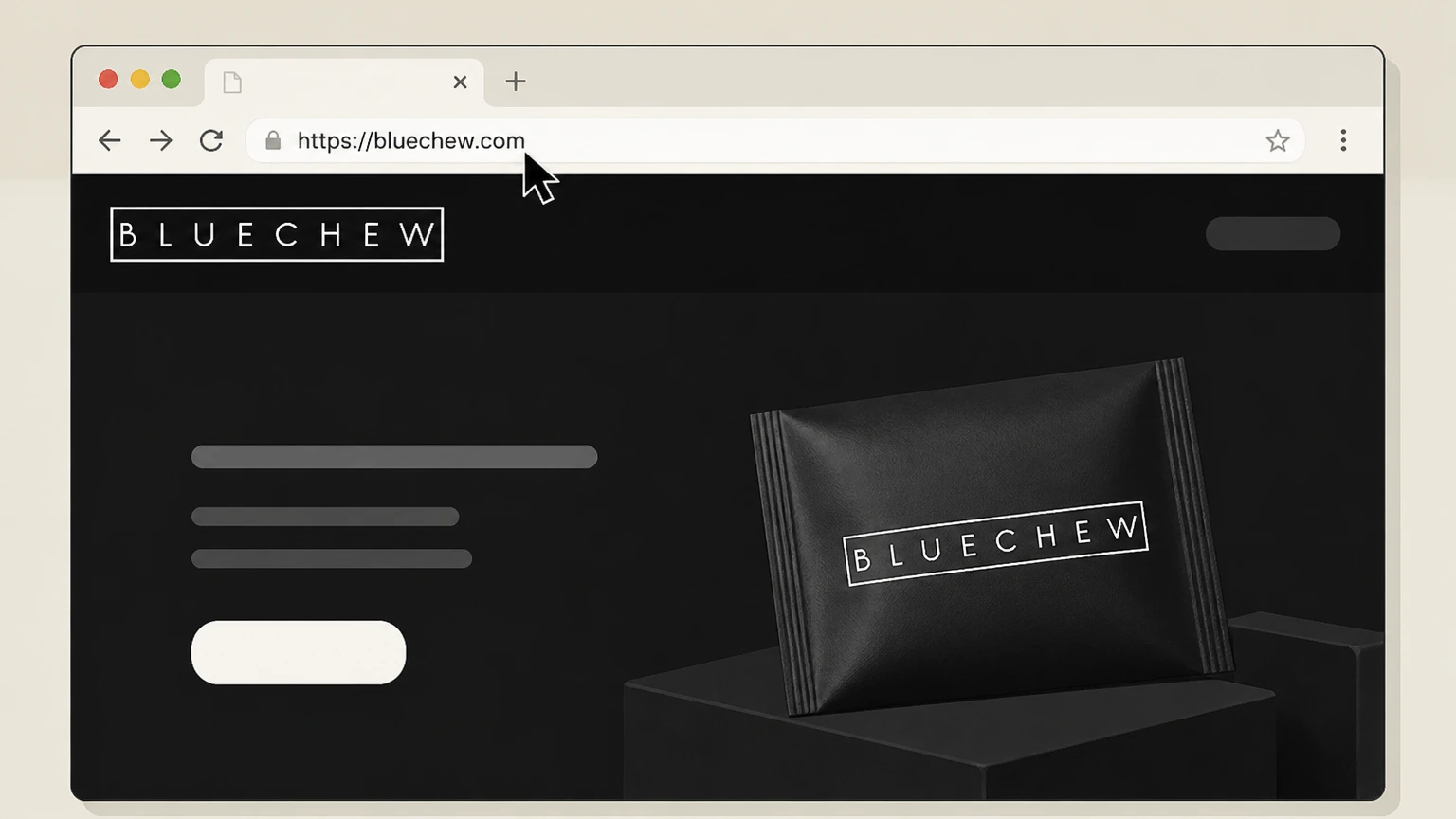
1Open bluechew.com in a browser
Open https://bluechew.com in a web browser where you can sign in to your BlueChew account. Use the BlueChew account named on your receipt, and continue only after the next status in this cancellation path is visible.
 2
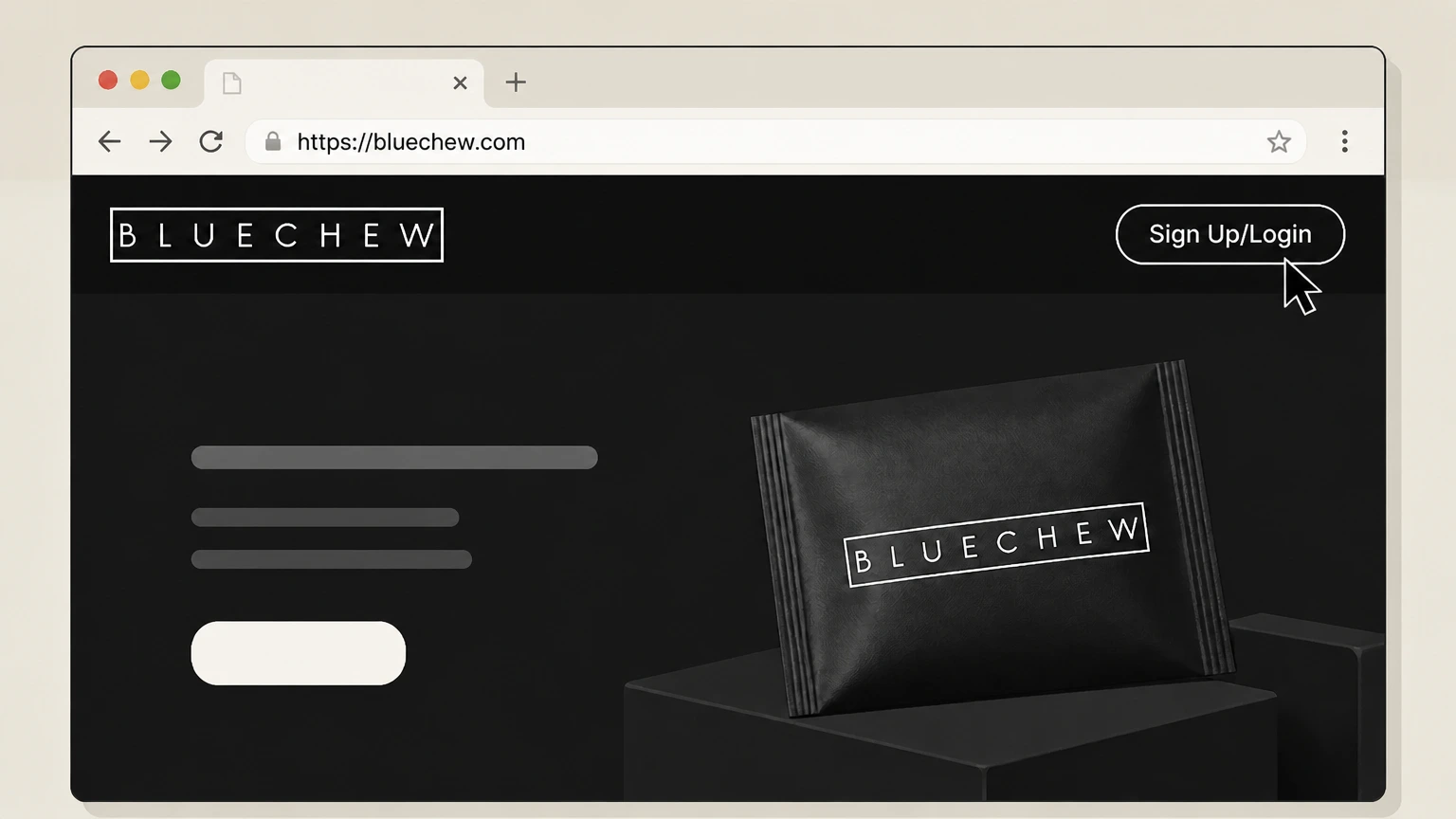
2Open the login form
Select the "Sign Up/Login" option in the site header to open the account login form. Use the BlueChew account named on your receipt, and continue only after the next status in this cancellation path is visible.
- Let Pine handle it
Pine can help
Too many steps?
Pine can find the right BlueChew website account path and handle the cancellation for you.
 3
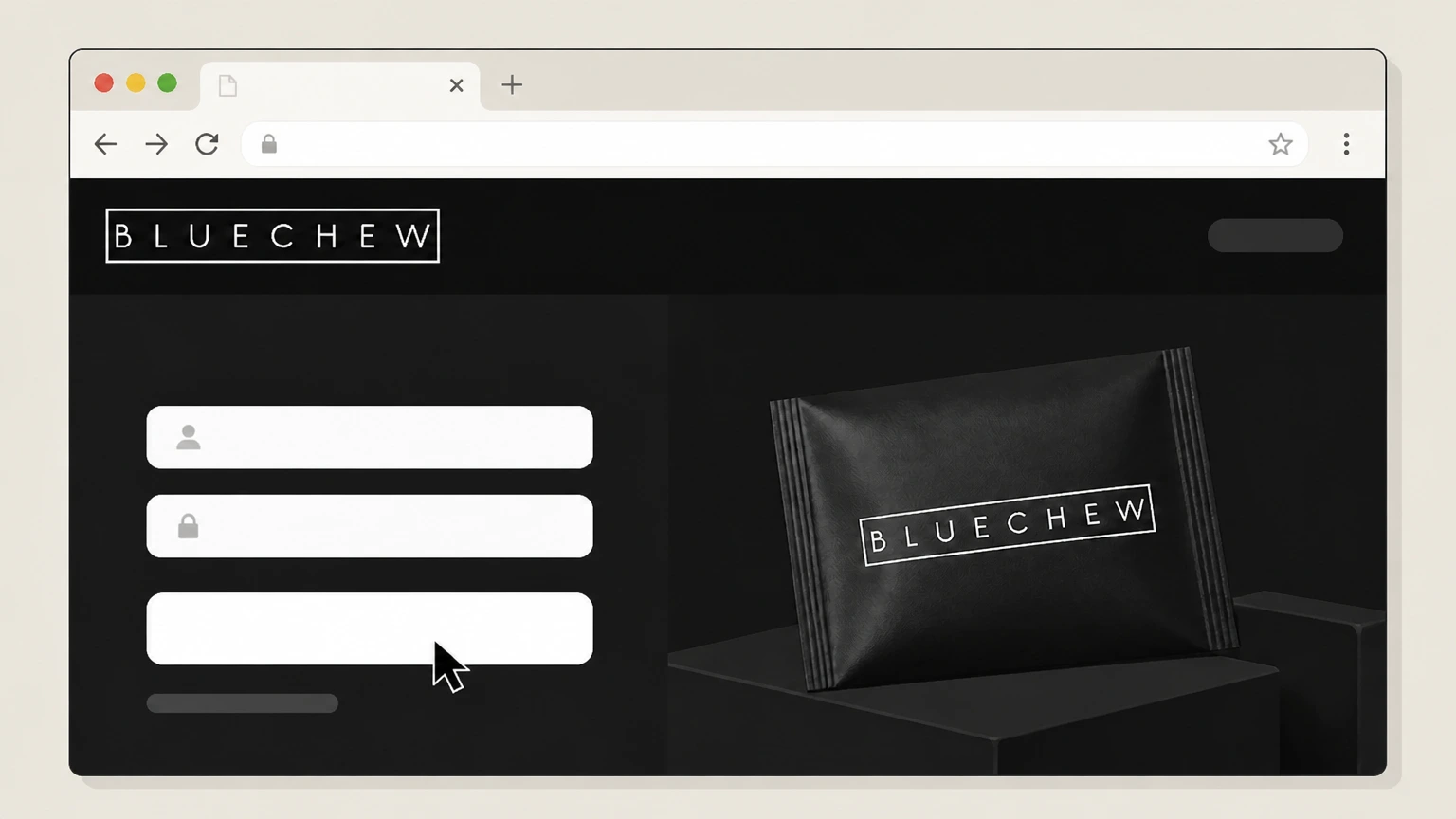
3Sign in to your account
Enter the email and password for your BlueChew account and submit the form to sign in. Use the BlueChew account named on your receipt, and continue only after the next status in this cancellation path is visible.
 4
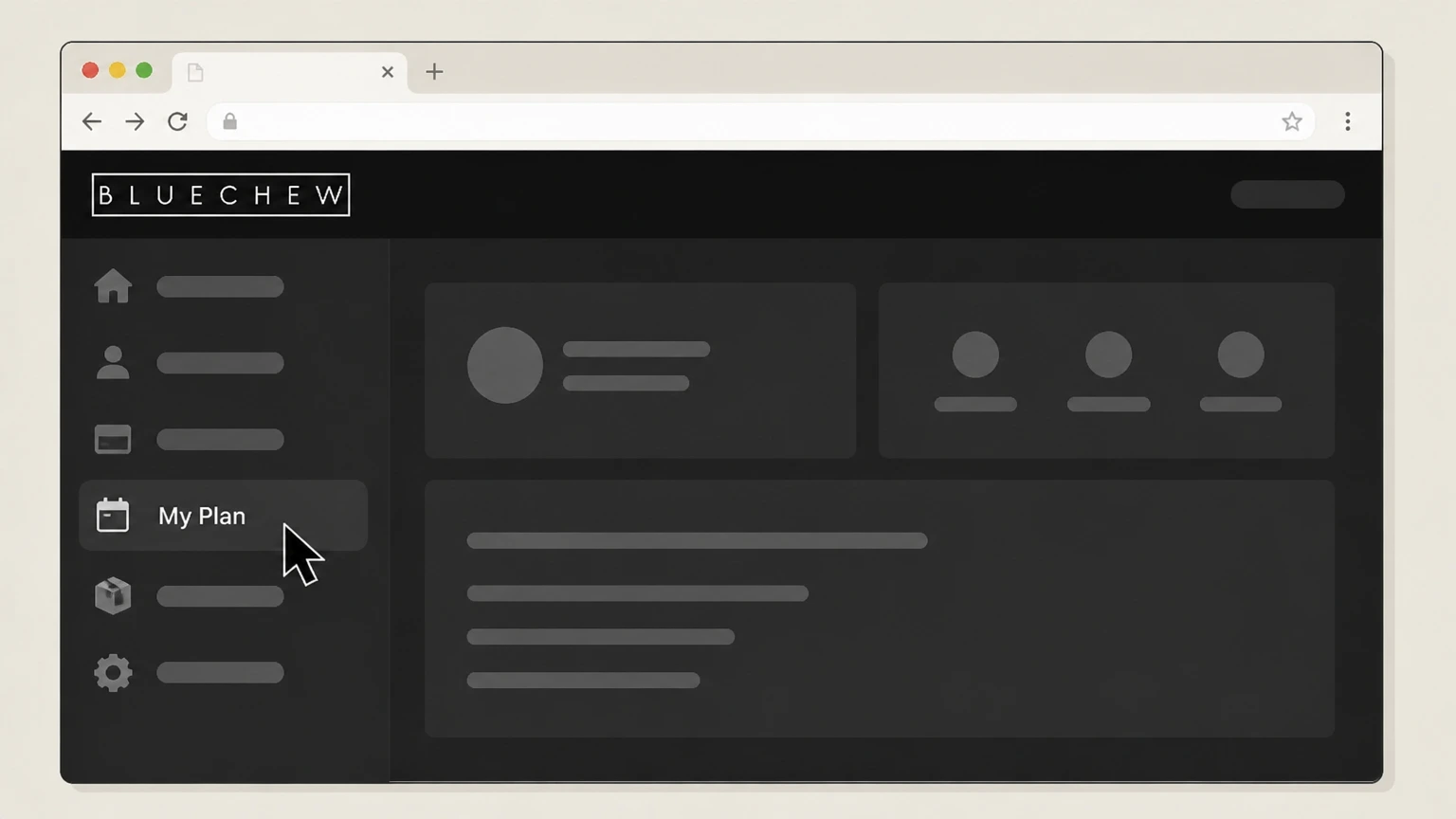
4Go to the My Plan tab
In your account dashboard, open the "My Plan" tab that shows your active subscription details. Use the BlueChew account named on your receipt, and continue only after the next status in this cancellation path is visible.
 5
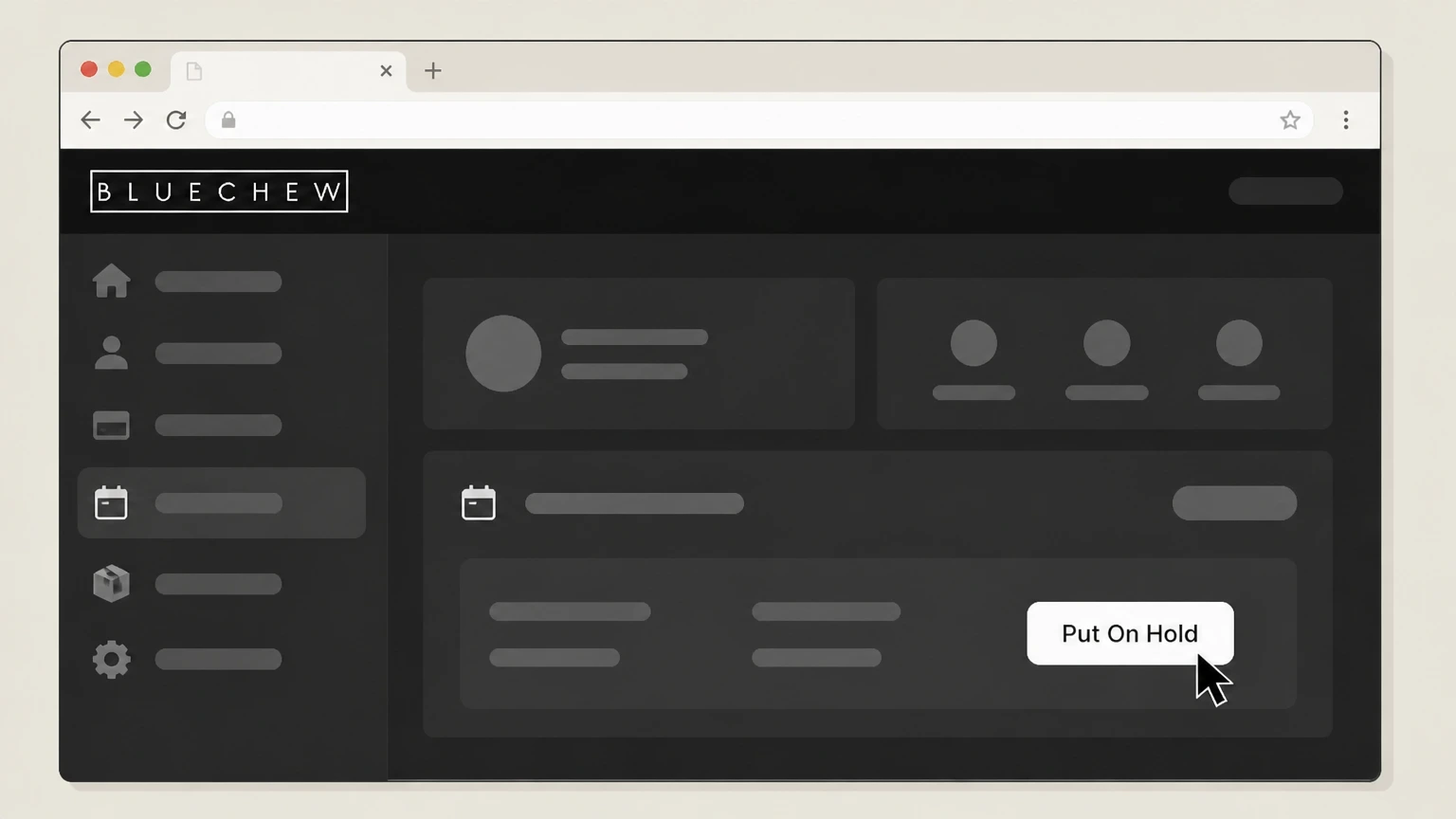
5Click Put On Hold
In the Status section of your active subscription, click the "Put On Hold" button. Use the BlueChew account named on your receipt, and continue only after the next status in this cancellation path is visible.
 6
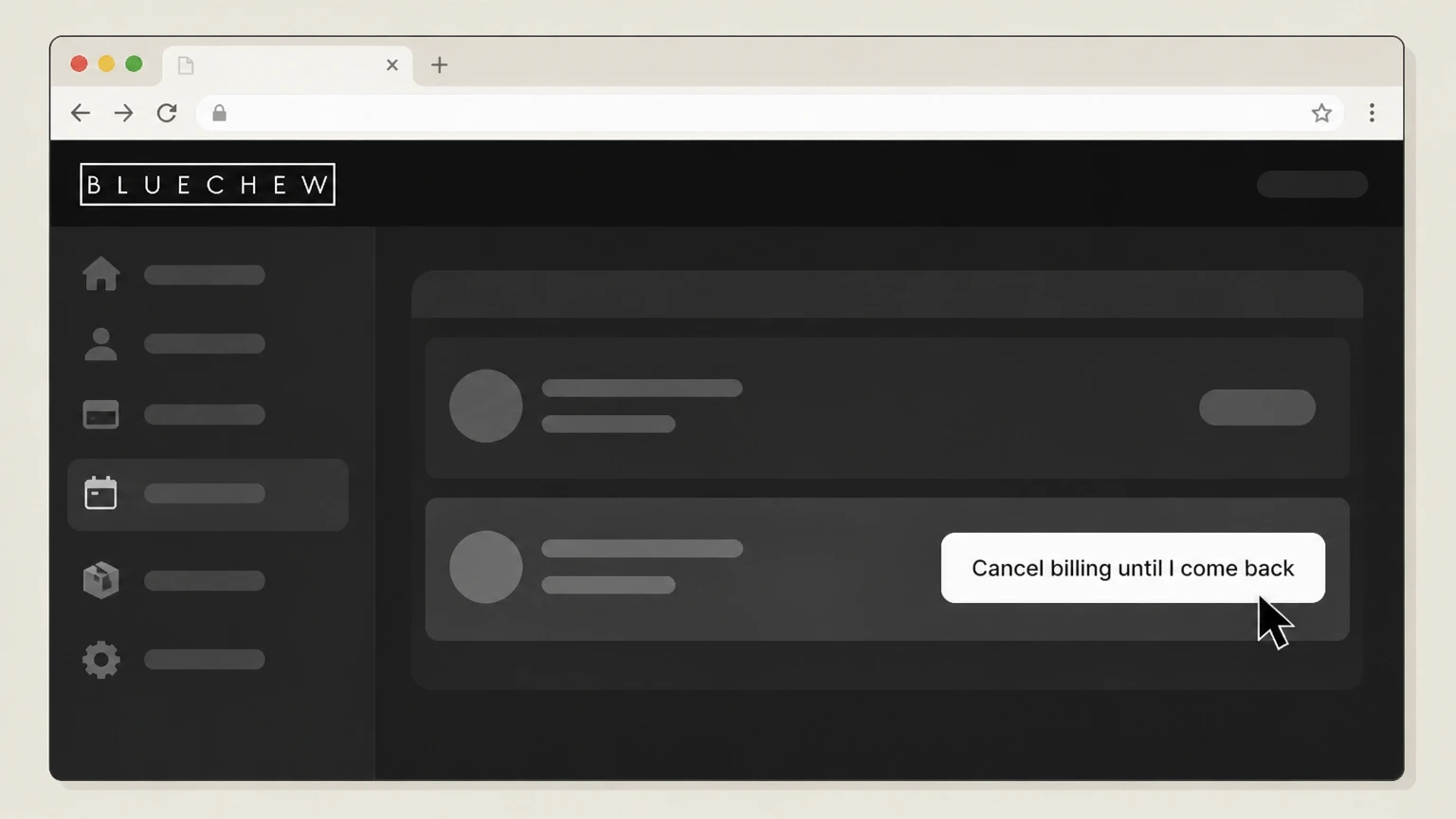
6Select Cancel billing until I come back
When the Put On Hold options appear, choose "Cancel billing until I come back" to stop ongoing billing indefinitely. Use the BlueChew account named on your receipt, and continue only after the next status in this cancellation path is visible.

Email BlueChew support · verify the billing owner
 1
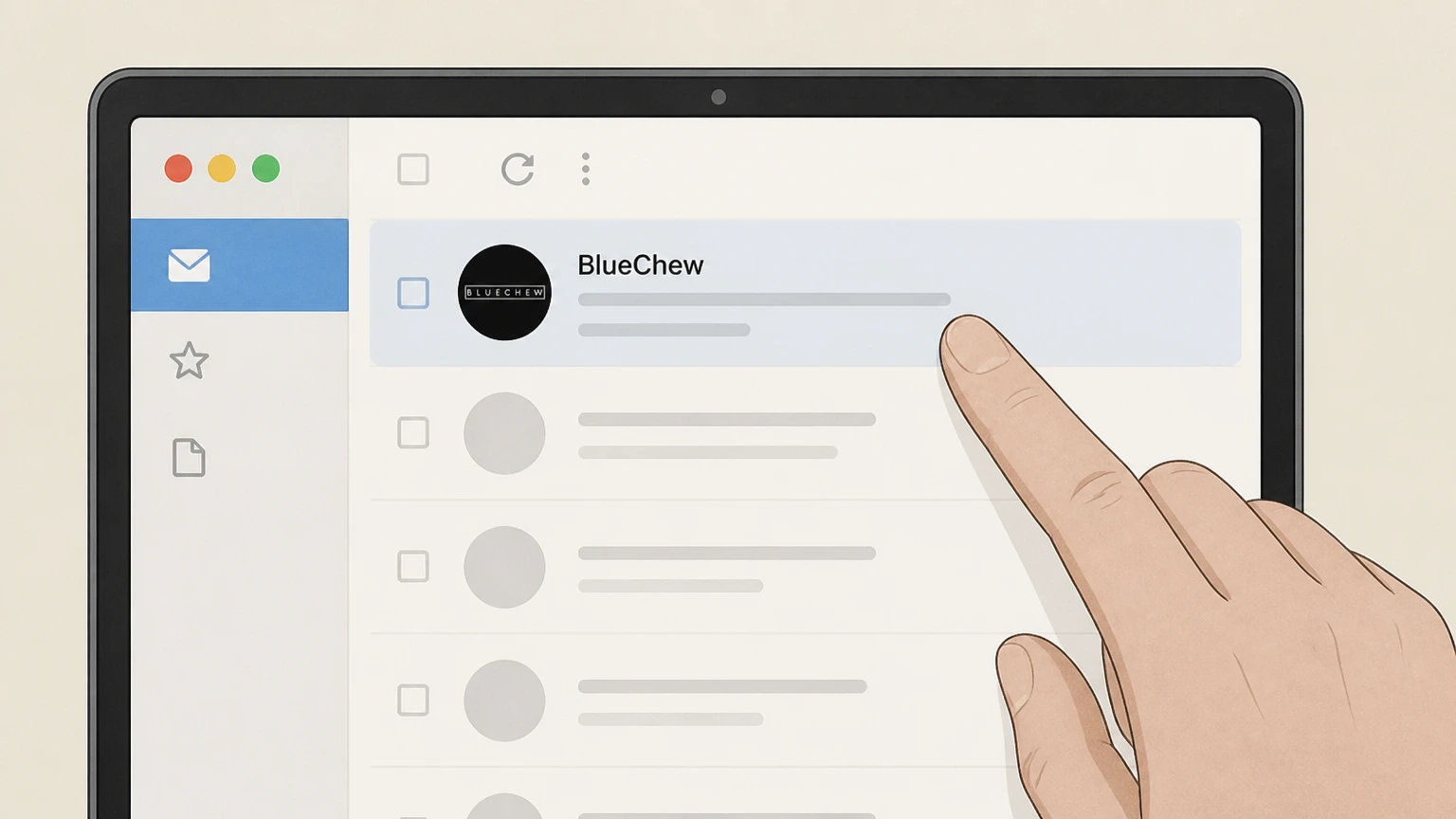
1Open your email service
Open the email app or webmail account that uses the same email address as your BlueChew subscription. Use the BlueChew account named on your receipt, and continue only after the next status in this cancellation path is visible.
 2
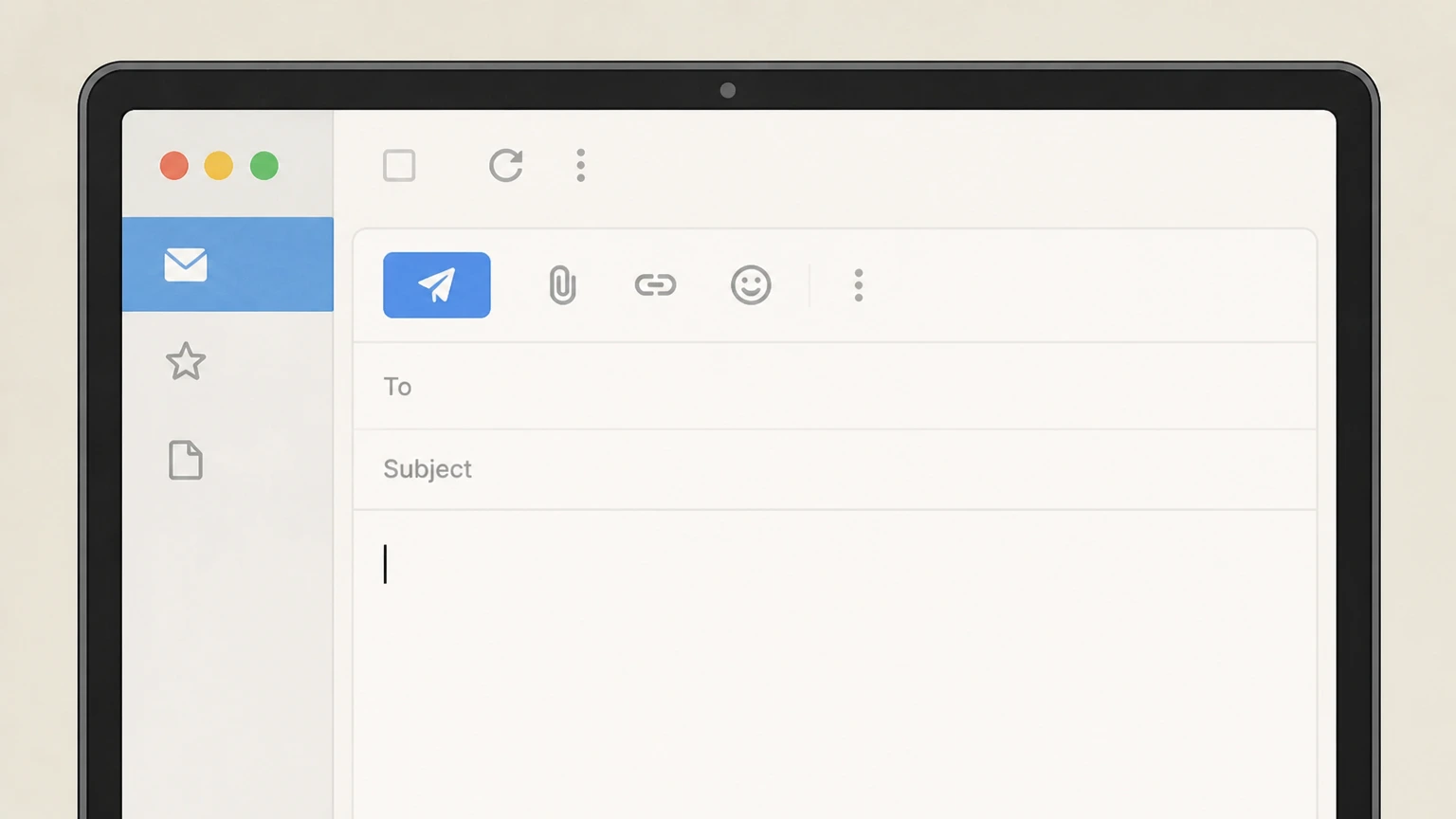
2Start a new email message
Create a new email message in your email client. Use the BlueChew account named on your receipt, and continue only after the next status in this cancellation path is visible.
- Let Pine handle it
Pine can help
Too many steps?
Pine can find the right Email BlueChew support path and handle the cancellation for you.
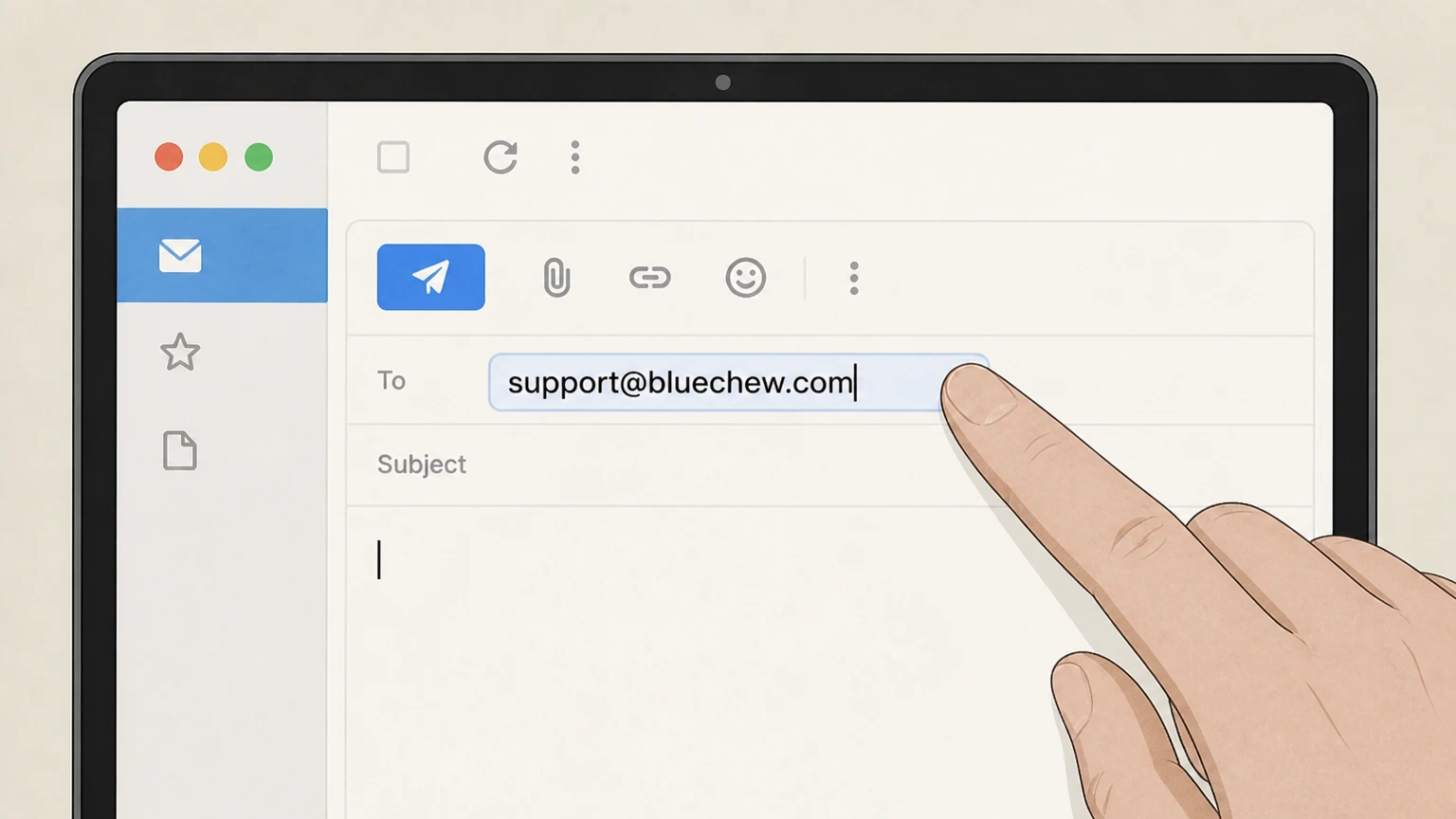 3
3Address the email to support
Enter support@bluechew.com in the "To" field of the message. Use the BlueChew account named on your receipt, and continue only after the next status in this cancellation path is visible.
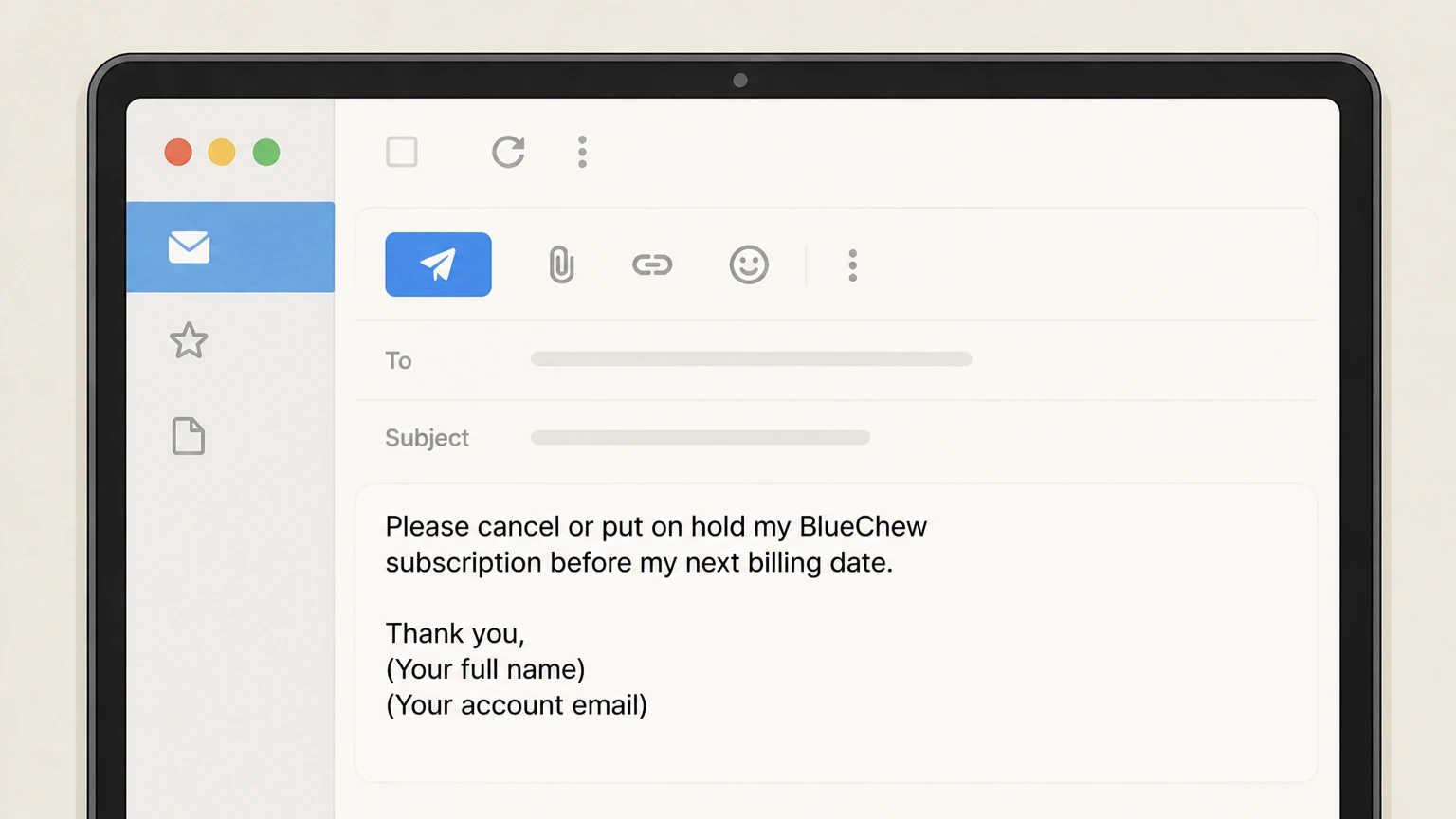 4
4State your cancellation request
In the message body, clearly request that BlueChew cancel or put on hold your subscription before the next billing date and include your full name and account email.
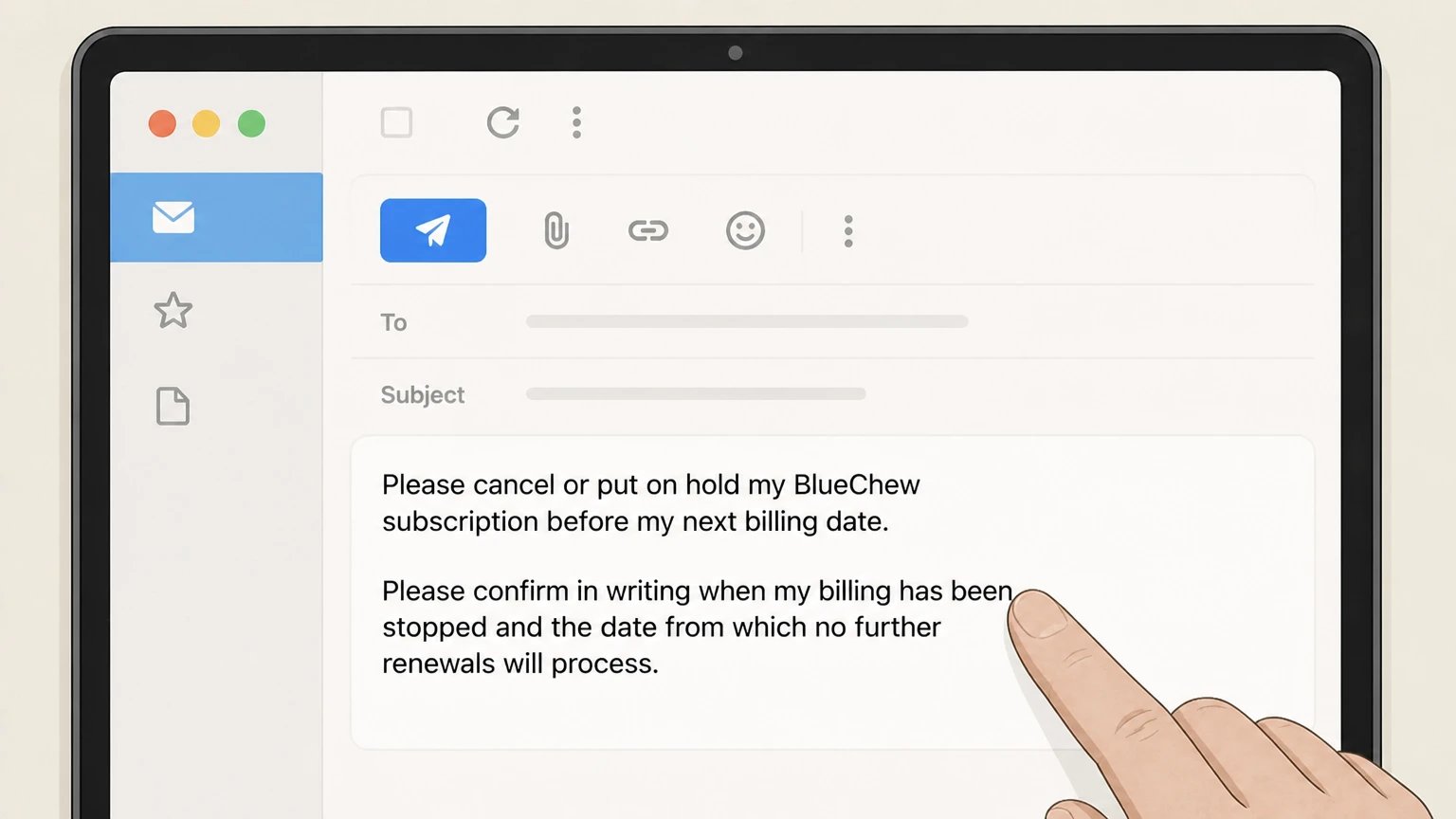 5
5Ask for written confirmation
Add a sentence asking BlueChew to confirm in writing when billing has been stopped and the date from which no further renewals will process.
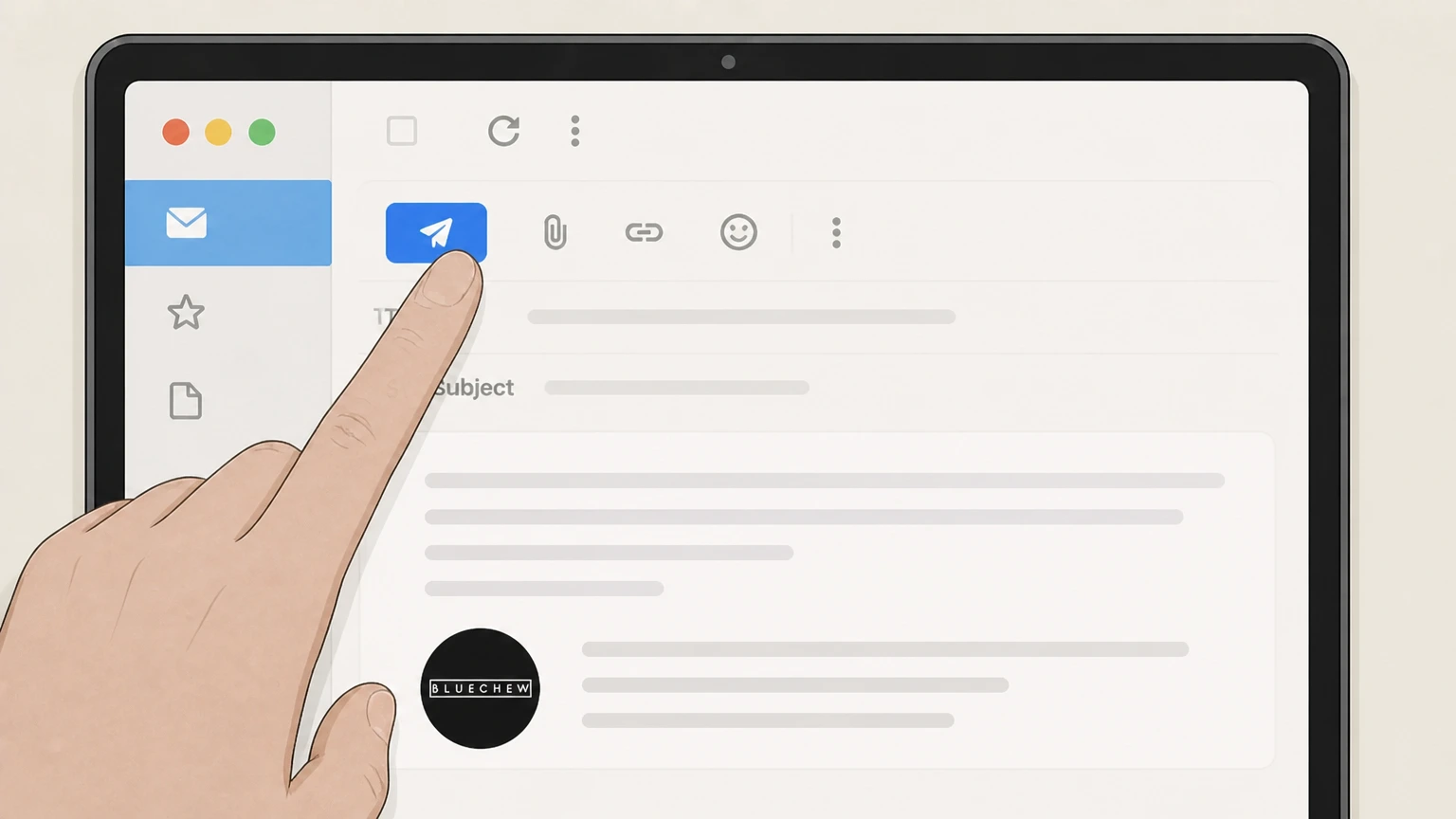 6
6Send and keep records
Send the email and keep both your sent message and BlueChew’s reply as proof of your cancellation request. Use the BlueChew account named on your receipt, and continue only after the next status in this cancellation path is visible.
Refund policy
BlueChew refunds, returns, and how they relate to cancellation
BlueChew’s policies focus on preventing future charges by canceling or putting your plan on hold before the cutoff; returns and refunds for already dispensed medication are highly limited.
Check my refund options- Prescription treatments are not returnable
- The Returns & Refunds policy states that BlueChew cannot accept returns for prescription treatments. If you are dissatisfied, you are encouraged to contact support via email or chat so they can address your concerns.bluechew.com
- Subscription fees are generally non‑refundable
- BlueChew’s Terms explain that, due to the nature of the products and services, applicable fees and other charges are not refundable in whole or in part unless a specific return or refund policy provided on the services says otherwise.bluechew.com
- Cancel to avoid, not undo, future renewals
- Both the Terms and FAQ emphasize using the Put On Hold control or contacting support before the next billing date to avoid the next charge; they do not promise refunds for charges that have already processed.bluechew.com
- 24‑hour vs. 48‑hour language
- The refund page recommends submitting cancellation at least 24 hours before your renewal date, while the Terms require at least 48 hours before the next billing date to prevent automatic renewal, so planning around 48 hours is safest.bluechew.com
- Orders already in process may still ship
- The Account FAQ notes that subscription changes will not affect orders currently in process, meaning a refill that has already moved into fulfillment may still be delivered even after you cancel or switch plans.bluechew.com
If you believe you were wrongly charged after canceling or have a special situation (such as a serious side effect), contact BlueChew support directly to discuss your options; their policies allow support to review individual concerns even when formal refunds are limited. View BlueChew’s Returns & Refunds policy
Subscription billing
How BlueChew subscription billing and renewals work
Understanding how BlueChew bills you helps you time your cancellation so the next automatic renewal does not go through.
Automatic monthly renewals
BlueChew bills you monthly on the "next billing date" identified in your shipping confirmation email and then approximately every 30 days, until you cancel your subscription.bluechew.com
What your receipts include
Each time you are billed, BlueChew emails a transaction receipt that includes the next billing date and any rate or material-term changes to your recurring payment plan.bluechew.com
Where you can manage billing
BlueChew’s terms state you may modify, pause, or cancel your subscription at any time using the "put on hold" button in your account or by emailing customer support.bluechew.com
Only sold via BlueChew’s website
An official explainer article states that BlueChew treatments are exclusively available through its own website and not through pharmacies, retail stores, or third‑party websites, reinforcing that billing is controlled on bluechew.com.bluechew.com
Primary route
Cancel or pause via My Plan > Put On Hold
BlueChew’s FAQ makes the My Plan > Put On Hold control the primary self-service way to cancel or pause your subscription.
Location of the control
From your account dashboard, BlueChew instructs you to open the "My Plan" tab and select the "Put On Hold" button in the Status section of your subscription.bluechew.com
Two options under Put On Hold
When you click Put On Hold, you can choose "Just skip my next order" to skip a single upcoming shipment or "Cancel billing until I come back" to cancel the plan indefinitely.bluechew.com
Effect on upcoming charges
The Account FAQ reassures users that with either Put On Hold option, you "won't be charged for any upcoming orders," as long as the change is processed in time.bluechew.com
When to prefer indefinite cancellation
If you want to stop renewals until you actively return, the "Cancel billing until I come back" choice aligns best with long‑term cancellation while keeping the ability to resume later from your account.bluechew.com
If you can’t log in
Use BlueChew support as a backup cancellation route
If you cannot use the online Put On Hold control, BlueChew repeatedly directs customers to contact support via email or website chat.
Email support for subscription changes
Both the Terms and the Returns & Refunds policy say you may cancel your subscription by contacting customer support at support@bluechew.com, in addition to using Put On Hold in your account.bluechew.com
Website chat as an assistance channel
BlueChew’s refund policy and general FAQ state you can reach the support team via chat on the website if you have questions or are dissatisfied with treatment, which can include discussing returns, refunds, or billing status.bluechew.com
What to include in your request
To help support find your account, BlueChew’s privacy materials suggest providing your full name, email address, and details of the request when you contact support, which is consistent with how they process other account-related requests.bluechew.com
Account termination vs. subscription hold
The Terms clarify that you may terminate your account altogether by emailing support, which is a separate action from using Put On Hold to stop subscription billing but keep the account and medical history available.bluechew.com
Deadlines
BlueChew timing rules to avoid your next renewal
BlueChew publishes two timing statements; using the stricter one gives you the best chance of avoiding another charge.
48‑hour rule in the Terms
The Terms say you must modify, pause, or cancel your subscription at least 48 hours before the next billing date shown in your account and monthly receipt to avoid automatic renewal and the associated subscription and shipping fees.bluechew.com
24‑hour rule in the refund policy
The Returns & Refunds policy states you may cancel anytime through your account or support, but to avoid your next charge you should submit your request at least 24 hours before your renewal date.bluechew.com
48‑hour guidance for plan changes
The Account FAQ advises making any subscription changes, such as switching plans, at least 48 hours before your next renewal so the medical provider has time to review and changes can take effect.bluechew.com
Orders currently in process
BlueChew explicitly notes that changes to your subscription do not affect orders that are already "currently in process," so even timely cancellation may not stop a shipment that has already moved into fulfillment.bluechew.com
Practical recommendation
Because the binding Terms use a 48‑hour cutoff, while the refund page mentions 24 hours, acting at least 48 hours before the next billing date shown in your account and receipt is the most conservative approach.bluechew.com
After you cancel
What cancellation changes—and what it does not change
Putting your plan on hold or canceling via support mainly affects future billing and shipments; it does not automatically refund past charges or return shipped prescriptions.
Future renewals and charges
BlueChew’s Account FAQ says that using Put On Hold—either skipping the next order or canceling billing until you return—means you will not be charged for upcoming orders, if changes are made before the cutoff.bluechew.com
Past charges and refunds
The Terms state that, except where a specific return or refund policy applies, applicable fees and other charges are not refundable, so canceling is generally forward‑looking rather than a way to undo previous bills.bluechew.com
Returns of prescription treatments
The Returns & Refunds policy explains that BlueChew cannot accept returns for prescription treatments, which means cancellation will not create a right to send back dispensed medication for a refund.bluechew.com
Orders already in process
BlueChew notes that subscription changes do not affect orders currently in process, so a refill that has already advanced to fulfillment may still ship even if you put the plan on hold.bluechew.com
Account and data remain unless separately deleted
Privacy materials describe separate processes for accessing or deleting your personal information by contacting support; canceling billing does not itself state that it deletes your BlueChew account or medical records.bluechew.com
Alternatives
Switch plans or pharmacies instead of canceling
If your reason for canceling is clinical or related to how a specific medication works, BlueChew offers ways to adjust care without ending the subscription entirely.
Switching subscription plans
BlueChew’s Account FAQ explains that you can change to a different medication or dose by logging in, opening My Plan, and selecting "Switch Plan" under plan details, subject to review by a medical provider.bluechew.com
Timing for plan switches
Because each order or change must be reviewed by a provider, BlueChew recommends making changes at least 48 hours before the next subscription renewal so they can take effect in time.bluechew.com
Consulting the medical team
General FAQs advise contacting the BlueChew medical team via support@bluechew.com or website chat if a medication does not work well for you or you need help choosing another option.bluechew.com
Using a different compounding pharmacy
BlueChew notes that you may use another compounding pharmacy if you prefer and provides a dedicated email (medical@bluechew.com) to request a digital prescription for your chosen pharmacy.bluechew.com
Where service applies
Eligibility limits and what BlueChew does (and doesn’t) do
Understanding BlueChew’s scope helps set expectations for what cancellation can and cannot address.
Telehealth platform, not a medical practice
BlueChew’s Terms describe it as a technology platform that connects users with independent healthcare providers; BlueChew itself does not practice medicine or operate as a pharmacy.bluechew.com
Partner pharmacies ship medication
Customized prescription medications are dispensed and shipped by partner pharmacies such as Meds Health LLC, National Treatment Delivery & Care LLC, and Curexa Pharmacy LLC, or another compounding pharmacy you choose.bluechew.com
State eligibility limits
The Terms note that, as of the latest update, residents of North Dakota are not eligible to use BlueChew’s services because of state telemedicine and dispensing rules.bluechew.com
Emergency and urgent issues
Telemedicine consent and safety information emphasize that BlueChew does not provide emergency medical services; in a medical emergency you should call 911 or seek immediate in‑person care rather than contacting BlueChew.bluechew.com
What official sources do not confirm
Limits of the public BlueChew cancellation guidance
These points are intentionally qualified because the official sources reviewed on August 16, 2026 do not publish a complete answer.
Documented limitation 1
BlueChew’s policies reference 24‑hour and 48‑hour pre‑billing deadlines but do not specify a time zone for those cutoffs, so this guide recommends acting at least 48 hours ahead without stating an exact clock time.
Documented limitation 2
BlueChew does not publish a dedicated phone-based cancellation process; this guide intentionally omits telephone cancellation even though partner pharmacy phone numbers exist for medication-specific questions.
Documented limitation 3
Regulatory status is inferred from the absence of public enforcement actions on major US consumer regulators’ sites as of August 16, 2026; it is still possible that non‑public reviews or actions by other agencies exist.
Documented limitation 4
BlueChew does not provide a detailed, step-by-step UI description for every confirmation screen in the Put On Hold flow, so some interface details (such as how confirmation messages appear) are left general rather than precisely specified.
Documented limitation 5
Data-retention periods after cancellation are governed by privacy policies that describe rights of access and deletion but do not give simple fixed timelines; this guide avoids asserting how long BlueChew keeps specific categories of data.
BlueChew cancellation FAQ
Questions people search about canceling BlueChew, answered with official provider or billing-platform sources checked on August 16, 2026.
How do I cancel my BlueChew subscription?
Is BlueChew hard to cancel?
How much notice do I need before canceling BlueChew to avoid the next charge?
Can I get a refund after I cancel my BlueChew subscription?
Does BlueChew list a phone number to cancel my subscription?
How do I cancel BlueChew if I signed up on my iPhone?
How do I contact BlueChew support about cancellation?
Is BlueChew under investigation?
How do I cancel my BlueChew subscription on Reddit?
What happens to my BlueChew orders when I cancel or switch plans?
Untangle this BlueChew issue.
Let Pine handle the provider follow-up and keep the confirmation in one place.
