


Billie
Cancel subscription
How to Cancel Your Billie Razor Refills Subscription
Learn how to cancel your Billie razor subscription step by step. Stop refill shipments from your mybillie.com account and understand how email support can help.
- Official Billie and billing-owner sources
- 2 provider-specific cancellation paths
- Refund and post-cancellation effects separated from renewal
- Verified August 16, 2026
Choose the Billie cancellation path that matches who bills you
Cancel from your Billie account on mybillie.com · verify the billing owner
 1
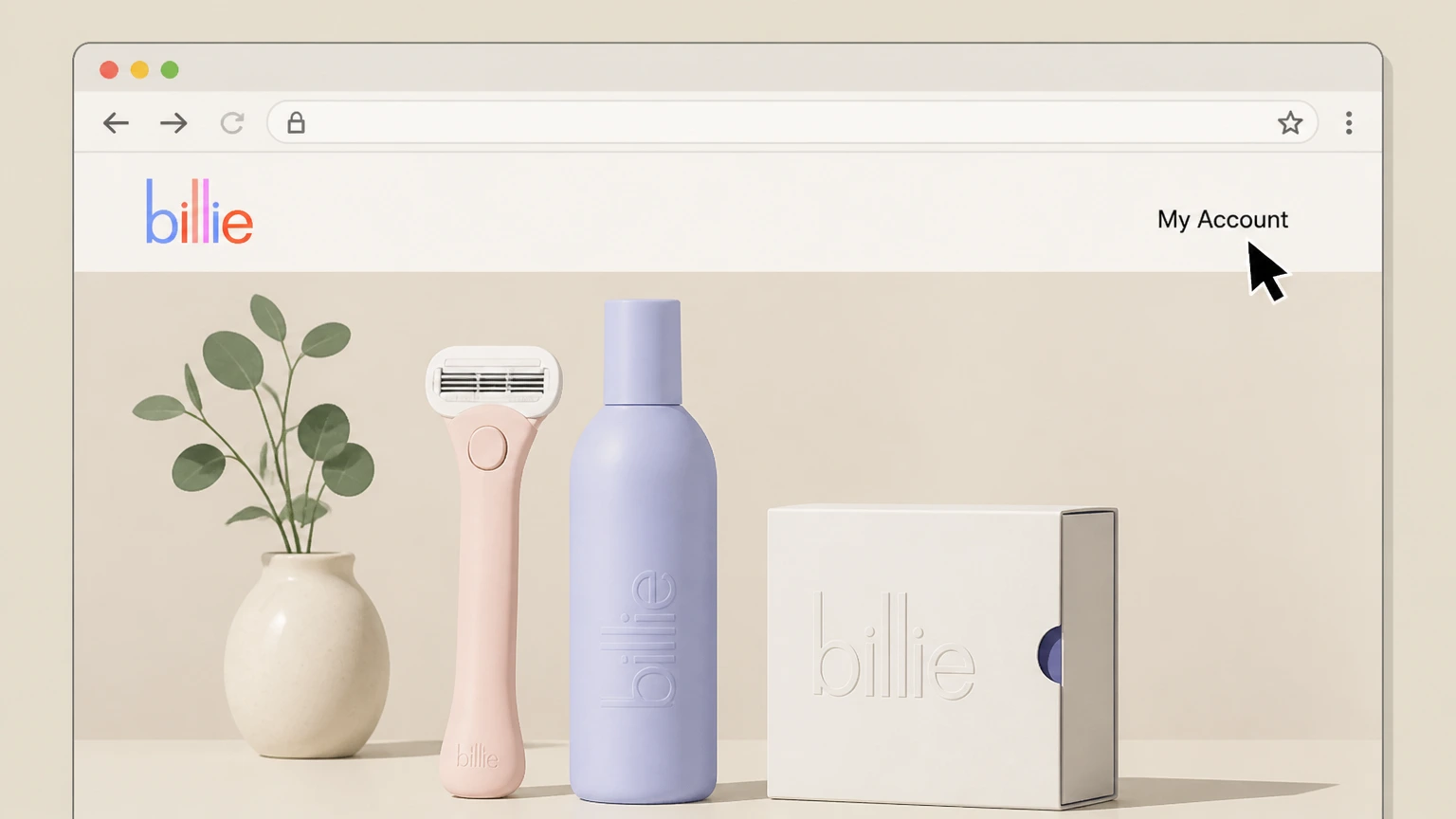
1Open the Billie website
In a web browser, go to mybillie.com and select the My Account link in the top navigation bar. Use the Billie account named on your receipt, and continue only after the next status in this cancellation path is visible.
 2
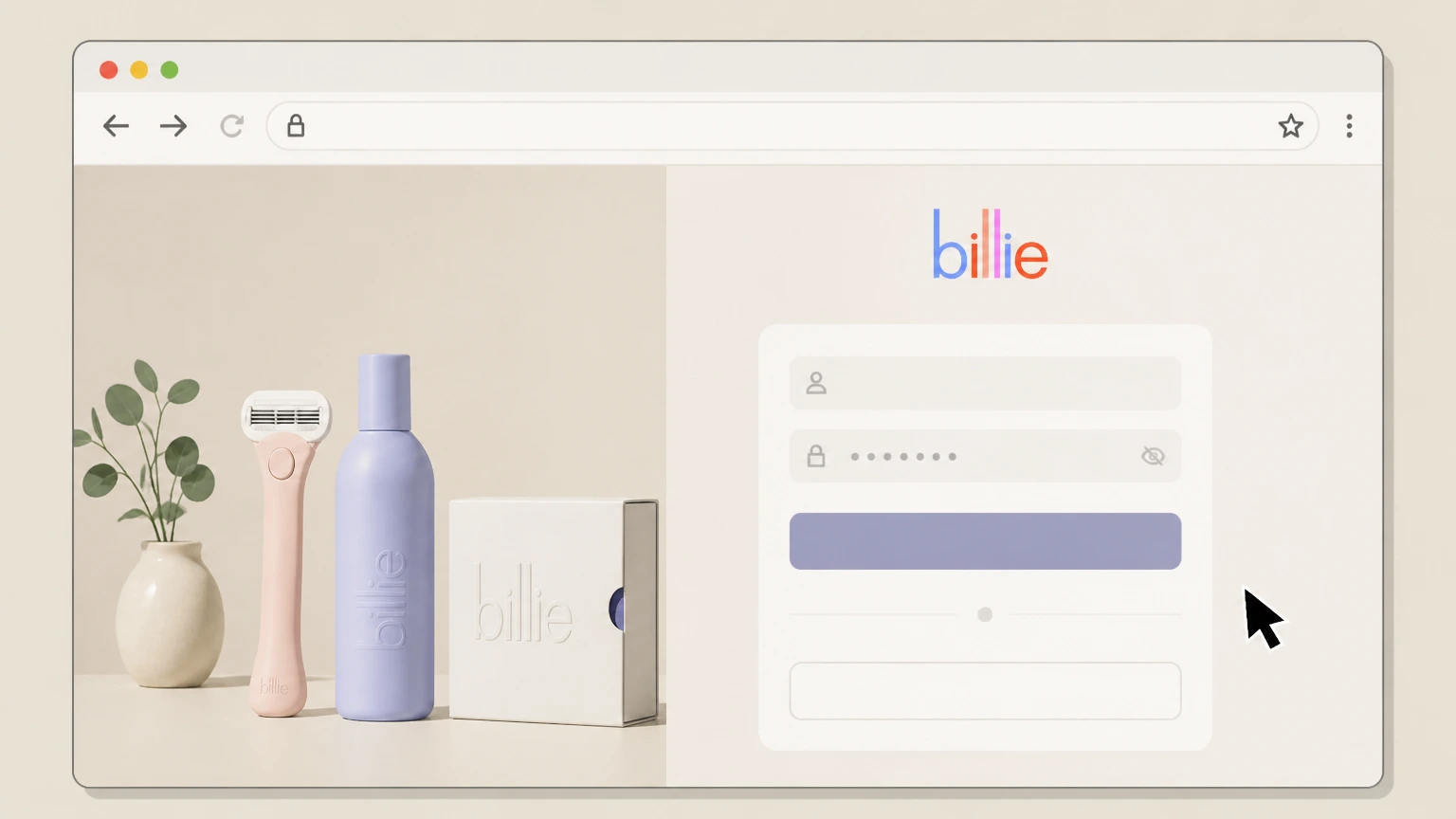
2Sign in to your Billie account
Sign in with the email and password associated with your Billie subscription so you can reach your account dashboard. Use the Billie account named on your receipt, and continue only after the next status in this cancellation path is visible.
- Let Pine handle it
Pine can help
Too many steps?
Pine can find the right Cancel from your Billie account on mybillie.com path and handle the cancellation for you.
 3
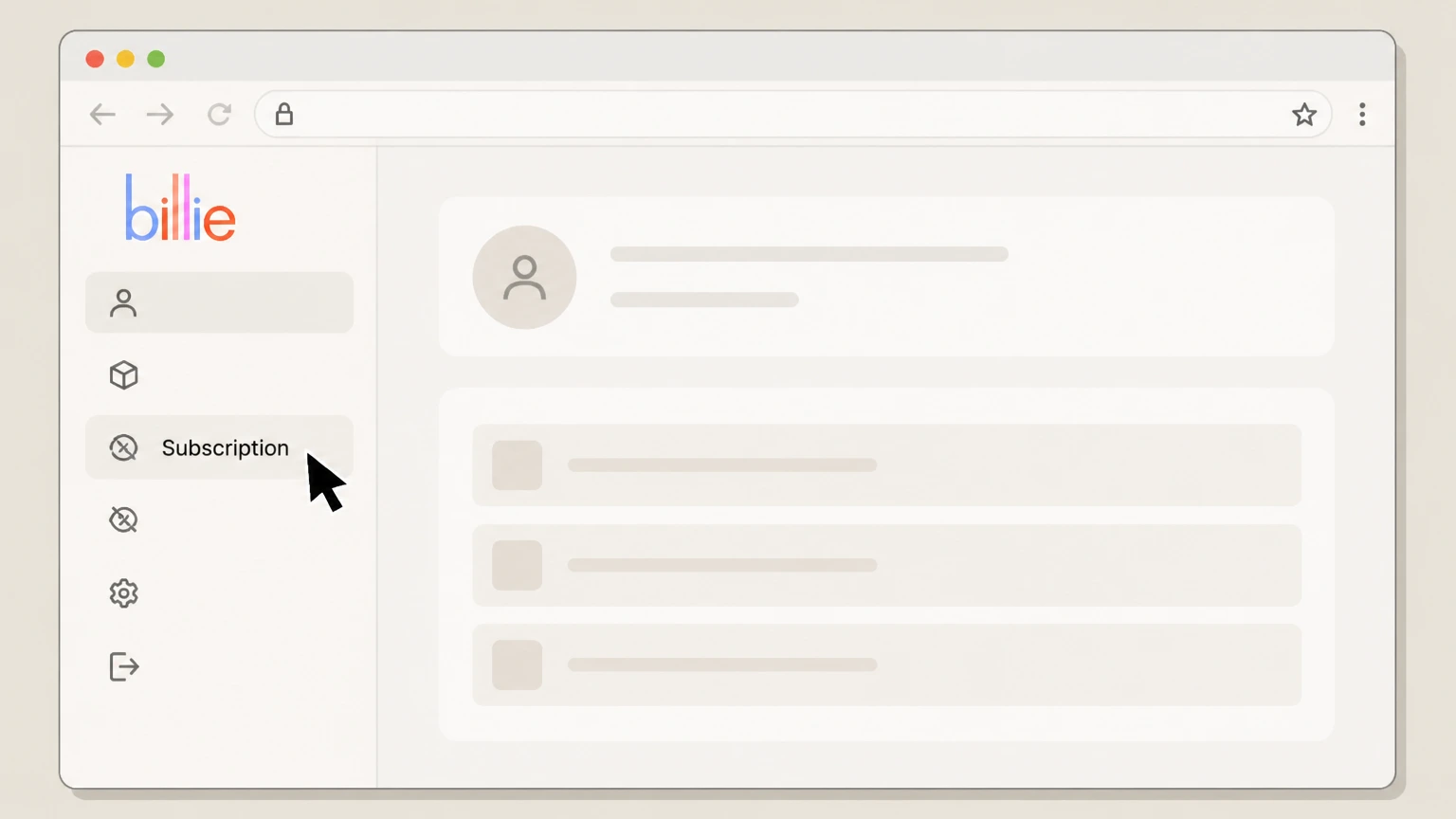
3Open the Subscription tab
From your account dashboard, open the Subscription tab to view all active Billie subscription items and upcoming ship dates. Use the Billie account named on your receipt, and continue only after the next status in this cancellation path is visible.
 4
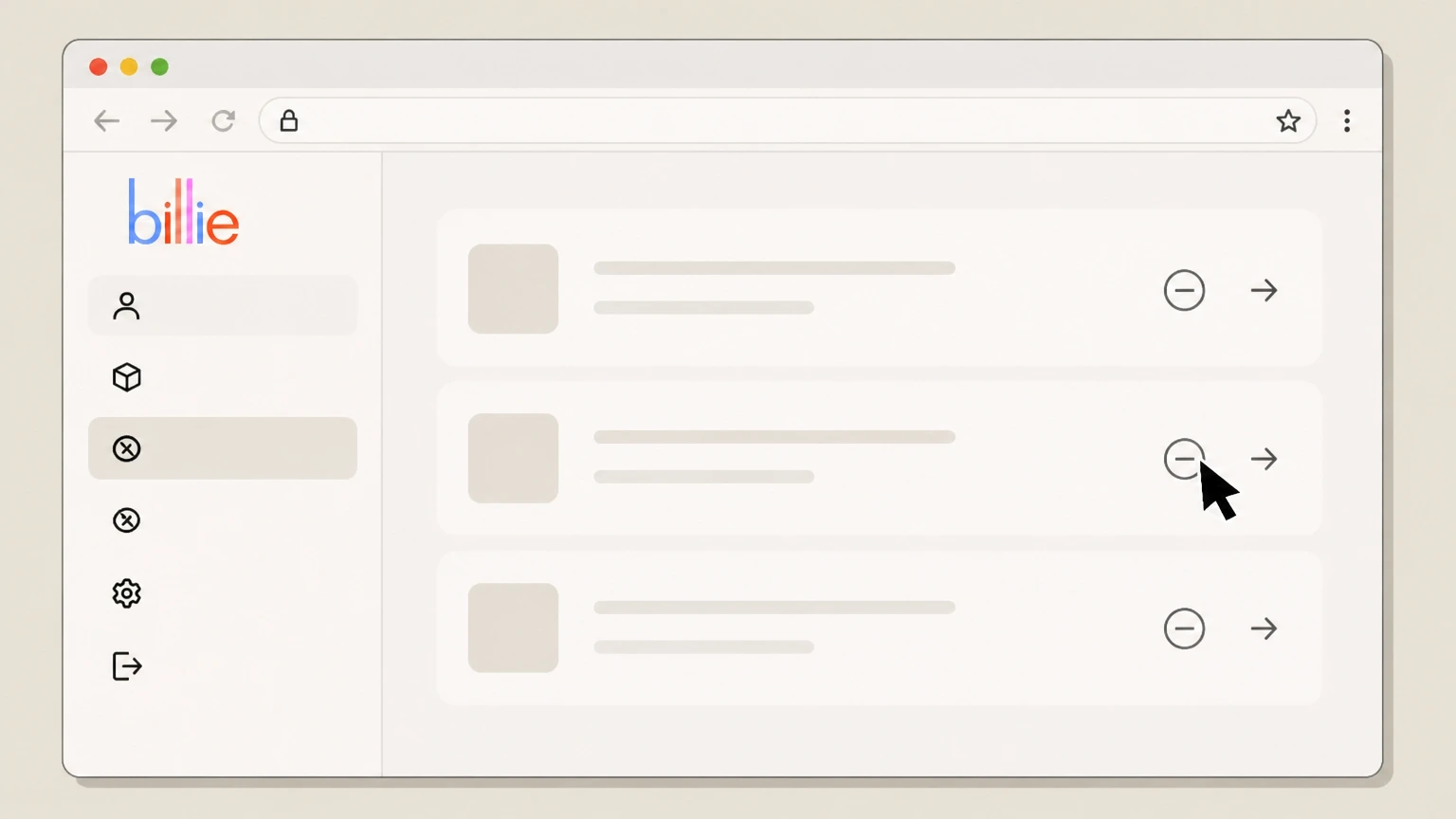
4Select the subscription item to cancel
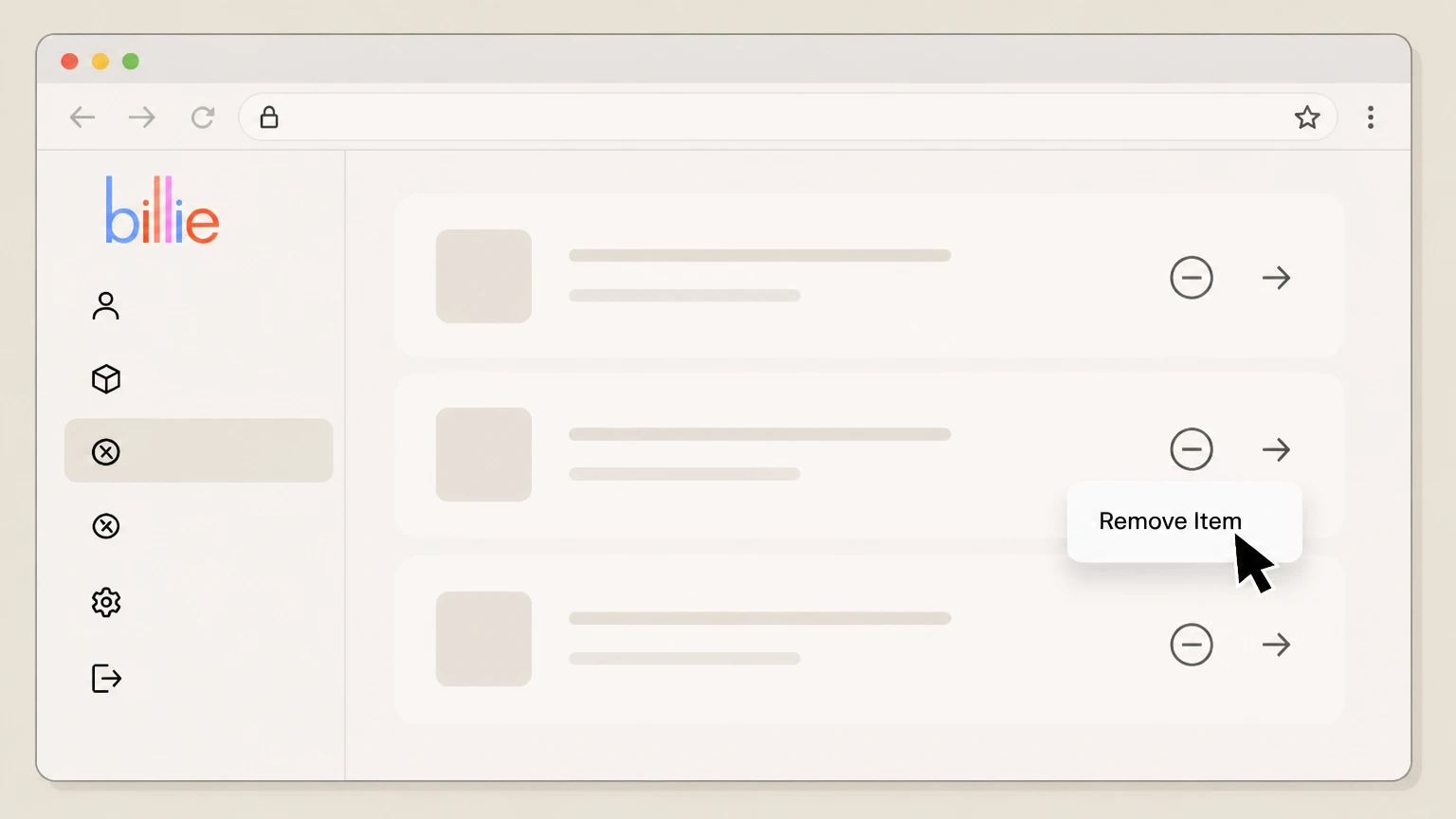
Find the specific subscription item you want to stop and click the minus arrow icon next to that item to begin removal.
 5
5Click Remove Item for the subscription line
When options appear for that line, choose Remove Item so Billie knows you want to remove that recurring item. Use the Billie account named on your receipt, and continue only after the next status in this cancellation path is visible.
 6
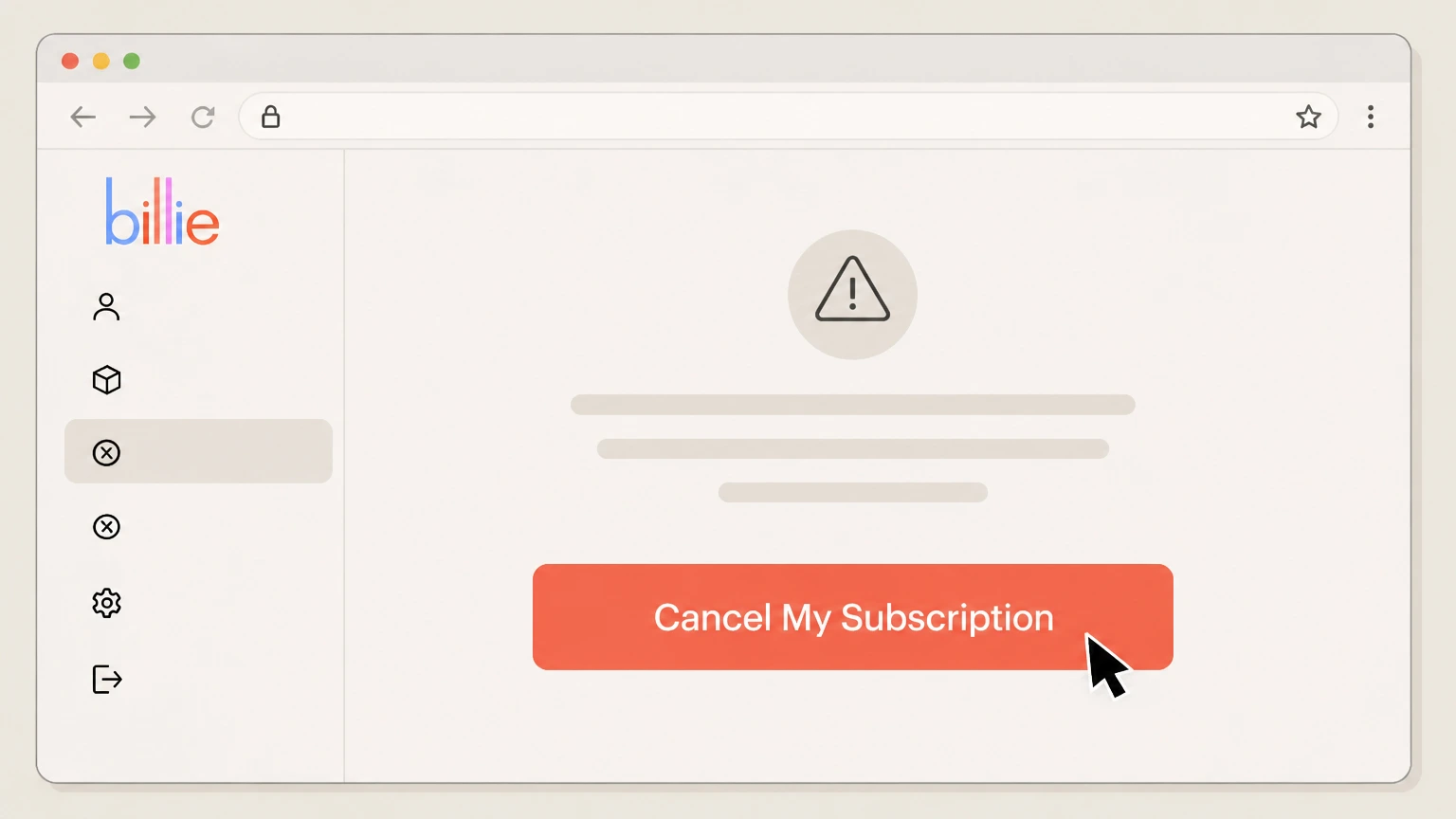
6Confirm by choosing Cancel My Subscription
On the confirmation prompt, select Cancel My Subscription to finalize cancellation for that item; repeat these steps for any other recurring products you no longer want.

Cancel by emailing Billie customer support · verify the billing owner
 1
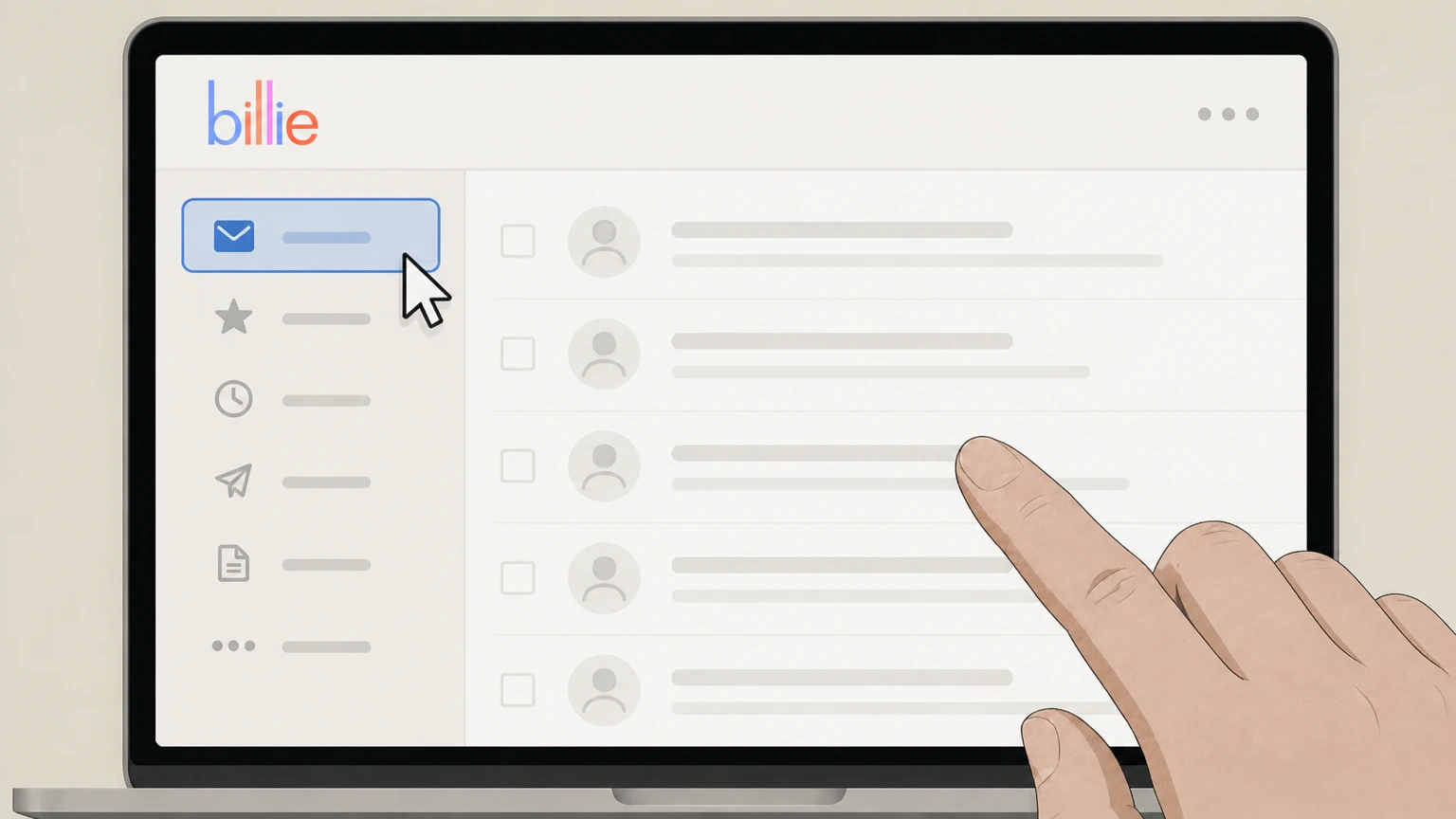
1Open your email client
On your phone or computer, open the email app or service you normally use to send messages. Use the Billie account named on your receipt, and continue only after the next status in this cancellation path is visible.
 2
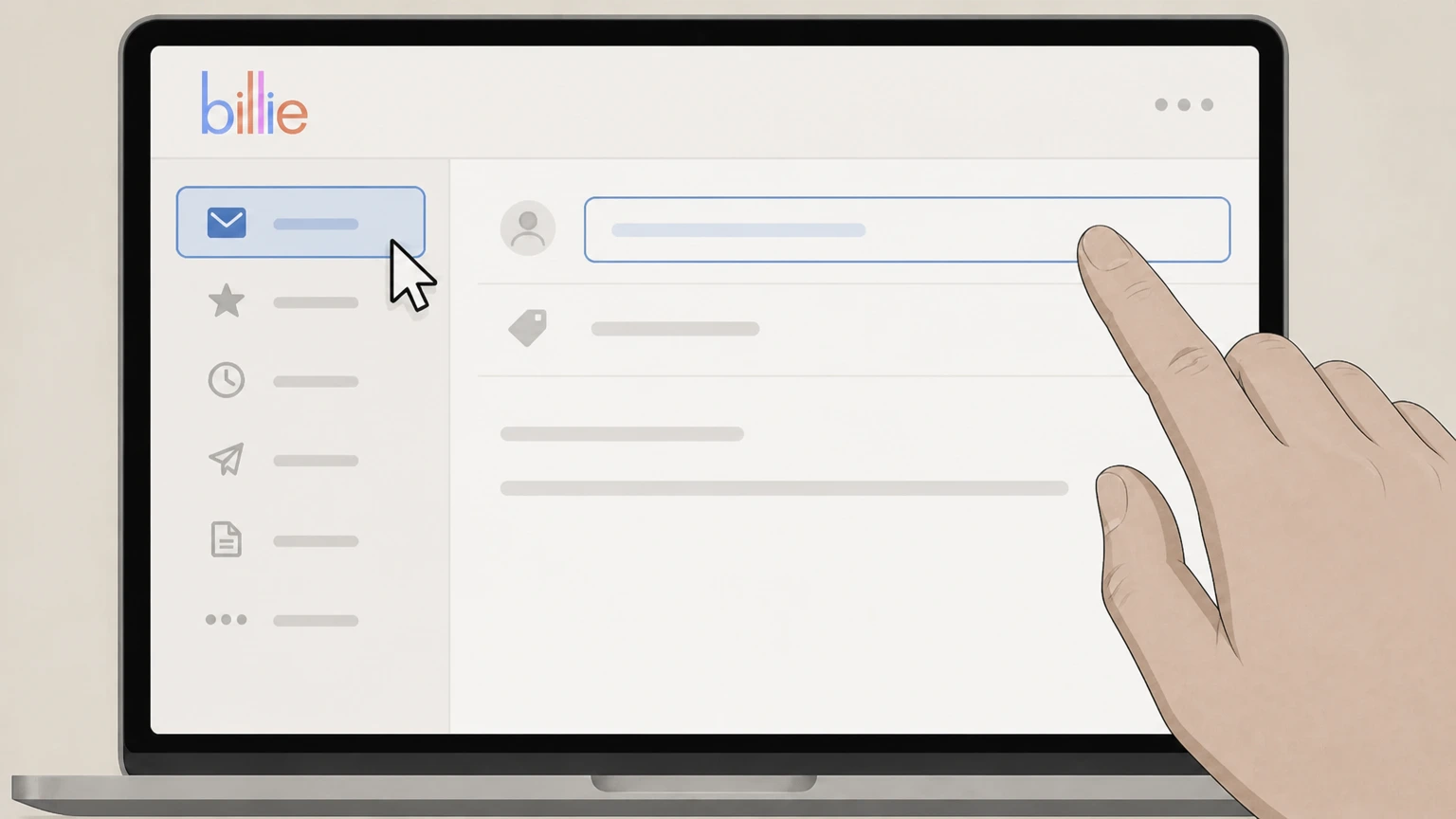
2Compose a new email to Billie support
Start a new message addressed to hello@mybillie.com, the support email listed on Billie's site. Use the Billie account named on your receipt, and continue only after the next status in this cancellation path is visible.
- Let Pine handle it
Pine can help
Too many steps?
Pine can find the right Cancel by emailing Billie customer support path and handle the cancellation for you.
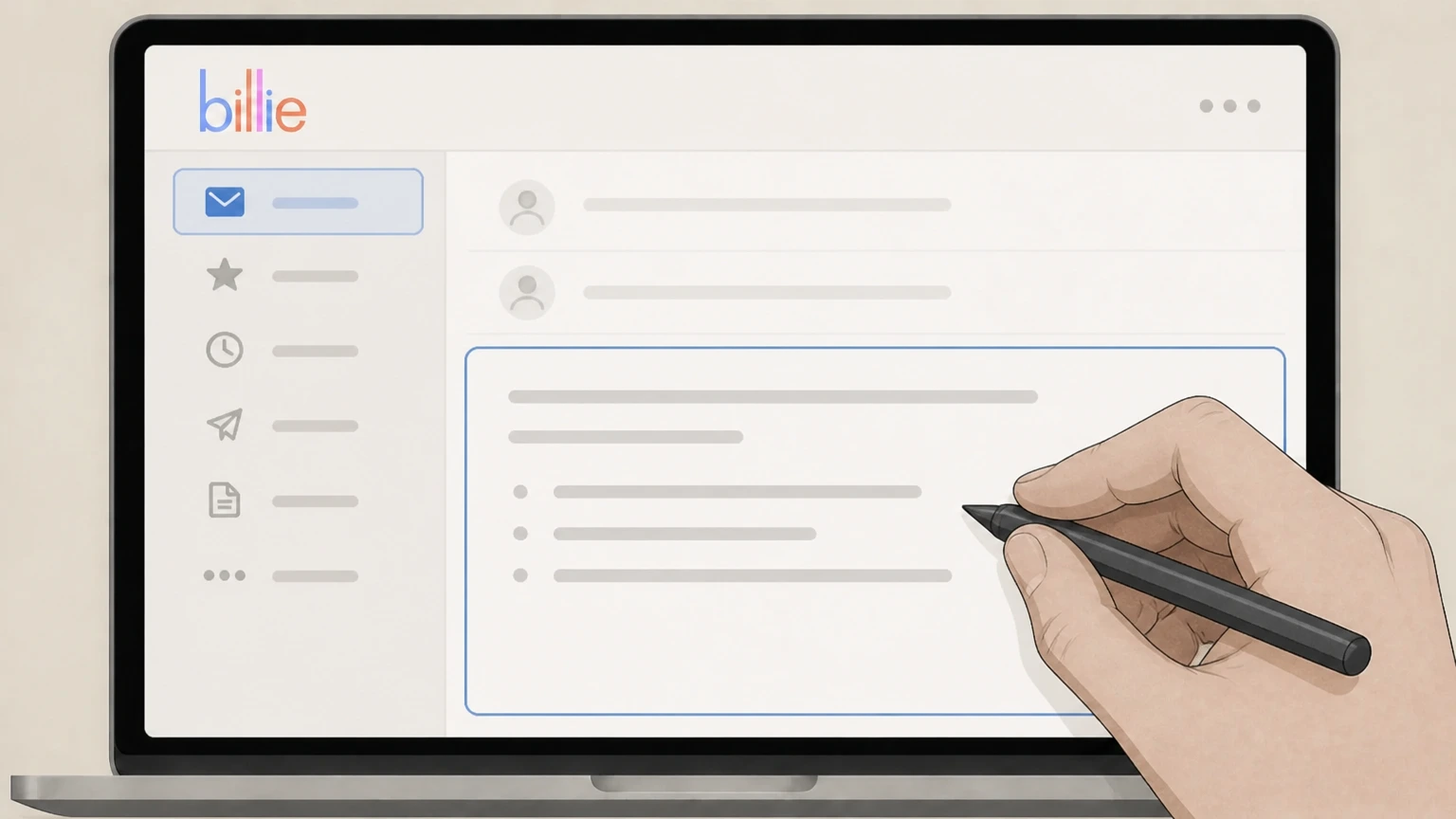 3
3Ask to cancel your Billie subscription items
In the body of the email, clearly state that you want to cancel your Billie subscription and list each subscription item you want stopped.
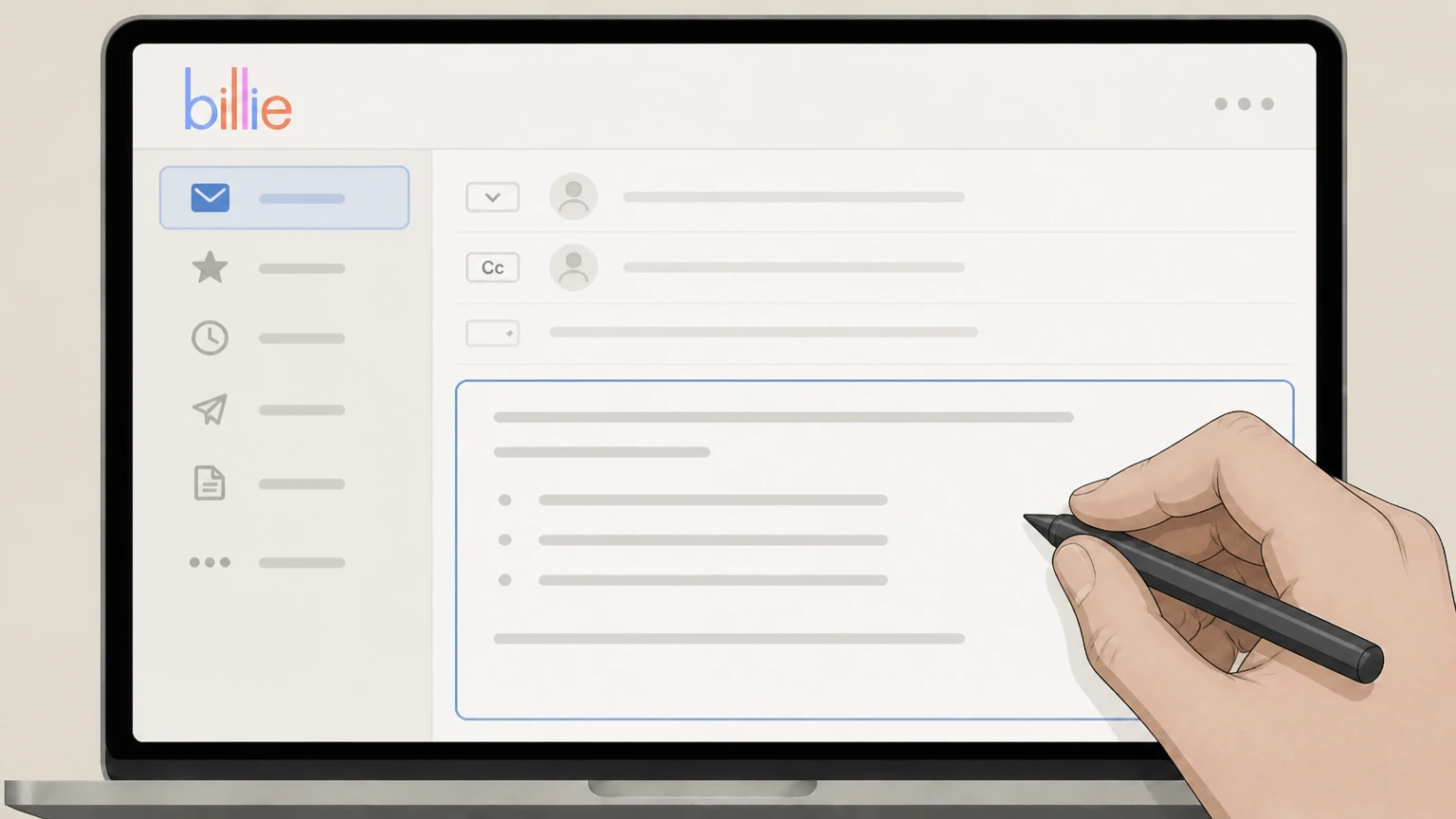 4
4Include identifying account and order details
Add the email on your Billie account and any recent order numbers so support can locate the correct subscription records.
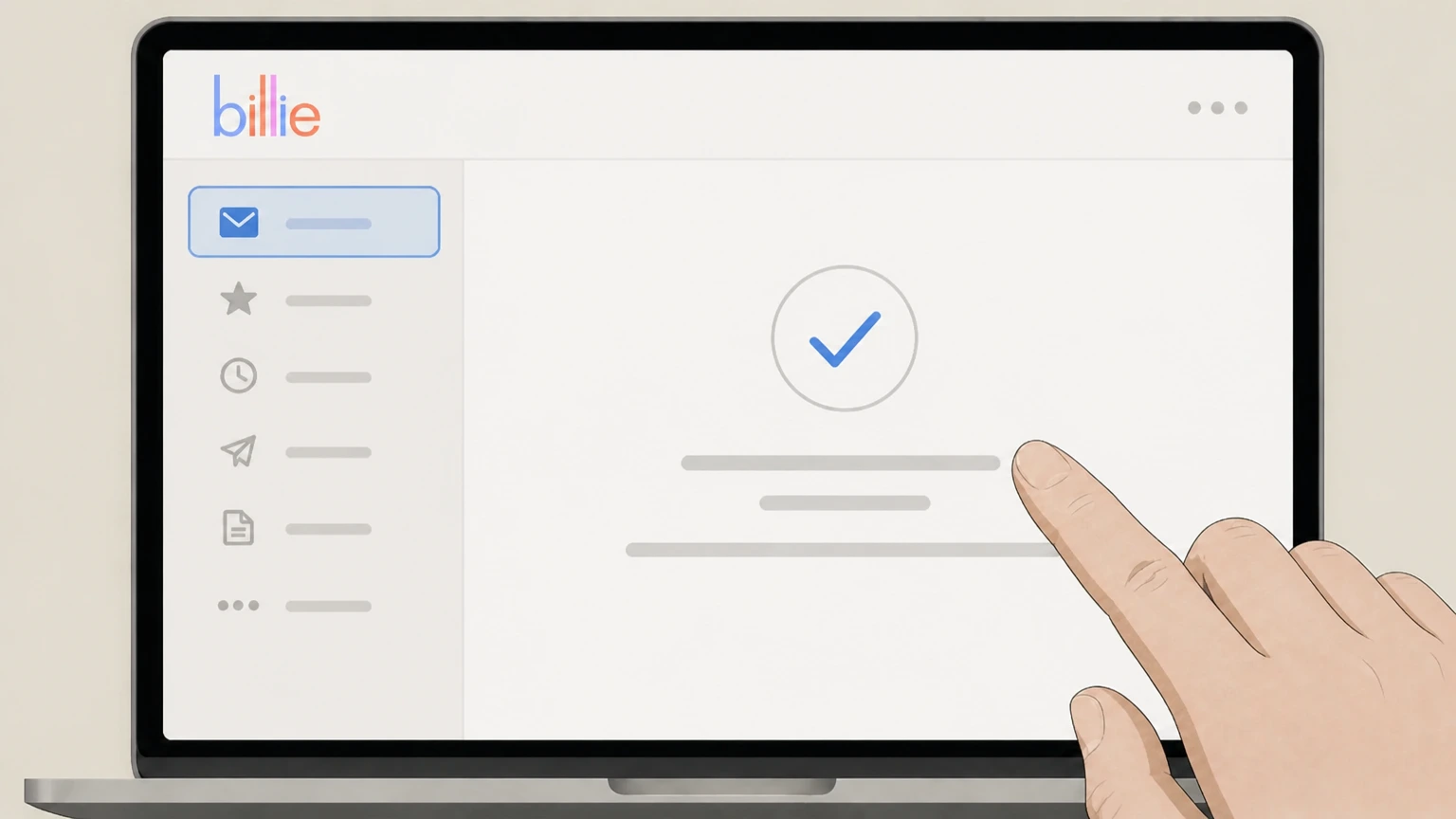 5
5Send the email and wait for confirmation
Send the message and monitor your inbox for a reply from Billie confirming that the specified subscription items have been canceled.
Refund policy
Billie refunds, returns, and what cancellation does not cover
Canceling your Billie subscription stops future recurring shipments and charges for the affected items but does not automatically refund or reverse orders that have already been accepted for processing.
Check my refund options- Subscription cancellation stops future cycles only
- Because Billie charges your card when an order is accepted and does not allow online cancellation or changes to orders once submitted, canceling a subscription affects future recurring shipments; it does not undo charges for orders already accepted.mybillie.com
- No standard product returns for hygiene reasons
- Billie’s FAQ explains that it does not accept returns for its products due to hygiene considerations, so canceling your subscription will not open a standard return window for used or unused items.mybillie.com
- Order problems have separate review windows
- For mybillie.com orders that arrive lost, damaged, or incomplete, Billie asks customers to email hello@mybillie.com within a specified number of days so it can correct the issue, which is handled separately from subscription status.mybillie.com
- Terms of Sale encourage contact if you’re unsatisfied
- The Terms of Sale state that Billie does not accept returns but invites customers who are unsatisfied for any reason to contact the company within 30 days, suggesting case‑by‑case resolutions rather than an automatic refund policy.mybillie.com
- Satisfaction Guarantee may offer remedies within 45 days
- Billie describes a 100% Satisfaction Guarantee in its FAQ: if your purchase was within the last 45 days, you can submit a receipt photo for review, and the team will assess what can be done, which may include remedies beyond standard returns.mybillie.com
If you need a binding decision on whether a specific order or subscription charge will be refunded, contact Billie directly and request written confirmation referencing your order number and cancellation date. Review Billie's official FAQ
Subscription location
Where your Billie subscriptions are created and managed
Billie subscriptions are tied to how and where you purchased the products.
mybillie.com subscriptions live in your online account
Billie’s Recurring Subscriptions are created and managed through accounts on mybillie.com, where members can choose monthly, bi‑monthly, or quarterly delivery schedules.mybillie.com For your Billie account, compare this point with the billing owner and effective date shown in the signed-in account or latest receipt.
Account tools control refills and other subscribed items
The FAQ explains that subscription changes and cancellations happen under the Subscription tab in your Billie account, where you can adjust frequency, dates, or products.mybillie.com
Refill blades and Wonder Wipes are subscription‑only on mybillie.com
Billie lists refill blades and Wonder Wipes as subscription‑only products through mybillie.com, with the option to add other items as one‑time or recurring add‑ons from the Subscription tab.mybillie.com
Website service area is limited to the United States
Billie’s legal mentions note that the services offered through mybillie.com are available only in the USA, and the FAQ confirms shipping only within the United States.mybillie.com
Item‑based control
Billie uses item‑level subscription cancellation
Canceling in Billie is done per subscription line item, not for the entire account at once.
Cancellation is started from the Subscription tab
Billie directs you to the Subscription tab in your account, where you click the minus arrow next to the specific item you’d like to cancel.mybillie.com
Remove Item plus Cancel My Subscription ends a recurring item
For a subscription item, Billie instructs you to click Remove Item and then confirm by selecting "Cancel My Subscription" to complete cancellation for that line.mybillie.com
Canceling one item does not affect other products
Billie’s FAQ explicitly notes that canceling a subscription item this way “won’t affect the other products in your subscription,” so each recurring product must be checked separately.mybillie.com
One‑time items are removed differently from subscription items
From the same Subscription tab, you can remove one‑time add‑on items just by choosing "Remove Item"; only recurring items require the extra "Cancel My Subscription" confirmation.mybillie.com
Upcoming orders
How cancellation affects upcoming Billie shipments and charges
Billie distinguishes between future subscription cycles and orders that have already been accepted for shipment.
Recurring charges follow your original sign‑up date and frequency
The FAQ states that subscription charges are based on your original sign‑up date and your chosen delivery frequency, so charges continue on that cadence until you cancel the relevant items.mybillie.com
Orders are charged when accepted and can’t be changed online afterward
Billie’s Terms of Sale explain that your credit card is charged when an order is accepted and that orders cannot be canceled or changed online once submitted, which means subscription cancellation mainly affects future orders.mybillie.com
Next ship date and address appear under the Subscription tab
The FAQ notes that your shipping address and selected frequency appear below the upcoming ship date in the Subscription tab, and that you can click Edit there to update the address for future shipments.mybillie.com
Shipping times differ for regular and refill shipments
Billie indicates that standard orders typically arrive in 4–7 business days, while refill blade shipments usually arrive within 7–14 business days from the ship date, with potential additional delays during busy periods.mybillie.com
Account tools
Managing your Billie account, subscription, and payment methods
Billie’s account area provides several tools that interact with, but do not automatically cancel, subscriptions.
Order History shows past purchases and shipment details
Billie’s FAQ tells customers they can review their orders and shipment details in the Order History tab after signing into their account.mybillie.com For your Billie account, compare this point with the billing owner and effective date shown in the signed-in account or latest receipt.
Subscription tab controls timing and product mix
From the Subscription tab you can modify your subscription by updating delivery frequency, changing the order date, or swapping subscription products without canceling outright.mybillie.com For your Billie account, compare this point with the billing owner and effective date shown in the signed-in account or latest receipt.
Profile tab manages stored payment methods
To change how you pay, Billie directs you to the Profile tab in your Account Page, where you can edit payment information; to fully remove a payment method, you must email support.mybillie.com
Support can help if you can’t log in
If you cannot access your account or have forgotten your password, the FAQ instructs you to email hello@mybillie.com for assistance instead of abandoning the subscription.mybillie.com
Retail vs. online
Handling Billie products bought at retailers or on Amazon
Billie treats retailer purchases differently from subscriptions started on mybillie.com.
Billie products are sold at major retailers and on Amazon
The FAQ notes that Billie products are available at most major retailers and on Amazon, and that Canadian customers can find them at Walmart or Shoppers Drug Mart.mybillie.com
Retailer purchases follow the store’s return and issue process
Billie explains that returns for items bought in stores must be handled directly with the retailer, which has access to your purchase history and can resolve most issues.mybillie.com
In‑store issues should be taken to the store, not Billie support
For problems with items purchased in store, Billie recommends contacting the store where you bought the product, which can use your payment info or ID to investigate the problem.mybillie.com
Retailer auto‑deliveries aren’t managed in your Billie account
Because Billie directs store and Amazon customers back to the retailer for help, any auto‑delivery or subscription managed by those platforms must also be changed or canceled through the retailer, not via mybillie.com tools.mybillie.com
Order issues
Returns, lost orders, and Billie's satisfaction guarantee
Billie separates subscription cancellation from its policies for lost, damaged, or unsatisfactory products.
Hygiene policy: no standard product returns
Billie’s FAQ states that to maintain hygiene standards it does not accept returns for its products, even when you cancel a subscription.mybillie.com For your Billie account, compare this point with the billing owner and effective date shown in the signed-in account or latest receipt.
Lost, damaged, or incomplete mybillie.com orders require email contact
For mybillie.com orders that are lost, damaged, or incomplete, Billie asks customers to email hello@mybillie.com within a stated number of days so the team can “make it right.”mybillie.com
Terms of Sale invite contact if you’re unsatisfied within 30 days
Separately, the Terms of Sale note that while returns are not accepted, customers who are unsatisfied for any reason should contact Billie within 30 days so it can see how to help, indicating flexibility rather than an automatic refund.mybillie.com
100% Satisfaction Guarantee has a documented window
Billie’s FAQ describes a 100% Satisfaction Guarantee and says that if your purchase was within the last 45 days, you can submit a photo of your receipt for review, with more detail available through a linked Edgewell page.mybillie.com
Ownership
Who operates Billie and where the service applies
Understanding who stands behind Billie helps clarify who you are actually canceling with.
Site publisher is Edgewell Personal Care Brands, LLC
Billie’s Legal Mentions page lists Edgewell Personal Care Brands, LLC as the website publisher, with contact via hello@mybillie.com.mybillie.com For your Billie account, compare this point with the billing owner and effective date shown in the signed-in account or latest receipt.
Terms of Use confirm ownership by Edgewell
Billie’s Terms of Service explain that the website is owned and operated by Edgewell Personal Care and its affiliates, and that the same Terms cover all of Edgewell’s websites.mybillie.com
Website services are currently offered only in the USA
Legal Mentions specify that the services proposed by the website are only available in the USA, aligning with FAQ shipping information.mybillie.com For your Billie account, compare this point with the billing owner and effective date shown in the signed-in account or latest receipt.
Recent Terms update shows subscriptions are current
The Purchasing Policy/Terms of Sale note a last update date of April 25, 2024 and describe active Recurring Subscription options and cancellation methods, indicating the program is live.mybillie.com
What official sources do not confirm
Limits of the public Billie cancellation guidance
These points are intentionally qualified because the official sources reviewed on August 16, 2026 do not publish a complete answer.
Documented limitation 1
Billie does not publish a detailed, step‑by‑step visual walkthrough of the Subscription tab interface, so screen layouts and exact button placements may change without notice; this guide relies on current wording from the FAQ rather than screenshots.
Documented limitation 2
The documented time windows for contacting Billie about dissatisfaction or order problems differ slightly between the FAQ (45 days in several places) and the Terms of Sale (30 days for general dissatisfaction), so customers should confirm the current policy on mybillie.com before relying on a specific deadline.mybillie.com
Documented limitation 3
Billie’s public pages do not explain how long account data or order history are retained after you cancel subscription items; this guide cannot state a data‑retention period or deletion schedule.
Documented limitation 4
Although Billie products are sold through Amazon and many physical retailers, Billie does not document how any retailer‑managed auto‑delivery or subscription programs should be canceled, so this guide focuses on subscriptions created on mybillie.com and only gives high‑level advice to work with the retailer.
Documented limitation 5
No official iOS or Android app tied to mybillie.com subscriptions appears in the allowed sources; if Billie later launches a first‑party app with in‑app billing, its specific cancellation steps are not captured in this audit.
Billie cancellation FAQ
Questions people search about canceling Billie, answered with official provider or billing-platform sources checked on August 16, 2026.
How do I sign in to my Billie account to manage my subscription?
How do I cancel a Billie subscription?
Does canceling one Billie item cancel my whole subscription?
What happens to upcoming Billie shipments after I cancel a subscription item?
How do I change my Billie shipping address or delivery frequency without canceling?
How do I cancel Billie if I bought it from a retailer or Amazon?
What is Billie’s return policy and satisfaction guarantee?
Who owns MyBillie?
What happened to Billie Brand?
How much does a Billie subscription cost?
Untangle this Billie issue.
Let Pine handle the provider follow-up and keep the confirmation in one place.
