

BeautyFIX by Dermstore
Cancel subscription
Cancel BeautyFIX by Dermstore and Stop Renewals
Cancel BeautyFIX by Dermstore using the correct billing route. Follow official steps, understand when access ends, how refunds work, and which confirmation to.
- Official BeautyFIX by Dermstore and billing-owner sources
- 1 provider-specific cancellation path
- Refund and post-cancellation effects separated from renewal
- Verified August 16, 2026
Choose the BeautyFIX by Dermstore cancellation path that matches who bills you
Dermstore account on web browser · verify the billing owner
 1
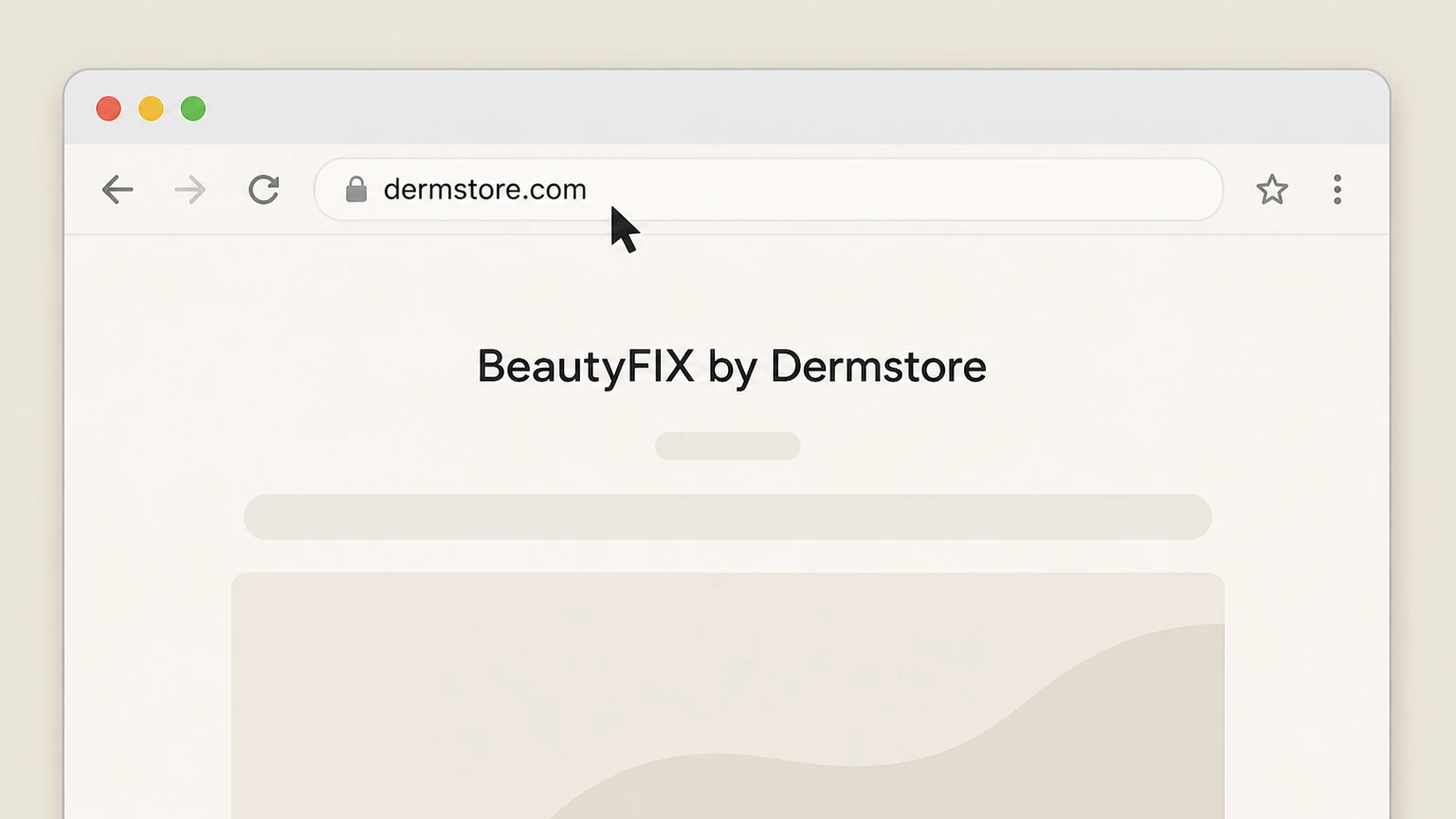
1Go to Dermstore’s website
Open a web browser and go to Dermstore’s website at dermstore.com. Use the BeautyFIX by Dermstore account named on your receipt, and continue only after the next status in this cancellation path is visible.
 2
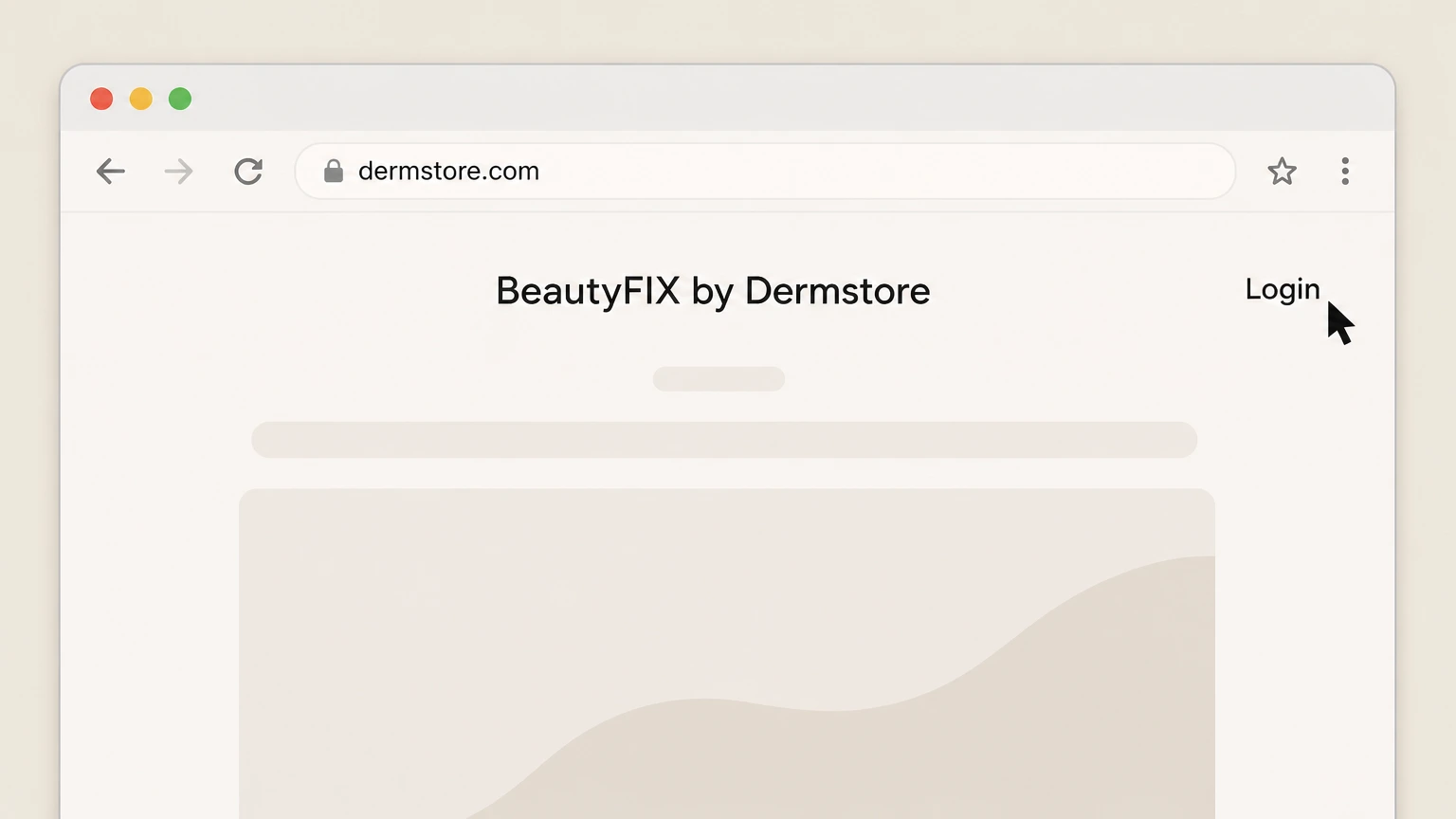
2Open the login screen
Click the “Login” link in the site header to open the sign‑in page. Use the BeautyFIX by Dermstore account named on your receipt, and continue only after the next status in this cancellation path is visible.
- Let Pine handle it
Pine can help
Too many steps?
Pine can find the right Dermstore account on web browser path and handle the cancellation for you.
 3
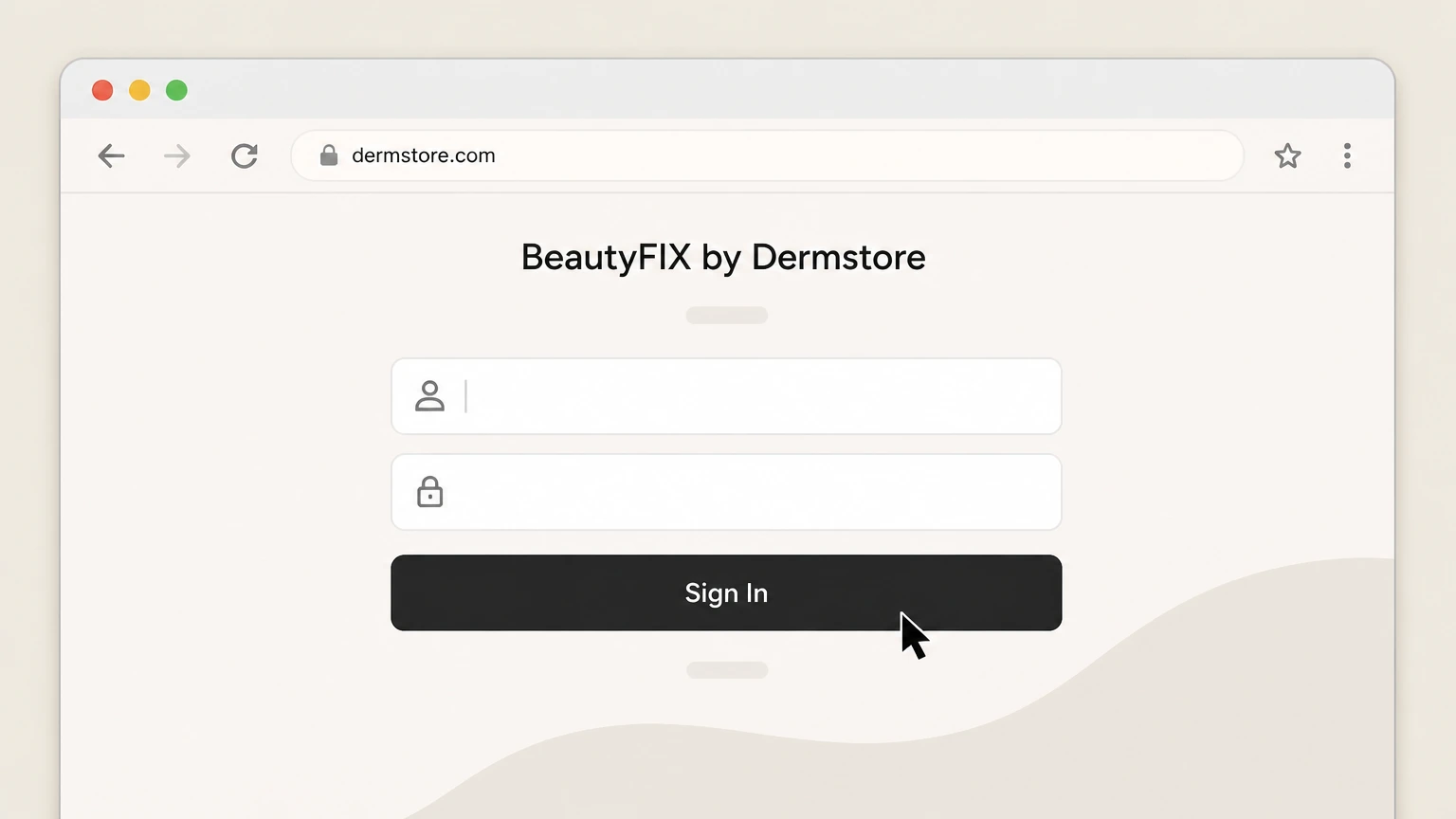
3Sign in to your Dermstore account
Sign in using the email address and password associated with your BeautyFIX subscription. Use the BeautyFIX by Dermstore account named on your receipt, and continue only after the next status in this cancellation path is visible.
 4
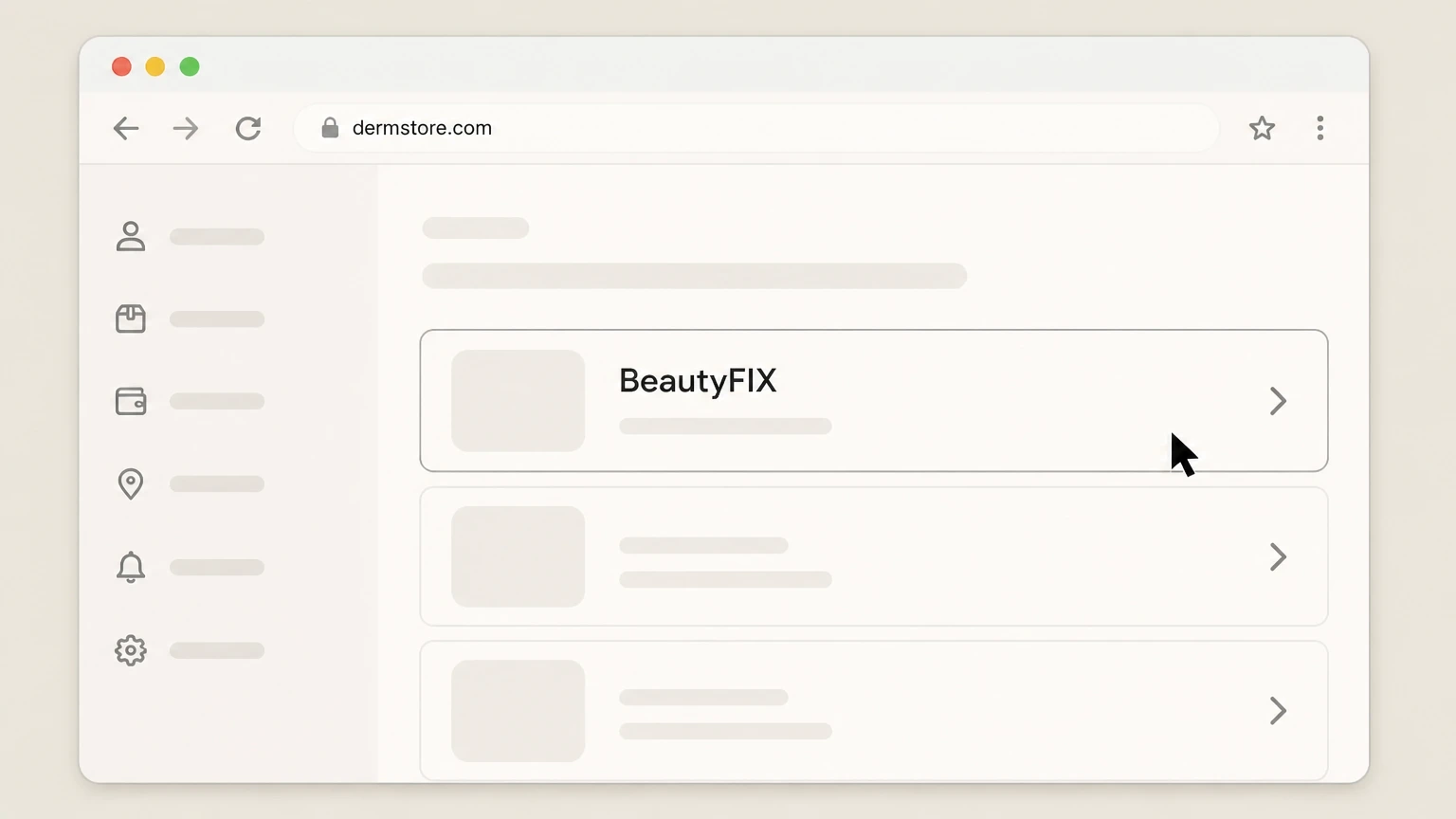
4Navigate to your BeautyFIX subscription
In “My Account,” open the section showing your subscriptions or BeautyFIX box and select your active BeautyFIX plan. Use the BeautyFIX by Dermstore account named on your receipt, and continue only after the next status in this cancellation path is visible.
 5
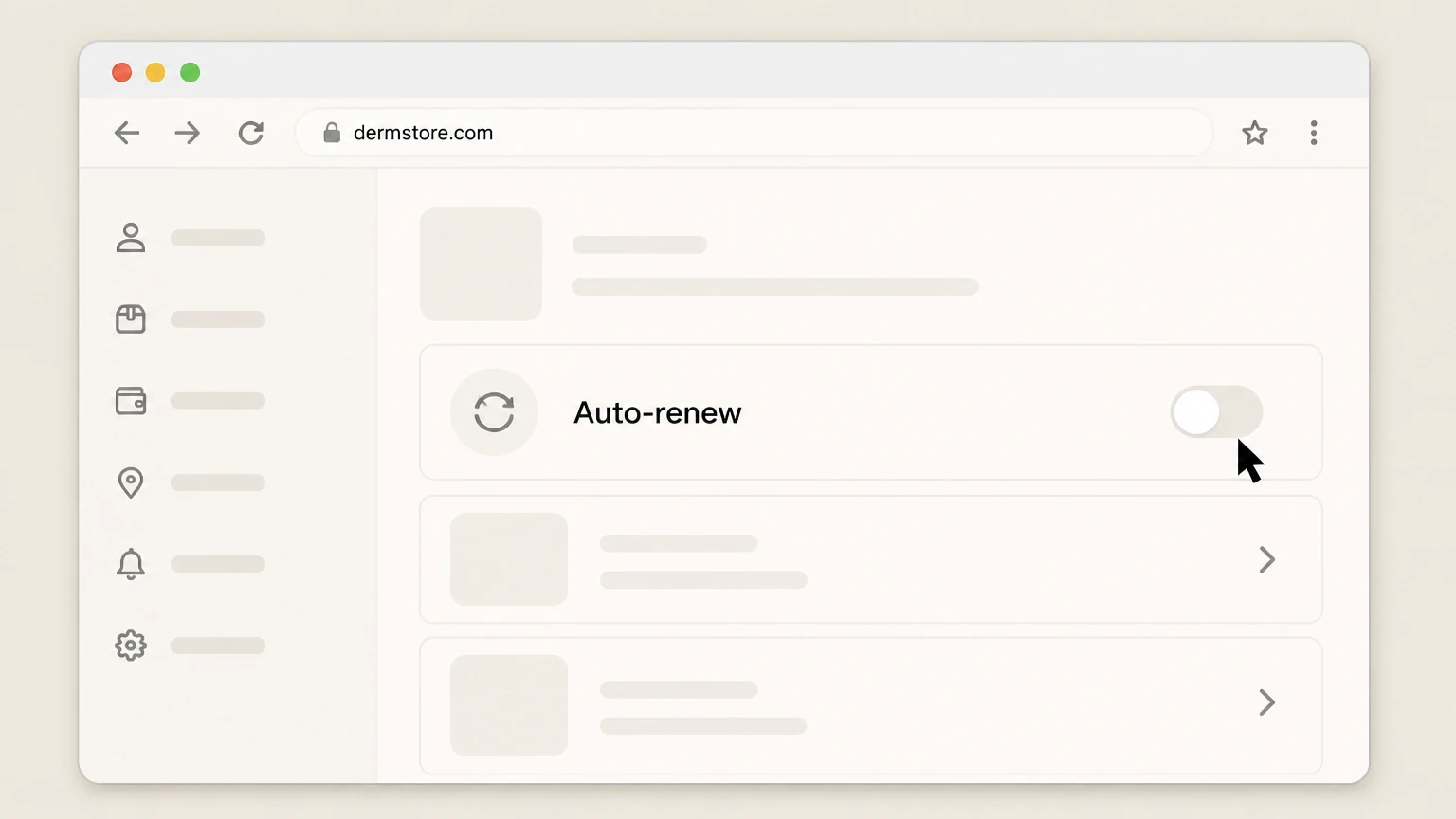
5Turn off auto-renew for BeautyFIX
Use the option shown for your BeautyFIX plan to switch off the auto‑renew function or cancel the subscription for future terms.
 6
6Save your cancellation proof
After the status updates, save or screenshot the confirmation page or any cancellation email showing auto‑renew is off for BeautyFIX.

Refund policy
BeautyFIX refunds, returns and what cancellation covers
Cancelling BeautyFIX mainly stops future renewals; refunds are governed by Dermstore’s general Returns Policy, BeautyFIX Terms and any applicable buy‑now‑pay‑later rules, and are not guaranteed for unwanted boxes.
Check my refund options- Cancellation does not refund paid orders
- Dermstore’s BeautyFIX Terms state that cancelling a subscription will not cancel or refund delivery orders that have already been paid for; it only prevents future renewal charges from being created.
- General return window and condition
- Under Dermstore’s Returns Policy, eligible products can usually be returned within 60 days of receipt if they are in pristine condition—unopened, unused and with any seals intact—though some exceptions can apply.
- BeautyFIX “all sales final” note
- The BeautyFIX subscription page states that subscriptions are limited and all sales are final, so Dermstore may treat BeautyFIX boxes as non‑returnable in many cases, even when other products are returnable.
- Handling of damaged or incorrect items
- Dermstore instructs customers who receive damaged, faulty or incorrect items to contact Customer Service through My Account with photos or video so the team can resolve the issue individually, which may include a refund or replacement.
- BNPL and other payment provider refunds
- For orders paid using Afterpay, Dermstore explains that refunds follow its standard return process but are first sent from Dermstore to Afterpay and then from Afterpay to you; similar routing can apply with other financing partners.
If you believe a specific BeautyFIX box or item should be refunded or returned, use the Dermstore Help Center or your My Account messaging to ask Customer Service in writing how the Returns Policy and BeautyFIX "all sales final" language apply to your order. Visit Dermstore Help Center
Plan structure
BeautyFIX plan types and renewals
BeautyFIX offers several subscription structures, and how cancellation works depends on whether you chose a rolling monthly, multi‑month pay‑monthly, or pay‑upfront plan.
Rolling monthly plan
A rolling monthly BeautyFIX plan is billed every month and auto‑renews each month until you turn off auto‑renew in your Dermstore account before Dermstore’s stated monthly cancellation cutoff.
Multi-month pay-monthly plans
BeautyFIX pay‑monthly plans for multi‑month terms (such as 3, 6 or 12 months) bill monthly but lock you into the full term; if you opt out of auto‑renew, Dermstore completes the current term and then stops renewing.
Pay-upfront contracts
Pay‑upfront BeautyFIX plans are charged in full at checkout for 3, 6 or 12 boxes and, according to the BeautyFIX FAQ, do not auto‑renew; Dermstore’s Terms add that upfront rate plans cannot be cancelled mid‑cycle.
12-month commitment language
Dermstore’s BeautyFIX Terms specify that by taking a 12‑month subscription you agree to pay for the full 12‑month period even if you try to cancel early, so opting out mainly stops future 12‑month renewals.
Limited subscriptions, all sales final
The BeautyFIX page notes that subscriptions are limited and that all sales are final, signalling that plan commitments and shipped boxes are generally not reversible even after you disable auto‑renew.
Cutoff rules
BeautyFIX cancellation timing and cutoffs
Dermstore publishes specific timing rules for when a BeautyFIX cancellation or opt‑out of auto‑renew will take effect for monthly and multi‑month plans.
14-business-day requirement
The BeautyFIX FAQ states that monthly memberships must be cancelled at least 14 business days before the next renewal date or the subscription will renew for one additional term and that charge will still apply.
Before-the-15th rule for monthly
Dermstore’s BeautyFIX Terms say that a monthly plan cancellation request submitted via your account only takes effect if it is submitted before the 15th of the month in which the existing subscription is set to renew.
Example March renewal cutoff
Dermstore’s own example explains that to stop a renewal for the March BeautyFIX box, you must submit your cancellation by February 14; later cancellations can still allow one more renewal term to be billed.
Timing for multi-month pay-monthly plans
The BeautyFIX FAQ clarifies that for a 6‑month subscription, cancelling after the second box still commits you to boxes three through six, which will be charged and fulfilled before the plan finally ends.
Practical timing guidance
Because timing rules combine a 14‑business‑day window with a mid‑month cutoff, it is safest to opt out of auto‑renew as early as possible once you know you don’t want the next BeautyFIX term to renew.
After you opt out
What BeautyFIX cancellation does and does not do
Turning off auto‑renew changes how your BeautyFIX plan renews in the future but does not erase obligations already created under the current term.
Stops future renewals, not current term
Dermstore’s FAQ and Terms explain that opting out of auto‑renew means they will continue to charge and ship all boxes owed under your current BeautyFIX term, and then your subscription will not renew again.
No automatic refund of paid boxes
The BeautyFIX Terms specifically state that cancelling a subscription does not cancel or refund delivery orders that have already been paid for; cancellation only halts future renewal charges.
Upfront plans complete as sold
For BeautyFIX upfront rate plans, Dermstore says they cannot be cancelled and that you will keep receiving BeautyFIX boxes until the prepaid subscription cycle completes, with no auto‑renew applied.
Impact on auto-renew flag
When you successfully cancel, the auto‑renew function for that BeautyFIX plan should be shown as switched off in My Account, and the plan should not roll into a new term once your current one finishes.
Account access after cancellation
Cancelling BeautyFIX affects just the subscription; your Dermstore account and order history remain active unless you separately request deletion of your personal information under Dermstore’s privacy policy.
Returns vs. cancel
Returns, refunds and BeautyFIX boxes
Dermstore’s general Returns Policy applies to eligible products, but BeautyFIX subscriptions also carry “all sales final” language, so refunds for boxes are limited and case‑specific.
General 60-day return rule
Dermstore’s Returns Policy says you normally have 60 days from receipt to request a return, and items must be in pristine condition—unopened, unused, with any seals intact—to qualify for a refund.
Damaged or incorrect items
If a BeautyFIX item arrives damaged, faulty or incorrect, Dermstore directs customers to contact Customer Service through My Account with photo or video evidence so the issue can be reviewed case‑by‑case.
No exchanges offered
Dermstore’s Returns FAQ notes that they do not offer exchanges; instead, you place a new order and return eligible unwanted items for a refund under the standard policy.
“All sales final” for BeautyFIX
The BeautyFIX page states that subscriptions are limited and all sales are final, so even when general returns are available, some BeautyFIX boxes may not be returnable purely because you changed your mind.
BNPL and refund routing
Dermstore’s Afterpay information explains that refunds for orders paid with Afterpay follow Dermstore’s standard return process and are first refunded from Dermstore to Afterpay, then from Afterpay to you.
Who bills you
How BeautyFIX billing works and who owns it
Understanding who actually bills your BeautyFIX subscription helps you know where to cancel and who can change renewal settings.
Dermstore/THG as merchant of record
Dermstore’s Terms of Use state that purchases on Dermstore.com, including subscriptions like BeautyFIX, are provided by THG Beauty USA LLC trading as Dermstore, which is the contractual counterparty for your plan.
Supported payment methods
The Terms explain that Dermstore accepts major credit and debit cards and PayPal, and separate information pages describe use of buy‑now‑pay‑later providers such as Afterpay, Klarna, Sezzle or Flex for some orders.
Subscription status vs. payment method
Changing or cancelling a card, PayPal or buy‑now‑pay‑later arrangement does not by itself turn off BeautyFIX auto‑renew; Dermstore’s BeautyFIX FAQ and Terms tie cancellation to account actions or customer service.
No app-store billing
BeautyFIX subscriptions are sold on Dermstore.com and are not listed in Apple’s or Google’s subscription billing documentation, so iOS and Google Play subscription settings do not control a BeautyFIX plan.
Renewal billing schedule
Under the BeautyFIX Terms, the initial payment is taken at checkout and subsequent subscription payments are generally scheduled to withdraw on the first day of the renewal month, subject to Dermstore’s discretion.
Help options
Dermstore customer support for BeautyFIX
If anything about your BeautyFIX cancellation, billing or box contents is unclear, Dermstore directs you to its Help Center and account‑based support channels.
Help Center entry point
Dermstore’s Help Center includes a dedicated “BeautyFIX” help topic alongside My Account, Ordering, Delivery and Returns, which is the official starting point for written help and FAQs.
Contact options
From the Help Center, Dermstore lists customer support options including messaging through your account, live chat via the chat icon, and other contact methods for assistance with orders and subscriptions.
Account-based support
Both the BeautyFIX page and Dermstore Help Center direct BeautyFIX customers to manage subscriptions and contact customer service through the My Account area rather than through third‑party marketplaces.
When to contact support
Dermstore specifically mentions contacting customer service if you still see BeautyFIX charges after cancelling, if a box is damaged or incorrect, or if you need clarification about renewal timing and remaining boxes.
Escalation and documentation
When you contact support, it is prudent to keep written confirmation of the final renewal date, last box you will receive and any agreed refunds, matching Dermstore’s emphasis on account‑verified information.
Account & data
Account, data and subscriptions when you delete or keep Dermstore
Cancelling BeautyFIX is different from deleting your Dermstore data; Dermstore’s Privacy Policy explains what happens if you request deletion.
Cancelling BeautyFIX only
If you simply turn off auto‑renew in My Account, your Dermstore login, Rewards participation, other orders and browsing history remain available under Dermstore’s general Website Terms and Privacy Policy.
Data deletion removes subscriptions
Dermstore’s Privacy Policy explains that if you request deletion of your personal information, you will lose the ability to access or manage any active Dermstore subscriptions, including BeautyFIX, as part of that process.
Impact on rewards and credits
The same Privacy Policy notes that deletion also removes Dermstore Rewards points, Dermstore Dollars, promo codes linked to the account and the ability to manage previous and future returns tied to that profile.
How to request deletion
Dermstore describes how to submit verifiable access or deletion requests, either by signing into your account and using dedicated privacy links or by contacting Customer Service to verify your identity.
Distinguishing cancellation from deletion
For most customers who just want to stop BeautyFIX renewals, using the standard account cancellation path is preferable; full data deletion is a broader privacy action that also ends access to subscriptions and history.
What official sources do not confirm
Limits of the public BeautyFIX by Dermstore cancellation guidance
These points are intentionally qualified because the official sources reviewed on August 16, 2026 do not publish a complete answer.
Documented limitation 1
Dermstore’s published BeautyFIX pricing, plan names and specific cutoff dates (such as the example February 14/March renewal scenario) may change over time; readers should always confirm the current FAQ and Terms on Dermstore.com before acting.
Documented limitation 2
Dermstore does not clearly define when, if ever, unopened BeautyFIX boxes qualify as returnable under the general Returns Policy despite the "all sales final" language, so this guide cannot promise refunds and directs users to Customer Service for case‑specific decisions.
Documented limitation 3
The exact labels and placement of buttons such as “Login,” “BeautyFIX” and “Auto‑renew” in My Account may change with site redesigns; the steps describe today’s structure but users may see slightly different wording or navigation in the future.
BeautyFIX by Dermstore cancellation FAQ
Questions people search about canceling BeautyFIX by Dermstore, answered with official provider or billing-platform sources checked on August 16, 2026.
How do I cancel my BeautyFIX subscription?
What is the BeautyFIX cancellation deadline?
Will my BeautyFIX boxes stop immediately after I cancel?
Do BeautyFIX pay-upfront plans auto-renew or allow cancellation?
Why am I still being charged for BeautyFIX after I canceled?
Can I refund or return a BeautyFIX box?
How do I cancel my Dermstore subscription?
How do I delete my Dermstore account?
What happens to my Dermstore rewards when I cancel BeautyFIX?
Is it easy to cancel a BeautyFIX beauty box subscription?
Untangle this BeautyFIX by Dermstore issue.
Let Pine handle the provider follow-up and keep the confirmation in one place.
