You want to cancel Public Storage, and you want to do it without getting hit with "surprise" fees on your next billing cycle. Let's skip the fluff. I’m Millie, and I spend my days automating annoying admin tasks. In this guide, I’m breaking down the exact, tested steps to close your Public Storage account cleanly. I'll show you how to time your move-out, the specific confirmations you need to demand from the facility, and the one crucial step most people miss that leads to extra charges. If you just want to empty your unit, stop the billing, and move on with your life, you're in the right place.
When You Can Cancel Public Storage

Before doing anything else, I'd check when your next payment is due and whether you've fully moved your items out. That matters more than people expect.
Month-to-month vs move-out timing
Public Storage rentals are generally month-to-month, which sounds flexible, and it is, but it also means you're usually ending a recurring rental period rather than breaking a long fixed lease.
In practical terms, that means:
- You usually can decide to vacate without a long-term contract buyout.
- Your account may still be tied to a billing cycle.
- Timing your move-out close to the right date can help you avoid paying for extra time you don't need.
I don't guess. I verify. So before trying to cancel Public Storage, I'd look at:
- the next billing date
- whether any notice requirement applies at your facility
- whether your unit must be fully empty before the rental ends
Some renters assume they can remove their things halfway through the month and automatically get a partial refund. I wouldn't count on that unless the facility confirms it in writing. According to the official Public Storage move-out policy, storage billing often works on the next rental period, not on how many days you physically used the space.
What "cancel" actually means for storage renters
This is where wording trips people up. With Public Storage, "cancel" usually means ending your rental by moving out and closing the account for that unit. It's less like clicking "unsubscribe" and more like completing a checkout process.
Per the Public Storage rental terms and conditions, all of the following steps typically need to happen:
- You remove all belongings from the unit.
- You let the facility know you're vacating.
- The unit is checked and marked vacant.
- Billing is stopped on the account.
If one of those steps gets missed, you can end up in the irritating situation where you thought you completed a Public Storage cancel rental request, but the system still shows the unit as active.
So my rule is simple: don't treat "I moved out" and "my rental is closed" as the same thing until someone confirms both.
How to Cancel Public Storage Step by Step
If I wanted to end a Public Storage lease with the least amount of friction, I'd handle it in two parts: first through the account, then with direct confirmation from the facility.
Online account path
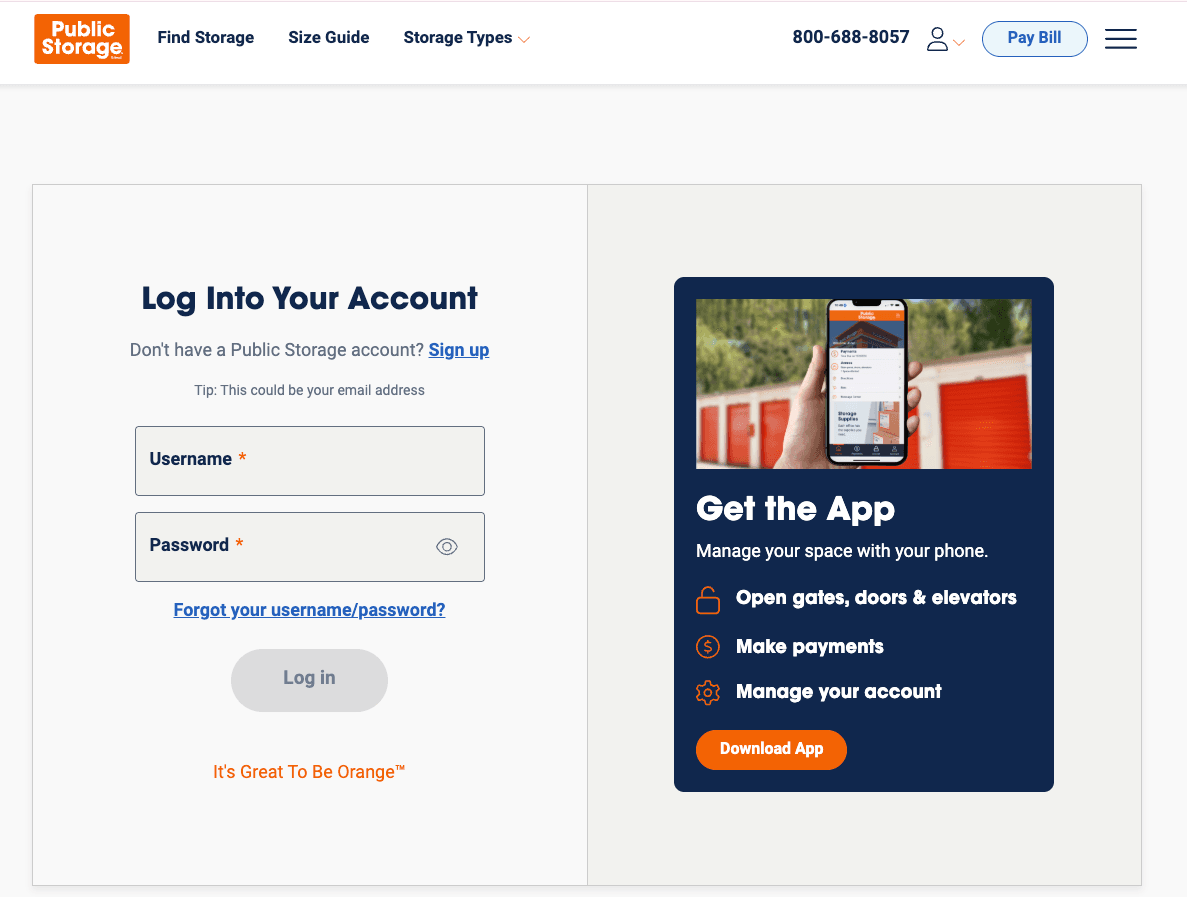
The fastest place to start is usually your Public Storage online account. If online account management is available for your rental, I'd log in and go straight to the area for your unit details, payments, or rental management.
Look for options related to:
- vacating a unit
- move-out notice
- ending your rental
- account or lease management
The setup may be slightly different depending on the facility or account type. I'll be honest, I went in expecting very little. But for many renters, the online path is enough to at least start the process without having to call immediately.
While you're there, I'd take screenshots of:
- the current unit number
- balance due
- next billing date
- any move-out or vacate confirmation screen
That takes about 30 seconds and can save a lot of back-and-forth later.
What to confirm with the facility
Even if you start online, I'd still confirm the move-out directly with the facility. Here's what I'd ask clearly, based on the Public Storage vacating your storage unit FAQ:
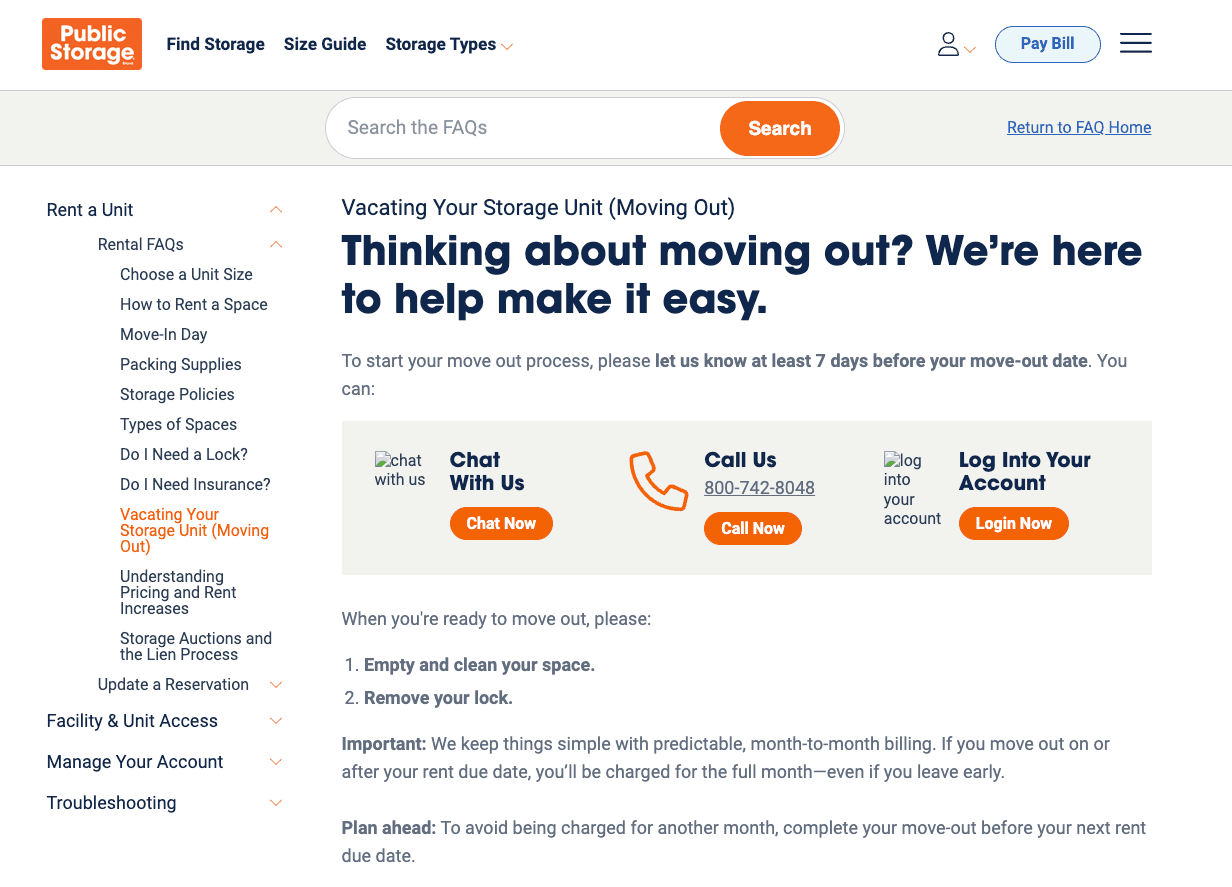
- What is my official move-out date?
- Do I need to give notice before vacating?
- Will any charges still post after I move out?
- Do I need to remove my lock myself?
- Will I receive written confirmation that billing has ended?
If I were trying to stop Public Storage billing without wasting time, I'd want that last point in particular: written confirmation by email or in-app message.
A simple checklist helps:
| What to confirm | Why it matters |
|---|---|
| Move-out date | Prevents billing disputes |
| Final balance | Avoids surprise fees |
| Empty unit requirement | Ensures account can close |
| Lock removal | Prevents move-out delays |
| Written confirmation | Gives you proof if charges continue |
If you're using a tool like Pine AI to handle customer service admin, this is exactly the kind of task I'd offload: confirming the move-out terms, getting the right wording in writing, and saving me from chasing a billing detail between calls.
How to Avoid Extra Charges
This is the part I'd pay the most attention to, because extra charges usually come from timing or move-out details, not from some dramatic policy nobody could have seen coming.
Billing date timing
If you want to cancel Public Storage cleanly, timing matters.
I'd check your autopay status and your next billing date before moving out. If the next payment is about to hit, contact the facility as early as you can and ask exactly how your move-out will affect billing.
A few things I'd keep in mind:
- Moving out late in a billing cycle may not mean you'll get a prorated refund.
- If autopay is active, don't assume a move-out request instantly stops the charge.
- If there's an outstanding balance, the account may not fully close until it's resolved.
This is the bit most people miss: billing stop date and physical move-out date are not always processed at the exact same moment.
So if I were trying to end a Public Storage lease without a headache, I'd ask for the exact date when charges stop, not just the date I plan to empty the unit.
Cleaning, lock, and move-out issues
Storage move-outs are simple until they aren't. A few small things can keep a unit from being marked fully vacated.
Before leaving, I'd make sure to:
- remove all items from the unit
- sweep out any obvious debris
- follow the facility's instructions on how to return your Public Storage lock — policies on whether you remove it yourself or leave it vary by location
- photograph the empty unit
- photograph the unit number
Those last two matter more than they should. If there's ever a dispute over whether you fully moved out, a quick photo with a timestamp is much more useful than saying, "I'm pretty sure I left it empty."
Also, check for any facility-specific expectations around access hours or office-hours inspection. If the office needs to verify vacancy before the rental closes, showing up five minutes before closing is, let's say, not ideal.
The result you want is not dramatic. Just: done. Unit empty, lock gone, account closed, no more charges.
What to Do If You’re Still Charged After Canceling
If you already completed the move-out and still got billed, I wouldn't waste time starting from scratch. I'd document everything first, then escalate in a clean, organized way.
Gather screenshots and receipts
Before contacting support, I'd pull together:
- screenshots of any online cancellation or vacate request
- email confirmations
- payment receipts
- photos of the emptied unit
- notes with dates, times, and names of anyone I spoke with
If your goal is to stop Public Storage billing and request a correction, having all of that in one place makes the conversation much shorter.
I use project-management tools for almost everything because my inbox is permanently out of control, and this is exactly the type of issue where a tiny paper trail saves you. One folder, one note, all the proof together.
Escalation path
Once you have your documentation, contact the facility first and state the issue plainly:
- when you moved out
- when you requested to cancel Public Storage
- what charge posted afterward
- what resolution you want
Usually, that resolution is one of these:
- confirmation that the rental is closed
- reversal of an incorrect charge
- written confirmation that no future billing will occur
If the first contact doesn't fix it, escalate calmly and keep it specific. Ask for:
- A supervisor or manager review
- A written account status update
- A billing correction timeline
I'd avoid long emotional explanations and stick to the facts. Dates, screenshots, receipts, request. That tends to work better.
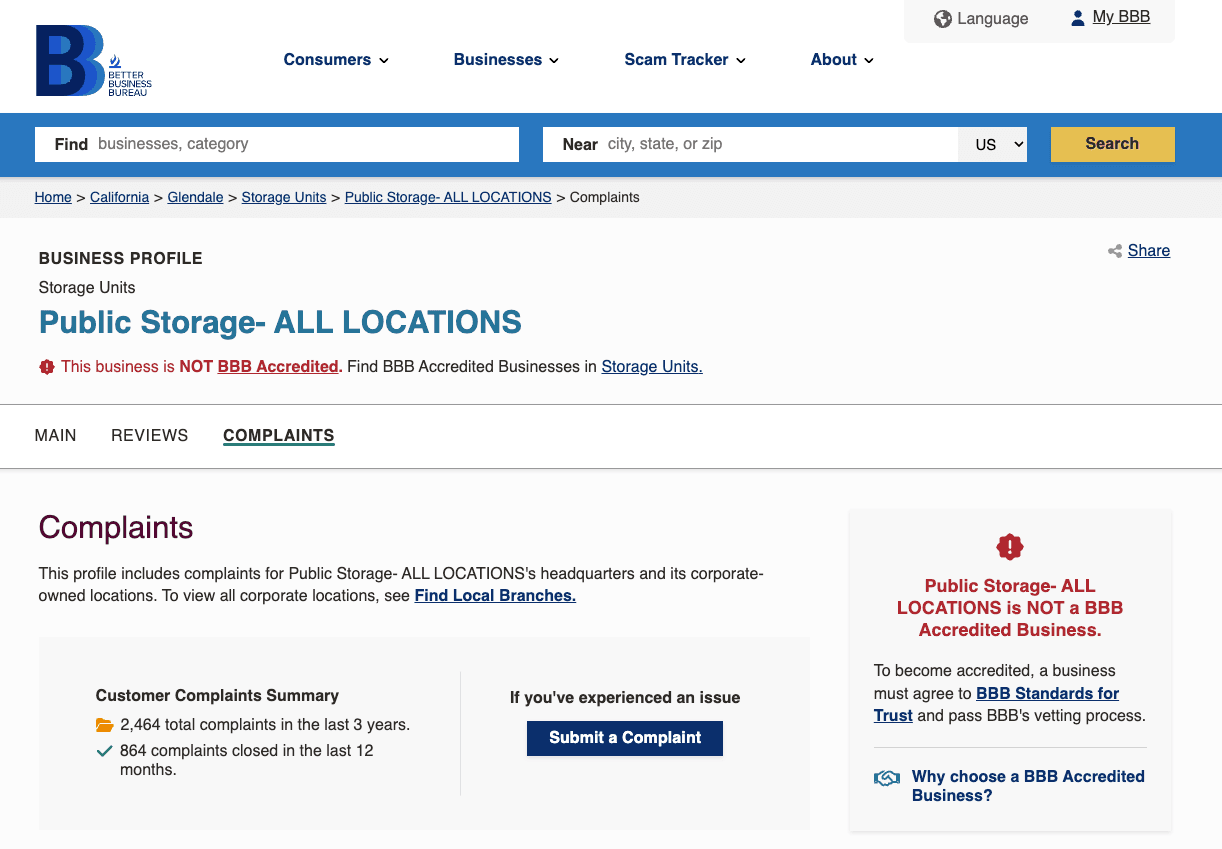
If you've exhausted direct contact and still haven't reached resolution, you can review Public Storage complaints filed with the Better Business Bureau to understand how similar billing disputes have been handled — and to file your own report if necessary.
For most people, the cleanest path is this: verify your billing date, give move-out notice, empty the unit completely, get written confirmation, and keep screenshots. That's how I'd public storage cancel rental issues with the fewest surprises. It's not glamorous. But it does spare you from turning one storage unit into a part-time admin job.
We have outlined the exact steps to close your Public Storage account cleanly. If you prefer to skip the back-and-forth, Pine AI can execute the cancellation and secure your written confirmation. Start your task with us today.
Frequently Asked Questions
How do I cancel Public Storage and stop billing?
To cancel Public Storage, you generally need to fully empty the unit, notify the facility that you’re moving out, and make sure the unit is officially marked vacant. Billing does not always stop the moment you leave, so ask for written confirmation showing your move-out date and billing end date.
Can I cancel Public Storage online, or do I need to call the facility?
Many renters can start the Public Storage cancel process through their online account by looking for options like move-out notice, vacate unit, or rental management. Even if you begin online, it’s smart to confirm directly with the facility to verify final steps, charges, and closure.
Do I get a refund if I move out of Public Storage early?
Not always. Public Storage rentals are typically month-to-month, but that does not guarantee a prorated refund if you move out before the billing cycle ends. Policies can vary by location, so check your next billing date and ask the facility in writing whether any partial refund applies.
What should I do before move-out to avoid extra Public Storage charges?
Before move-out, remove all belongings, sweep the unit, take off your lock unless told otherwise, and photograph the empty space and unit number. Also confirm autopay status, final balance, and inspection requirements. These steps can help prevent billing disputes and delays when closing your Public Storage rental.
Why am I still being charged after I cancel Public Storage?
You may still be charged if the unit was not officially marked vacant, autopay was still active, or there was an unresolved balance. Gather screenshots, receipts, and photos of the empty unit, then contact the facility with exact dates and request a billing correction plus written confirmation of closure.