


Giganews
Cancel subscription
How to Cancel Giganews
Learn how to cancel Giganews using verified current routes, confirm who bills you, understand timing and refunds, and keep proof that future renewal stopped.
- 1 current, source-verified cancellation route
- Billing ownership is explicit for each route
- Refund and access timing are separated from cancellation
- Account-specific confirmation is still required
Choose the correct Giganews cancellation route
Web · verify the billing owner
Cancel a Giganews membership in the online Control Panel
 1
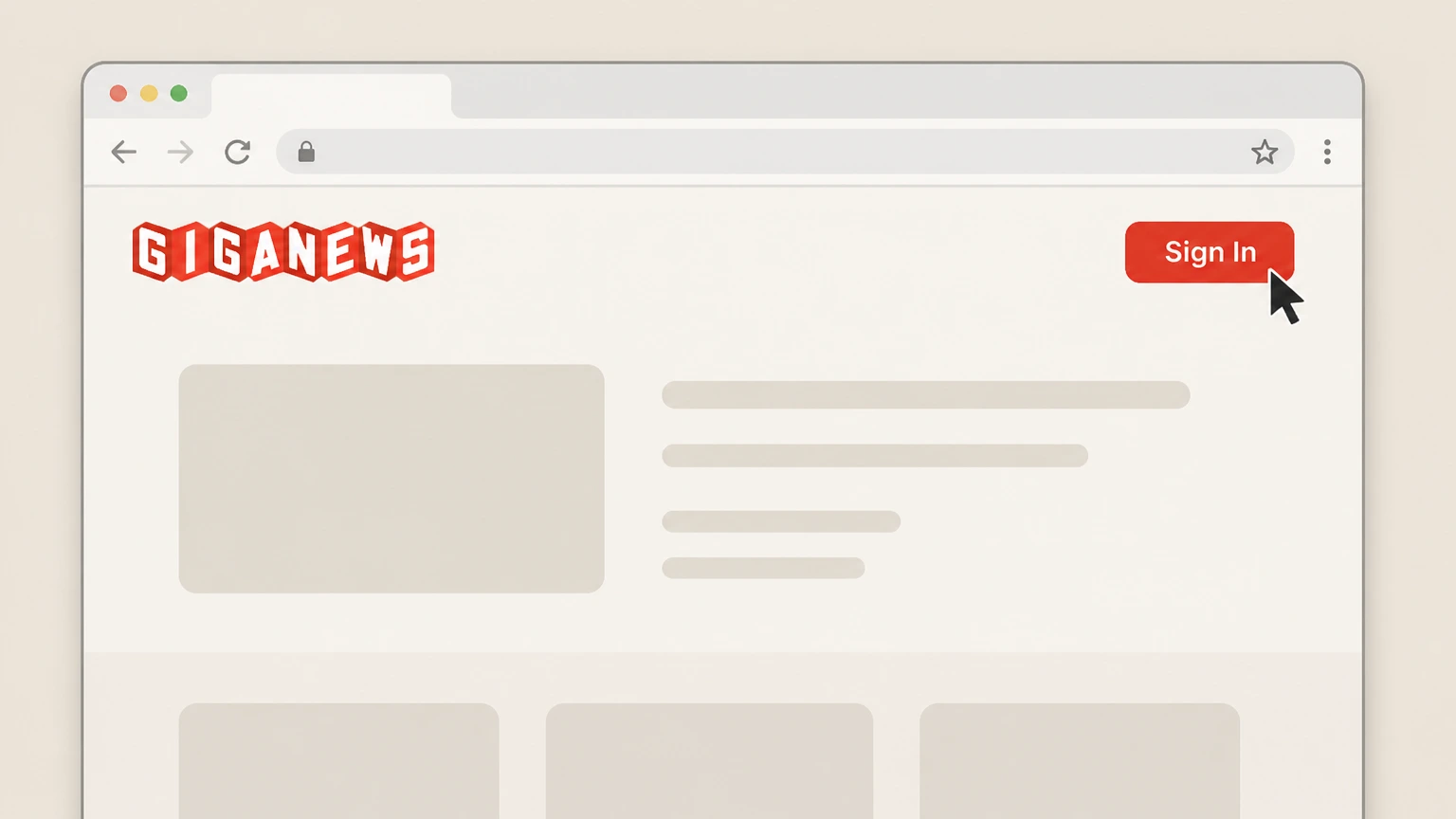
1Open the Giganews website and sign in
In a web browser, go to giganews.com and choose the “Sign In” option in the site header to open the Giganews Control Panel login, then sign in with your Giganews username and password.
 2
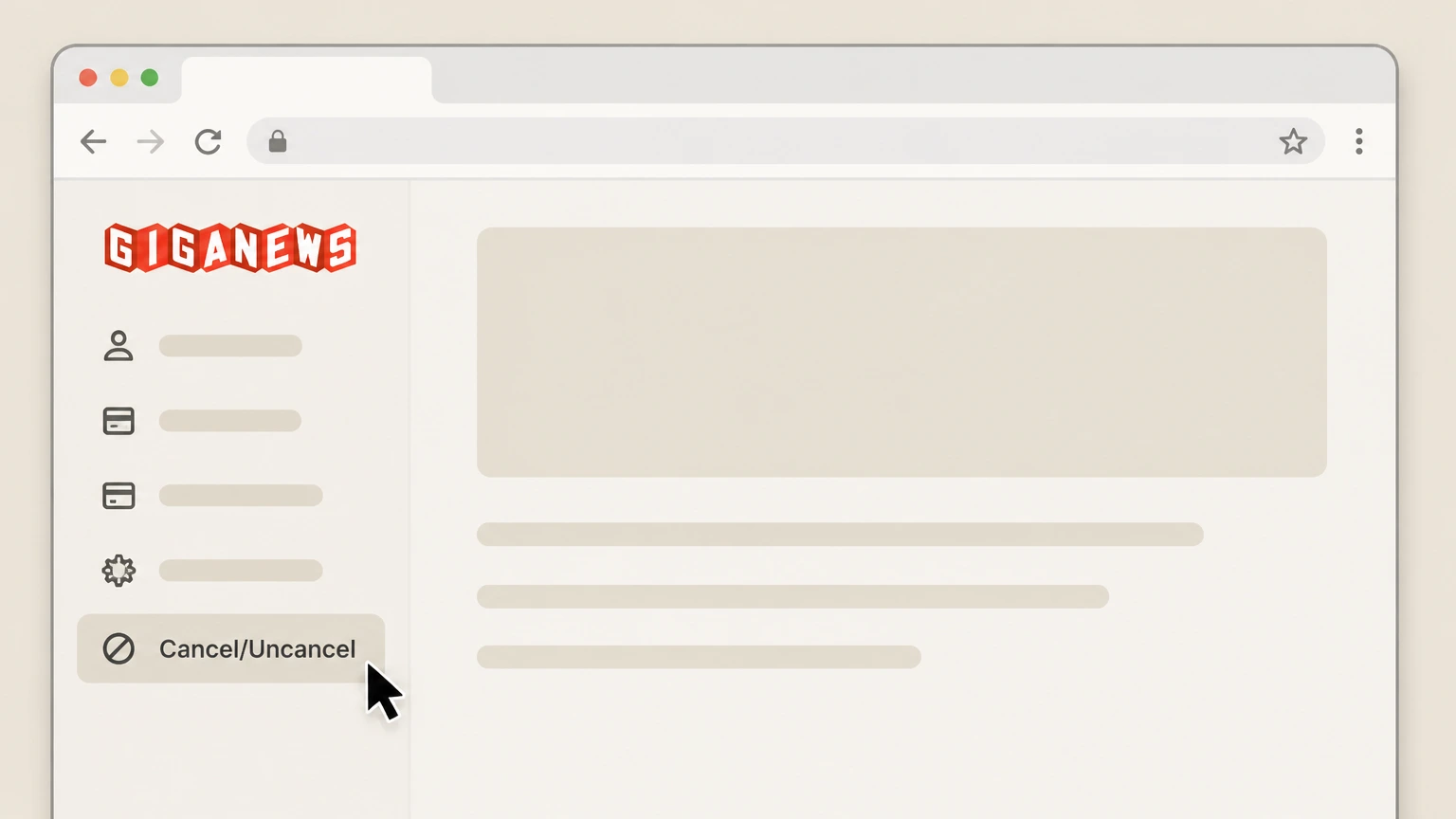
2Go to the Cancel/Uncancel page in your Control Panel
From the Control Panel navigation, open the Cancel/Uncancel page that Giganews provides for managing cancellations and suspensions of your membership.
- Let Pine handle it
Pine can help
Too many steps?
Pine can find the right Web path and handle the cancellation for you.
 3
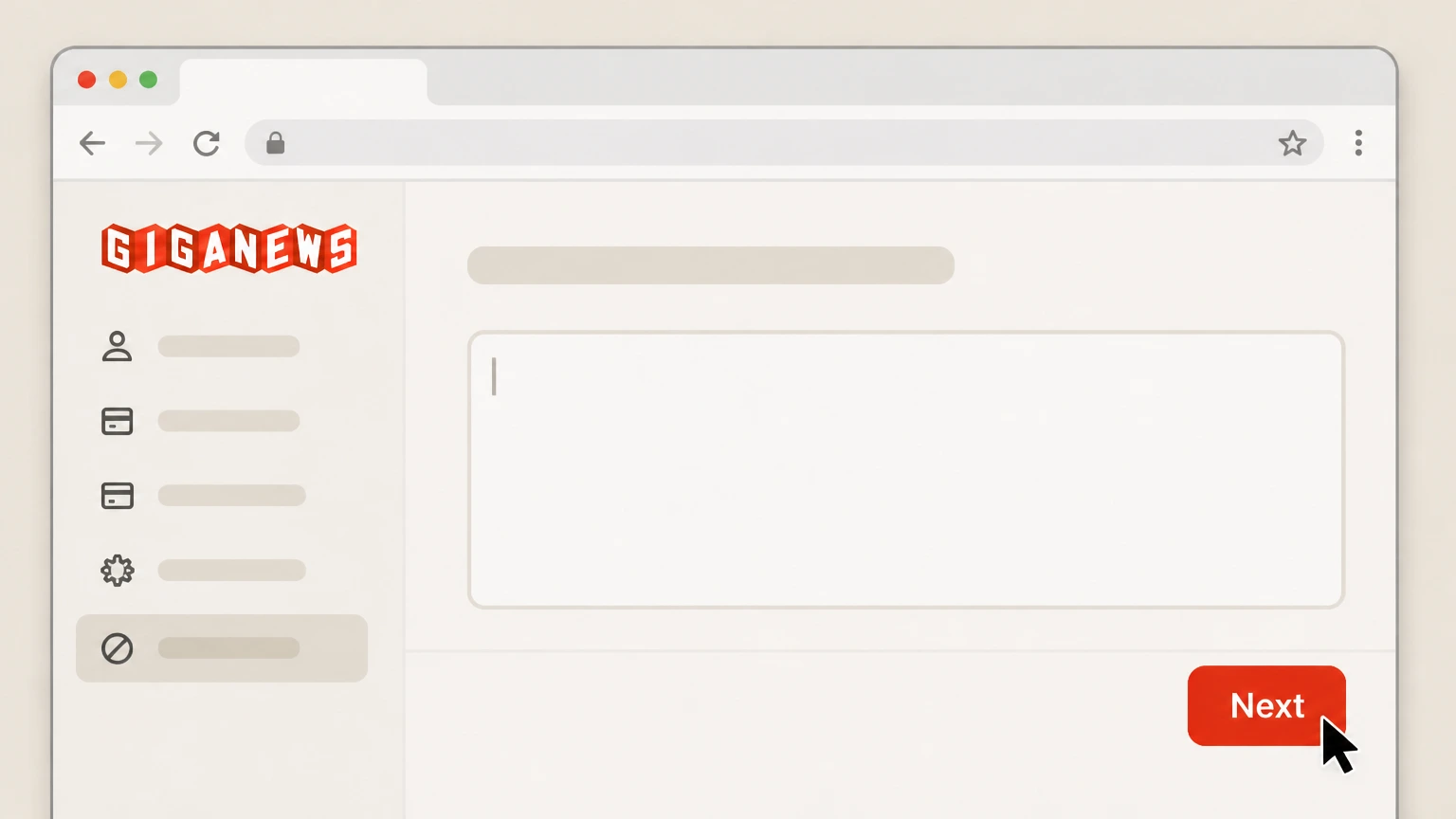
3Enter a cancellation reason and continue
On the Cancel/Uncancel page, type your reason for cancelling in the field provided and click the Next button to proceed to confirmation.
 4
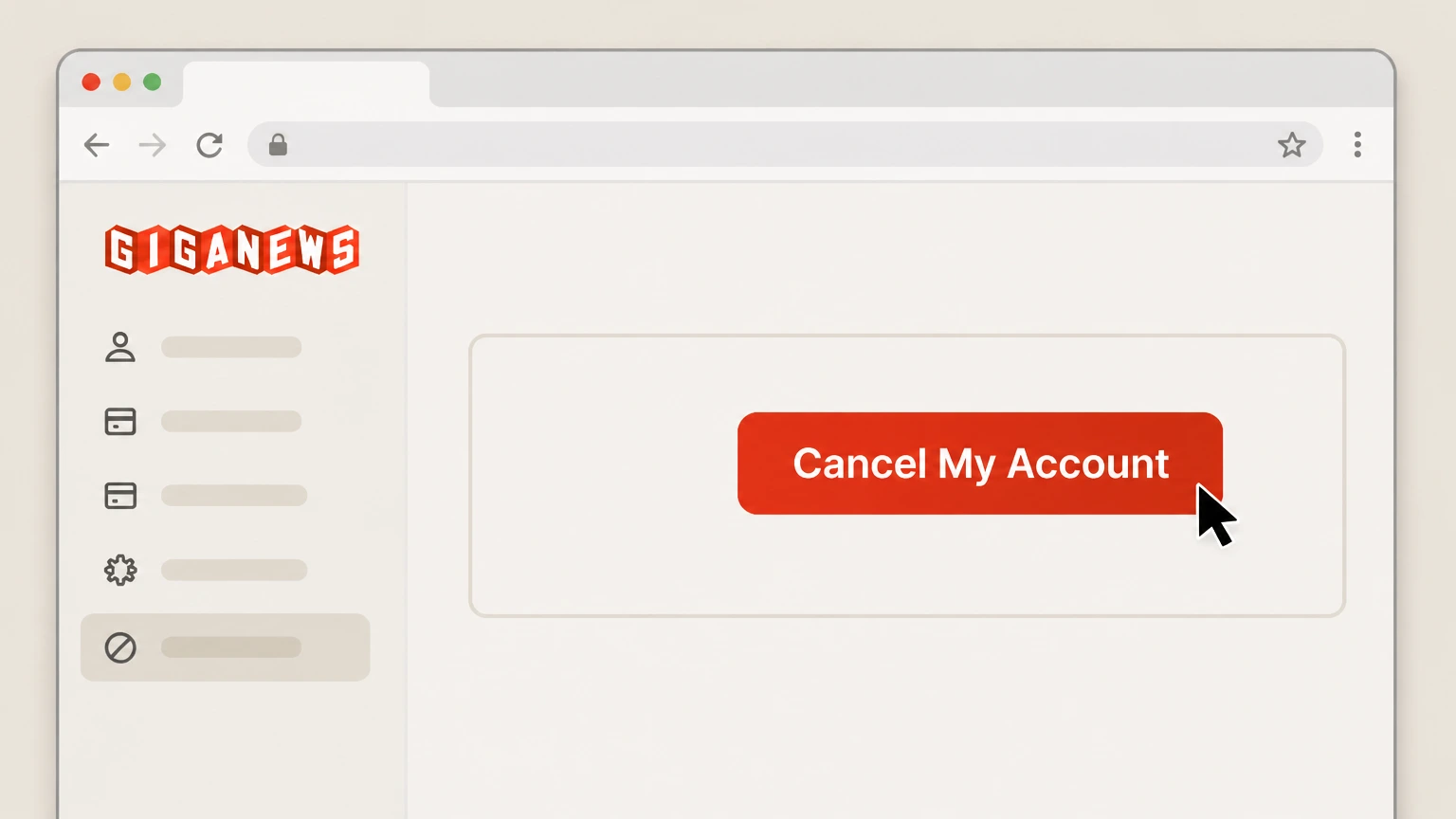
4Confirm by clicking “Cancel My Account”
Review the summary, then click the red “Cancel My Account” button to submit your cancellation request and stop future renewals in line with Giganews’ Terms of Service.

Refund policy
Giganews refunds, trial safety, and post‑cancellation access
Giganews’ Usenet Personal Account Terms of Service include a strict no‑refund clause, stating that no refunds are given under any circumstances, including for accounts deleted for Terms of Service or Acceptable Use violations. Because continuing-service invoices are billed in advance and accounts auto‑renew until a cancellation request is received in the Control Panel, cancelling mid‑period primarily stops the next renewal rather than triggering a pro‑rated refund, and cancellations submitted after a new period has started only take effect when that new period ends. The free-trial article clarifies that your card is not charged during the 14‑day trial, but if you do not manually cancel in the Control Panel before the trial expires, your chosen plan is billed and your membership becomes fully active under the same no‑refund terms, so the safest way to avoid unwanted charges is to cancel online during the trial window if you do not want to continue.
Check my refund options- No refunds under Giganews Terms
- Under “Refunds,” Giganews’ Usenet Personal Account Terms of Service state that no refunds will be given under any circumstances and that no refunds are considered for accounts deleted for Terms of Service or Acceptable Use Policy violations, so members should not expect pro‑rated credits for unused time after cancellation.
- Cancellations affect future renewals, not past charges
- The same Terms explain that accounts are billed in advance and auto‑renew; cancellations must be entered before the current service period ends to take effect before the next period, while cancellations entered after a new period begins only take effect at the end of that new period, with no mention of refunds for the already‑started term.
- Trial is risk‑free only if cancelled on time
- Giganews’ trial FAQ states that during the 14‑day trial your card is not billed, but once the trial expires your card will be billed for the plan you chose unless you manually cancel via your Control Panel before the end of the trial, at which point no trial charge is taken; failing to cancel in time converts the trial into a regular paid membership subject to the same Terms, including the no‑refund policy.
If you believe you have been charged contrary to these terms—for example, if a Control Panel cancellation submitted before your period end did not stop renewal—Giganews directs you to contact its 24/7 Customer Success Team using the Contact Support form so they can review your account and invoices. Contact Giganews Support
Scope
What this Giganews cancellation guide covers
This Draft applies to consumer Giganews Usenet memberships purchased through giganews.com and billed directly by Giganews via credit card or PayPal. Giganews’ payment and billing help state that signups use major credit cards and PayPal, and that accounts are billed directly to your card or PayPal and auto‑renew unless you submit a cancellation request through the Control Panel. Giganews’ Usenet Personal Account Terms of Service reinforce that you can cancel service only by submitting the Cancellation Request form in the online Control Panel hosted at giganews.com. Giganews also runs a separate outsourcing program that provides backend Usenet access for ISPs and other operators, where those partners may control billing using Giganews as an infrastructure provider; such third‑party arrangements fall outside this consumer-focused Draft and must be cancelled with the billing owner, not Giganews’ own Control Panel.
Direct Giganews consumer billing only
Giganews’ own support explains that consumer accounts are billed directly to your credit card or PayPal account based on your payment period and account type, and that all accounts auto‑renew unless you submit a cancellation request through the Giganews Control Panel.
Cancellation limited to Giganews Control Panel
The Usenet Personal Account Terms of Service state that you can cancel your Giganews service only from the online Control Panel at https://www.giganews.com via the Cancellation Request form, and that all accounts are renewed automatically until such a request is received.
No app‑store billing for Giganews memberships
Giganews’ current help on forms of payment lists the supported options as Discover, Mastercard, American Express, Visa, and PayPal, with no indication of Apple App Store or Google Play billing channels for Giganews memberships; instead, mobile references on giganews.com relate to VyprVPN client apps, not to billing integration.
Renewal & trials
Auto-renewal, service periods, and free trial timing
Giganews operates on a continuing-service model: the Terms explain that continuing services are billed in advance, each service period automatically renews for the same length as the prior period, and cancellations must be submitted through the online Control Panel before the end of the current period to take effect before the next one begins. A separate billing help article confirms that your account is billed directly to your credit card or PayPal, and that all accounts automatically renew unless you have submitted a cancellation request via the Giganews Control Panel. For new customers, Giganews documents a 14‑day, 10‑GB trial where your card is not billed during the trial, but if you do not manually cancel via the Control Panel before the trial ends, your chosen plan is billed and your account becomes a fully active membership under the same terms and conditions, including the Control‑Panel-only cancellation rule.
Automatic renewal until cancellation request is received
Under “Continuing Service Invoice” and “Cancellation,” Giganews’ Terms specify that accounts are renewed automatically at the end of each service period and that you can cancel your service only by submitting the Cancellation Request form in the online Control Panel; cancellations during regular service must be entered before the end of the current service period to take effect before the next one.
Effect of late cancellation within a billing cycle
The same cancellation section explains that if you enter a cancellation after the next service period has already begun, the cancellation will only take effect when that next service period is completed, meaning you remain subscribed and billed through the end of that newly started period.
Trial behaviour and need to cancel before expiry
Giganews’ free-trial help explains that new members get a 14‑day, 10‑GB trial without charges, but that if you do not manually cancel your Giganews account in your Control Panel before the end of the trial, your card is billed for the chosen plan and the account switches from a trial to a fully active membership, subject to the website’s terms and conditions.
Account state
Suspensions, reactivation, and VyprVPN bundle effects
Giganews offers additional account-state controls around the same Cancel/Uncancel and Control Panel environment used for cancellations. If you prefer a temporary pause instead of ending the relationship entirely, Giganews documents a voluntary suspension option accessed via the “Cancel/Uncancel Account” link, where you can select from three suspension terms and click “Suspend Account”; the next page confirms receipt and shows the dates your suspension begins and ends. For accounts that have been deleted, Giganews states you may be able to reactivate within 12 months by visiting the Reactivate Account page in your Control Panel and clicking “Reactivate Account,” after which reactivation may take up to 30 minutes. Giganews’ marketing pages emphasise that VyprVPN is provided as a no‑log VPN tied to Giganews accounts and that VyprVPN access is limited to full-service members rather than trial-only users, so once your Giganews membership is no longer active you should expect bundled VyprVPN entitlements obtained through Giganews to end as well.
Voluntary suspension instead of cancellation
In its vacation/suspension article, Giganews instructs members who are going away to log into the Control Panel, select the “Cancel/Uncancel Account” link, choose one of three suspension terms (15 days, 1 month, or 2 months, measured from the end of the current billing cycle), and click “Suspend Account”; the confirmation page lists when the suspension takes effect and when the account will automatically resume.
Reactivation window for deleted accounts
Giganews’ reactivation article states that you can reactivate a deleted account by visiting the Reactivate Account page in your Control Panel, clicking “Reactivate Account,” waiting up to 30 minutes for reactivation, and that only accounts deleted within the past 12 months are eligible.
Impact on VyprVPN and bundled services
The Giganews homepage and Welcome Kit describe VyprVPN as a no‑log VPN included with every Giganews account and managed from the Control Panel, while the trial FAQ notes that only full-service members (not just trial users) have access to VyprVPN; this indicates that once your Giganews membership is no longer active—whether because a trial expires without upgrade or you cancel—your associated VyprVPN entitlement provided through Giganews also ends.
Giganews cancellation FAQ
Current, source-backed answers about cancellation, billing ownership, refunds, and access timing.
Can I cancel my Giganews free trial without being charged?
Does cancelling my Giganews membership also end VyprVPN access?
Can I pause my Giganews account instead of cancelling it?
Can I reactivate my Giganews account after I’ve cancelled or deleted it?
Untangle this Giganews issue.
Let Pine handle the provider follow-up and keep the confirmation in one place.
