


GoTo Meeting
Cancel subscription
How to cancel your GoTo Meeting subscription online
Learn how to cancel a GoTo Meeting subscription through GoTo Admin or GoTo Customer Support, what happens to access and data, and how billing and refunds work.
- Official GoTo Meeting and billing-owner sources
- 2 provider-specific cancellation paths
- Refund and post-cancellation effects separated from renewal
- Verified August 16, 2026
Choose the GoTo Meeting cancellation path that matches who bills you
Web – GoTo Admin self‑service · verify the billing owner
 1
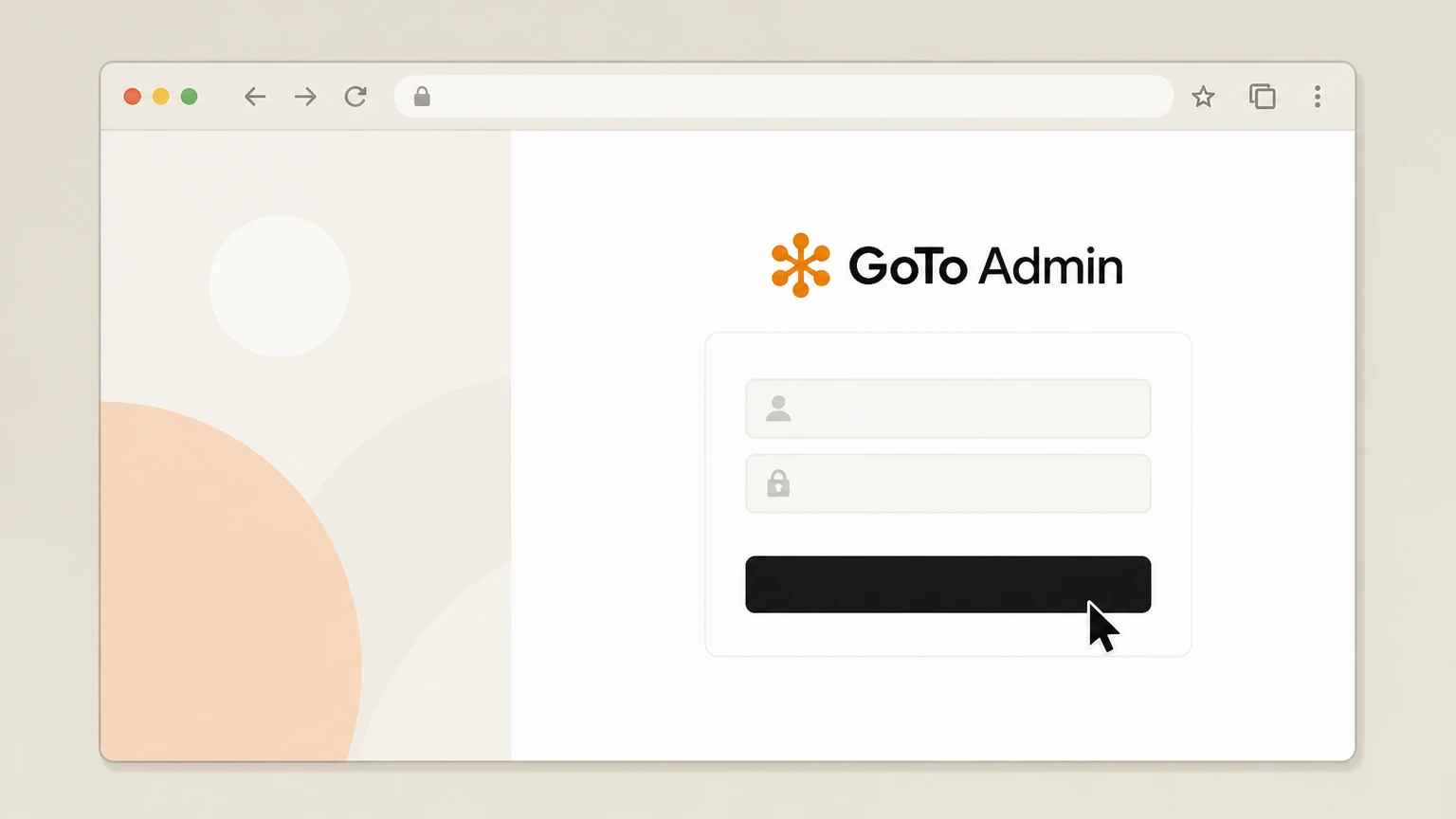
1Sign in to GoTo Admin
Open admin.goto.com in a browser and sign in with a GoTo account that has billing admin permissions for your GoTo Meeting subscription.
 2
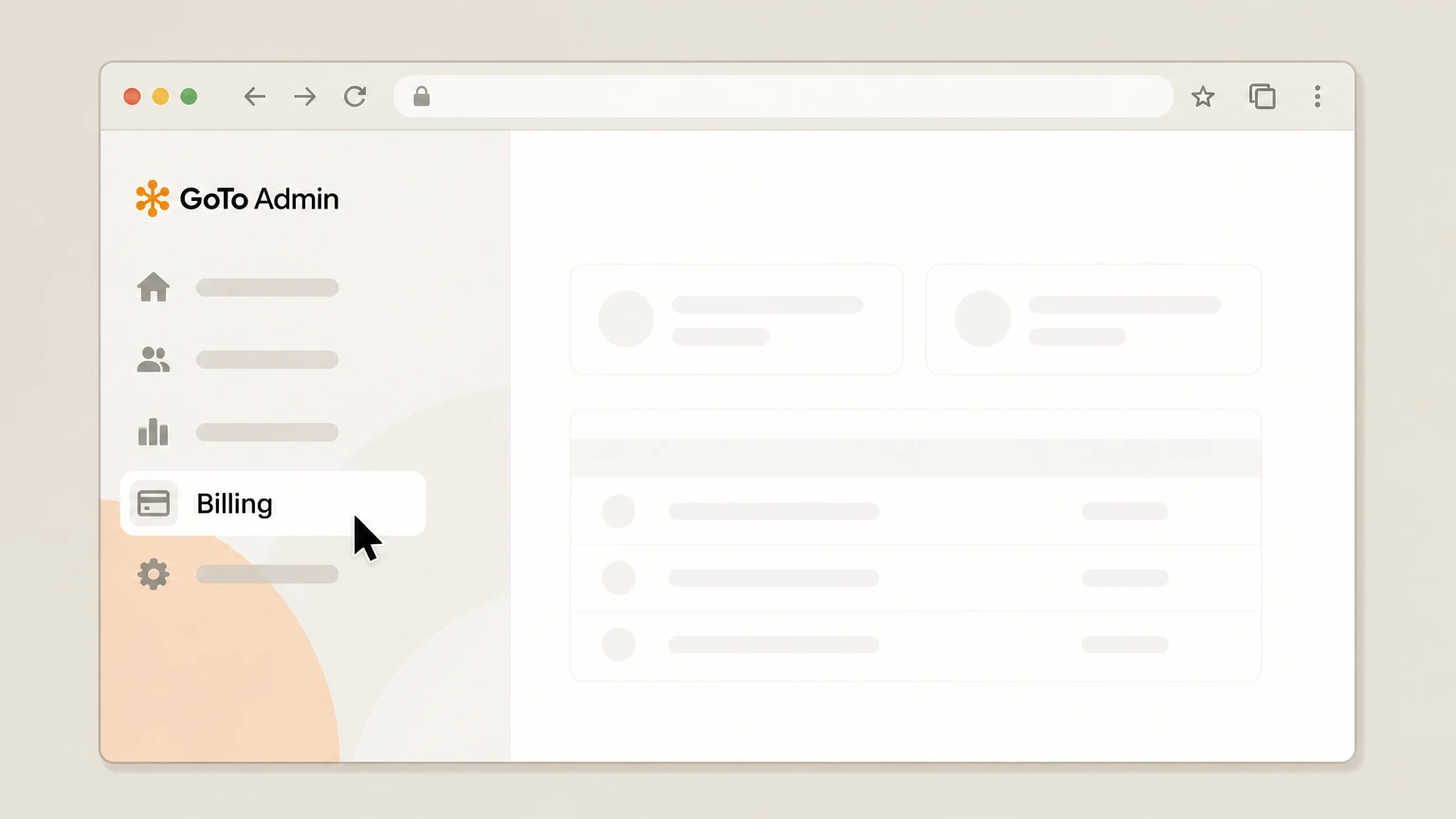
2Open the Billing section
From the left navigation menu, select Billing to open the billing area for your GoTo account. Use the GoTo Meeting account named on your receipt, and continue only after the next status in this cancellation path is visible.
- Let Pine handle it
Pine can help
Too many steps?
Pine can find the right Web – GoTo Admin self‑service path and handle the cancellation for you.
 3
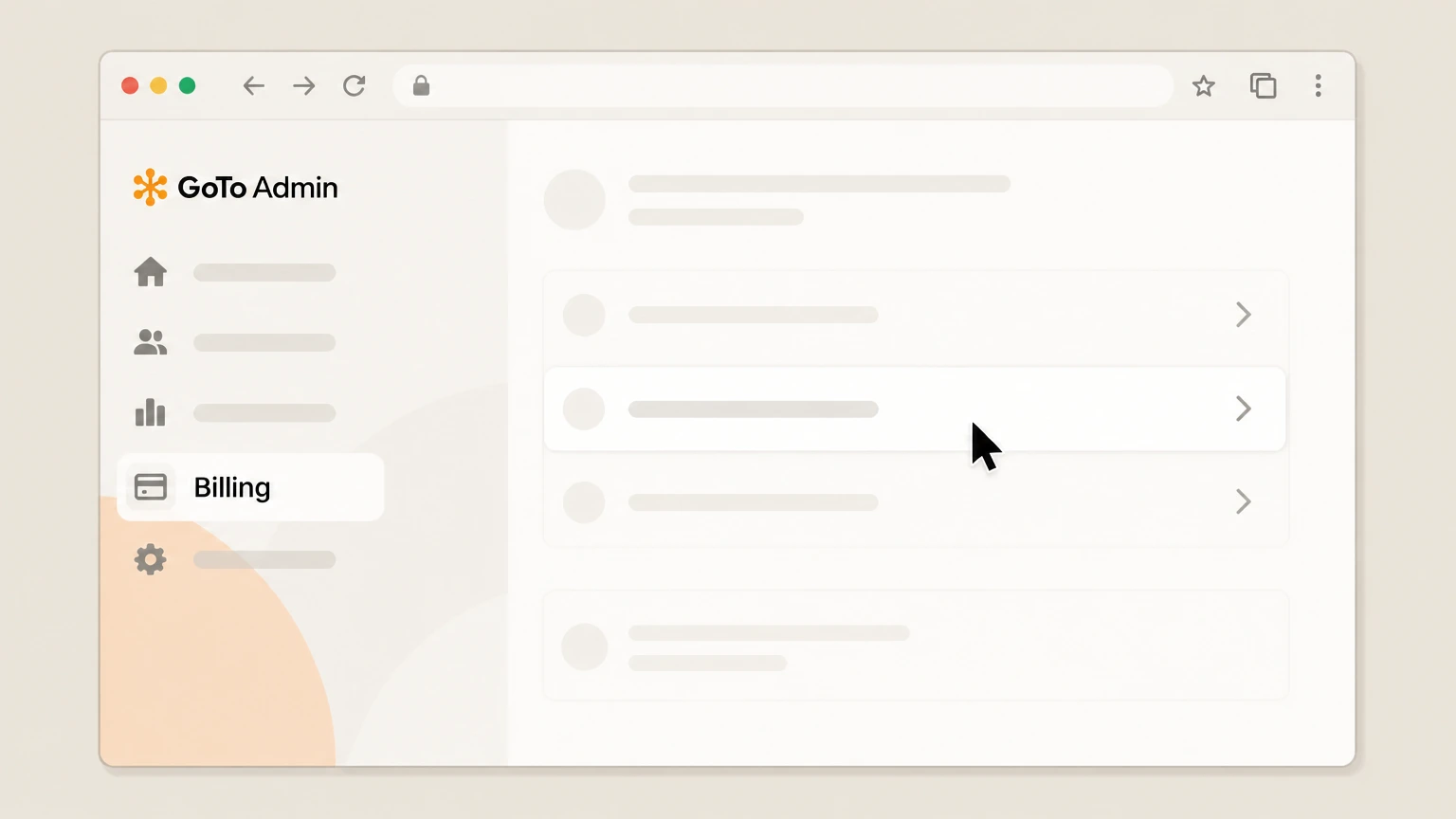
3Go to Subscriptions
Within Billing, choose Subscriptions to see all active GoTo product subscriptions on your account. Use the GoTo Meeting account named on your receipt, and continue only after the next status in this cancellation path is visible.
 4
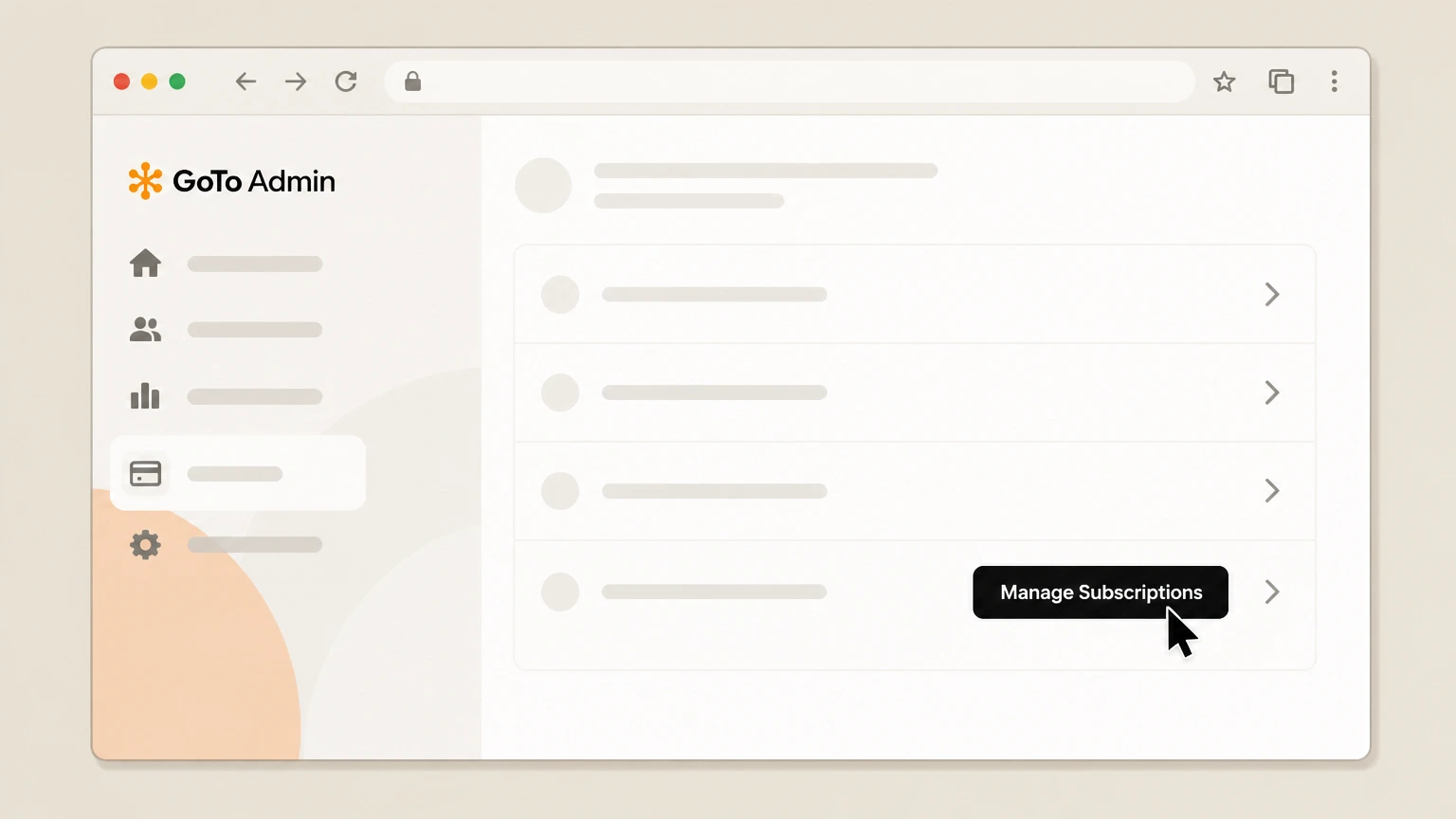
4Manage the GoTo Meeting subscription group
On the Subscriptions page, locate the subscription group that includes GoTo Meeting and select the Manage Subscriptions option for that group.
 5
5Start cancellation from the options menu
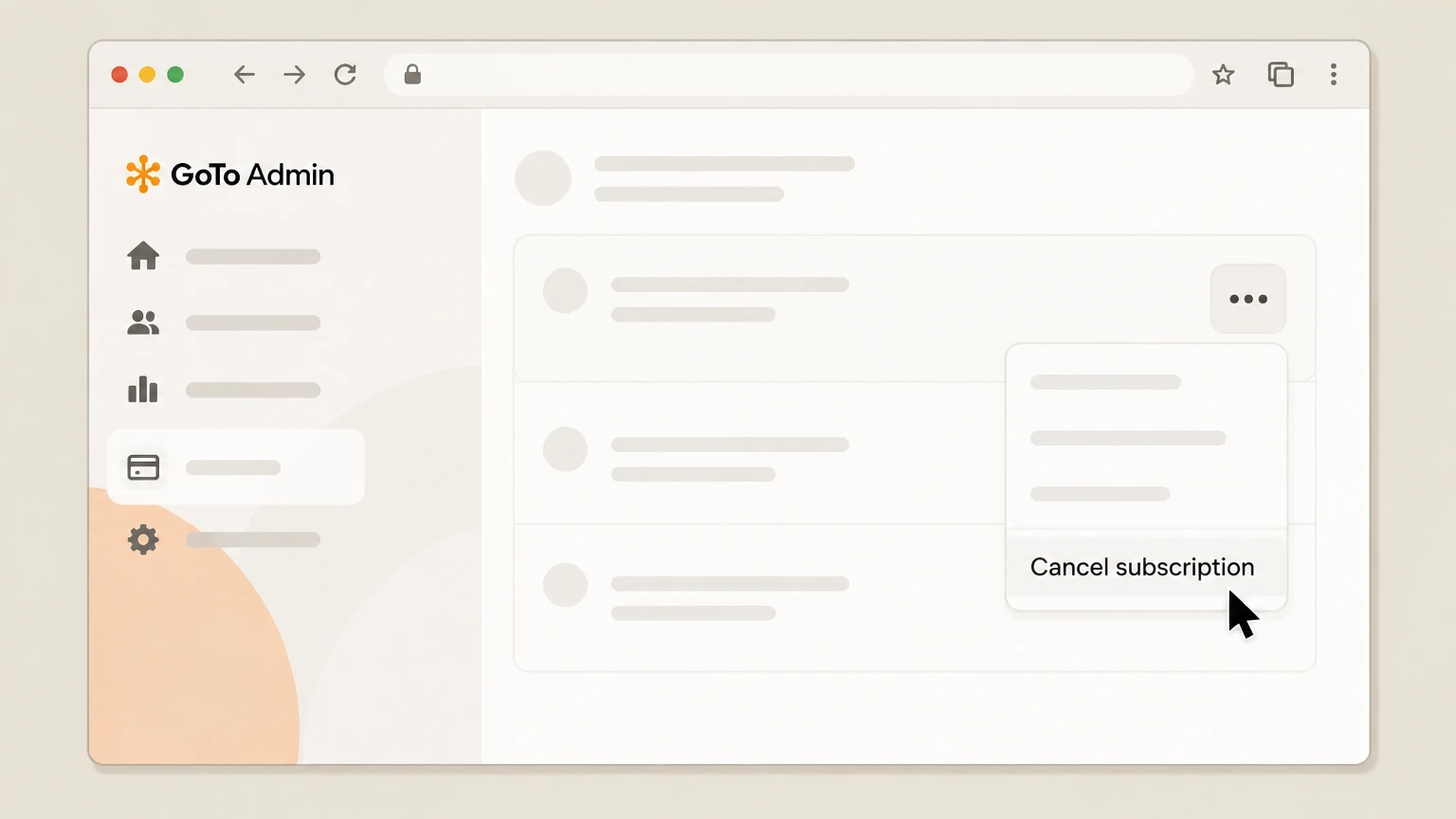
After the subscription details load, open the three‑dot options menu next to the GoTo Meeting subscription and choose Cancel subscription.
 6
6Confirm cancellation of renewal
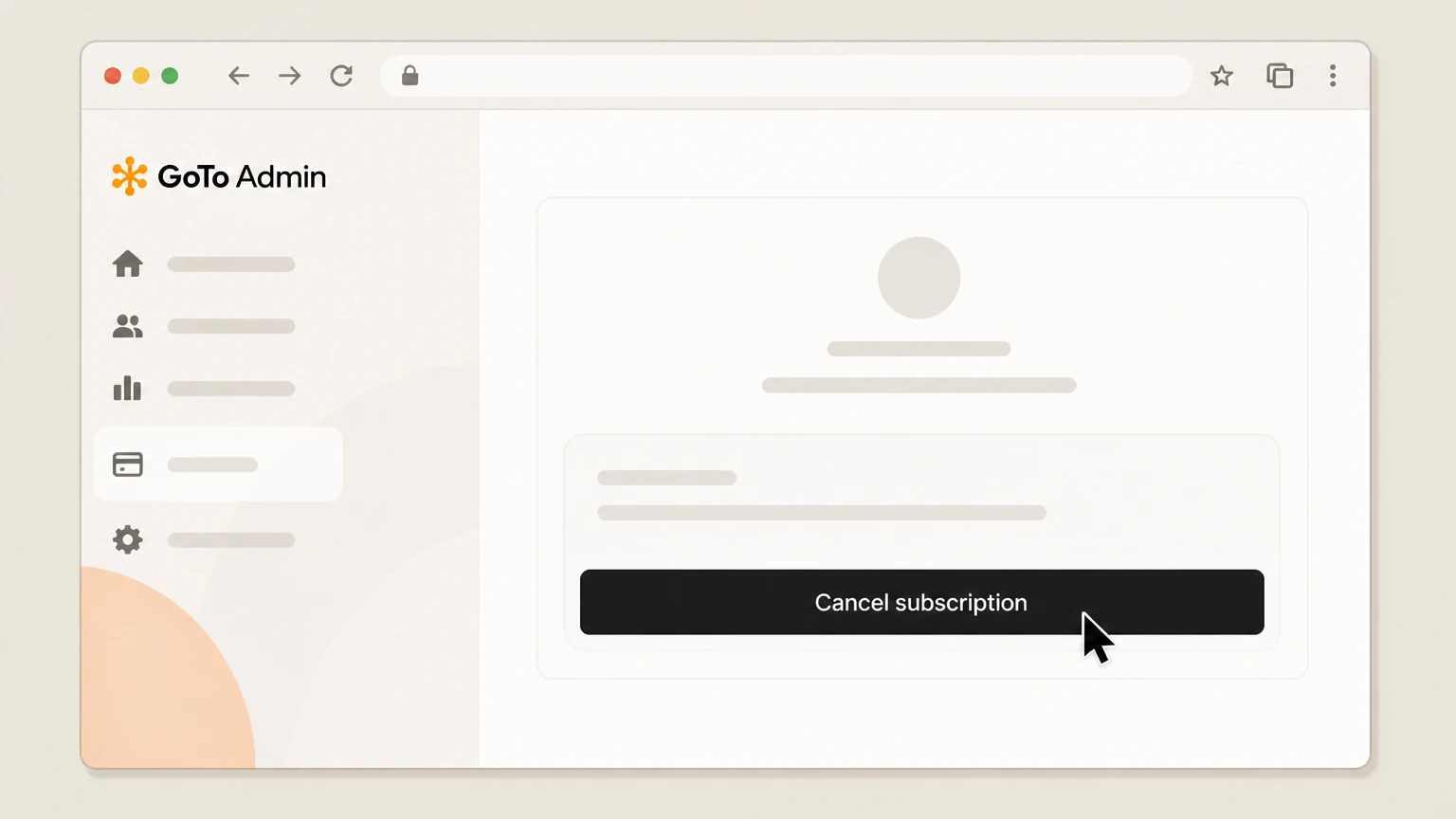
Complete or skip the short survey if shown, then confirm by selecting Cancel subscription again to turn off automatic renewal for GoTo Meeting at the end of the current term.

Web – Cancel through GoTo Customer Support · verify the billing owner
 1
1Open GoTo’s support site
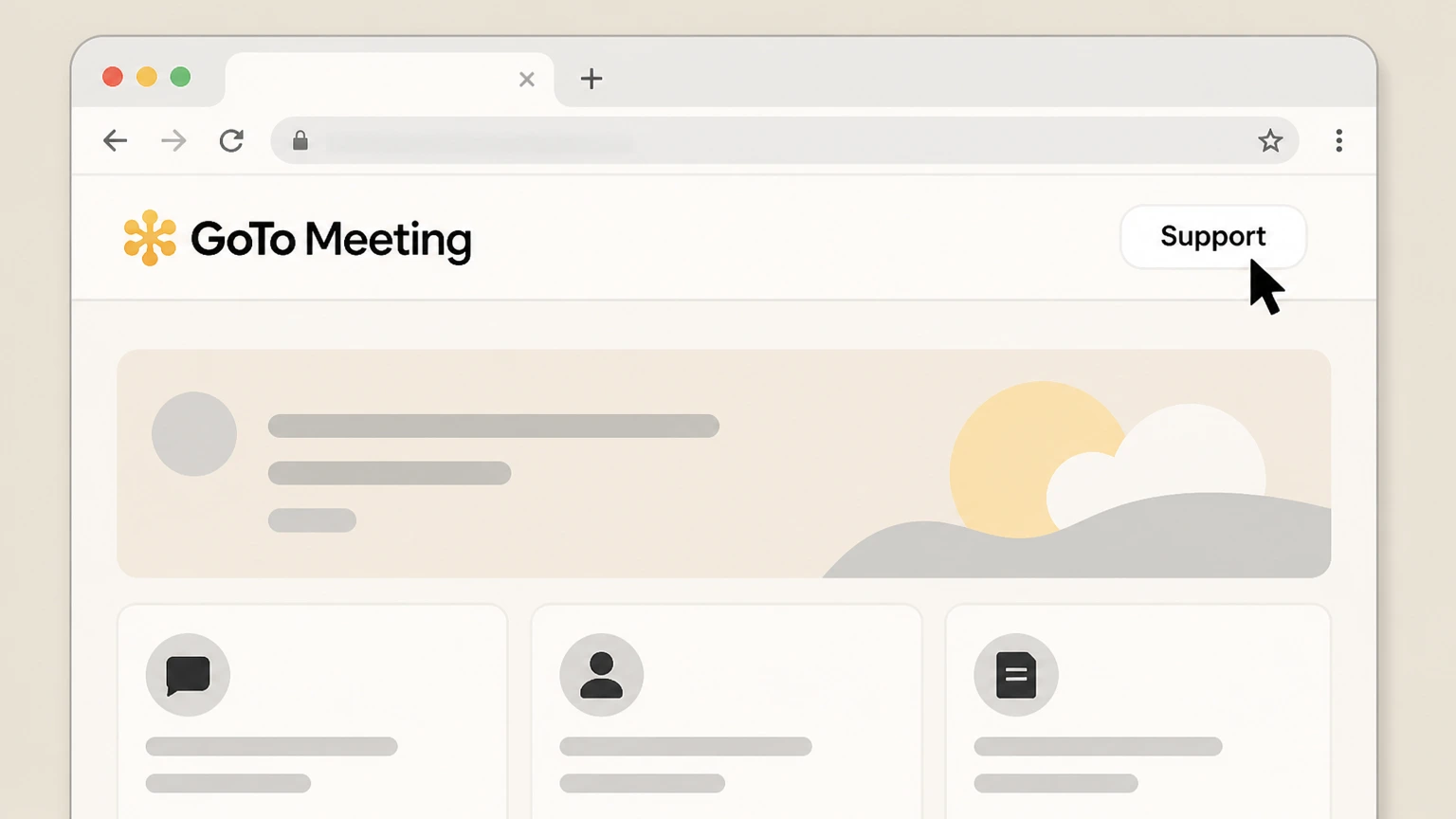
In a browser, go to support.goto.com and, if needed, navigate to a GoTo product billing or cancellation help article for account and subscription management.
 2
2Select the Contact Support option
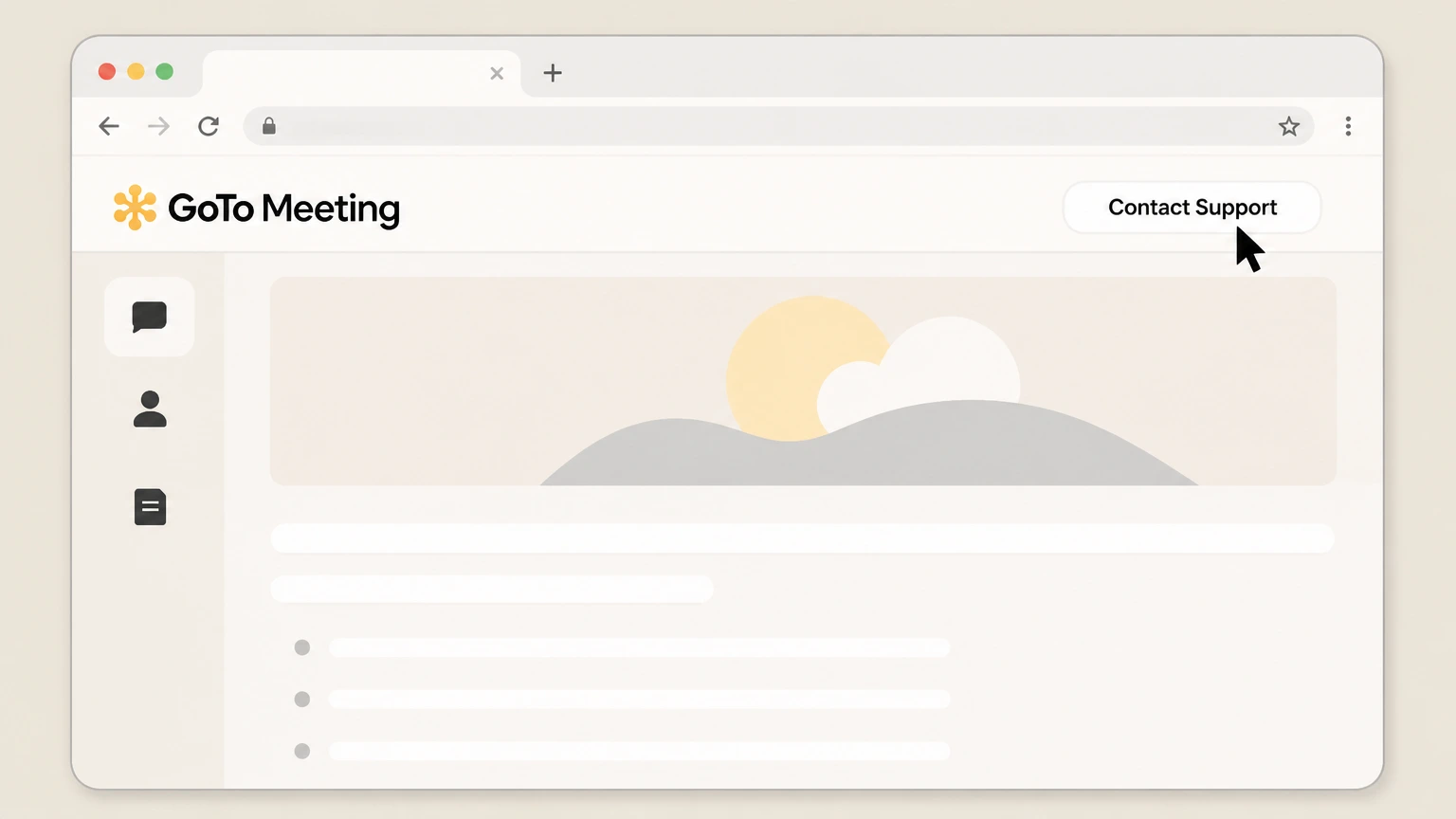
On the relevant billing or cancellation article, use the Contact Support button or link to access GoTo’s support contact options for your region.
- Let Pine handle it
Pine can help
Too many steps?
Pine can find the right Web – Cancel through GoTo Customer Support path and handle the cancellation for you.
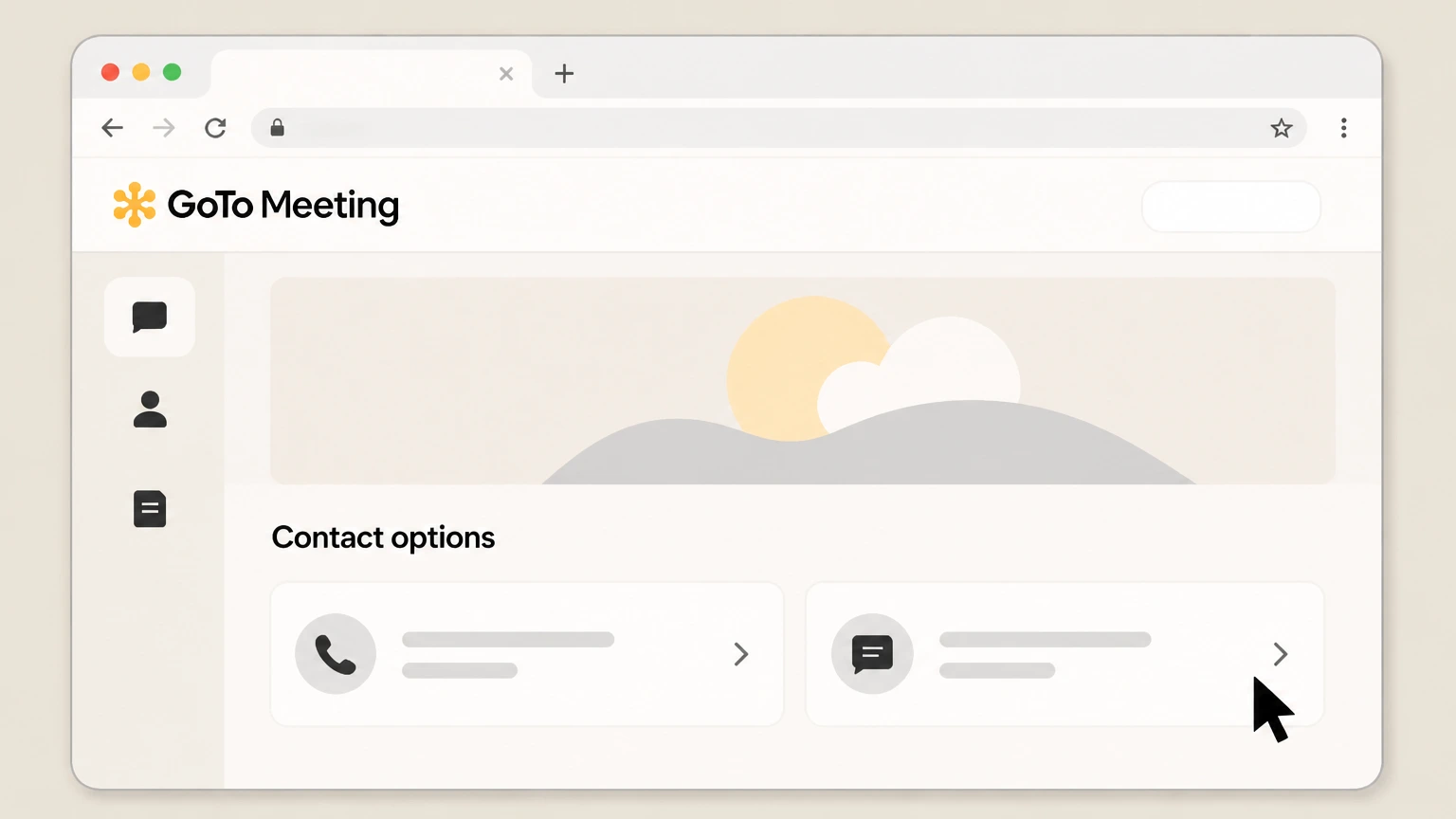 3
3Choose a support contact method
From the Contact Support options, select your preferred method (such as phone or case submission) to reach GoTo’s Global Customer Support or billing team.
 4
4Verify you are a billing administrator
When you reach support, confirm that you are the billing admin or authorized contact for the GoTo Meeting account so they can discuss subscription changes.
 5
5Request cancellation of GoTo Meeting
Ask the agent to cancel your GoTo Meeting subscription or remove GoTo Meeting from your GoTo product bundle at the end of the current term, following any contract conditions that apply.
 6
6Record the confirmation details
Note any email confirmation, case ID, or effective end date that support provides so you can verify that GoTo Meeting will not renew.
Refund policy
Refund expectations when cancelling GoTo Meeting
Cancelling GoTo Meeting normally stops future renewals but does not produce an automatic refund of already‑billed charges. GoTo’s policies emphasize prepaid, non‑refundable subscription periods, with limited exceptions for validated billing errors or local legal requirements.
Check my refund options- Current term is usually non‑refundable
- GoTo’s Code of Practice and generic cancellation guide both state that recurring payments are billed at the start of each billing cycle and are not refundable, so cancelling GoTo Meeting does not usually refund the current month or year.
- Future renewals are prevented
- When you cancel in GoTo Admin or through support, GoTo disables automatic renewal so additional terms are not billed after the current prepaid period ends, which is the main financial effect of cancellation for most customers.
- Billing disputes may be credited
- If you spot a genuine billing discrepancy and report it promptly to Global Customer Support, GoTo’s Code of Practice allows for a refund or credit to correct the error, separate from standard no‑refund handling for ordinary renewals.
- Contract terms can extend charges
- For fixed‑term contracts, GoTo’s guidance clarifies that cancelling early usually does not shorten the contract; remaining months may still be charged, though the subscription will not renew beyond the contracted end date.
- Local rights may give additional options
- Because GoTo’s contracting entity and applicable law vary by region, consumer‑protection rules or negotiated enterprise terms may in some cases provide remedies beyond the default no‑refund policy; such cases must be handled directly with GoTo.
If you believe your GoTo Meeting invoice includes an error or you have questions about how cancellation affected your charges, contact GoTo’s Global Customer Support through the Contact Support link on GoTo’s help site and request a billing review. GoTo billing support
Product status
How GoTo Meeting is sold and managed today
Key facts about the current GoTo Meeting service and how it is packaged within GoTo’s product lineup.
GoTo Meeting remains an active product
GoTo Meeting is promoted on goto.com as a current online meeting platform with a 14‑day free trial and paid plans, confirming that the service is still live and supported rather than retired or merged into another brand.
Part of a broader GoTo suite
GoTo lists GoTo Meeting alongside GoTo Webinar, GoTo Training, and GoTo Connect as part of its communication and collaboration portfolio, and some Webinar and Training plans explicitly include a GoTo Meeting license inside the bundle.
Unified GoTo Admin for subscriptions
GoTo’s Admin portal at admin.goto.com is the central place where billing admins manage subscriptions, invoices, and add‑ons across supported GoTo products, including GoTo Meeting. For your GoTo Meeting account, compare this point with the billing owner and effective date shown in the signed-in account or latest receipt.
Self‑service limited by product and contract
GoTo’s generic cancellation guide notes that only certain products, including GoTo Meeting, support self‑service cancellation in GoTo Admin; other products or contract types must be cancelled directly with support.
Account control
Who can cancel GoTo Meeting in GoTo Admin
Only specific GoTo users can see billing screens and cancel GoTo Meeting subscriptions in GoTo Admin.
Billing admins control subscriptions
GoTo explains that users who can access the billing portal are billing admins and, depending on permissions, they can view and manage payment methods, invoices, and subscriptions for supported GoTo products.
Identifying your billing portal
If you manage subscriptions at admin.goto.com, you are using the GoTo Admin billing portal. Other GoTo portals, such as Corporate Billing Portal or legacy LogMeIn Classic, follow different patterns and may require support to adjust subscriptions.
Online cancellation depends on permissions
The generic GoTo cancellation guide warns that if you do not see Billing or the Subscriptions page in GoTo Admin, you may not have billing‑admin rights and must contact your account administrator or GoTo Support before you can cancel.
Adding or changing billing admins
GoTo’s billing‑admin article states that adding or updating GoTo Admin billing admins typically requires contacting GoTo Support, rather than being changed directly by end users without the proper roles.
Renewals
How GoTo Meeting cancellation affects renewals
What happens to your term, renewal, and ongoing access when you cancel GoTo Meeting.
Cancellation turns off auto‑renewal
GoTo’s generic guide for subscription products explains that cancelling an eligible GoTo subscription turns off automatic renewal so the plan ends at the end of its current term instead of renewing, while staying active until that date.
Prepaid periods remain usable
For both monthly and fixed‑term contracts, GoTo indicates that when you cancel mid‑term, the subscription generally continues until the original end date, meaning you retain access to GoTo Meeting for the remainder of the prepaid period.
Fixed‑term contracts require more notice
For customers on fixed‑term GoTo contracts (for example, a contract with a defined multi‑month term), GoTo’s cancellation article instructs billing admins to contact support before the renewal date—typically at least 30 days in advance—to avoid being invoiced for a new term.
Trials versus paid subscriptions
GoTo’s pricing FAQs for related products like GoTo Webinar and GoTo Training distinguish between free trials and paid subscriptions; after a trial, ongoing use becomes a paid subscription that must be cancelled like any other GoTo subscription to stop renewals.
Access & data
What changes when you cancel GoTo Meeting
How cancelling GoTo Meeting affects your ability to host meetings, and what happens to associated data over time.
Hosting rights end after the term
GoTo’s generic cancellation guidance clarifies that when a GoTo subscription is cancelled and reaches its end date, you lose access to the product’s features—so you will no longer be able to schedule or host GoTo Meeting sessions on that subscription.
Access to recordings and usage data
The same guidance advises customers to secure any needed data, including user data, before the term ends, because data tied to the cancelled subscription—such as meeting history and recordings—will no longer be accessible afterwards.
Eventual deletion of subscription data
GoTo states that after cancellation and the end of your term, data associated with the product subscription is eventually removed from its systems under GoTo’s data‑retention policies, and cannot be recovered even if you later reactivate the subscription.
Account and other products may remain
Cancelling a GoTo Meeting subscription does not automatically delete your GoTo user account or other GoTo products; you can still sign in, manage remaining subscriptions, or start new trials unless you separately pursue account‑level deletion under GoTo’s privacy processes.
Contracts
Contracts and when you must contact GoTo Support
Situations where GoTo requires you to work with support instead of cancelling GoTo Meeting entirely online.
Contract‑based subscriptions
GoTo’s cancellation article explains that customers with fixed‑term contracts made directly with GoTo must contact support to cancel, and that the contract often continues to its scheduled end date even after you request cancellation.
Telephone and sales‑assisted sales
GoTo notes that if you purchased your GoTo subscription by phone or through a sales representative rather than fully online, you may not be able to cancel it in GoTo Admin and instead must contact support or your sales rep to request termination.
Products without online cancellation
While GoTo Meeting is explicitly listed as supporting GoTo Admin cancellation, GoTo documents that some products still do not allow online cancellation; for such products, only Global Customer Support can reduce or end the licenses.
Escalation for billing disputes
GoTo’s Code of Practice instructs customers who see discrepancies on their billing statements to contact Global Customer Support promptly; validated discrepancies may be corrected or refunded even though ordinary recurring charges are classed as non‑refundable.
Refunds
GoTo’s refund stance for GoTo Meeting
How GoTo’s no‑refund policy affects cancelled GoTo Meeting subscriptions and when exceptions might apply.
Recurring charges are generally non‑refundable
GoTo’s Code of Practice states that recurring payments are debited at the start of the billing cycle and are not refundable, indicating that cancelling GoTo Meeting mainly prevents future renewals rather than refunding the current period.
No‑refund policy in generic guide
The generic GoTo cancellation article reiterates that GoTo has an official no‑refund policy for subscriptions cancelled before the end of the term, aligning with the position in GoTo’s legal documents.
Billing‑error refunds are possible
The same Code of Practice notes that if you report a valid discrepancy on your billing statement to GoTo’s Global Customer Support, they may issue a credit or refund to correct the error, separate from ordinary cancellation requests.
Local law and contract terms still apply
GoTo’s legal pages indicate that the contracting entity and governing law vary by country and product, so statutory rights or specific contract clauses may influence what refunds or credits are available beyond the standard no‑refund policy.
Product differences
How GoTo Meeting cancellation differs from some other GoTo products
Important distinctions between GoTo Meeting and other GoTo services so you don’t follow the wrong cancellation process.
Generic guide excludes some products
GoTo’s generic cancellation article explicitly excludes GoToMyPC, Grasshopper, and Miradore from its scope, directing those customers to product‑specific cancellation processes instead of the GoTo Admin steps used for GoTo Meeting.
GoToMyPC has its own billing pages
GoToMyPC’s own help and FAQ content references a dedicated Billing Information page and product‑specific options to cancel, confirming that GoToMyPC customers should not assume the GoTo Meeting cancellation flow applies to them.
Meeting licenses included in other plans
Some GoTo Webinar and GoTo Training plans bundle a GoTo Meeting license; in those cases, cancelling GoTo Meeting may require adjusting or cancelling the parent Webinar or Training subscription rather than removing a standalone Meeting plan.
Same GoTo Admin steps across listed products
Within GoTo Admin, GoTo Meeting shares the same cancellation pattern as listed products like GoTo Webinar, GoTo Training, and OpenVoice: eligible subscriptions can be cancelled via Billing > Subscriptions using the three‑dot menu and Cancel subscription action.
Billing ownership
Evidence GoTo bills GoTo Meeting directly
Why this guide treats GoTo as the billing owner for GoTo Meeting rather than Apple, Google Play, or other app stores.
Subscriptions purchased from GoTo sites
GoTo’s Code of Practice explains that customers sign up for GoTo services by ordering a plan from the relevant product website on goto.com or by signing an offline contract, indicating GoTo as the primary billing entity.
GoTo Admin handles subscription lifecycle
The generic GoTo cancellation article instructs billing admins to cancel GoTo Meeting and several other products directly in GoTo Admin, reinforcing that subscription lifecycle events are managed in GoTo’s own billing systems.
GoTo mobile app lacks in‑app purchases
The official App Store listing for the GoTo mobile app lists GoTo Group, Inc. as the seller and does not show any in‑app purchases, suggesting that GoTo Meeting subscriptions are not billed through Apple’s in‑app purchase system.
No official references to app‑store billing
Current GoTo and Apple documentation reviewed for this audit does not describe GoTo Meeting subscriptions as being sold or billed through Apple, Google Play, Amazon, Roku, PayPal, or similar platforms, so this guide does not present those as primary cancellation paths.
What official sources do not confirm
Limits of the public GoTo Meeting cancellation guidance
These points are intentionally qualified because the official sources reviewed on August 16, 2026 do not publish a complete answer.
Documented limitation 1
No English‑language GoTo Meeting–specific cancellation article was directly accessible via the support.goto.com HTML export; this guide relies on GoTo’s generic subscription‑cancellation article, which explicitly covers GoTo Meeting, plus broader legal documents.
Documented limitation 2
The generic cancellation article contains differing example timeframes for data retention after cancellation; because of this inconsistency, this guide does not state an exact data‑deletion period and instead notes that data is eventually removed under GoTo’s policies.
Documented limitation 3
Public GoTo documentation reviewed for this audit does not identify any third‑party billing owners (such as Apple, Google Play, Amazon, Roku, PayPal or telecom carriers) for GoTo Meeting; if such arrangements exist for specific enterprise or partner channels, they are not described in the allowed official sources used here.
Documented limitation 4
Some details of GoTo’s internal billing‑portal labels and button text (for example, the exact wording of the three‑dot menu actions) may vary slightly by language or UI update; this guide reflects the labels shown or implied in GoTo’s most recent generic cancellation documentation.
Documented limitation 5
Contract‑specific notice periods, early‑termination fees, and any negotiated refund or credit terms are governed by individual contracts and local law; they cannot be fully described from public GoTo resources and require direct review with GoTo or legal counsel.
GoTo Meeting cancellation FAQ
Questions people search about canceling GoTo Meeting, answered with official provider or billing-platform sources checked on August 16, 2026.
How do I completely cancel a GoTo Meeting subscription?
How do I cancel my automatic GoTo Meeting renewal?
What is GoToMeeting and why is it on my computer?
Can I cancel GoTo Meeting online, or do I have to call support?
What happens to my GoTo Meeting recordings and data after cancellation?
Can I get a refund on GoTo Meeting after I cancel?
How do I know my GoTo Meeting subscription is cancelled?
Does cancelling GoTo Meeting delete my entire GoTo account?
How do I cancel a GoTo Meeting free trial?
How can admins control who is allowed to cancel GoTo Meeting?
Untangle this GoTo Meeting issue.
Let Pine handle the provider follow-up and keep the confirmation in one place.
