


Public Storage
Cancel subscription
How to Cancel Your Public Storage Unit Safely
Learn how to cancel Public Storage: give move‑out notice, empty and clean your unit, remove your lock, and avoid monthly charges under the official policy.
- Official Public Storage and billing-owner sources
- 3 provider-specific cancellation paths
- Refund and post-cancellation effects separated from renewal
- Verified August 16, 2026
Choose the Public Storage cancellation path that matches who bills you
Website account or online chat · verify the billing owner
 1
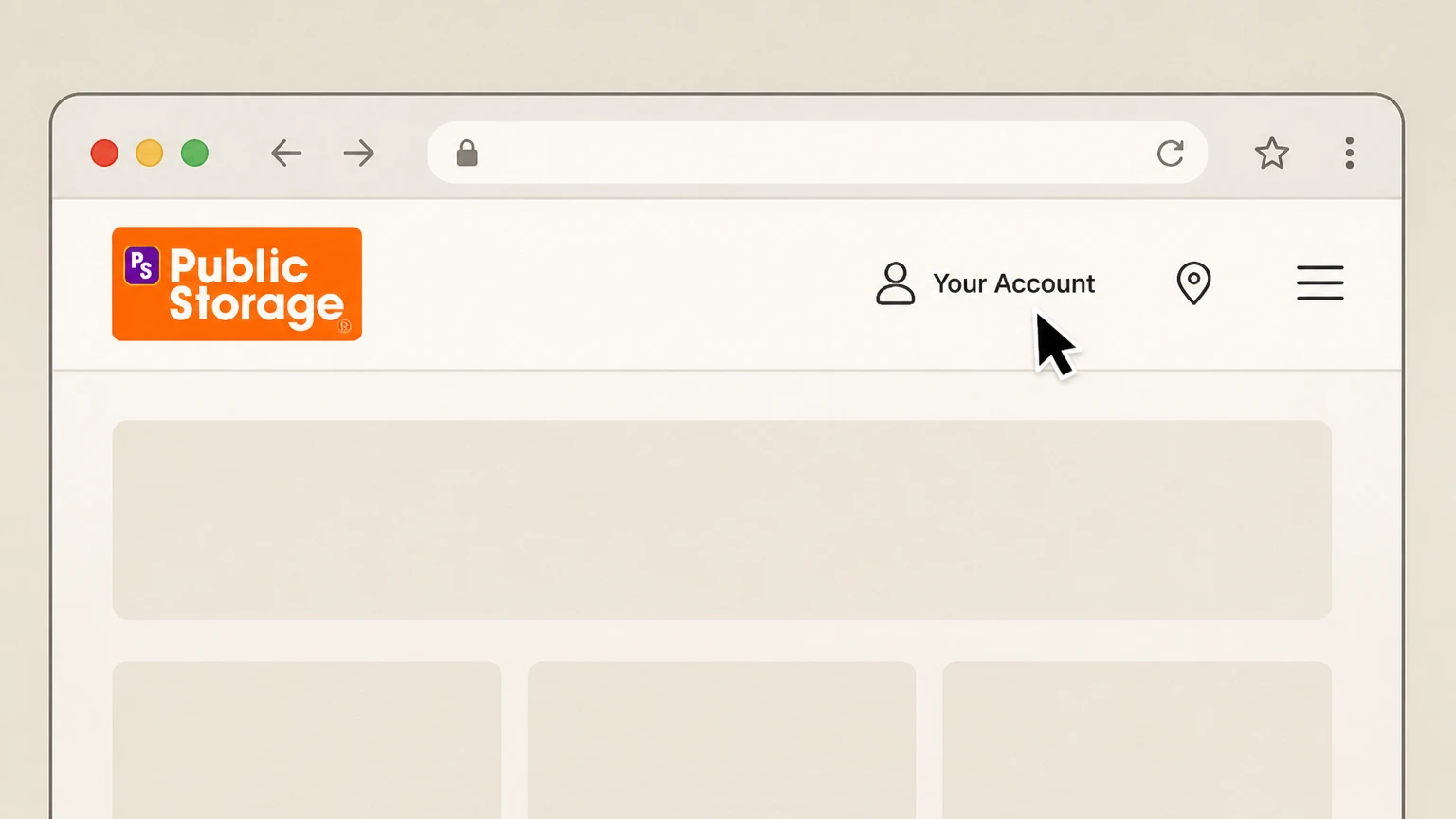
1Open the Public Storage website and click "Your Account"
In your browser, go to PublicStorage.com and select the "Your Account" link in the top navigation to access the customer login area.
 2
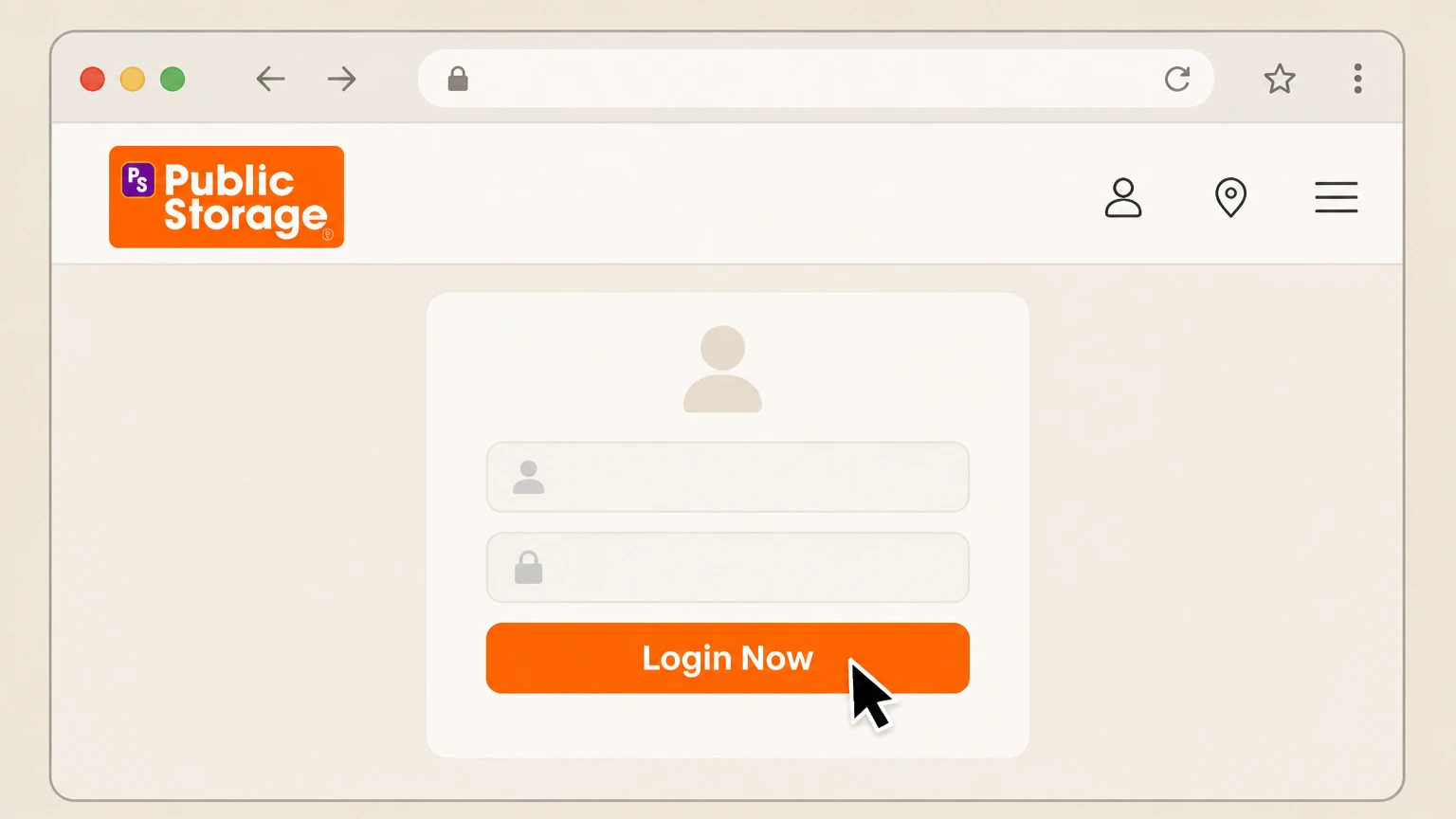
2Select "Login Now" and sign in to your account
Choose "Login Now" on the account page and enter the email and password associated with your Public Storage rental to open your dashboard.
- Let Pine handle it
Pine can help
Too many steps?
Pine can find the right Website account or online chat path and handle the cancellation for you.
 3
3Submit a move‑out request at least 7 days before your move‑out date
From your online account tools, follow the prompts to notify Public Storage that you plan to move out of your unit, making sure the requested date is at least 7 days away.
 4
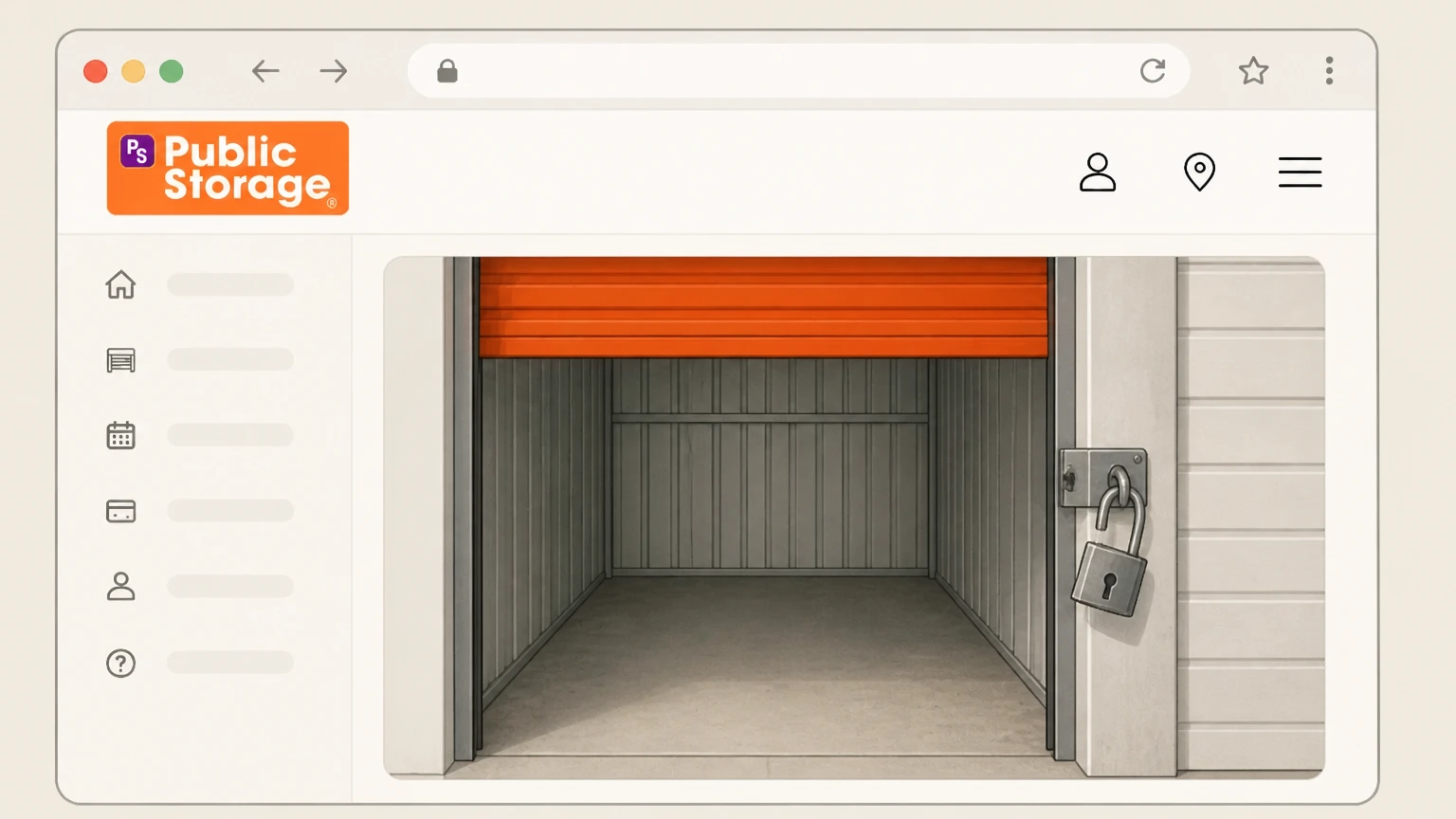
4Remove all belongings from your storage space on move‑out day
On your scheduled move‑out day, visit the facility and take every item out of your storage unit so the space is completely empty.
 5
5Clean the unit and remove your lock from the door
After the unit is empty, sweep or tidy the space if needed and then take your lock off the unit door so staff can see it is vacant.
 6
6Confirm in your account or messages that your unit shows as vacated
After moving out, check your online account or any follow‑up messages to confirm the unit no longer appears as an active rental and monitor for any unexpected charges.

Phone support with Public Storage · verify the billing owner
 1
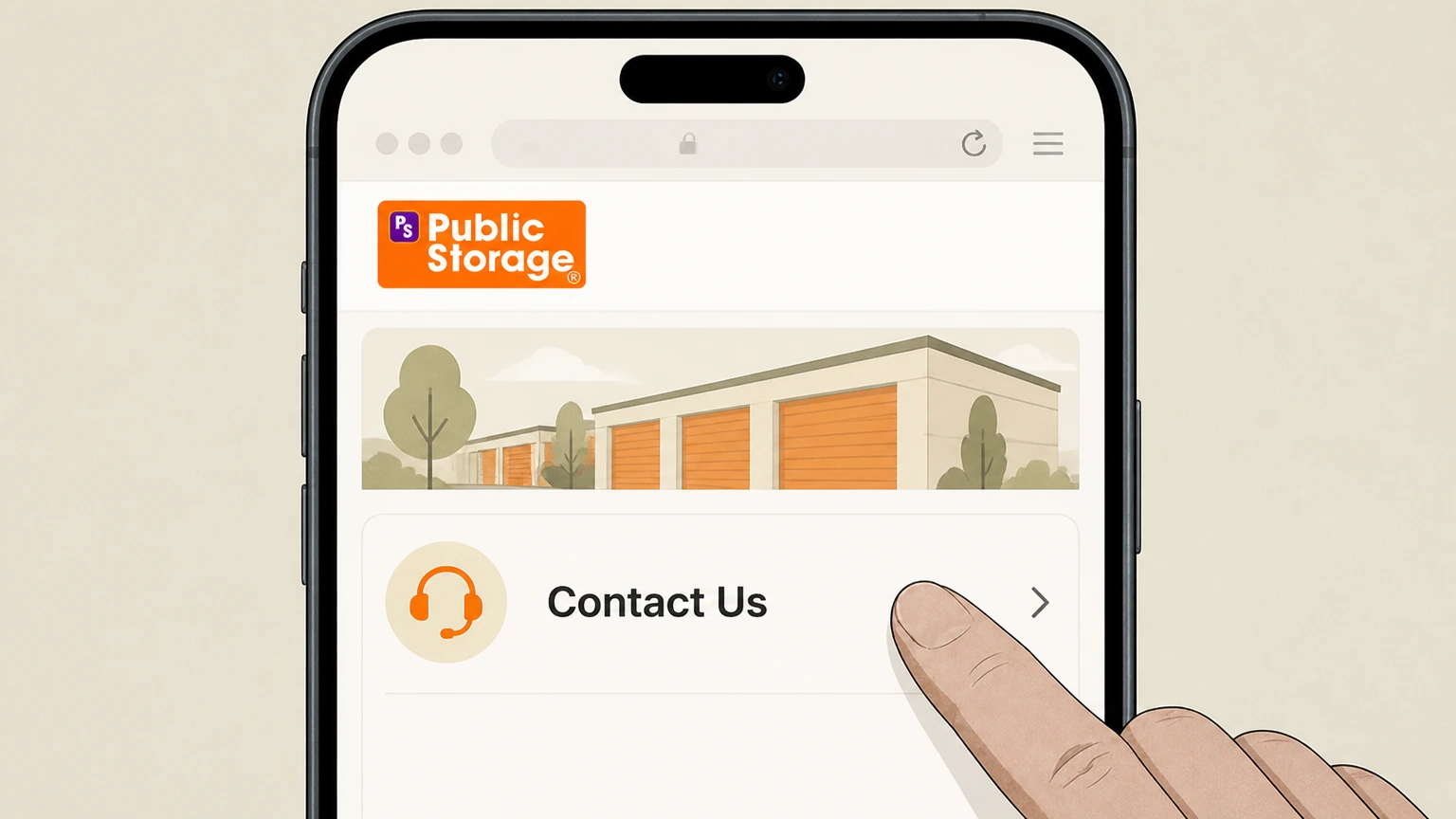
1Open the Public Storage "Contact Us" help page
In your browser, go to the Public Storage "Contact Us" page for current customers so you can see the official phone option.
 2
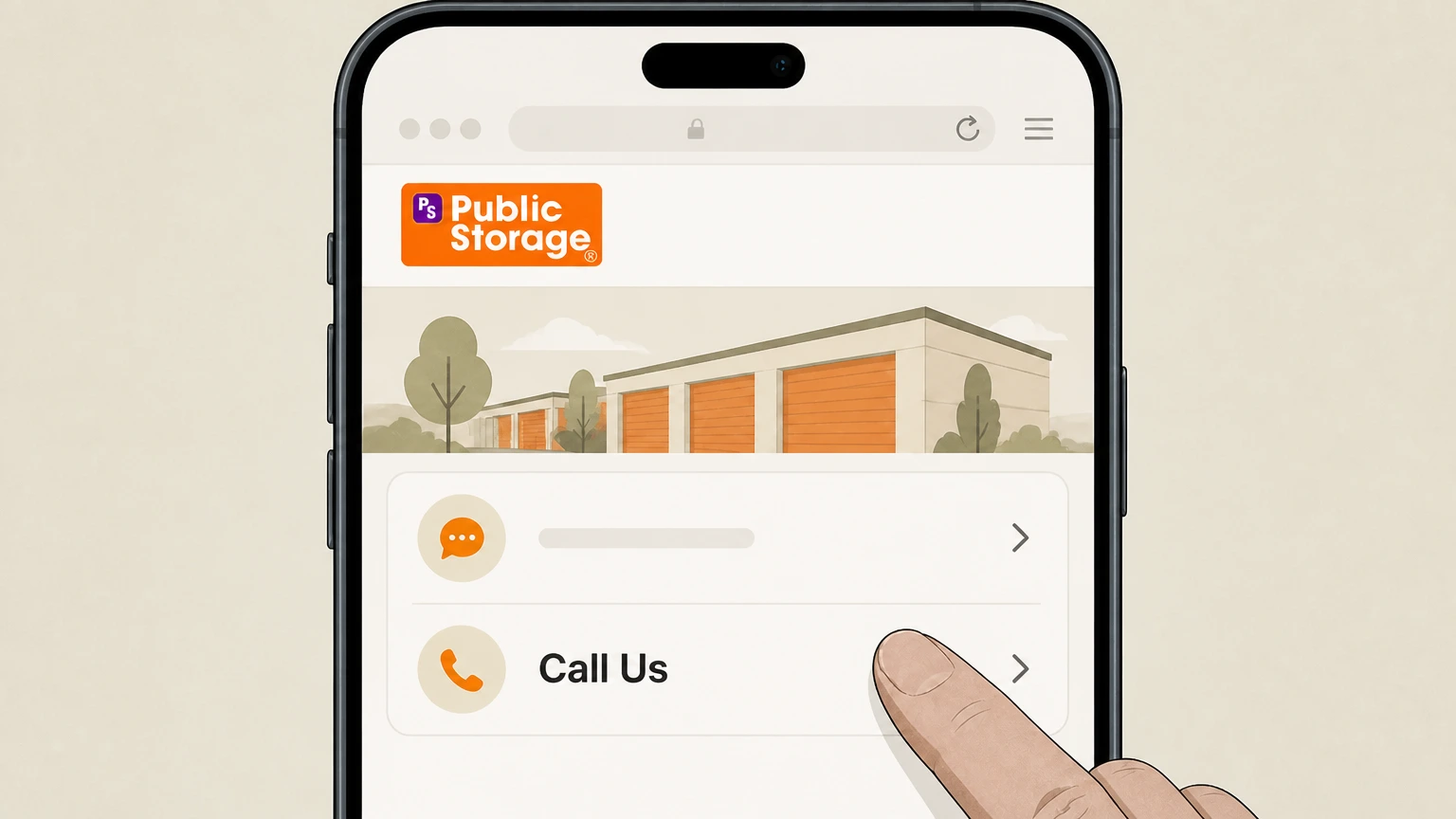
2Use the "Call Us" option to reach a specialist
From the Contact Us or move‑out help page, choose the "Call Us" option to dial Public Storage customer support. Use the Public Storage account named on your receipt, and continue only after the next status in this cancellation path is visible.
- Let Pine handle it
Pine can help
Too many steps?
Pine can find the right Phone support with Public Storage path and handle the cancellation for you.
 3
3Ask the specialist to schedule your move‑out at least 7 days ahead
Tell the agent you want to move out of your unit and work with them to set a move‑out date that is at least 7 days in the future.
 4
4Empty your unit completely on the scheduled move‑out day
On the date you arranged, visit the facility and remove every item from your storage space so nothing remains inside.
 5
5Remove your lock from the storage unit door
Once the unit is empty, take your personal lock off the door so staff can see that the space is vacant and ready to be closed.
 6
6Ask staff or the phone agent to confirm the unit is marked vacated
Before leaving, ask the facility staff or support agent to confirm that your unit has been recorded as vacated so no further monthly rent is charged.
In‑person move‑out at your facility · verify the billing owner
 1
1Find the Public Storage location that manages your unit
Use the Public Storage locations tool or your rental documents to identify the exact facility where your unit is rented.
 2
2Go to the facility office and speak with a property manager or staff member
Visit the facility during office hours and speak directly with the property manager or on‑site staff about ending your rental.
- Let Pine handle it
Pine can help
Too many steps?
Pine can find the right In‑person move‑out at your facility path and handle the cancellation for you.
 3
3Request a move‑out date at least 7 days in advance for your unit
Tell staff that you plan to move out and agree on a move‑out date that is at least 7 days away, following the company’s move‑out notice guideline.
 4
4On the agreed date, remove all belongings from your unit
Return to the facility on your scheduled move‑out date and take every item out of the unit so the space is completely empty.
 5
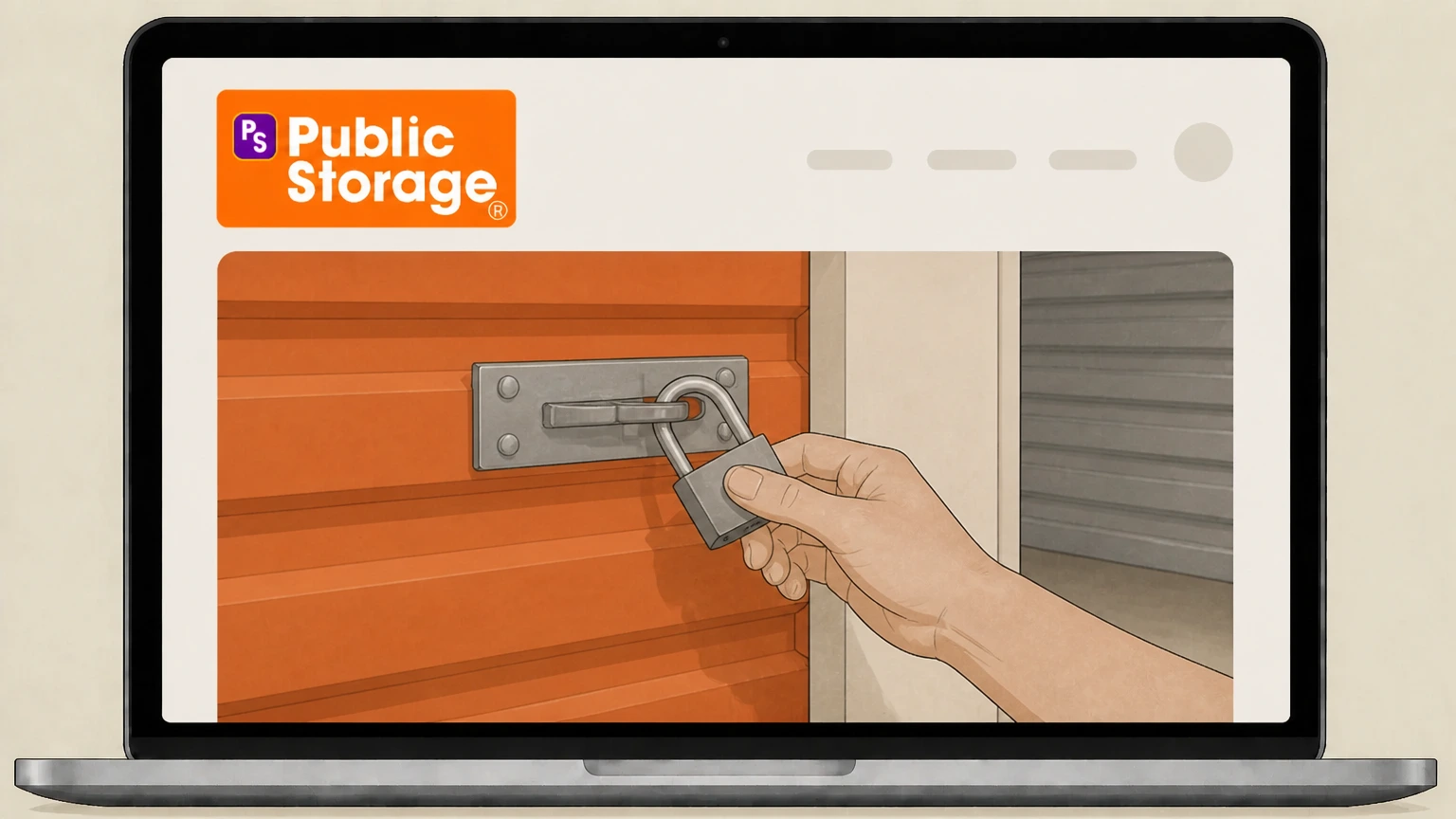
5Remove your lock from the door so the unit appears vacant
After the unit is empty, remove your lock from the door to signal that the space is ready for inspection and closure.
 6
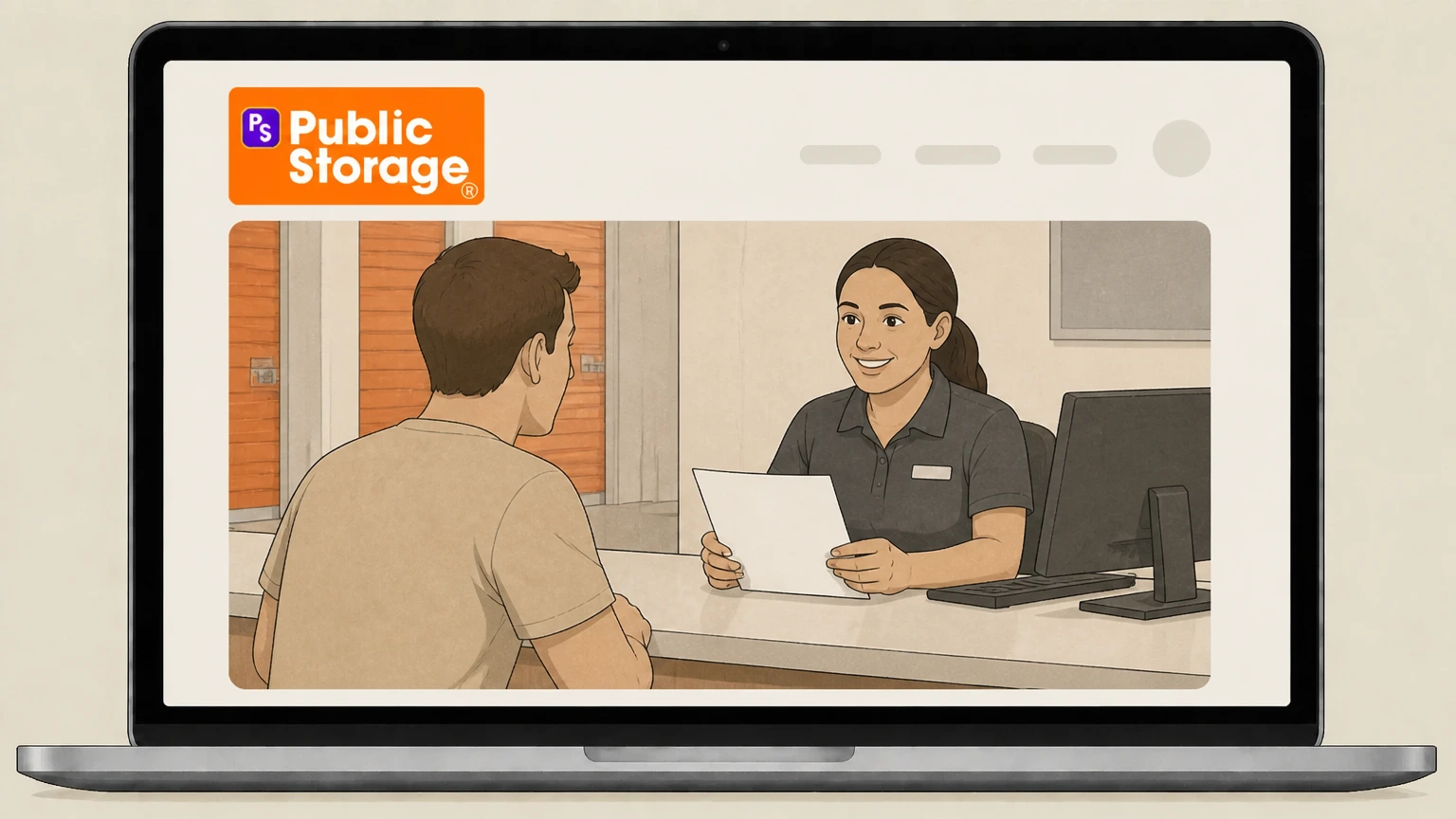
6Ask the office to confirm your unit is closed in their system
Before you leave the property, ask the office staff to confirm that your unit is now shown as vacated and request written or emailed confirmation if available.
Refund policy
Refunds and final charges when cancelling Public Storage
Public Storage’s official guidance emphasizes full‑month billing at the rent due date and does not promise automatic partial‑month refunds, so most customers should focus on timing move‑out before the next billing cycle and disputing only clear errors.
Check my refund options- No automatic proration after the rent due date
- Public Storage’s move‑out article states that if you move out on or after your rent due date, you will still be charged for the full month, even if you leave early, so partial‑month refunds should not be expected in that situation. help.publicstorage.com
- Best way to avoid extra rent is to vacate before due date
- Because rentals are month‑to‑month and the move‑out FAQ warns that moving out on or after the due date triggers full‑month rent, the most reliable way to avoid another month’s charge is to complete move‑out before the upcoming due date. help.publicstorage.com
- Refunds for billing errors require contacting support
- Help‑with‑payments and Contact Us articles direct customers with payment problems to check their account details and then contact Public Storage by phone or chat, indicating that any corrections or refunds for duplicate or mistaken charges are handled case by case. help.publicstorage.com
- Insurance charges can be cancelled separately
- For Orange Door storage insurance, Public Storage says you can manage or cancel the policy from Your Account or the app, so you should adjust or end coverage for a vacated unit and ask the insurer about any premium refunds. help.publicstorage.com
- Keep documentation of move‑out and payments
- Since refunds and billing disputes are not laid out as a fixed schedule, it is prudent to keep your move‑out notice, any confirmation from Public Storage, and your payment history from the account portal to support any request for a review. help.publicstorage.com
If you believe you were billed incorrectly after moving out—such as being charged for a month when your unit was empty and properly vacated—use the official Contact Us page or Help with Payments guide to reach Public Storage and request a billing review. Go to Public Storage billing support
Rental structure
How Public Storage cancellation actually works
Key points about how ending a Public Storage rental is defined in official documentation.
Month‑to‑month rental, not fixed‑term lease
Public Storage describes its storage rentals as month‑to‑month agreements, giving customers flexibility to leave without a long‑term contract, but rent is still charged in full monthly periods. help.publicstorage.com
Cancellation equals vacating the space
For individual accounts, Public Storage states that customers who no longer wish to store goods must remove all items and vacate the space rather than transfer ownership, so ending the rental is tied to clearing the unit. help.publicstorage.com
Notice plus physical move‑out are both required
The official move‑out article requires customers to tell Public Storage they plan to move out and then empty and clean the unit and remove the lock, so both administrative notice and physical vacating are part of cancellation. help.publicstorage.com
Account must be current at move‑out
Transfer‑account guidance notes that the account must be current with a zero balance before vacating, indicating that finishing payment obligations is part of closing the rental cleanly. help.publicstorage.com
Notice & timing
Move‑out notice rules and timing tips
How much notice Public Storage asks for and how timing affects your final bill.
Seven‑day move‑out notice guideline
Public Storage’s move‑out FAQ instructs customers to let the company know at least 7 days before the planned move‑out date, and offers chat, phone, or account login as ways to start the process. help.publicstorage.com
Full month charged if you move out on or after due date
The same article explains that if you move out on or after your rent due date, you will be charged for the full month, even if you leave earlier, so moving out a few days into a period generally doesn’t lead to a partial‑month credit. help.publicstorage.com
Plan to vacate before the next rent due date
Public Storage advises customers to complete move‑out before the next rent due date to avoid being charged for another month, making the rent due date the key cutoff for avoiding additional billing. help.publicstorage.com
Month‑to‑month means flexible exit, not pro‑rated rent
While rentals are month‑to‑month, the pricing FAQ focuses on flexibility to leave rather than partial‑month proration, and it does not promise refunds for unused days once a new billing period has started. help.publicstorage.com
Practical steps
Required steps to end a Public Storage rental
Concrete actions Public Storage’s own help center ties to closing out a storage unit.
Give move‑out notice through chat, call, or account
To start a move‑out, Public Storage tells customers to contact them—via online chat, phone, or by logging into "Your Account"—so staff know when you intend to leave. help.publicstorage.com
Empty and clean the unit on move‑out day
Official instructions state that when you are ready to move out you must empty and clean your storage space so nothing is left inside. help.publicstorage.com
Remove your lock so the unit appears vacant
Public Storage specifies that customers must remove their lock when moving out; leaving a lock on the door can make the unit appear still occupied in facility checks. help.publicstorage.com
Ensure your account is paid up before vacating
Guidance on account transfers notes that the account must be current with no outstanding balance before vacating, which is a useful benchmark when timing final payments and move‑out. help.publicstorage.com
Use Your Account or the app to review space details
The Access Account Info article explains that you can log in via the website or app to view storage‑space information, access codes, and insurance details, which helps you verify that the unit has been closed out. help.publicstorage.com
Common pitfalls
Actions that do NOT cancel a Public Storage unit
Steps that customers sometimes confuse with cancellation but that Public Storage help pages treat separately from moving out.
Turning off AutoPay alone
Public Storage has separate help sections for AutoPay and for vacating your storage unit; changing payment settings may stop automatic payments but does not satisfy the move‑out requirements of notice, emptying the space, and removing the lock. help.publicstorage.com
Leaving the unit empty but locked
Move‑out instructions explicitly call for emptying and cleaning the space and removing your lock; leaving the lock in place can prevent the unit from being recorded as vacated and could allow rent to continue. help.publicstorage.com
Trying to transfer an individual account
Public Storage says individual customers cannot transfer ownership of their account or space; to stop renting, they must remove all items, have a zero balance, and vacate instead of handing the unit to someone else. help.publicstorage.com
Deleting the app or ignoring login access
The Access Account Info and Public Storage App pages show the app and online account as tools to manage an existing rental; uninstalling the app or simply not logging in does not alter your underlying month‑to‑month agreement. help.publicstorage.com
Add‑ons
What happens to insurance and add‑ons when you cancel
How storage‑related insurance and other add‑ons are managed when ending your rental.
Insurance is required while you store goods
Public Storage’s insurance FAQ states that all customers are required to have insurance on their stored goods, either via the Orange Door Storage Insurance Program or qualifying outside coverage, for as long as items remain in storage. help.publicstorage.com
You can manage or cancel insurance in Your Account or app
The same page explains that you can enroll, manage, or cancel an Orange Door policy from the "Account" section online or in the Public Storage app, giving you control over coverage as your rental status changes. help.publicstorage.com
End insurance when you no longer store items
Because Public Storage ties the insurance requirement to having goods in storage and allows policy management in your account, it is prudent to cancel or adjust storage‑specific coverage after you have fully vacated your unit, while keeping proof of any policy changes. help.publicstorage.com
Transfers and add‑ons differ from cancellation
If you still need storage but in a different unit or location, Public Storage lets you transfer spaces; pricing may change, but this is distinct from ending all storage, which still requires vacating and clearing the original unit. help.publicstorage.com
After move‑out
Account, access, and data after you move out
What typically changes—and what usually remains—once your unit is vacated.
Gate and space access end with an active rental
Gate and property access help articles assume you have an active rental; once your move‑out is processed and your unit is marked vacant, you should no longer expect to access that space or use its codes for storage. help.publicstorage.com
Online account usually remains for billing and documents
Access‑account guidance shows that your login can be used to view account info, payment history, and documents; even after vacating a unit, you can typically still sign in to review past billing, though specific retention periods are not discussed. help.publicstorage.com
Verify that your unit no longer appears as active
After moving out, use Your Account or the app to confirm that the storage space information tied to your old unit has been removed or updated, and follow up with support if the unit still appears as occupied or billed. help.publicstorage.com
Contact support promptly if charges continue
If you see new charges after your documented move‑out, Public Storage’s Help with Payments and Contact Us pages direct customers to reach a specialist by chat, phone, or online account for troubleshooting and billing review. help.publicstorage.com
Alternatives
Alternatives to cancelling your Public Storage rental
Options Public Storage offers if you still need storage but your situation has changed.
Transfer to a different unit size
The Transfer Storage Unit article notes you can move to a larger or smaller space to better match what you currently have, which may reduce cost without fully cancelling storage. help.publicstorage.com
Move to another Public Storage location
If you are moving across town or out of state, Public Storage allows transfers to other company locations nationwide instead of forcing immediate cancellation. help.publicstorage.com
Discuss new pricing before transferring
Public Storage warns that monthly rates and fees vary by location and unit size and that staff will explain costs before finalizing a transfer, allowing you to compare alternatives before deciding to cancel. help.publicstorage.com
Business account ownership changes
For business customers, Public Storage allows ownership changes via a fiduciary form from the local Property Manager; this can keep a space active under new business details rather than closing it outright. help.publicstorage.com
What official sources do not confirm
Limits of the public Public Storage cancellation guidance
These points are intentionally qualified because the official sources reviewed on August 16, 2026 do not publish a complete answer.
Documented limitation 1
Public Storage does not publish detailed, step‑by‑step screens for submitting move‑out requests inside the logged‑in account or app, so this guide describes high‑level actions without naming unverified internal buttons.
Documented limitation 2
Official documentation explains that full‑month rent is charged if you move out on or after your due date but does not comprehensively describe all edge cases for partial‑month refunds or prepaid balances; customers with unusual billing should confirm terms directly.
Documented limitation 3
The help center does not state explicit data‑retention timelines for online account information after a unit is vacated, so any comments about continued access to statements and documents are based on typical account‑management practices rather than guaranteed durations.
Documented limitation 4
Public Storage’s insurance FAQ addresses managing and cancelling insurance but does not explicitly describe how coverage terminates relative to move‑out dates, so customers should verify policy end dates and any premium refunds with the insurer.
Public Storage cancellation FAQ
Questions people search about canceling Public Storage, answered with official provider or billing-platform sources checked on August 16, 2026.
How do I cancel my account at Public Storage?
Can you cancel Public Storage anytime?
Do you have to give notice when moving out of Public Storage?
Does Public Storage prorate rent when you move out?
Can I cancel Public Storage online?
Can I cancel my Public Storage unit through the app?
What happens if I leave my Public Storage unit empty but don’t notify them?
Does turning off AutoPay cancel my Public Storage rental?
Can I transfer my Public Storage unit to someone else instead of cancelling?
How do I contact Public Storage if there’s a billing problem after I move out?
Untangle this Public Storage issue.
Let Pine handle the provider follow-up and keep the confirmation in one place.
