


Magazines.com
Cancel subscription
How to Cancel a Magazines.com Subscription: 2026 Guide
Stop Magazines.com renewal through My Account. Learn how current-order cancellation differs, when access ends, and how unmailed-issue refunds are reviewed.
- 1 cancellation path matched to the billing owner
- Renewal timing and access outcome explained
- Refund requests routed to the company that billed you
- Confirmation steps included for every path
Choose the Magazines.com cancellation path that matches who bills you
Magazines.com My Account auto renewal · verify the billing owner
How to cancel Magazines.com through Magazines.com My Account auto renewal
 1
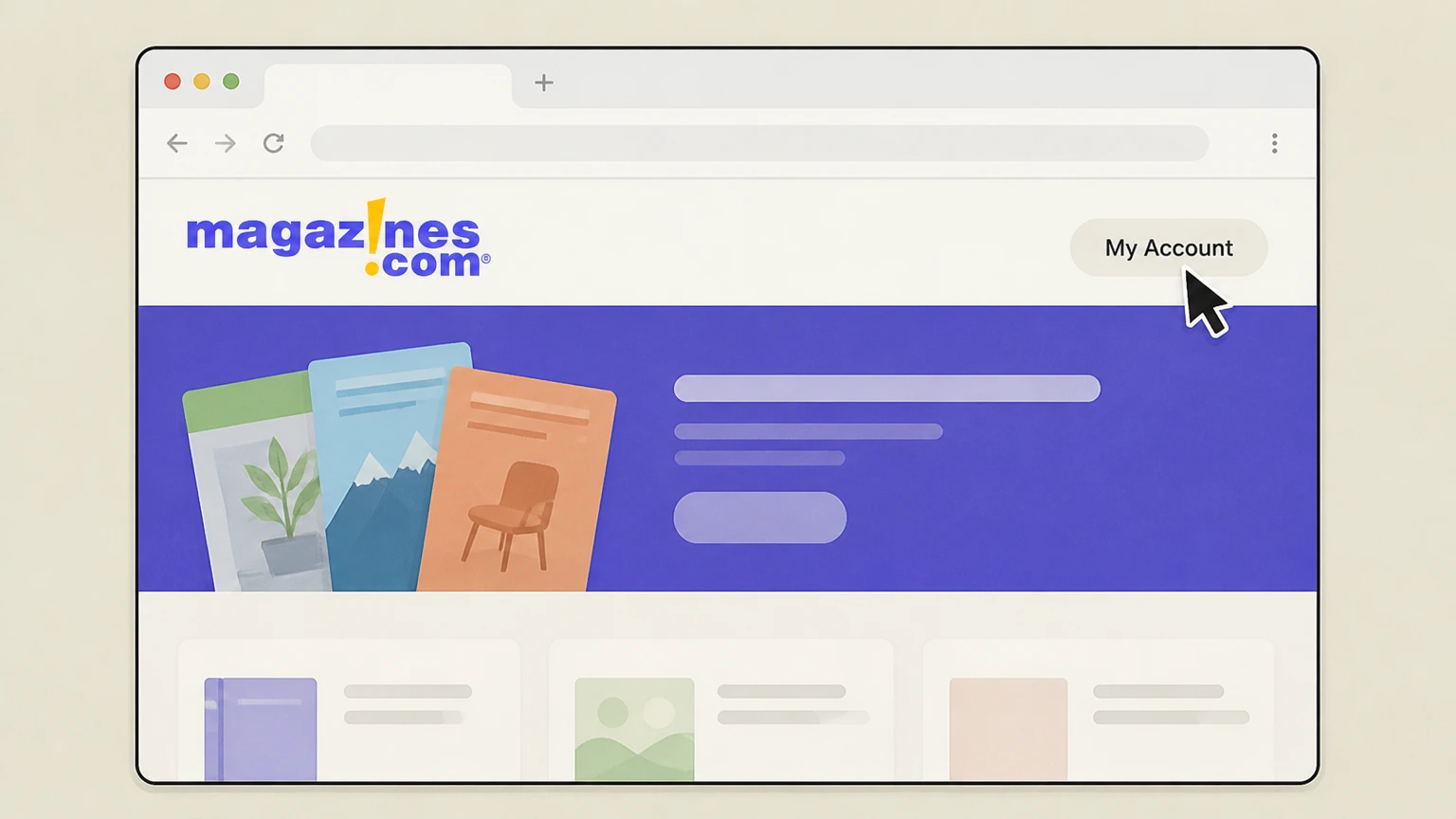
1Sign in to My Account
Open Magazines.com Customer Care and sign in to the account that placed the order.
 2
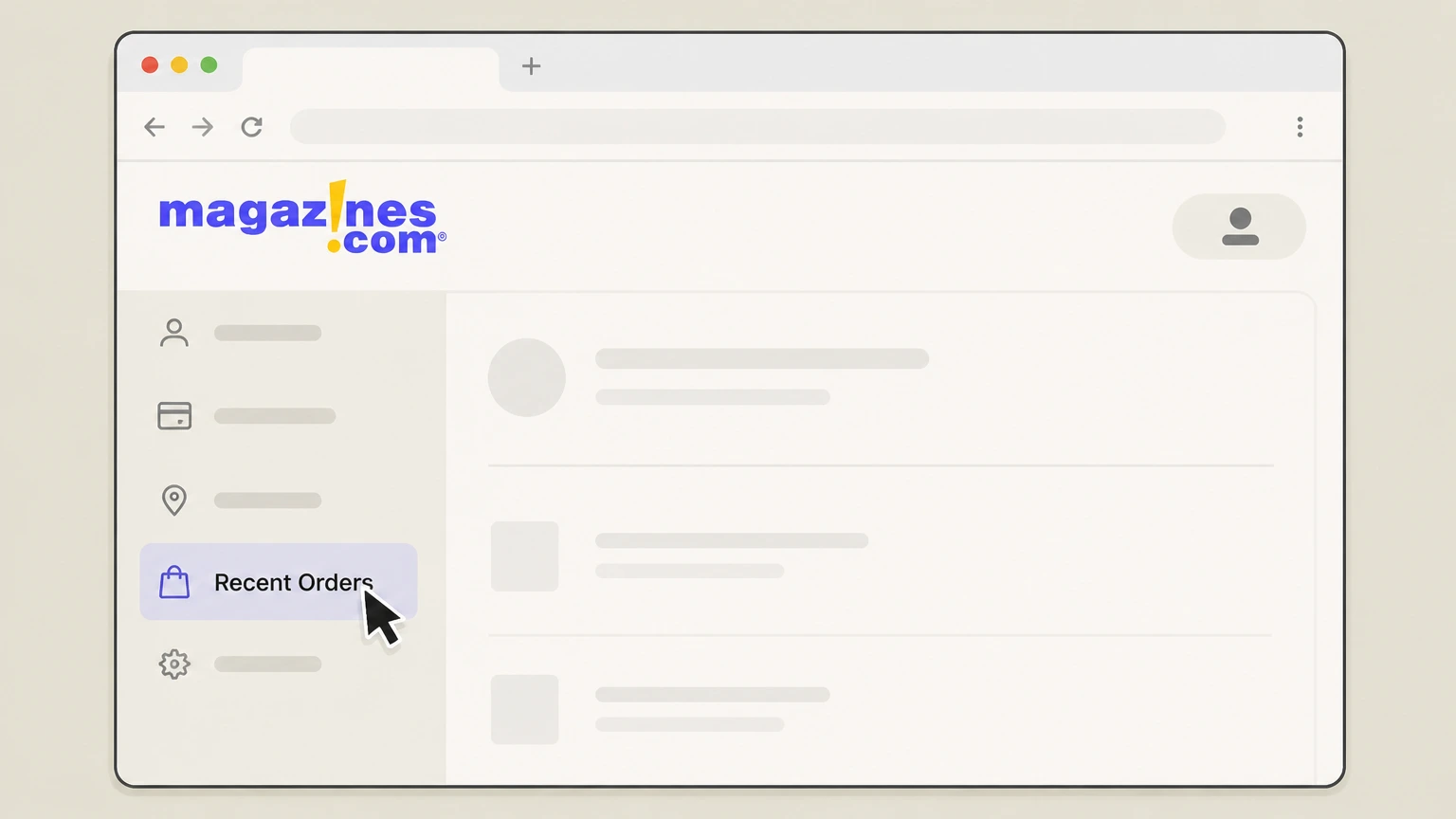
2Open Recent Orders
Choose Recent Orders to find the subscription and its renewal setting.
- Let Pine handle it
Pine can help
Too many steps?
Pine can find the right Magazines.com My Account auto renewal path and handle the cancellation for you.
 3
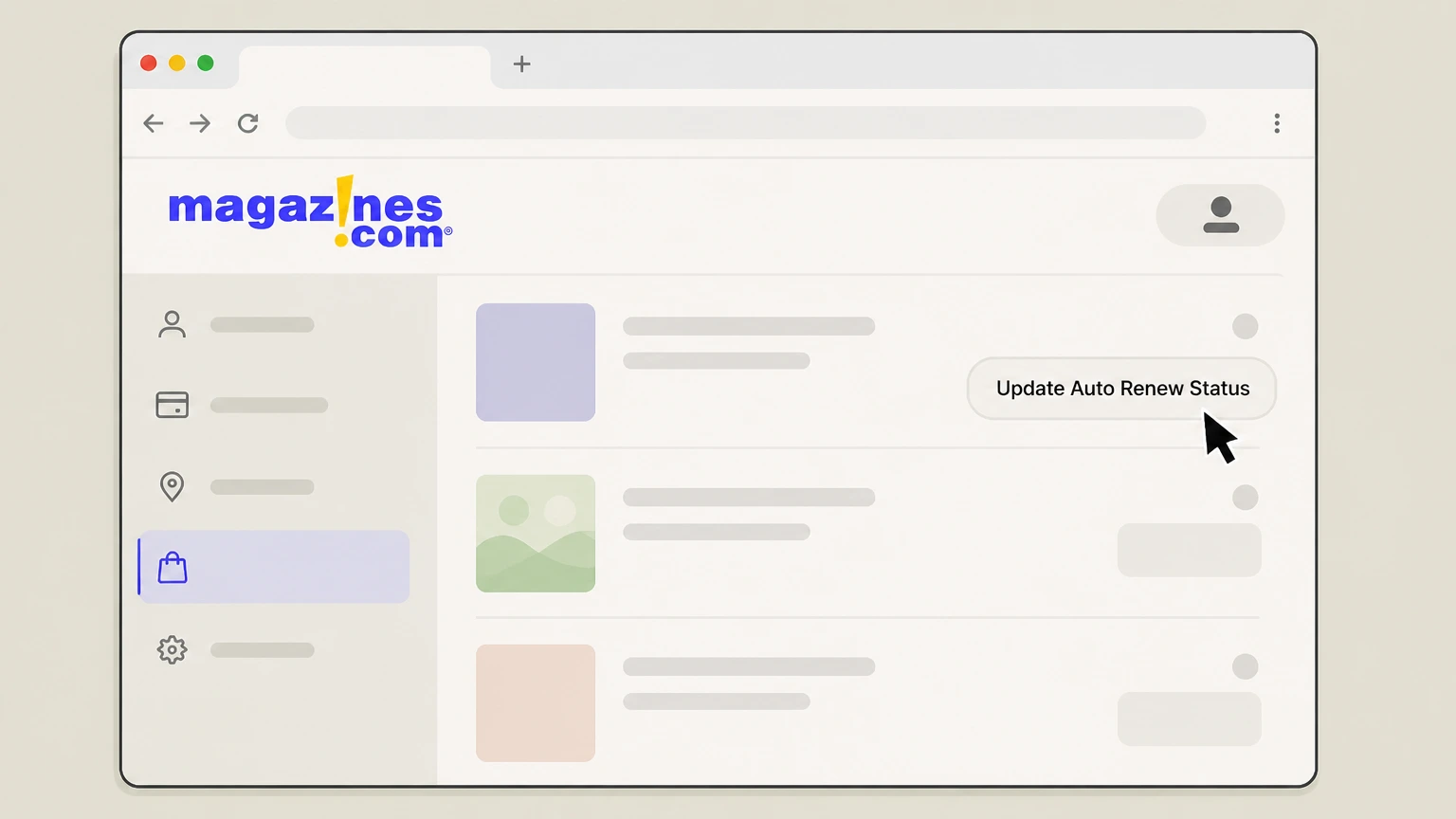
3Update Auto Renew Status
For the relevant magazine subscription, choose Update Auto Renew Status and turn off the next renewal.

Refund policy
Magazines.com current order and refund boundary
Magazines.com states a satisfaction refund for unmailed issues; current-subscription cancellation and refund eligibility require customer service. Fees are otherwise nonrefundable except as the terms or return policy state.
Check my refund options- Renewal and current cancellation differ
- Stops the next renewal; it does not cancel unmailed issues in the current order.
- Ask about unmailed issues
- Customer service determines whether unmailed issues are eligible for the stated satisfaction refund.
Use Customer Care when you want to cancel the current order rather than only stop renewal. Open Magazines.com Customer Care
Billing owner
Match the Magazines.com account
Use My Account for an order placed through Magazines.com. Publisher- or marketplace-billed subscriptions are outside these sources.
Locate the provider record
Confirm that Magazines.com Recent Orders contains the magazine title and Auto Renew Status before changing it.
Separate outside purchases
A magazine ordered from its publisher or another marketplace does not inherit the Magazines.com account controls.
Timing
Know what the Magazines.com action changes
Remaining issues and digital features continue for the current paid term when only auto-renew is disabled.
Separate renewal from the paid term
Changing Auto Renew Status stops a future Magazines.com order but does not itself cancel unmailed issues in the current order.
Check what remains
Review the remaining issue count or digital billing period after auto renewal has been disabled.
Confirmation
Keep the final Magazines.com result
Auto Renew Status reflects that renewal is off. Customer service confirms the current cancellation and any refund eligibility
Reopen the subscription record
Return to Recent Orders and verify the Auto Renew Status for the exact magazine title.
Compare the next billing event
Compare the updated Magazines.com renewal setting with any separate current-order response from customer service.
Magazines.com cancellation FAQ
Answers about Magazines.com billing ownership, cancellation timing, refunds, and access after cancellation.
Can I turn off a Magazines.com renewal online?
How do I cancel the current Magazines.com subscription, not just auto renew?
Where can I see Magazines.com orders and renewal status?
Does turning off auto renewal refund the current order?
Untangle this Magazines.com issue.
Let Pine handle the provider follow-up and keep the confirmation in one place.
