


IdentityIQ
Cancel subscription
How to Cancel IdentityIQ: Official Steps & Timing
Cancel IdentityIQ through the correct billing route. Follow official steps, understand renewal timing and refunds, and keep proof of the final result.
- 2 verified cancellation routes
- Billing ownership and renewal timing explained
- Provider-specific refund boundaries included
- A confirmation check follows every route
Choose the correct IdentityIQ cancellation route
IdentityIQ member dashboard · verify the billing owner
Cancel IdentityIQ in the dashboard
 1
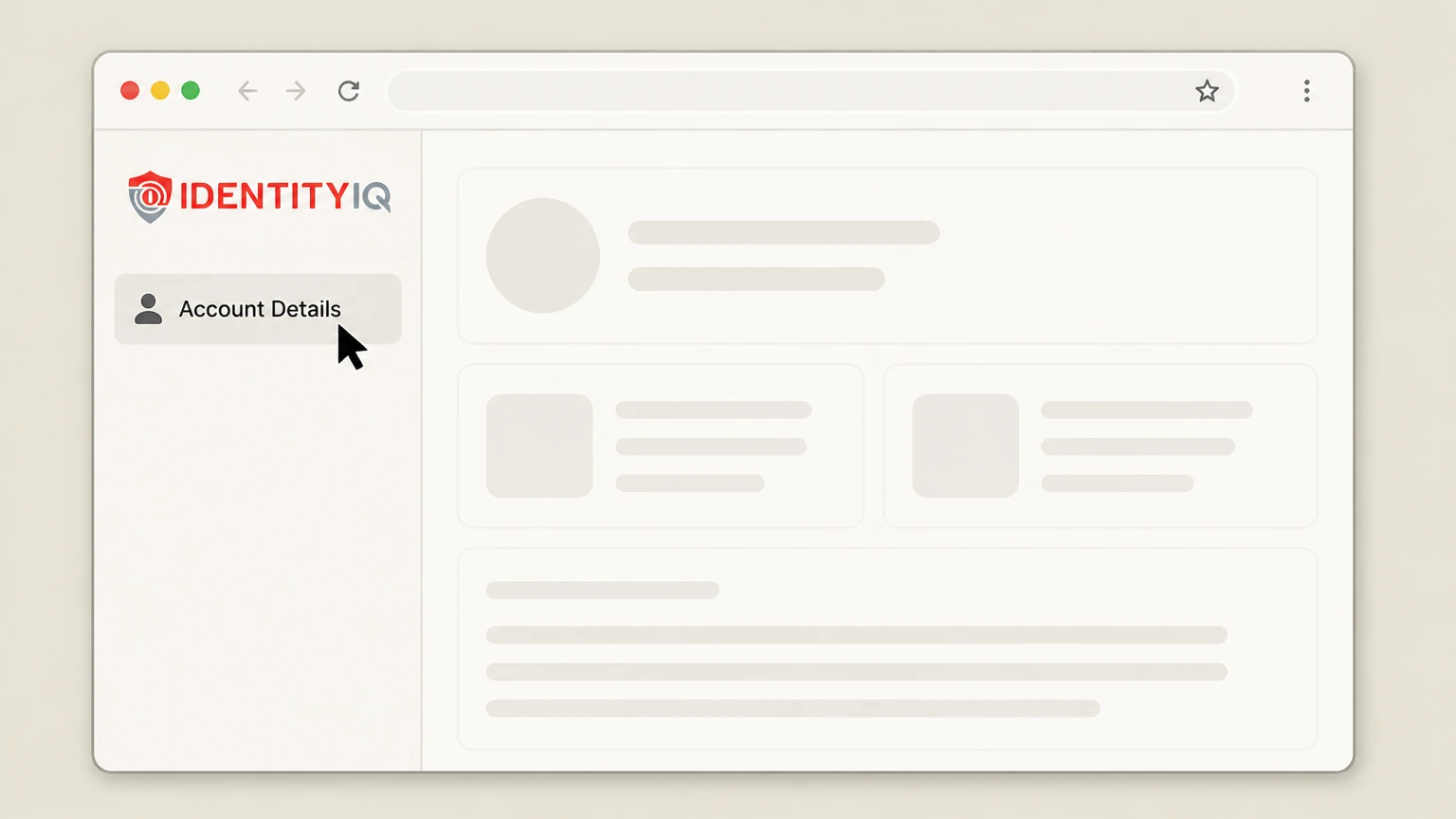
1Open Account Details
Sign in to the IdentityIQ member dashboard and open Account Details.
 2
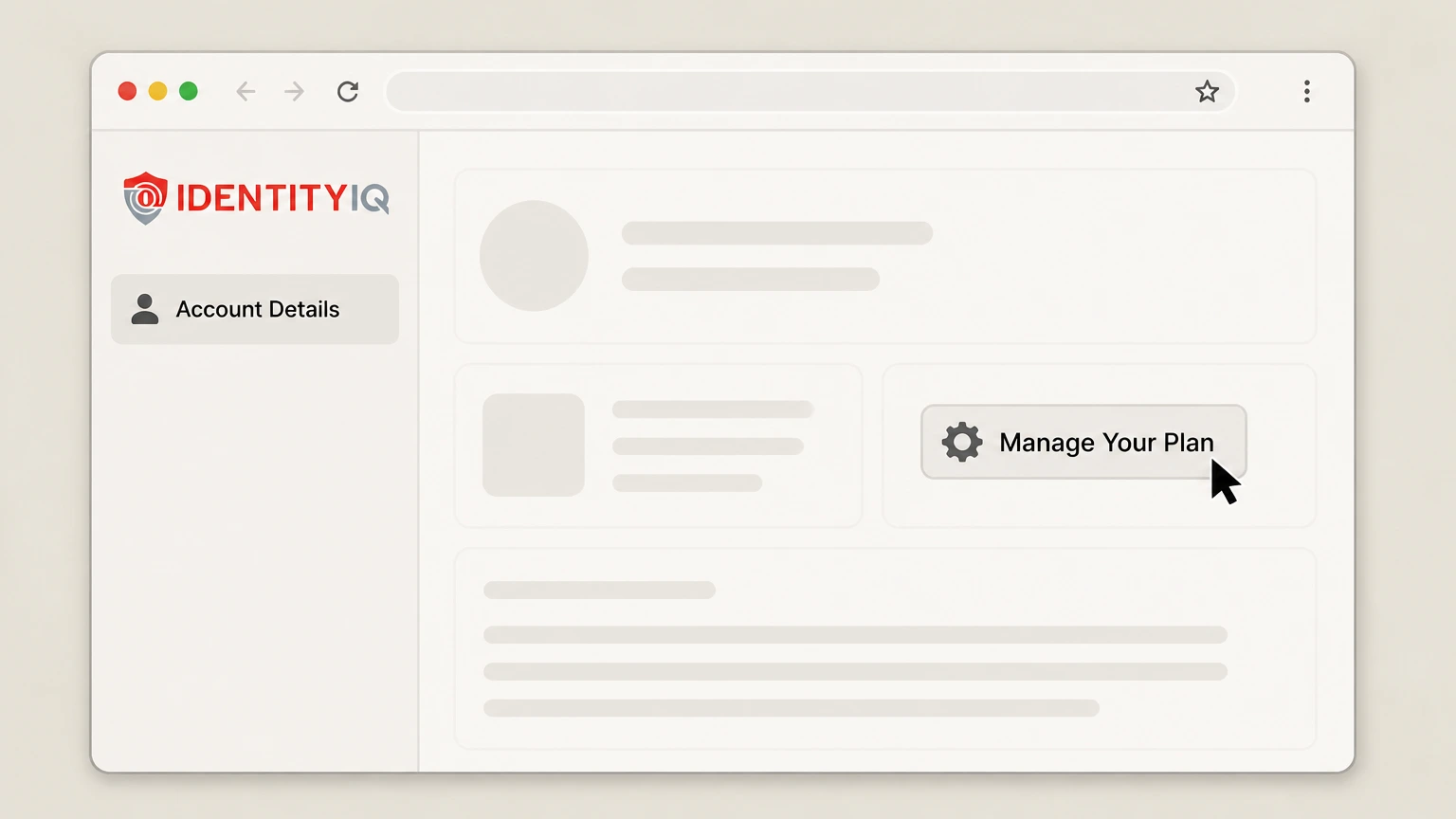
2Open Manage Your Plan
Select Manage Your Plan.
- Let Pine handle it
Pine can help
Too many steps?
Pine can find the right IdentityIQ member dashboard path and handle the cancellation for you.
 3
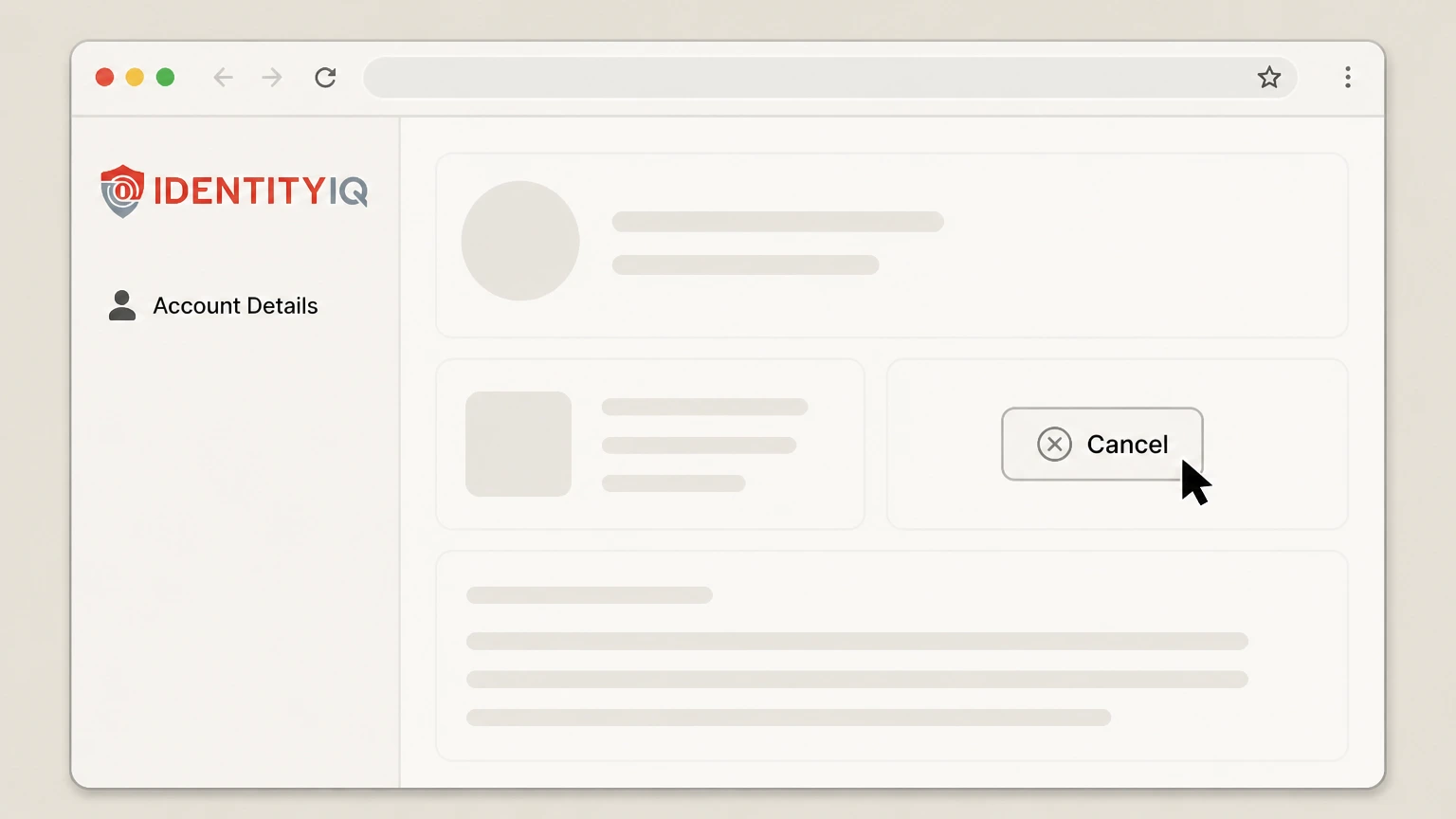
3Use the available cancel button
If the cancel button is available, select it and follow the displayed instructions.
 4
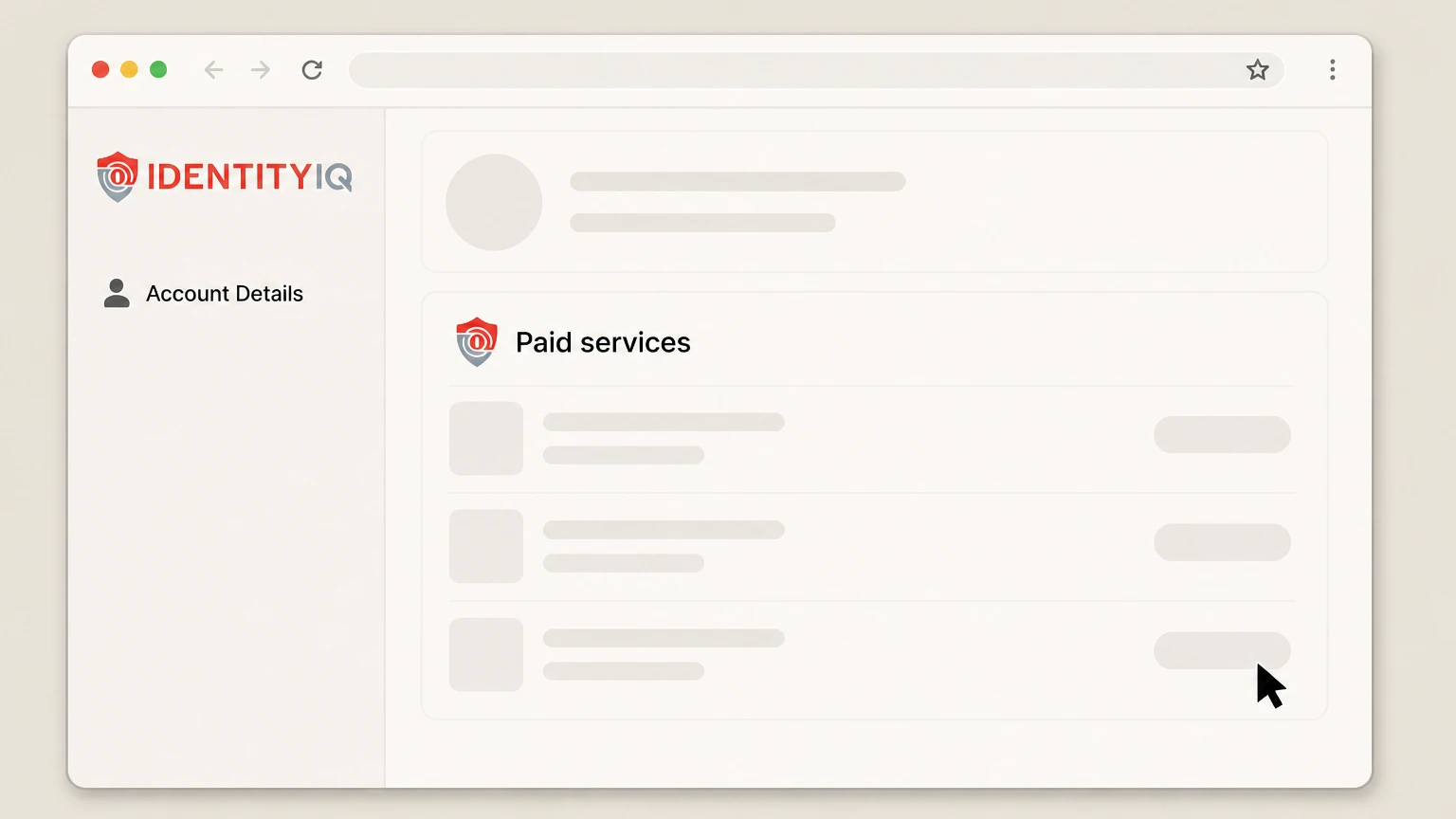
4Repeat for other paid services
If multiple paid services appear, cancel each intended subscription separately.
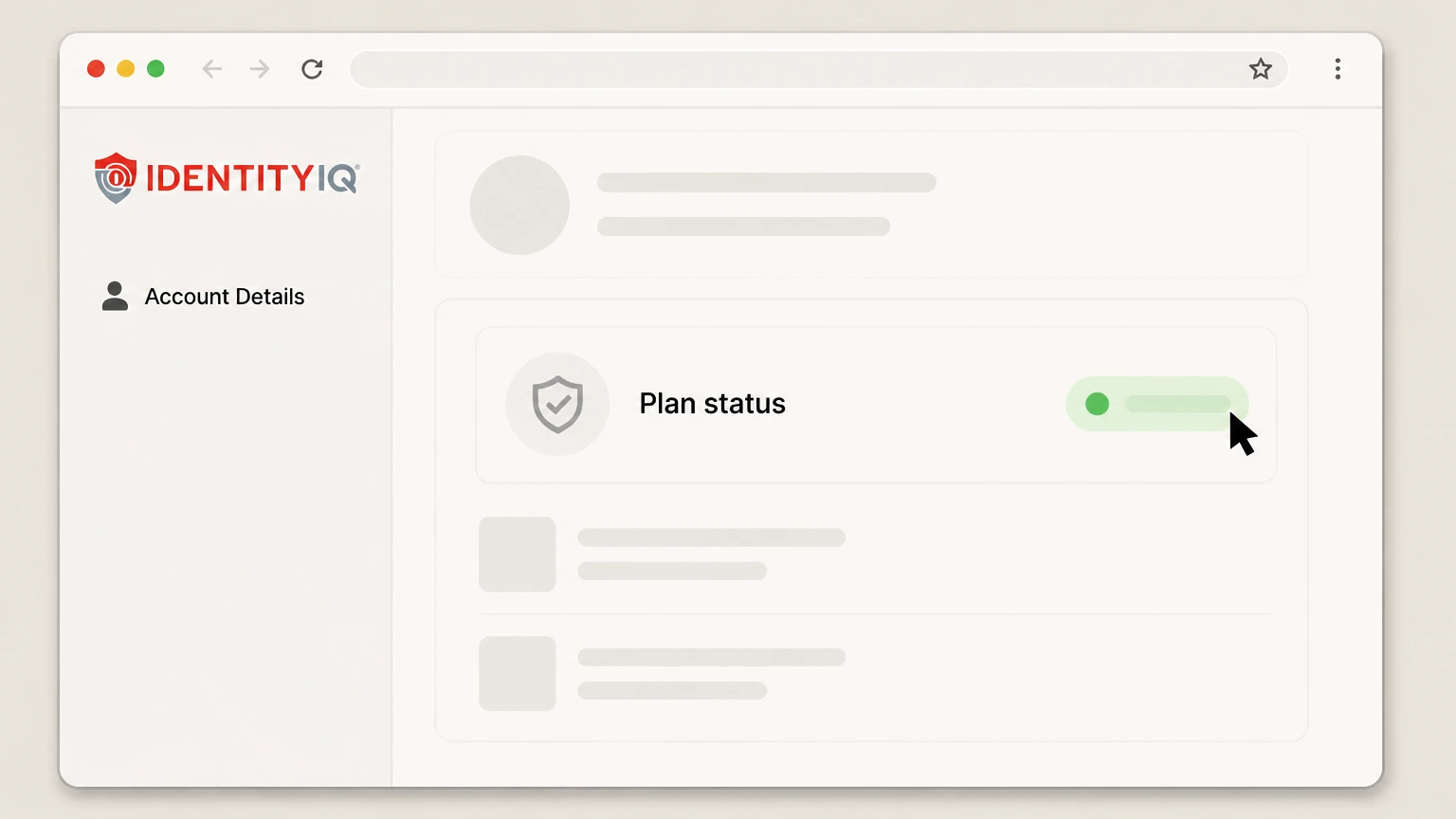 5
5Verify the plan status
Recheck the dashboard and preserve the resulting service-plan status.

IdentityIQ Customer Care · verify the billing owner
Cancel IdentityIQ by phone
 1
1Call IdentityIQ Customer Care
Call 877-875-4347 during the hours published by IdentityIQ.
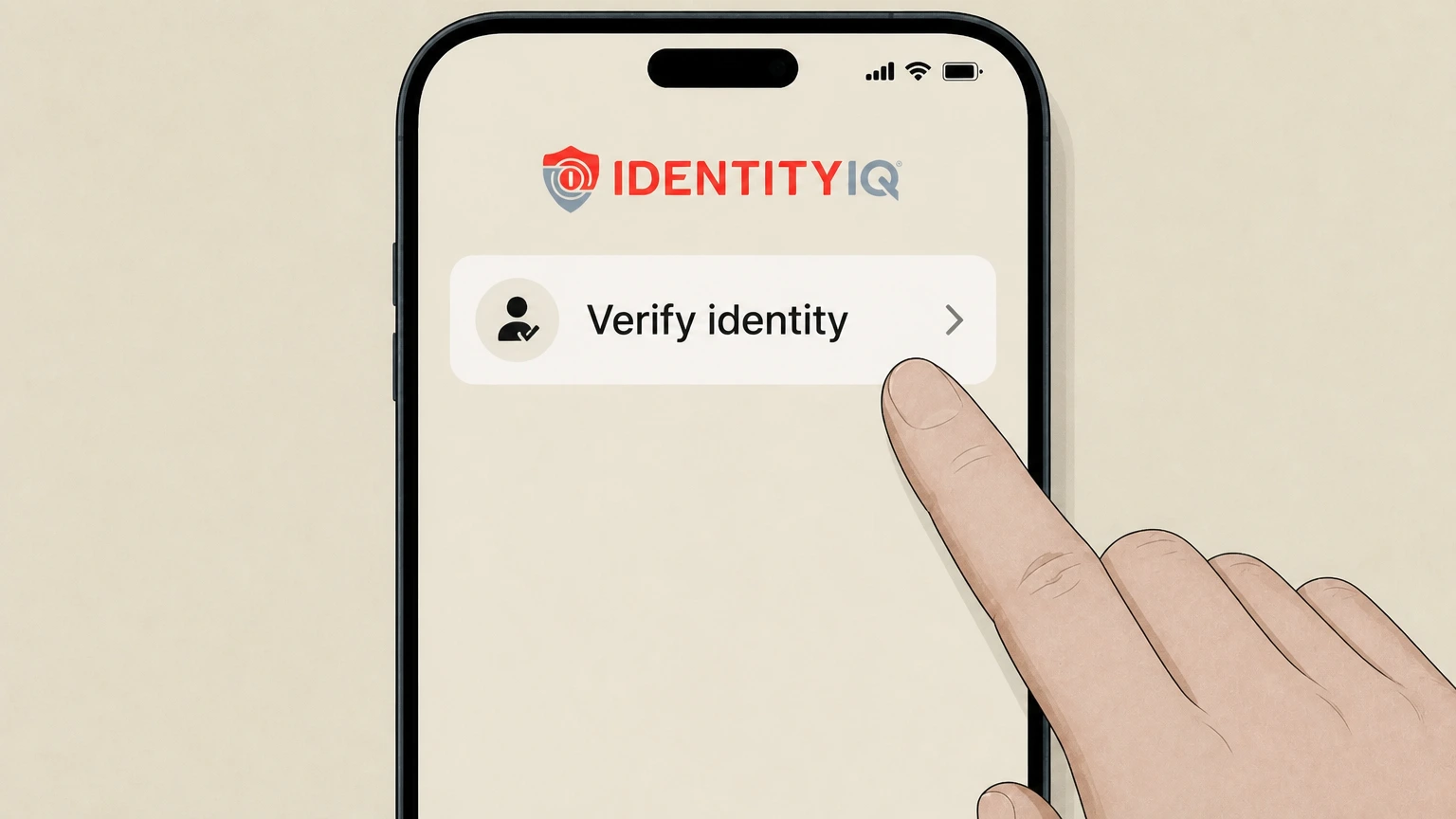 2
2Complete identity verification
Provide the information requested to verify the member account.
- Let Pine handle it
Pine can help
Too many steps?
Pine can find the right IdentityIQ Customer Care path and handle the cancellation for you.
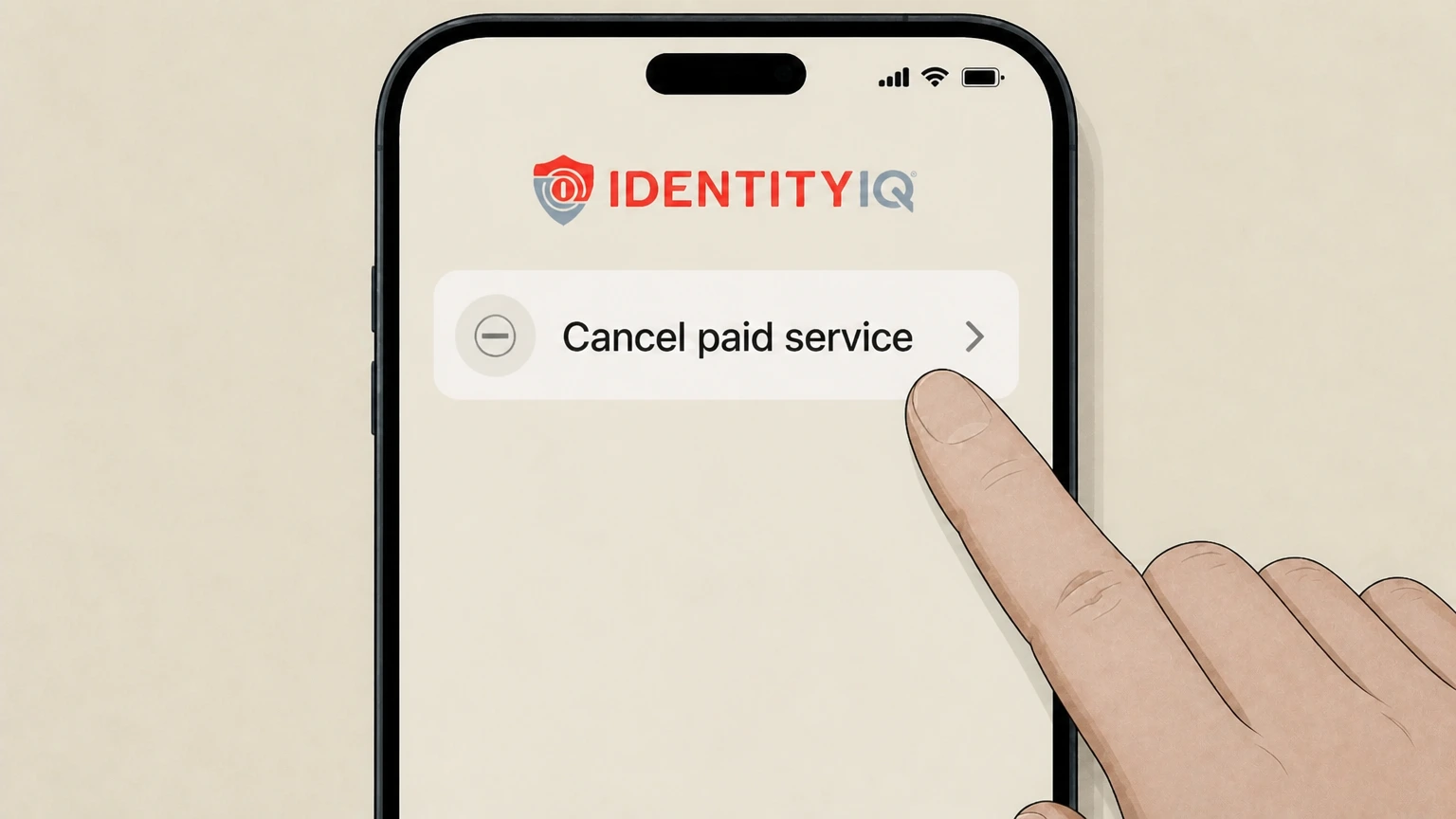 3
3Cancel each intended paid service
Name every paid service that should end and request the resulting status or reference.
Refund policy
IdentityIQ refunds
The current terms state that cancellation does not create a refund for unused subscription time or fees.
Check my refund options- Billed in advance
- Paid plans renew for their billing interval unless cancelled before the period ends.
- No unused-time refund
- IdentityIQ does not refund unused subscription time except where law or specific terms require otherwise.
Use the dashboard status or verified phone result as proof. Read IdentityIQ terms
Plan scope
Cancel each paid service separately
IdentityIQ can have more than one paid service on an account.
Review the full plan list
Repeat the cancellation route for every service that should end.
Service effect
Some paid monitoring ends immediately
The terms say identity and credit monitoring features can stop immediately after cancellation.
No-cost features
Some no-cost account functions may remain available.
Contact boundary
Email alone does not complete cancellation
IdentityIQ says it must reach the member by phone to verify identity.
Use dashboard or phone
Do not treat an unverified email as a completed cancellation.
IdentityIQ cancellation FAQ
Provider-specific answers about billing, timing, refunds, and confirmation.
How do I cancel IdentityIQ online?
What number cancels IdentityIQ?
Can I cancel IdentityIQ by email?
Does IdentityIQ refund unused time?
Untangle this IdentityIQ issue.
Let Pine handle the provider follow-up and keep the confirmation in one place.
