


Fluid UI
Cancel subscription
How to Cancel Fluid UI: Official Steps & Timing
Cancel Fluid UI through the correct billing route. Follow official steps, understand renewal timing and refunds, and keep proof of the final result.
- 1 verified cancellation route
- Billing ownership and renewal timing explained
- Provider-specific refund boundaries included
- A confirmation check follows every route
Choose the correct Fluid UI cancellation route
Fluid UI website and editor · verify the billing owner
Cancel Fluid UI through Fluid UI website and editor
 1
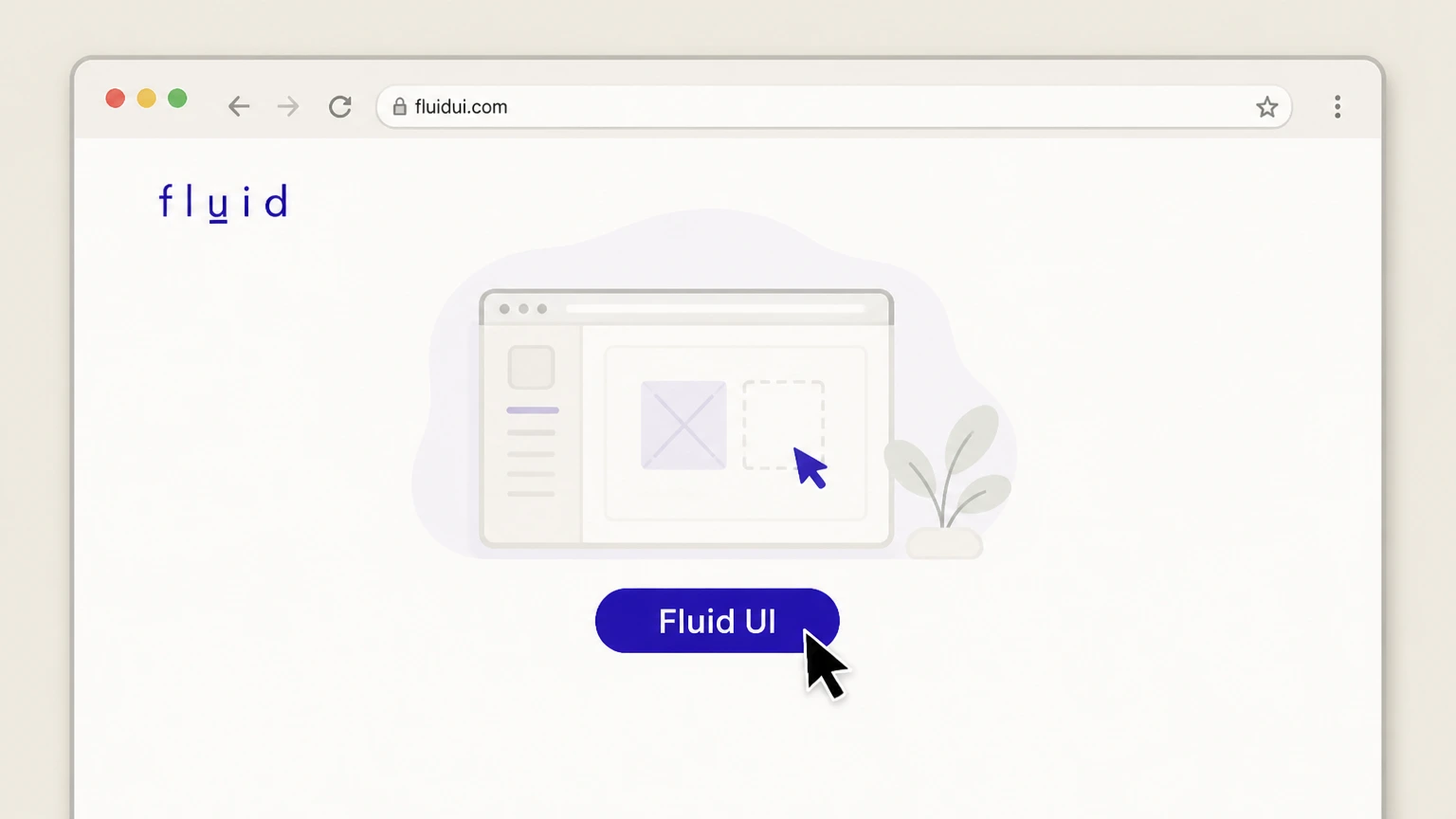
1Open the Fluid UI site in your browser
In a desktop or mobile browser, go to fluidui.com and choose the option to open the Fluid UI editor so you can manage your account.
 2
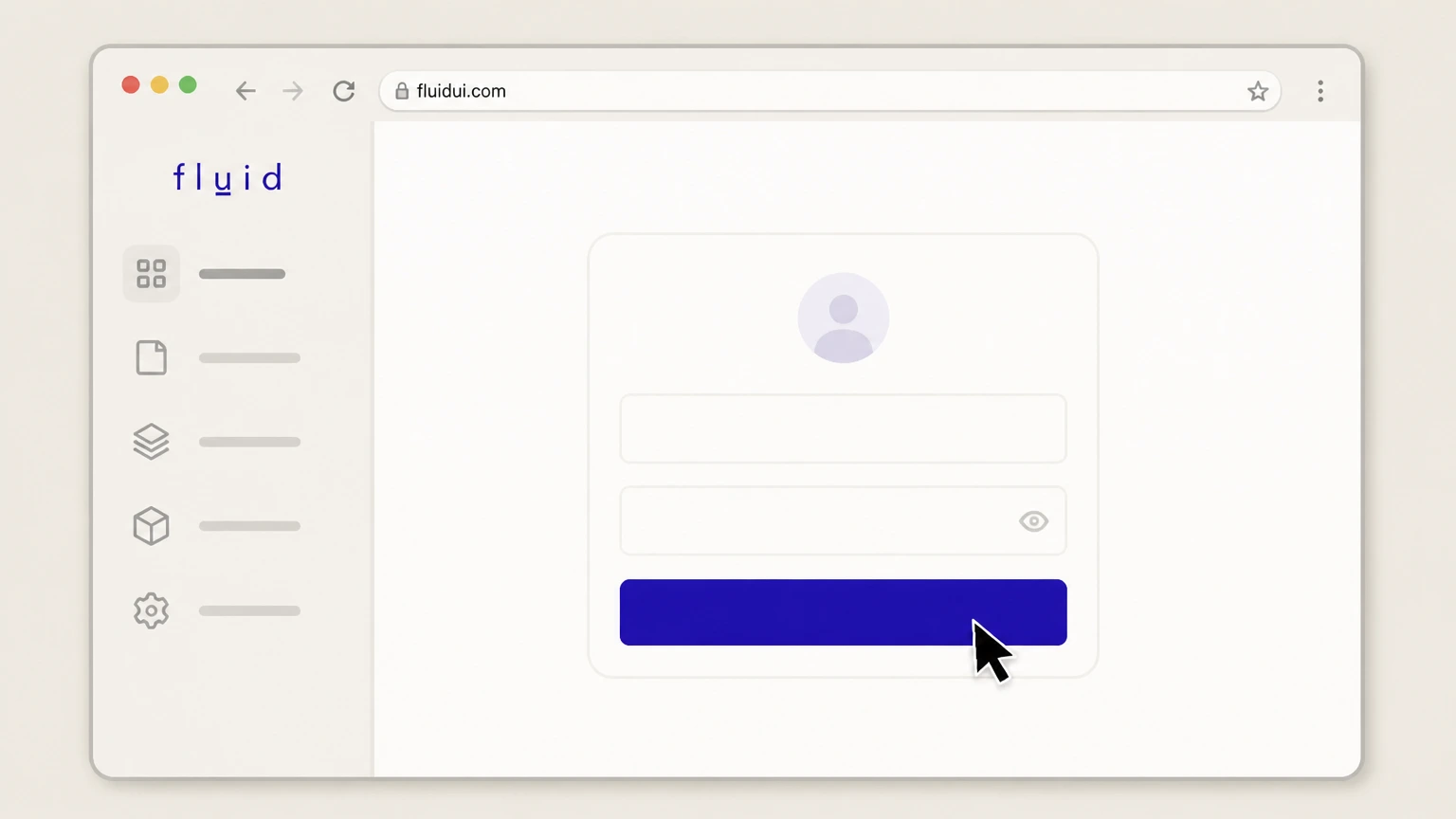
2Sign in to the Fluid UI editor
Enter the email address and password for your Fluid UI account and sign in so that you reach the main editor interface.
- Let Pine handle it
Pine can help
Too many steps?
Pine can find the right Fluid UI website and editor path and handle the cancellation for you.
 3
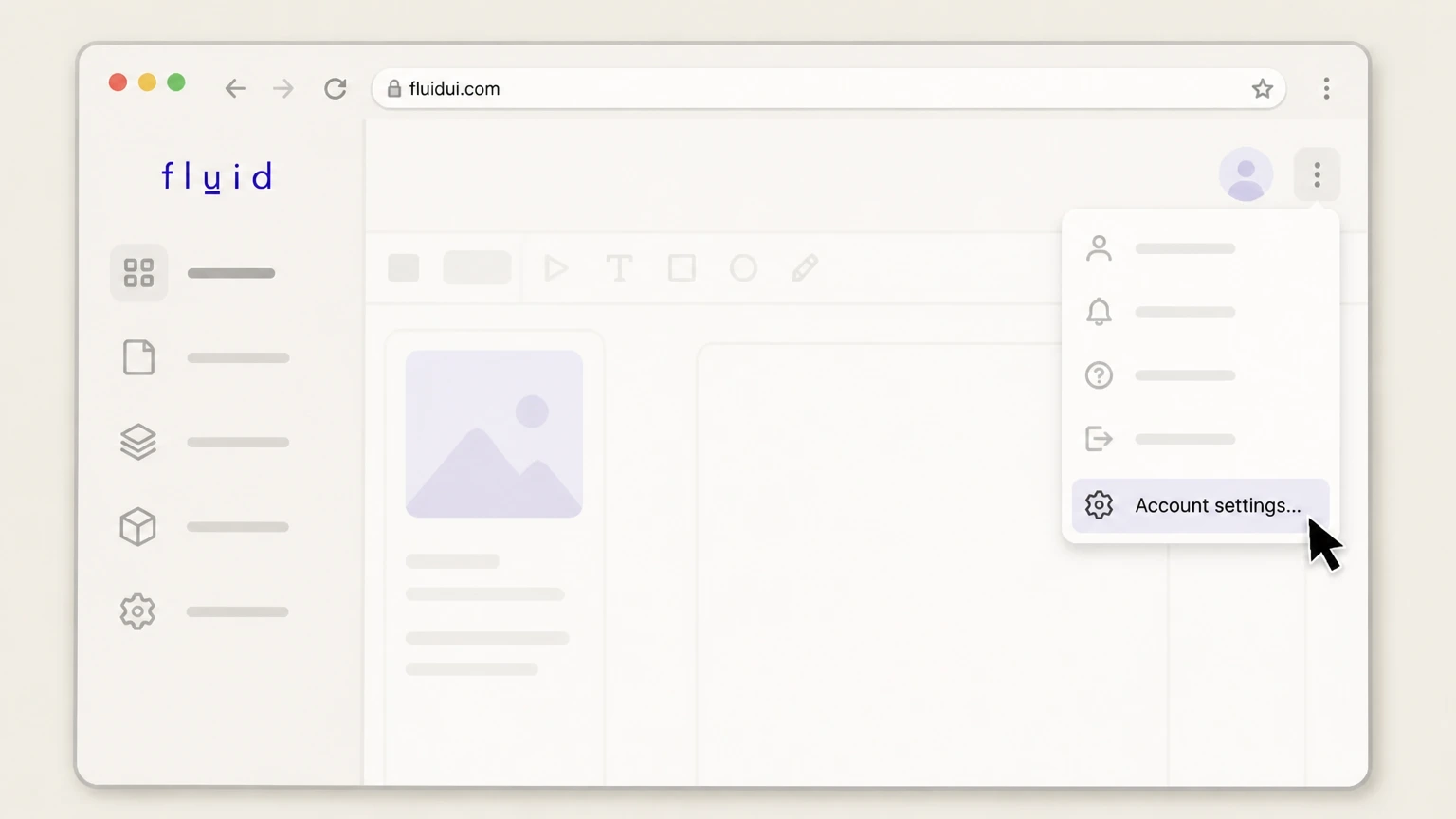
3Open Account settings from the editor menu
In the editor’s top-right menu, open the main menu and select the "Account settings..." option to view your account, receipts, and billing controls.
 4
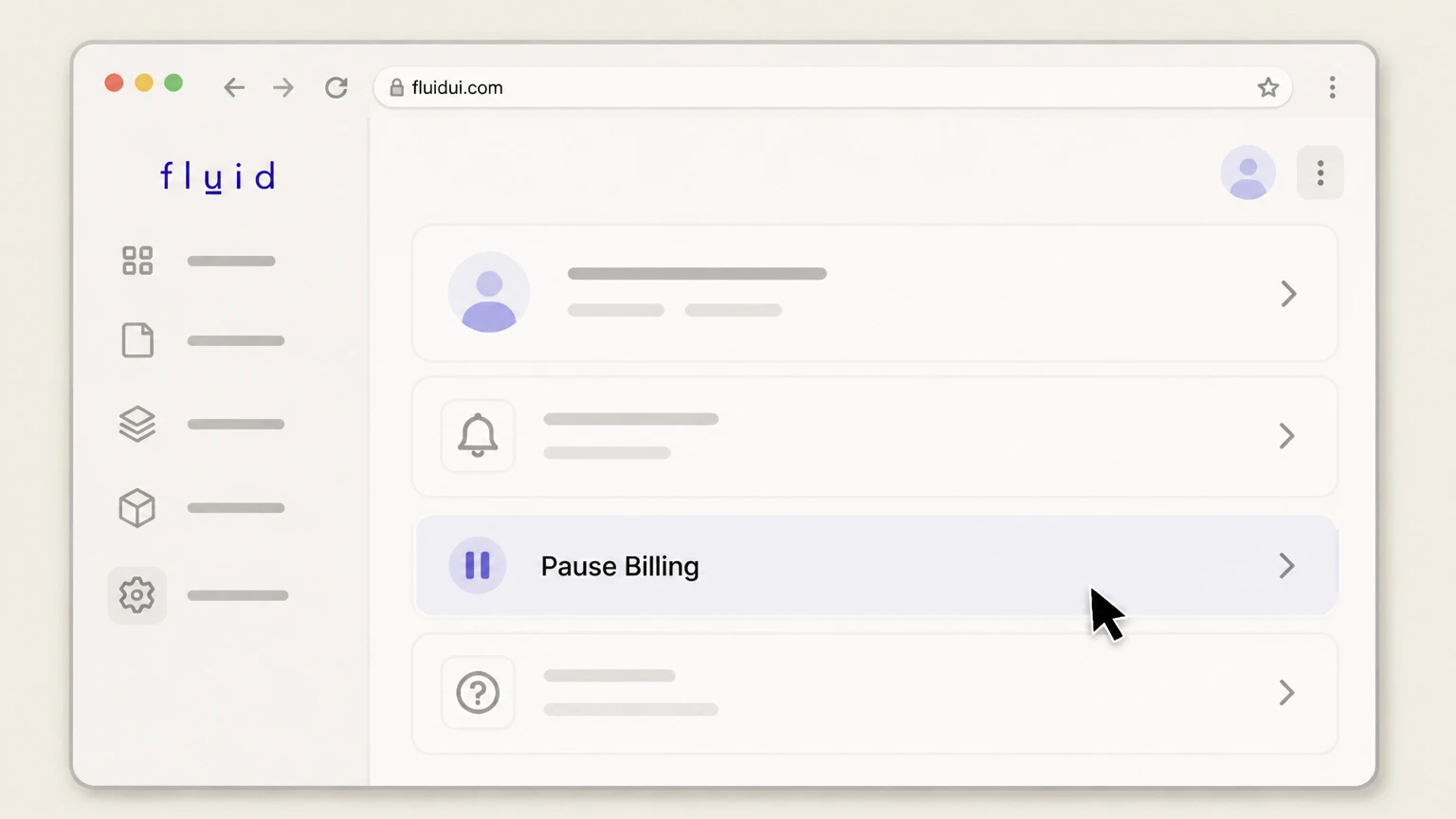
4Use Pause Billing to stop future charges
In Account settings, locate the "Pause Billing" option and use it to cancel billing; Fluid UI will stop renewing your premium subscription at the end of the current billing period.
 5
5Confirm that billing is paused in Account settings
Still in Account settings, check the Receipts and billing section to verify your account status and that no next payment date is scheduled, indicating billing has been stopped.

Refund policy
Fluid UI refunds and money-back terms
Fluid UI generally stops billing at the end of your current subscription period when you pause in Account settings, without refunding that period, but it also advertises a limited money-back guarantee and some flexibility when you upgrade plans mid-cycle.
Check my refund options- No pro-rated refunds when you pause billing
- Fluid UI’s terms state that pausing a premium account cancels future billing but does not provide a refund for completed or partially completed billing periods, so any remaining paid time is used rather than reimbursed.
- Published 30-day guarantee on first payment
- The plans page offers a 30-day money-back guarantee starting after your first payment, indicating that only the first charge on a new premium subscription may be refundable under standard policy if you act within that time.
If you think a billing error occurred or you believe you qualify for Fluid UI’s money-back guarantee, review the official payment and refund terms and then contact Fluid UI using the support options available in the editor or on their site. Review Fluid UI payment and refund policy
How Fluid UI bills you
Fluid UI subscription and billing model
Understanding how Fluid UI bills your account helps you choose the right moment and method to cancel.
Subscription-based premium access
Fluid UI premium access is sold on a monthly or annual subscription basis, with your account billed when you first upgrade and then on each renewal date according to the term you selected.
Direct billing by Fluid Software Ltd
Payments are processed by Fluid UI’s own billing system via a secure third-party payment provider, and card charges appear from Fluid Software Ltd on your statement, not from an app store.
Flexible terms with pause option
The plans and terms state there is no long-term contract; instead, you can pause a premium account from Account settings, which stops future billing while leaving your projects stored for later use.
Supported payment methods
Fluid UI accepts major payment cards directly in the editor, and the plans page notes that some annual or team licences can be arranged via PayPal or direct transfer through their sales channels.
Account status and next payment visibility
Within Account settings, the Receipts and billing section lets you see your current account status and when your next payment is due before you decide to cancel billing.
Finding the right menu
Where to find Account settings in Fluid UI
You need the Account settings screen inside the editor to cancel billing for a Fluid UI subscription.
Access via web or desktop editor
You manage your subscription from the Fluid UI editor, which you can open either in a supported browser like Chrome or Firefox or via the downloadable desktop client for macOS, Windows, or Linux.
Use the top-right editor menu
In the editor interface, the main menu in the top-right corner opens a dropdown that includes an "Account settings..." entry, as shown in Fluid UI’s official quick guide screenshot.
Account settings sections
The Account settings view is divided into Personal details, Teammates, and Receipts and billing sections so you can manage profile, team members, and billing from a single place.
Receipts and billing controls
The Receipts and billing area within Account settings is where you can view your current account status, see upcoming payment dates, download receipts, and access the control to cancel billing.
Consistent layout across platforms
Whether you reach the editor through the browser or the desktop installer, Fluid UI’s documentation and quick guide indicate the Account settings location and labels are consistent for managing billing.
After you pause billing
What cancelling Fluid UI billing changes
Pausing billing changes your level of access and how long Fluid UI stores your work, but does not immediately erase your projects.
End of premium billing cycle
Fluid UI’s account settings guide notes that if you cancel billing, future payments are cancelled but you keep premium features until the end of the current billing period you have already paid for.
Reversion to free plan features
The cancelling billing documentation explains that when you downgrade to the free account, you keep your projects but are limited to the features and project allowances of the free Fluid UI plan.
Immediate stop to renewals
The cancelling billing help page states that billing will stop as soon as you pause your account, which means no new renewals are charged after the current subscription period completes.
Projects safely stored after downgrade
Official guidance confirms that when you move to the free account, your existing work is not deleted; instead, projects remain stored but can be subject to free-plan limits on active usage.
Ability to upgrade again later
Fluid UI’s documentation emphasises that you can upgrade again from the free account at any time, restoring premium features if you return to using the tool heavily after a cancellation.
Fluid UI cancellation FAQ
Provider-specific answers about billing, timing, refunds, and confirmation.
How do I cancel my Fluid UI subscription?
What happens to my projects after I cancel Fluid UI billing?
When does Fluid UI stop charging me after I pause billing?
Can I get a refund when I cancel Fluid UI?
How can I confirm my Fluid UI subscription is cancelled?
Untangle this Fluid UI issue.
Let Pine handle the provider follow-up and keep the confirmation in one place.
