


Dave
Cancel subscription
How to Cancel Dave Subscription: Official 2026 Guide
Cancel Dave through the correct billing route. Follow official steps, understand renewal timing and refunds, and keep proof of the final result for your records
- 1 verified cancellation route
- Billing ownership and renewal timing explained
- Provider-specific refund boundaries included
- A confirmation check follows every route
Choose the correct Dave cancellation route
Dave mobile app · verify the billing owner
Cancel a paid Dave Membership in the app
 1
1Open the Dave app
Open the Dave app on your iOS or Android device and sign in to the account whose paid membership you want to cancel.
 2
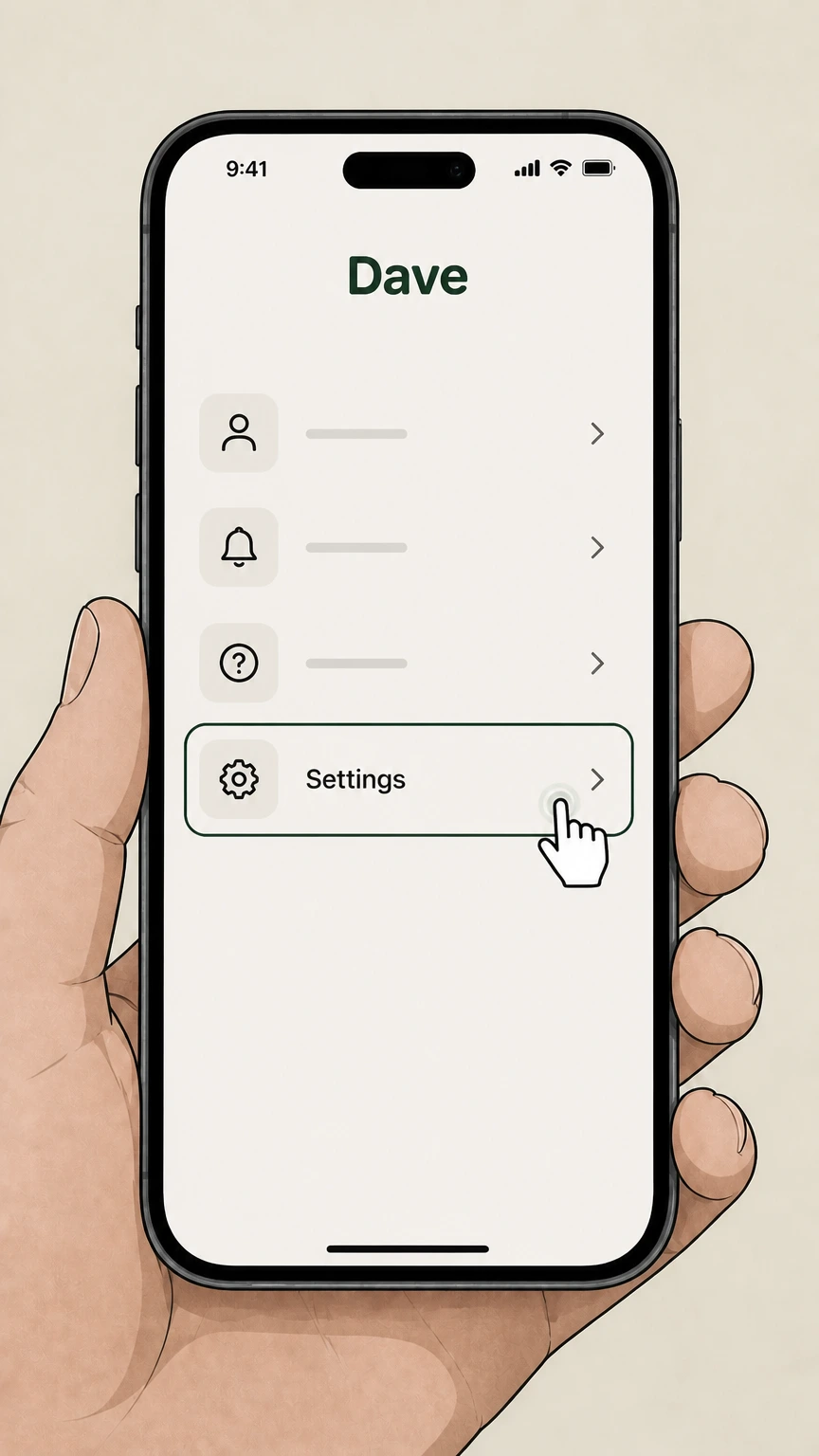
2Go to Settings
From the home screen, tap "Settings" in the app menu to open your account settings.
- Let Pine handle it
Pine can help
Too many steps?
Pine can find the right Dave mobile app path and handle the cancellation for you.
 3
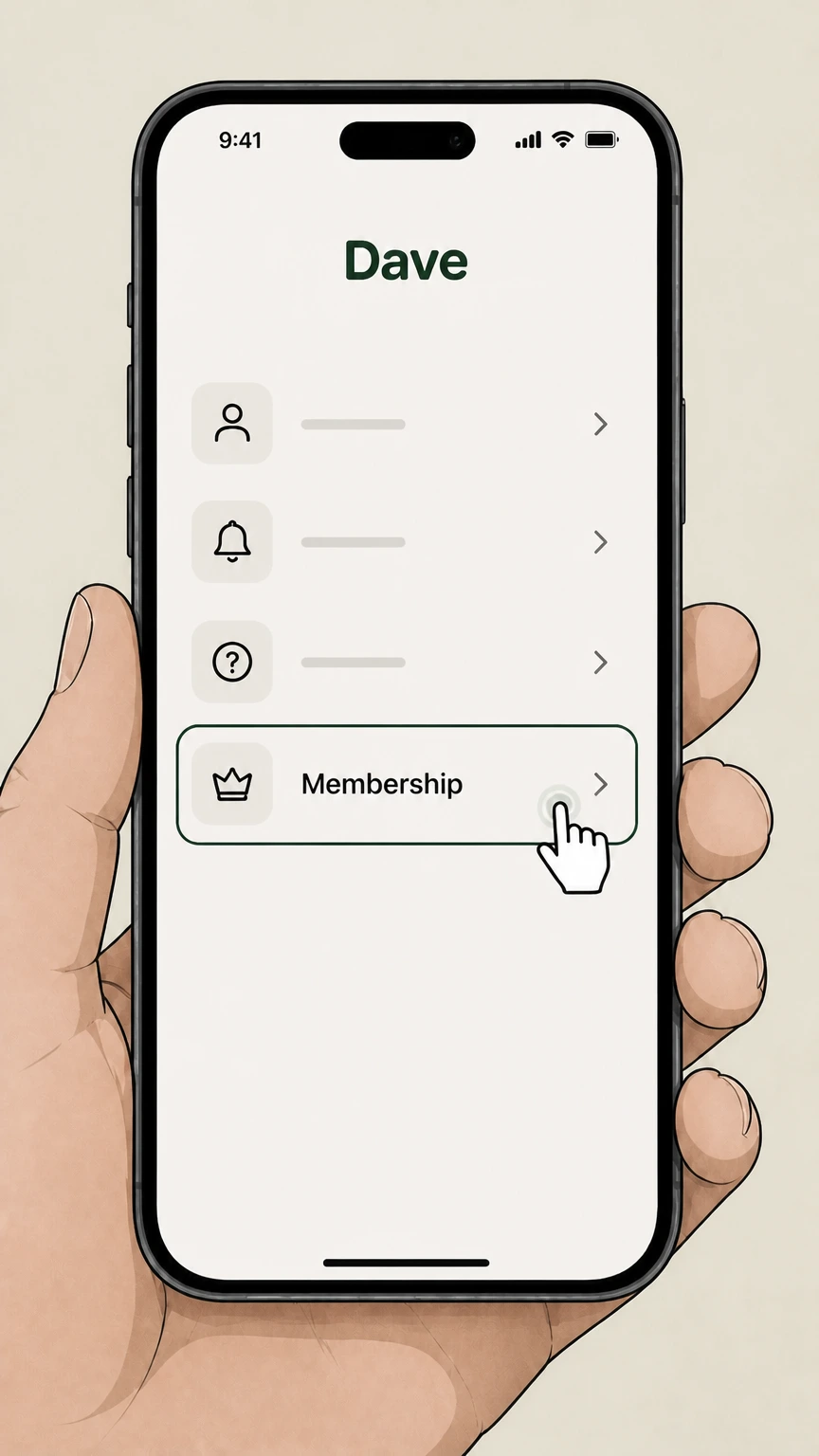
3Open Membership
Scroll down in Settings and tap "Membership" to view your paid Dave Membership details and options.

Refund policy
Dave membership refund boundary
The current Dave Membership article explains cycle-end cancellation but does not promise a refund for a fee already billed.
Check my refund options- Current cycle
- Membership services stop at the end of the current membership cycle after cancellation.
Use in-app Member Success chat for an account-specific charge question. Open Dave Membership help
Billing owner
Cancel the membership in Dave
The provider article directs paid-membership management to Settings → Membership.
Not an app-store route
Use the Dave Membership settings for the directly billed fee.
After cancellation
Membership services stop at cycle end
Dave says the paid membership fee and related services stop at the end of the current membership cycle.
Bank accounts are separate
Dave bank accounts can remain open unless they are closed separately.
Common mistake
Deleting the app does not cancel
Dave explicitly says deleting the app does not end the membership fee or close bank accounts.
Check Membership settings
Return to Membership settings to verify the paid membership no longer renews.
Dave cancellation FAQ
Provider-specific answers about billing, timing, refunds, and confirmation.
How do I cancel my Dave membership?
How do I stop Dave from taking money from my account?
Does cancelling Dave Membership close my bank accounts?
Does deleting the Dave app cancel the membership?
Untangle this Dave issue.
Let Pine handle the provider follow-up and keep the confirmation in one place.
