


Zoho
Cancel subscription
How to Cancel a Zoho Subscription: 2026 Guide
Learn how to cancel Zoho through the right billing provider. Follow official steps, understand access timing, refunds, and the confirmation to keep.
- 1 cancellation path matched to the billing owner
- Renewal timing and access outcome explained
- Refund requests routed to the company that billed you
- Confirmation steps included for every path
Choose the Zoho cancellation path that matches who bills you
Zoho payments email · verify the billing owner
Zoho payments email cancellation steps
 1
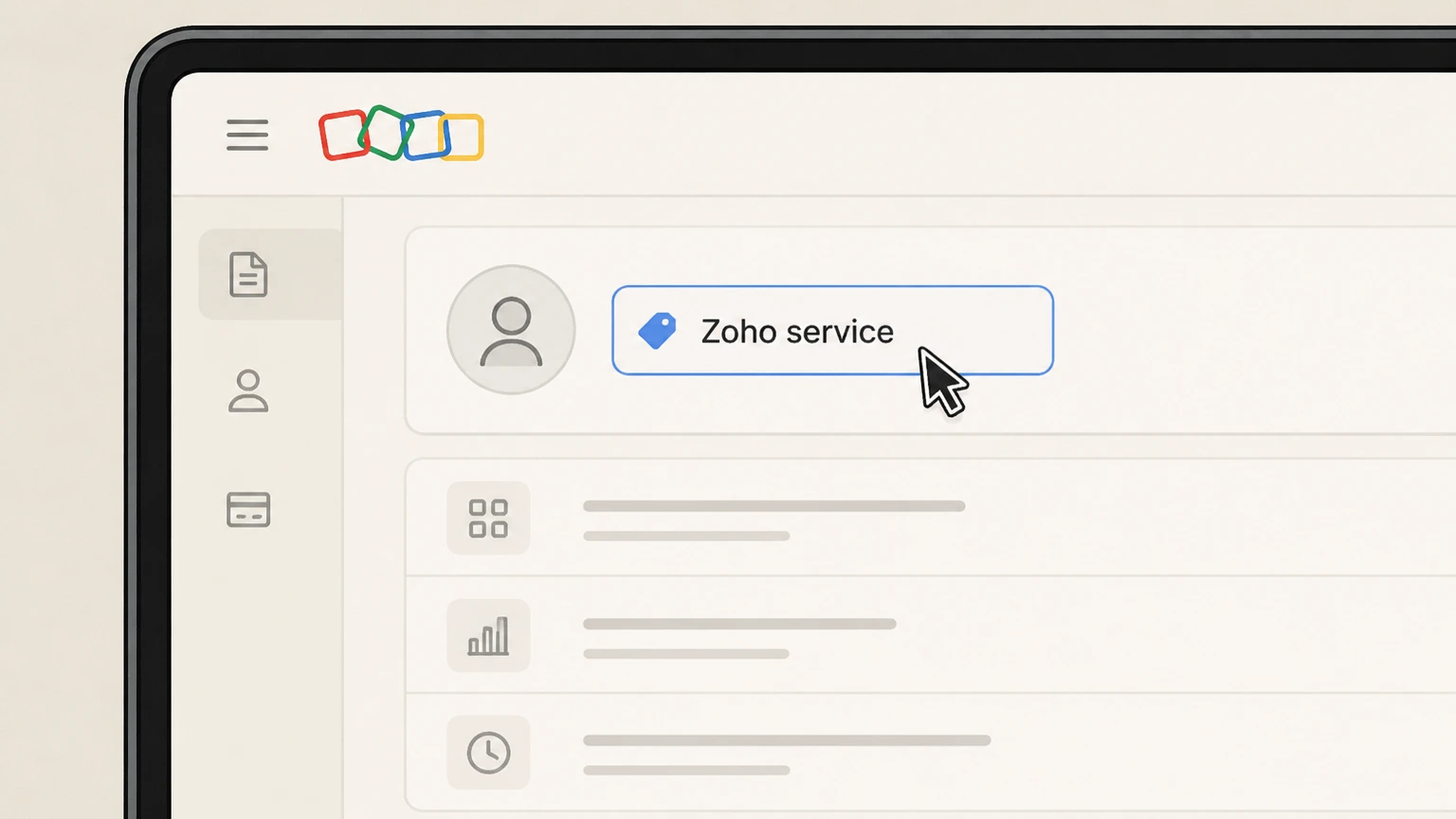
1Identify the billed Zoho service
Check the Zoho invoice or account page and note the exact product and organization tied to the paid plan.
 2
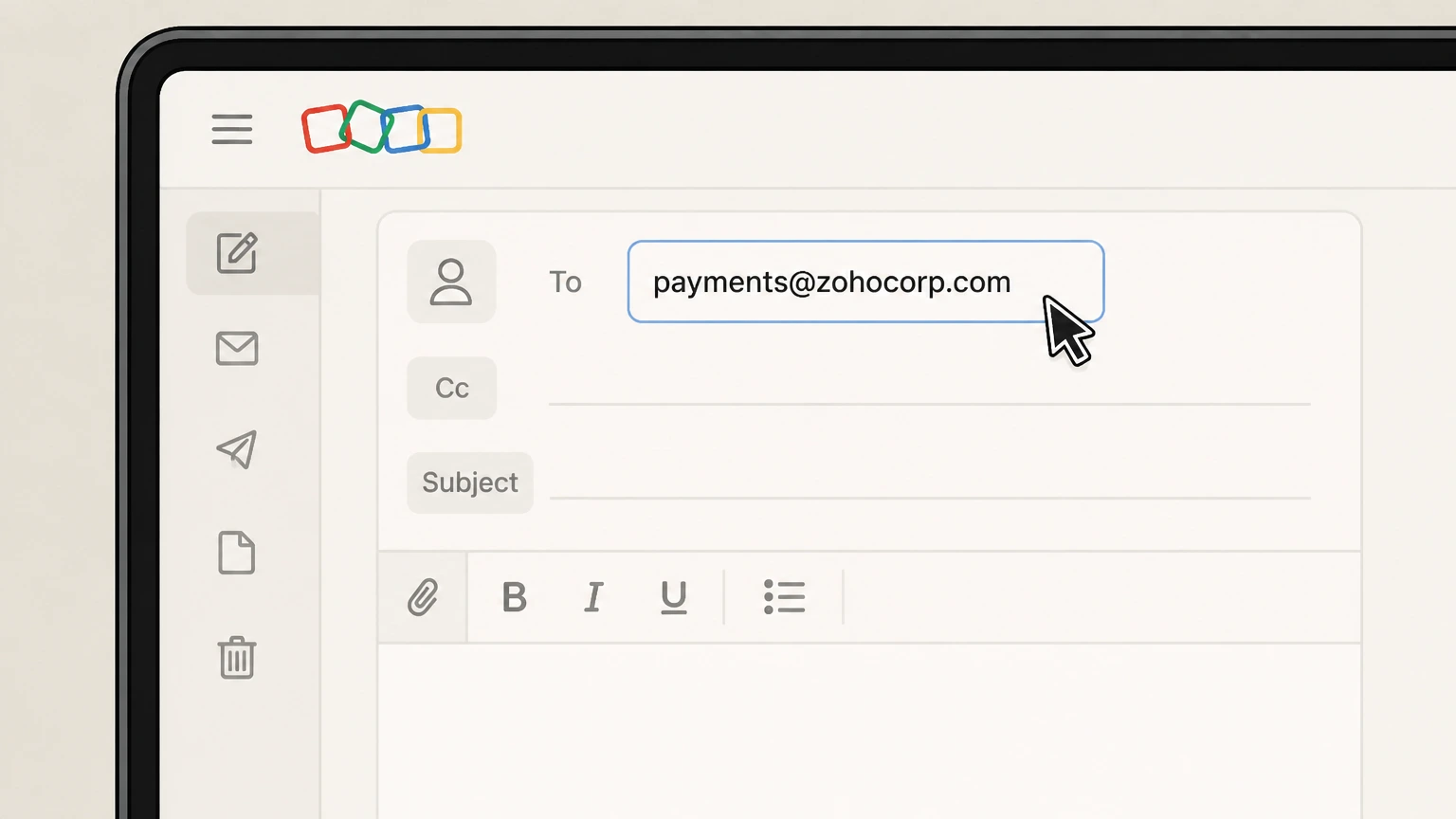
2Write to Zoho Payments
Email payments@zohocorp.com from the account’s authorized address and clearly request cancellation of that specific subscription.
- Let Pine handle it
Pine can help
Too many steps?
Pine can find the right Zoho payments email path and handle the cancellation for you.
 3
3Retain Zoho’s response
Keep the reply and verify the subscription status inside the affected Zoho service before the next renewal date.

Refund policy
Zoho cancellation timing and refunds
The provider-wide cancellation FAQ does not publish a general refund promise. Confirm timing and any credit or refund inside the billed Zoho product or in the payments-team response.
Check my refund options- Do not generalize one product’s terms
- Marketing Automation documents downgrade timing for that service, but it is not a universal refund policy for the full Zoho suite.
- Keep the product-specific result
- Save the status or reply that names the exact Zoho product and effective date.
Use the current Zoho source below if your account shows a different plan, merchant, or effective date. Review Zoho cancellation terms
Choose the right account
Zoho billing ownership and cancellation route
The Zoho service shown on the invoice owns the subscription. Zoho’s common FAQ provides a payments email fallback when the in-product billing controls are unavailable.
Zoho publishes two routes
Its common FAQ allows cancellation within the Zoho service or by email to the payments team.
Menus vary by product
The detailed Marketing Automation guide is an example for that product, not proof that every Zoho app uses the same navigation.
Before the next charge
Timing that matters for Zoho
Zoho’s provider-wide FAQ says you can cancel within the Zoho service you use or email its payments team. Because menus differ across Zoho products, use the cancellation controls inside the billed service rather than borrowing button labels from another Zoho app.
End-of-cycle can be selected
The Marketing Automation example offers an option to downgrade automatically at the end of the current billing cycle.
Immediate downgrade is product-specific
That same product guide offers an immediate downgrade choice, so confirm the timing presented by the particular Zoho service you pay for.
After you submit
Check the final Zoho status
Zoho’s payments team can route the cancellation for the identified service. The effective timing remains the timing shown by that product or confirmed in Zoho’s reply. Reopen the account used for this route and compare its displayed status with that result.
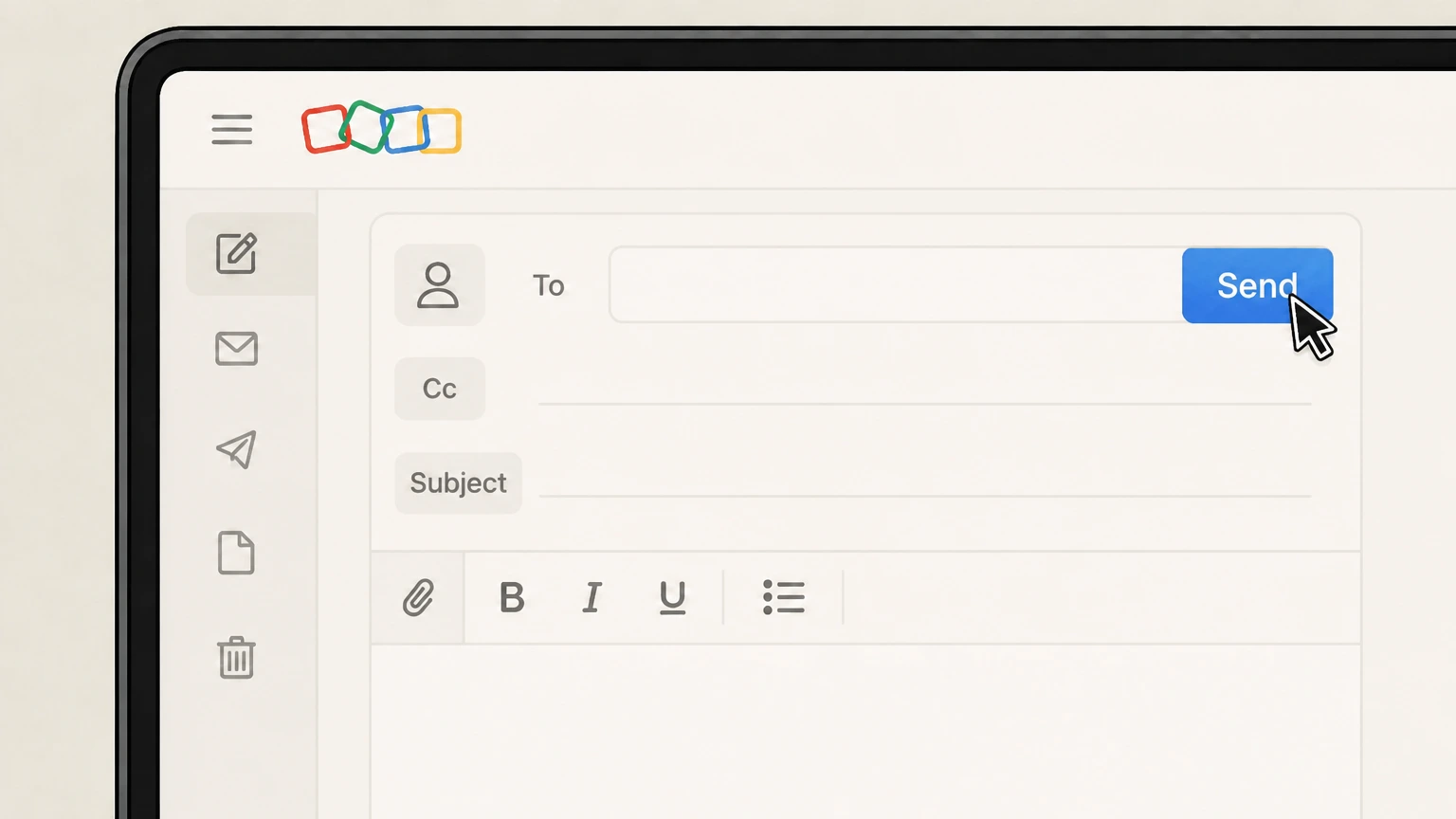
Check Send
Return to the Zoho payments email and confirm that Send produced the provider-specific outcome described above.
Compare the next billing event
The provider-wide cancellation FAQ does not publish a general refund promise. Confirm timing and any credit or refund inside the billed Zoho product or in the payments-team response. Use that rule when reviewing the next charge, access date, shipment, or contract event shown for this account.
Zoho cancellation FAQ
Answers about Zoho billing ownership, cancellation timing, refunds, and access after cancellation.
How do I permanently cancel a Zoho subscription?
What is Zoho's cancellation policy?
Can I cancel Zoho by email?
Does canceling a Zoho subscription delete the Zoho account?
Untangle this Zoho issue.
Let Pine handle the provider follow-up and keep the confirmation in one place.
