

Farm to People
Cancel subscription
How to Cancel Farm to People
Learn how to cancel Farm to People with verified current steps, billing-owner guidance, timing and refund details, plus proof that future renewal has stopped.
- 2 current, source-verified cancellation routes
- Billing ownership is explicit for each route
- Refund and access timing are separated from cancellation
- Account-specific confirmation is still required
Choose the correct Farm to People cancellation route
Website (desktop or mobile browser) · verify the billing owner
Cancel a Farm to People subscription in your account
 1
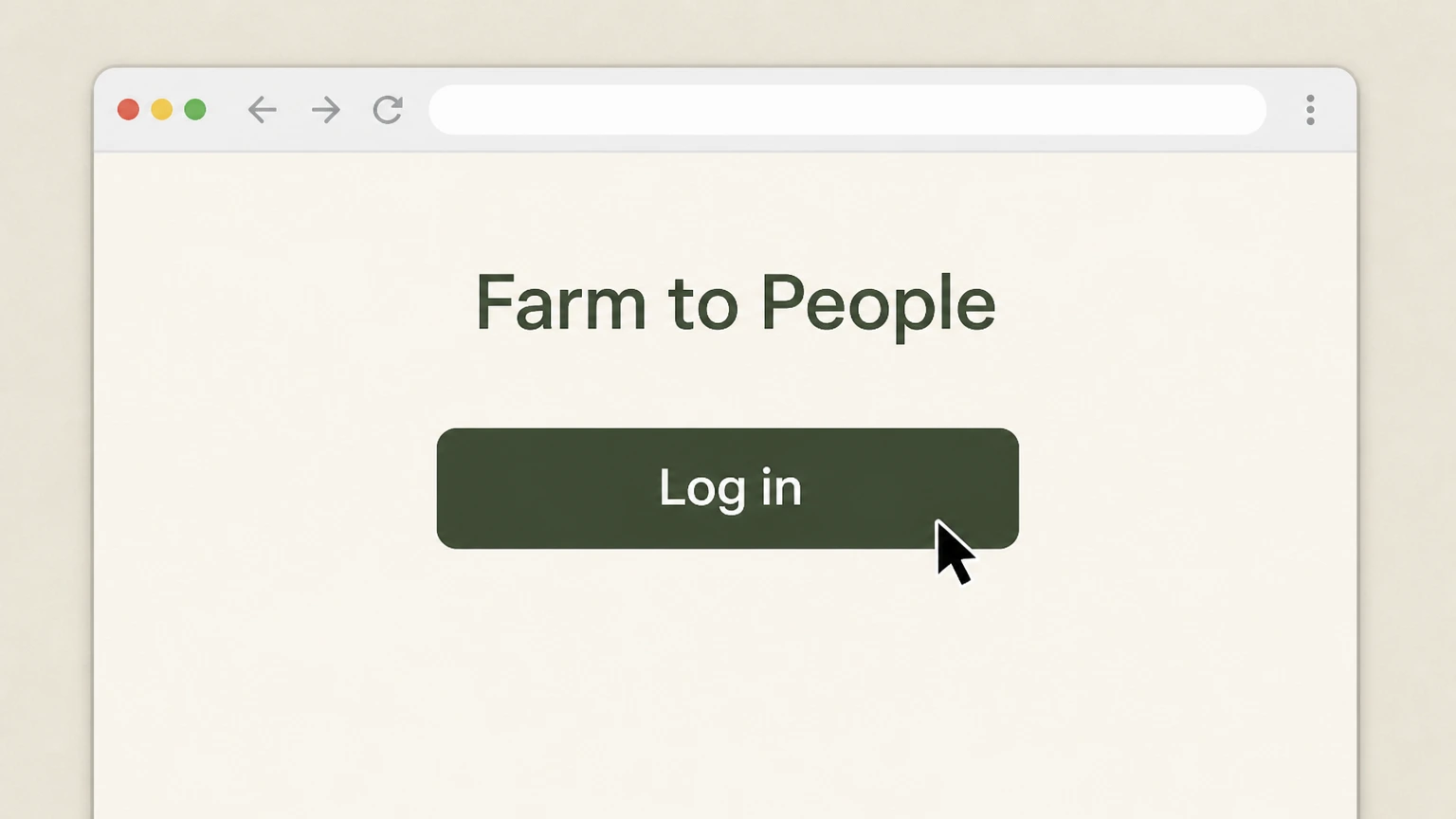
1Sign into your Farm to People account
Go to farmtopeople.com and select Log in, then enter your account email and password to access your account dashboard.
 2
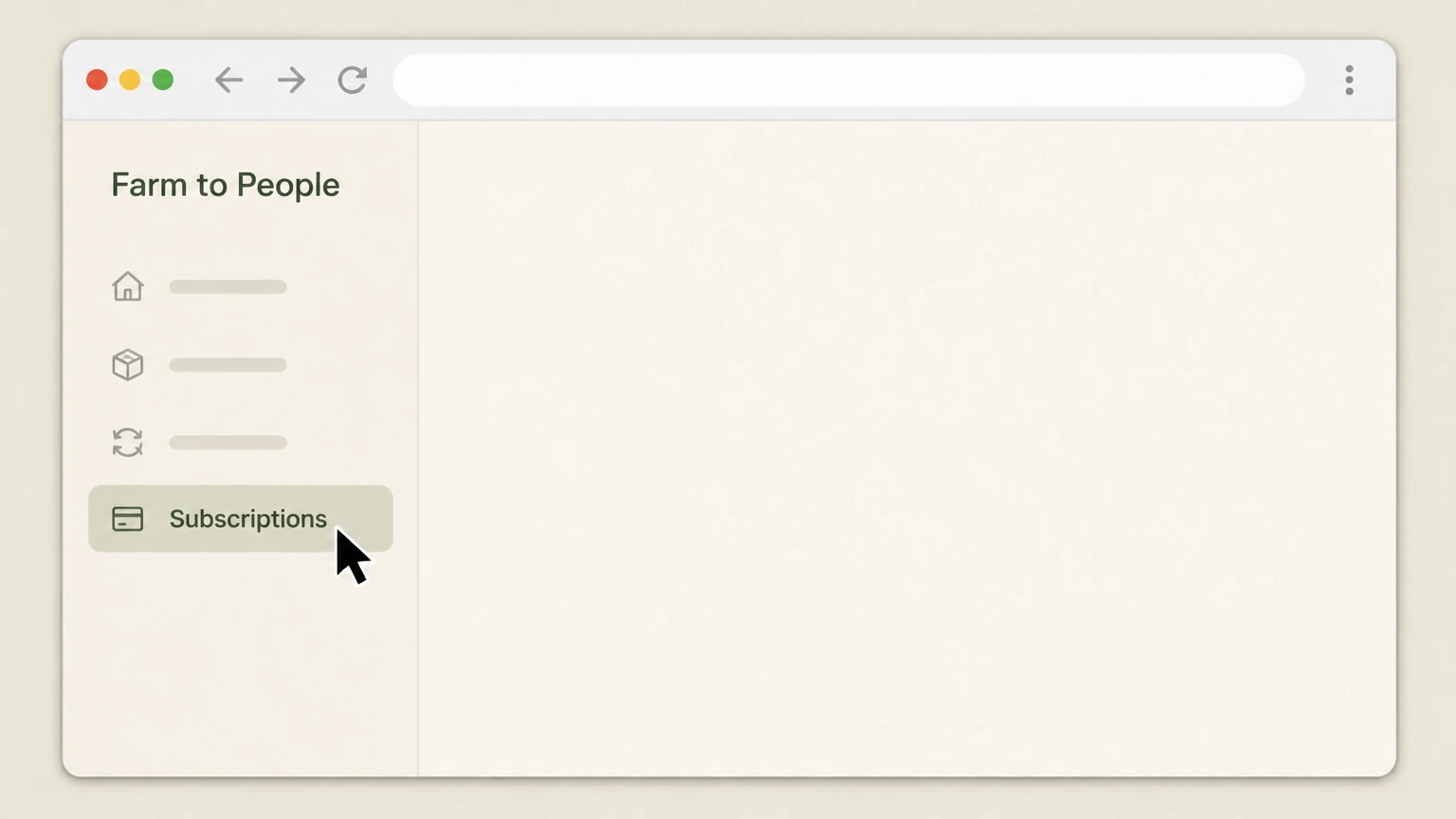
2Open the Subscriptions page
From your account, navigate to the Subscriptions page where your recurring Farm Box and other item subscriptions are listed.
- Let Pine handle it
Pine can help
Too many steps?
Pine can find the right Website (desktop or mobile browser) path and handle the cancellation for you.
 3
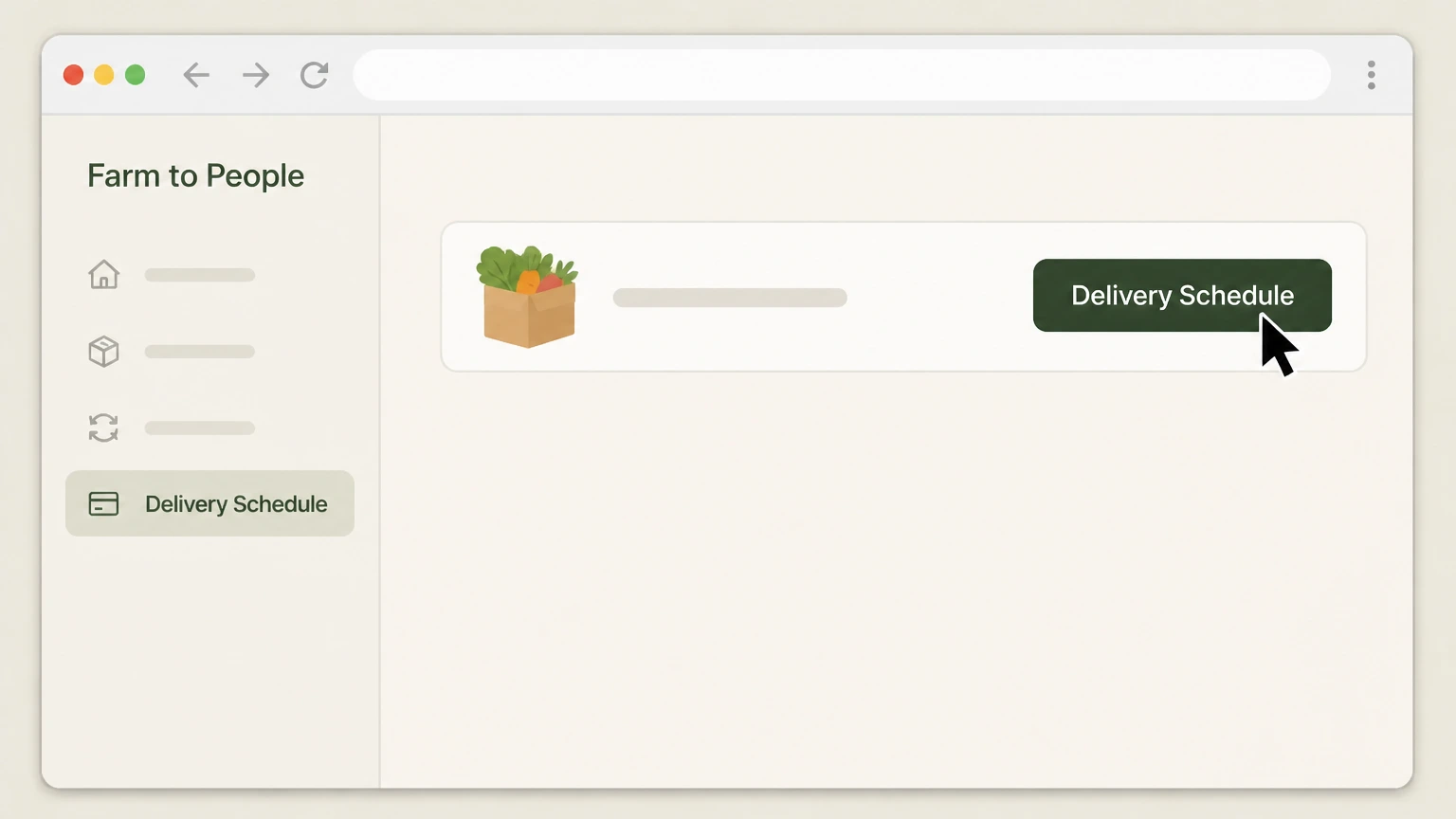
3Choose the subscription you want to stop, then Select Cancel Subscription for that item, then Confirm future orders are removed from Delivery Schedule
On the Subscriptions page, locate the specific subscription (for example a Farm Box or recurring grocery item) that you want to cancel and select Edit next to it. After the subscription details expand, choose Cancel Subscription to stop that recurring item, following any on-screen prompts to confirm. Open your Delivery Schedule and verify that no future deliveries remain for the canceled subscription, as Farm to People recommends double-checking this after cancellation.
 4
4Avoid relying on the shopping cart for cancellation
If the item still appears in your shopping cart, remove it, but remember that Farm to People explicitly warns that removing an item from the cart does not cancel the underlying subscription—you must cancel from the Subscriptions page.

Email · verify the billing owner
Cancel a Farm to People subscription by email
 1
1Compose an email to Farm to People support
Open your email client and start a new message to the support email address listed on Farm to People’s Contact page (currently [email protected]).
 2
2Request cancellation of your subscription
In the body of the email, state that you want to cancel your Farm to People subscription and include enough detail to identify it (for example, Farm Box type or subscription box name), as their Terms/Privacy and FAQ explain that subscriptions can be canceled by emailing the team.
- Let Pine handle it
Pine can help
Too many steps?
Pine can find the right Email path and handle the cancellation for you.
 3
3Send the email from your account address
Send the email from the address registered on your Farm to People account so support can match your request to your subscription and process the cancellation.
 4
4Verify cancellation in your account after support acts
After Farm to People has confirmed they have canceled your subscription, sign into your account and check the Subscriptions page and Delivery Schedule to ensure the subscription is no longer active and no future orders remain.
Refund policy
Farm to People refunds and final charges
Farm to People’s subscription and FAQ documents explain how charges work before and after cancellation, and when refunds or replacements may be available for food products.
Check my refund options- Recurring billing continues until you cancel, with responsibility for prior charges
- The Monthly Subscriptions section of Farm to People’s Terms/Privacy states that by purchasing a month-to-month subscription you acknowledge a recurring payment schedule, accept responsibility for all recurring charges prior to cancellation, and that the subscription automatically continues for successive monthly periods at the then-current rate until you cancel.
- No prorated refunds for the current subscription term
- For multi-month subscriptions, Farm to People notes that when you cancel, your subscription will not renew after the then-current term, but you will not be eligible for a prorated refund of any portion of the subscription fee already paid for that term; you may continue to use the subscription through the end of that period.
- Strict limits on returns and refunds for food products
- The FAQ on the gift-market site explains that Farm to People does not accept returns on food products and generally cannot process a refund unless the food was bad or damaged during shipment, in which case they ask customers to email with details and photos so they can try to make it right.
- Shipping issues for subscription or gift boxes
- In the same FAQ, Farm to People outlines that if a shipped box is returned after multiple failed delivery attempts, they may offer to reship the order for an additional shipping charge or, if the customer declines reshipment, refund the purchase less the original shipping charge, indicating that shipping fees may not be fully refundable.
If you canceled a Farm to People subscription but believe you were incorrectly charged or are seeking an exception beyond their stated policies, contact Farm to People directly using the email or contact form on their Contact page and reference the relevant sections of their Cancellation Policy, Terms/Privacy, or FAQ when you explain your request. Farm to People Contact page
What you can cancel
Which Farm to People subscriptions this covers
Farm to People runs multiple recurring offerings across its main grocery site and its small-batch gift market. This guide applies to all subscriptions where Farm To People, LLC is billing you directly through its own sites.
NYC-area Farm Boxes and recurring grocery items
Farm to People’s How It Works page explains that you can subscribe to specific grocery items and to recurring Farm Boxes that auto-populate your cart according to a frequency you set, and that you can skip or cancel these subscriptions at any time without fees or penalties.
Monthly subscription boxes sold via the gift market
On blog.farmtopeople.com, Farm to People offers subscription products such as Tasting Box, Fresh Box, and Hot Sauce Box, with a Subscribe menu and a Monthly Subscriptions section in its Terms/Privacy governing recurring shipments and cancellations.
Single billing owner across both storefronts
Both farmtopeople.com and blog.farmtopeople.com identify FARM TO PEOPLE, LLC as the operator, and the Terms/Privacy describe month-to-month and multi-month subscriptions billed directly by Farm to People with cancellation through account login or email, so the same cancellation principles apply across its subscription products.
Timing and renewals
How timing, renewals, and existing charges work
Farm to People’s policies distinguish between canceling a subscription going forward and obligations for orders and periods that have already been billed or reached operational cut-offs.
No cancellations on delivery day for grocery subscriptions
The Cancellation Policy states that Farm to People uses an order cut-off time to coordinate with farm partners and that the company does not accept cancellations on delivery day; customers who cannot receive an order are instead offered the option to donate the box by contacting Customer Success.
Subscriptions renew month-to-month until you cancel
Farm to People’s Terms/Privacy explain that, for month-to-month subscriptions, your subscription has an initial and recurring payment schedule, automatically continues for successive monthly periods at the then-current subscription rate, and remains in effect until you cancel via your account or email.
Responsibility for charges before cancellation and no proration
The Monthly Subscriptions section further states that you accept responsibility for all recurring charges prior to cancellation, that you may use your subscription until the end of the then-current term, and that upon cancellation you are not eligible for a prorated refund of any portion of the subscription fee for the current period (particularly for multi-month subscriptions).
Subscription vs. cart
Why cart changes do not cancel your subscription
Farm to People emphasizes that subscription status is controlled from dedicated subscription pages, not by editing your shopping cart.
Subscription cancellation must be done from Subscriptions page
In its Cancellation Policy, Farm to People instructs customers who "ever need to cancel a subscription" to log into their account, go to the Subscriptions page, click Edit for the relevant item, and select Cancel Subscription, then check the Delivery Schedule to ensure all future orders have been removed.
Removing items from the shopping cart is not enough
The same policy explicitly warns that removing an item from your shopping cart does not cancel your subscription; a subscription must be canceled from the Subscriptions page, which is why this guide treats cart edits only as supplemental clean-up after you complete the true cancellation steps.
Farm to People cancellation FAQ
Current, source-backed answers about cancellation, billing ownership, refunds, and access timing.
Can I cancel my Farm to People subscription on delivery day?
Does removing my Farm Box from the cart cancel my Farm to People subscription?
Can I cancel a Farm to People subscription by email instead of online?
Do I get a refund for the rest of my billing period after canceling a Farm to People subscription?
Untangle this Farm to People issue.
Let Pine handle the provider follow-up and keep the confirmation in one place.
