


Brigit
Cancel subscription
Step-by-Step Guide to Cancel Your Brigit Subscription
Learn how to cancel Brigit through the right billing provider. Follow official steps, understand access timing, refunds, and the confirmation to keep.
- Official Brigit and billing-owner sources
- 3 provider-specific cancellation paths
- Refund and post-cancellation effects separated from renewal
- Verified August 16, 2026
Choose the Brigit cancellation path that matches who bills you
Brigit app (direct billing) · verify the billing owner
 1
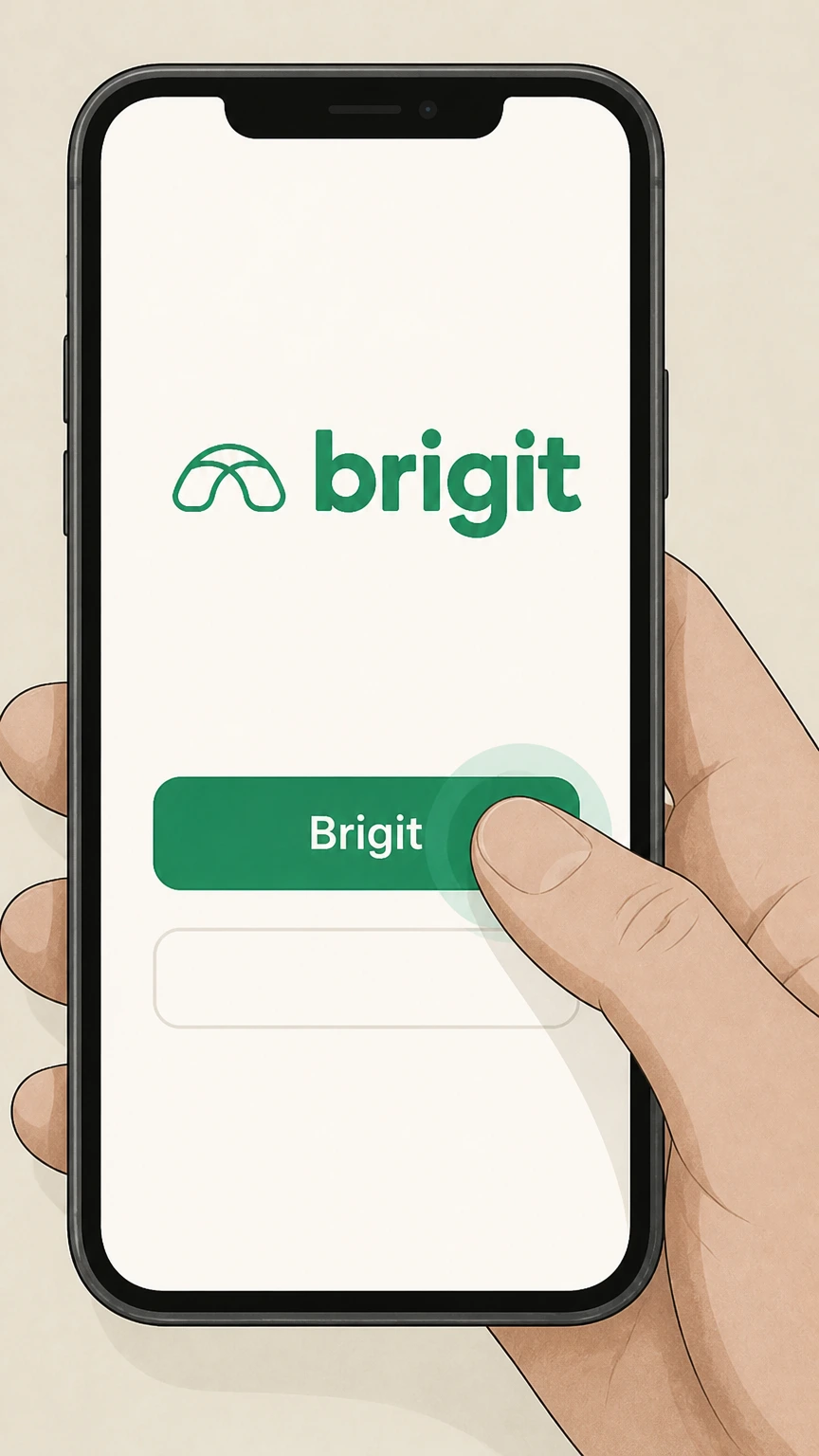
1Open the Brigit app and sign in
Launch the Brigit app on your phone and sign in to your account if you are not already logged in.
 2
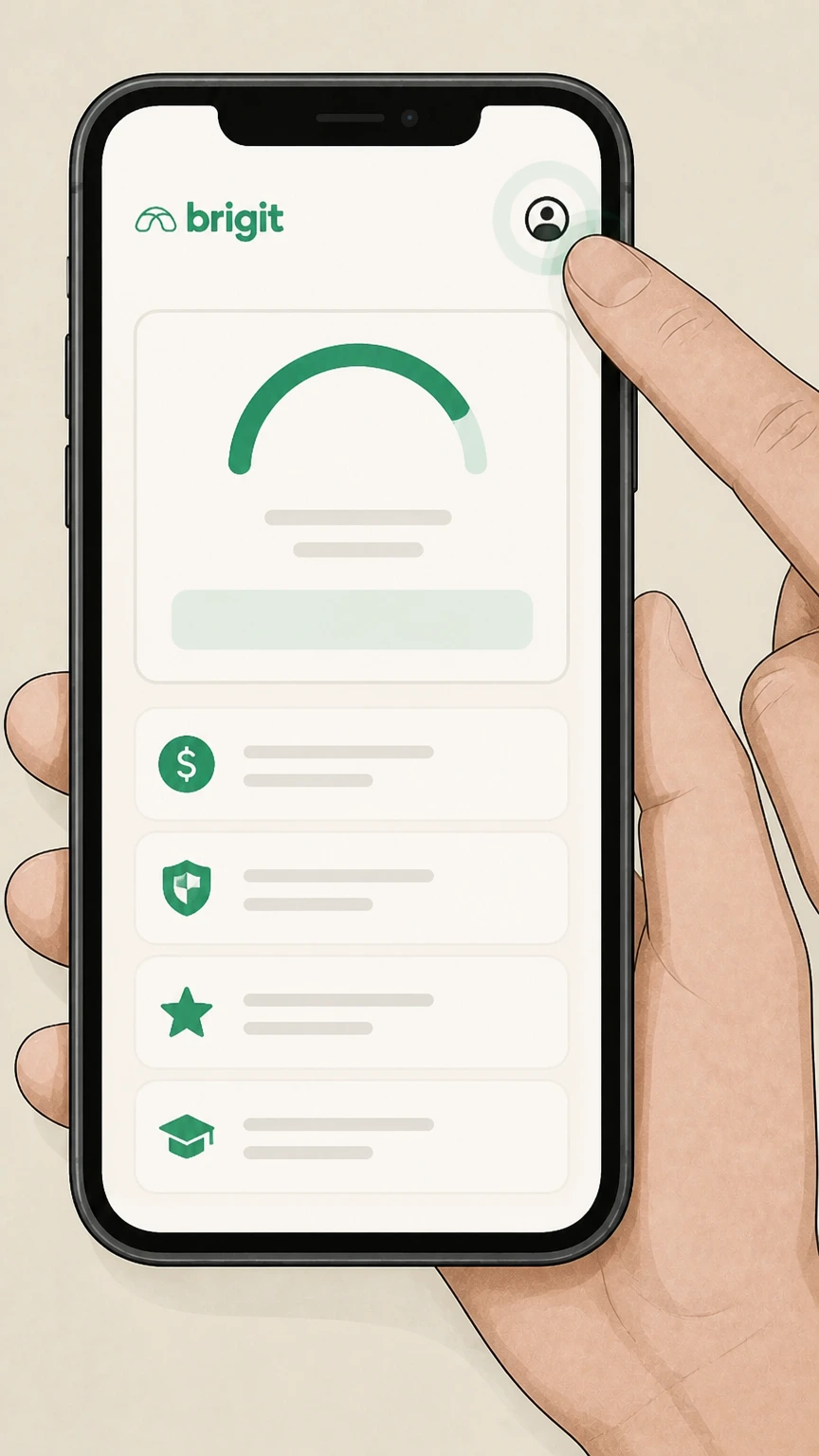
2Open Account Settings from the profile icon
Tap the profile icon in the top-right corner of the Home screen to open your Account Settings. Use the Brigit account named on your receipt, and continue only after the next status in this cancellation path is visible.
- Let Pine handle it
Pine can help
Too many steps?
Pine can find the right Brigit app (direct billing) path and handle the cancellation for you.
 3
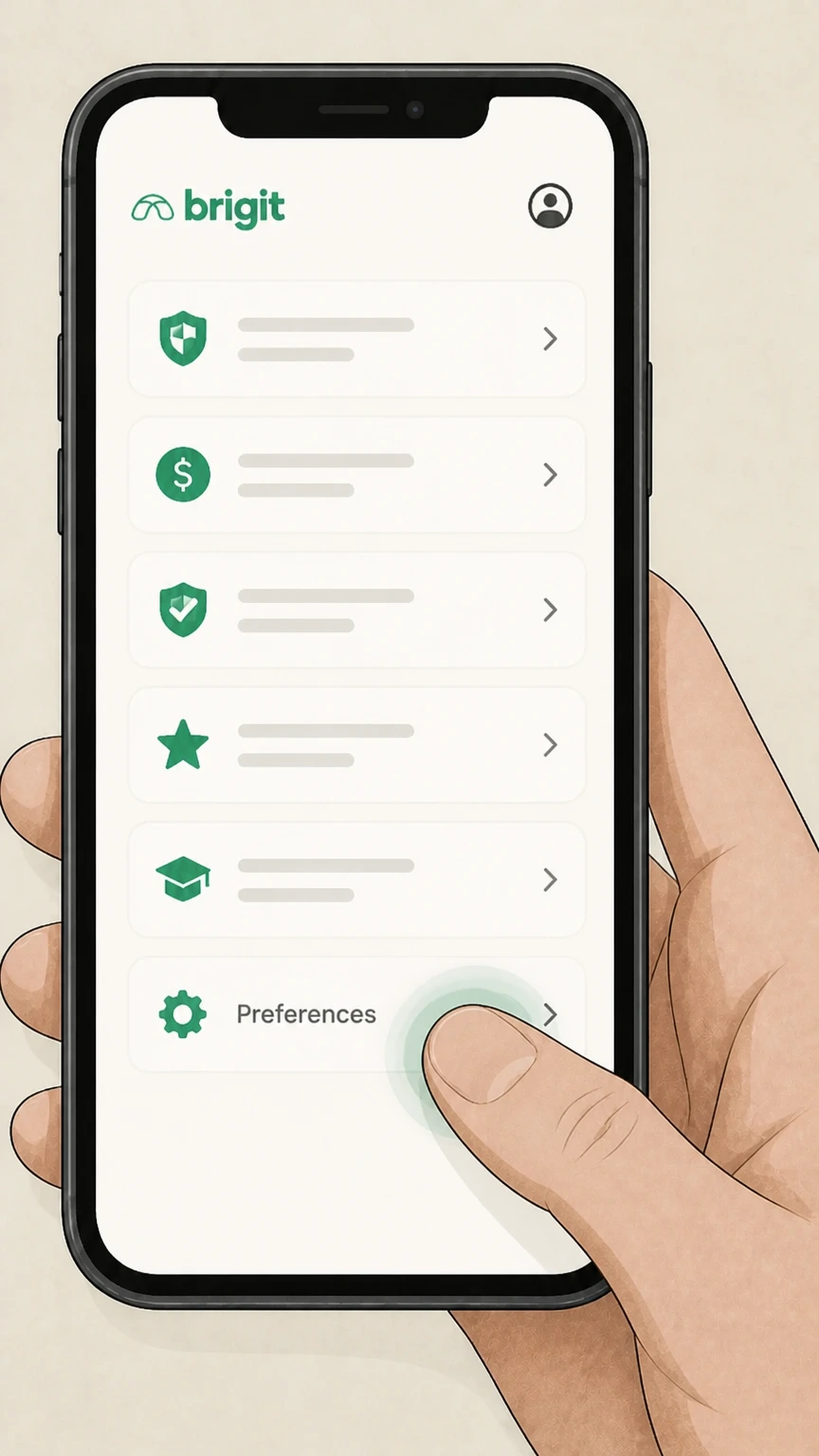
3Scroll to the Preferences section
On the "My Brigit" page, scroll down until you see the Preferences section. Use the Brigit account named on your receipt, and continue only after the next status in this cancellation path is visible.
 4
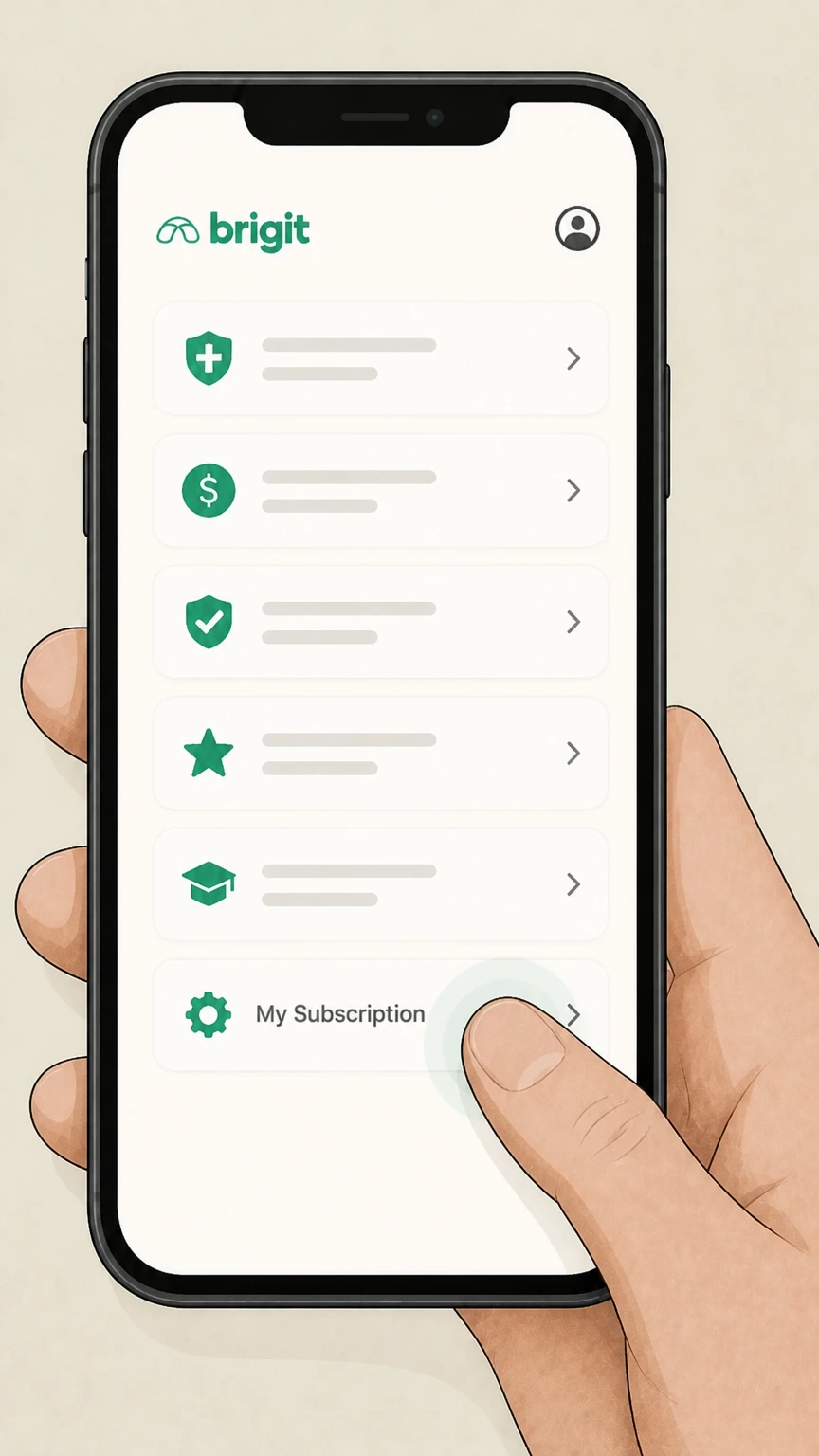
4Tap My Subscription
In the Preferences section, tap the row labeled "My Subscription" to view your current plan details. Use the Brigit account named on your receipt, and continue only after the next status in this cancellation path is visible.
 5
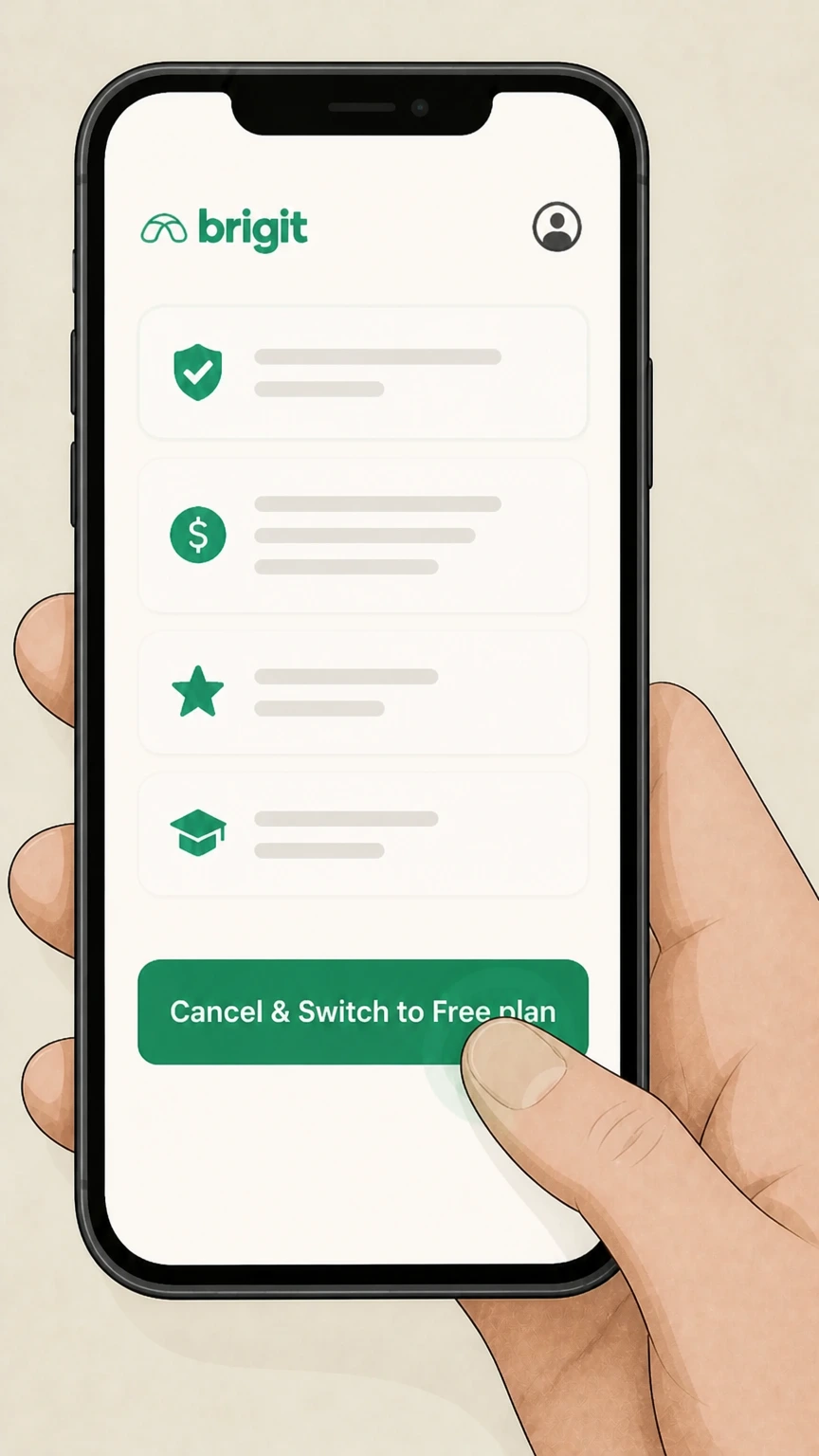
5Select Cancel & Switch to Free plan
On the subscription screen, tap the button labeled "Cancel & Switch to Free plan" to start canceling your paid membership.
 6
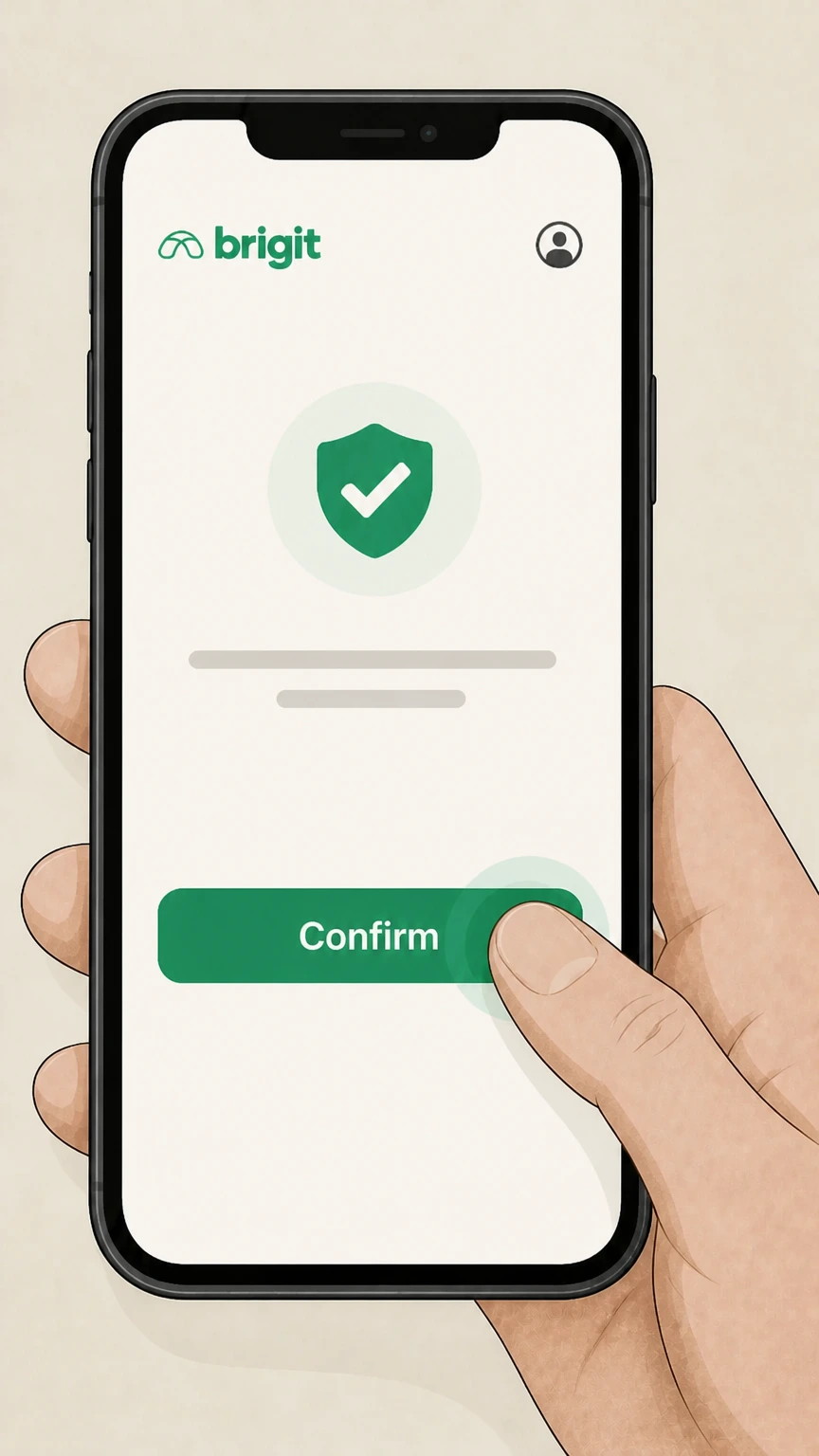
6Confirm cancellation on the final screen
Review the confirmation message and tap the confirmation button to finish canceling your subscription and switch to the free plan.

Brigit website · verify the billing owner
 1
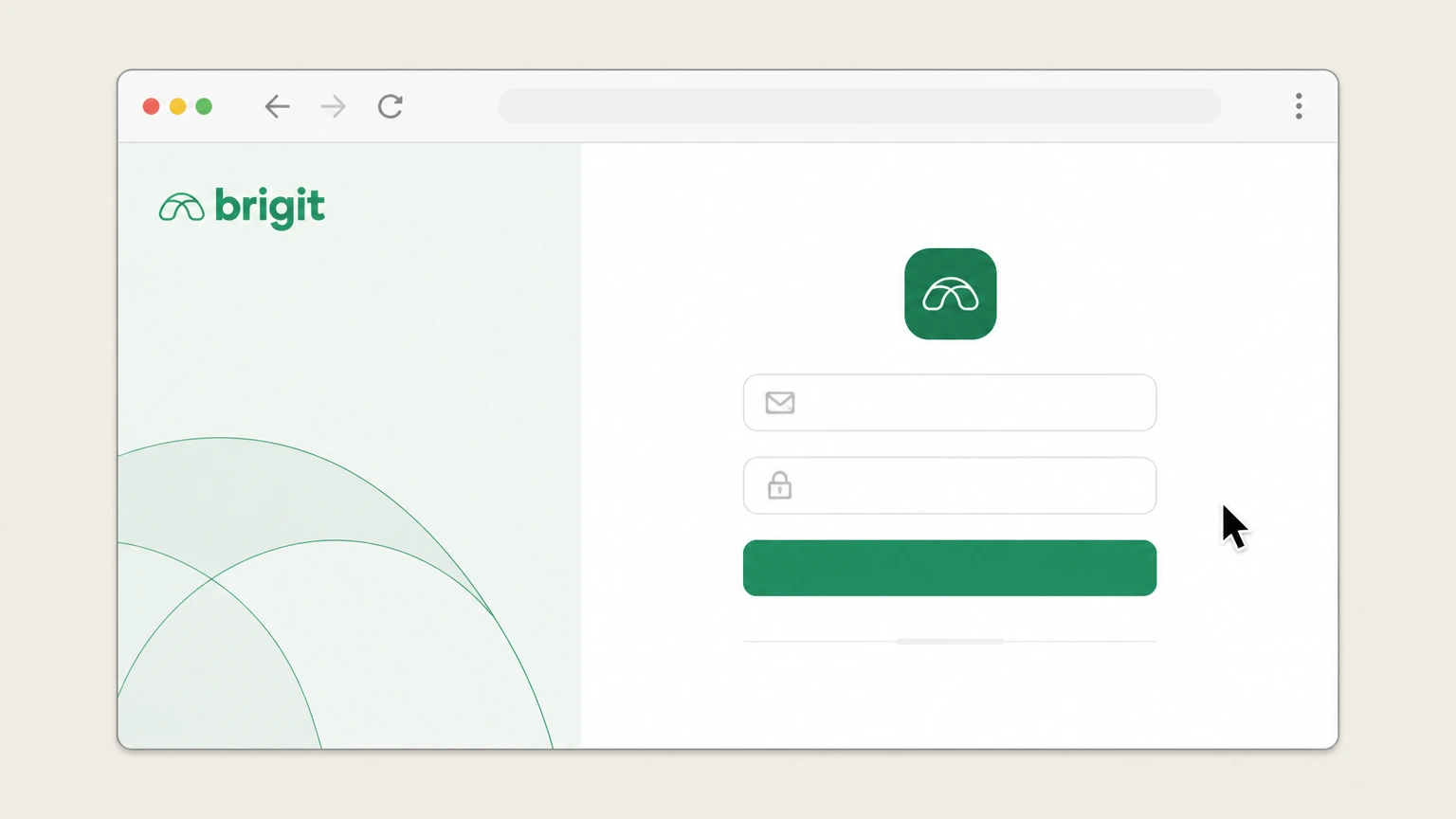
1Sign in to your Brigit account on the web
Go to app.hellobrigit.com/login in a web browser and sign in with the email address or phone number tied to your Brigit account.
 2
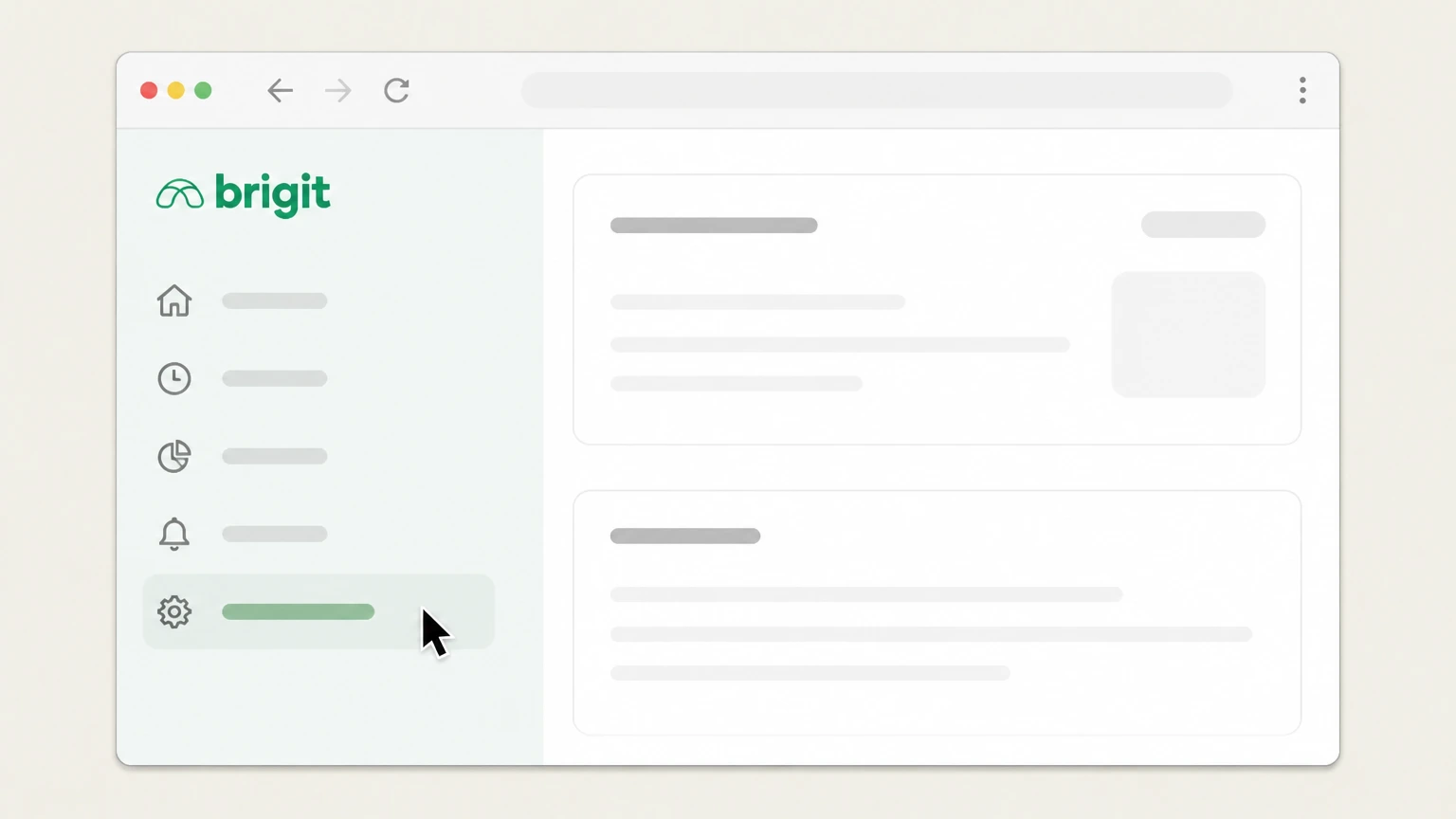
2Open Settings from the navigation menu
After signing in, click "Settings" in the navigation menu to open your account settings page. Use the Brigit account named on your receipt, and continue only after the next status in this cancellation path is visible.
- Let Pine handle it
Pine can help
Too many steps?
Pine can find the right Brigit website path and handle the cancellation for you.
 3
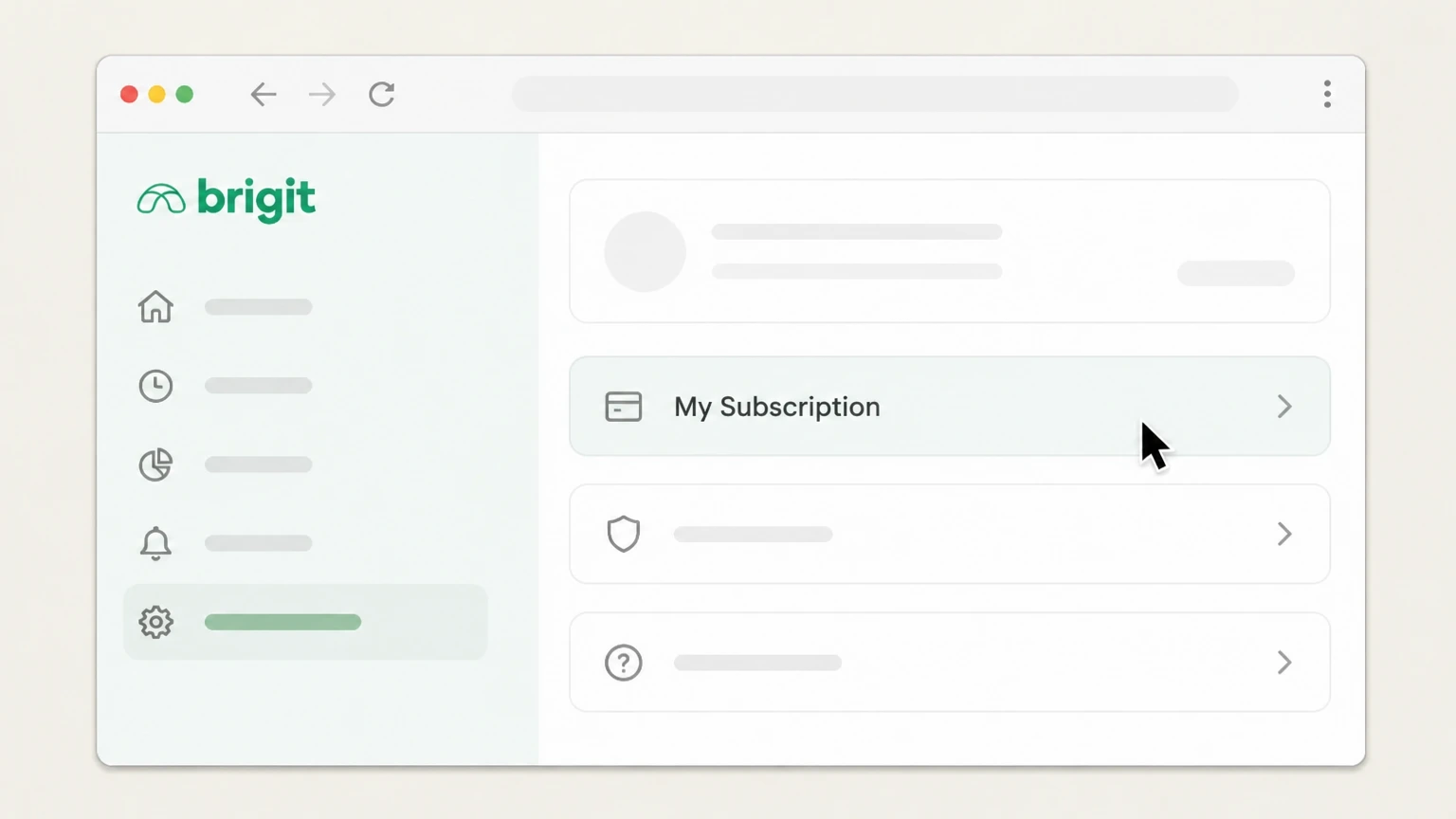
3Open the My Subscription page
On the Settings page, click "My Subscription" to view your current membership details. Use the Brigit account named on your receipt, and continue only after the next status in this cancellation path is visible.
 4
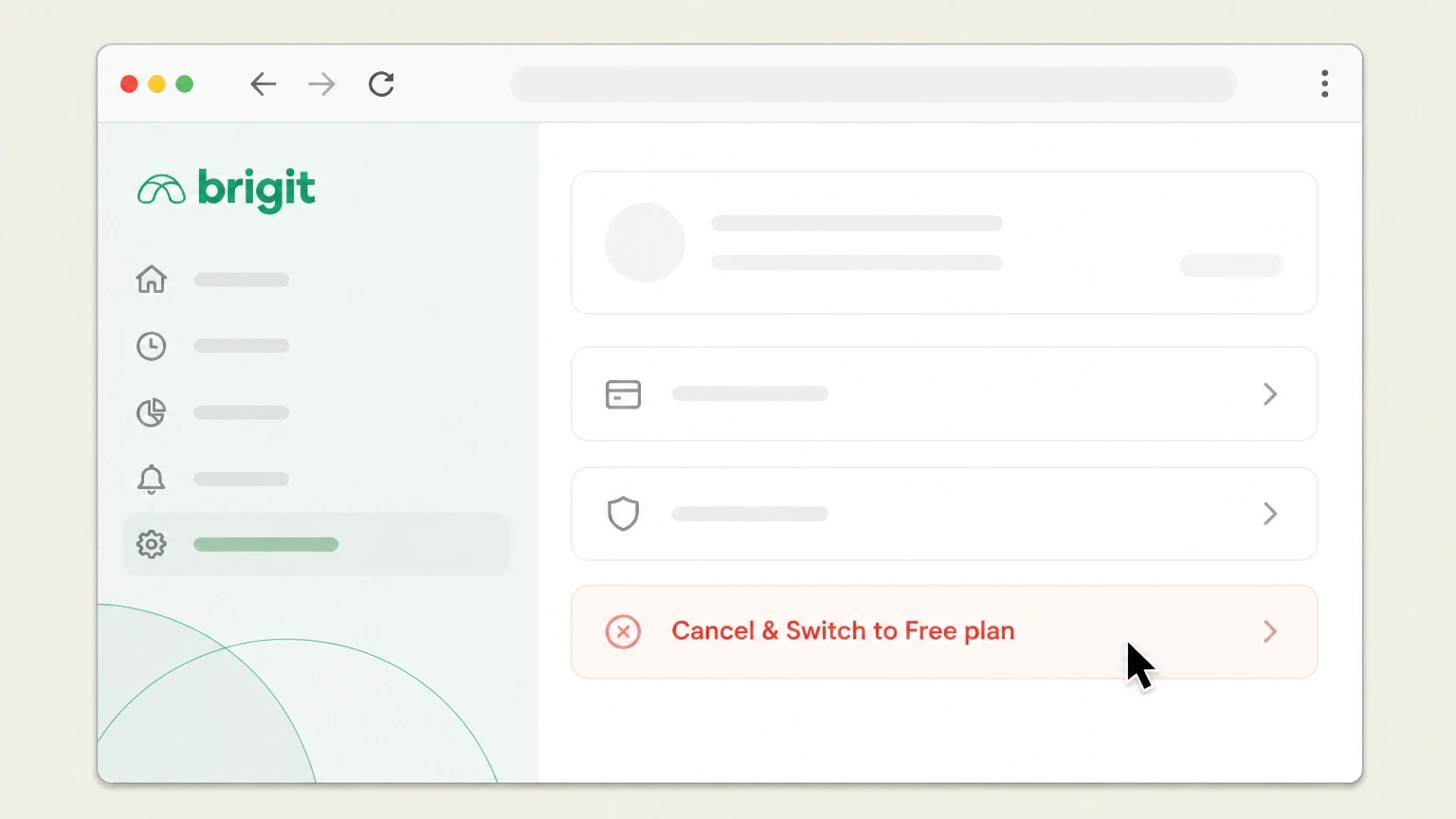
4Click Cancel & Switch to Free plan
On the subscription page, click the option labeled "Cancel & Switch to Free plan" to begin canceling your paid plan.
 5
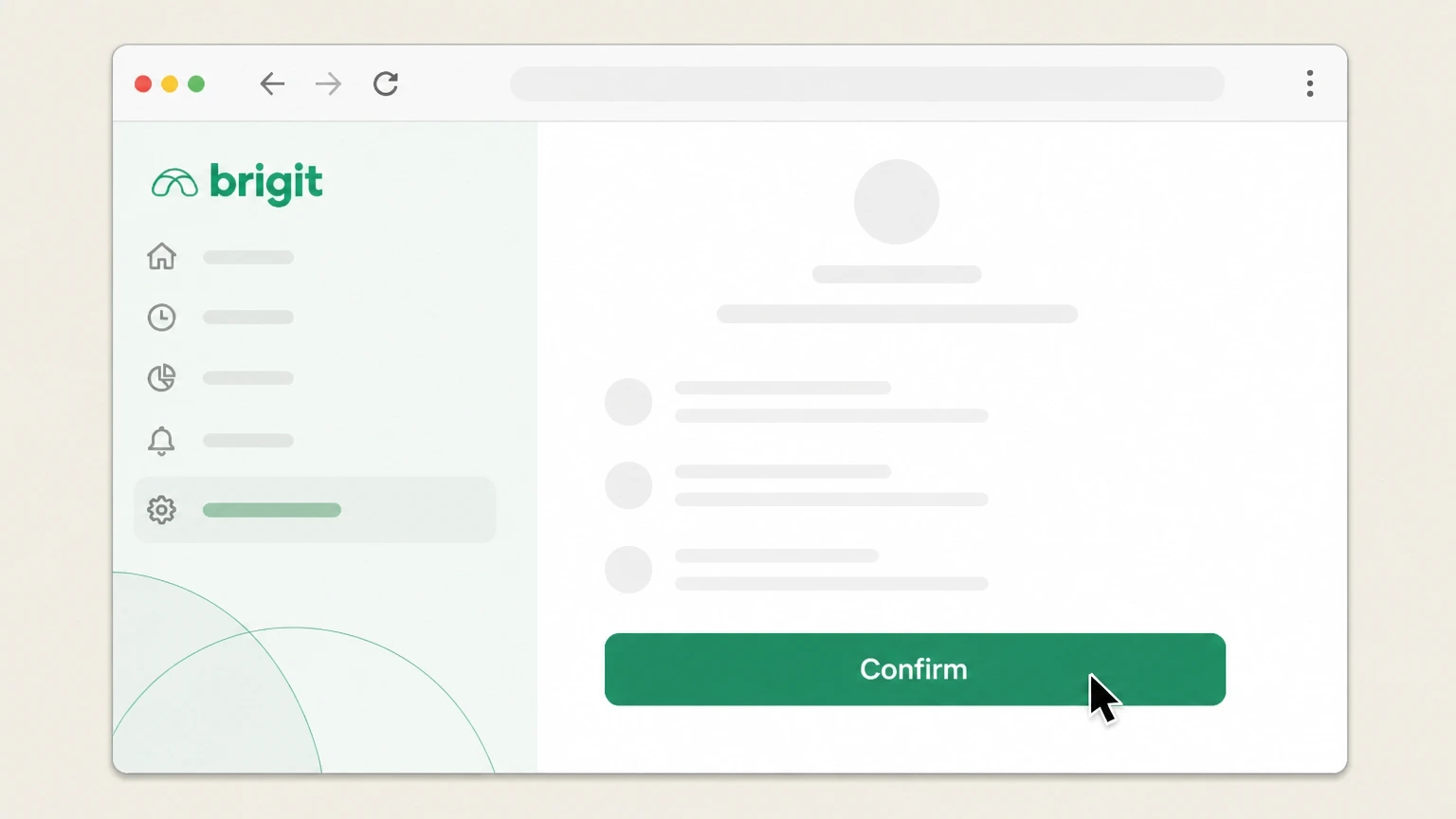
5Confirm cancellation on the confirmation page
Review the cancellation confirmation page and click the confirmation button to finalize canceling your subscription and switch to the free plan.
Email Brigit support · verify the billing owner
 1
1Open your email application or webmail
On your phone or computer, open the email app or webmail service you use to send messages. Use the Brigit account named on your receipt, and continue only after the next status in this cancellation path is visible.
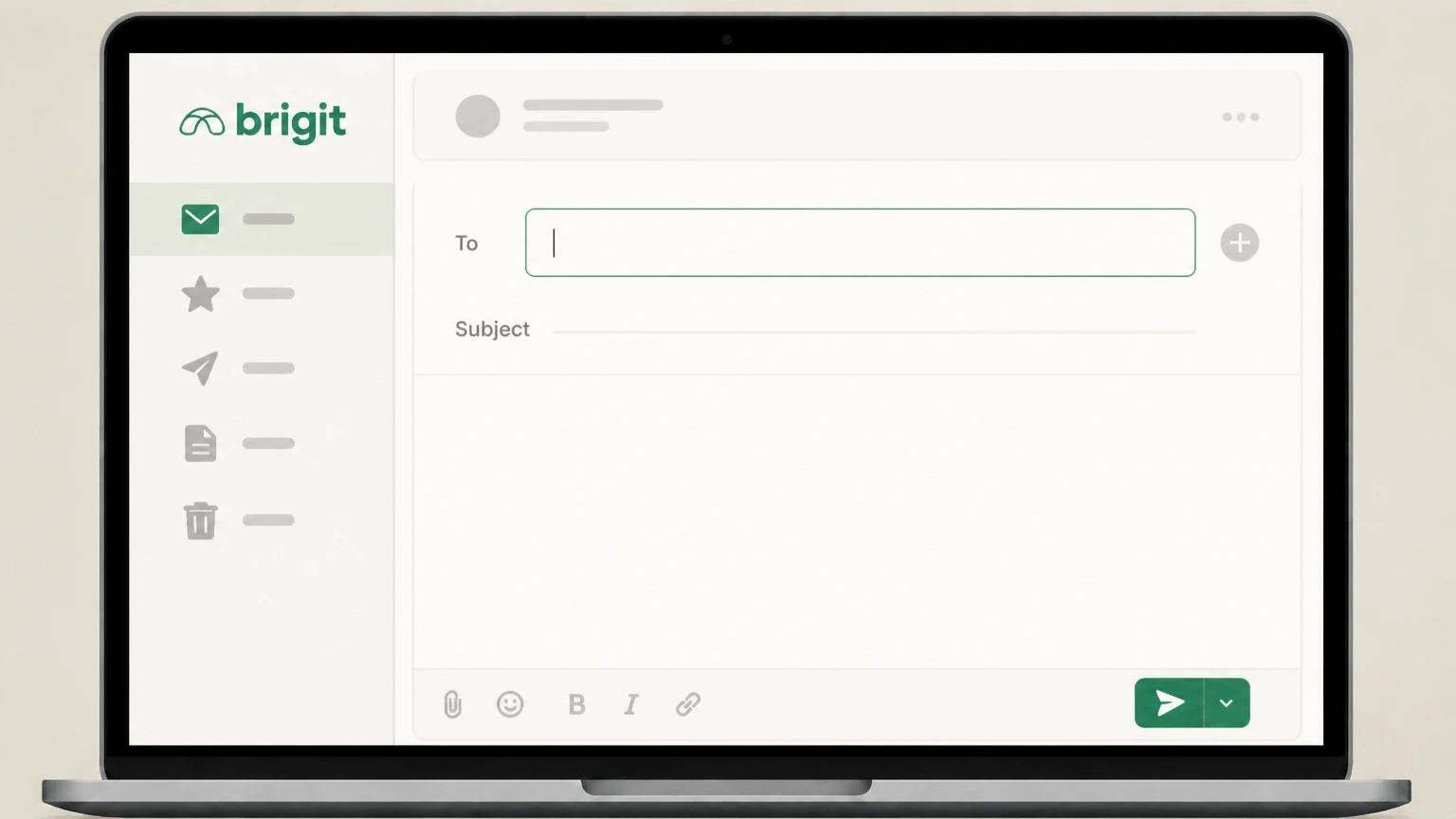 2
2Compose a new email to Brigit
Start a new message addressed to info@hellobrigit.com, the support address listed in Brigit’s official terms and help materials. Use the Brigit account named on your receipt, and continue only after the next status in this cancellation path is visible.
- Let Pine handle it
Pine can help
Too many steps?
Pine can find the right Email Brigit support path and handle the cancellation for you.
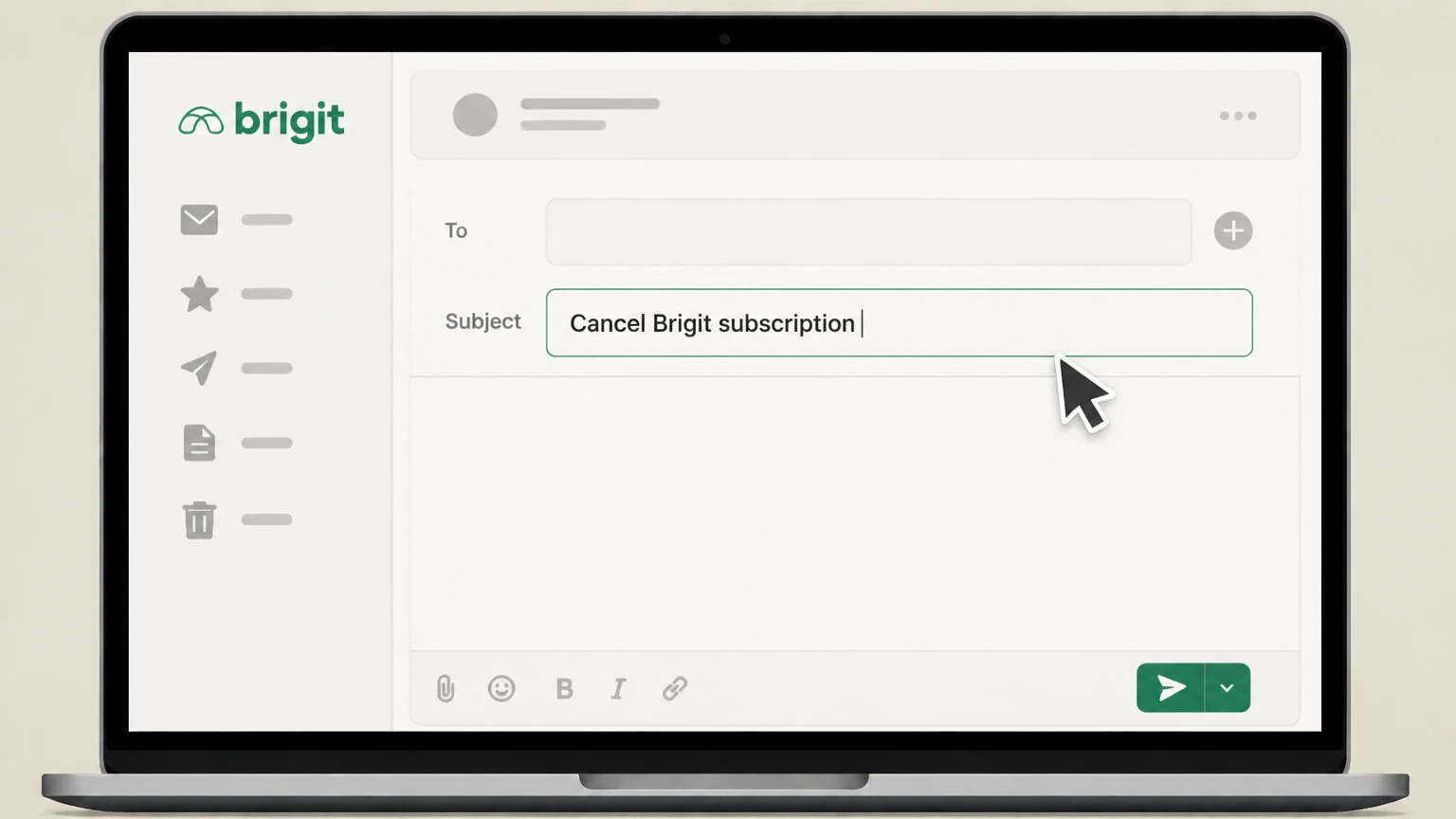 3
3Write a clear subject line about canceling
In the subject line, state that you want to cancel your Brigit subscription, for example by typing "Cancel Brigit subscription".
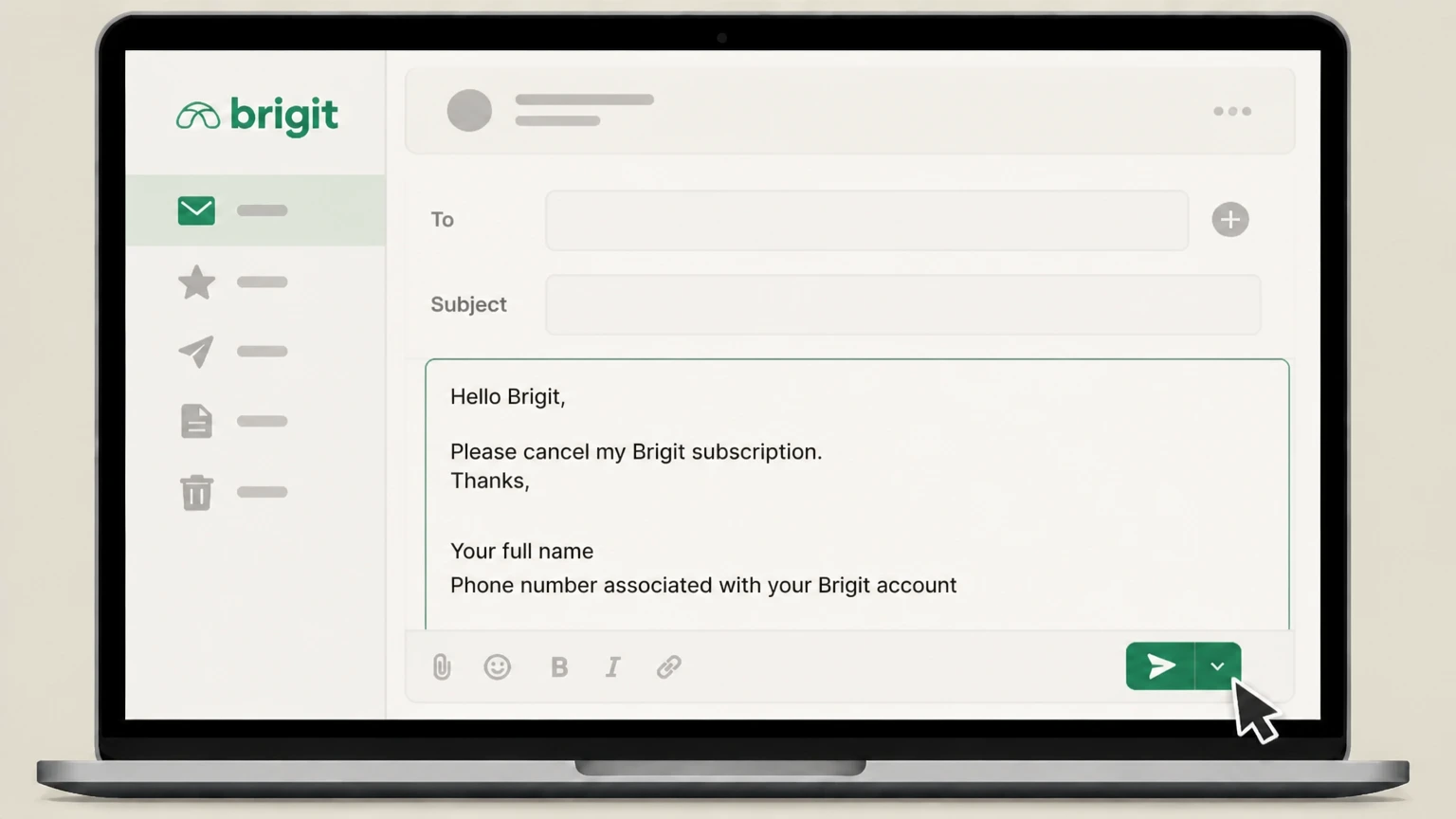 4
4Request cancellation and identify your account
In the email body, clearly ask Brigit to cancel your subscription and include your full name and the phone number or email associated with your Brigit account so they can locate it.
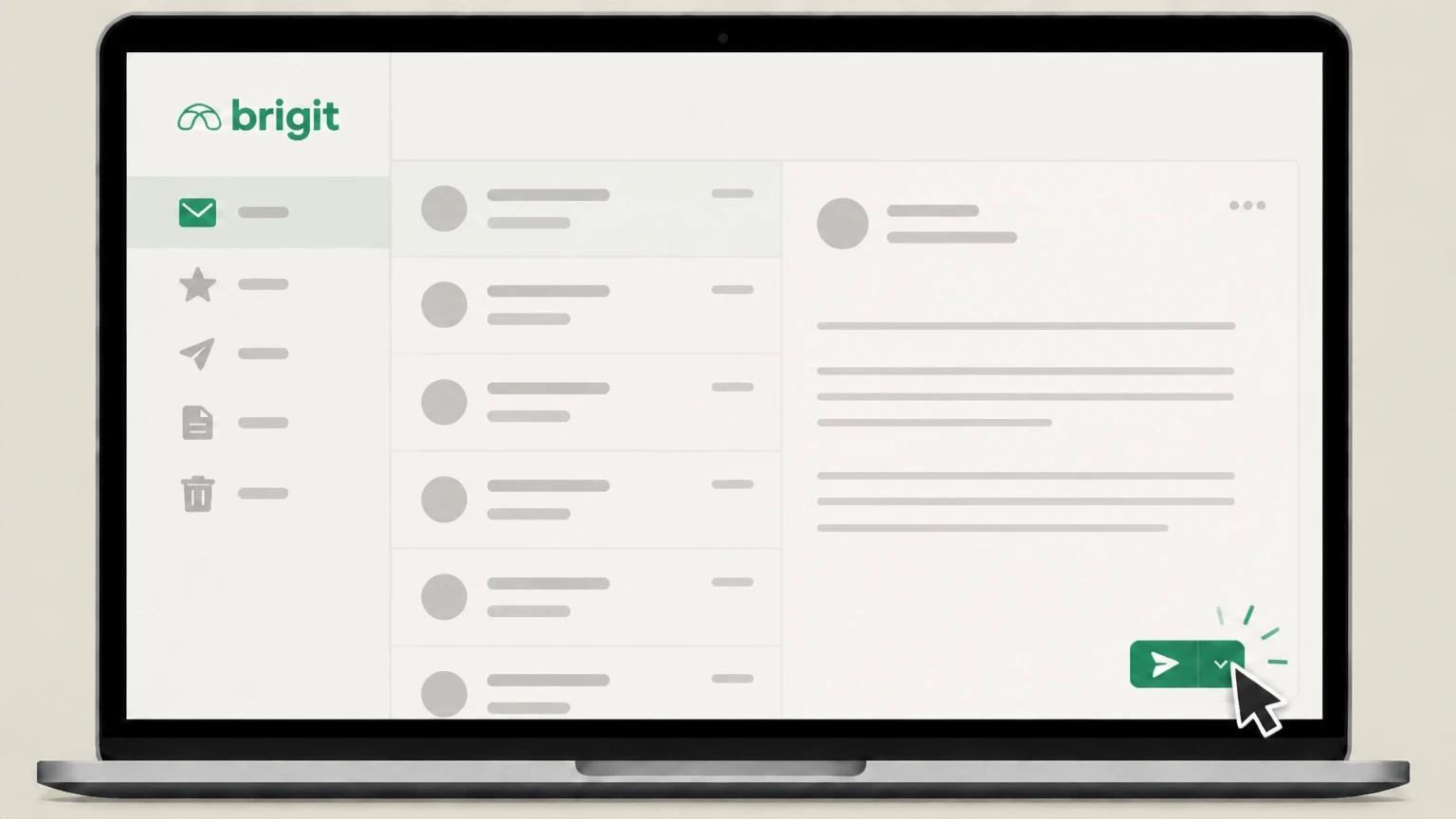 5
5Send the email and monitor for confirmation
Send the email and watch for a reply from Brigit confirming that your subscription has been canceled or asking for any additional information needed.
Refund policy
Brigit subscription refunds and disputed charges
Brigit’s current public documents focus on how subscription billing works rather than promising refunds, so it is important to distinguish between the final fee that is still owed after cancellation and any discretionary refunds or regulatory relief.
Check my refund options- No automatic refund for the current period
- Brigit’s billing article and Terms of Service explain that because it bills at the end of each subscription period, you will still be charged for the billing period in which you cancel. This payment covers the previous 30 days of access and is not described as refundable merely because you canceled.
- Future periods stop after cancellation
- Once you successfully cancel via the app, website, or email, Brigit states that you will not be charged for subsequent billing periods, so additional subscription months beyond the final period should not post unless you later reactivate your membership.
- Discretionary refunds handled by support
- Brigit’s help materials invite members with issues canceling or unexpected charges to contact info@hellobrigit.com for assistance, but they do not publish a general refund guarantee or time window, indicating that refunds for disputed charges are handled case by case.
- Regulatory refund programs are separate
- The FTC and CFPB describe separate, court-ordered refund distributions for certain past harms involving Brigit; eligibility and payment for those programs are governed by the enforcement orders and do not change Brigit’s day-to-day subscription-refund policies.
If you believe you were wrongly charged after canceling or qualify for relief described in government enforcement materials, first contact Brigit support with your documentation and then consider reviewing FTC and CFPB resources about Brigit’s case and refund programs. Review enforcement and refund information
Brigit membership basics
What a Brigit subscription currently includes
Context on Brigit’s active paid membership as of August 2026 and how it relates to cancellation decisions.
Active cash-advance and credit tools
Brigit still offers Instant Cash advances, credit-building tools, credit monitoring, identity-theft protection, budgeting, and savings features through its apps and website for eligible users in supported states.
Free and paid membership tiers
Brigit provides a free plan with budgeting and account-monitoring tools and paid plans that unlock Instant Cash, Credit Builder, credit monitoring, identity protection, and other premium features, with details shown in its current pricing article.
Subscription required for many premium features
Instant Cash advances, Credit Builder, and some credit-monitoring and identity-protection tools generally require an active paid subscription, so canceling removes access to those benefits even though you may keep a free account.
Plans billed monthly by Brigit
Brigit’s help and terms describe subscription fees as monthly charges taken by Brigit from your linked bank account or debit card, rather than upfront annual commitments, making it possible to stop future months by canceling.
Ways to cancel
Official ways you can cancel a Brigit subscription
Brigit lists several official channels members can use to end a subscription, all of which lead to the same result: stopping future paid billing periods.
Self-service in the mobile app
Brigit’s help center shows that you can cancel by opening the app, going to Account Settings via the profile icon, opening My Subscription under Preferences, and choosing “Cancel & Switch to Free plan,” which displays a confirmation screen when successful.
Self-service on the Brigit website
The same help article explains that you can log in at app.hellobrigit.com, open Settings, then My Subscription, and select “Cancel & Switch to Free plan” to cancel online, with a confirmation page confirming the change.
Email-based cancellation option
Brigit’s Terms of Service state that you may cancel your Brigit Subscription at any time by sending an email to info@hellobrigit.com, which provides a written channel if you cannot access the app or website.
Store-billed subscriptions via Apple or Google
While Brigit’s own documents focus on direct billing, Apple and Google require that subscriptions billed through their stores be canceled in the App Store or Google Play subscription settings, following the standard subscription-cancellation flows they publish.
Billing rules
How Brigit bills your subscription and what the final charge means
Brigit’s billing structure is different from many services and affects what you owe after cancellation.
Charges at the end of each billing period
Brigit explains that it charges subscription fees at the end of each billing cycle so that the fee covers the previous 30 days of access, rather than charging at the start of the period like many subscription services do.
Final fee after you cancel
Because of this structure, Brigit’s billing article and terms state that when you cancel your membership you will still be charged one final subscription fee on the date your next fee was originally due, covering the period in which you canceled but not any later months.
Not an extra or duplicate month
Brigit emphasizes that this final post-cancellation charge is not an extra fee; instead it pays for the month of service you already received since your last subscription payment, and Brigit says it does not charge you for any period when you did not have an active subscription.
Payment methods Brigit may debit
Brigit’s terms state that, for direct billing, it may debit your linked bank account via ACH or your debit card for subscription fees, advances, and other charges, based on the payment authorization you agreed to in the app.
Revoking payment authorization vs. canceling
If you want to revoke the ACH or card debit authorization itself, Brigit’s terms allow you to email a dedicated address several business days before a scheduled debit; however, that step is separate from canceling your subscription, which still must be done via the app, website, or a cancellation email.
Linked products
Interaction between cancellation, Credit Builder, and Instant Cash
Canceling your Brigit subscription affects related products differently depending on whether you use Credit Builder, Instant Cash, or both.
Outstanding Instant Cash advances
Brigit’s Terms of Service say you may cancel your Brigit Subscription regardless of whether you have an outstanding Instant Cash advance, so an open advance by itself does not prevent you from canceling, though you remain responsible for repaying the advance under your agreement.
Credit Builder loan requirements
Brigit’s cancellation help article notes that if you have an open Credit Builder loan, you need to close that Credit Builder account before canceling your subscription through the self-service flows, and it links to separate instructions on how to close the loan.
Loss of Credit Builder access on cancellation
Brigit’s terms specify that when you cancel your Subscription you will lose access to Credit Builder immediately, even if some other subscription benefits remain through the end of your current term, so you should download any needed statements before canceling.
Changes to Instant Cash access
The cancellation help article states that after canceling you will lose access to Instant Cash along with Credit Builder and credit-monitoring services, indicating that advances tied to paid plans will no longer be available once your paid membership ends.
Advances without a subscription
Brigit’s terms explain that eligible users can request certain advances and credit-monitoring services without a subscription by emailing a dedicated address, which may offer an alternative for people who want limited access without ongoing monthly subscription fees.
After cancellation
What changes—and what doesn’t—after you cancel Brigit
Canceling Brigit affects different features and data in specific ways; understanding this helps avoid surprises.
Immediate loss of certain premium services
Brigit’s Terms of Service state that you will lose access to Credit Builder, Credit Monitoring, and Identity Theft Protection immediately when you cancel your Subscription, rather than at the end of the billing cycle.
End of other paid benefits by term end
The same terms explain that all other subscription benefits continue through the end of the term in which you canceled, meaning you keep access to those perks until the close of the current billing period, consistent with the final fee that is still charged.
Downgrade to the free plan
In both the app and website flows, the cancel button is labeled “Cancel & Switch to Free plan,” and Brigit’s pricing article describes a free plan, indicating your account is downgraded instead of being deleted when you cancel a subscription.
Free budgeting tools remain available
Brigit’s pricing materials describe the free plan as including budgeting and account-monitoring tools, so after canceling a paid subscription you generally retain those core tools while losing subscription-only benefits.
Account remains open unless deleted
Brigit’s account deletion help article shows that canceling a subscription is different from deleting your Brigit account; you must cancel before deleting, and deleting removes your access to all tools, though you can sign up again later.
Proof of cancellation
How to confirm your Brigit subscription is really canceled
Brigit’s help articles emphasize on-screen confirmation, but it is prudent to keep your own records in case of disputes.
On-screen confirmation in app or web
In both the app and website instructions, Brigit states that a confirmation screen or page will appear explicitly saying your subscription is canceled and you are all set once you complete the cancellation steps.
Checking your plan status later
After canceling, you can revisit the My Subscription page in the app or on the website to verify that it shows you on the free plan rather than on a paid tier, which indicates the subscription has been turned off.
Reviewing next billing date information
Brigit’s billing article notes that the app will display the date of your next subscription fee and, when you cancel or downgrade, the date your last subscription fee will be charged, which you can screenshot for your records.
Monitoring bank or card statements
Because the final subscription fee may post on the date it was originally due even after cancellation, you should monitor your bank or card statements to ensure that no additional subscription fees appear beyond that final charge.
Saving evidence for disputes
If you later need to dispute unexpected charges, having screenshots of the cancellation confirmation, plan status, and billing-date information, along with your support correspondence, will make it easier to explain your situation to Brigit or regulators.
Account vs. subscription
Canceling Brigit vs. deleting your account
Brigit clearly distinguishes between ending your subscription and fully deleting your account, and the order you take those steps matters.
You must cancel before deleting the account
Brigit’s account deletion help article states that if you have an active Brigit subscription, you will need to cancel it before you can delete your account, so subscription cancellation is the first step.
Deleting the account ends access to all tools
The same article explains that once you delete your account you lose access to Brigit’s budgeting, savings, credit-building, and overdraft-protection tools, though you may sign up again in the future if you wish.
Cancellation alone does not delete data
Neither the cancellation help article nor the terms state that canceling a subscription automatically deletes your personal data or account history; it instead moves you to a free plan unless you take further steps to delete the account.
Separate processes for payment revocation and privacy
Brigit’s terms distinguish between canceling subscriptions, revoking payment authorizations, and disputing credit-reporting issues, each of which uses a different email address and process, so you should follow the specific instructions for the outcome you want.
Regulatory complaint channels
Brigit’s terms reference state and federal complaint channels and the FTC and CFPB have published enforcement materials regarding Brigit’s practices; consumers with unresolved issues may review those public resources for guidance on filing complaints.
Enforcement background
Regulatory actions and what they mean for cancellations
Brigit has been the subject of federal enforcement actions related to its subscription and marketing practices, which shape its current cancellation rules.
FTC complaint and order against Brigit
In 2023 the Federal Trade Commission filed a complaint and stipulated order against Brigit alleging deceptive marketing and subscription practices, including issues related to cancellation and fees, leading to court-ordered changes and consumer relief.
Refund programs for past harms
FTC and CFPB materials describe an $18 million refund effort for Brigit consumers harmed by the conduct alleged in the enforcement action, though eligibility and distribution are handled under that specific program rather than through Brigit’s regular support channels.
Stricter focus on cancellation clarity
In light of the enforcement action, Brigit’s more recent public materials emphasize clear in-app and web cancellation flows and the ability to downgrade to a free plan, reflecting regulatory expectations around ease of canceling subscription services.
Use official documents for legal details
Consumers seeking detailed legal information about the case or their rights should review the FTC’s complaint and order documents directly, as they describe the allegations, required practices, and refund obligations in more detail than Brigit’s marketing pages.
What official sources do not confirm
Limits of the public Brigit cancellation guidance
These points are intentionally qualified because the official sources reviewed on August 16, 2026 do not publish a complete answer.
Documented limitation 1
It is not publicly clear from Brigit-owned documentation whether any current subscriptions are billed directly through Apple or Google Play rather than by Brigit itself; guidance on store-billed cancellations relies on generic Apple and Google subscription rules and the appearance of those merchants on billing statements.
Documented limitation 2
Brigit’s public help center and terms do not publish a general refund window or standardized refund policy for subscription fees beyond explaining that the final fee covers the previous billing period; consumers seeking refunds may experience case-by-case outcomes.
Documented limitation 3
Official materials describe immediate and end-of-term changes to different features on cancellation but do not provide a detailed, unified timeline for when Instant Cash access ends in all scenarios, so some nuance is inferred from combining the help article and Terms of Service.
Documented limitation 4
Brigit’s documents distinguish between canceling a subscription, revoking payment authorization, closing a Credit Builder account, and deleting an account, but they do not provide a consolidated flowchart; users with complex situations (e.g., open loans plus disputed debits) may still need individualized support.
Brigit cancellation FAQ
Questions people search about canceling Brigit, answered with official provider or billing-platform sources checked on August 16, 2026.
How do I get Brigit to stop charging me?
Can you cancel Brigit anytime
How do I cancel my Brigit subscription online?
Does canceling my Brigit subscription delete my account?
What happens to Instant Cash and Credit Builder after I cancel Brigit?
How do I know my Brigit subscription is canceled?
Is Brigit being sued?
Will I still be charged after I cancel my Brigit subscription?
How can I request a refund from Brigit if I think I was charged in error?
Why does Brigit charge $8.99 a month?
Untangle this Brigit issue.
Let Pine handle the provider follow-up and keep the confirmation in one place.
