

Fit Snack
Cancel subscription
How to Cancel Fit Snack
Learn how to cancel Fit Snack using verified current routes, confirm who bills you, understand timing and refunds, and keep proof that future renewal stopped.
- 1 current, source-verified cancellation route
- Billing ownership is explicit for each route
- Refund and access timing are separated from cancellation
- Account-specific confirmation is still required
Choose the correct Fit Snack cancellation route
Website (fitsnack.com) · verify the billing owner
Cancel Fit Snack on the website
 1
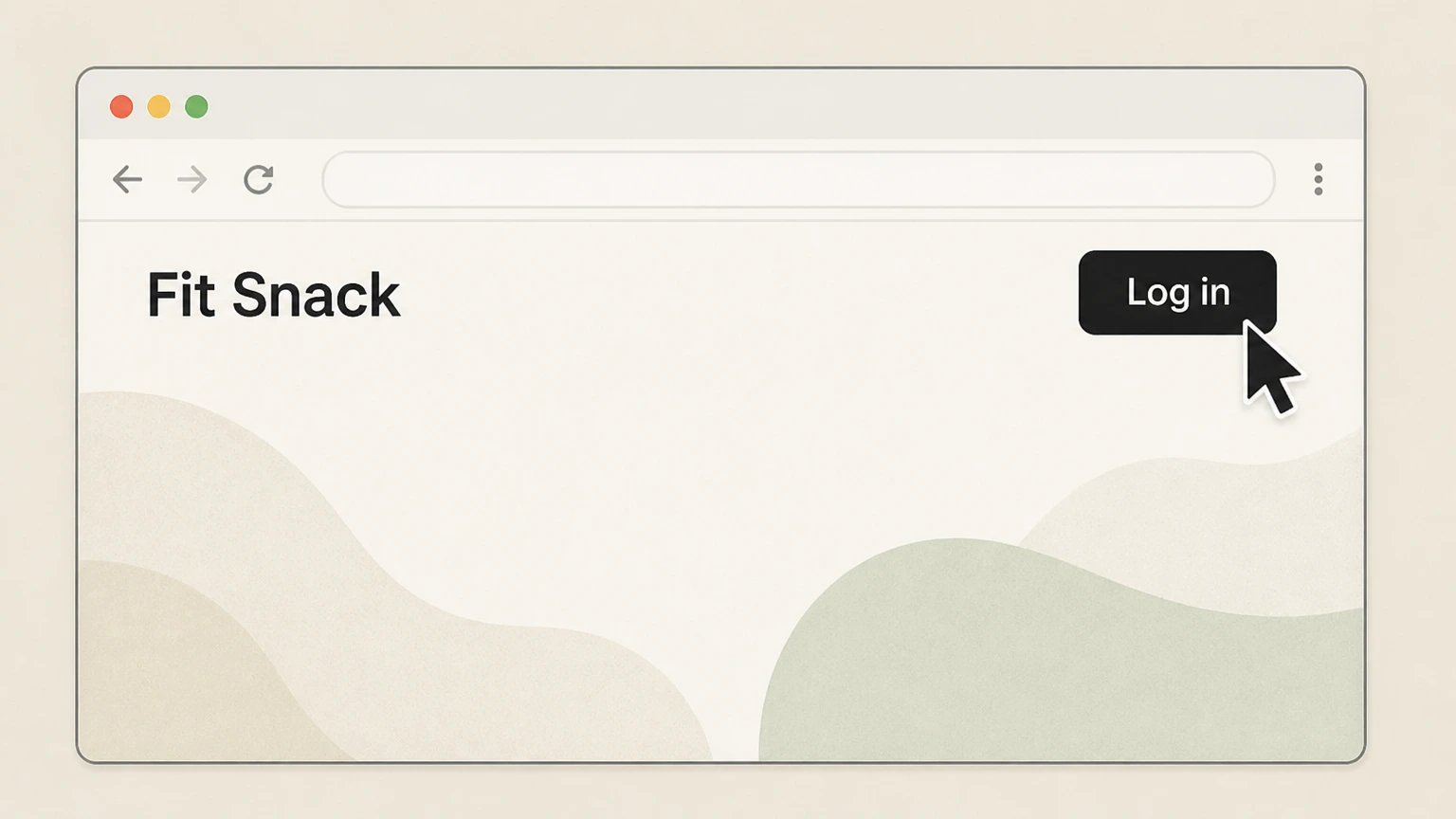
1Open the Fit Snack site and choose “Log in”
Go to fitsnack.com in a web browser and select the “Log in” link in the site navigation to access the customer login page.
 2
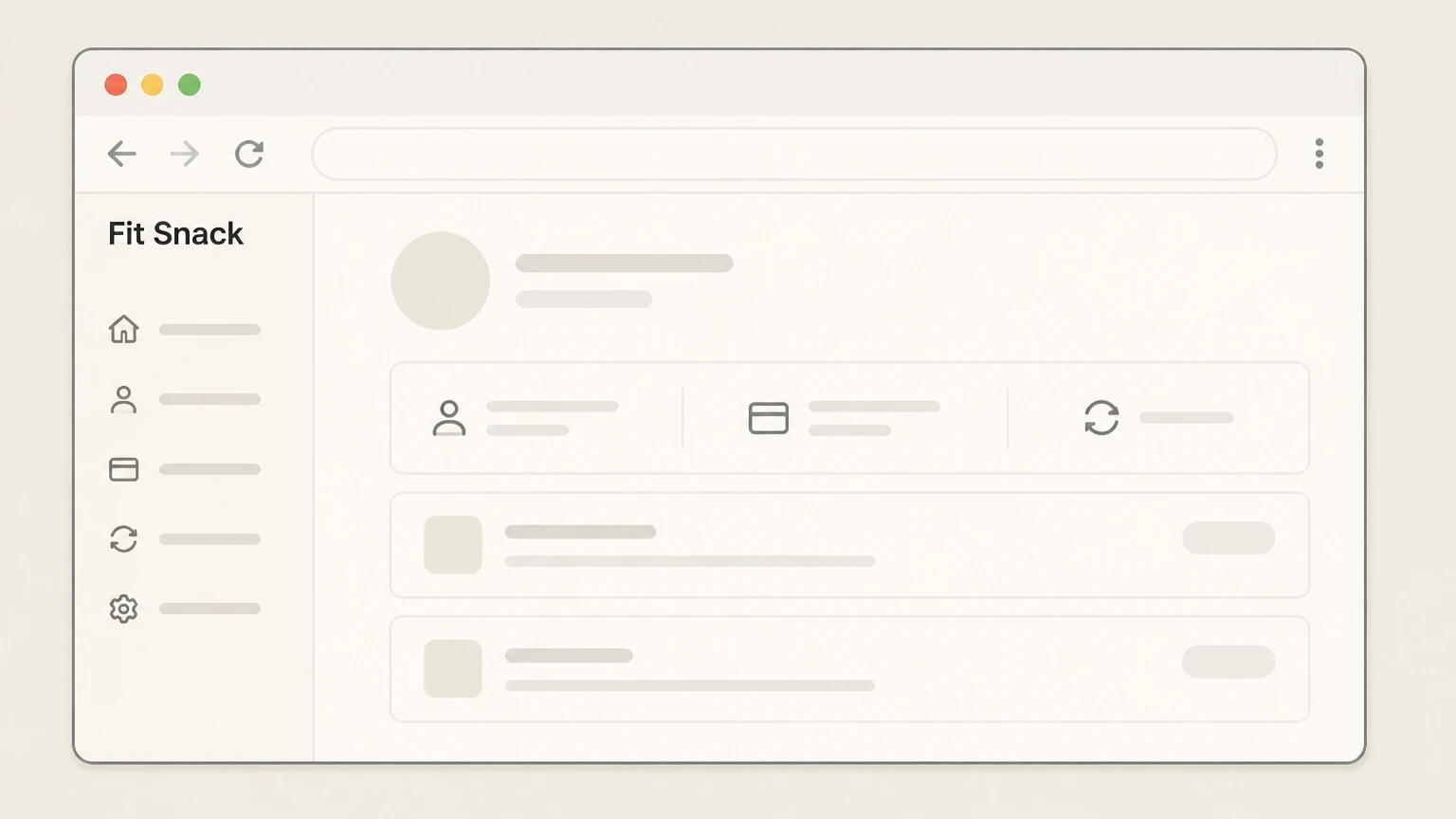
2Sign in to reach your account page
Enter the email and password associated with your subscription and submit the form so your Fit Snack account page opens.
- Let Pine handle it
Pine can help
Too many steps?
Pine can find the right Website (fitsnack.com) path and handle the cancellation for you.
 3
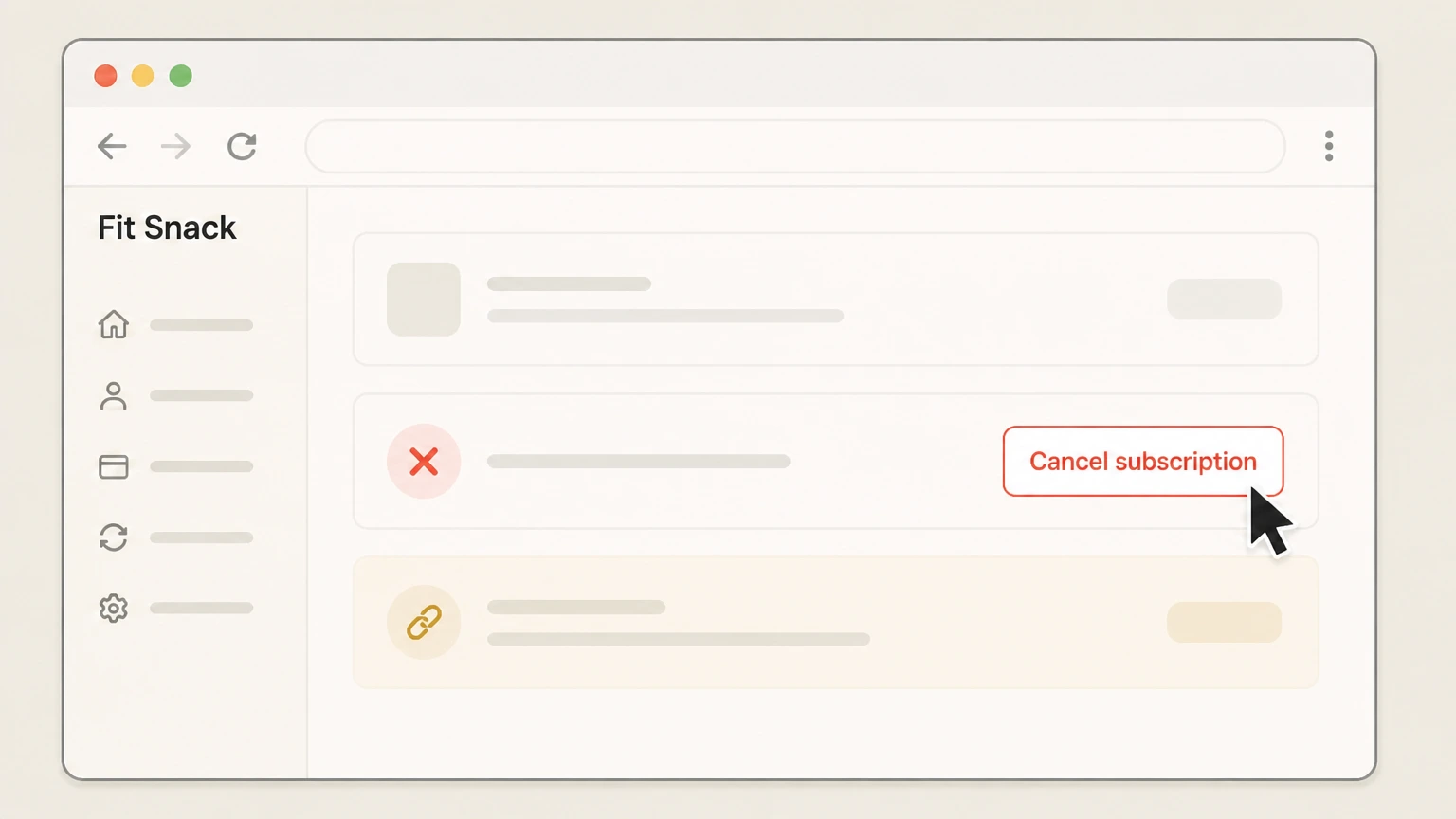
3Use the cancellation option on your account page, then Confirm cancellation until it completes, then If you can’t see a cancel option, use your order email link
On your account page, locate your active Fit Snack monthly subscription and use the available option there to cancel it. Fit Snack’s FAQ states that you can “cancel directly from your account page once you log in,” without needing to call or email support. Follow any on‑screen prompts until the account page indicates that your subscription has been cancelled. Fit Snack explains that once you cancel, you will not be billed anymore, but existing paid subscription periods will run to the end of their term. If your account page does not clearly show a way to cancel, open a recent Fit Snack order confirmation email and use the link in that email to view your order online; Fit Snack’s Cancellation policy says you can manage (change or cancel) your subscription from those order links.
 4
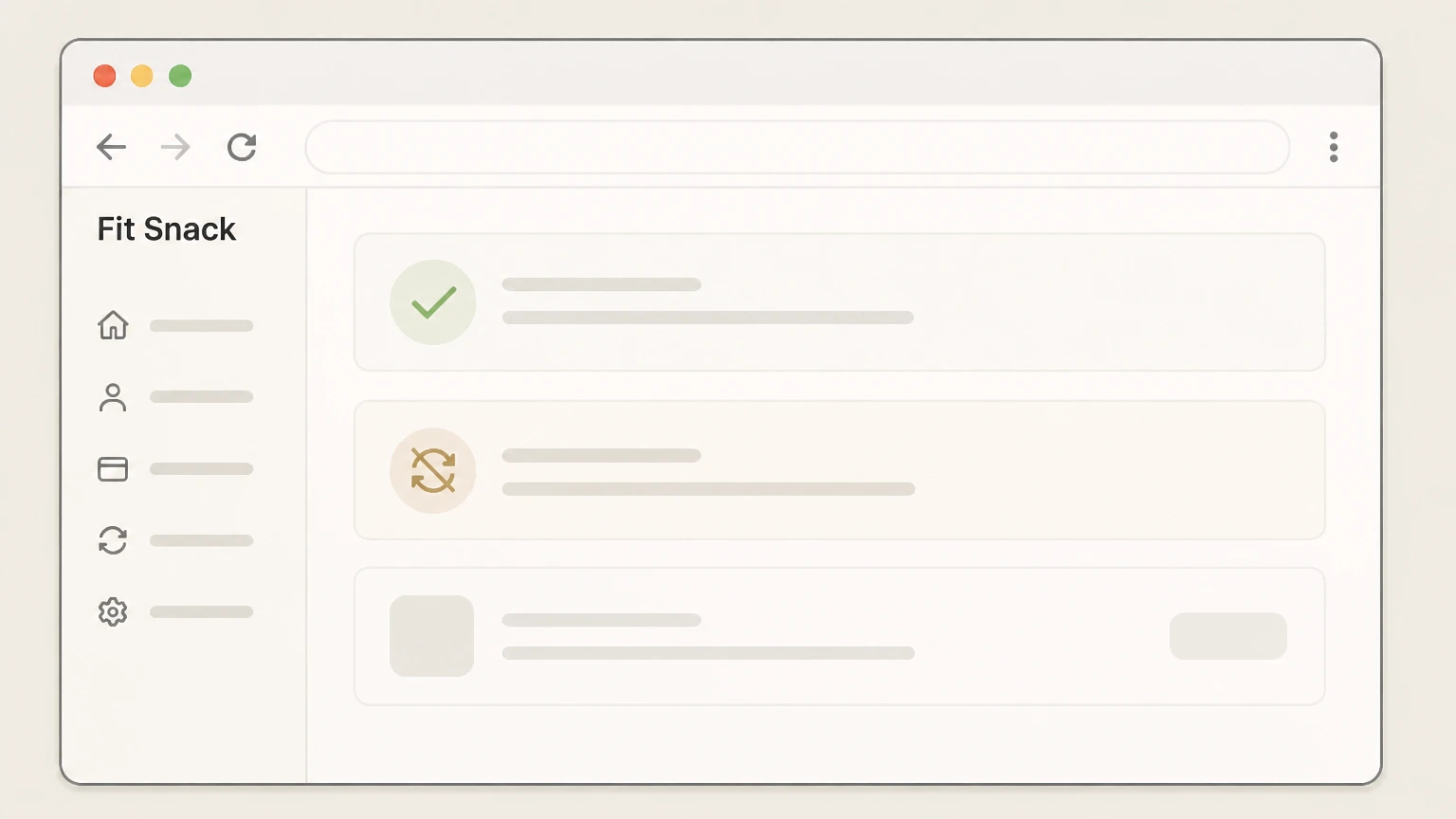
4Verify that auto‑renew has stopped
After cancelling, monitor your Fit Snack account and your payment method. Per Fit Snack, cancellations take effect after the current subscription period and stop future auto‑renewal charges; existing orders that have already been paid for may still ship under the normal shipping schedule.

Refund policy
Refunds and returns for Fit Snack subscriptions
Outlines how Fit Snack treats refunds and returns in the context of cancelling a subscription, based on its Terms and Refund policy.
Check my refund options- Subscription charges are generally non‑refundable
- Fit Snack’s Terms state that subscription payments are non‑refundable and that any billing disputes must be reported within 30 days of the charge date. Cancelling stops future renewal periods but does not entitle you to a refund for the current paid period.
- General 30‑day return window with important exceptions
- The Refund policy says Fit Snack has a 30‑day return policy starting from when you receive your item, and explains that a box must be in original condition and packaging with proof of purchase for a return to be considered.
- Perishable goods and gift cards are not returnable
- The same Refund policy lists certain items that cannot be returned, including perishable goods such as food, flowers, or plants, as well as gift cards and some other categories. Because Fit Snack boxes contain food, many snack-box orders may fall into this exception even though the policy’s examples are general.
- Refund processing after accepted returns
- When a return is accepted, Fit Snack says it will issue a refund to the original payment method within about 10 business days after inspecting the returned item, and advises customers to contact them if more than 15 business days have passed after approval with no refund.
- EU 14‑day cooling‑off right for qualifying orders
- For merchandise shipped into the European Union, the Refund policy notes a statutory right to cancel or return within 14 days for any reason, subject to conditions like unused items and original packaging. Although Fit Snack’s current shipping policy limits standard shipments to the United States, this clause remains in their refund terms.
If you believe you are owed a refund after cancelling—for example, a missing box that you paid for—contact Fit Snack using the support email or Contact Us form listed on their site and reference your order number and dates. Fit Snack Contact Us page
Scope
Fit Snack products and subscriptions this guide covers
Clarifies which Fit Snack plans are recurring, which are not, and who bills you, so cancellation expectations are accurate.
Monthly auto‑renewing snack-box subscriptions
Fit Snack’s Terms describe the service as a subscription that operates on an auto‑renewal basis, with your payment method charged monthly until you terminate your account or cancel. The shipping policy further explains that monthly subscriptions renew on the same day each month and ship 2–3 business days after payment clears.
Pre‑paid 3, 6, and 12‑month plans and gifts
Fit Snack’s FAQ states that “all prepaid boxes- 3, 6, and 12 months subscription, including gift boxes, cannot be cancelled,” and the shipping policy notes that pre‑paid subscriptions do not automatically renew, meaning there is no ongoing charge to stop once the pre‑paid term ends.
US-only shipping and fulfilment
The shipping policy, last updated April 26, 2026, specifies that Fit Snack currently ships “within the United States” only, with monthly and pre‑paid subscription shipping timelines tied to US ground carriers.
Billing owner and platform
Fit Snack operates its store and subscriptions on a Shopify-powered website and identifies itself as a monthly subscription service and a subsidiary of Agora Ventures LLC in its terms, About page, and footers; subscription payments are billed by Fit Snack, not by Apple or Google app stores.
After you cancel
What happens to boxes, billing, and access after cancelling Fit Snack
Summarizes how Fit Snack handles remaining boxes, future charges, and refunds once you submit a cancellation.
Timing of cancellation effect
The Terms’ Termination section states that cancellations may be made at any time but “will go into effect the first month following the end of your current subscription period,” and that you may not cancel before the end of that period and request that funds be returned. This means cancellation stops future renewal periods but not the one you have already paid for.
Ongoing or already-paid shipments
Fit Snack’s shipping policy ties subscription shipments directly to successful payments and describes a fulfillment schedule based on when payment is received. Combined with the Termination language, this implies that boxes already paid for (including the current period) will still ship under the standard schedule even after you cancel, while later renewal shipments are prevented by cancellation.
Refundability of subscription payments
Fit Snack’s older Terms specify that “all payments made are non-refundable” and that billing disputes must be raised within 30 days of the charge. Separately, the current Refund policy describes a 30‑day return window but also lists perishable goods such as food as non‑returnable items, and notes that refunds, when approved, are sent to the original payment method after inspection.
Pre‑paid subscriptions and auto‑renew
The shipping policy explicitly states that all pre‑paid subscriptions (3, 6, 12 months) do not automatically renew, so once those terms expire, there is no continuing subscription to cancel. The FAQ reiterates that such pre‑paid and gift subscriptions cannot be cancelled mid‑term.
Access to Fit Life Guides and digital content
Fit Snack markets monthly Fit Life Guides (workouts, yoga, meditation, recipes, and tips) as part of each subscription box in the FAQ and blog. While there is no explicit post‑cancellation access policy for these materials, they are presented as box-specific content, so ongoing access typically follows from any materials already delivered with past boxes rather than future subscriptions.
Alternatives
Pausing Fit Snack or handling special subscription cases
Explains Fit Snack’s pause option and how special subscriptions like vouchers or gifts behave when you try to cancel.
Using the pause option instead of cancelling
Fit Snack’s FAQ says you can pause your subscription directly from your account page after logging in, with the pause taking effect immediately and shipments resuming after the paused period unless extended or unpaused earlier. This is separate from cancellation and does not permanently stop auto‑renew.
Third‑party vouchers redeemed into Fit Snack plans
The Terms explain that vouchers purchased via third parties (e.g., Living Social, Groupon, Plum District) are redeemed into Fit Snack subscription plans, and once you sign up, you are on an auto‑renewal payment plan with the card you provide to Fit Snack. Cancelling those auto‑renewals follows the same account-based steps in this guide; cancelling at the voucher seller only affects the voucher, not the ongoing Fit Snack billing.
Gift and pre‑paid boxes as non‑cancellable commitments
Fit Snack’s FAQ states that pre‑paid 3, 6, and 12‑month subscriptions and gift boxes cannot be cancelled, and the shipping policy further clarifies that pre‑paids do not auto‑renew but do ship for their full purchased term. As a result, the only way to avoid future charges on these products is not to purchase or renew additional terms once the current commitment ends.
Fit Snack cancellation FAQ
Current, source-backed answers about cancellation, billing ownership, refunds, and access timing.
Can I cancel my Fit Snack subscription anytime?
Does cancelling Fit Snack stop charges right away?
Can I get a refund if I forgot to cancel my Fit Snack subscription?
How do I pause my Fit Snack subscription instead of cancelling?
Untangle this Fit Snack issue.
Let Pine handle the provider follow-up and keep the confirmation in one place.
