


AccuWeather
Cancel subscription
Cancel AccuWeather Subscriptions on App or Web
Learn how to cancel AccuWeather subscriptions billed by Apple, Google Play, or AccuWeather directly, what happens to access after cancellation, and refunds.
- Official AccuWeather and billing-owner sources
- 3 provider-specific cancellation paths
- Refund and post-cancellation effects separated from renewal
- Verified August 16, 2026
Choose the AccuWeather cancellation path that matches who bills you
iOS (Apple‑billed AccuWeather Premium/Premium+) · verify the billing owner
 1
1Open Settings
On your iPhone or iPad, open the Settings app. Use the AccuWeather account named on your receipt, and continue only after the next status in this cancellation path is visible.
 2
2Tap your name
At the top of Settings, tap your Apple ID name to open account settings. Use the AccuWeather account named on your receipt, and continue only after the next status in this cancellation path is visible.
- Let Pine handle it
Pine can help
Too many steps?
Pine can find the right iOS (Apple‑billed AccuWeather Premium/Premium+) path and handle the cancellation for you.
 3
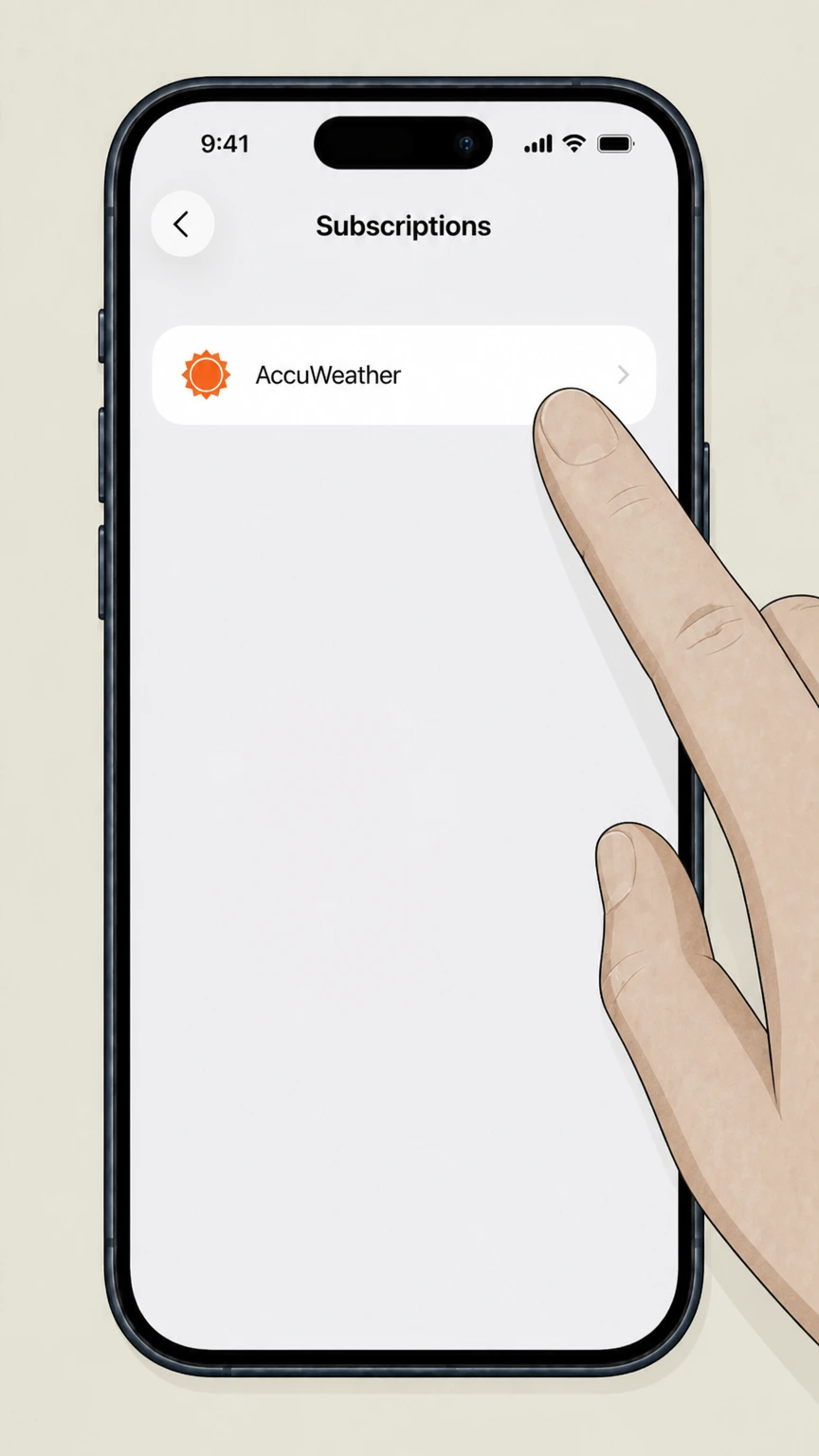
3Open Subscriptions
In Apple ID settings, tap “Subscriptions” to see your active and expired subscriptions. Use the AccuWeather account named on your receipt, and continue only after the next status in this cancellation path is visible.
 4
4Select AccuWeather
In the list of subscriptions, tap the AccuWeather subscription (for example, “AccuWeather Premium+”). Use the AccuWeather account named on your receipt, and continue only after the next status in this cancellation path is visible.
 5
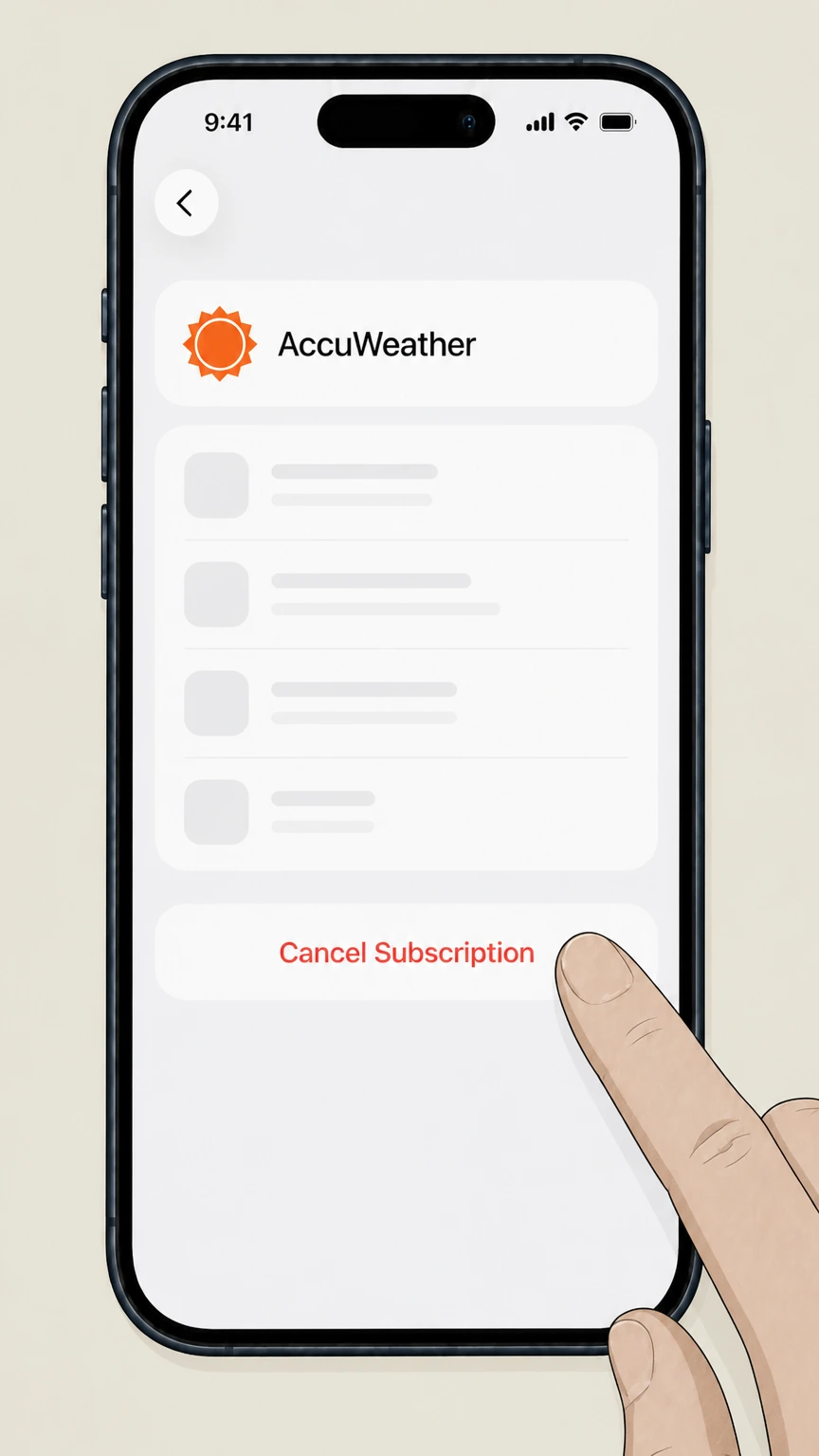
5Cancel the subscription
Tap “Cancel Subscription” and follow any on‑screen prompts until Apple confirms the cancellation. Use the AccuWeather account named on your receipt, and continue only after the next status in this cancellation path is visible.

Google Play (Android‑billed AccuWeather subscription) · verify the billing owner
 1
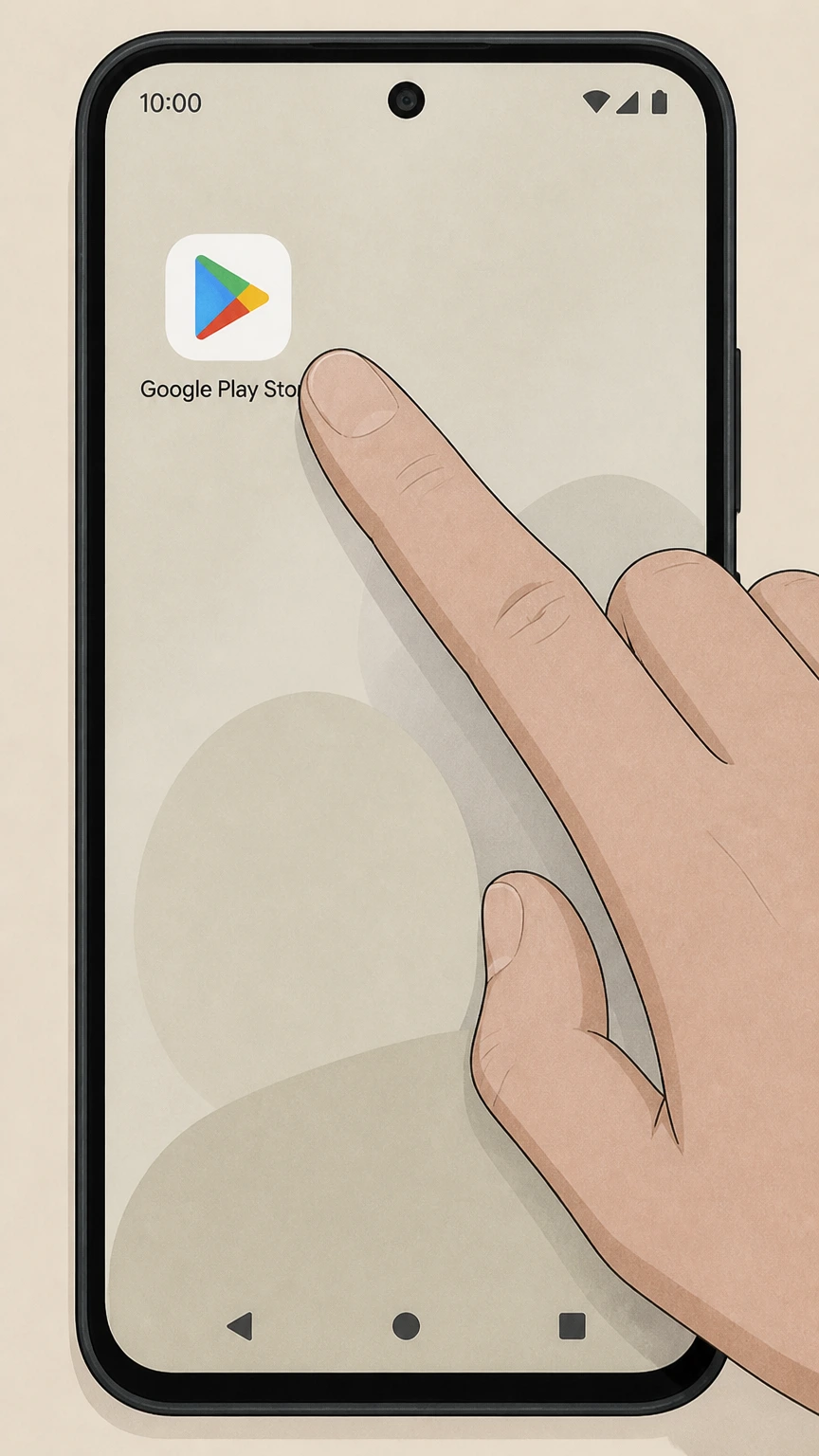
1Open Google Play Store
On your Android device, open the Google Play Store app. Use the AccuWeather account named on your receipt, and continue only after the next status in this cancellation path is visible.
 2
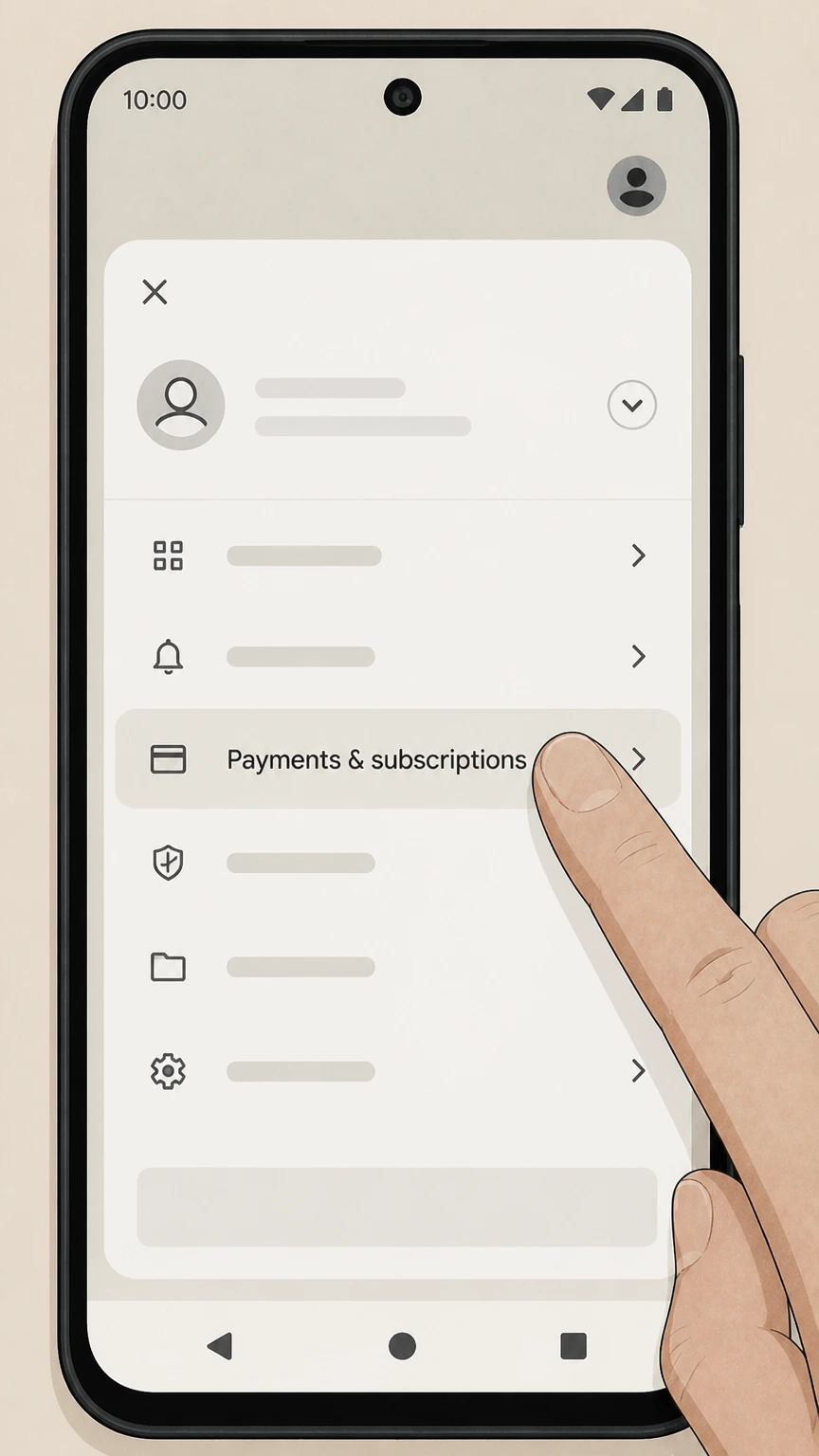
2Open subscriptions
Tap your profile icon, then tap “Payments & subscriptions” and choose “Subscriptions.” Use the AccuWeather account named on your receipt, and continue only after the next status in this cancellation path is visible.
- Let Pine handle it
Pine can help
Too many steps?
Pine can find the right Google Play (Android‑billed AccuWeather subscription) path and handle the cancellation for you.
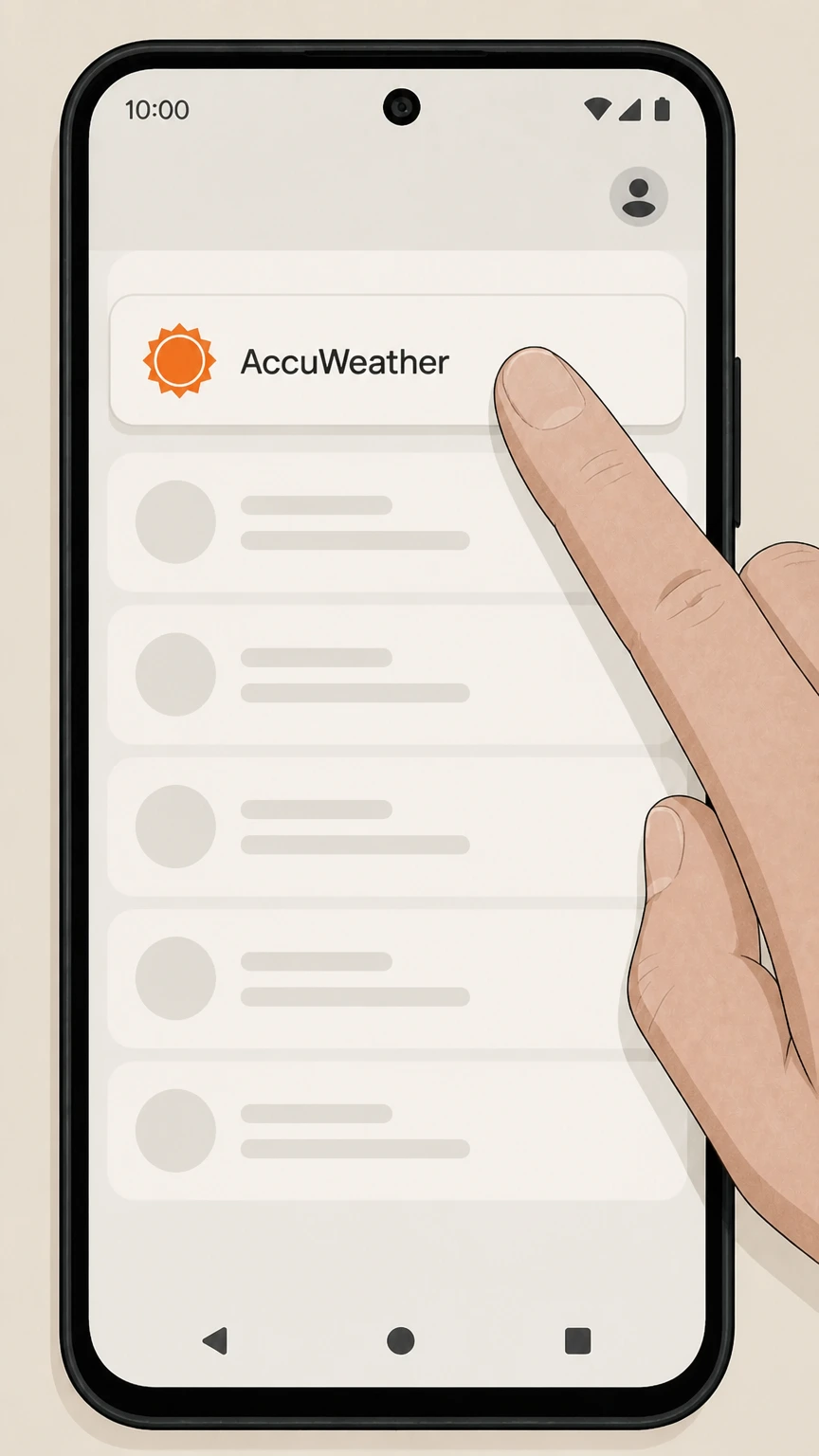 3
3Select the AccuWeather subscription
In your subscriptions list, tap the AccuWeather subscription you want to cancel. Use the AccuWeather account named on your receipt, and continue only after the next status in this cancellation path is visible.
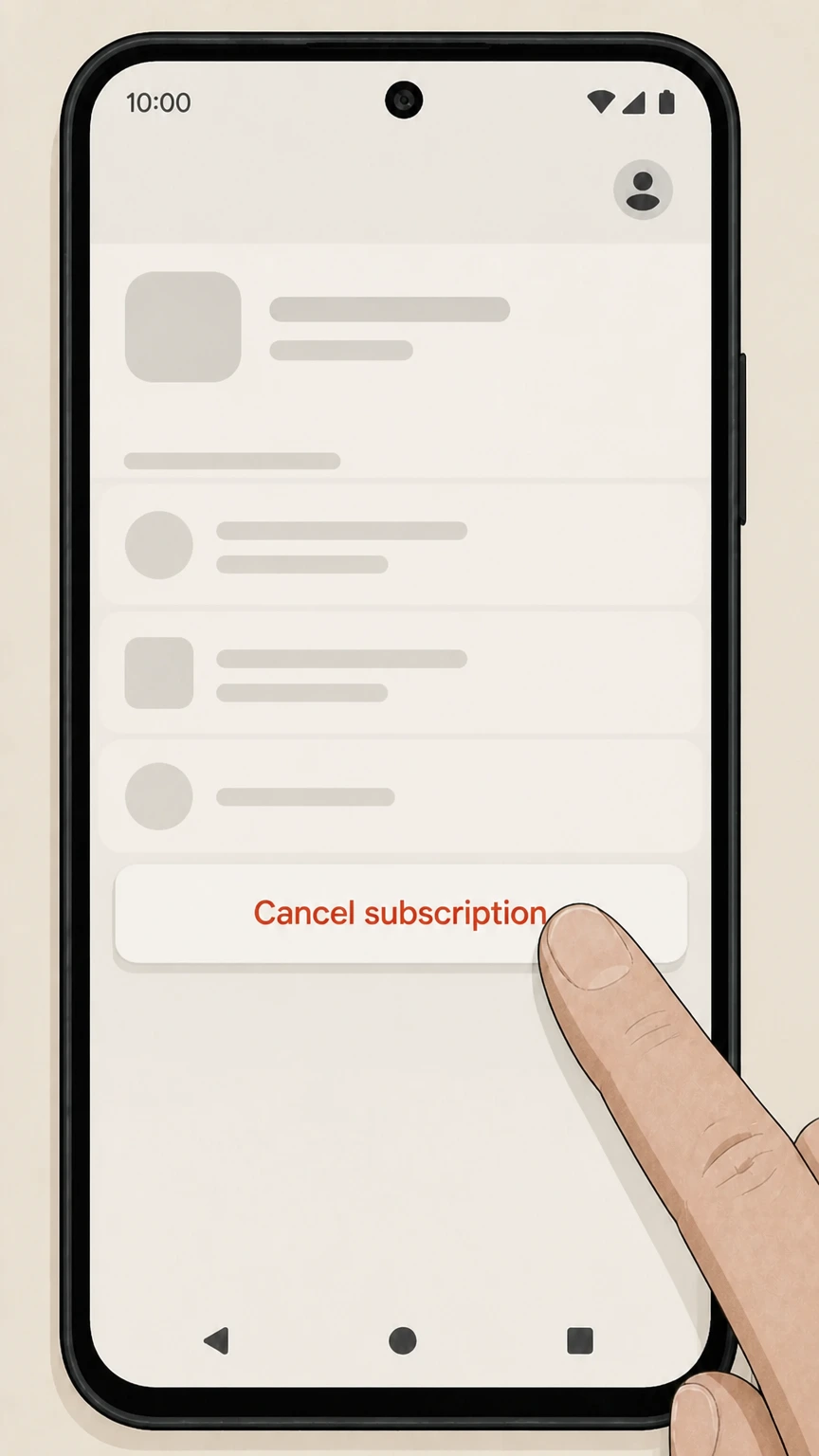 4
4Tap Cancel subscription
Tap “Cancel subscription,” then follow the on‑screen instructions to confirm. Use the AccuWeather account named on your receipt, and continue only after the next status in this cancellation path is visible.
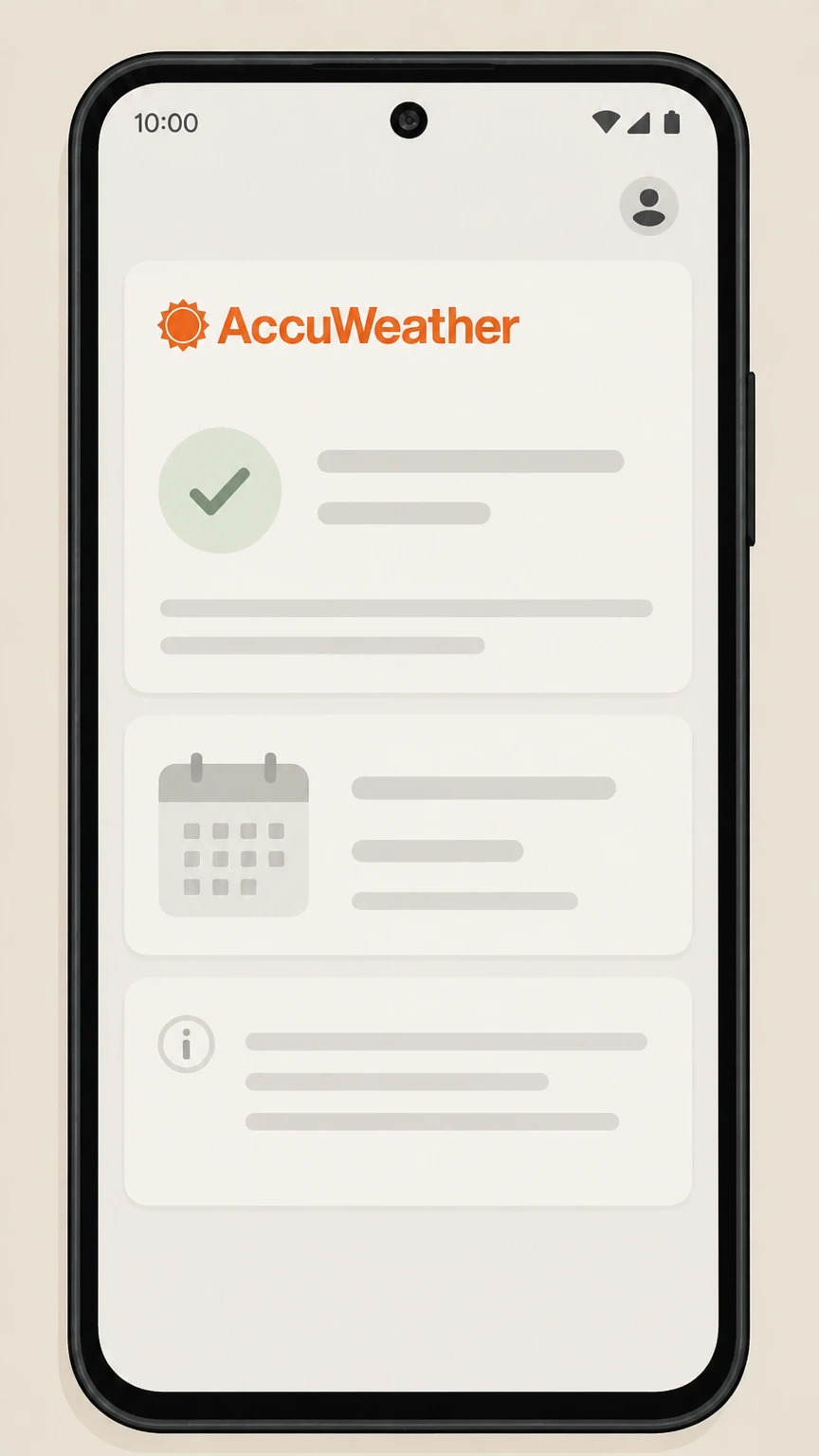 5
5Review end date
Check the confirmation screen or email for the date through which you’ll continue to have access after cancellation. Use the AccuWeather account named on your receipt, and continue only after the next status in this cancellation path is visible.
AccuWeather websites (Premium, Professional, Snow Alerts, developer/API) · verify the billing owner
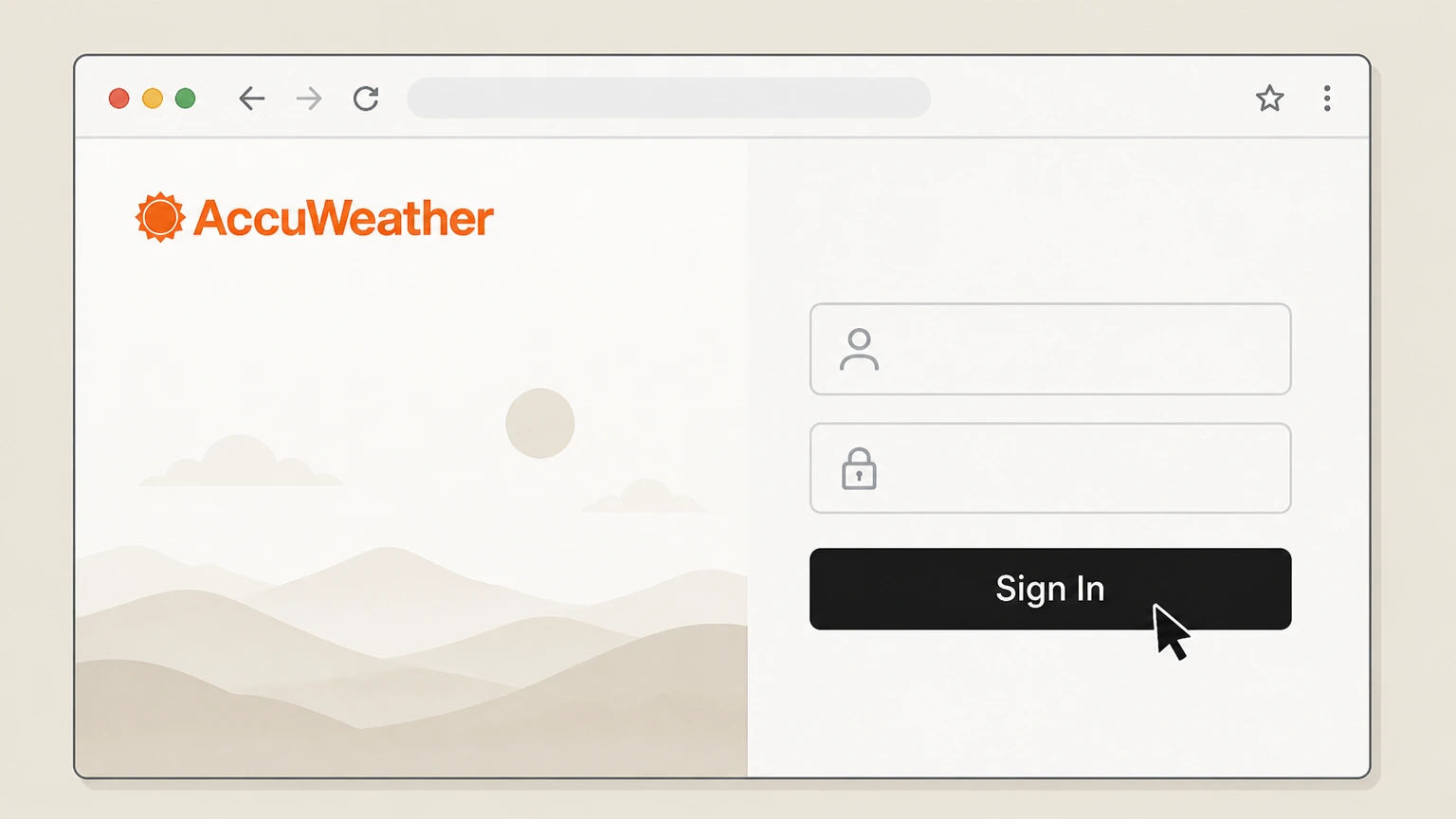 1
1Sign in to your AccuWeather account
Go to the site for your product (for example, AccuWeather Premium, Professional, Snow Alerts, or the developer portal) and sign in with the account that is being billed.
 2
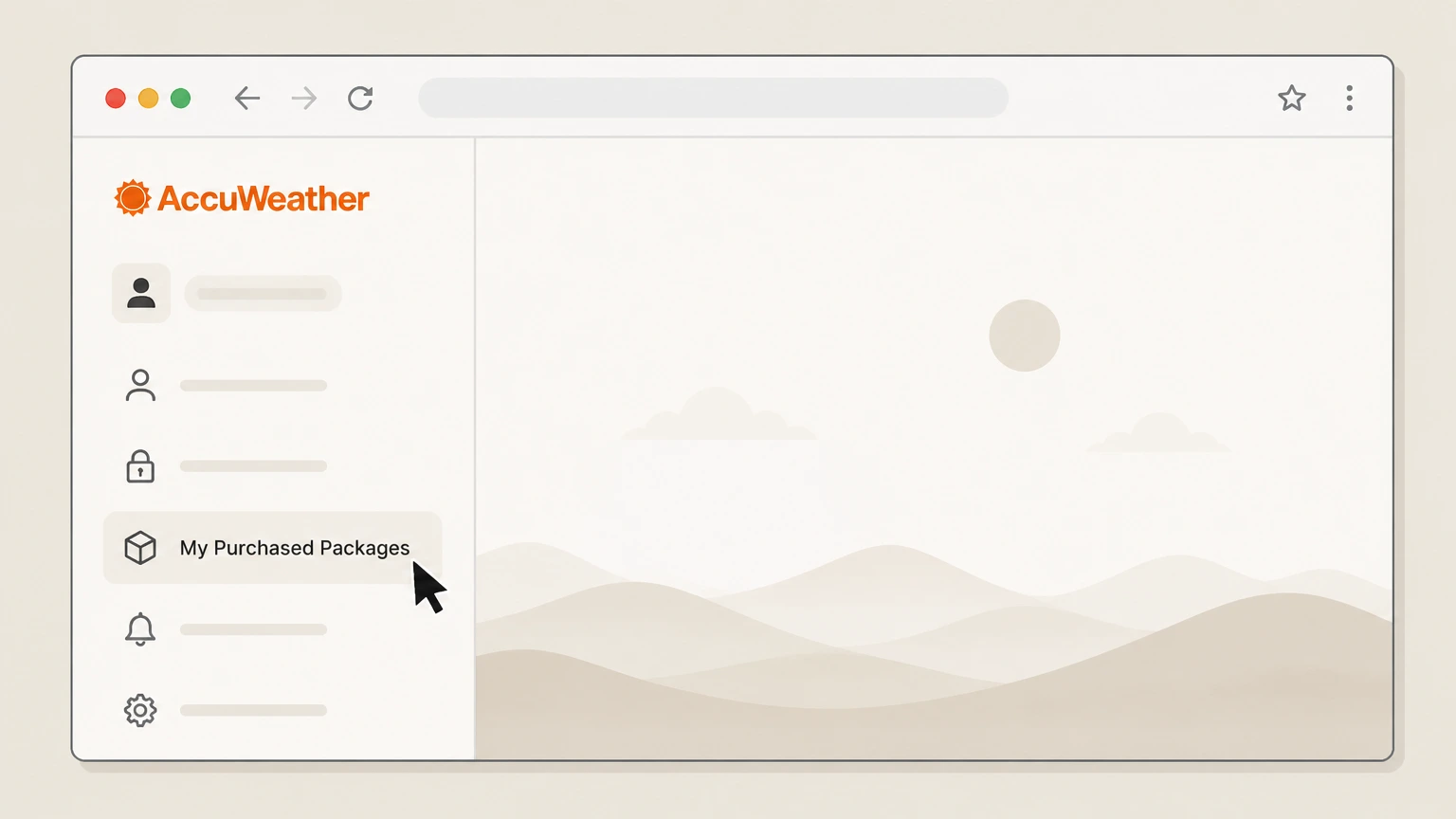
2Open your subscription or package page
From your account menu, open the area that lists your paid subscription or packages (for example, the Professional “Cancel My Professional Account” page or the developer “My Purchased Packages” page).
- Let Pine handle it
Pine can help
Too many steps?
Pine can find the right AccuWeather websites (Premium, Professional, Snow Alerts, developer/API) path and handle the cancellation for you.
 3
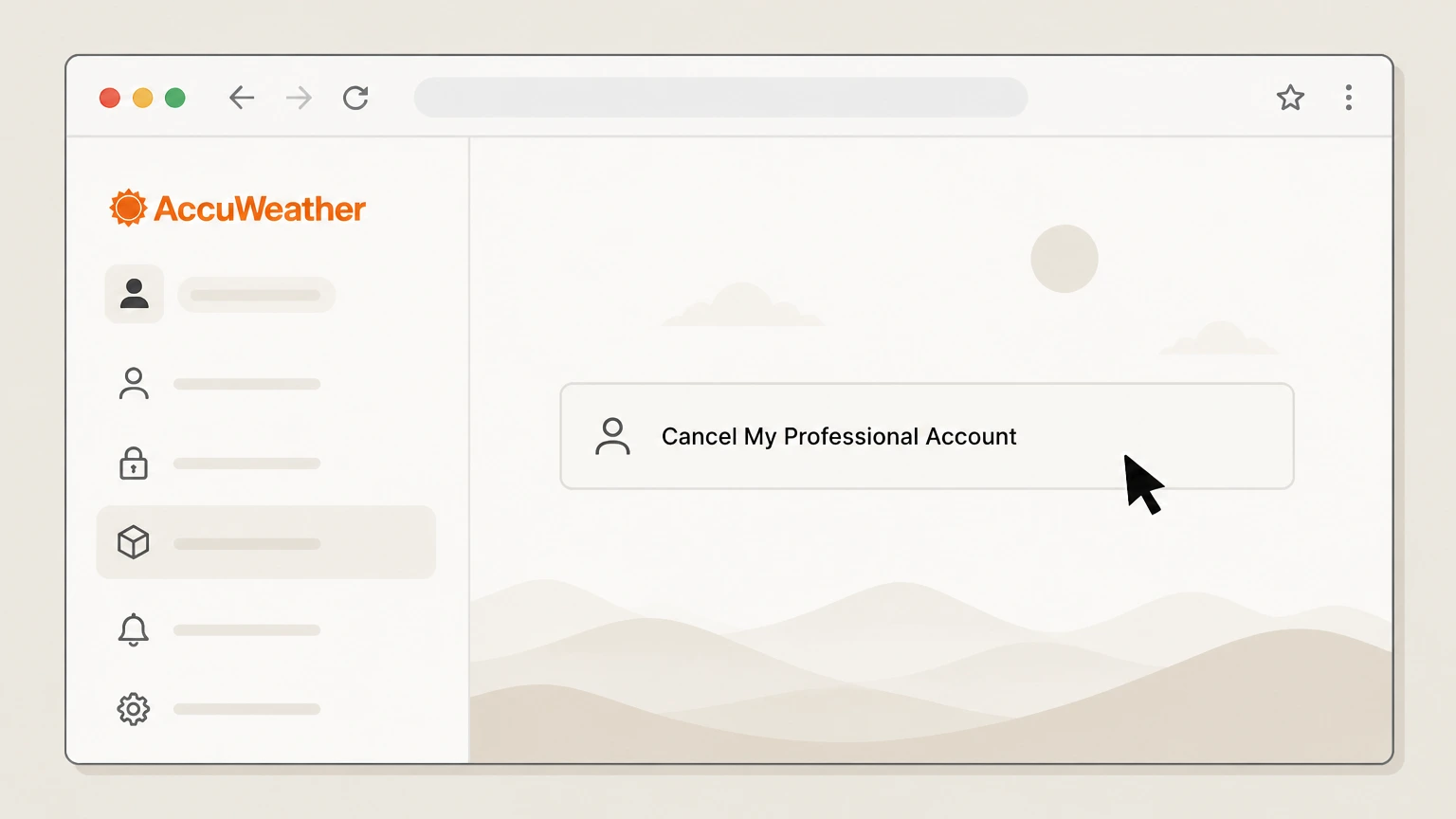
3For Professional, use the cancel page
If you have an AccuWeather.com Professional subscription, use the “Cancel My Professional Account” page and proceed to the cancellation form.
 4
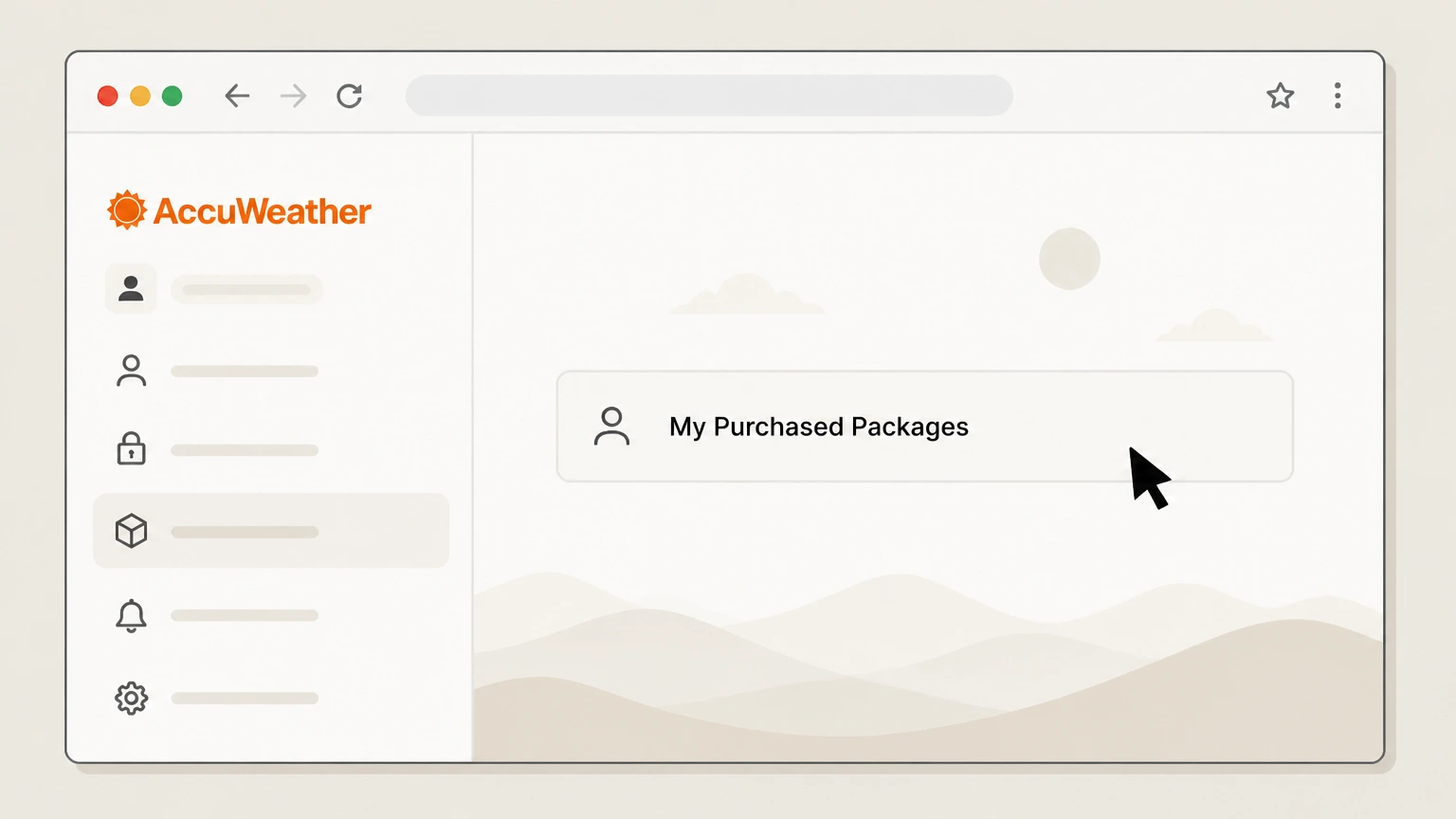
4For developer/API, open My Purchased Packages
If you have an AccuWeather developer/API package, open “My Purchased Packages” from the user menu to see your active packages.
 5
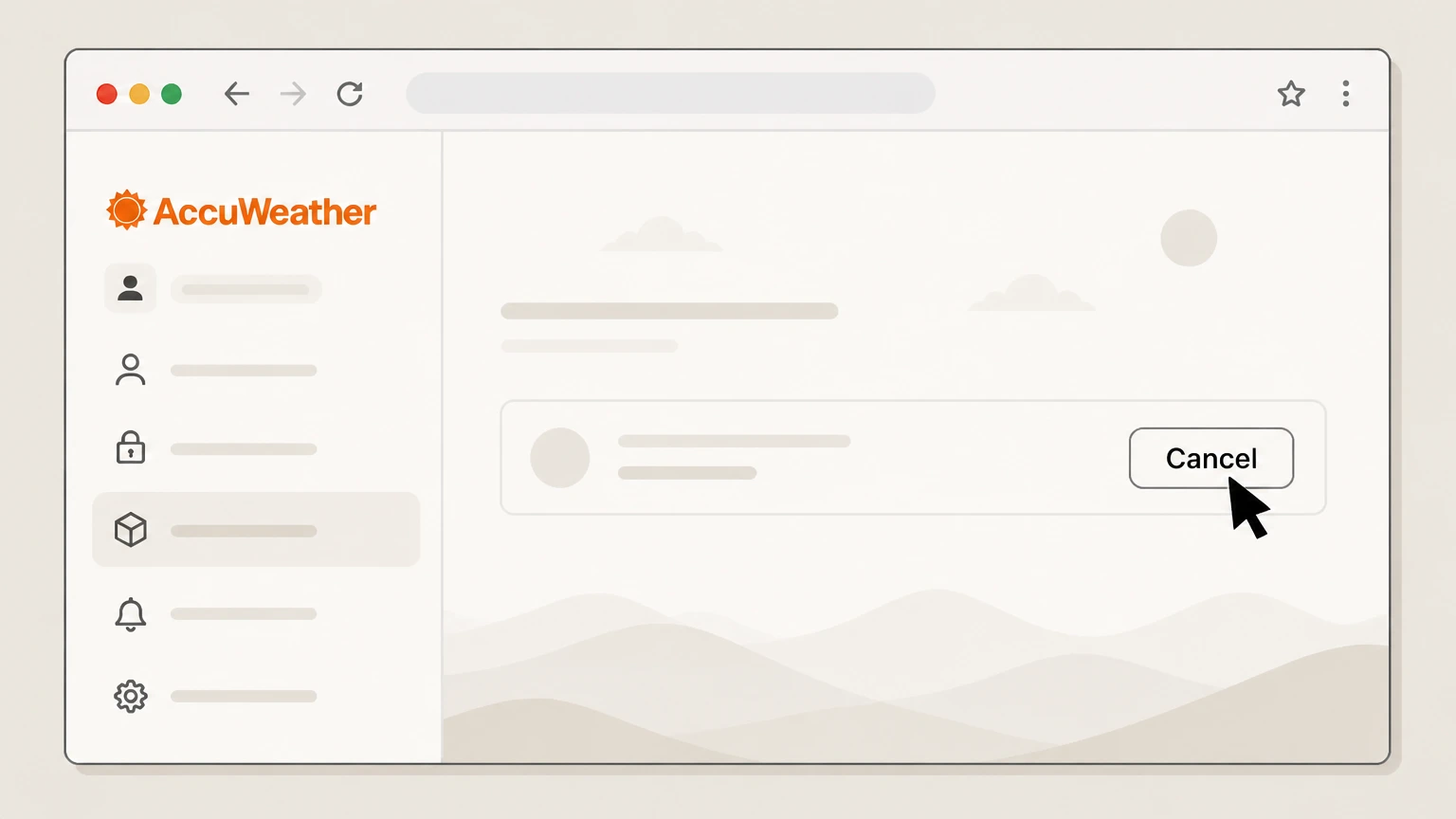
5Click Cancel and confirm
Click the “Cancel” button beside the subscription or package you want to end and confirm when prompted. Use the AccuWeather account named on your receipt, and continue only after the next status in this cancellation path is visible.
 6
6Save your confirmation and final dates
Save any on‑screen or email confirmation and note the stated end‑of‑billing‑cycle or license‑key deactivation date. Use the AccuWeather account named on your receipt, and continue only after the next status in this cancellation path is visible.
Refund policy
AccuWeather refunds, renewals, and billing corrections
AccuWeather’s own subscription terms make most direct‑billed packages nonrefundable, while Apple and Google Play apply their own, often stricter, refund criteria for in‑app subscriptions. Focus on canceling before the next renewal and use card‑issuer dispute rights for true billing errors.
Check my refund options- AccuWeather packages are nonrefundable
- AccuWeather’s Terms of Use say subscription packages are nonrefundable regardless of use or lack of use, explicitly stating that no credits or refunds are available and warning customers not to initiate chargebacks through their card issuer. accuweather.com
- Developer/API packages share the same rule
- The AccuWeather Data Service Terms for developer/API packages repeat that packages, once purchased, are nonrefundable, and allow cancellation at any time only for future periods, not for a refund of amounts already paid. developer.accuweather.com
- Apple handles in‑app AccuWeather refunds
- Apple’s refund article explains that some App Store and in‑app purchases, including subscriptions like AccuWeather Premium+, may be eligible for a refund requested through reportaproblem.apple.com, but approval is at Apple’s discretion. support.apple.com
- Google Play refunds are narrow
- Google Play’s subscription refund information notes that prepaid and subscription plans are generally nonrefundable except as allowed under its refund policy or when required by law; users may stop future renewals but usually can’t reverse past charges. support.google.com
- Use FCBA rights for genuine billing errors
- FTC and CFPB guidance on the Fair Credit Billing Act say you can dispute credit‑card billing errors in writing within 60 days of the first statement containing the error and withhold payment on the disputed amount while the issuer investigates. consumer.ftc.gov
If you believe a post‑cancellation AccuWeather charge is a true billing error and AccuWeather or the app store will not correct it, use the CFPB’s guidance to send a written dispute to your card issuer promptly. CFPB: How to fix mistakes in your credit card bill
AccuWeather paid products
Understand which AccuWeather service you’re canceling
AccuWeather runs several different paid services, and the cancellation route depends on which one you bought.
AccuWeather Premium (web)
AccuWeather Premium is an ad‑free web subscription with extended forecasts and additional radar and data, purchased and managed on the AccuWeather website. wwwl.accuweather.com For your AccuWeather account, compare this point with the billing owner and effective date shown in the signed-in account or latest receipt.
AccuWeather Professional
AccuWeather.com Professional is a higher‑tier web workstation product; its accounts are managed on separate Professional registration and cancellation pages. accuweather.com For your AccuWeather account, compare this point with the billing owner and effective date shown in the signed-in account or latest receipt.
Snow Alerts Premium
Snow Alerts Premium is a paid alerting service for businesses, billed annually and set to auto‑renew until you cancel your subscription. enhancedalerts.accuweather.com For your AccuWeather account, compare this point with the billing owner and effective date shown in the signed-in account or latest receipt.
Mobile Premium and Premium+
The AccuWeather mobile apps on iOS and Android offer Premium and Premium+ in‑app subscriptions, which are billed through Apple or Google Play rather than directly by AccuWeather. apps.apple.com
Developer/API packages
Developers can buy API data packages from AccuWeather under separate Data Service Terms; these are recurring subscriptions managed in the developer portal. developer.accuweather.com For your AccuWeather account, compare this point with the billing owner and effective date shown in the signed-in account or latest receipt.
Who bills your plan
Work out whether Apple, Google, or AccuWeather bills you
Correctly identifying the billing owner is the single most important step before you cancel.
Apple‑billed subscriptions
If your bank statement shows Apple (for example, apple.com/bill) or the subscription appears under your Apple ID Subscriptions list, Apple bills your AccuWeather Premium or Premium+ plan and you must cancel in Apple’s subscription settings. support.apple.com
Google Play‑billed subscriptions
If the charge appears in Google Play subscriptions or under Subscribe with Google for your Google Account, Google Play bills your subscription and you must use Google Play’s subscription management tools to cancel. support.google.com
Direct AccuWeather web billing
If you signed up on an AccuWeather site like Premium, Professional, Snow Alerts, or the developer portal and charges appear from AccuWeather itself, those subscriptions are governed by AccuWeather’s own Subscription Terms and must be canceled in your AccuWeather account or via AccuWeather support. accuweather.com
When you can’t find a receipt from Apple
Apple notes that if you cannot find an Apple receipt for the charge, you may have bought the subscription from another company and must cancel with that company instead—often Google Play or AccuWeather itself. support.apple.com
Multiple accounts to check
If you use more than one Apple ID or Google Account, Apple and Google both advise checking each account’s purchase or subscription history before concluding that AccuWeather is billing you directly. support.apple.com
What changes after you cancel
How AccuWeather access changes when you cancel
Different billing platforms handle end‑of‑term access slightly differently, but none treat app deletion alone as cancellation.
Apple subscriptions show as already canceled
Apple explains that when there is no Cancel button or you see an expiration message in red text on a subscription, it has already been canceled and will simply expire on the stated date. support.apple.com
Google Play keeps content until renewal date
Google Play says that when you stop renewal on a subscription, you won’t be charged on the next renewal date and you can continue to access your content until then. support.google.com
Professional cancels at end of billing cycle
The AccuWeather.com Professional cancel pages state that when you cancel there, your Professional account is canceled at the end of the current billing cycle. wwwl.accuweather.com
Developer keys deactivate at midnight UTC
AccuWeather’s Data Service Terms say that when you cancel a developer package, your API license keys become inactive at midnight UTC on the date of cancellation, and you must cancel before month‑end to avoid being billed for the next month. developer.accuweather.com
App deletion doesn’t cancel billing
Apple specifically warns that deleting an app does not automatically cancel its in‑app subscriptions; you must cancel the subscription itself on Apple or Google Play. support.apple.com
Proof and records
What proof to save when you cancel AccuWeather
Good records make it much easier to fix any billing mistakes after you cancel.
Platform confirmation screens
Save screenshots or PDFs of the Apple, Google Play, AccuWeather Professional, or developer confirmation screens that show the subscription, cancellation status, and effective or expiration date. support.apple.com
Email receipts and notices
Keep email receipts from Apple, Google Play, or AccuWeather showing original purchase dates and any cancellation or change notices; Apple and Google both treat these receipts as key evidence of what was billed. support.apple.com
Billing statements with descriptor
Download PDF statements from your card or bank that show how the charge is labeled (for example, Apple, GOOGLE*AccuWeather, or AccuWeather itself), which helps you prove who billed you. support.apple.com
Support correspondence
If you contact support@accuweather.com or submit the AccuWeather contact form about cancellation or a billing error, keep copies of your messages and any responses as part of your evidence packet. accuweather.com
Notes on timing
Note the date and time you canceled versus the next renewal date; AccuWeather’s Terms and Google Play refund information both treat timing as critical when determining whether a charge is a renewal or a possible billing error. accuweather.com
Account vs. billing
AccuWeather account, privacy rights, and billing
Managing your AccuWeather account or data does not, by itself, cancel paid subscriptions.
Data access and deletion requests
AccuWeather’s Privacy Policy says you can request access, deletion, or correction of personal information by calling the listed number or using the AccuWeather contact page. accuweather.com
Effect of deleting personal data
The Privacy Policy explains that deleting personal information may impact your ability to use AccuWeather features but does not state that it cancels paid subscriptions, so you should cancel billing separately. accuweather.com
Marketing email unsubscribe
Unsubscribing from AccuWeather marketing emails using the “unsubscribe” link stops promotional messages, but the policy notes that service emails (including subscription and payment notices) continue and your account data is still retained. accuweather.com
Professional “Remember me” vs “Forget me”
The Professional cancel pages let you choose “Remember me” to retain account details for easier reactivation or “Forget me” to anonymize your data; these settings are separate from the fact that the account will be canceled at the end of the billing cycle. wwwl.accuweather.com
Support email for broader issues
AccuWeather’s Terms and customer service section direct users with technical or operational issues to support@accuweather.com, which is also appropriate for questions about what remains after a cancellation. accuweather.com
Developer & business services
Special notes for developer, Snow Alerts, and business users
Business‑oriented AccuWeather services have stricter non‑refund terms and slightly different cancellation effects.
Developer package cancellation flow
For API and data packages, AccuWeather’s Data Service Terms require you to log in, open “My Purchased Packages,” click “Cancel” beside each package you want to end, and then confirm cancellation; API keys deactivate at midnight UTC on the cancellation date. developer.accuweather.com
Monthly API billing cutoff
Developer Terms specify that to avoid being billed for the next month, you need to cancel before the end of the current calendar month at midnight UTC. developer.accuweather.com
Professional vs. Premium downgrade
The Professional cancel pages highlight that AccuWeather offers a lower‑priced Premium service; canceling Professional does not automatically move you to Premium—you must sign up separately if you want the cheaper service. wwwl.accuweather.com
Snow Alerts auto‑renewal
The Snow Alerts Premium order summary shows that your subscription will be charged annually and auto‑renews on the stated date until you cancel, so keep track of that renewal date when planning your cancellation. enhancedalerts.accuweather.com
Business contact channels
AccuWeather’s contact page and business navigation (For Business, Data Suite, Warnings) indicate that business customers should typically start with the online contact form for account and billing issues, then work with assigned representatives as needed. accuweather.com
Unexpected charges
If you still see AccuWeather charges after cancelling
When charges continue after cancellation, you may need to escalate through both the billing platform and your card issuer.
Re‑check the correct billing platform
Use Apple’s and Google’s guidance to double‑check which account and store actually billed the charge; mistaken assumptions about who is billing are a common reason cancellations don’t match charges. support.apple.com
Contact the billing platform first
Apple and Google Play expect you to use their subscription and refund flows to address unwanted renewals or billing errors when they processed the payment, before you go to your card issuer. support.apple.com
Use written billing‑error notices for cards
FTC and CFPB guidance on the Fair Credit Billing Act explains that, for credit cards, you generally must send a written billing‑error notice within 60 days of the statement date that first showed the error, to trigger formal dispute protections. consumer.ftc.gov
What to send your issuer
Include your cancellation proof, dates, and receipts when disputing a charge; CFPB notes that you can withhold payment on the disputed amount while the issuer investigates, but should pay undisputed charges on time. consumerfinance.gov
Escalating unresolved AccuWeather disputes
If AccuWeather direct‑billed you and doesn’t resolve a clear error after you provide evidence, FTC and CFPB encourage escalating to your card issuer and, if needed, filing complaints with regulators. consumer.ftc.gov
Important constraints
Key limitations of AccuWeather cancellations and refunds
AccuWeather’s standard subscription terms are strict compared with many consumer apps.
Nonrefundable AccuWeather packages
AccuWeather’s Terms of Use state that subscription packages, once purchased, are nonrefundable regardless of use or lack of use, and that no credits or refunds are available from AccuWeather on those packages. accuweather.com
Lifetime subscription caveats
The Terms note that any “lifetime” subscriptions apply only to the original product and hardware and may be discontinued if AccuWeather provides a free upgrade to a different product instead. accuweather.com
Platform‑specific refund rules
Apple and Google Play each apply their own refund policies to in‑app purchases; Apple allows users to request refunds through its Report a Problem site, and Google Play issues subscription refunds only under limited conditions. support.apple.com
Carrier or third‑party bundles
Apple notes that if you obtained a subscription through a wireless carrier or other provider, you must work with that provider to cancel; this can apply if your AccuWeather service was part of a carrier bundle. support.apple.com
Effect of disabling tracking or location
AccuWeather’s Privacy Policy explains that you can change device privacy and location settings or opt out of certain advertising, but these changes do not themselves cancel paid subscriptions or stop billing. accuweather.com
What official sources do not confirm
Limits of the public AccuWeather cancellation guidance
These points are intentionally qualified because the official sources reviewed on August 16, 2026 do not publish a complete answer.
Documented limitation 1
AccuWeather does not publish a single, product‑agnostic cancellation help article for all web subscriptions (Premium, Snow Alerts, business offerings), so the web cancellation route relies on product‑specific pages plus general Subscription Terms rather than a unified UI walkthrough.
Documented limitation 2
AccuWeather’s Snow Alerts and some other business services describe auto‑renewal but do not publicly document their exact in‑account cancellation steps, so guidance assumes standard account‑management patterns and may not match every enterprise configuration.
Documented limitation 3
Historical wireless or carrier‑bundled AccuWeather subscriptions are not comprehensively documented in current official sources; where a mobile carrier or third‑party bills you, you may need to follow that provider’s cancellation rules, which are outside AccuWeather’s and this guide’s direct control.
AccuWeather cancellation FAQ
Questions people search about canceling AccuWeather, answered with official provider or billing-platform sources checked on August 16, 2026.
How can I cancel my AccuWeather subscription?
How do I get rid of AccuWeather?
How do I delete my AccuWeather account?
How do I delete the AccuWeather app?
How do I cancel AccuWeather Premium or Premium+ in the mobile app?
How do I cancel an AccuWeather.com Professional subscription?
How do I cancel an AccuWeather developer or API package?
Does deleting the AccuWeather app cancel my subscription?
Can I get a refund for an AccuWeather subscription charge?
What should I do if I’m still charged after cancelling AccuWeather?
Untangle this AccuWeather issue.
Let Pine handle the provider follow-up and keep the confirmation in one place.
