


ProBiller
Cancel subscription
How to Cancel a ProBiller Charge or Membership
Learn how to cancel a ProBiller-billed membership safely. Follow clear steps to stop recurring charges by phone, live chat, or email and confirm cancellation.
- Official ProBiller and billing-owner sources
- 3 provider-specific cancellation paths
- Refund and post-cancellation effects separated from renewal
- Verified August 16, 2026
Choose the ProBiller cancellation path that matches who bills you
Web live chat via ProBiller site · verify the billing owner
 1
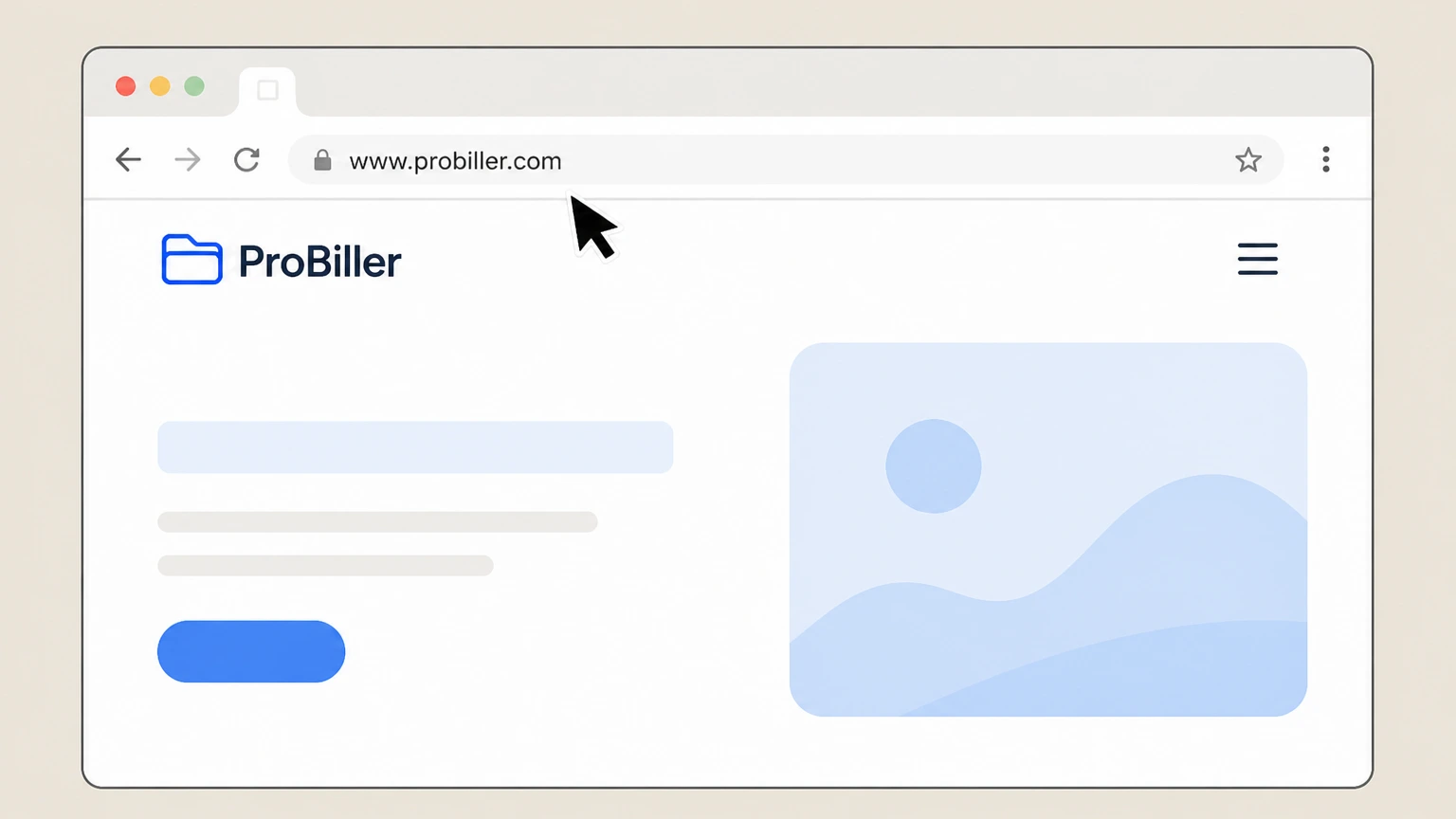
1Open the ProBiller website
In your web browser, go to www.probiller.com and wait for the home page to load. Use the ProBiller account named on your receipt, and continue only after the next status in this cancellation path is visible.
 2
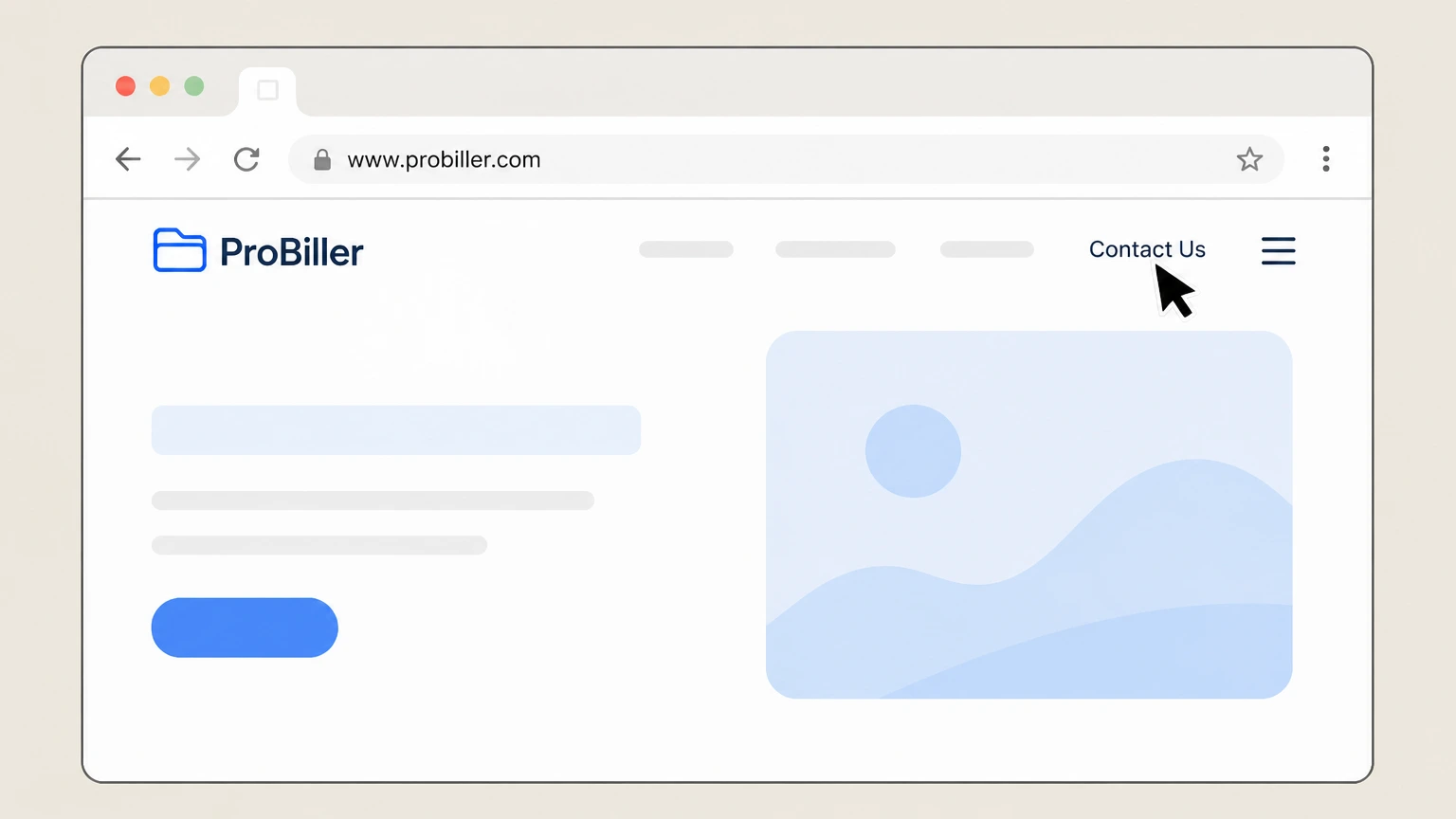
2Open the Contact Us section
In the top navigation bar, select the “Contact Us” link to view ProBiller’s support options. Use the ProBiller account named on your receipt, and continue only after the next status in this cancellation path is visible.
- Let Pine handle it
Pine can help
Too many steps?
Pine can find the right Web live chat via ProBiller site path and handle the cancellation for you.
 3
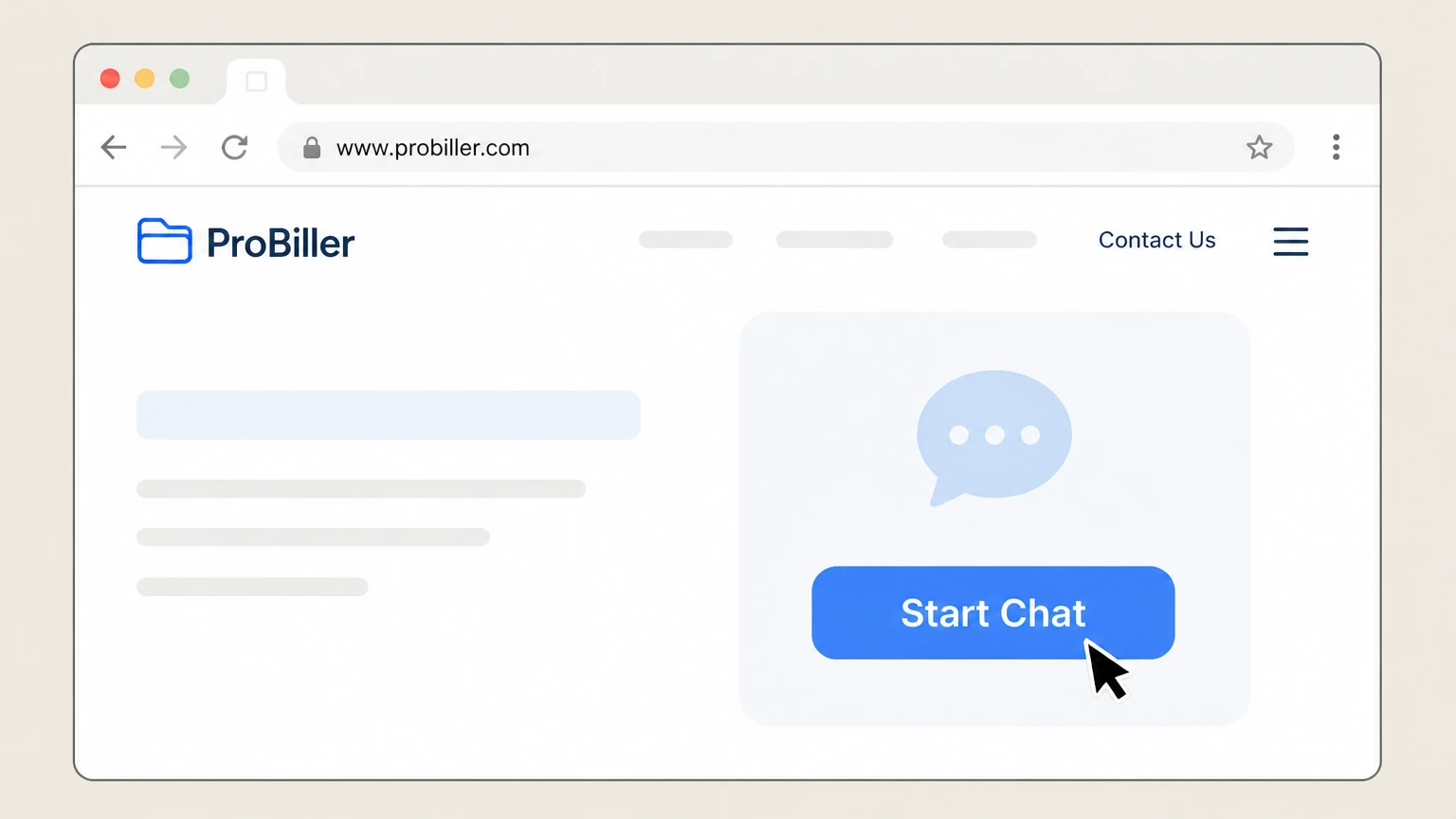
3Start a live chat session
In the Live Chat area, select the “Start Chat” button to begin a conversation with a ProBiller customer care agent.
 4
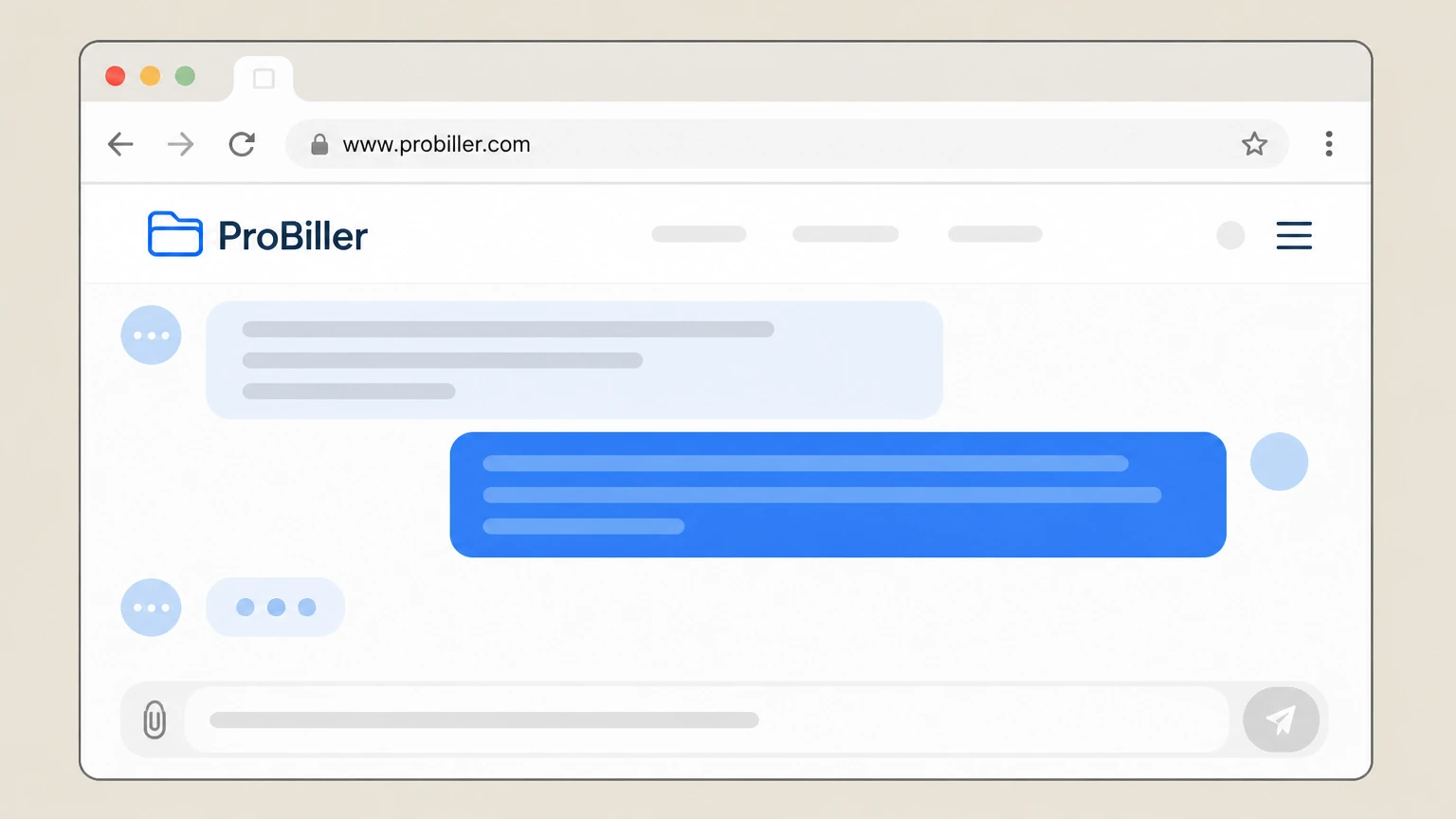
4Provide your billing and account details
Tell the agent you are contacting them about a charge that shows “Probiller.com” on your statement and provide the requested details so they can locate your membership.
 5
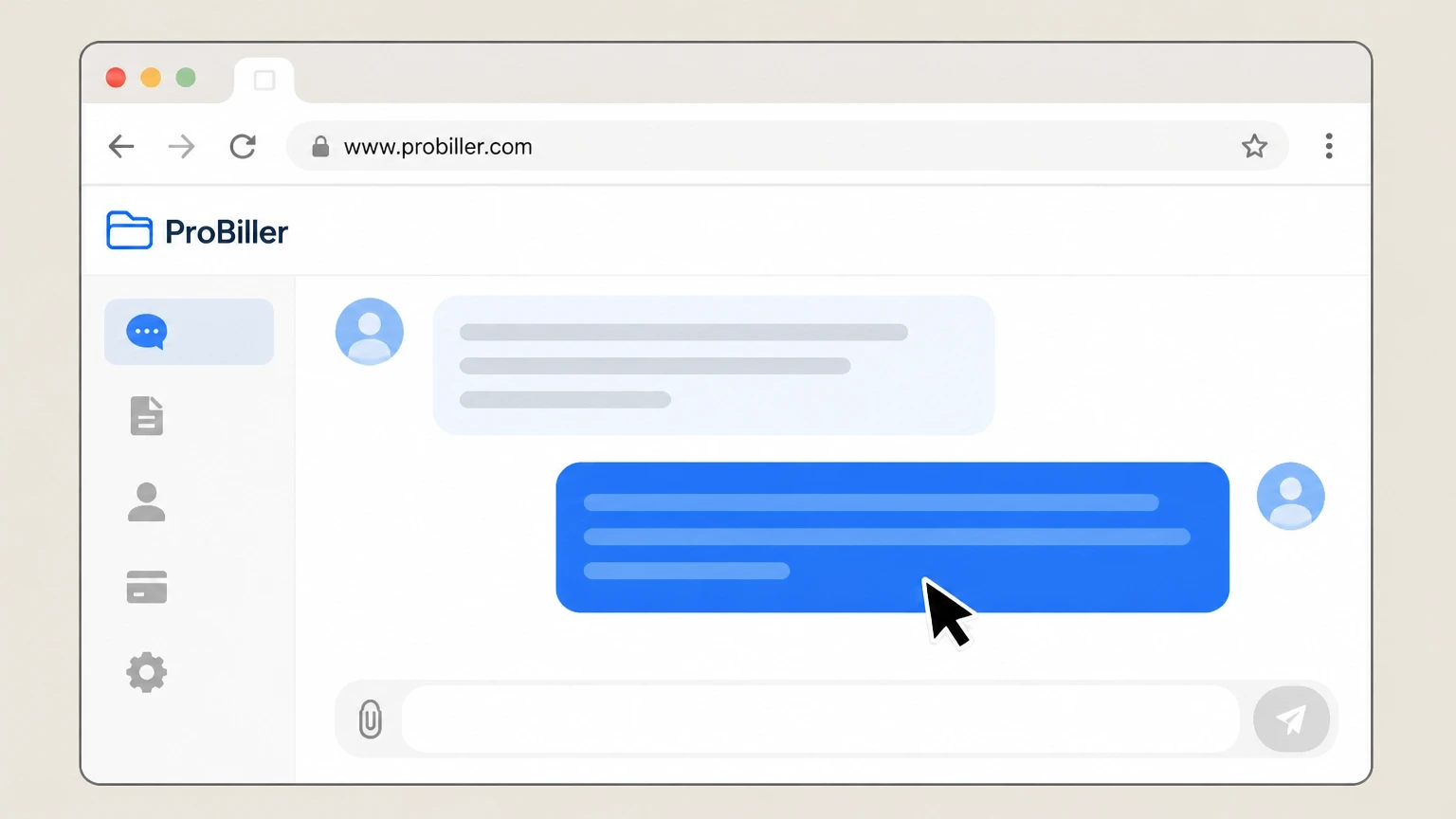
5Ask the agent to cancel recurring billing
Clearly request that ProBiller terminate the recurring subscription associated with the identified charge and stop all future automatic renewals. Use the ProBiller account named on your receipt, and continue only after the next status in this cancellation path is visible.
 6
6Confirm you receive a cancellation email
Check your email inbox for the automatic cancellation confirmation message and keep it; if you do not receive it, ask the agent in chat to confirm your cancellation status.

Phone cancellation with ProBiller support · verify the billing owner
 1
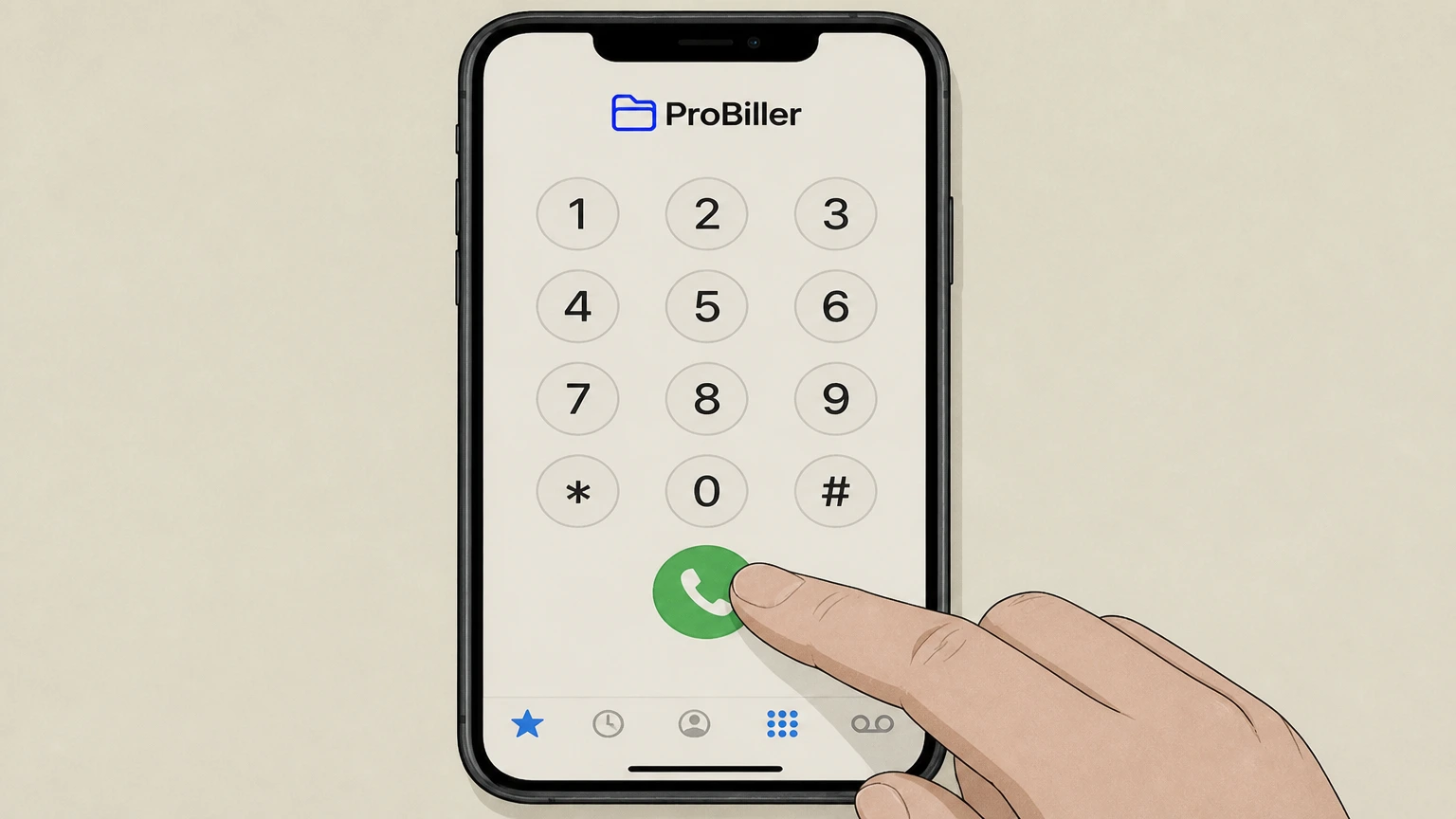
1Call ProBiller customer care
From your phone, dial ProBiller’s toll‑free support number listed in the Contact Us section of www.probiller.com to reach a customer care agent.
 2
2Verify your account with the agent
Confirm you are the account holder by answering the agent’s questions about your email address, card details, or transaction information so they can find your membership.
- Let Pine handle it
Pine can help
Too many steps?
Pine can find the right Phone cancellation with ProBiller support path and handle the cancellation for you.
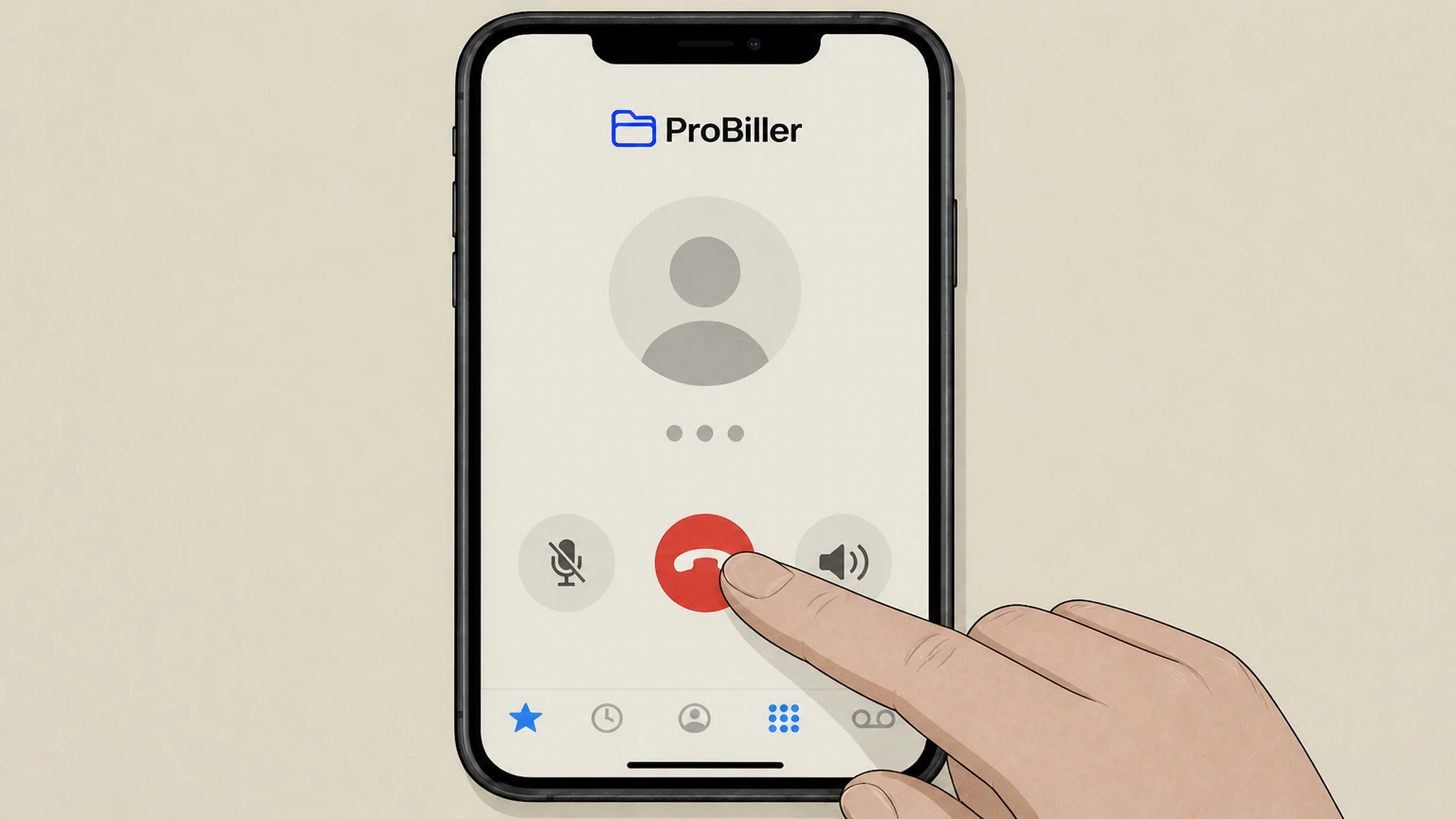 3
3Request cancellation of recurring billing
Tell the agent you want to cancel the recurring subscription associated with the ProBiller charge and ask them to stop all future automatic rebills.
 4
4Record your cancellation confirmation
Write down the date of cancellation and keep any confirmation number or email the agent provides so you can prove that you asked ProBiller to stop billing.
Email cancellation request to ProBiller · verify the billing owner
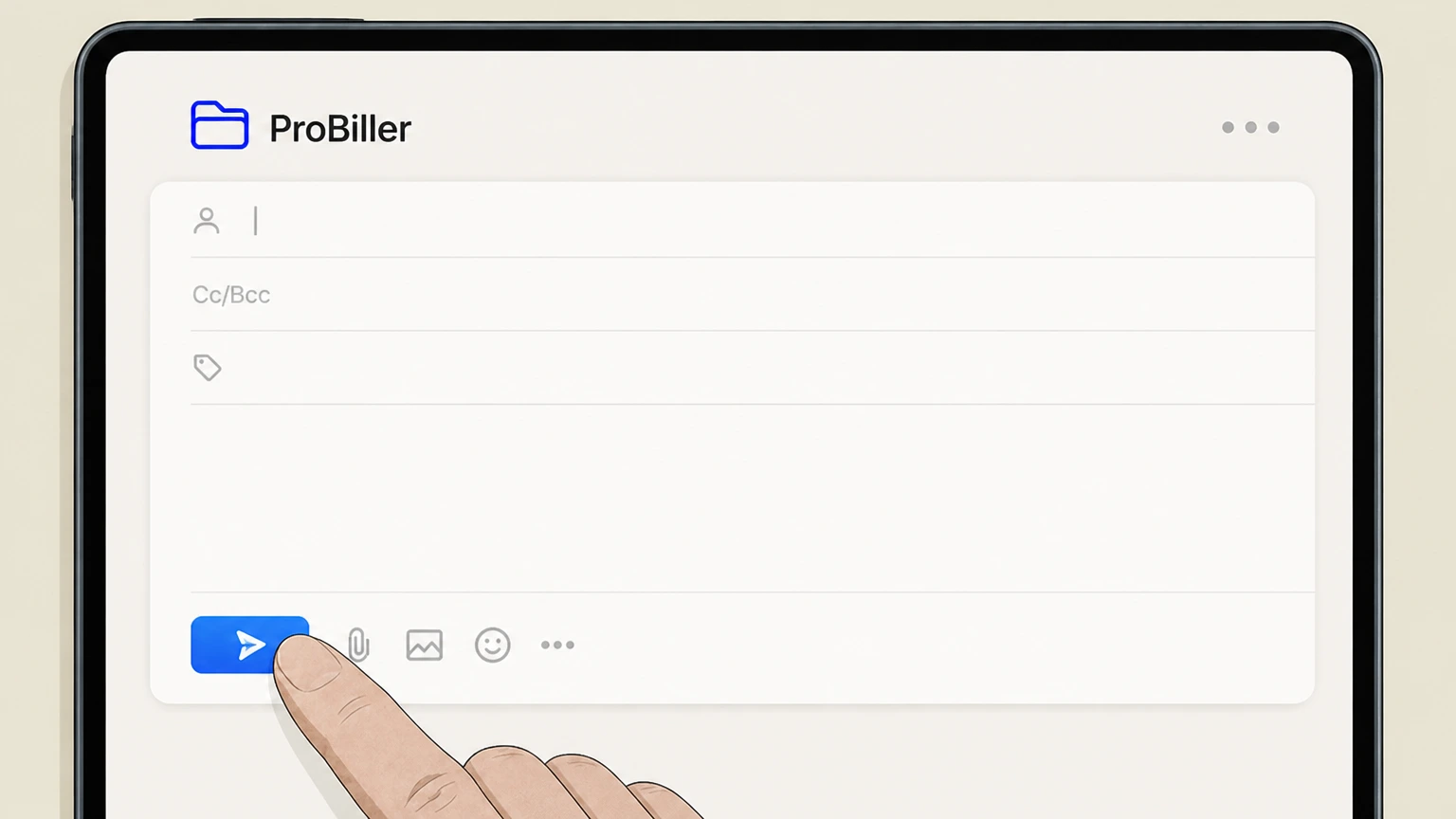 1
1Open your email account
Sign in to the email account associated with your ProBiller‑billed purchase and start a new message. Use the ProBiller account named on your receipt, and continue only after the next status in this cancellation path is visible.
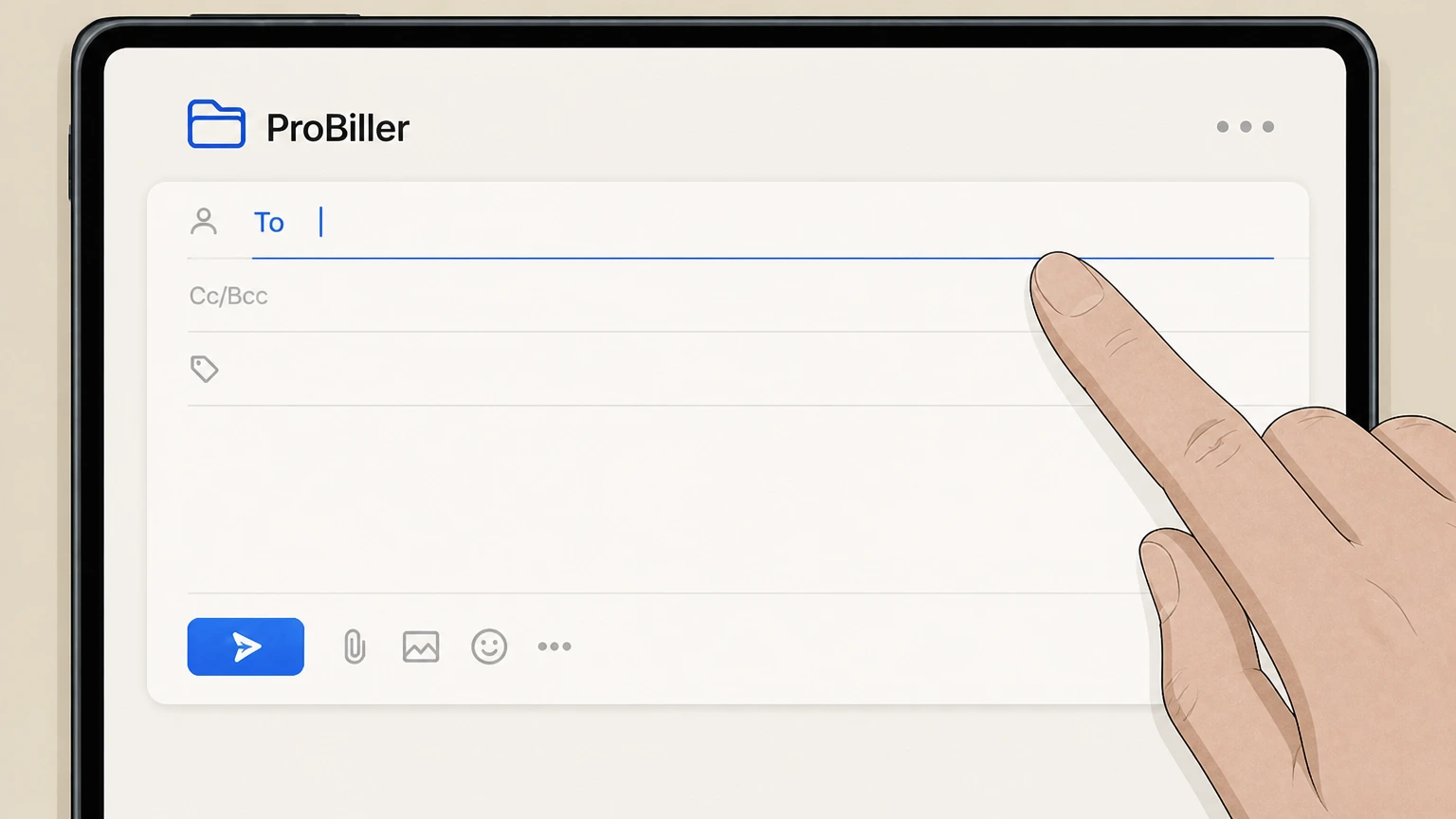 2
2Address the email to ProBiller billing
Enter billing@probiller.com in the To field, using the billing contact address from ProBiller’s Terms and Conditions. Use the ProBiller account named on your receipt, and continue only after the next status in this cancellation path is visible.
- Let Pine handle it
Pine can help
Too many steps?
Pine can find the right Email cancellation request to ProBiller path and handle the cancellation for you.
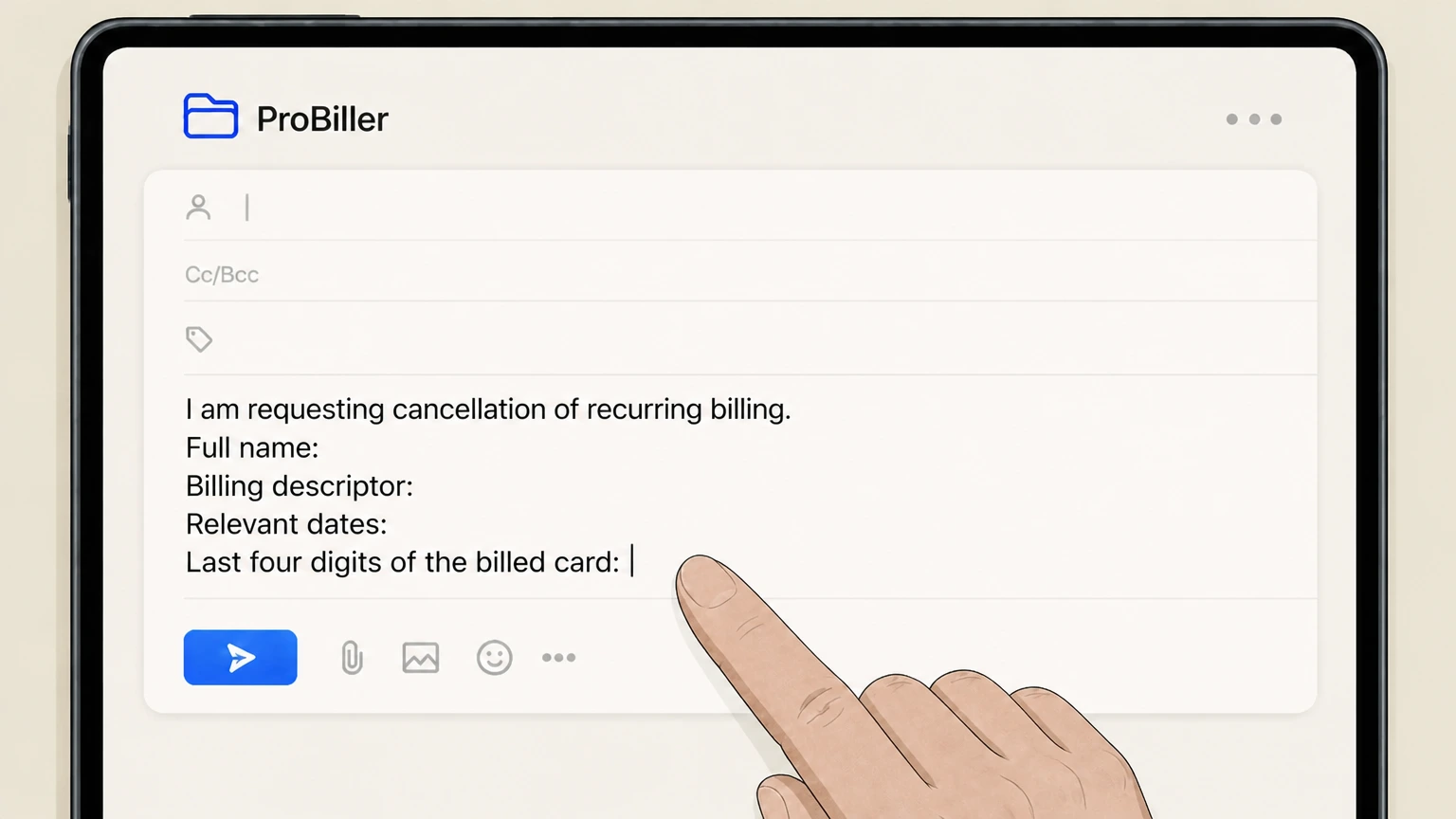 3
3Describe your cancellation request and account details
In the subject and body, state that you are requesting cancellation of recurring billing and include your full name, billing descriptor, relevant dates, and the last four digits of the billed card.
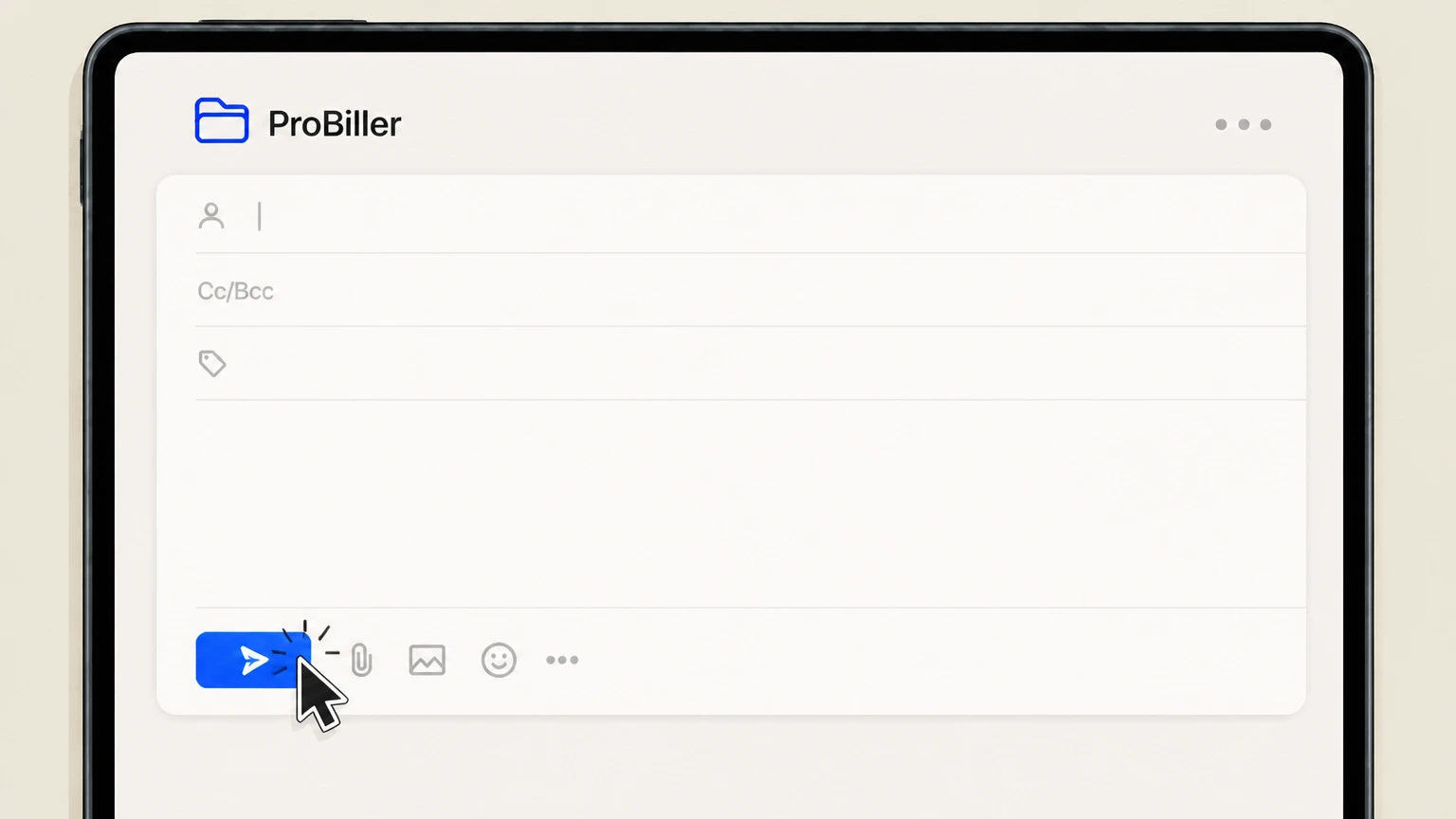 4
4Send the email and monitor for confirmation
Send the message to ProBiller and watch your inbox, including spam or junk folders, for a reply confirming that your membership has been canceled and future rebills have been stopped.
Refund policy
ProBiller refunds and recurring charge stops
ProBiller allows you to request refunds for purchases or recurring charges, but its Terms limit refunds for partially used periods and make clear that any refund is discretionary. Canceling with ProBiller mainly stops future rebills; whether you receive money back for past charges depends on ProBiller’s review and, in some cases, your card issuer’s dispute process.
Check my refund options- How to ask ProBiller for a refund
- ProBiller’s Terms say that refunds for purchases or recurring charges may be requested by contacting customer support. Use the same channels you would for cancellation—phone, live chat on the website, or email—to explain the charge and why you believe a refund is warranted.
- Partial months and used access
- Section 10 specifies that refunds or credits will not be issued for partially used memberships. In practice, this means that canceling in the middle of a billing period usually stops the next renewal but does not generate a pro‑rated credit for the remaining days.
- Refunds are discretionary and limited to original method
- Even when you request a refund, Aylo Billing reserves the right to decide whether to grant it. If they do issue a refund, the Terms say it will be credited only to the original payment method and not via cash, check, or another account.
- When to involve your card issuer
- If ProBiller declines a refund or you see charges you do not recognize, FTC guidance on subscriptions and billing errors recommends first contacting the company, then disputing the charge with your credit or debit card issuer within required timelines if the issue is not resolved.
If ProBiller continues to bill you after cancellation or refuses to correct charges you believe are unauthorized, contact your card issuer about disputing the transactions and review FTC guidance on stopping subscriptions and disputing card charges. FTC advice on canceling subscriptions and disputing charges
Understanding ProBiller
How ProBiller fits into your subscriptions
Knowing what ProBiller does helps you choose the right place to cancel and understand which charges they can stop for you.
Payment processor, not the content site
ProBiller is a payment solution that processes transactions and subscriptions for many partner websites; it is usually not the brand whose content you are watching or using.
Why “Probiller.com” appears on statements
When a partner site uses ProBiller, the billing descriptor on your card statement may show “Probiller.com” instead of the site’s own name, even though you subscribed on the partner’s website.
Handles recurring and one‑time payments
ProBiller processes both recurring subscriptions and one‑time purchases; repeated monthly or periodic charges with “Probiller.com” usually indicate an active subscription. For your ProBiller account, compare this point with the billing owner and effective date shown in the signed-in account or latest receipt.
24/7 multilingual customer support
ProBiller advertises round‑the‑clock, multilingual customer care to answer questions about charges and to modify or cancel memberships. For your ProBiller account, compare this point with the billing owner and effective date shown in the signed-in account or latest receipt.
Billing ownership
Who actually controls a ProBiller charge
These points explain when ProBiller is in charge of billing and how that interacts with the underlying website where you signed up.
Aylo Billing as merchant of record
ProBiller’s Terms describe Aylo Billing as the party handling subscription billing, and they note that descriptors like Probiller.com or AyloBill may appear on your statement for applicable charges.
When ProBiller is the billing owner
If your statement’s descriptor includes Probiller.com (or one of the other names in ProBiller’s Terms), Aylo Billing is responsible for processing, renewing, and canceling the subscription charge.
Role of the partner website
The website where you actually use the service controls what you can access, but ProBiller’s Terms state that all cancellations of service for those sites must be directed to Aylo Billing.
Links in transaction receipts
ProBiller’s Terms say you may also cancel online directly with the website by following links provided in your transaction receipts, so keeping those emails is important.
Supported methods
Official ProBiller cancellation channels
ProBiller’s public pages and Terms outline which contact methods they support for canceling recurring memberships.
Live chat on the ProBiller website
The main ProBiller site lists a Live Chat section with a “Start Chat” button, and its FAQ explains that agents can stop recurring memberships directly via chat.
Telephone customer care
ProBiller publishes a toll‑free phone number and country‑specific numbers; their FAQ states that you can call customer care 24/7 to cancel memberships and get help with charges.
Email to the billing address
In ProBiller’s Terms, Aylo Billing lists billing@probiller.com for billing issues, and the Cancellation section confirms that subscriptions may be terminated by electronic mail. For your ProBiller account, compare this point with the billing owner and effective date shown in the signed-in account or latest receipt.
No self‑serve cancel portal documented
As of the latest review, ProBiller’s official site emphasizes contacting support by phone, chat, or email to stop recurring billing; it does not describe a standalone self‑service cancellation portal managed by ProBiller itself.
After you cancel
What changes after you cancel with ProBiller
Canceling with ProBiller affects how you are billed; your actual access to content depends on the underlying website’s rules.
Future rebills are stopped
ProBiller’s Terms state that subscriptions may be terminated by Aylo Billing or the subscriber and that subscribers remain liable for charges incurred up to the date of termination; cancellation stops future recurring billing after that point.
Past charges and partial periods
Section 10 of the Terms explains that refunds or credits will not be issued for partially used memberships and that refunds are at Aylo Billing’s discretion, so canceling usually does not erase already‑billed periods.
Access to the partner website
ProBiller’s Terms do not guarantee how long you retain access after canceling. Many subscription sites typically allow access until the end of the paid period, but the exact rule is set by the website’s own terms.
Other add‑ons or bundles
If multiple memberships or upgrades were purchased at signup, ProBiller’s FAQ notes that additional packages may need to be canceled separately, so confirm each active membership with support.
Proof of cancellation
How ProBiller confirms your cancellation
Keep clear records so you can prove you asked ProBiller to stop billing and follow up quickly if something looks wrong.
Automatic confirmation emails
ProBiller’s FAQ states that a confirmation email is automatically sent when an account is canceled; if you do not see it, they advise calling, chatting, or emailing support to verify.
Saving your receipts and notices
ProBiller’s Terms encourage subscribers to retain copies of transaction receipts and emails; these messages often contain links and proof of when charges started and stopped.
Noting dates and reference details
When canceling by phone or chat, record the date, time, and any reference number the agent provides so you can demonstrate when you requested cancellation if a dispute arises later.
Checking future statements
After canceling, watch your card or bank statements over the next cycles; if ProBiller charges continue, contact ProBiller again and, if unresolved, discuss dispute options with your card issuer.
Refund rules
ProBiller refunds and what they will review
ProBiller does allow refund requests, but their Terms set clear limits on when and how refunds are granted.
Refunds requested through support
Section 10 of the Terms says that refunds for purchases or recurring charges may be requested by contacting customer support, which you can reach via phone, chat, or email.
No refunds for partially used memberships
The same section explains that refunds or credits will not be issued for partially used memberships, so canceling mid‑period normally will not generate a pro‑rated refund.
Refunds are discretionary
Aylo Billing reserves the right to grant a refund or credit at its discretion and notes that granting one refund does not create an obligation to issue future refunds in similar situations.
Refund method is limited
If a refund is issued, ProBiller’s Terms say it will be credited solely to the original payment method used; they do not refund by cash, check, or a different payment mechanism.
Data vs billing
Data deletion is not cancellation
ProBiller offers privacy tools that are separate from canceling your paid membership; using them does not stop charges.
Dedicated data‑deletion form
ProBiller hosts a “Delete My Personal Data” form that explains you can request deletion of data linked to your account by confirming your email and selecting the relevant account.
Service continues after data deletion
The data‑deletion page explicitly states that deleting personal data is not a cancellation of your service, and notes that you will still have access to your account after deletion.
Subscriptions may persist after deletion
Because the deletion process does not cancel your service, recurring billing associated with a ProBiller‑billed membership can continue unless you separately cancel via ProBiller’s customer care.
Use billing channels for cancellation
If your goal is to stop charges, always use the official cancellation channels (phone, chat, or email) described in ProBiller’s Terms, even if you also exercise your privacy rights.
Troubleshooting
If you can’t recognize or stop a ProBiller charge
These points help you track down what a ProBiller charge is for and what to do if standard cancellation routes don’t solve the problem.
Use statement descriptors and dates
Compare the date and amount of the ProBiller charge on your statement with emails, receipts, and your usage history on likely websites to narrow down which service it belongs to.
Ask ProBiller to help identify the site
ProBiller’s FAQ invites customers who have a charge on their card for Probiller.com to contact support; agents can help identify which partner website the billing relates to.
Multiple memberships from one signup
ProBiller’s FAQ explains that additional membership packages may have been selected at signup; if charges continue after canceling one plan, ask support whether any extra packages remain active.
Escalate to your card issuer if needed
If you believe a ProBiller charge is unauthorized or ProBiller does not resolve ongoing billing, regulators like the FTC advise disputing the charge with your card issuer within the legal time limits.
What official sources do not confirm
Limits of the public ProBiller cancellation guidance
These points are intentionally qualified because the official sources reviewed on August 16, 2026 do not publish a complete answer.
Documented limitation 1
ProBiller’s public pages do not document a self‑service online cancellation dashboard for all customers, so this guide relies on the officially supported phone, chat, and email channels rather than any inferred portal flow.
Documented limitation 2
The list of brands and websites that use ProBiller is not exhaustively published; only example partners named on ProBiller’s own pages are referenced, and merchant‑specific cancellation flows are not described.
Documented limitation 3
ProBiller’s Terms do not state precisely how long content access continues after cancellation for each partner website, so this guide avoids promising access through the end of a billing cycle and instead notes that rules vary by site.
Documented limitation 4
The separate ProBiller FAQ URL returned a 404 at the time of review; FAQ content referenced here comes from the FAQ excerpts embedded on the main ProBiller page, which may change without notice.
Documented limitation 5
Nothing in this guide should be treated as legal advice; references to FTC materials are for general consumer education about subscriptions and disputes, not as a determination of anyone’s legal rights.
ProBiller cancellation FAQ
Questions people search about canceling ProBiller, answered with official provider or billing-platform sources checked on August 16, 2026.
How do I cancel my Probiller account?
How to cancel Probiller subscription online
Why am I getting charged by Probiller?
What companies use probiller?
How do I cancel my reality king membership?
How do ProBiller refunds work?
How do I find my Probiller purchase or membership?
How do I contact Probiller customer support?
Is deleting my ProBiller data the same as canceling my subscription?
What if I canceled my Probiller account but I’m still getting charged?
Untangle this ProBiller issue.
Let Pine handle the provider follow-up and keep the confirmation in one place.
