


CheckFreeScore
Cancel subscription
How to Cancel CheckFreeScore: Official Steps & Timing
Cancel CheckFreeScore through the correct billing route. Follow official steps, understand renewal timing and refunds, and keep proof of the final result.
- 2 verified cancellation routes
- Billing ownership and renewal timing explained
- Provider-specific refund boundaries included
- A confirmation check follows every route
Choose the correct CheckFreeScore cancellation route
Phone (CheckFreeScore customer service) · verify the billing owner
Cancel CheckFreeScore through Phone (CheckFreeScore customer service)
 1
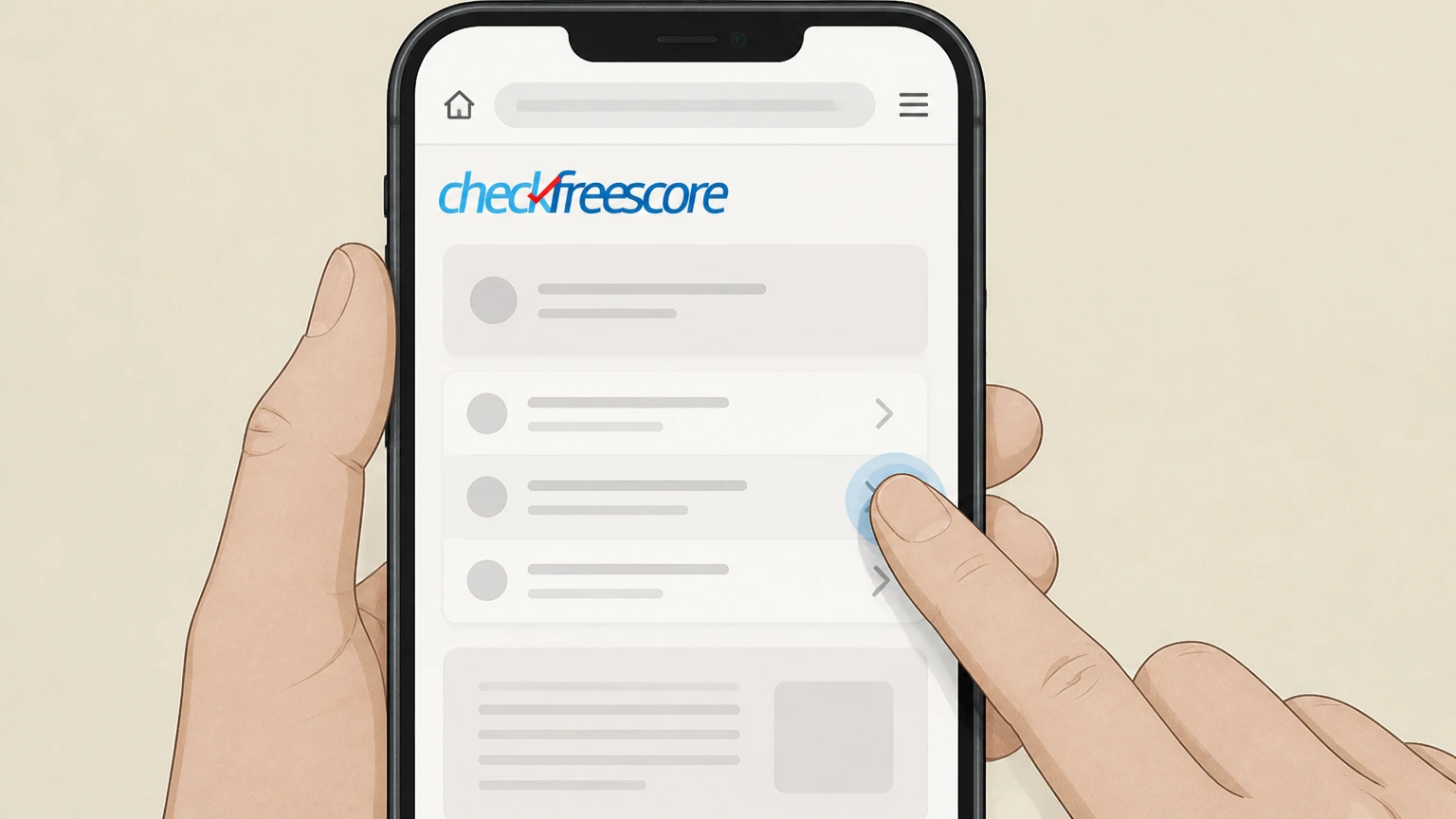
1Find the official customer service number
Open the CheckFreeScore Member FAQs page and locate the toll-free customer service number listed under “How do I contact customer service?” or “How do I cancel my membership?” before you call.
 2
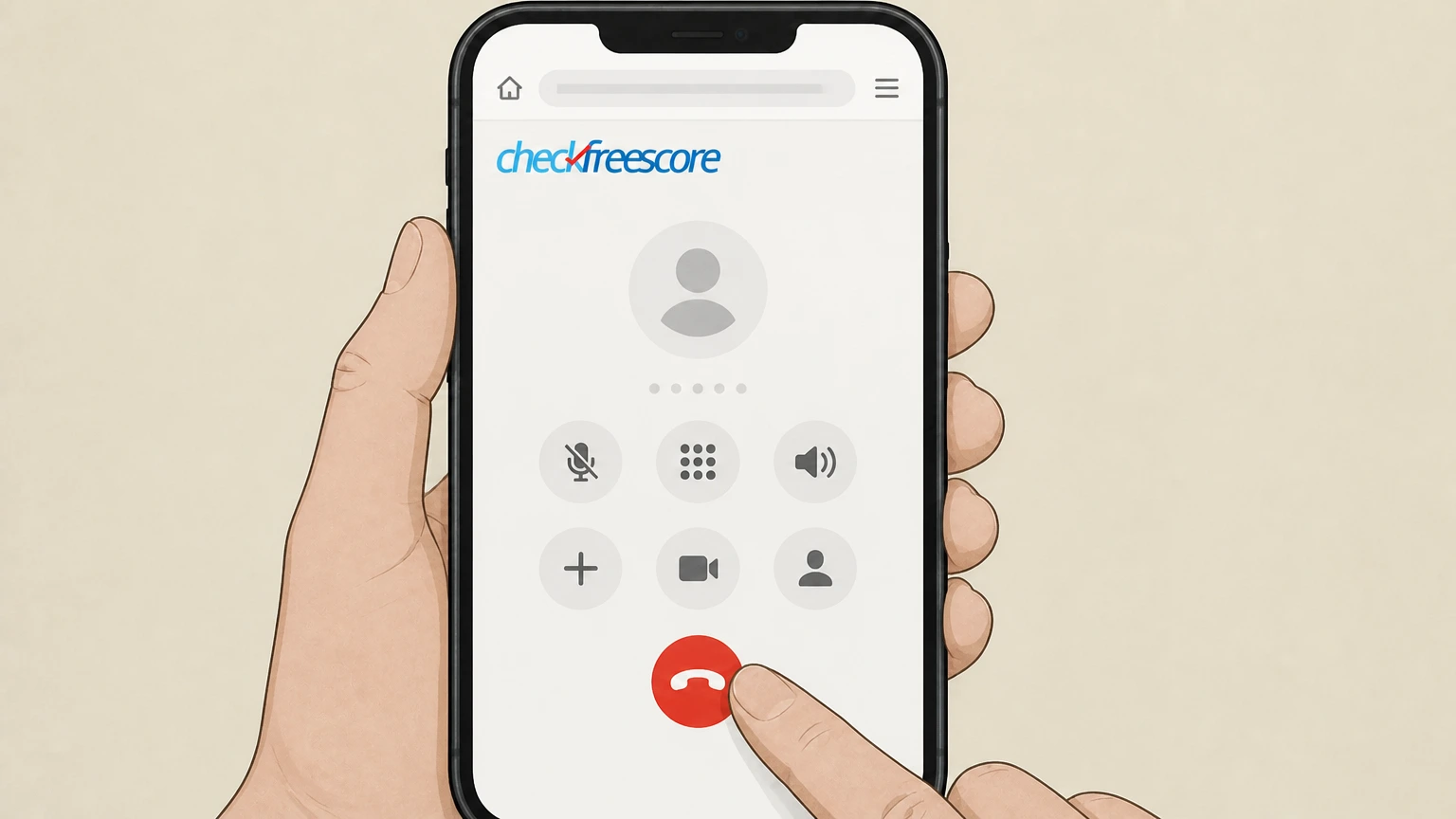
2Call CheckFreeScore customer service
Call the toll-free customer service number shown on the Member FAQs or on your billing statement and wait to be connected with a representative.
- Let Pine handle it
Pine can help
Too many steps?
Pine can find the right Phone (CheckFreeScore customer service) path and handle the cancellation for you.
 3
3Verify your membership details
When prompted, provide the membership information the agent requests—such as your Member ID and the name and address you used when you enrolled—so they can locate your account.
 4
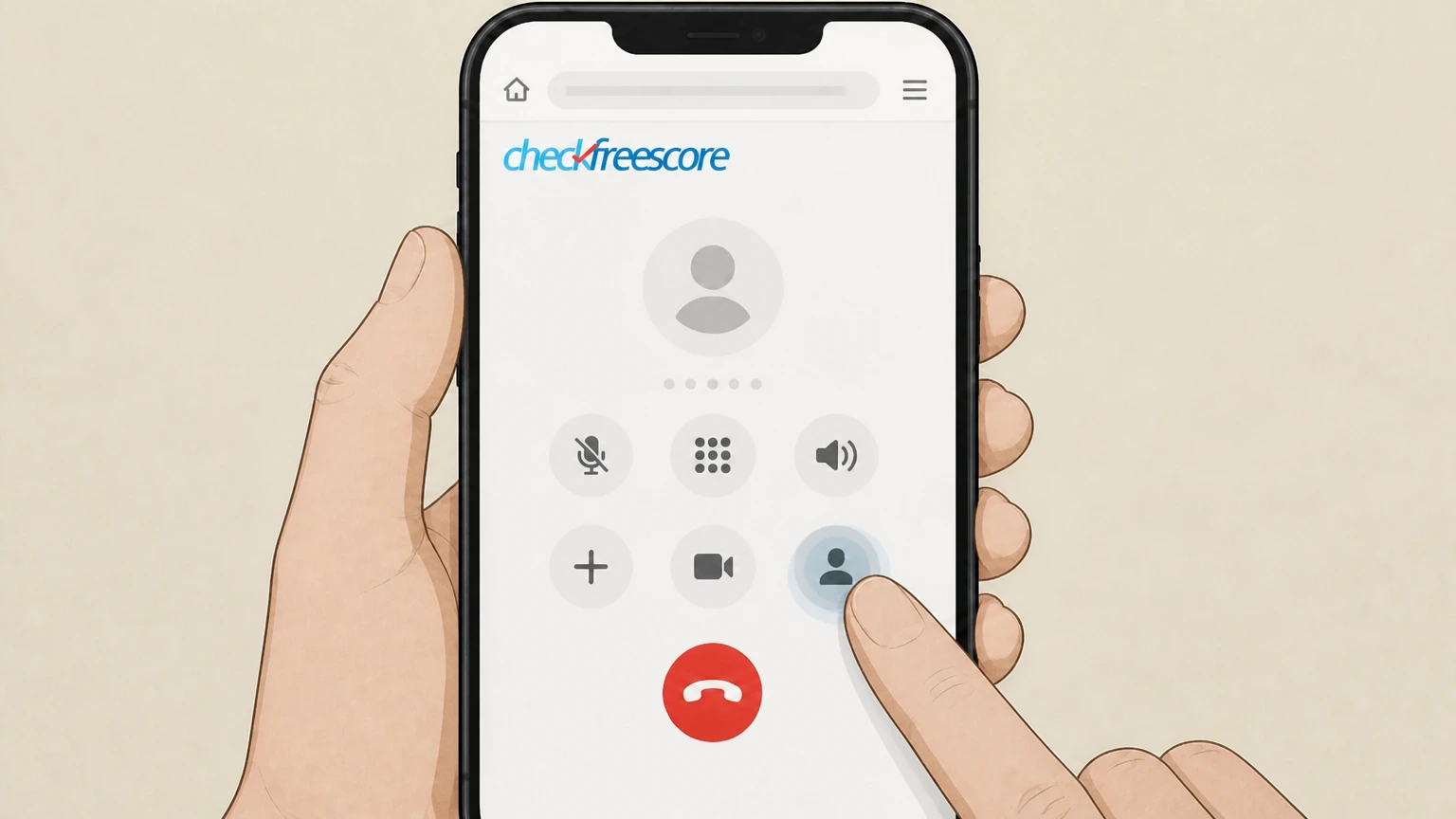
4Request cancellation of your membership
Tell the representative clearly that you want to cancel your CheckFreeScore membership and stop all future subscription billing on your account.
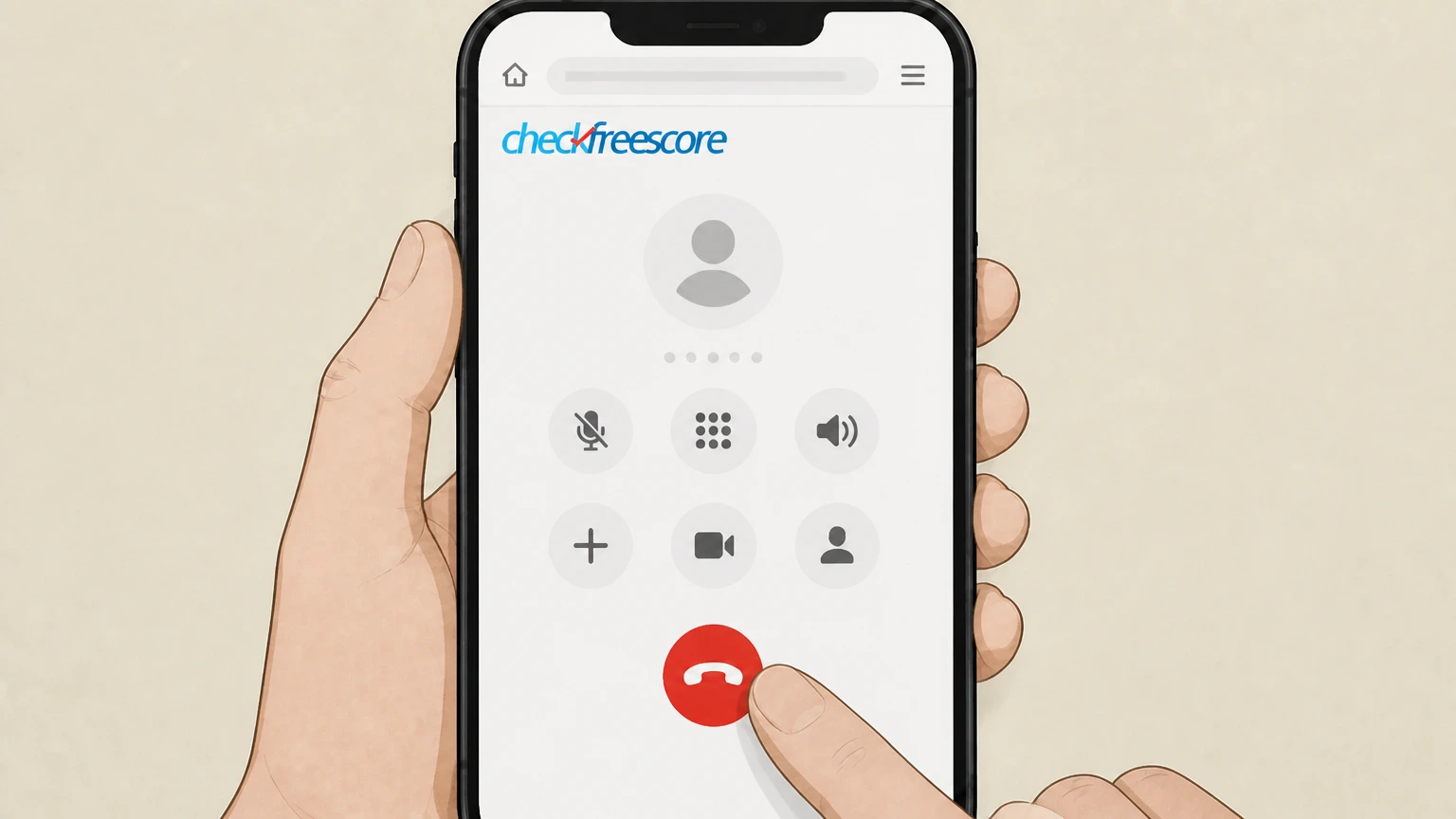 5
5Ask for confirmation and note the effective period
Ask the agent to confirm that your membership is canceled, when your access will end, and that no further periodic charges will be made after the current membership period, then write down any reference details they provide.

Online chat via CheckFreeScore member portal · verify the billing owner
Cancel CheckFreeScore through Online chat via CheckFreeScore member portal
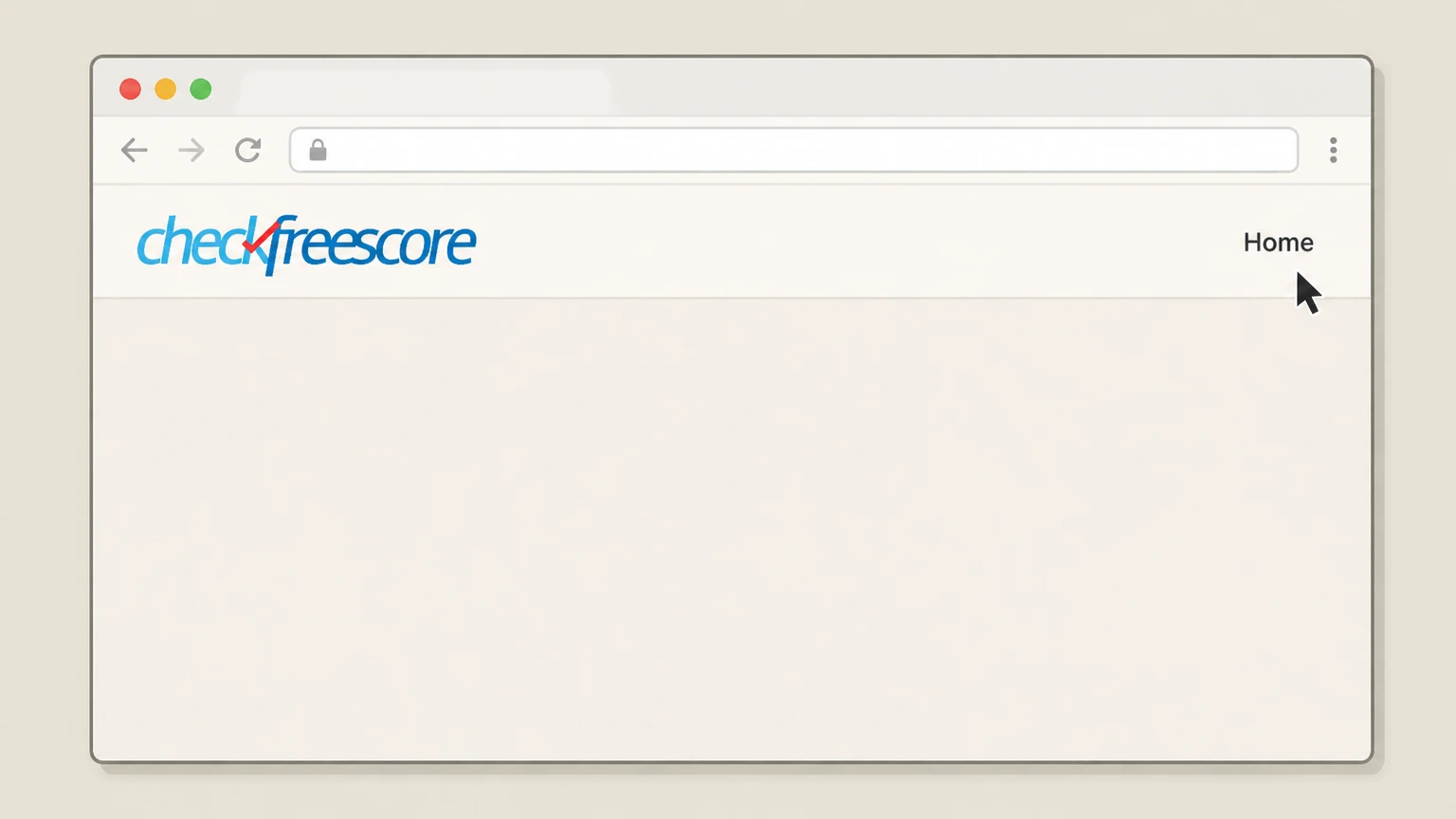 1
1Open the CheckFreeScore website
Go to CheckFreeScore.com in your browser and navigate to the site header so you can access the member login link.
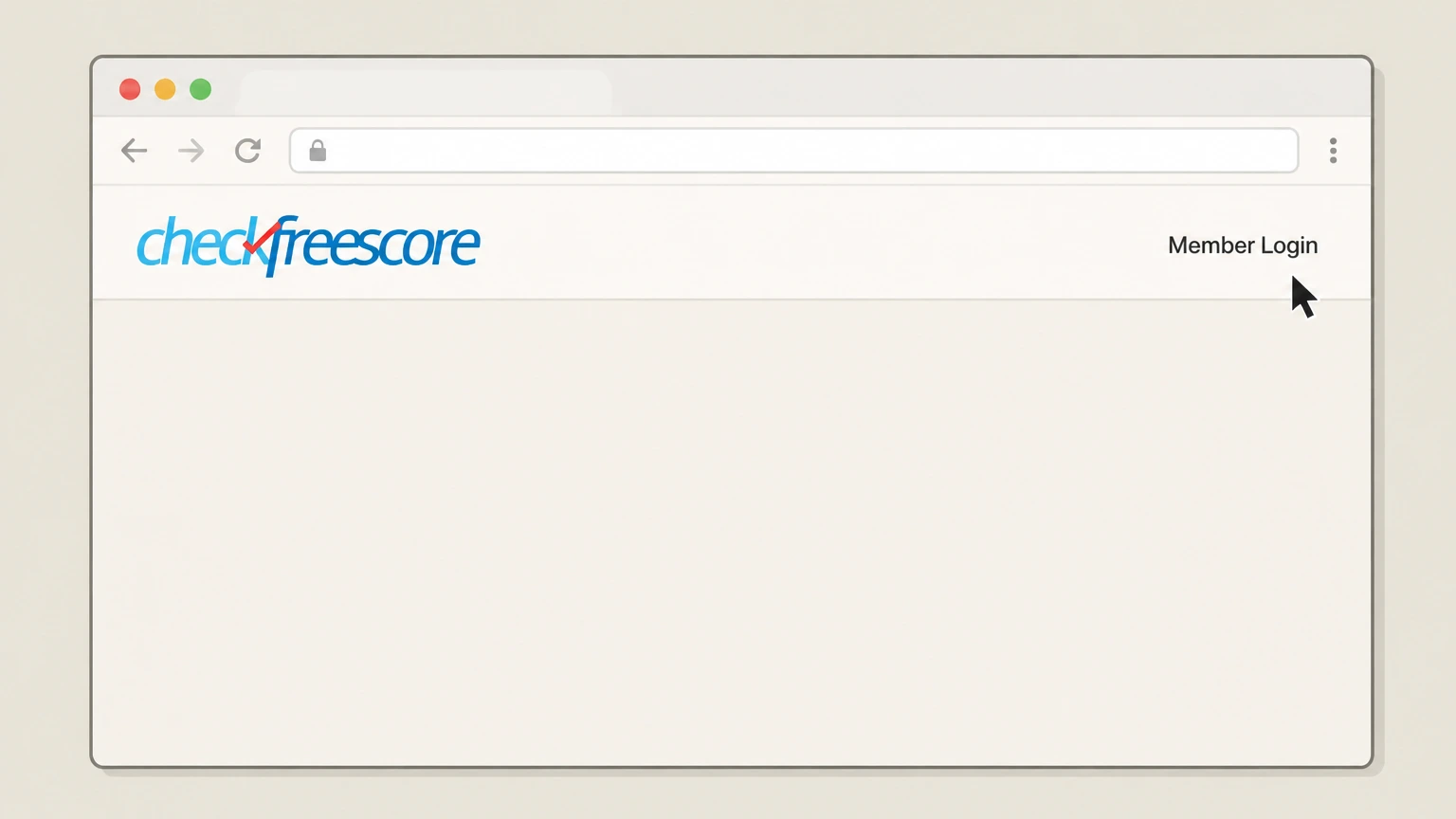 2
2Select the member login link
In the top navigation, select the “Member Login” link to open the CheckFreeScore member portal sign-in page.
- Let Pine handle it
Pine can help
Too many steps?
Pine can find the right Online chat via CheckFreeScore member portal path and handle the cancellation for you.
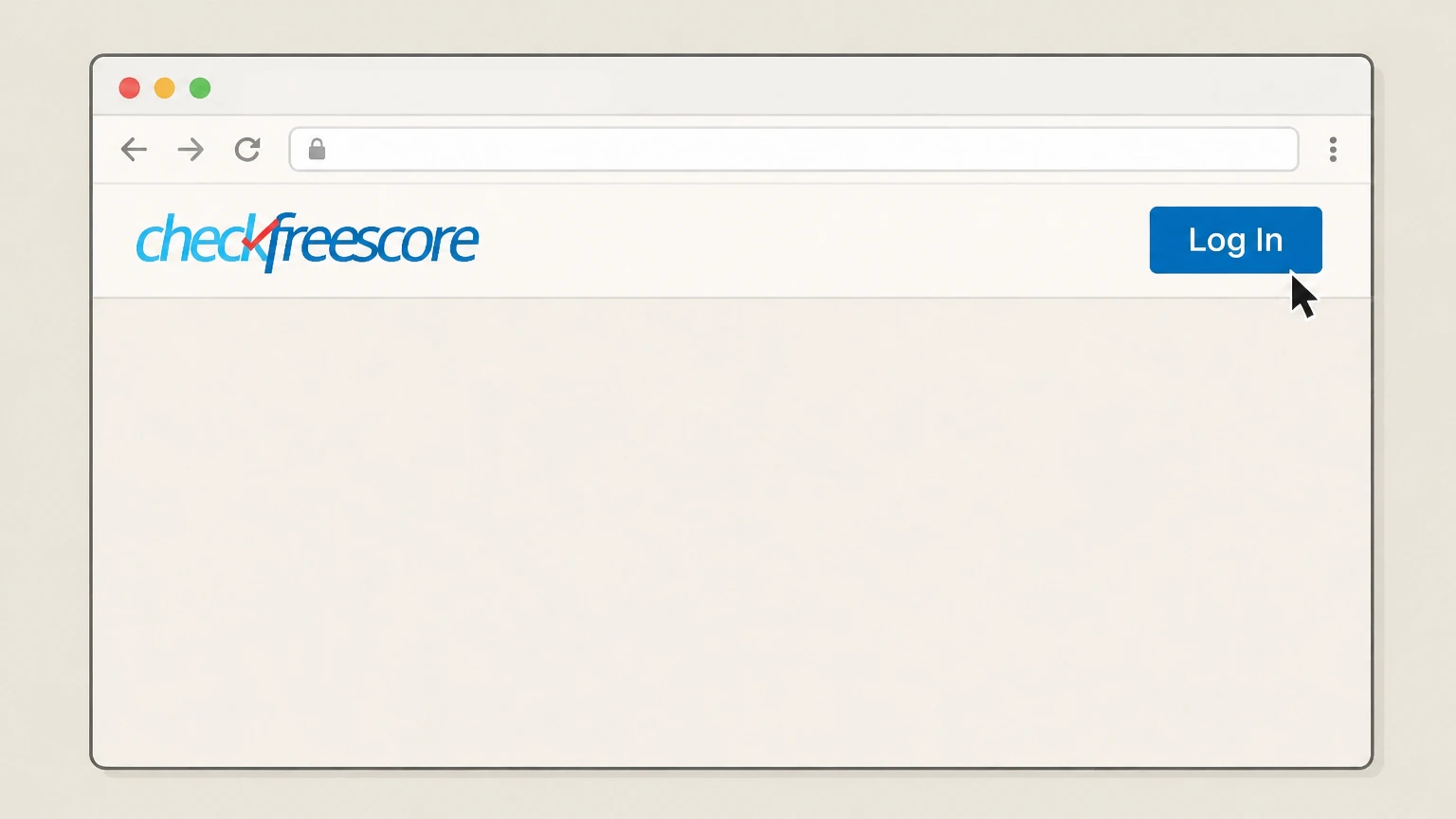 3
3Sign in to your member portal
Enter your login credentials and sign in to your CheckFreeScore member portal so you can access your membership details and support options.
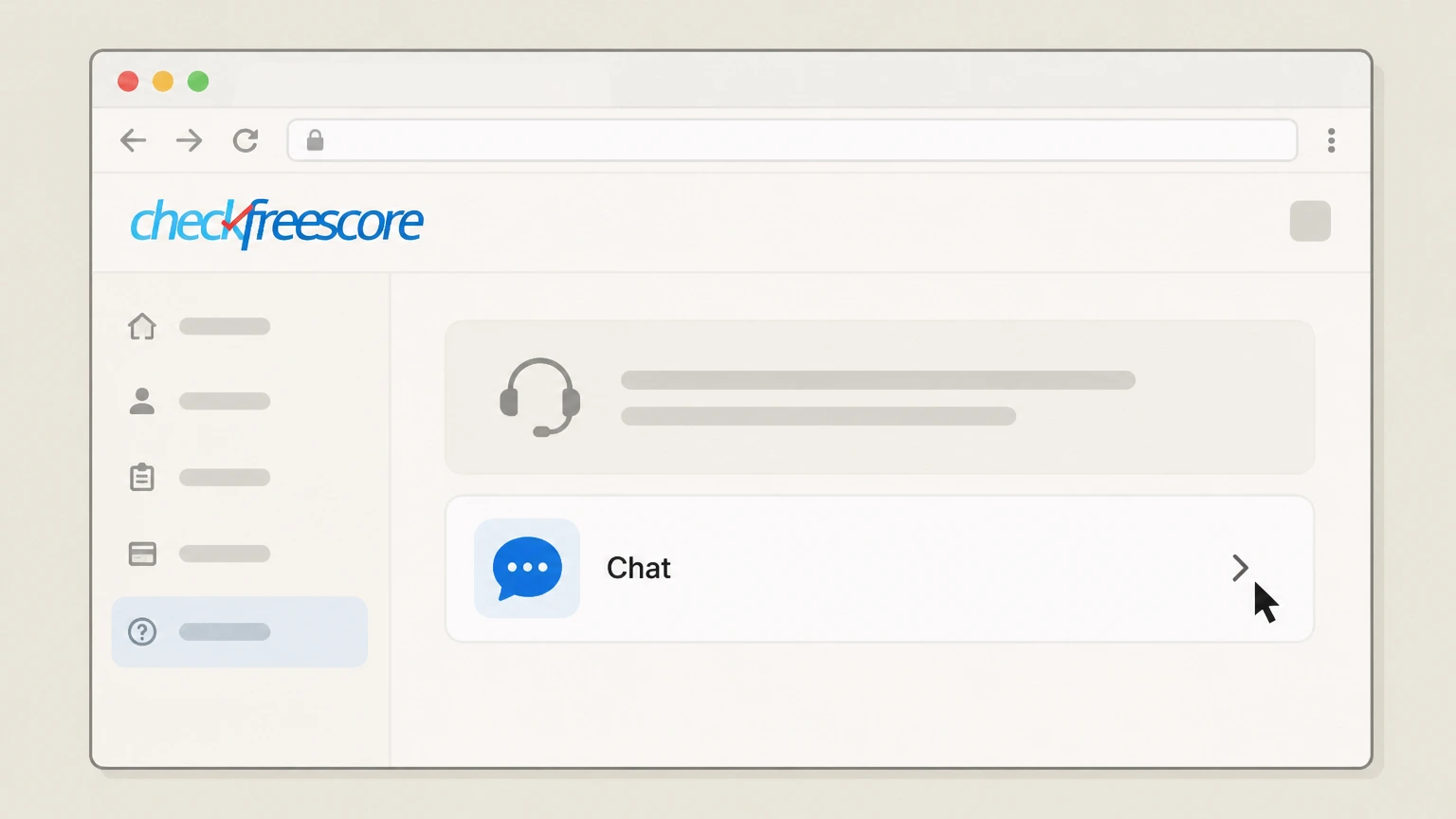 4
4Start a chat with an agent
From within the member portal, open the support or help area and choose the chat option to start a conversation with a live agent.
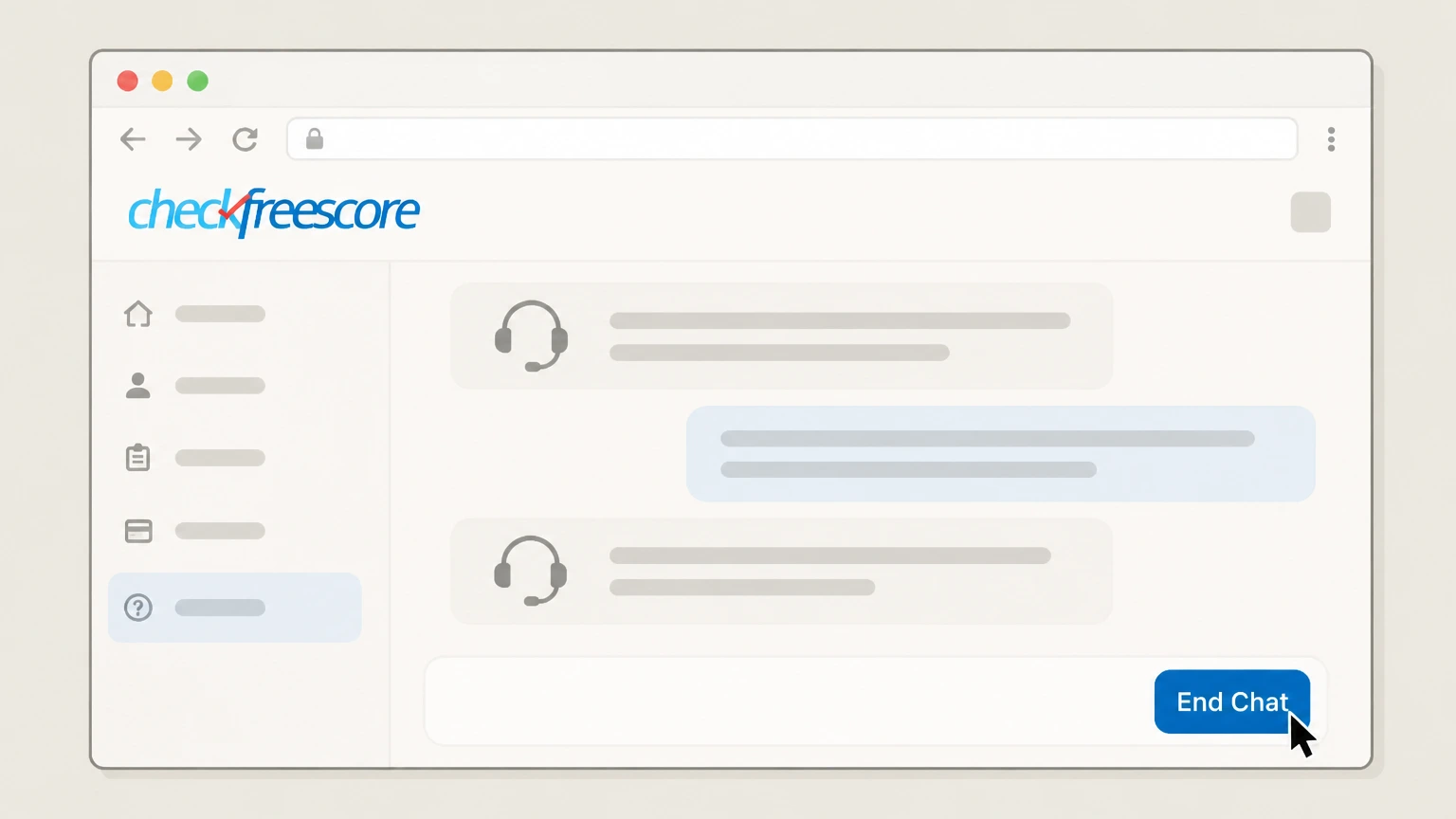 5
5Request cancellation in chat and save proof
Tell the chat agent you want to cancel your CheckFreeScore membership and stop future billing, then save a copy or screenshot of the chat confirming cancellation for your records.
Refund policy
CheckFreeScore refund and billing rules when you cancel
CheckFreeScore’s Terms of Service lay out clear rules on when you are billed, what happens to your access after cancellation, and when refunds are not available.
Check my refund options- No refunds once services have been provided
- The Terms state that refunds will not be issued once services have been provided, and this includes credit-monitoring services already delivered in a billing period.
- No pro-rated refunds on cancellation
- If you cancel your membership or subscription, you keep access until the end of the current subscription period, but CheckFreeScore does not provide pro‑rated refunds or credits for the unused portion of that period.
For the most current and detailed language about billing, trials, and refunds, including any changes made after this review date, read CheckFreeScore’s official Terms of Service. View CheckFreeScore Terms of Service
Membership structure
How CheckFreeScore memberships are set up and billed
Key facts about how CheckFreeScore structures and bills its credit-monitoring memberships, which affect how cancellation works.
Web-based subscription service
CheckFreeScore offers credit-monitoring memberships through its website, giving members ongoing access to credit reports, scores, and alerts from major bureaus via a member portal rather than through an app store subscription.
Recurring automatic renewals
By registering as a member, you agree that your subscription renews automatically at the agreed interval (for example, monthly), with membership fees charged to the payment method you authorized.
Billing source and reattempts
If a scheduled membership payment cannot be processed, CheckFreeScore may reattempt charges to the same or another authorized billing source multiple times within 30 days to collect the membership fee.
Member portal as control center
Once you complete enrollment, you are directed to a member portal where you can view your credit information, alerts, and membership details, and from which you can access support and chat.
How to cancel
Official ways to cancel a CheckFreeScore membership
CheckFreeScore publishes two primary cancellation routes: by phone and online chat, both handled directly by CheckFreeScore customer service.
Phone cancellation is always available
The Member FAQs state that you may cancel your membership at any time by contacting CheckFreeScore’s customer service representatives at their toll-free number, available seven days a week during published hours.
Online cancellation via portal chat
The same FAQs explain that you may cancel your subscription online by signing into your member portal and using CheckFreeScore’s chat service to reach an agent who can process the cancellation.
Terms confirm phone or online cancellation
The Terms of Service state that you may cancel at any time by calling the toll-free number, using contact information on the website, or canceling online after logging in and chatting with an agent.
No in-person or app-store options published
CheckFreeScore’s official pages describe cancellation only via direct contact with CheckFreeScore (phone, site contact options, or portal chat); they do not describe cancellation through physical locations or app-store subscription settings.
Online route
Using member-portal chat to cancel online
For people who prefer not to call, CheckFreeScore allows membership cancellation through live chat inside the member portal.
Portal login required
To use online chat for cancellation, you must sign into your CheckFreeScore member portal using the Member Login link on the website; chat is offered only to authenticated members.
Chat connects you with a live agent
The Member FAQs describe a “convenient chat service” that connects you to customer service; agents can handle the same cancellation requests as phone support.
Chat counts as official cancellation
The Terms of Service explicitly include cancelling online by logging in and chatting with an agent as an official way to cancel your membership or subscription.
Keep a copy of your chat transcript
Because CheckFreeScore does not describe a specific confirmation format for online cancellations, it is prudent to save or screenshot your chat transcript as proof of the date and time of cancellation in case of future billing disputes.
CheckFreeScore cancellation FAQ
Provider-specific answers about billing, timing, refunds, and confirmation.
How do I cancel my CheckFreeScore membership?
Can I cancel CheckFreeScore without calling customer service?
When does my CheckFreeScore access end after I cancel?
Will CheckFreeScore give me a refund if I cancel?
How far in advance should I cancel CheckFreeScore to avoid another charge?
Untangle this CheckFreeScore issue.
Let Pine handle the provider follow-up and keep the confirmation in one place.
