


Peloton
Cancel subscription
How to Cancel Your Peloton Membership or App Billing
Learn how to cancel Peloton through the right billing provider. Follow official steps, understand access timing, refunds, and the confirmation to keep.
- Official Peloton and billing-owner sources
- 3 provider-specific cancellation paths
- Refund and post-cancellation effects separated from renewal
- Verified August 16, 2026
Choose the Peloton cancellation path that matches who bills you
Peloton website (Peloton-billed memberships) · verify the billing owner
 1
1Open Peloton membership settings
In a web browser, go to https://www.onepeloton.com/mymembership. Use the Peloton account named on your receipt, and continue only after the next status in this cancellation path is visible.
 2
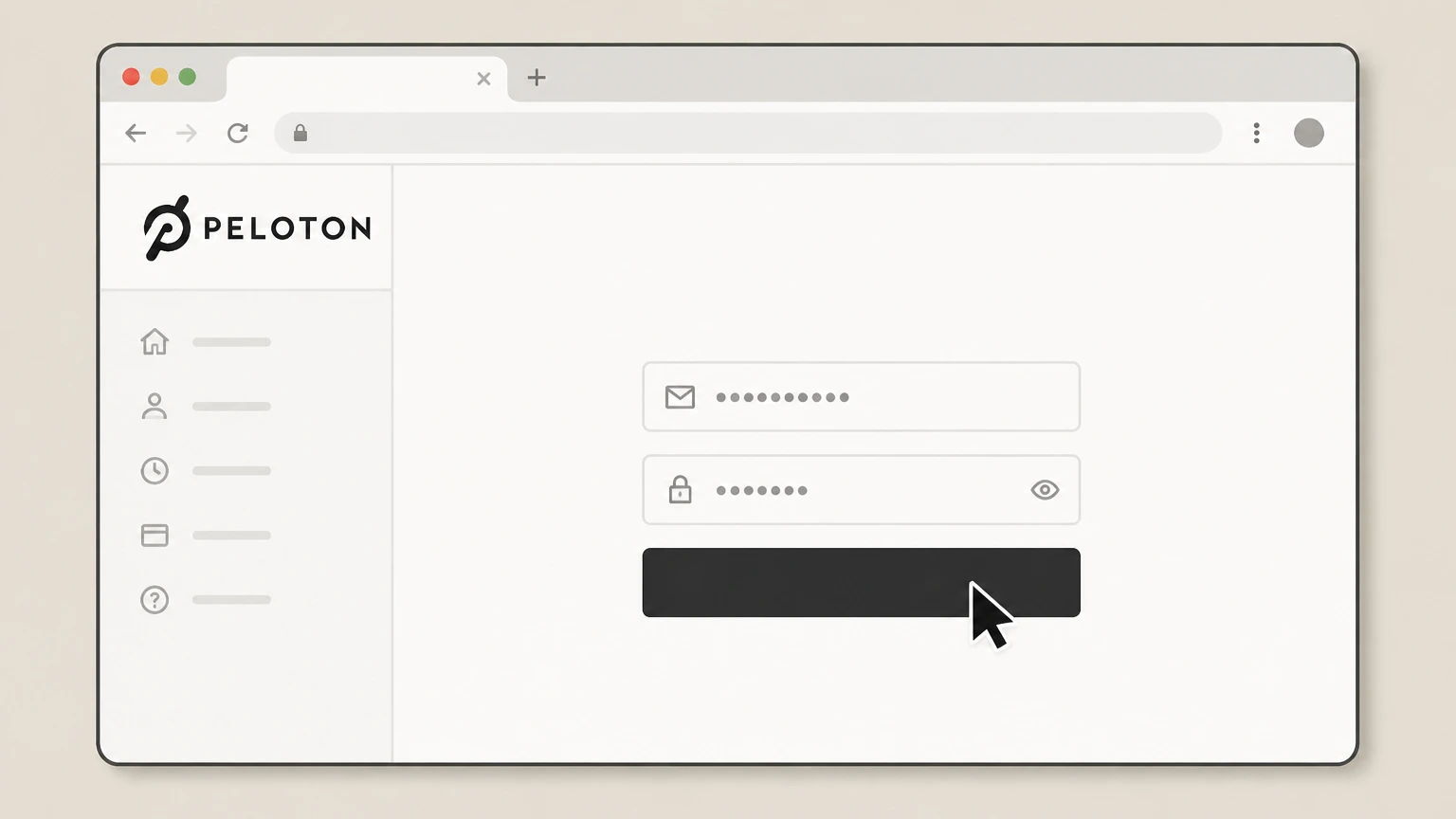
2Sign in to your Peloton account
Enter the email and password associated with your Peloton account and complete any sign-in prompts. Use the Peloton account named on your receipt, and continue only after the next status in this cancellation path is visible.
- Let Pine handle it
Pine can help
Too many steps?
Pine can find the right Peloton website (Peloton-billed memberships) path and handle the cancellation for you.
 3
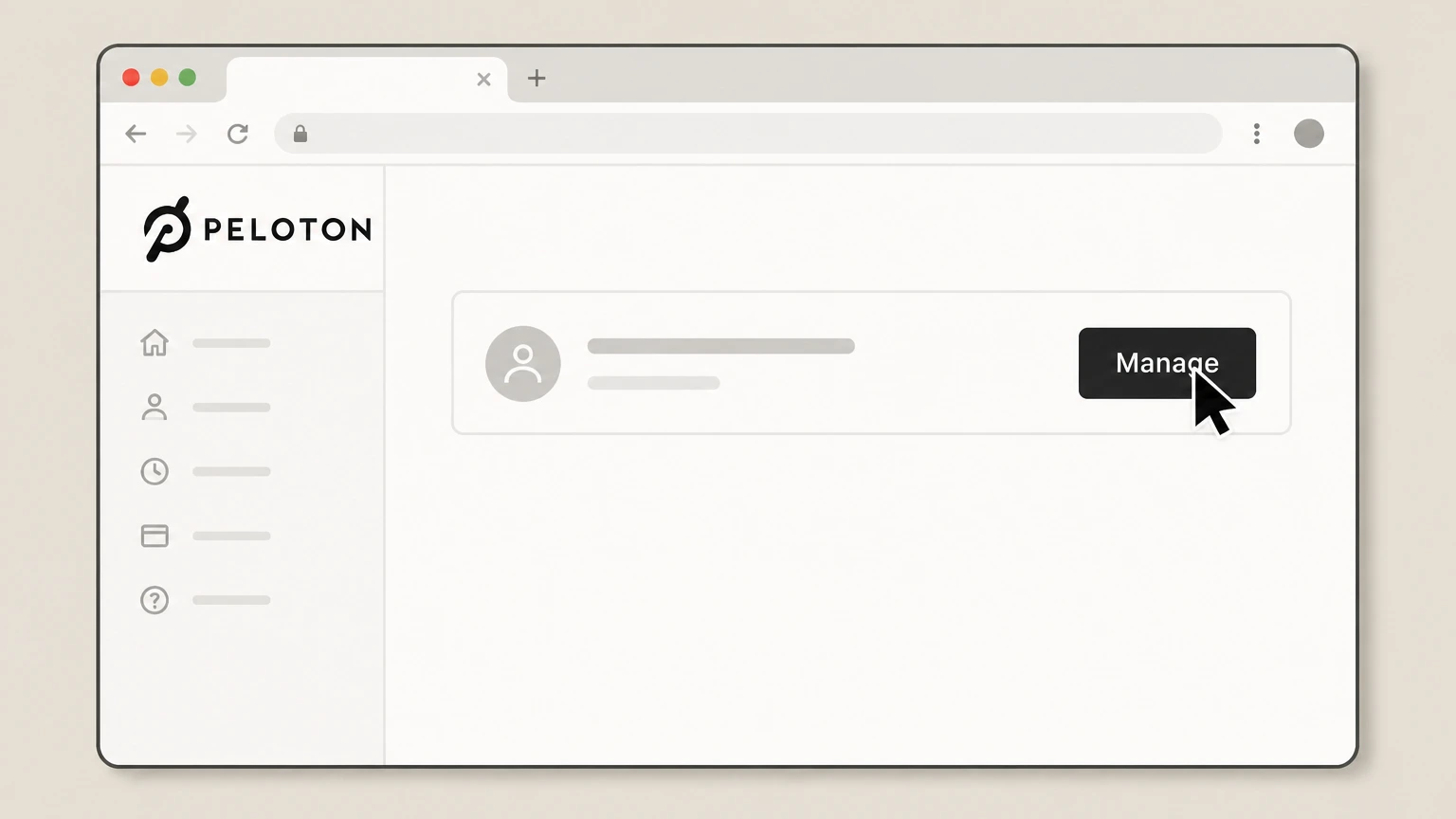
3Select the membership to manage
On the My Memberships page, click the Manage button next to the Peloton membership you want to cancel. Use the Peloton account named on your receipt, and continue only after the next status in this cancellation path is visible.
 4
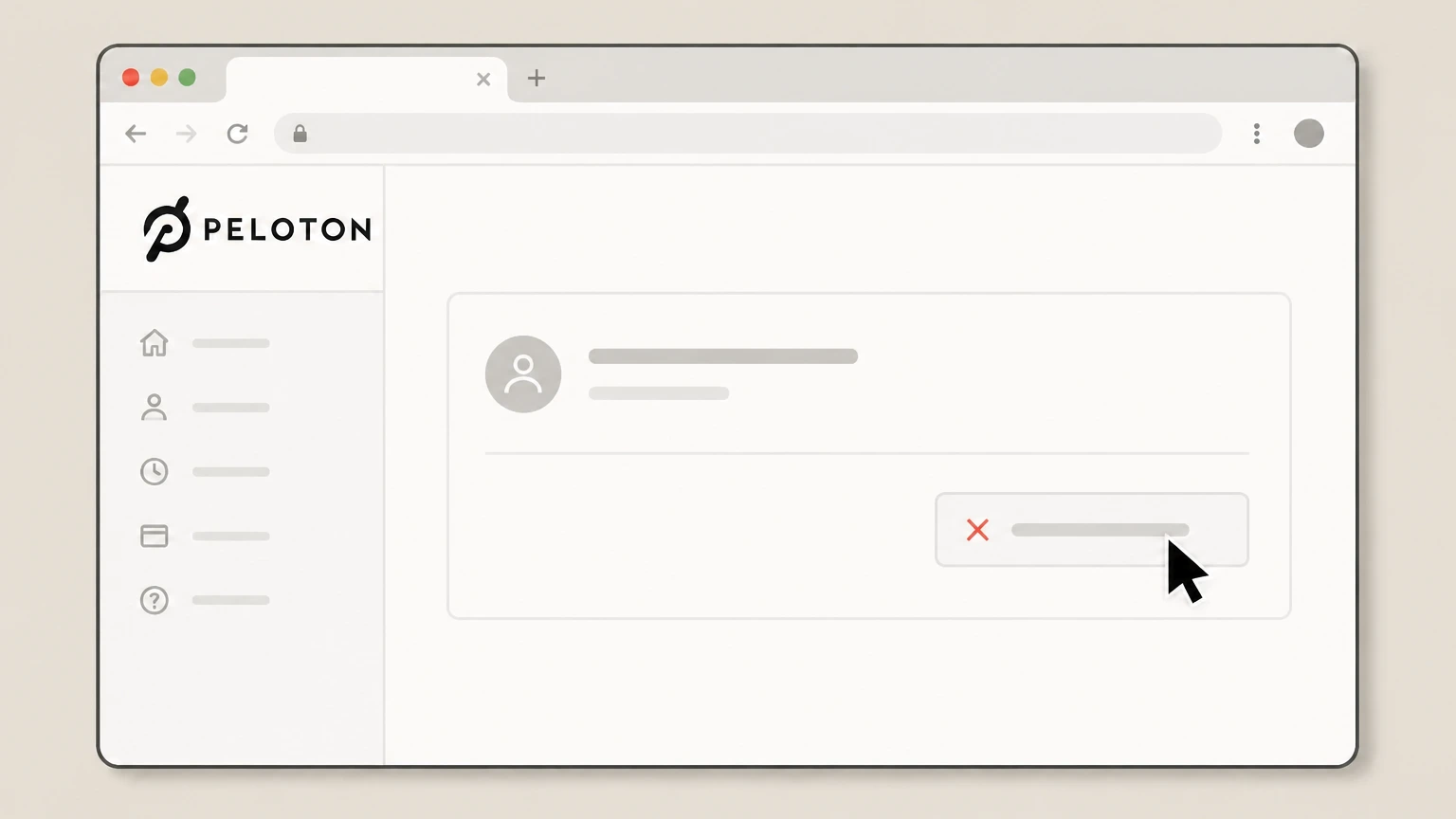
4Start the cancellation flow
In the membership details, choose the option to cancel your membership and proceed through the on-screen steps. Use the Peloton account named on your receipt, and continue only after the next status in this cancellation path is visible.
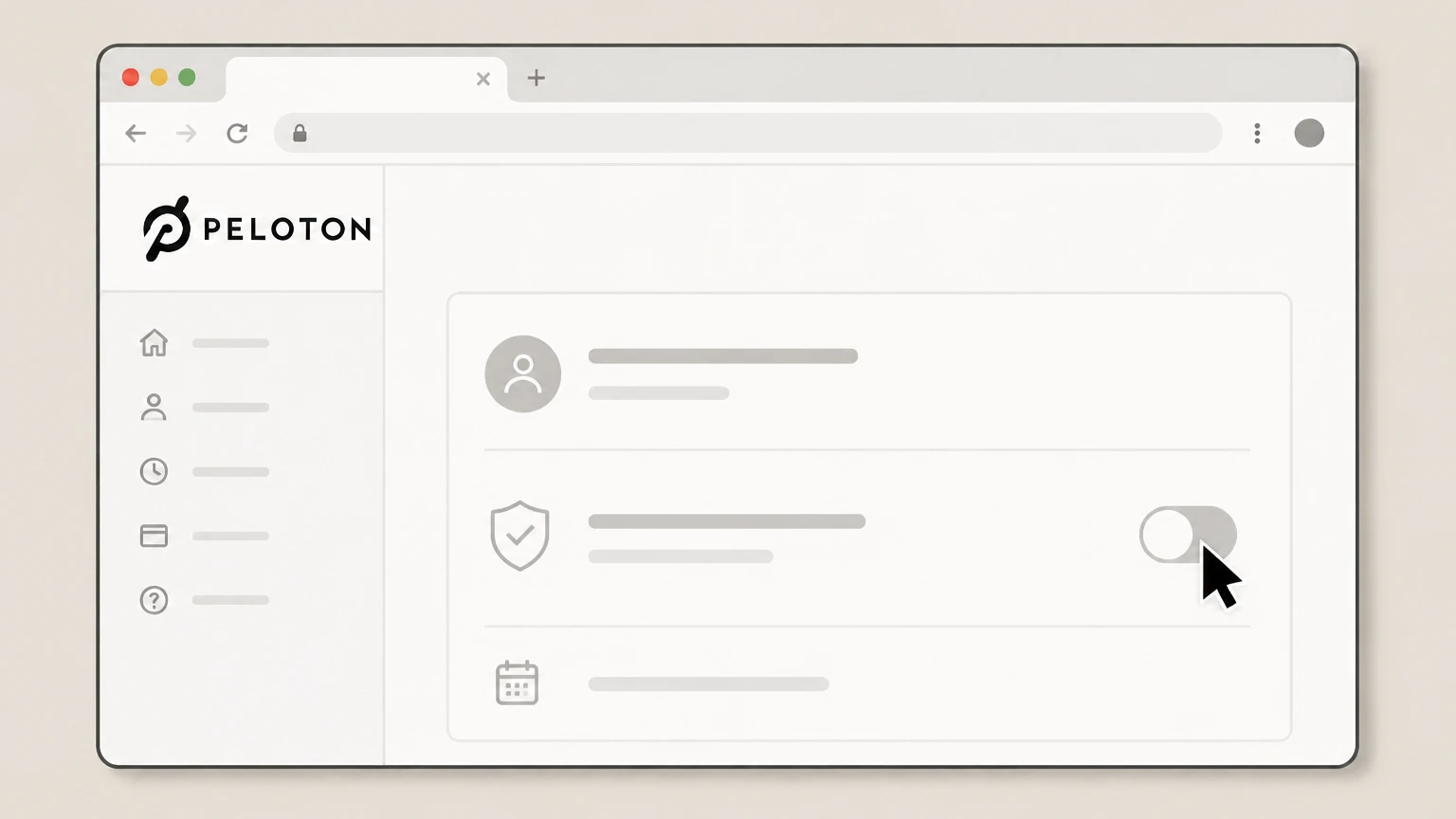 5
5Confirm that renewal is stopped
After completing the flow, check the membership summary on the My Memberships page to verify that auto-renewal is off and note the listed end date.

Apple App Store on iPhone or iPad (Apple-billed Peloton App/Strength+ subscriptions) · verify the billing owner
 1
1Open Settings on your iPhone or iPad
On your iOS device, open the Settings app. Use the Peloton account named on your receipt, and continue only after the next status in this cancellation path is visible.
 2
2Tap your name
At the top of Settings, tap your name to open Apple ID settings. Use the Peloton account named on your receipt, and continue only after the next status in this cancellation path is visible.
- Let Pine handle it
Pine can help
Too many steps?
Pine can find the right Apple App Store on iPhone or iPad (Apple-billed Peloton App/Strength+ subscriptions) path and handle the cancellation for you.
 3
3Open Subscriptions
In Apple ID settings, tap Subscriptions to view your active Apple-billed subscriptions. Use the Peloton account named on your receipt, and continue only after the next status in this cancellation path is visible.
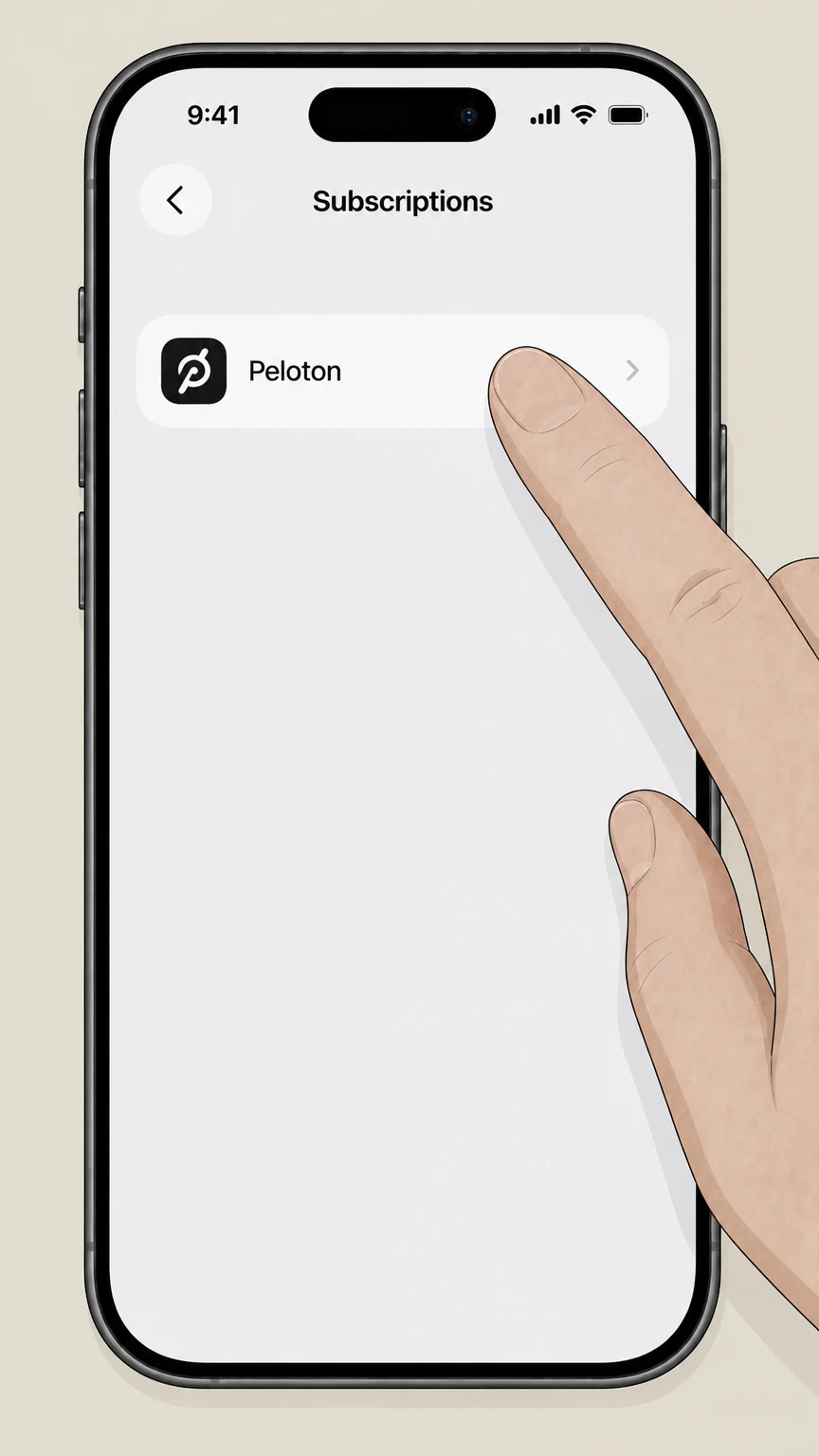 4
4Select the Peloton subscription
In the list of subscriptions, tap the Peloton entry you want to cancel (for example, Peloton or Peloton Strength+). Use the Peloton account named on your receipt, and continue only after the next status in this cancellation path is visible.
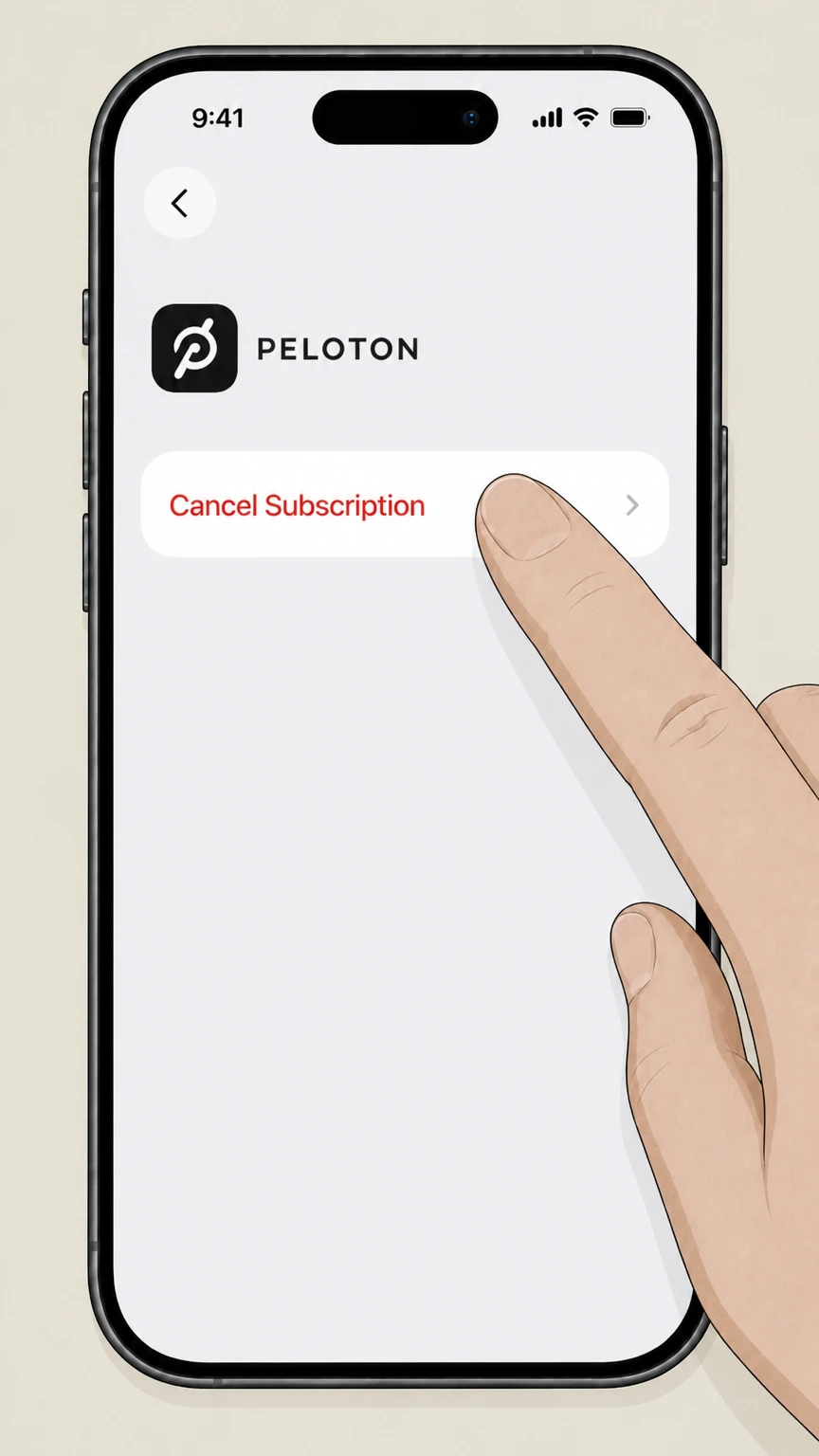 5
5Cancel the subscription
On the Peloton subscription page, tap Cancel Subscription and follow any prompts to confirm. Use the Peloton account named on your receipt, and continue only after the next status in this cancellation path is visible.
Google Play Store on Android (Google-billed Peloton App subscriptions) · verify the billing owner
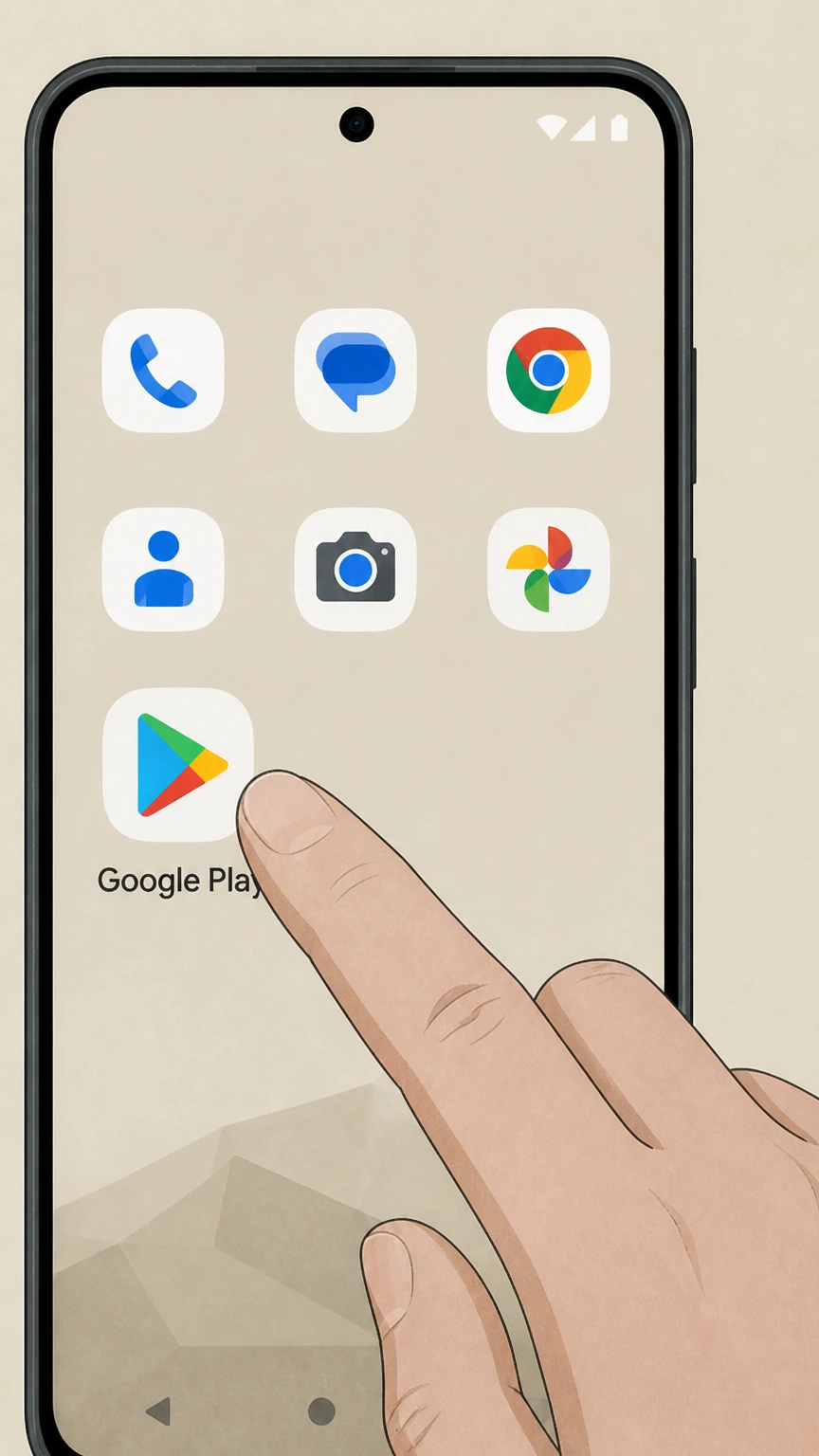 1
1Open the Google Play Store app
On your Android phone or tablet, open the Google Play Store app. Use the Peloton account named on your receipt, and continue only after the next status in this cancellation path is visible.
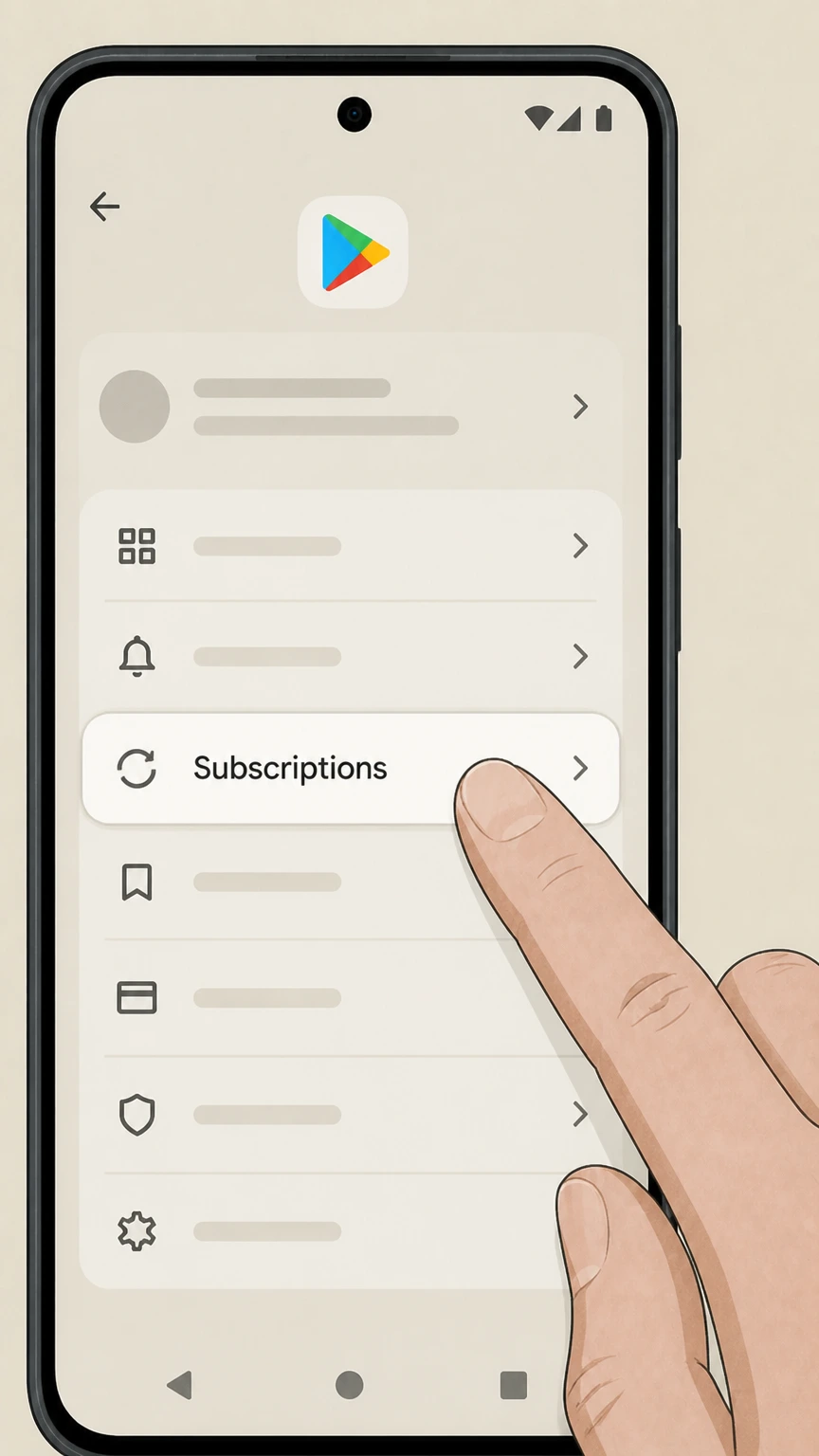 2
2Open your subscriptions list
In Google Play, go to the Subscriptions section for your Google Account. Use the Peloton account named on your receipt, and continue only after the next status in this cancellation path is visible.
- Let Pine handle it
Pine can help
Too many steps?
Pine can find the right Google Play Store on Android (Google-billed Peloton App subscriptions) path and handle the cancellation for you.
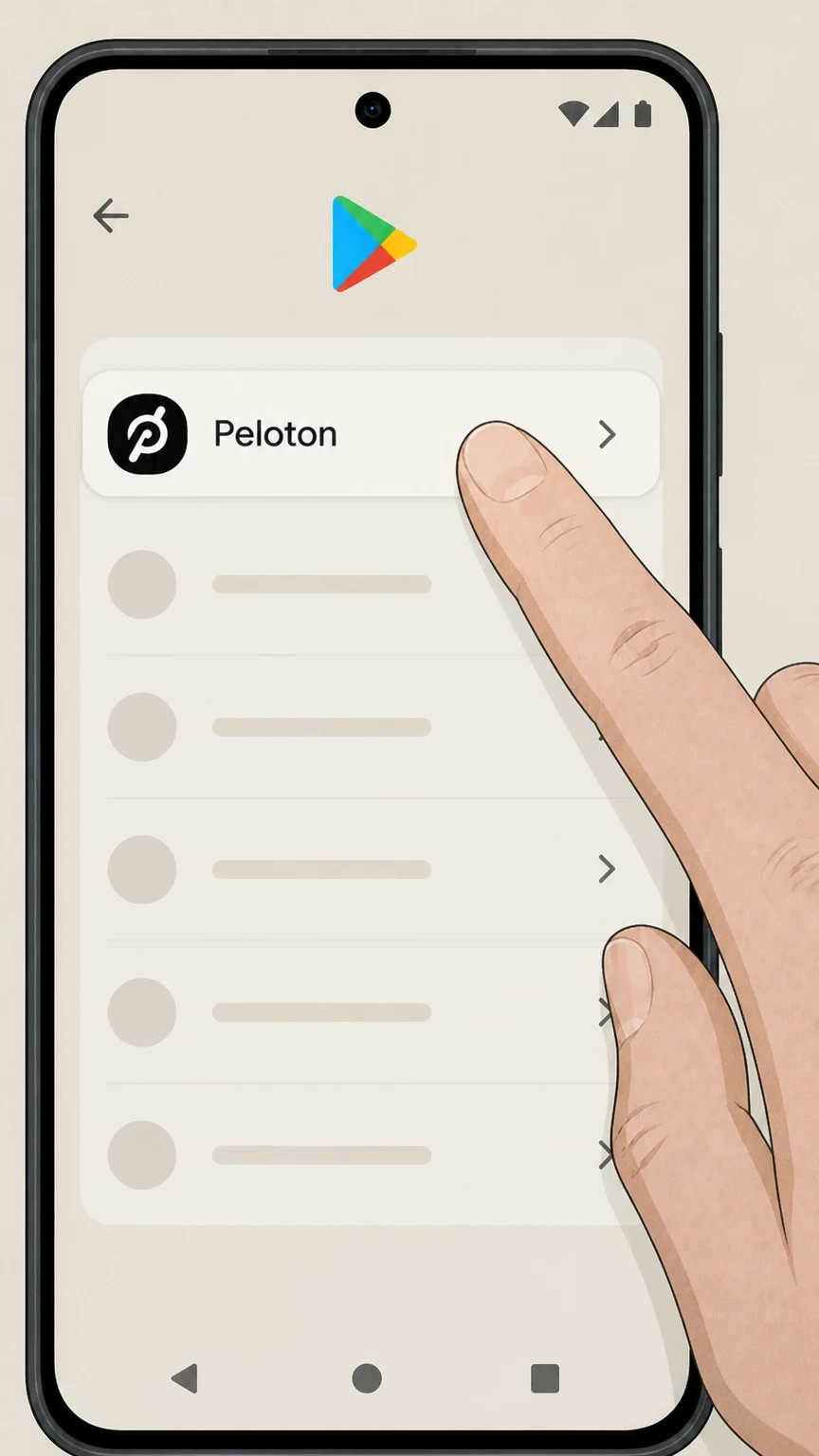 3
3Select the Peloton subscription
In the subscriptions list, tap the Peloton subscription you want to cancel. Use the Peloton account named on your receipt, and continue only after the next status in this cancellation path is visible.
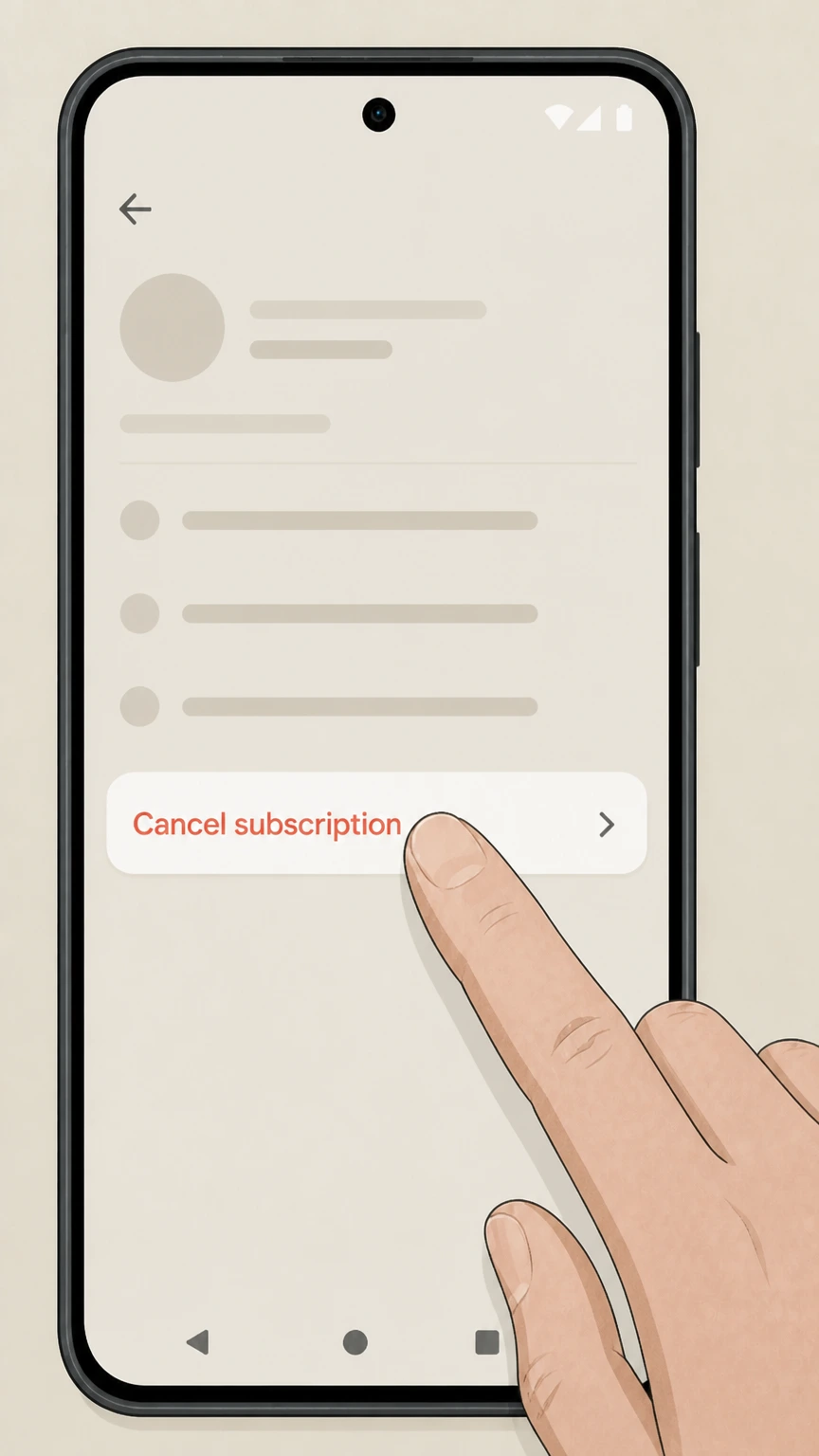 4
4Tap Cancel subscription
On the Peloton subscription screen, tap Cancel subscription and follow the on-screen instructions to confirm. Use the Peloton account named on your receipt, and continue only after the next status in this cancellation path is visible.
Refund policy
Refunds and billing after cancelling a Peloton membership
Peloton generally stops future renewals when you cancel but does not prorate the current period’s fee; Apple and Google follow their own refund rules for app‑store billed Peloton subscriptions.
Check my refund options- No automatic prorated refunds from Peloton
- Peloton’s Membership Terms state that when you cancel a Peloton Membership you may use it until the end of the then-current period and it will not renew, but you are not eligible for a prorated refund of any portion of the membership fee for that period, except where specific laws provide additional rights.
- Bill inquiries have a 60-day window
- Under the Bill Inquiries and Refunds section of the Membership Terms, Peloton asks that you notify Member Support within 60 days of the billing date if you believe you were billed in error; Peloton will not issue refunds or credits after that 60-day period unless required by law.
- Apple-billed Peloton subscriptions
- For Peloton subscriptions purchased through the Apple App Store, Apple Support explains that some App Store purchases may qualify for refunds and that refund requests are submitted via reportaproblem.apple.com; cancellation and refunds are handled under Apple’s own policies, not Peloton’s.
- Google Play–billed Peloton subscriptions
- Google Play Help indicates that cancelled subscriptions continue until the end of the current billing period and refers users to Google Play’s refund policy for any refund eligibility, which is determined by Google rather than Peloton for Google-billed App subscriptions.
- Committed offers and prepaid periods
- Peloton’s Membership Terms note that for committed membership periods or prepaid codes, memberships can auto-continue month-to-month unless cancelled before renewal; cancelling generally stops future charges but does not relieve you from paying through the committed or prepaid period already agreed.
For situation-specific billing disputes or questions about statutory rights that may entitle you to a refund, review the Peloton Membership Terms and contact Peloton Member Support or, for Apple or Google billing, the respective app-store support. Review Peloton Membership Terms
What you’re canceling
Peloton membership types that can be cancelled
Peloton uses several membership types; understanding which one you have clarifies which cancellation route applies and what access changes.
All-Access Membership for Peloton hardware
All-Access Membership unlocks classes and features on one Bike or Bike+, one Tread or Tread+, and one Row or Row+ at a single household and also grants App access while active. Cancelling it removes this access once the current period ends.
Peloton App Membership (App One / App+)
A Peloton App Membership gives one profile access to app content only and can be purchased either directly from Peloton or via third-party app providers such as the Apple App Store or Google Play Store, which determines the cancellation route.
Rental Membership bundled with Bike+ rental
The Peloton Rental Membership is included with Bike+ rentals and provides All-Access-equivalent content while the rental is active; cancelling or ending the rental ends membership and triggers return of the rented Bike+ under rental terms.
Guide and Strength+ Memberships
Guide Memberships unlock content on Peloton Guide plus App access, while the Strength+ Membership unlocks content in the Peloton Strength+ app. Access to these may be included with certain higher-tier memberships or billed separately via the Apple App Store.
Multiple memberships under one account
Peloton allows one account to hold more than one active membership (for example, All-Access plus a separate Strength+ subscription). Each membership type must be cancelled separately using its correct billing owner route.
Who bills you
How Peloton vs Apple vs Google billing affects cancellation
The correct cancellation path depends on whether Peloton, Apple, or Google processes your recurring payment.
Peloton-billed memberships
If you entered a card on Peloton’s site or hardware, Peloton’s Membership Terms direct you to change or terminate your membership from Peloton Account Settings at onepeloton.com/mymembership or by contacting Peloton Member Support.
App Memberships bought from Apple or Google
Peloton App Memberships can also be purchased via “third-party app providers” such as the Apple App Store or Google Play Store; when you do so, the store, not Peloton, controls billing, and cancellations must be done from your Apple ID or Google Play subscription settings.
Apple’s rules for subscription management
Apple’s support guidance states that subscriptions purchased from Apple or the App Store are cancelled through Settings > [your name] > Subscriptions > the app > Cancel Subscription, and cannot be terminated by the app provider directly.
Google Play’s rules for subscription management
Google Play Help requires that Android subscriptions be cancelled from the Google Play Store by going to Subscriptions, selecting the subscription, and tapping Cancel subscription, clarifying that uninstalling an app does not cancel billing.
Checking who owns billing
Receipts and bank descriptors help: if charges list Apple or Google and the subscription appears in your Apple or Google subscriptions list, you must cancel there; if charges list Peloton and the membership appears at onepeloton.com/mymembership, Peloton must cancel it.
After you cancel
What changes after you cancel a Peloton membership
Cancellation affects access to classes and features tied to the cancelled membership but does not usually erase your account or workout history.
Access continues until the end of the period
Peloton’s Membership Terms explain that when you cancel, your membership remains usable until the end of the then-current billing period and simply does not renew afterward; there is no automatic prorated refund of that period’s fee.
Loss of content access after expiry
Because each membership type grants access to Peloton content only while active, once the final period ends you lose streaming access tied to that membership—for example, classes on your Bike or in the App for that subscription.
Workout history and performance data
Peloton’s special-pricing FAQ notes that canceling and then rejoining with the same email does not erase your workout history or performance data, indicating that cancellation alone normally preserves your past activity records.
Impact on included app benefits
If your Peloton App usage is included through another membership (such as All-Access, Guide, or Rental), cancelling that underlying membership also ends the included App access, even if you did not hold a separate paid App subscription.
Provider-initiated termination vs user cancellation
If Peloton itself terminates a membership for reasons like nonpayment or violations, the Membership Terms allow Peloton to delete stored data. This is different from a standard, voluntary cancellation through your account settings.
Don’t mix them up
Peloton hardware returns, rentals, and membership cancellation
Returning or getting rid of Peloton hardware is separate from cancelling your recurring membership charges.
Membership cancellation doesn’t return hardware
Ending a Peloton All-Access or App Membership stops content access and auto-renewal but does not itself return or remove your Peloton Bike, Tread, or Row; returns follow Peloton’s hardware return or home-trial policies.
30-Day Home Trial and returns
For eligible first-time hardware purchases, Peloton’s 30-Day Home Trial allows you to contact Member Support within 30 days of delivery to arrange a pickup and refund subject to the published return terms, which are distinct from membership cancellation.
Rental Memberships and Bike+ rentals
Under Peloton’s Bike+ rental program, the Rental Membership is bundled with your rental. When you cancel your rental membership, Peloton arranges Bike+ pickup and ends access; rental members who cancel may be restricted from renting again for a period.
Selling or repurposing a Peloton Bike
Peloton’s official guidance on used Bikes highlights options such as selling via Peloton Repowered or other channels; buyers will still need their own membership or access method to use content on the device.
Protection plans and extended warranties
Peloton Protection Plans and warranty coverage are separate from membership; they may be cancellable or refundable on their own terms and do not by themselves stop membership billing.
Double-check it
How to confirm your Peloton membership is really cancelled
It’s important to verify that renewal has stopped, especially when using third-party billing platforms.
Check status at onepeloton.com/mymembership
For Peloton-billed memberships, revisit onepeloton.com/mymembership after cancelling and confirm that the membership shows a final end date or inactive status, rather than “active” with a future renewal date.
Review Apple subscription details
For Apple-billed Peloton subscriptions, check Settings > [your name] > Subscriptions on your iPhone or iPad; a cancelled subscription shows an expiration date or a message indicating it has already ended rather than an upcoming billing date.
Review Google Play subscription details
For Google Play–billed subscriptions, open Google Play > Subscriptions, select Peloton, and verify that it no longer shows as renewing; Google notes you can continue to access content until the end of the current billing period after cancellation.
Look for confirmation emails or receipts
Peloton, Apple, and Google typically send confirmation emails or updated receipts when a subscription is changed or cancelled. Keep these messages as proof in case of later billing disputes.
Use bill-inquiry channels for discrepancies
If charges continue despite a confirmed cancellation, Peloton’s Membership Terms direct you to contact Member Support within 60 days for billing errors; for Apple and Google billing, you must use their respective support and refund flows.
Alternatives to cancelling
Pausing or changing a Peloton membership instead of cancelling
In some cases you may be able to downgrade or pause instead of fully cancelling your Peloton access.
Changing membership level on the web
Peloton’s App Membership FAQ describes upgrading or downgrading directly from onepeloton.com/mymembership by choosing Upgrade or Manage next to your current membership and selecting a new plan at the end of your billing cycle.
Pause options in membership terms
Regional versions of Peloton’s Membership Terms state that you can pause or cancel your membership from your account settings at onepeloton.com/mymembership, though availability may depend on your offer and location.
Google Play pause options
Google Play Help indicates that some Android app subscriptions allow pausing instead of cancelling; if enabled by Peloton, a Pause payments option appears in the Play subscriptions center for that subscription.
Strength+ membership management in-app
The Peloton Strength+ app help text explains that you can go to your profile, tap the settings icon, and then use Membership Settings to manage your Strength+ subscription, which may include cancellation or changes depending on how it was purchased.
Committed Membership Period considerations
If you signed up for an offer with a committed membership period, Peloton’s terms require you to pay all fees through the end of that commitment even if you cancel renewal early, so pausing or downgrading may not reduce the total owed.
Your information
Data, history, and privacy when cancelling Peloton
Cancellation affects billing and access but not necessarily what Peloton retains about your workouts and account.
Workout history retention on reactivation
Peloton’s special-pricing FAQ clarifies that if you cancel an App Membership and later sign up again using the same email, your workout history and performance data are preserved, indicating that standard cancellation does not wipe past activity.
Account vs membership
Cancelling a membership normally leaves your Peloton account itself intact; you can still log in, view limited information, and later purchase a new membership unless Peloton has separately terminated the account under its Terms or policies.
Termination for cause and data deletion
The Membership Terms allow Peloton, when it terminates or suspends a membership or app access for reasons such as violations or misuse, to immediately delete data, files, and other information stored for your account, which is different from routine cancellation.
Privacy and contact options
Peloton’s Privacy Center explains how Peloton handles personal data and provides contact details (including a dedicated privacy email and mailing addresses) if you have questions about data associated with your account or cancellations.
Regulatory rights may apply
Membership Terms and regional notices reference additional statutory cancellation or refund rights for certain jurisdictions (for example, specific Canadian provinces and New York), so local consumer laws may supplement Peloton’s standard cancellation rules.
What official sources do not confirm
Limits of the public Peloton cancellation guidance
These points are intentionally qualified because the official sources reviewed on August 16, 2026 do not publish a complete answer.
Documented limitation 1
Peloton’s dedicated support article titled "How To Cancel A Peloton App Membership" is referenced on several official pages but its full content was not accessible via public search, so the web cancellation steps are based on the Membership Terms and general My Memberships UI patterns rather than that specific article.
Documented limitation 2
Peloton does not publish a single consolidated cancellation flow for every membership subtype (All-Access, Rental, Guide, Strength+ and region-specific variants), so this guide focuses on the common direct-billed route and clearly labeled Apple and Google Play subscription flows.
Documented limitation 3
Exact button text inside Peloton’s web cancellation flow beyond the documented Manage button is not exposed in current official pages; where labels are not explicitly documented, this guide describes the action generically (for example, choosing the option to cancel) instead of inventing control names.
Documented limitation 4
Jurisdiction-specific statutory cancellation and refund rights (for example, in certain Canadian provinces and New York) are summarized only at a high level to avoid legal interpretation; users in those regions should review the full Membership Terms and any local notices for precise rights and procedures.
Documented limitation 5
Peloton may introduce, retire, or rename membership tiers (such as App One, App+, Rental, or future offerings) after this August 16, 2026 audit; while this guide relies on the most recent official pages, readers should confirm that their specific plan name still matches the documented types before acting.
Peloton cancellation FAQ
Questions people search about canceling Peloton, answered with official provider or billing-platform sources checked on August 16, 2026.
How do I cancel my Peloton subscription?
Is Peloton easy to cancel?
Will I lose everything if I cancel my Peloton membership?
How do I get rid of my Peloton?
Can I pause my Peloton membership instead of cancelling?
Does cancelling my Peloton membership cancel my Bike rental or hardware order?
Can I get a refund when I cancel my Peloton membership?
Does deleting the Peloton app cancel my membership?
How do I confirm that my Peloton membership is cancelled?
Does cancelling Peloton affect my Peloton Strength+ access?
Untangle this Peloton issue.
Let Pine handle the provider follow-up and keep the confirmation in one place.
