

Stamps.com
Cancel subscription
How to Cancel Stamps.com: Official Steps & Timing
Cancel Stamps.com through the correct billing route. Follow official steps, understand renewal timing and refunds, and keep proof of the final result.
- 2 verified cancellation routes
- Billing ownership and renewal timing explained
- Provider-specific refund boundaries included
- A confirmation check follows every route
Choose the correct Stamps.com cancellation route
Stamps.com website · verify the billing owner
Close a Stamps.com account online
 1
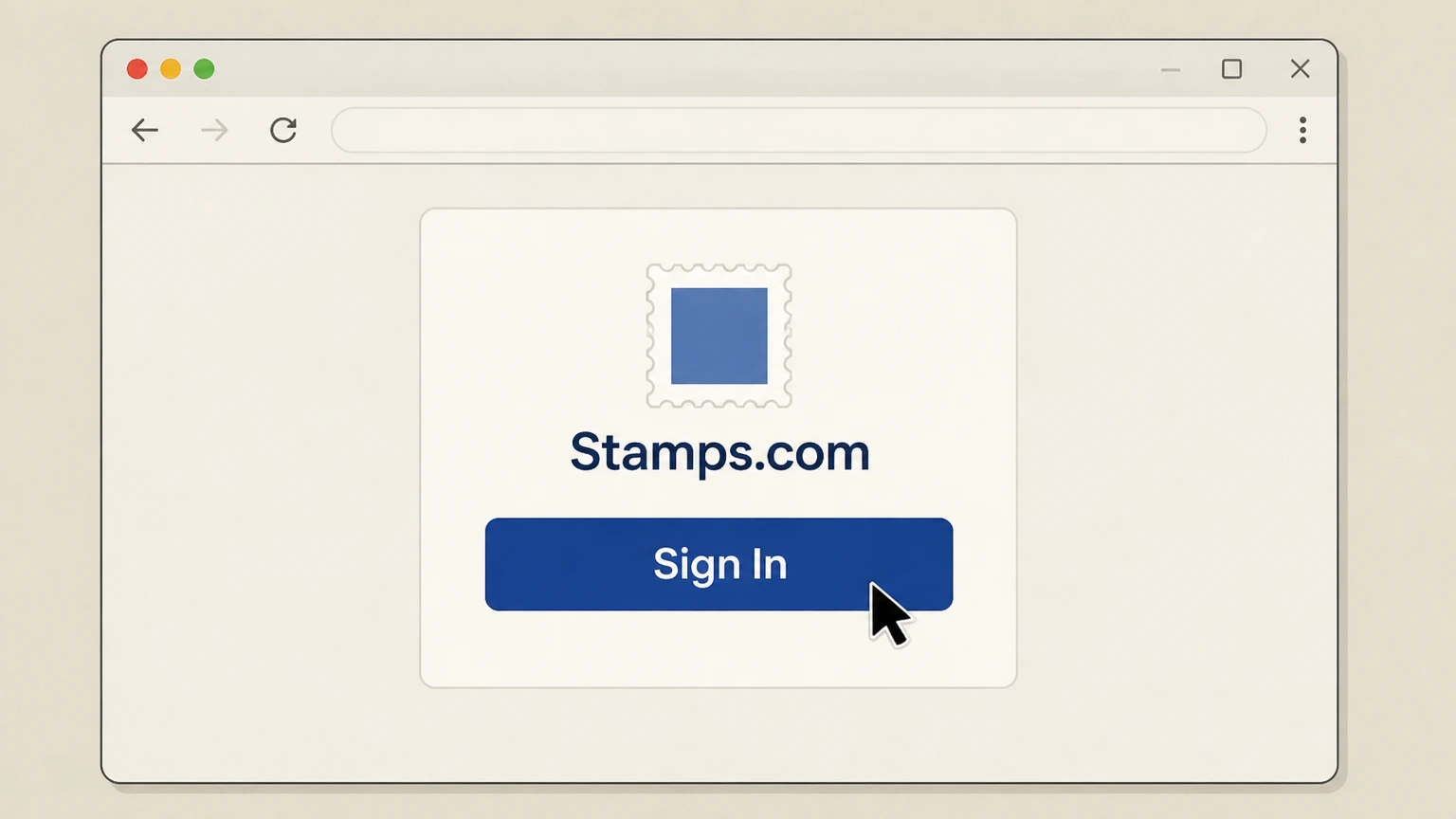
1Sign in to Stamps.com
Sign in to the Stamps.com account that should close.
 2
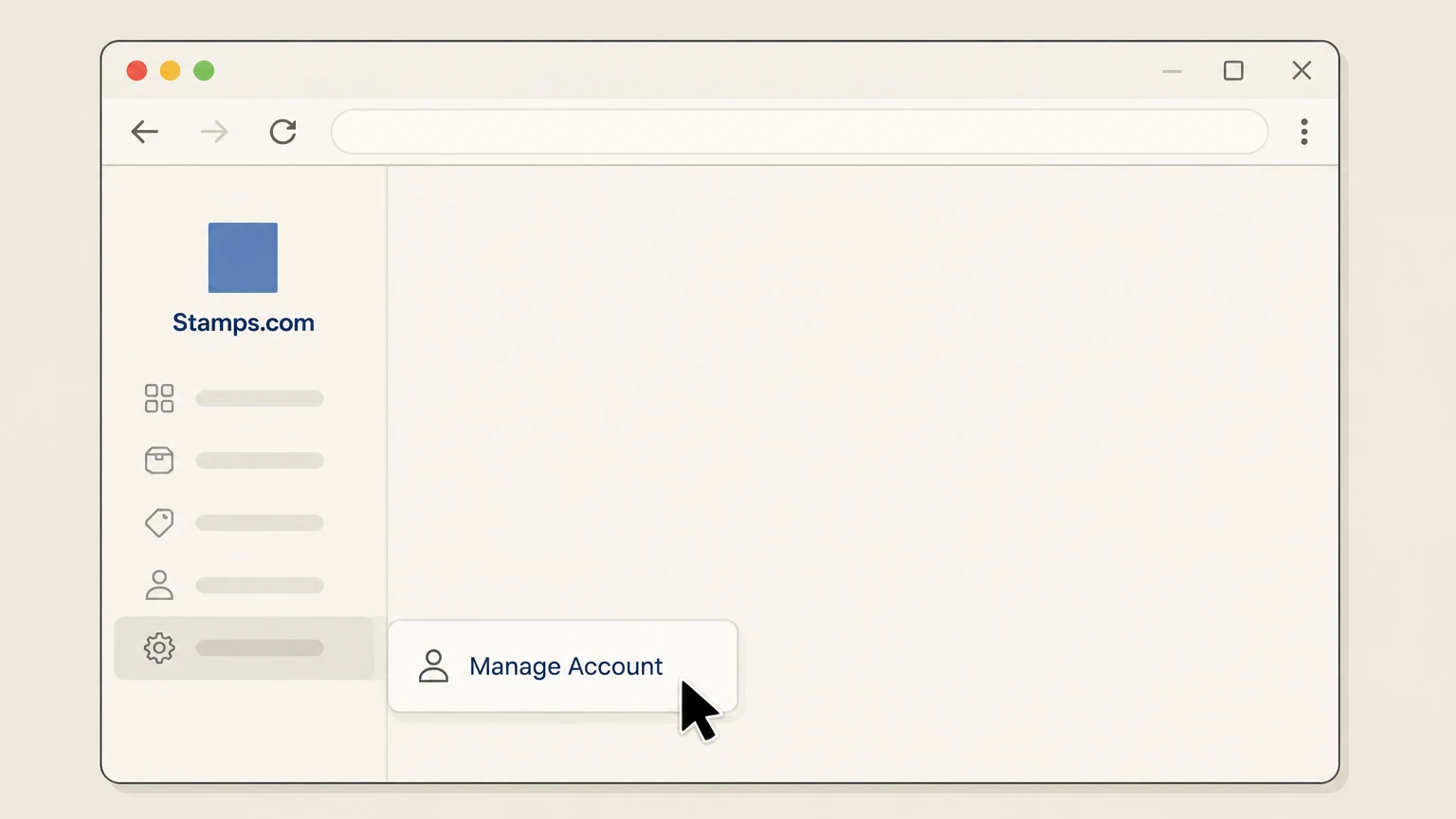
2Open Manage Account
Open Account and select Manage Account.
- Let Pine handle it
Pine can help
Too many steps?
Pine can find the right Stamps.com website path and handle the cancellation for you.
 3
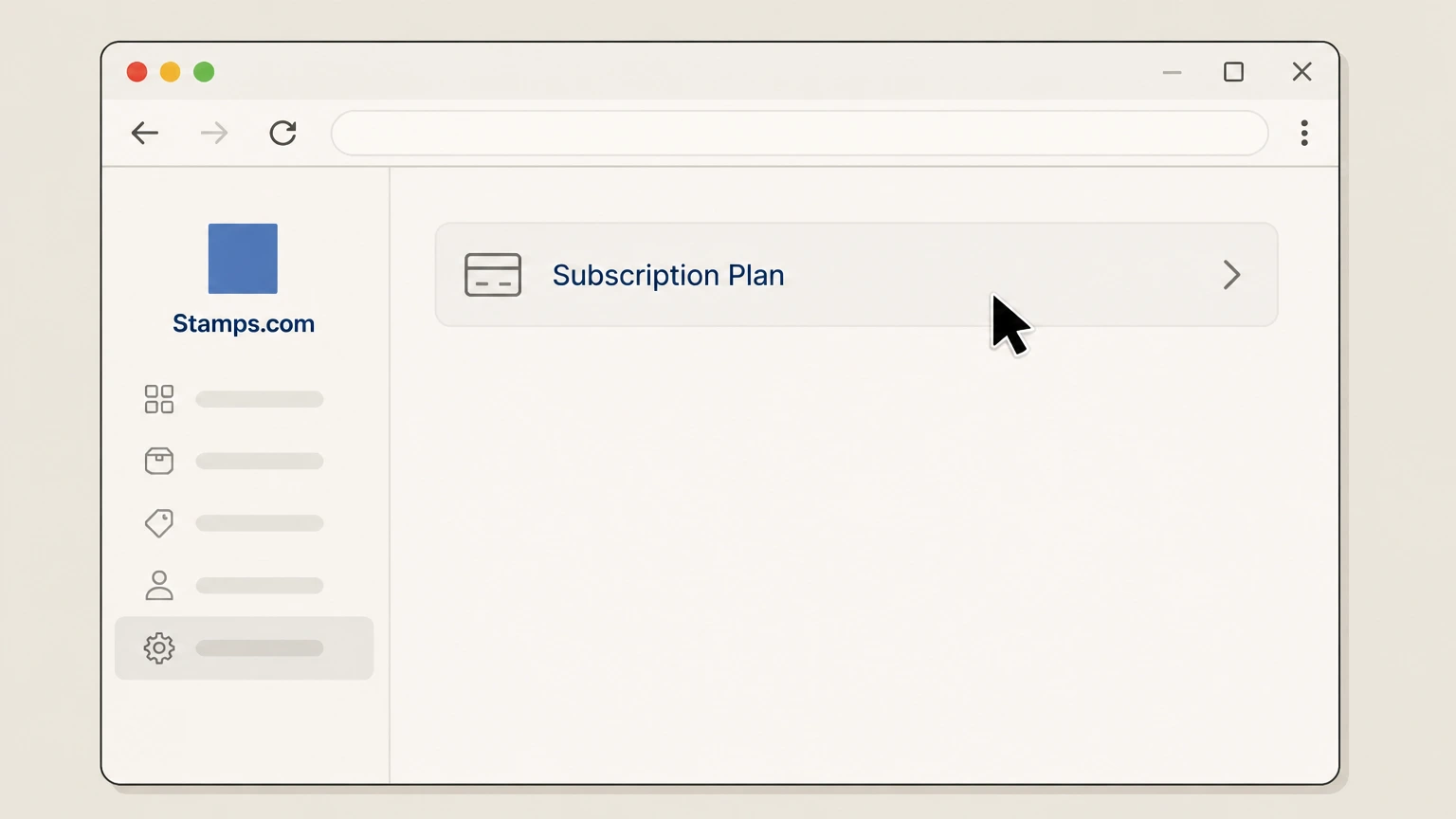
3Open Subscription Plan
Under Account Settings, select Subscription Plan.
 4
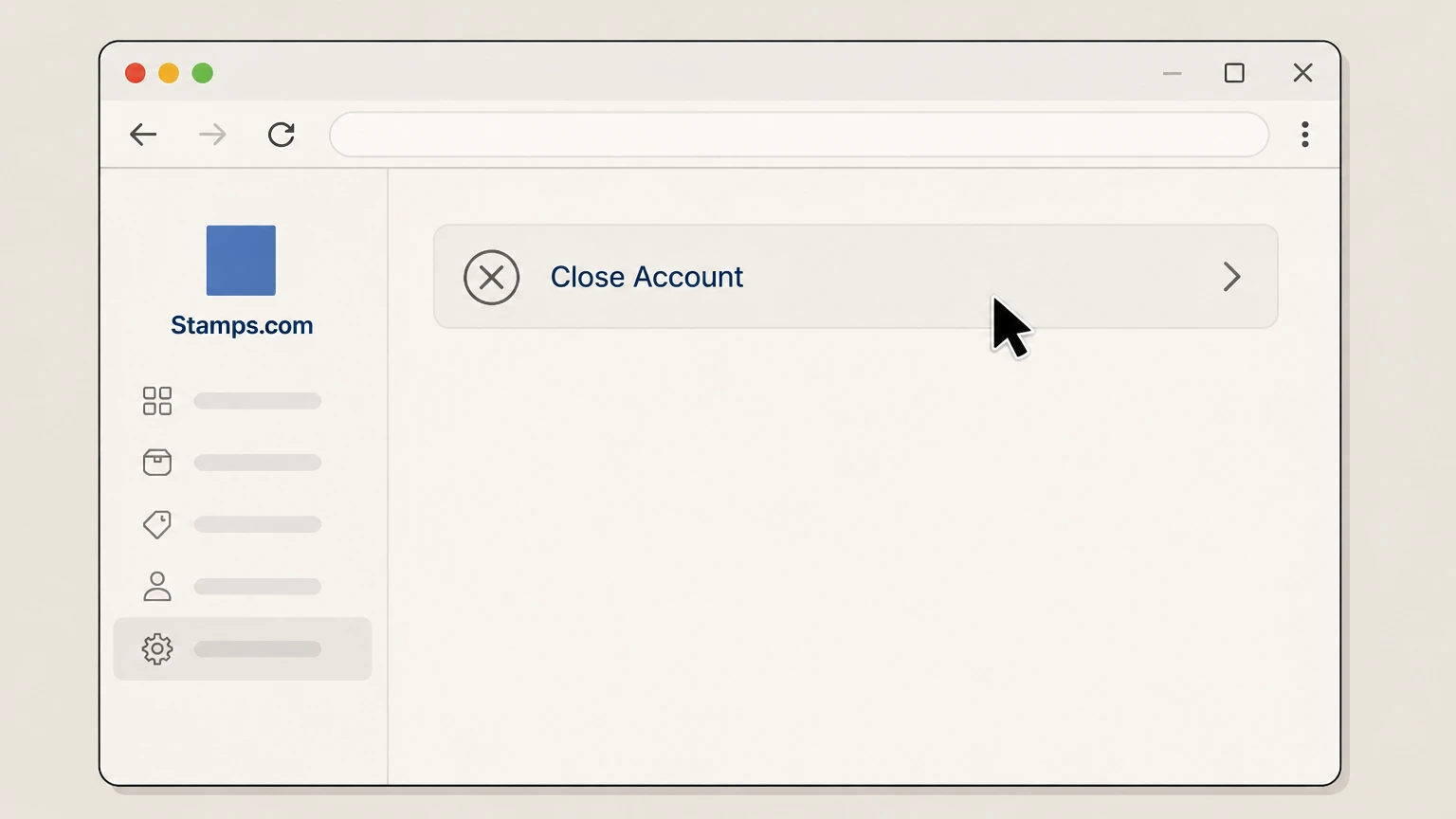
4Select Close Account
Select Close Account and complete the prompts.

Stamps.com phone support · verify the billing owner
Cancel Stamps.com by phone
 1
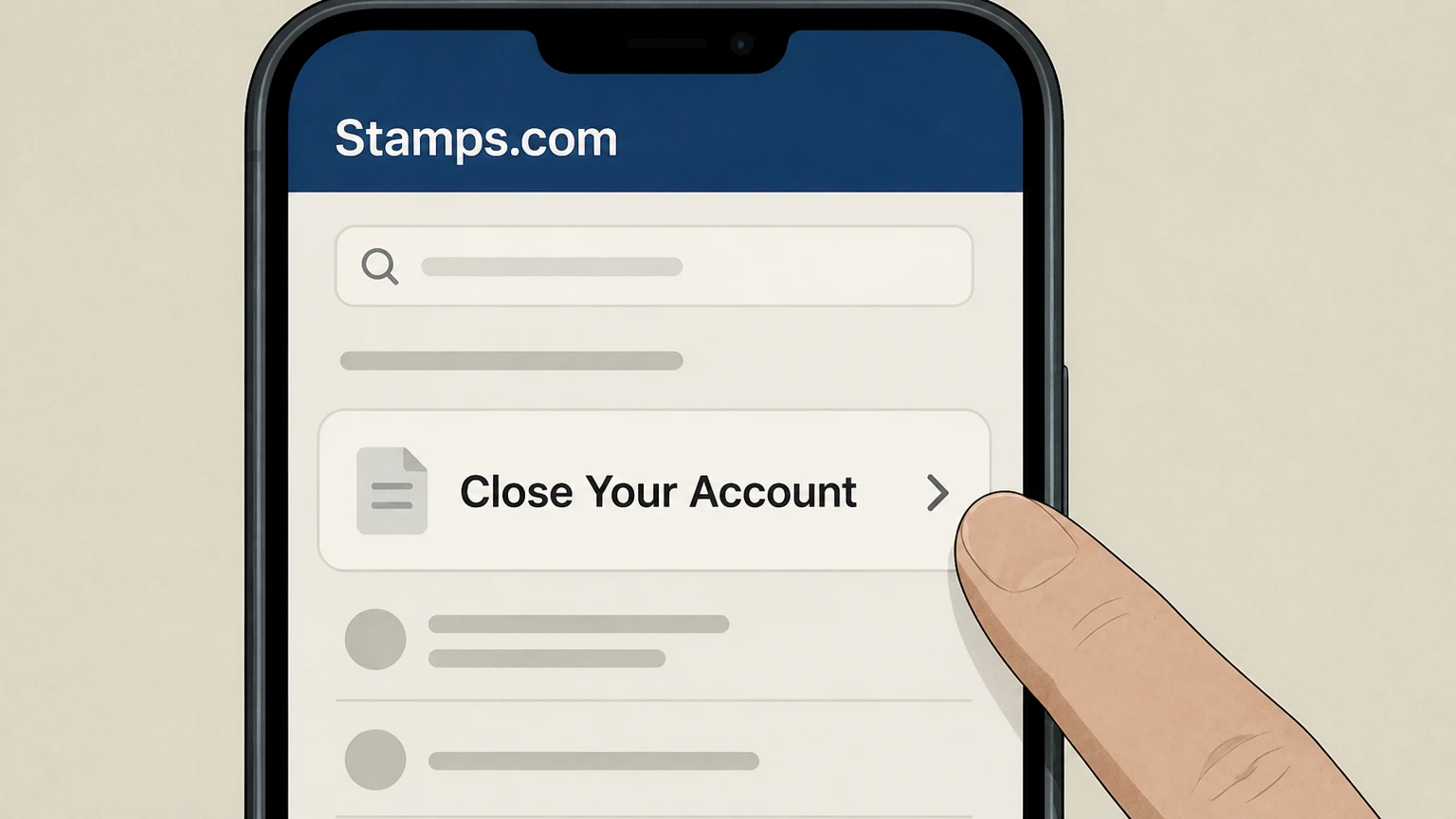
1Open the current Help Center article
Use the current Close Your Account article to get the active cancellation number and hours.
 2
2Call Stamps.com
Call the published cancellation line and request account closure.
- Let Pine handle it
Pine can help
Too many steps?
Pine can find the right Stamps.com phone support path and handle the cancellation for you.
 3
3Keep the confirmation reference
Record the confirmation number provided by the agent.
Refund policy
Stamps.com subscription and postage refunds
Unused subscription time is not refunded; postage balance treatment is separate.
Check my refund options- Current cycle
- Billing remains due through the current billing cycle and a term plan may have an early termination fee.
- Purchased postage
- Eligible purchased postage is refunded after account closure in about four to eight weeks.
Review the current Close Your Account article before submitting the request. Open Stamps.com Help
Renewal timing
Cancel at least 24 hours before billing ends
The conditions publish a cutoff for avoiding the next renewal.
24-hour deadline
Submit cancellation at least 24 hours before the end of the billing period.
Separate balance
Postage refunds are not subscription refunds
Remaining purchased postage can be refunded after account closure under separate rules.
Processing time
The Help Center says purchased postage refunds take about four to eight weeks.
Promotional postage
Promotional postage is not refundable.
Proof
Keep the correct confirmation
Online closure sends an email; phone closure provides a confirmation number.
Do not mix old route details
Use the current Help Center for cancellation labels and phone information.
Stamps.com cancellation FAQ
Provider-specific answers about billing, timing, refunds, and confirmation.
How do I cancel my Stamps.com subscription?
Why might Stamps.com charge me after I request cancellation?
Does Stamps.com refund unused subscription time?
Untangle this Stamps.com issue.
Let Pine handle the provider follow-up and keep the confirmation in one place.
