


Scribd
Cancel subscription
How to Cancel Scribd Premium on Web, Apple or Google
Cancel Scribd Premium through Scribd, Apple, or Google Play. Understand Scribd versus Everand, autopay, saved uploads, access timing, and refund rules.
- Scribd, Apple, and Google billing routes are separated
- Scribd Premium covers Scribd and Slideshare, not Everand
- Pause and cancellation have different renewal outcomes
- Uploads and saved items remain after cancellation
Cancel Scribd through the company that bills you
Web · Scribd billing
Cancel Scribd Premium from the account page
 1
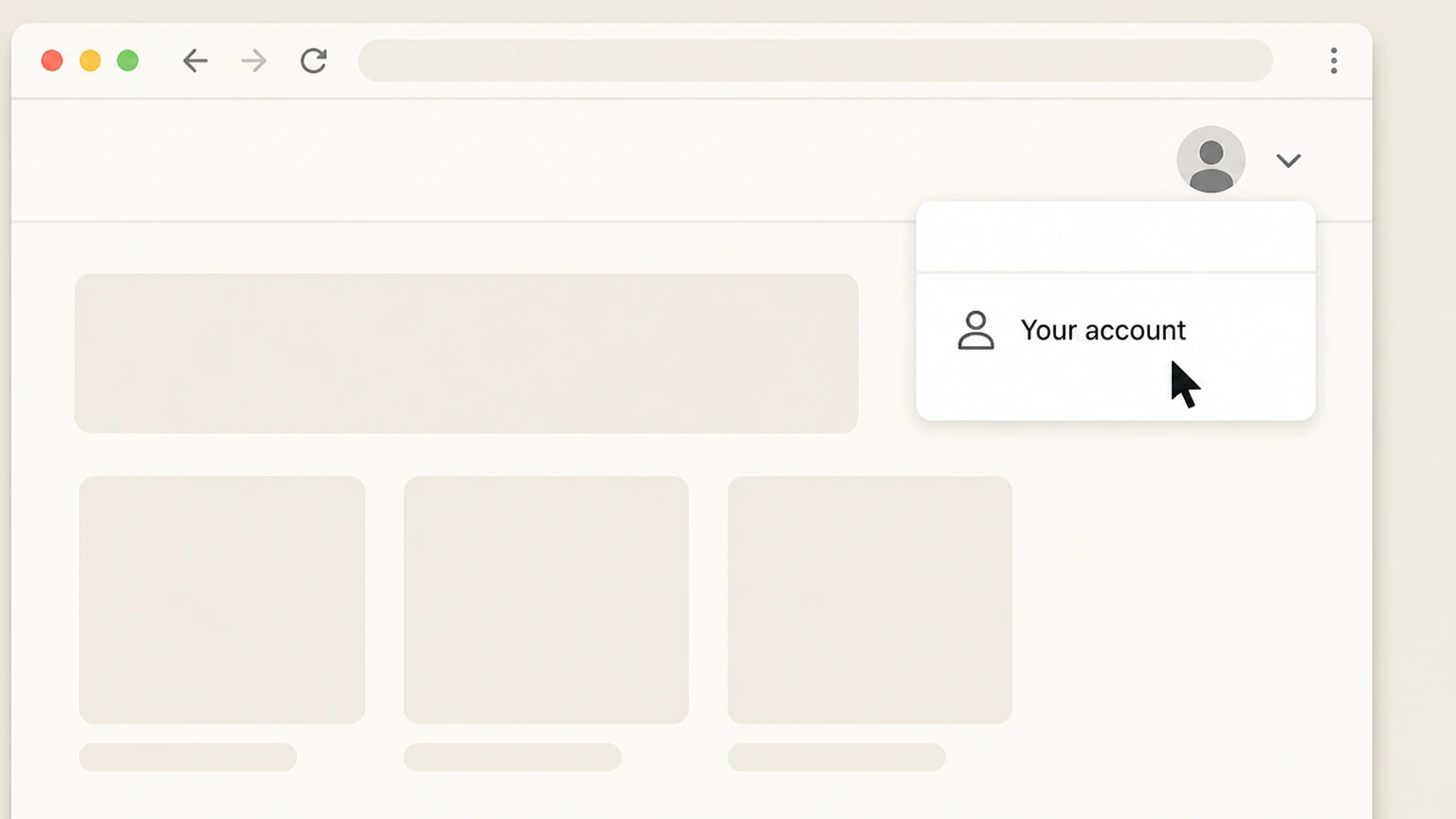
1Open Your account
Sign in on Scribd and open Your account.
 2
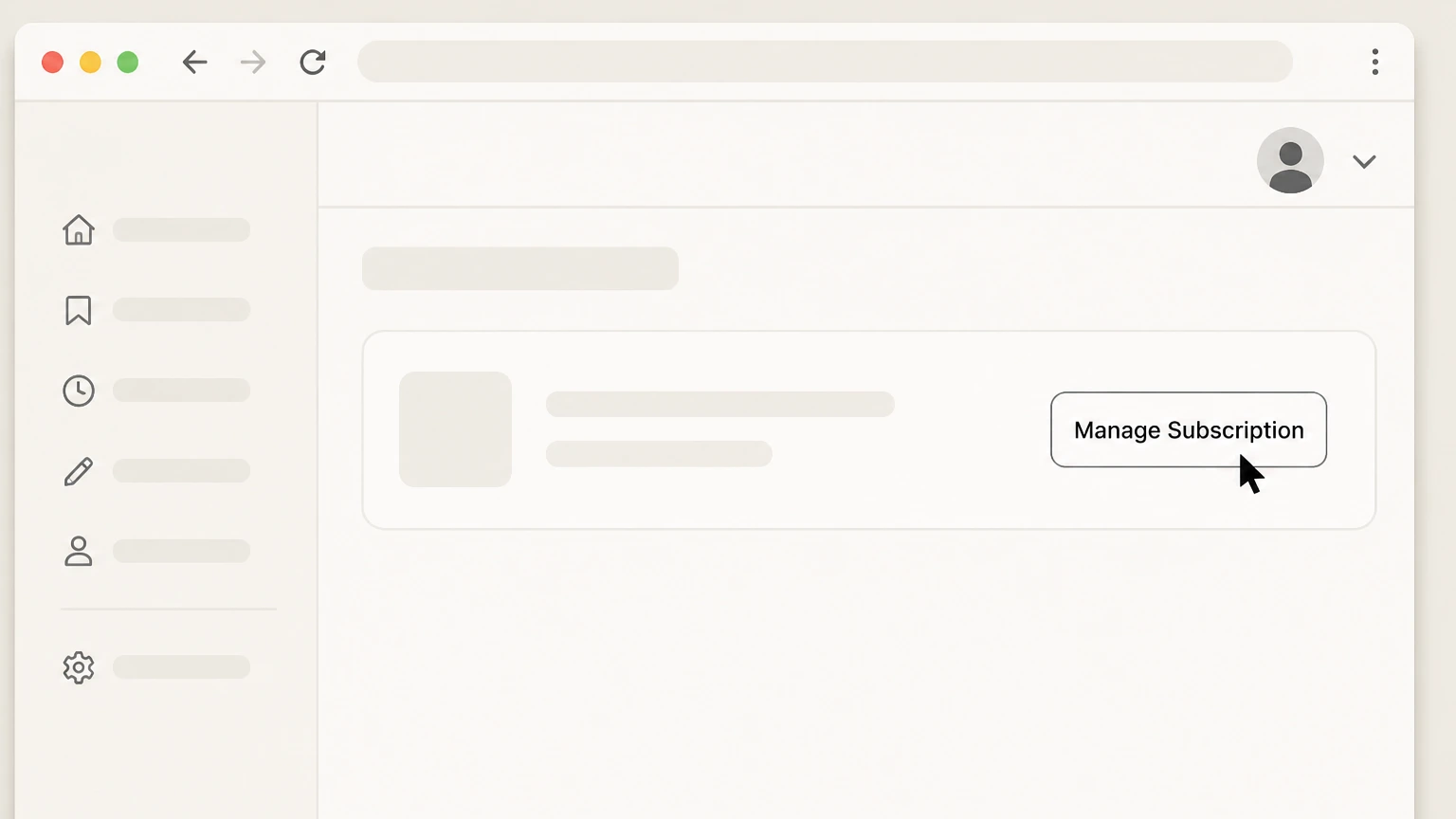
2Select Manage Subscription
In Your subscription, choose Manage Subscription next to Plan details.
- Let Pine handle it
Pine can help
Too many steps?
Pine can find the right Web path and handle the cancellation for you.
 3
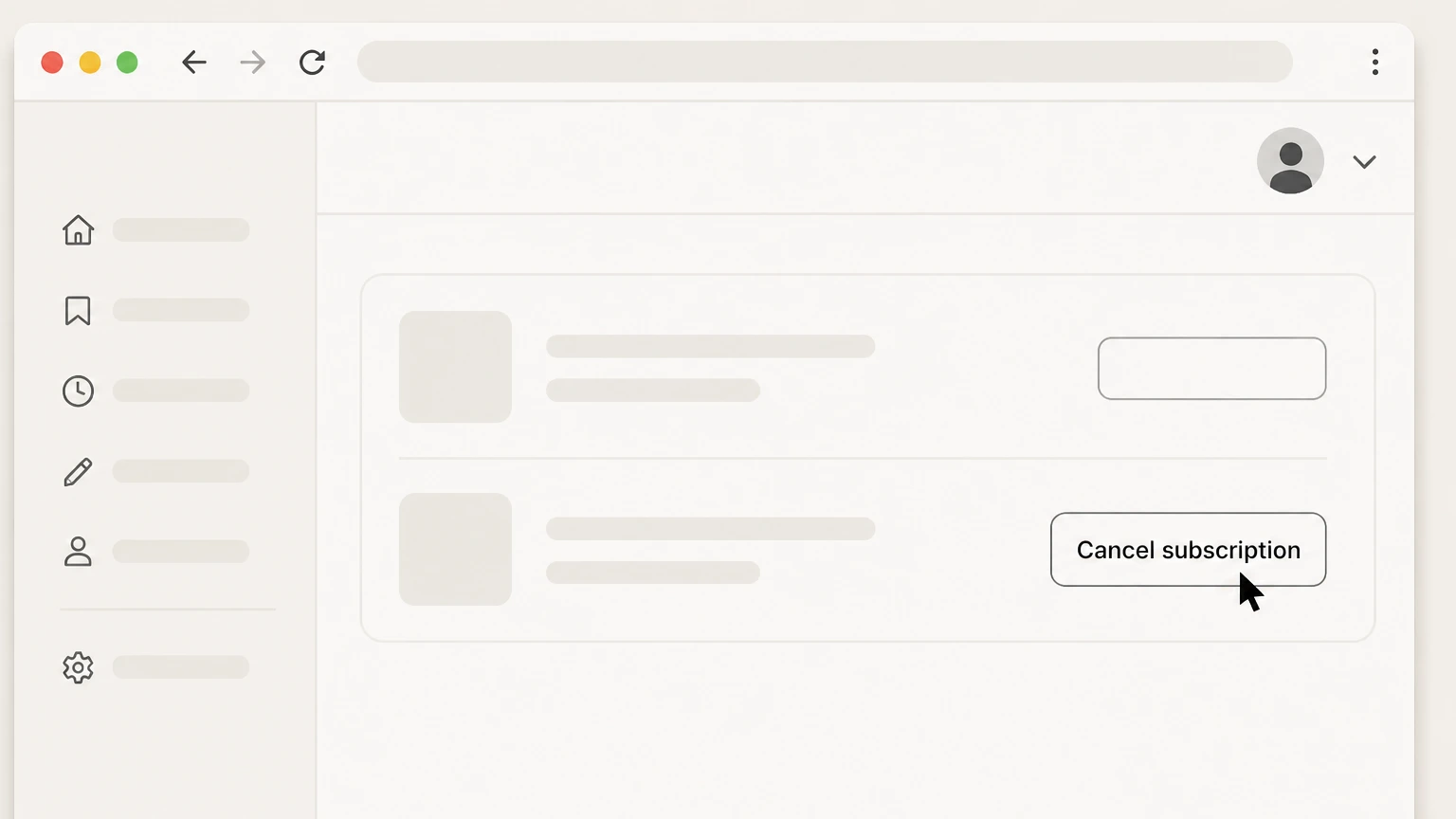
3Select Cancel subscription
Choose Cancel subscription below Pause subscription, follow the prompts, and keep the success message or email.

iPhone · Apple billing
Cancel Scribd through Apple Subscriptions
 1
1Open Settings
Open Settings on the iPhone signed in to the Apple Account used for the purchase.
 2
2Tap your name
Open the Apple Account card at the top of Settings.
- Let Pine handle it
Pine can help
Too many steps?
Pine can find the right iOS path and handle the cancellation for you.
 3
3Open Subscriptions
Select Subscriptions to see subscriptions billed by Apple.
 4
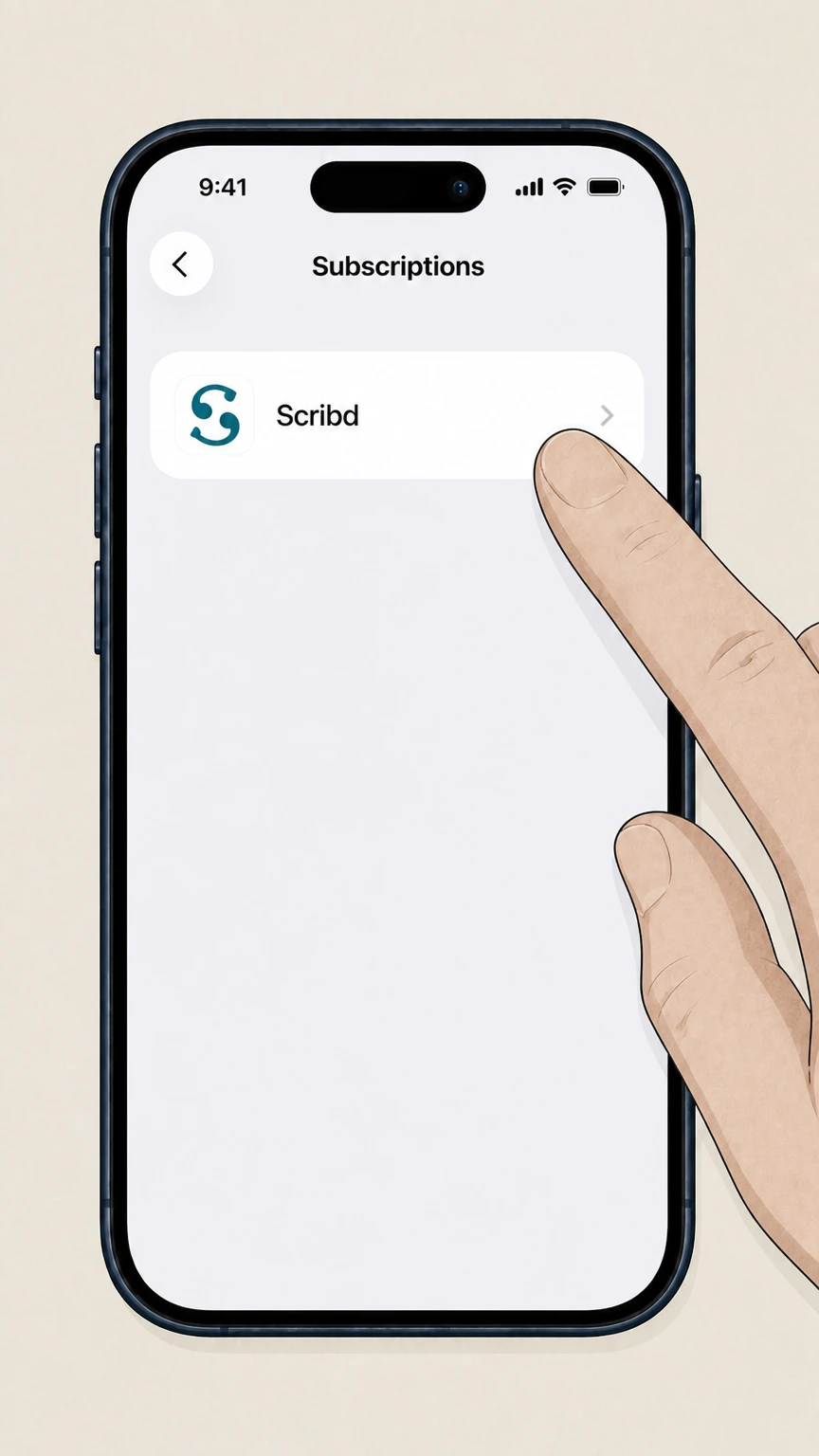
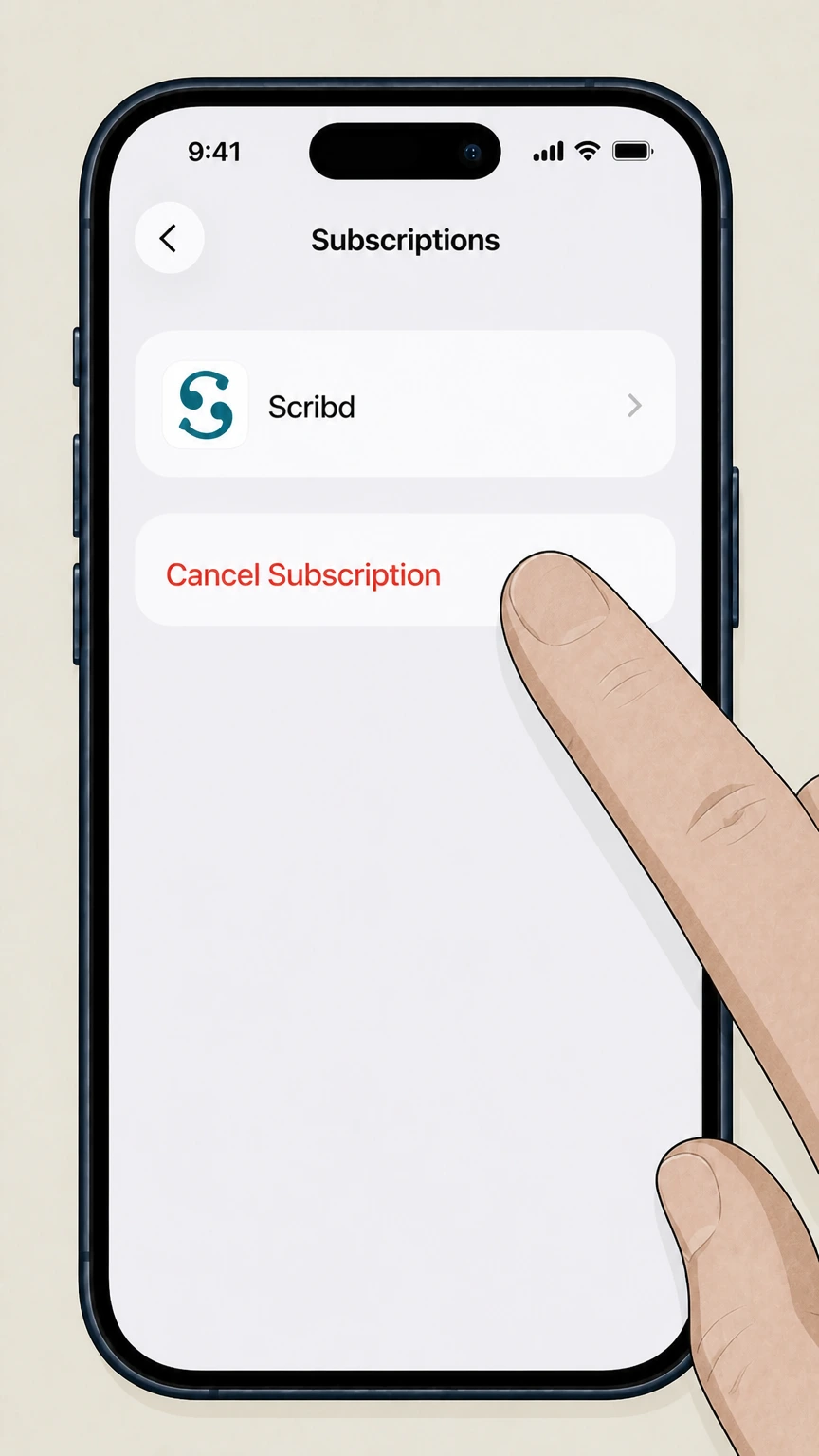
4Select Scribd
Choose Scribd from the Apple subscription list. If it is absent, verify a different Apple Account or billing owner.
 5
5Tap Cancel Subscription
Tap Cancel Subscription and complete Apple’s confirmation prompt. Keep the resulting status or expiration date.
Refund policy
Scribd refunds, access, and charge follow-up
Scribd publishes a specific 30-day refund framework, but cancellation itself does not automatically reverse a payment.
Check my refund options- Eligible requests must concern a charge within 30 days
- Scribd says it cannot issue refunds for charges older than 30 days.
- Unused subscription time may qualify
- A request for unused time within 30 days may be eligible, while actively used time and partial periods generally are not.
- Apple refunds are handled by Apple
- Scribd cannot refund App Store purchases and directs those requests to Apple.
- Google Play refund handling is tied to the store
- Google Play purchases are handled through Google, and Scribd notes that a Google Play refund cancels the associated subscription.
If a charge remains after cancellation, first verify whether Scribd, Apple, or Google owns it, then use the matching refund channel. Open Scribd refund help
Product scope
Know which Scribd, Inc. subscription you are ending
The current product structure matters because similarly branded services can be separate.
Scribd Premium covers Scribd and Slideshare
Scribd’s current help says canceling this subscription stops the combined Scribd and Slideshare plan.
Everand is separate
An Everand subscription is managed separately and is not canceled merely by ending Scribd Premium.
Legacy bundled access may differ
Scribd’s terms preserve bundled access for some subscribers who joined before November 10, 2025 until they change plans or cancel.
After cancellation
What happens to a Scribd account
Cancellation stops the paid plan without deleting the account.
Paid access normally continues through the billing period
Scribd’s help says full access remains through the last paid day, then the account moves to Basic. Free-trial access ends immediately when canceled.
Uploads and saved items remain
The account remains available and uploaded or saved materials stay in place, while paid features such as offline access and AI tools end.
Deleting the account is separate
Deletion removes account data and requires the active subscription to be canceled first.
Scribd cancellation questions
Questions discovered from current search behavior are answered only with the official sources checked on August 16, 2026.
Is it difficult to cancel Scribd?
Why am I getting charged by Scribd?
How do I remove my card details from Scribd?
How do I stop Scribd autopay?
Does canceling Scribd also cancel Everand?
Can I pause Scribd instead of canceling?
Untangle this Scribd issue.
Let Pine handle the provider follow-up and keep the confirmation in one place.
