

Droplr
Cancel subscription
How to Cancel Droplr
Learn how to cancel Droplr using verified current routes, confirm who bills you, understand timing and refunds, and keep proof that future renewal stopped.
- 2 current, source-verified cancellation routes
- Billing ownership is explicit for each route
- Refund and access timing are separated from cancellation
- Account-specific confirmation is still required
Choose the correct Droplr cancellation route
Web (Droplr account Billing page) · verify the billing owner
Cancel a Droplr subscription through the web Billing page
 1
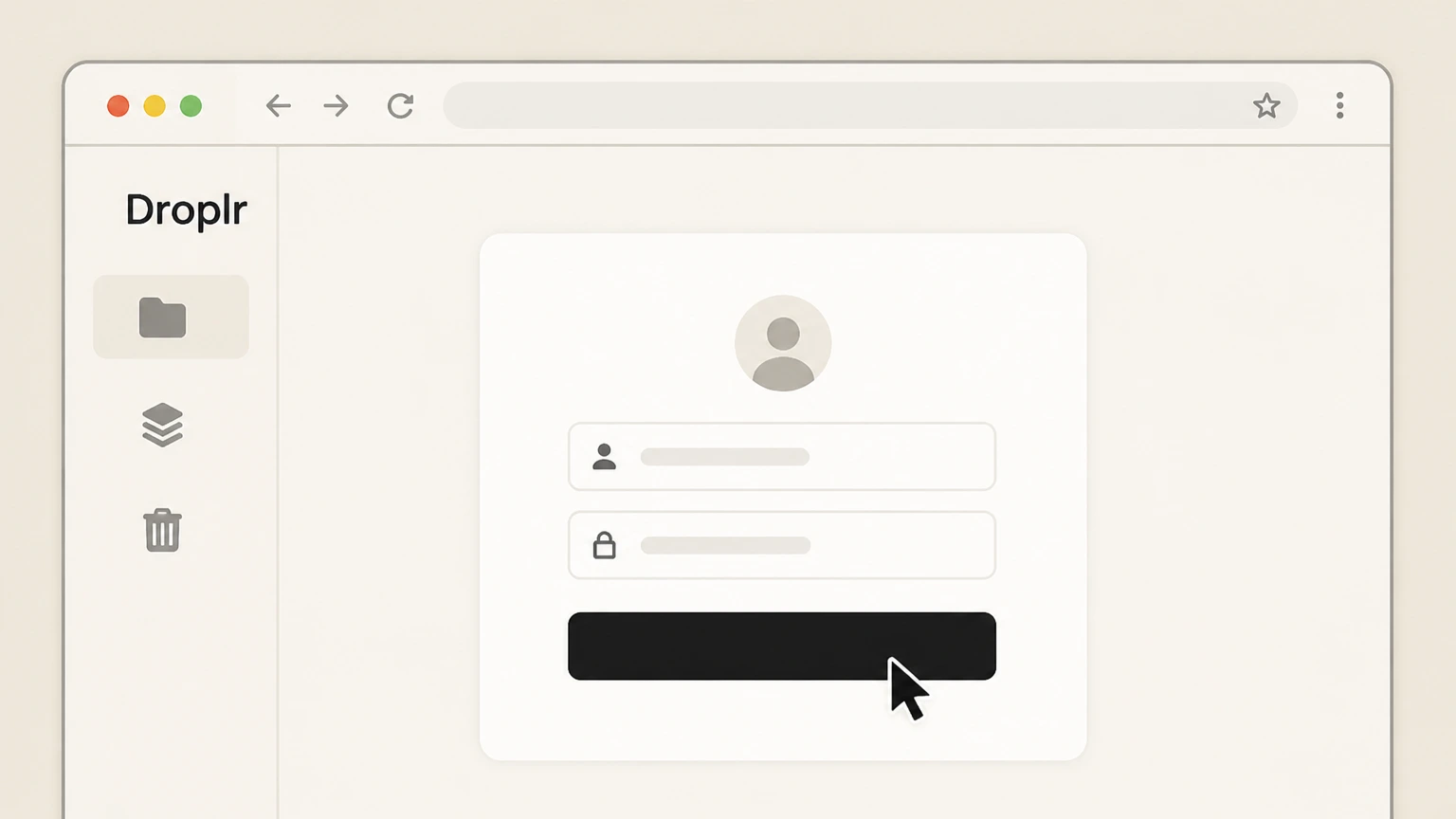
1Sign in to your Droplr library
Go to Droplr in a web browser, sign in, and open your Droplr library (main dashboard) with the account that pays for the subscription.
 2
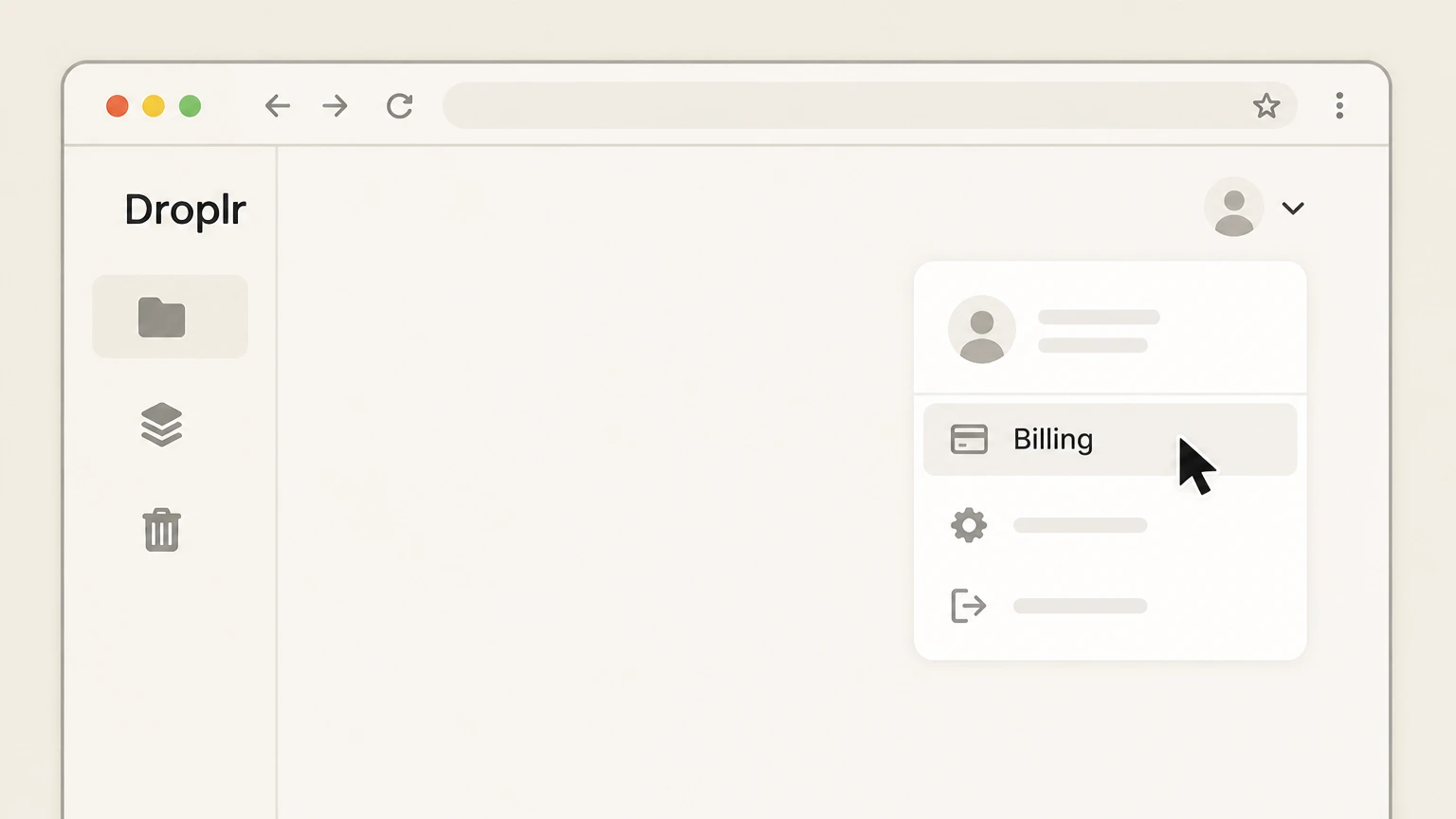
2Open the account menu and choose “Billing”
Click the drop-down menu in the upper-right corner of the Droplr interface and select “Billing” to open your subscription and payment settings.
- Let Pine handle it
Pine can help
Too many steps?
Pine can find the right Web (Droplr account Billing page) path and handle the cancellation for you.
 3
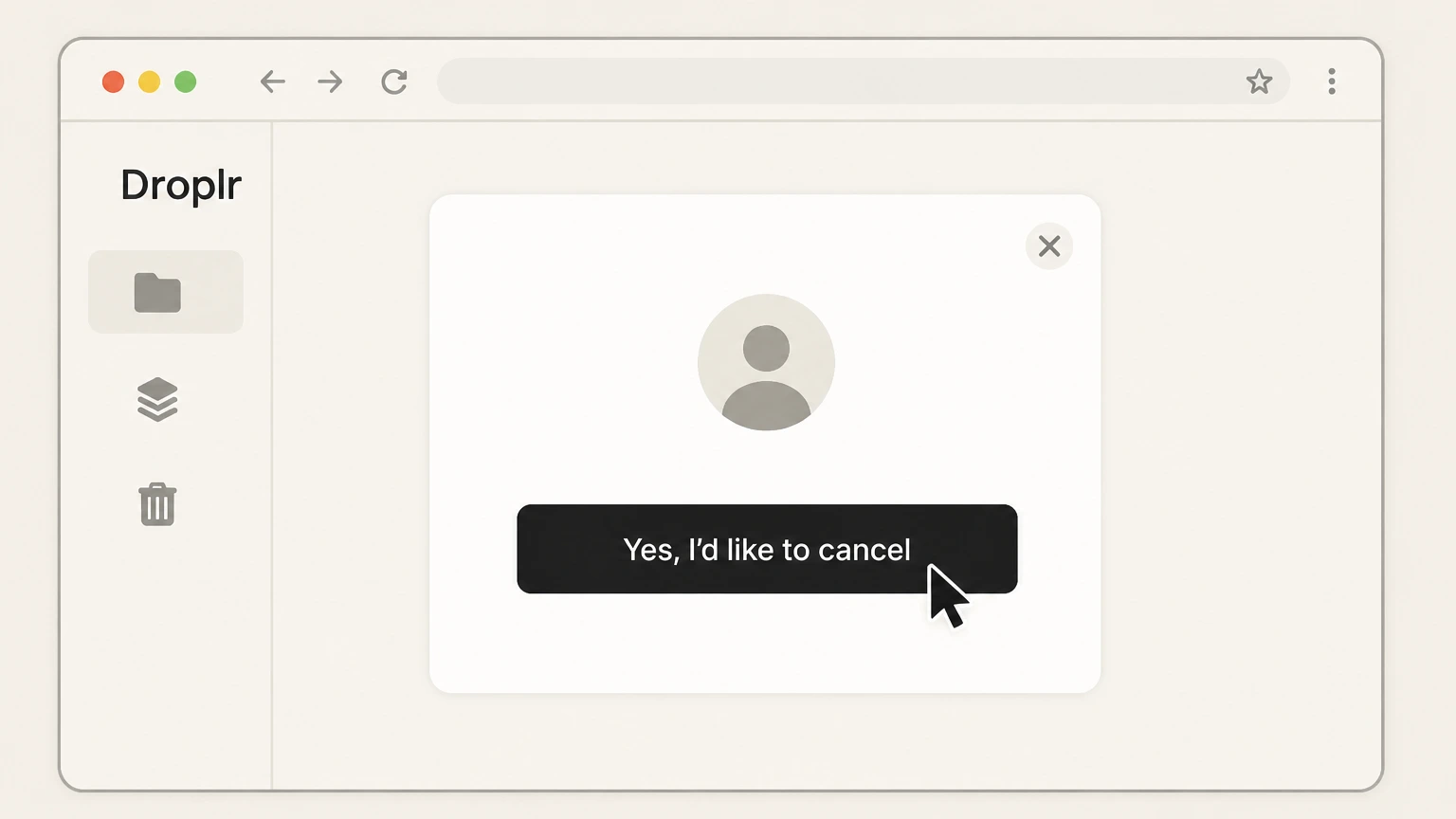
3Scroll down and click “Cancel Subscription”, then Confirm cancellation in the pop-up
On the Billing page, scroll to the bottom and click the red button labeled “Cancel Subscription” to start the cancellation flow. When the pop-up asks you to confirm, click the button labeled “Yes, I’d like to cancel” to confirm that you want to stop your Droplr subscription.
 4
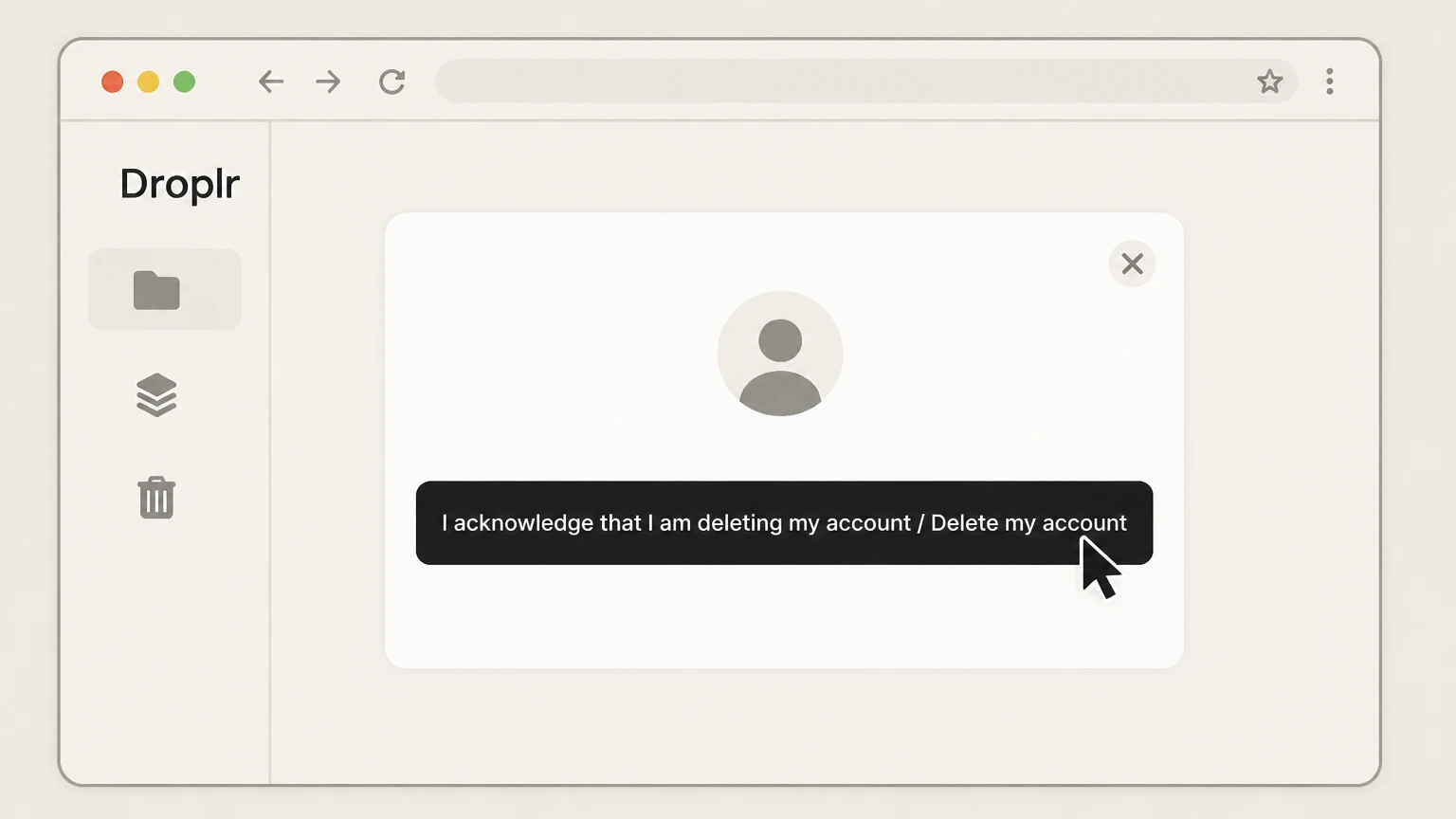
4Complete the prompts and confirm account deletion
Follow the remaining prompts: choose a reason for canceling, optionally add feedback, then check the box acknowledging account deletion and click “Delete my account” to finalize. This step deletes your Droplr account and all associated drops, so download any files you need before proceeding.

Email (Droplr support) · verify the billing owner
Cancel a Droplr subscription by emailing Droplr support
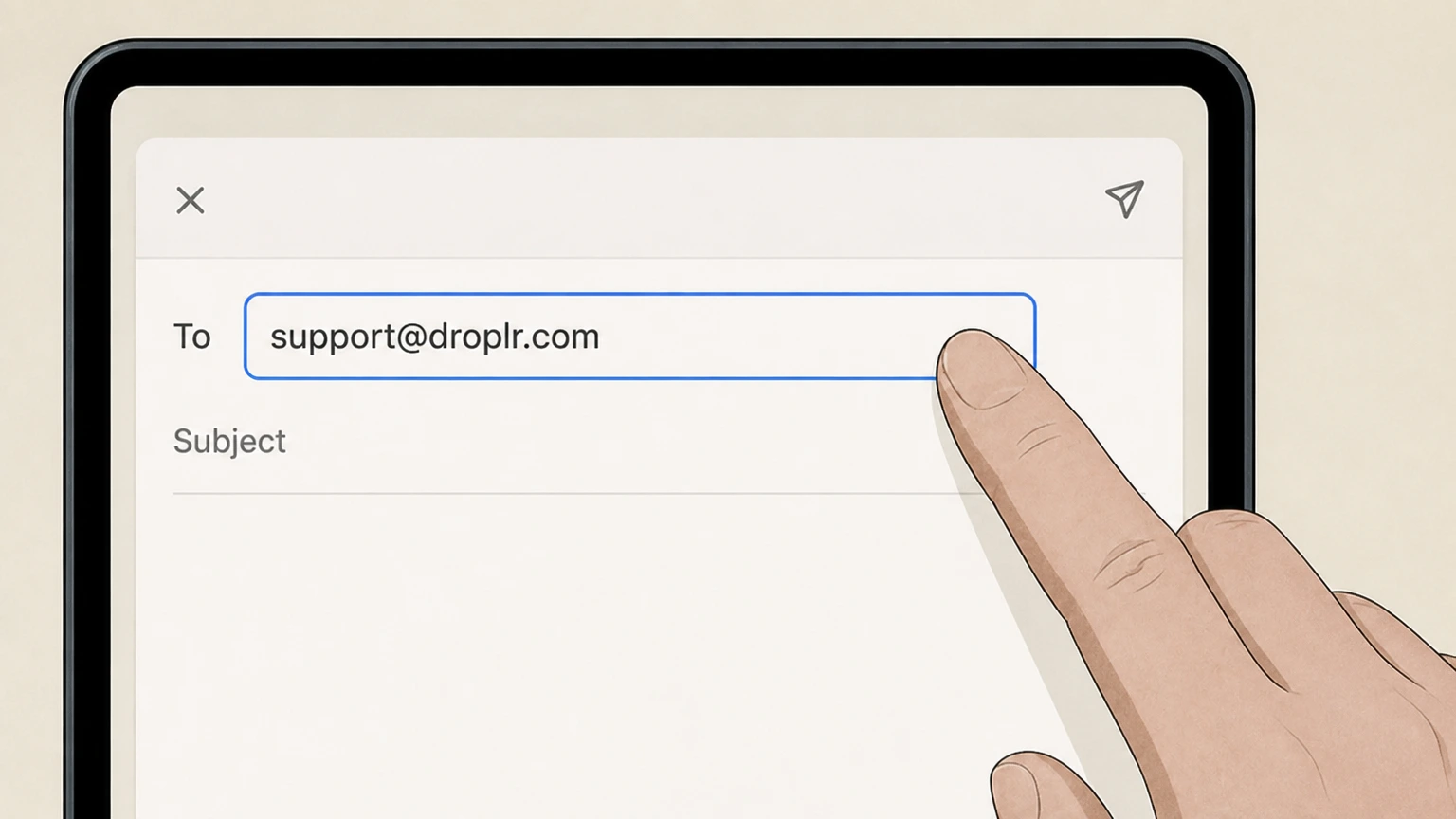 1
1Write an email to Droplr support
Compose an email addressed to support@droplr.com from your registered Droplr email address, or clearly state the email of the account you want to cancel.
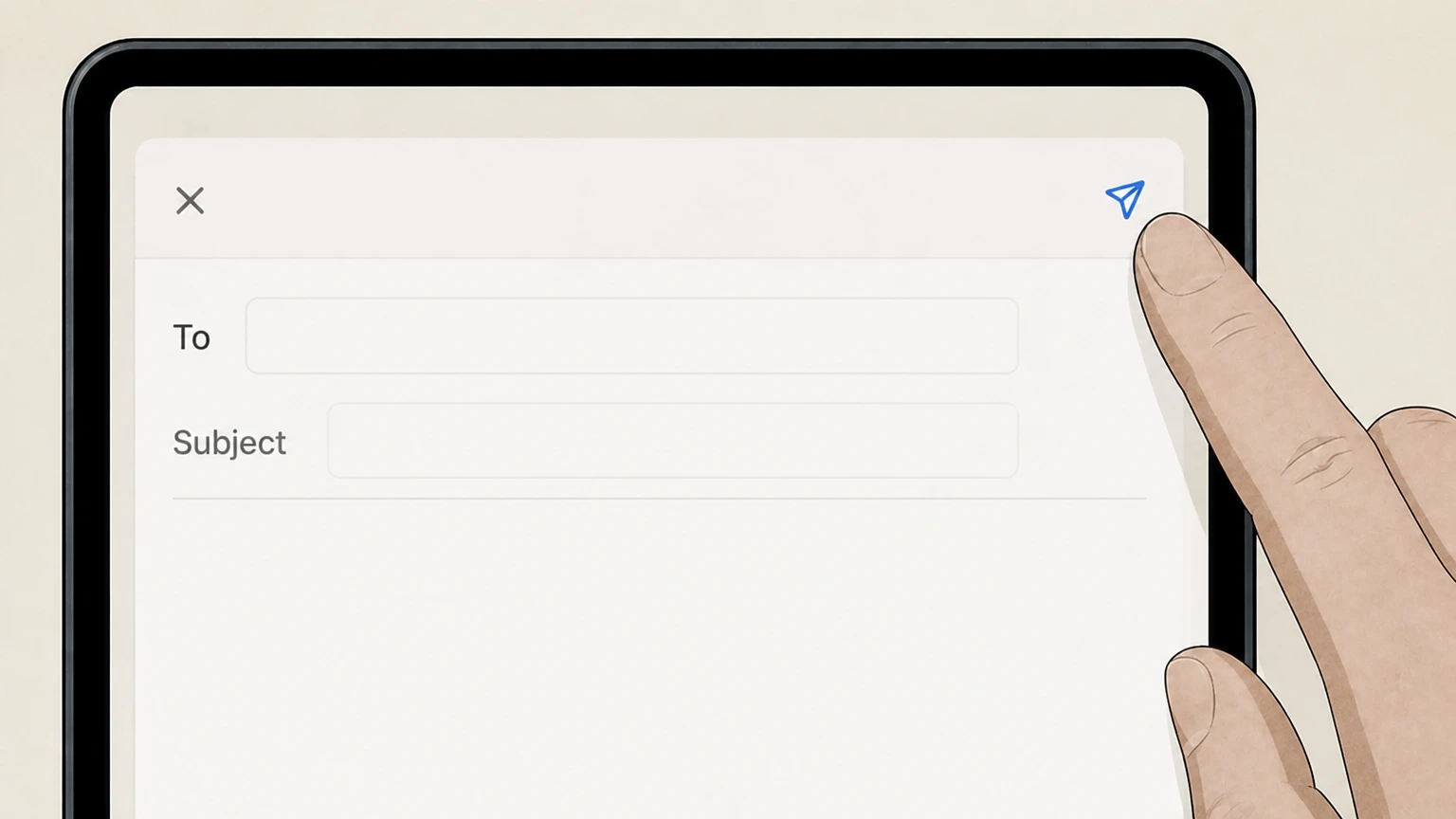 2
2Request cancellation of your Droplr account and subscription
In the email, clearly state that you want to cancel your Droplr account and subscription and stop future renewals. Include any relevant details (such as whether this is a Pro Plus or Team account) to help support find the correct subscription.
- Let Pine handle it
Pine can help
Too many steps?
Pine can find the right Email (Droplr support) path and handle the cancellation for you.
 3
3Retain correspondence as proof and verify billing stops
Keep a copy of your sent email and any reply from Droplr confirming cancellation. Monitor your payment method after the current billing period to ensure no further Droplr subscription charges appear.
Refund policy
Droplr refunds and billing after cancellation
Droplr’s Terms describe how subscriptions are billed and when refunds are or are not available. Users should understand these limits before canceling.
Check my refund options- Monthly or annual auto-billing
- Droplr states that all plans must use a valid credit card and that accounts are billed upon renewal of a monthly or annual plan, meaning charges recur unless you cancel before the next renewal.
- Limited refunds and no credits for past periods
- The Terms explain that pro-rated refunds will not be considered after 30 days from initial purchase and that there will be no refunds or credits for previous months or years of service, so canceling generally affects future renewals rather than producing a refund for time already used.
- No refund obligation on termination for misuse or overuse
- The Terms note that Droplr may terminate or disable accounts for reasons such as excessive bandwidth usage or policy violations and that in such termination scenarios Droplr has no obligation to refund any amounts previously paid.
If you believe you were charged in error or have questions about whether any refund is possible under Droplr’s Terms, contact Droplr support using the support@droplr.com address referenced in their Terms and Privacy Policy and provide details of the charge and account. Contact Droplr support about billing or refunds
Scope
What this Droplr cancellation guide covers
Clarifies which Droplr subscriptions this guide applies to and how Droplr currently bills for its Screenshot & Screen Recorder service.
Direct Droplr subscriptions via web billing
Droplr’s pricing page and Help Center describe Pro Plus, Team, and Enterprise plans with monthly or annual billing and purchase links that lead to Droplr’s own auth and billing environment, indicating that core subscriptions are billed directly by Droplr rather than through app stores.
Cancellation via Billing page or support email only
Droplr’s Terms and Conditions specify that you are responsible for canceling your account by emailing support services at support@droplr.com or by visiting your d.pr/billing page, and the dedicated cancellation article gives a detailed flow for canceling through the Billing page.
Mobile apps are companions, not primary billing channels
Droplr promotes apps for Mac, Windows, Chrome, and other platforms from its Apps page, and the iOS App Store listing describes the app as a mobile companion for the Droplr service but shows no active in‑app purchase section, suggesting subscriptions are managed through Droplr’s web billing rather than Apple or Google billing.
After cancellation
What happens to billing, access, and your drops
Outlines how canceling affects future charges, your ability to use Droplr, and what happens to stored content (“drops”).
Renewal stops at the end of the current paid period
Droplr’s Terms state that accounts are billed upon renewal of monthly or annual plans; canceling your subscription via Billing or support stops future renewals but does not promise refunds for prior months or years of service.
Cancellation flow includes account deletion
The cancellation article explains that after starting cancellation from the Billing page, you must ultimately acknowledge that you are deleting your account and click a final “Delete my account” button, after which your account and all drops are deleted.
Loss of content and features is expected
Droplr’s Terms warn that downgrading or canceling your subscription may cause the loss of content, data, or features within your account and that the service is not responsible for such loss, reinforcing that you should export any important drops before you complete cancellation.
Right to erase account and drop data
Droplr’s Privacy Policy notes that you can erase your account and all associated drop data via account settings and that Droplr does not retain your data after you delete your account, consistent with the final deletion step in the cancellation flow.
If something goes wrong
When you can’t complete Droplr cancellation online
Options if the documented Billing controls are missing or you can’t access the account normally.
Use support email if Billing controls are unavailable
If you cannot open the Billing page or do not see the Cancel Subscription button, Droplr’s Terms explicitly allow canceling your account by emailing support services at support@droplr.com, making this a documented fallback.
Account access and data issues
Because the Privacy Policy directs users with questions about viewing or updating their information to contact support@droplr.com, this same channel is appropriate if you believe your account has already been deleted or you have questions about what data remain after cancellation.
Verifying cancellation before the next renewal
Droplr’s billing terms explain that accounts are billed on renewal of the chosen monthly or annual plan and that refunds are limited, so users should confirm that their account no longer shows an active plan in Billing or, if canceled via email, that no new charges appear on the next scheduled renewal date.
Droplr cancellation FAQ
Current, source-backed answers about cancellation, billing ownership, refunds, and access timing.
Does canceling my Droplr subscription delete my files (“drops”)?
Can I cancel my Droplr subscription just by deleting the app?
When should I cancel my Droplr subscription to avoid being charged again?
Untangle this Droplr issue.
Let Pine handle the provider follow-up and keep the confirmation in one place.
