

DIRECTV
Cancel subscription
How to Cancel DIRECTV Satellite or Streaming Service
Learn how to cancel DIRECTV through the right billing provider. Follow official steps, understand access timing, refunds, and the confirmation to keep.
- Official DIRECTV and billing-owner sources
- 2 provider-specific cancellation paths
- Refund and post-cancellation effects separated from renewal
- Verified August 16, 2026
Choose the DIRECTV cancellation path that matches who bills you
Cancel DIRECTV via Internet/STREAM online · verify the billing owner
 1
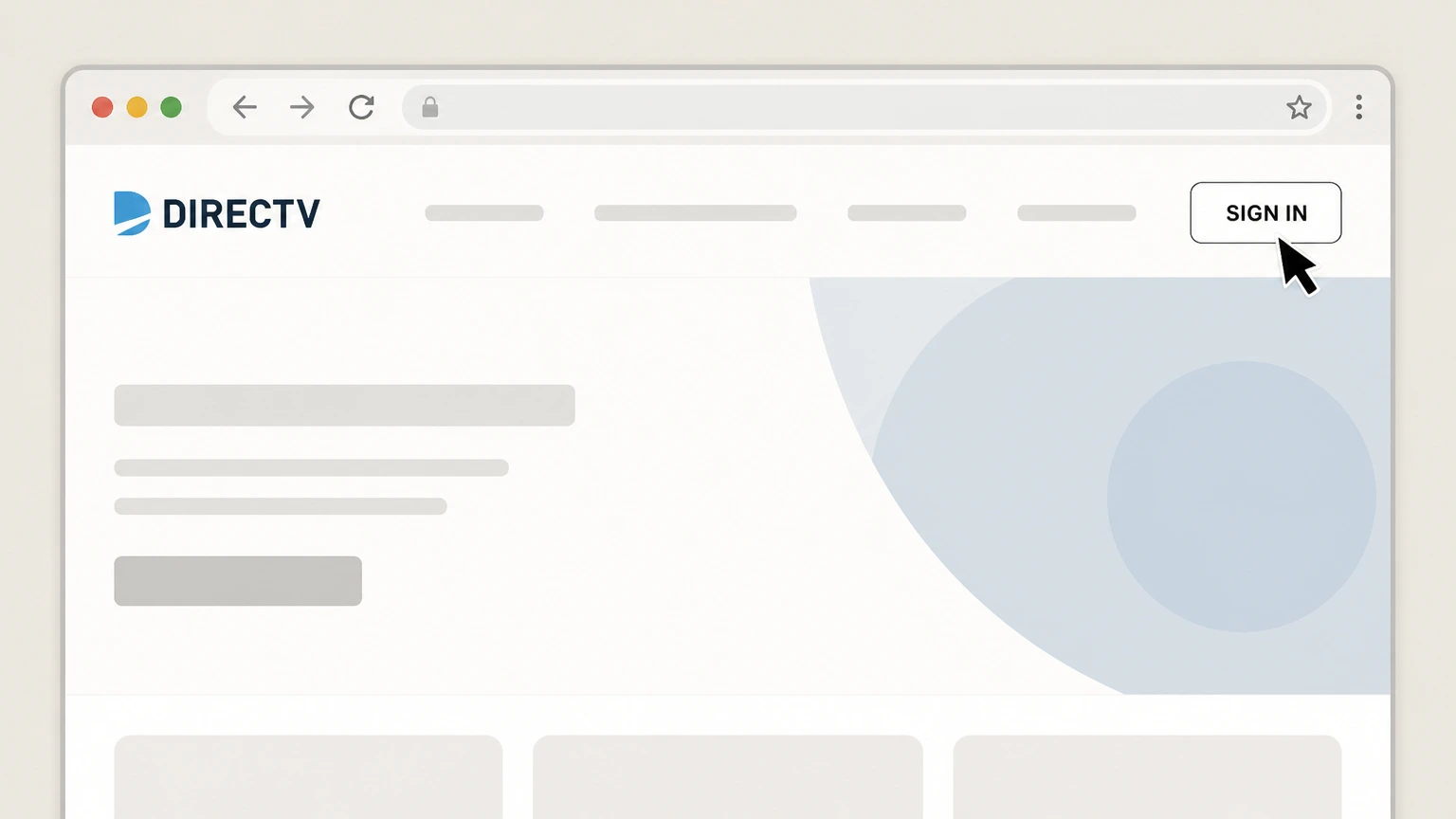
1Open the DIRECTV website
Go to directv.com in a web browser and select SIGN IN from the top navigation. Use the DIRECTV account named on your receipt, and continue only after the next status in this cancellation path is visible.
 2
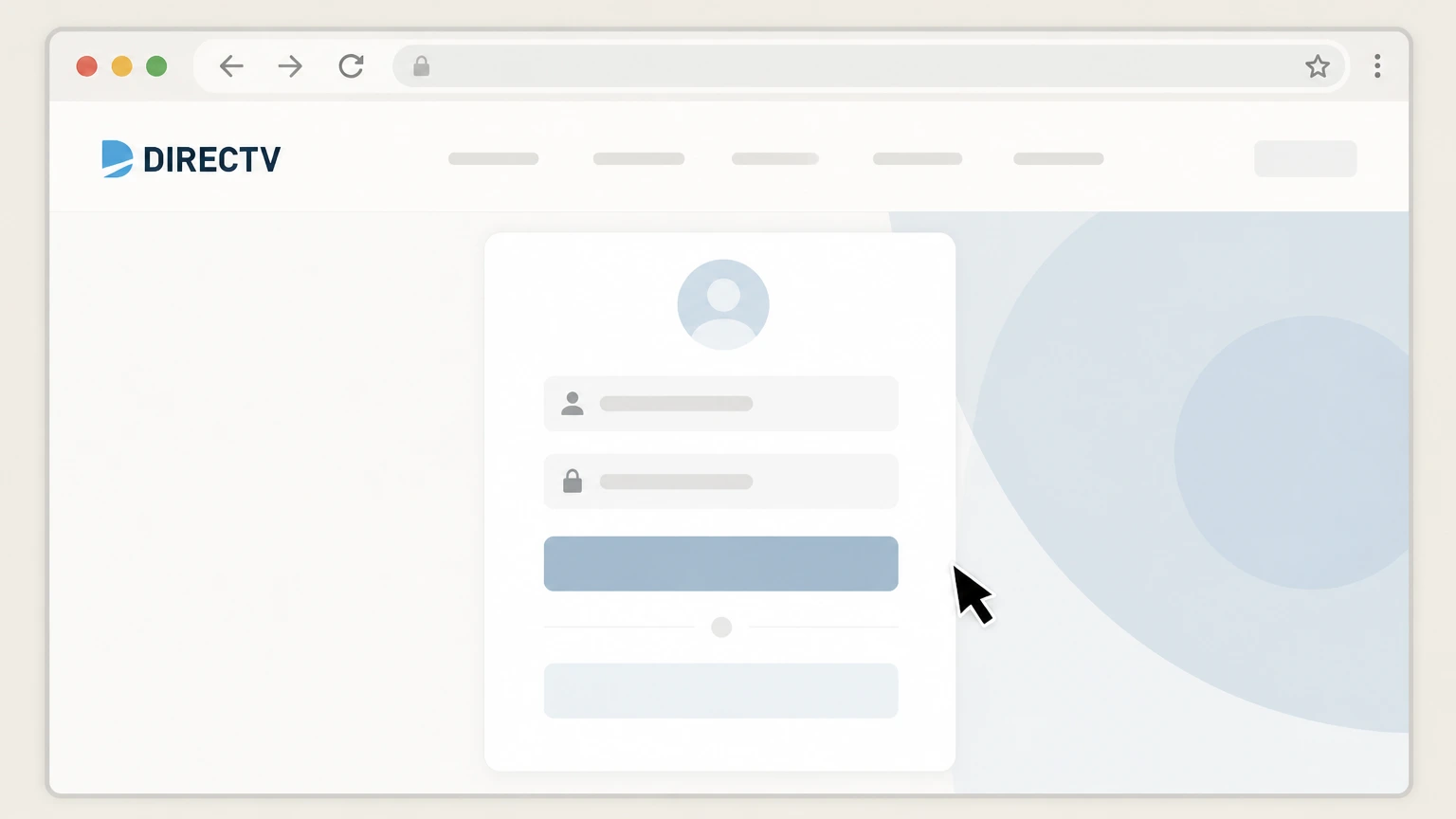
2Sign in to your DIRECTV account
Enter your DIRECTV user ID and password, then complete any verification steps to access your account. Use the DIRECTV account named on your receipt, and continue only after the next status in this cancellation path is visible.
- Let Pine handle it
Pine can help
Too many steps?
Pine can find the right Cancel DIRECTV via Internet/STREAM online path and handle the cancellation for you.
 3
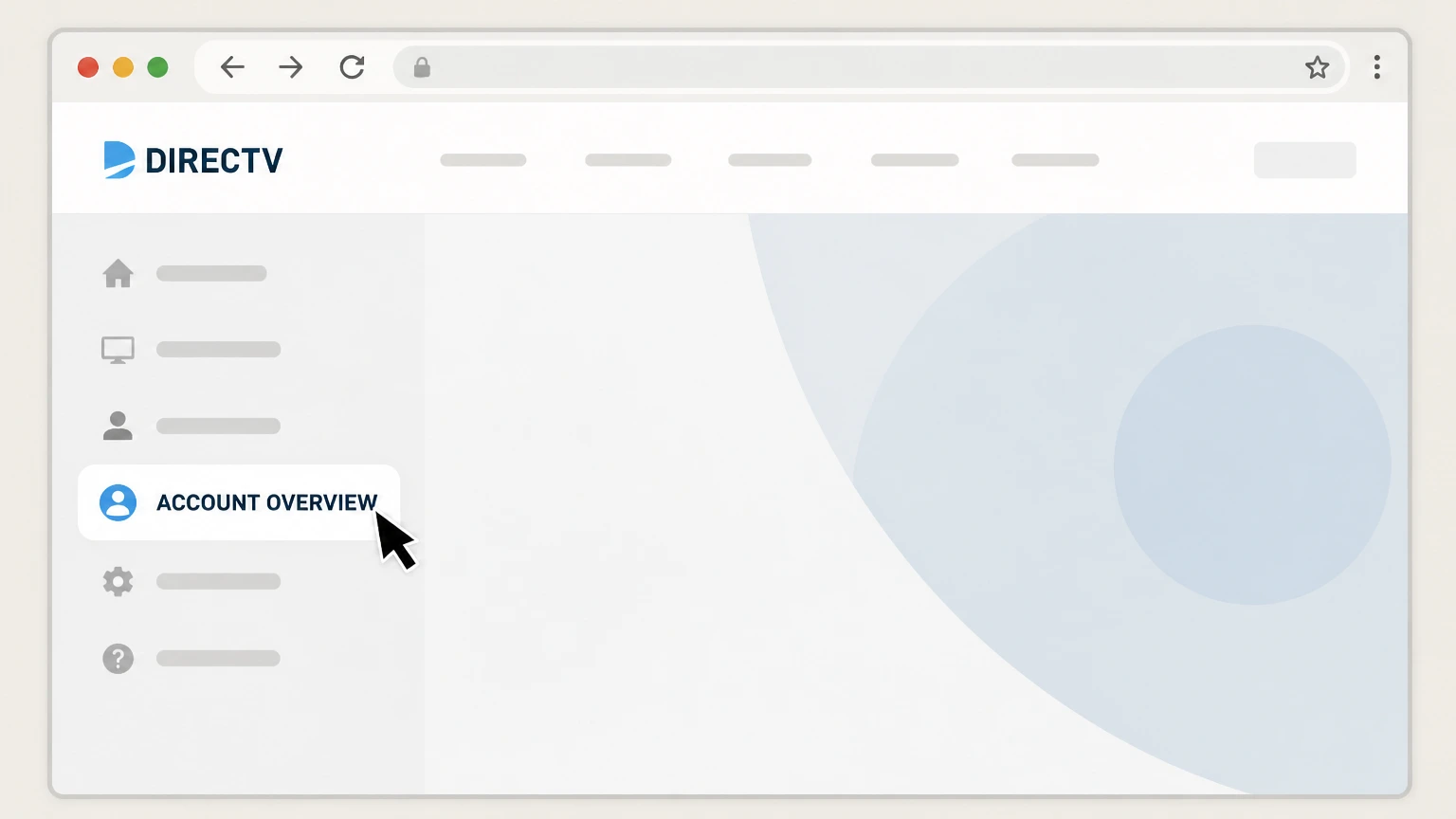
3Go to Account Overview
From the navigation, open ACCOUNT OVERVIEW so you can manage your active DIRECTV subscription. Use the DIRECTV account named on your receipt, and continue only after the next status in this cancellation path is visible.
 4
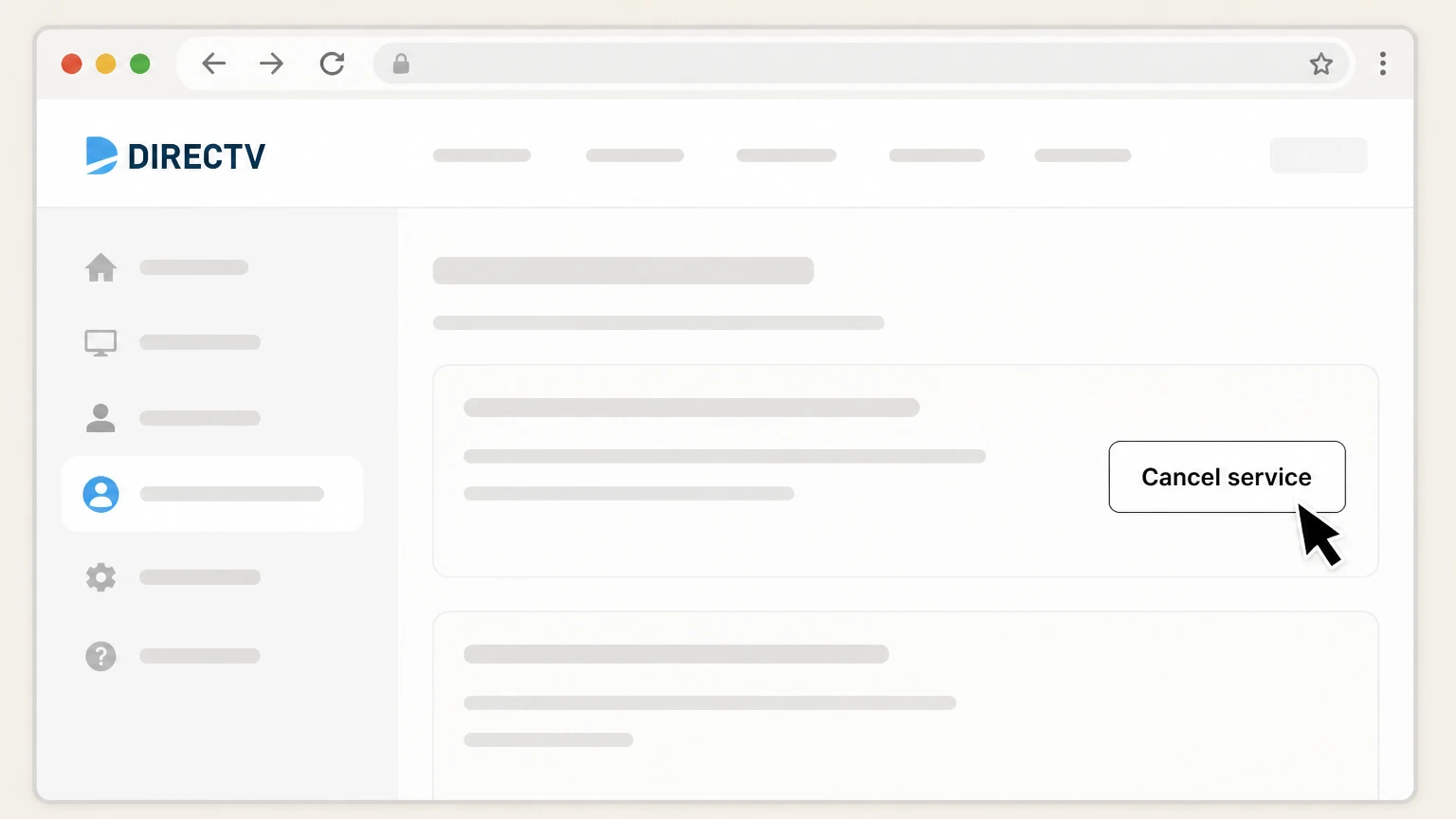
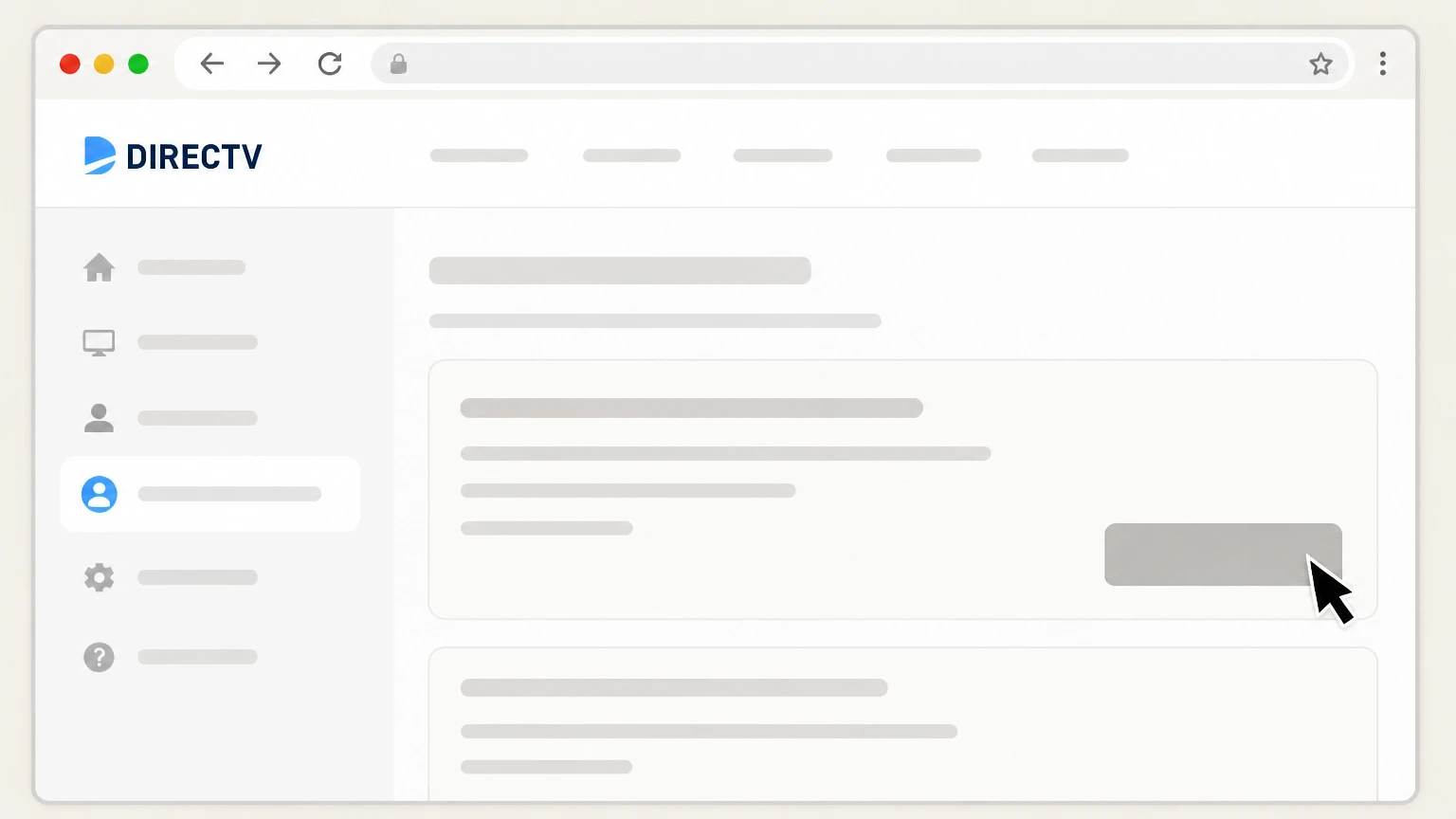
4Select Cancel service
In your DIRECTV via Internet/STREAM plan details, find and select the Cancel service option. Use the DIRECTV account named on your receipt, and continue only after the next status in this cancellation path is visible.
 5
5Confirm cancellation at end of billing cycle
Follow the on-screen prompts to confirm that you want your DIRECTV via Internet/STREAM service to end at the close of your current billing cycle.

Cancel DIRECTV by phone · verify the billing owner
 1
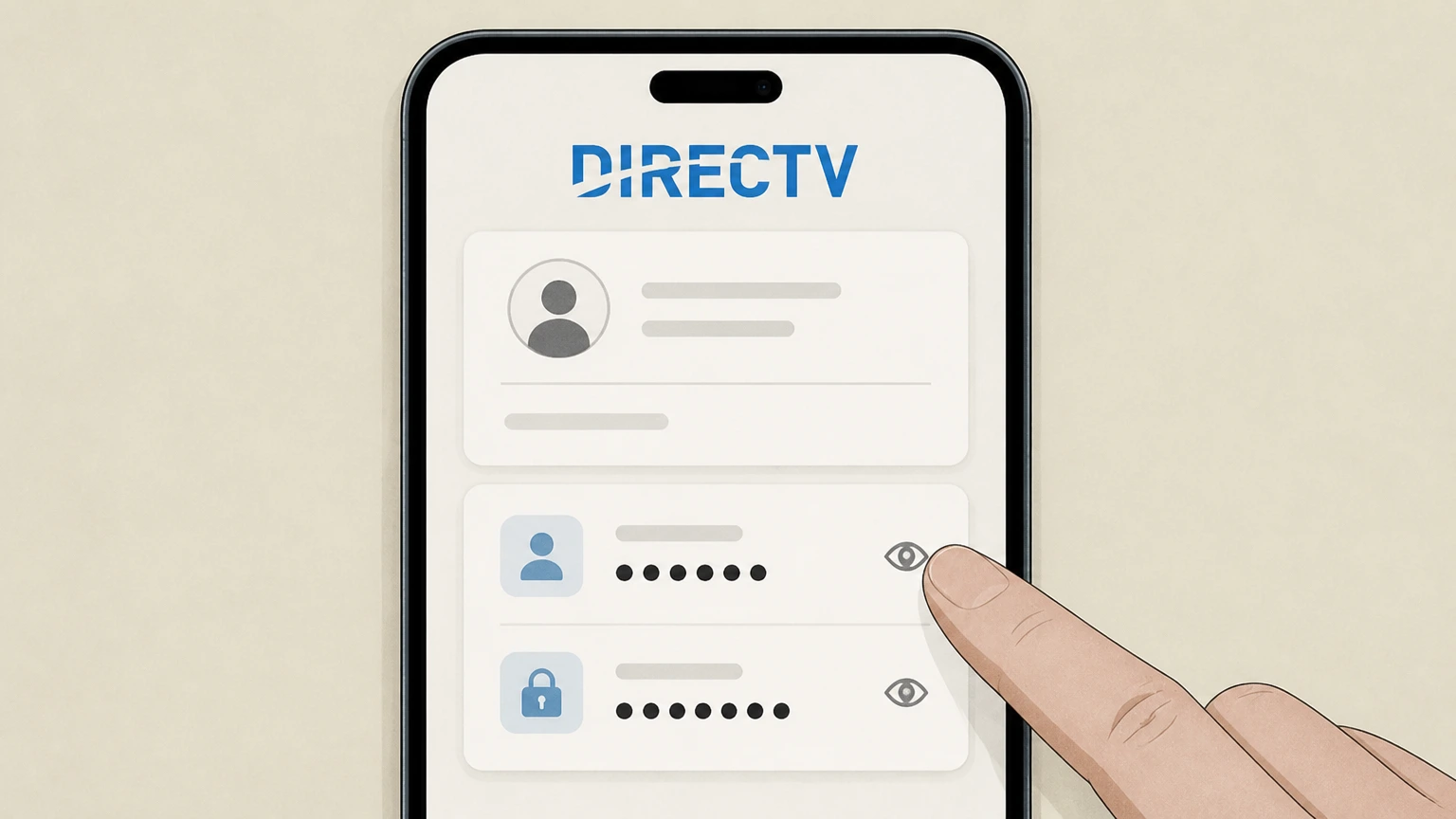
1Gather your DIRECTV account information
Locate your DIRECTV account number and any account PIN or passcode shown on your bill or in your online account so you can verify your identity.
 2
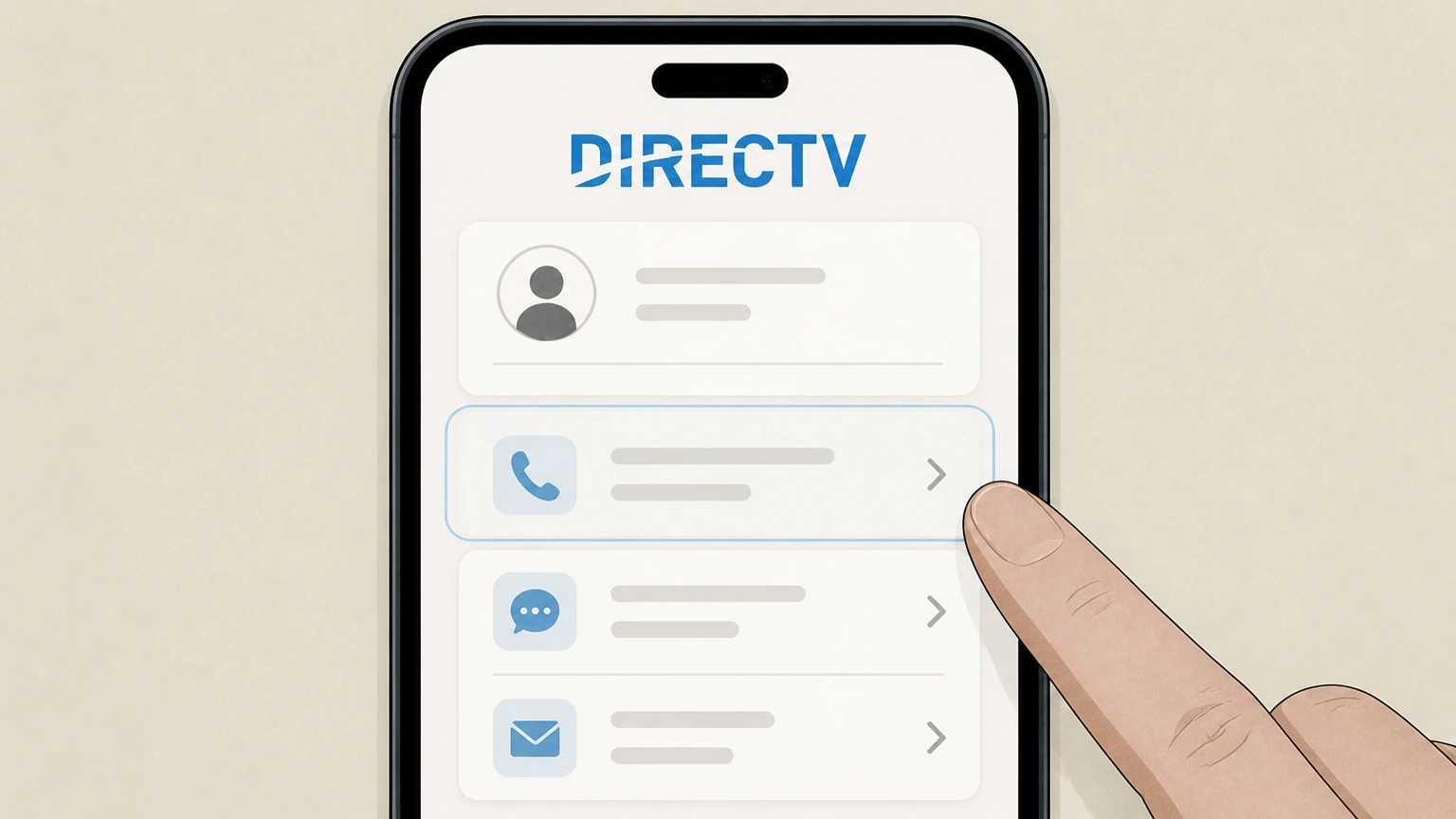
2Call DIRECTV customer service
Call the customer service phone number listed on DIRECTV’s Contact us page or at the top of your billing statement.
- Let Pine handle it
Pine can help
Too many steps?
Pine can find the right Cancel DIRECTV by phone path and handle the cancellation for you.
 3
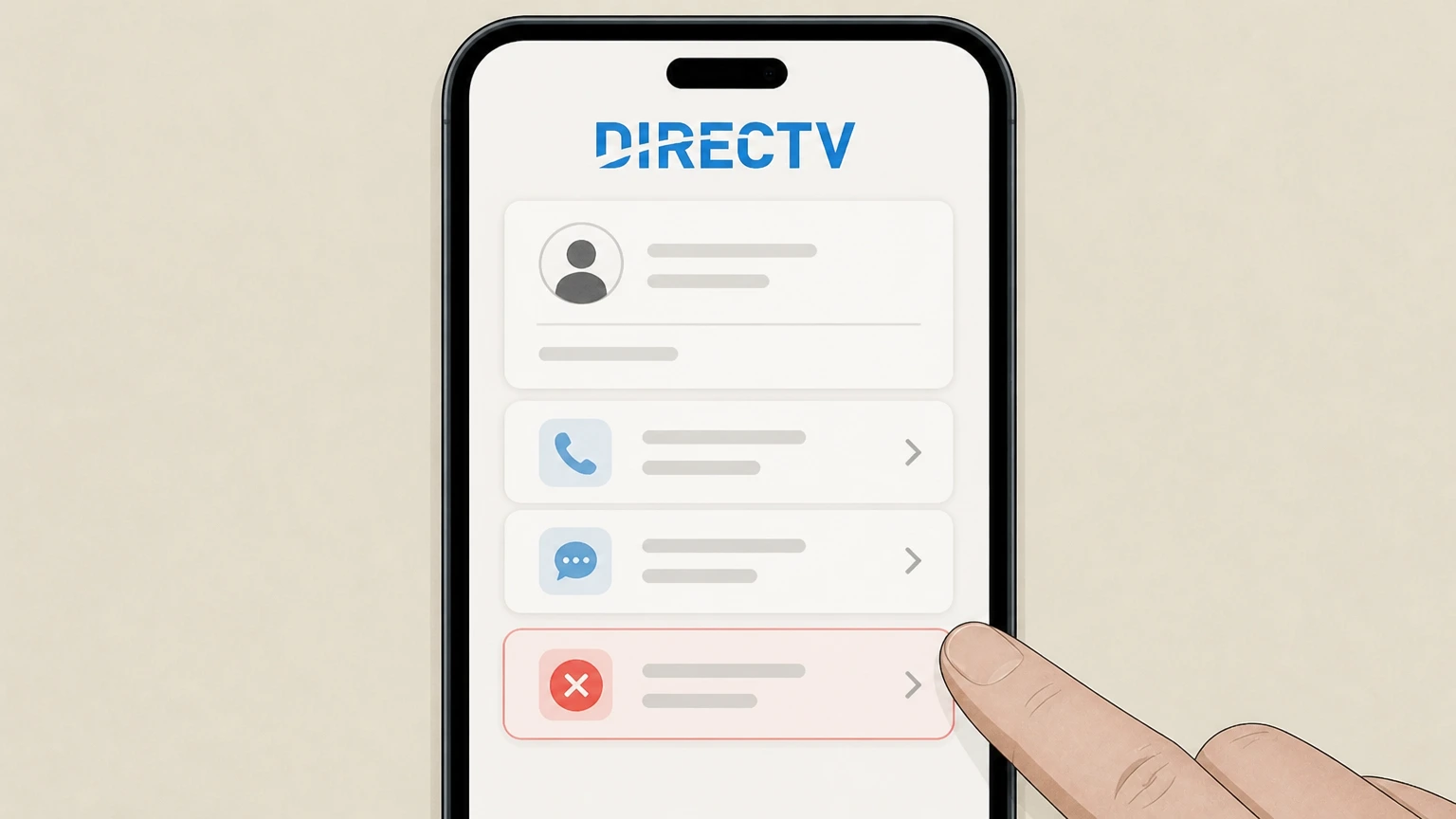
3Request to cancel your service
Tell the agent you want to cancel your DIRECTV service and specify whether you have DIRECTV via Satellite or DIRECTV via Internet/STREAM.
 4
4Ask for your cancellation effective date
Ask the agent to confirm the exact date your DIRECTV service will stop and when your final bill will be generated.
 5
5Ask about any early termination or other fees
Ask the agent whether an early termination fee, equipment non-return fee, or other charges will apply when your service is canceled.
 6
6Record your confirmation and follow return instructions
Write down any confirmation details the agent provides and follow the equipment return instructions, including where and how to return leased receivers and devices.
Refund policy
DIRECTV refunds, final bills, and disputes
DIRECTV’s policies distinguish between canceling service, receiving credits or refunds, and disputing card charges. Most customers will not get prorated credits when they cancel mid‑cycle, but free-trial and billing‑error situations are treated differently.
Check my refund options- No prorated credits for mid-cycle cancellation
- DIRECTV’s cancellation FAQ explains that for standard paid plans, service usually ends at the close of the current billing cycle and you generally won’t receive prorated credits or refunds for unused days in that cycle unless local law requires them.
- Free trial cancellations and charges
- For eligible free trial offers, DIRECTV states that if you cancel while still in the free trial period, your service is canceled immediately and you won’t be charged; if you don’t cancel in time, the subscription auto‑renews at the then‑prevailing rate under the offer’s terms.
- Early termination and equipment fees are not refunds
- If you cancel a satellite plan before satisfying a term commitment, DIRECTV may charge an early termination fee based on months remaining. Separately, failing to return leased equipment by the deadline can result in non‑return fees per device; these are additional charges, not refundable amounts.
- How to confirm your final bill
- After cancellation, you can sign in at directv.com to view up to 24 months of bills and payments and compare them with DIRECTV’s explanation of final charges, so you can verify that recurring charges have stopped and any ETF or equipment fees match your agreements.
- Disputing card charges you believe are wrong
- If you believe DIRECTV (or another billing owner) has continued charging you after cancellation or billed you incorrectly and can’t resolve it with customer service, the FTC and CFPB explain that you can dispute charges with your card issuer and may have protections under federal credit‑billing rules.
For questions about specific credits, refunds, or disputed DIRECTV charges on your account, start with DIRECTV’s billing and account management support, then contact your card issuer if you still need to dispute a card charge. Go to DIRECTV billing & account support
Service options
Know which DIRECTV service you have
DIRECTV’s cancellation steps differ slightly depending on whether you use a satellite dish or get service over the internet, so verify your service type before you cancel.
DIRECTV via Satellite customers
Satellite customers use a dish and typically have 12–24 month term commitments tied to equipment and programming; cancellations can trigger early termination fees if the commitment is not fulfilled.
DIRECTV via Internet/STREAM customers
DIRECTV via Internet/STREAM customers watch over home internet using a Gemini device, streaming device, or apps and subscribe to month‑to‑month streaming plans that DIRECTV markets as commitment‑free and cancellable anytime.
Finding your service type online
When you sign in at directv.com, DIRECTV asks you to choose DIRECTV via Satellite or DIRECTV via Internet/STREAM; that label in your Account Overview is the service type you should reference when canceling.
Effective dates
When DIRECTV cancellation takes effect
DIRECTV explains that the timing of cancellation and final charges depends on whether you are in a regular paid period or a trial.
End-of-cycle cancellation for paid plans
For regular paid DIRECTV service, your cancellation normally takes effect at the end of your current billing cycle, so you keep access until that date and then service stops.
No prorated credits for partial periods
DIRECTV states that you generally will not receive prorated credits or refunds for partial billing periods after you cancel, unless a specific law in your area requires otherwise.
Free trial behavior
If you are in a free trial when you cancel DIRECTV, DIRECTV states that your service is canceled immediately and you won’t be charged, but if you do not cancel by the deadline the subscription auto‑renews at the then‑current rate.
Checking your final bill online
After canceling, you can sign in at directv.com to review charges and payments for up to 24 months, which lets you verify the final bill and confirm that recurring charges have stopped.
Contracts & fees
Programming commitments and early termination fees
Some DIRECTV satellite offers include a programming or term commitment; canceling early can create an early termination fee (ETF), while most current streaming plans are commitment‑free.
Satellite term commitments
DIRECTV’s agreements say new satellite customers and many equipment upgrades come with a 24‑month term commitment, and certain self‑install upgrades or moves may create 12‑month terms.
How early termination fees are calculated
For many satellite term agreements, DIRECTV charges an ETF based on the months remaining—commonly a dollar amount per remaining month—with different amounts for professionally installed versus self‑installed equipment upgrades.
Streaming plans and ETFs
DIRECTV’s consumer streaming plans are advertised as 100% commitment‑free and cancel‑anytime, so ending a month‑to‑month streaming plan does not itself trigger an ETF, though you still owe any past‑due balance and equipment or other fees.
Where to see your end date and ETF risk
DIRECTV’s programming‑commitment support article and your online Billing & Payments section explain how to find your commitment end date and help you estimate whether an ETF will apply before you cancel.
Equipment
Leased equipment and non-return charges
Cancelling DIRECTV often requires you to return leased receivers and devices; failing to do so leads to equipment non‑return fees.
What must be returned
DIRECTV’s Equipment Lease Agreement says leased equipment—such as Gemini and Gemini Air devices, Genie receivers, minis, DVRs, and their power cords and remotes—must be returned in working order when service is canceled unless DIRECTV tells you otherwise.
Non-return equipment fees
If you do not return leased equipment by the deadline or it is damaged beyond normal wear and tear, DIRECTV charges a non‑return fee for each piece of equipment to the payment method on file.
Deadlines for returns
For DIRECTV connected via Internet customers, you generally have 14 days from the effective cancellation date (or order change) to return leased equipment; DIRECTV via Satellite customers typically have 21 days.
How to return equipment
DIRECTV instructs internet customers to ship equipment back via USPS using a provided return label, and satellite customers to drop off equipment at a FedEx Office or UPS Store or request a USPS return label by contacting DIRECTV.
What usually stays at your location
The lease agreement clarifies that outdoor receiving equipment like the satellite dish and mounting hardware are usually owned equipment for satellite customers and are not returned; the focus is on leased indoor receivers and related devices.
Account access
What changes—and what doesn’t—after cancellation
DIRECTV’s support pages outline what happens to programming, recordings, and account access when you cancel.
Loss of TV package and add-ons
After cancellation takes effect, your DIRECTV TV package, add‑on packs, premiums, and any streaming services billed through DIRECTV are turned off, so you can no longer watch live channels or On Demand content through DIRECTV.
Cloud DVR recordings are erased
DIRECTV notes that your recordings are erased when service is canceled, so you cannot keep or export DIRECTV DVR or cloud DVR content once your account is closed.
Future pricing if you return
DIRECTV warns that if you later restart service, your package price may be different and could be higher than what you were paying before cancellation, depending on then‑current offers.
Viewing past bills and history
Even after canceling, you can usually still sign in at directv.com to view up to 24 months of billing history and payment records, which is useful for verifying your final charges or expense records.
Autopay behavior
For internet streaming service, autopay is automatically enabled and cannot be turned off while the service is active, but once you cancel that service, future recurring streaming charges should stop after the final billed cycle.
Billing owner
Who bills you for DIRECTV and why it matters
Understanding who actually bills you for DIRECTV helps you choose the correct cancellation path and dispute process.
DIRECTV as default biller
DIRECTV’s residential customer agreement states that if your bill comes from DIRECTV, you must use DIRECTV’s own contact channels for questions and account changes, including cancellation.
When another company bills you
The same agreement notes that if your DIRECTV bill comes from another company (such as a carrier or partner), you should use the contact information on that bill, because that partner—not DIRECTV—is your billing owner for that subscription.
App store and marketplace billing
Apple’s subscription help explains that any subscription billed through Apple must be canceled from the Apple ID Subscriptions settings, and similar rules apply for other app stores and marketplaces; check who appears as the merchant on your statement before deciding where to cancel.
Why billing owner affects refunds and disputes
Refunds, trial rules, and dispute processes follow the billing owner’s policies; for DIRECTV‑billed service you work with DIRECTV first, while Apple, Google, Roku, Amazon, or PayPal‑billed subscriptions must be refunded or disputed through those platforms.
Alternatives
Pause, move, or change DIRECTV instead of canceling
If you only need a temporary change, DIRECTV offers options other than full cancellation.
Pause or suspend service
DIRECTV support describes options to pause or suspend your account, which stop viewing and regular charges for a period while allowing you to restart later with the same account.
Move your service
If you are moving, DIRECTV has Movers guides that explain how to move your DIRECTV via Satellite or DIRECTV via Internet/STREAM service to a new address instead of canceling and reordering.
Change your package or add-ons
From Account Overview and Billing & Payments, you can review your current programming package and add‑ons, then downgrade or remove premium channels or sports packages without cancelling your entire DIRECTV account.
Short-term payment relief
DIRECTV allows some satellite customers to request payment arrangements or short service‑interruption extensions to avoid immediate disconnection, which may help if you’re considering cancellation only because of a short‑term billing issue.
What official sources do not confirm
Limits of the public DIRECTV cancellation guidance
These points are intentionally qualified because the official sources reviewed on August 16, 2026 do not publish a complete answer.
Documented limitation 1
DIRECTV does not publicly expose the exact step-by-step flow of the logged-in Cancel service screens for streaming customers, so the online cancellation route is based on DIRECTV’s high-level instructions and general account-navigation documentation rather than full UI capture.
Documented limitation 2
The guide assumes U.S. residential customers; commercial accounts and DIRECTV FOR BUSINESS offerings follow different agreements and cancellation processes that are not fully covered here.
Documented limitation 3
Some legal and contract PDFs are updated periodically; while this audit used the versions available on August 16, 2026, early termination fee formulas or equipment policies may change in later revisions.
Documented limitation 4
Billing ownership edge cases—such as DIRECTV sold through telecom bundles or niche app-store offers—are only partially documented; customers whose bills list a different merchant must follow that entity’s terms even if not detailed in DIRECTV’s own help pages.
Documented limitation 5
Regulatory references from the FTC and CFPB provide general guidance on subscriptions and billing disputes, not DIRECTV-specific legal advice, so readers with complex disputes may need individualized legal counsel or state-specific consumer protection resources.
DIRECTV cancellation FAQ
Questions people search about canceling DIRECTV, answered with official provider or billing-platform sources checked on August 16, 2026.
How do I cancel DIRECTV?
How do I cancel DIRECTV online?
How do I cancel DIRECTV STREAM?
What happens if you don't return DIRECTV equipment?
How much is the cancellation fee for DIRECTV?
How do I cancel my DIRECTV free trial?
What is the fastest way to cancel DIRECTV?
What can I do if I have trouble canceling DIRECTV?
Does deleting the DIRECTV app cancel my service?
Can I cancel DIRECTV without calling?
Untangle this DIRECTV issue.
Let Pine handle the provider follow-up and keep the confirmation in one place.
