


ClickFreeScore
Cancel subscription
How to Cancel ClickFreeScore: Official Steps & Timing
Cancel ClickFreeScore through the correct billing route. Follow official steps, understand renewal timing and refunds, and keep proof of the final result.
- 2 verified cancellation routes
- Billing ownership and renewal timing explained
- Provider-specific refund boundaries included
- A confirmation check follows every route
Choose the correct ClickFreeScore cancellation route
Phone customer service · verify the billing owner
Cancel ClickFreeScore through Phone customer service
 1
1Gather your ClickFreeScore membership details
Locate your Member ID, first and last name, and the address you used when signing up so you can verify your account.
 2
2Call ClickFreeScore customer service
Dial the toll-free ClickFreeScore customer service number shown in the Member FAQs during the posted support hours.
- Let Pine handle it
Pine can help
Too many steps?
Pine can find the right Phone customer service path and handle the cancellation for you.
 3
3Request cancellation of your membership
Tell the representative you want to cancel your ClickFreeScore membership and stop all future recurring charges.
 4
4Complete identity verification
Answer security questions and provide the membership details the agent requests so they can locate and authenticate your account.
 5
5Ask for written confirmation of cancellation
Ask the agent to send you a confirmation of cancellation, such as an email or message in your member portal, and keep it for your records.

Online chat in member portal · verify the billing owner
Cancel ClickFreeScore through Online chat in member portal
 1
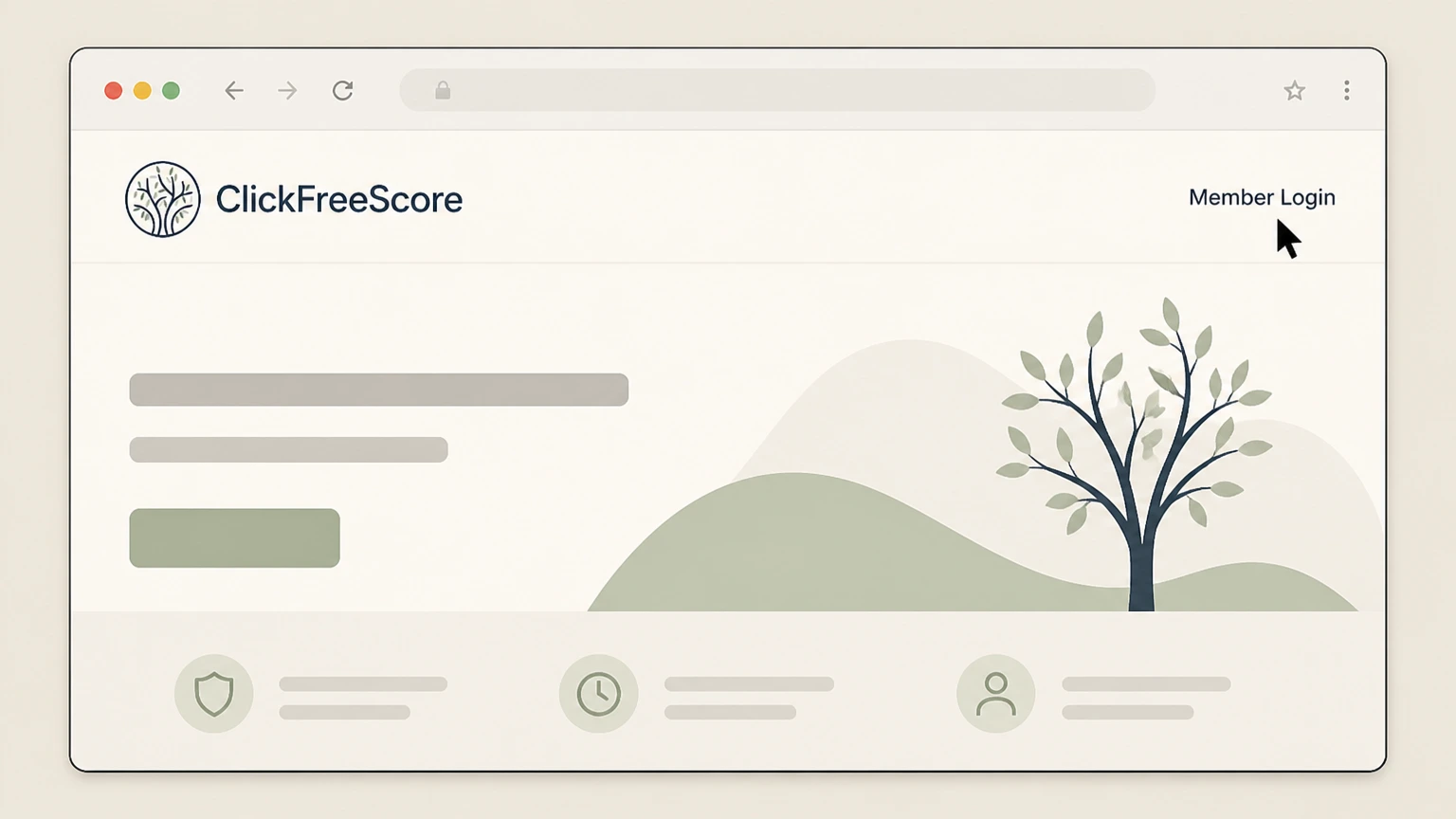
1Open the ClickFreeScore website
Go to ClickFreeScore.com in your web browser and navigate to the Member Login link in the site header.
 2
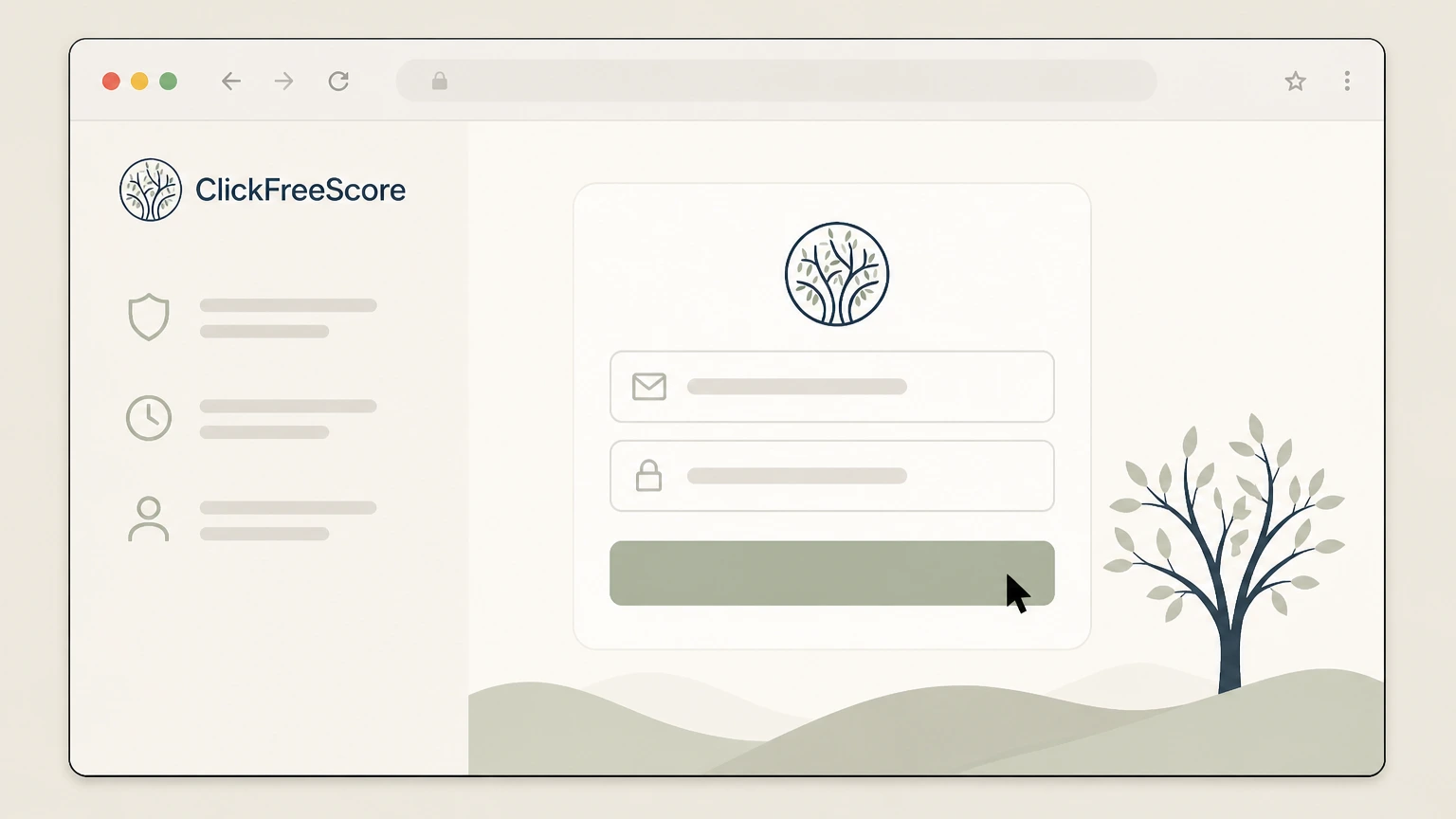
2Sign in to your member portal
Enter the email address and password associated with your ClickFreeScore membership and submit the form to access your member dashboard.
- Let Pine handle it
Pine can help
Too many steps?
Pine can find the right Online chat in member portal path and handle the cancellation for you.
 3
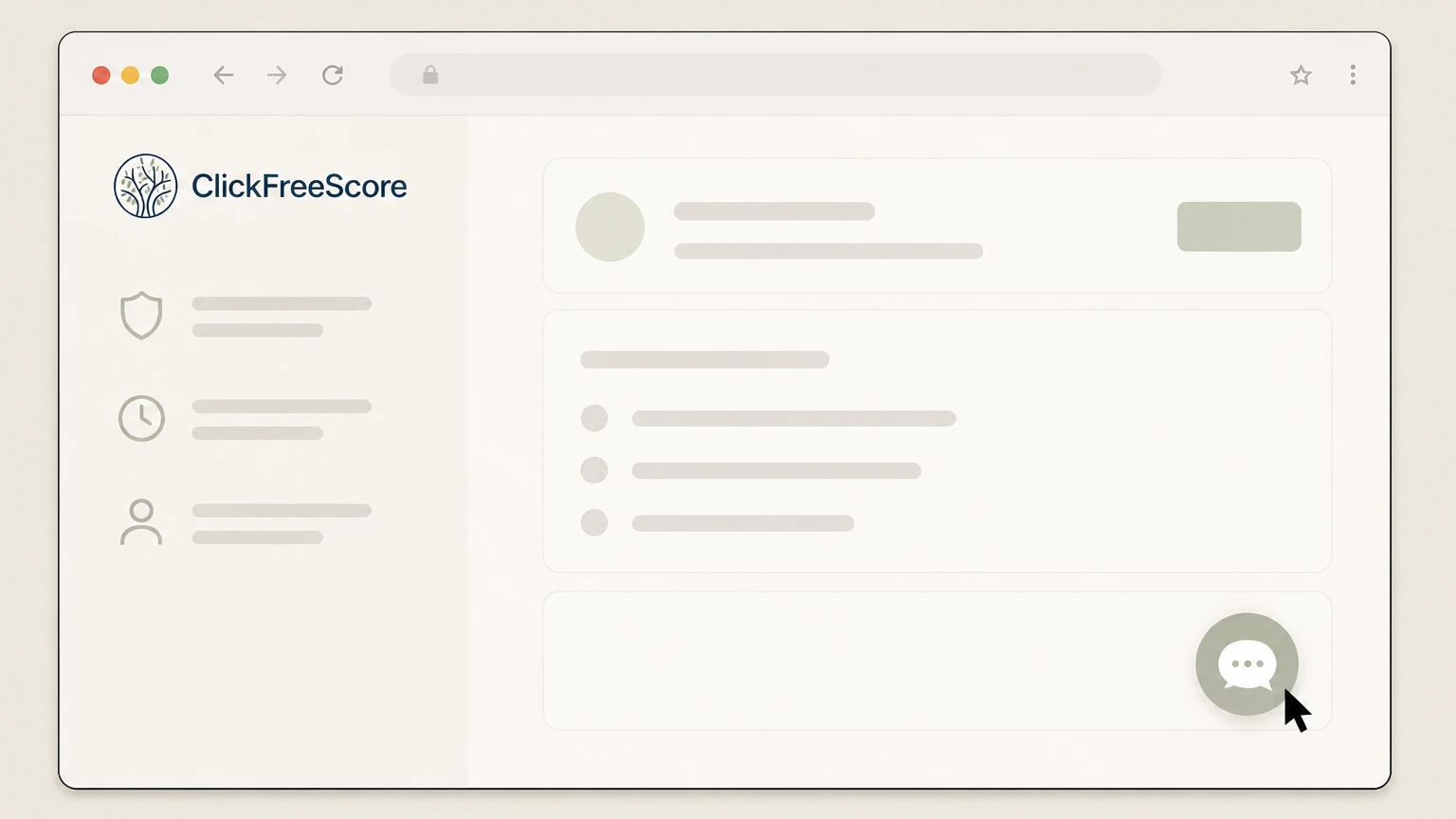
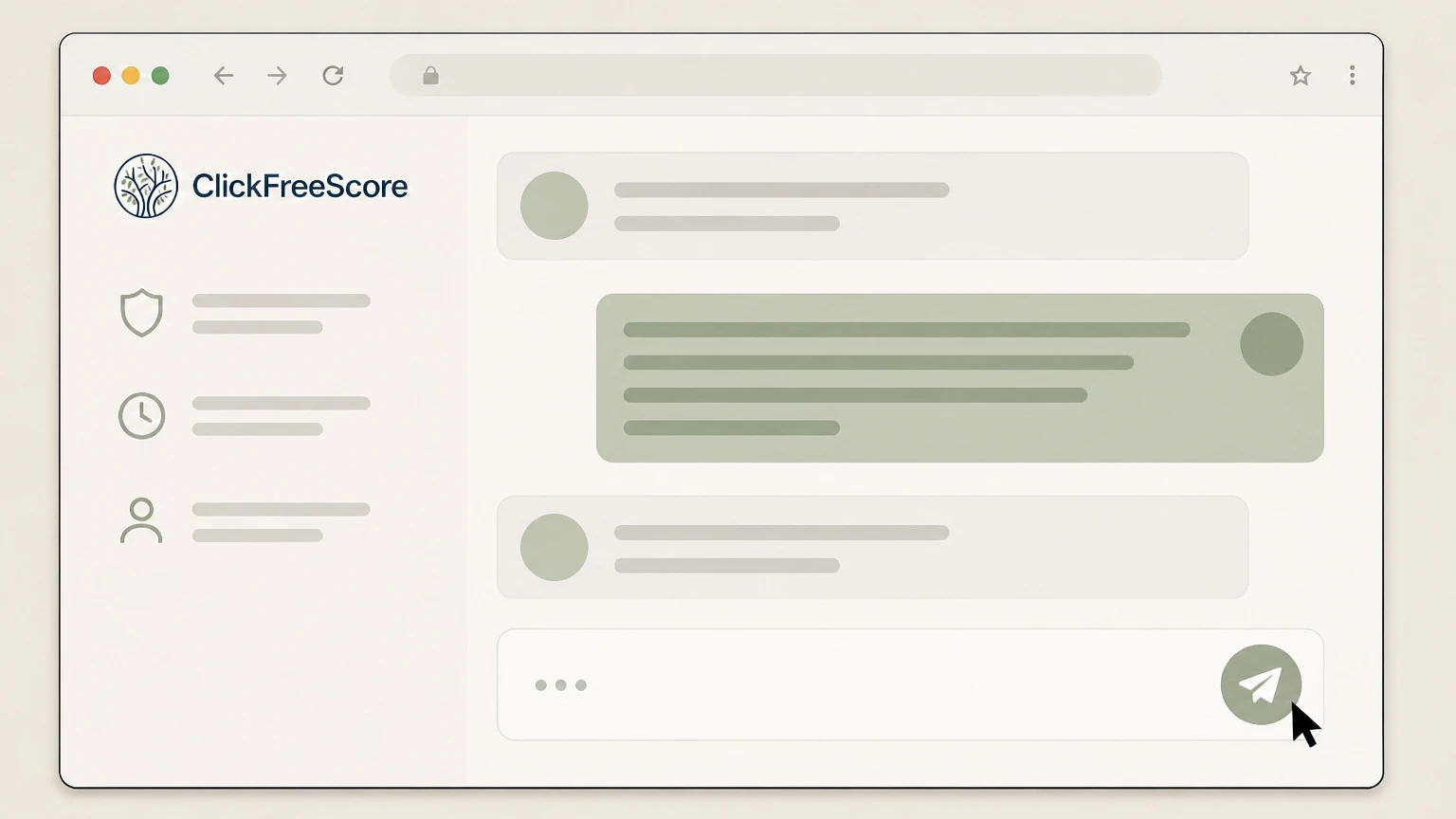
3Open the chat feature
Locate and open the chat feature in your member portal so you can connect with a ClickFreeScore agent.
 4
4Request cancellation via chat
Tell the chat agent that you want to cancel your ClickFreeScore membership and stop all future recurring charges.
 5
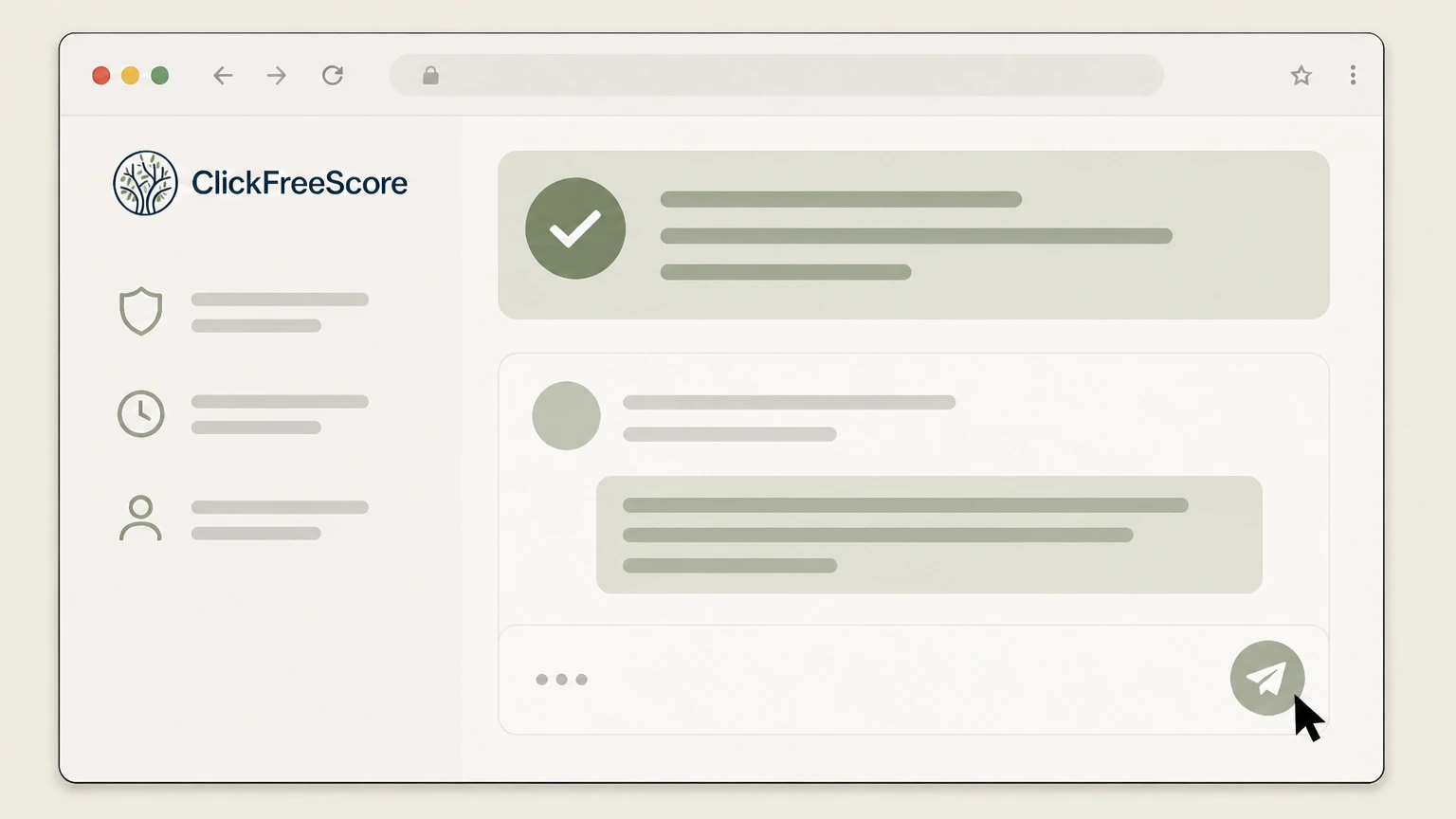
5Save proof of your online cancellation
Save or screenshot the chat transcript or any on-screen confirmation message showing your membership was cancelled.
Refund policy
Refunds and cancellations for ClickFreeScore memberships
ClickFreeScore’s Terms of Service set strict limits on refunds once services are provided. Cancelling mainly affects future billing and access to services, not past charges, so timing and documentation of your cancellation matter.
Check my refund options- No refunds once services are delivered
- ClickFreeScore’s billing terms state that refunds will not be issued once services have been provided to you, indicating that standard membership charges are nonrefundable after you have access to the credit-monitoring services.
- No pro-rated refunds when you cancel mid-cycle
- The cancellation policy explains that if you cancel your membership, you retain access until the end of your current subscription or membership period and any promotional period, but you will not receive any refunds, credits, or pro-rated reimbursement for unused time.
Review ClickFreeScore’s current Terms of Service and your credit-card issuer’s billing-dispute process if you believe a charge is incorrect or should have stopped after cancellation. View ClickFreeScore Terms of Service
Status & billing
Is ClickFreeScore still active and who bills you?
Context on ClickFreeScore’s current operation, ownership, and how your membership is billed.
Service currently operating
The ClickFreeScore.com homepage actively promotes a credit monitoring membership with benefits, member login, and sign-up links, and the site footer shows a 2026 copyright notice, indicating that the service is still operating and selling subscriptions.
Owned by Norscore, LLC
The footer on ClickFreeScore’s site identifies Norscore, LLC as the owner of the website and provider of the credit monitoring services, so this entity is the business behind your membership rather than a third-party app store.
Direct recurring billing by ClickFreeScore
The Terms of Service explain that when you register as a member, you agree to have recurring membership subscription fees automatically charged to the credit card or other payment mechanism you authorize, with the membership automatically renewing at the agreed subscription period until you cancel.
No official app-store billing listed
Official pages describe billing only in terms of ClickFreeScore charging your authorized payment method and do not mention Apple, Google Play, or other app stores, so you should plan to cancel directly through ClickFreeScore’s own channels.
Cancel options
Official ways to cancel ClickFreeScore
ClickFreeScore’s Terms and FAQs describe two supported cancellation routes: phone and online chat from your member portal.
Phone cancellation is always available
The Member FAQ states that you can cancel your membership at any time by calling ClickFreeScore’s customer service number, and that you should have your membership information ready so the representative can locate and cancel your account.
Online cancellation via portal chat
Both the Member FAQ and the Terms of Service explain that if you prefer to cancel online, you can sign into your member portal on ClickFreeScore.com and use the chat service to request cancellation from an agent.
Contact information on the website
The Terms add that you may cancel using the contact information provided on the website, but do not currently show a separate email address or form specifically dedicated to cancellations, so phone and member-portal chat remain the clearly supported paths.
No self-serve cancel button documented
Public pages do not describe a standalone “Cancel Subscription” button that completes cancellation without an agent; instead, they consistently direct you to call or use chat with a customer-service representative to process your request.
Access
What happens to your ClickFreeScore access after you cancel
How cancellation affects your access to ClickFreeScore’s credit-monitoring tools and benefits.
Billing stops but current term continues
The cancellation clause in the Terms states that once you cancel your membership, you will no longer be billed for the services, but you keep access until the end of the subscription or membership period during which you cancelled and until any promotional or bonus period has expired.
Access ends after the paid period and promos
After the current paid and promotional periods end, your access to ClickFreeScore’s services stops, meaning you will no longer be able to use the member portal for credit reports, scores, or monitoring benefits tied to the membership.
Services delivered through member portal
The Terms explain that once you register, you access your services through a personal member portal on the website, where you can view your member profile and specific services; cancelling your membership ultimately ends your ability to use this portal for active services.
Identity-monitoring and alerts tied to active status
Credit Learning Center materials describe ongoing credit monitoring and alerts as member benefits delivered via the portal; given the Terms’ statement that access ceases after the current period, these monitoring and alert features are available only while your membership remains active.
ClickFreeScore cancellation FAQ
Provider-specific answers about billing, timing, refunds, and confirmation.
How do I cancel my ClickFreeScore membership?
Can I cancel ClickFreeScore without calling customer service?
What is the phone number to cancel ClickFreeScore?
Is ClickFreeScore’s cancellation phone line available 24/7?
What happens to my ClickFreeScore access after I cancel?
Untangle this ClickFreeScore issue.
Let Pine handle the provider follow-up and keep the confirmation in one place.
