


Bokksu
Cancel subscription
How to Cancel a Bokksu Subscription: 2026 Guide
Deactivate Bokksu in the account portal and choose manual reactivation. Follow current steps, check prepaid shipments, and understand the no‑refund boundary.
- 1 cancellation path matched to the billing owner
- Renewal timing and access outcome explained
- Refund requests routed to the company that billed you
- Confirmation steps included for every path
Choose the Bokksu cancellation path that matches who bills you
Bokksu account portal · verify the billing owner
Bokksu account portal
 1
1Sign in to Bokksu
Open the Bokksu account portal and sign in.
 2
2Open Subscriptions & Gifts
Choose Subscriptions & Gifts, or Sub & Gifts on mobile.
- Let Pine handle it
Pine can help
Too many steps?
Pine can find the right Bokksu account portal path and handle the cancellation for you.
 3
3Choose the subscription
Select the recurring subscription you intend to stop.
 4
4Choose Deactivate Subscription
Open the management menu and select Deactivate Subscription.
 5
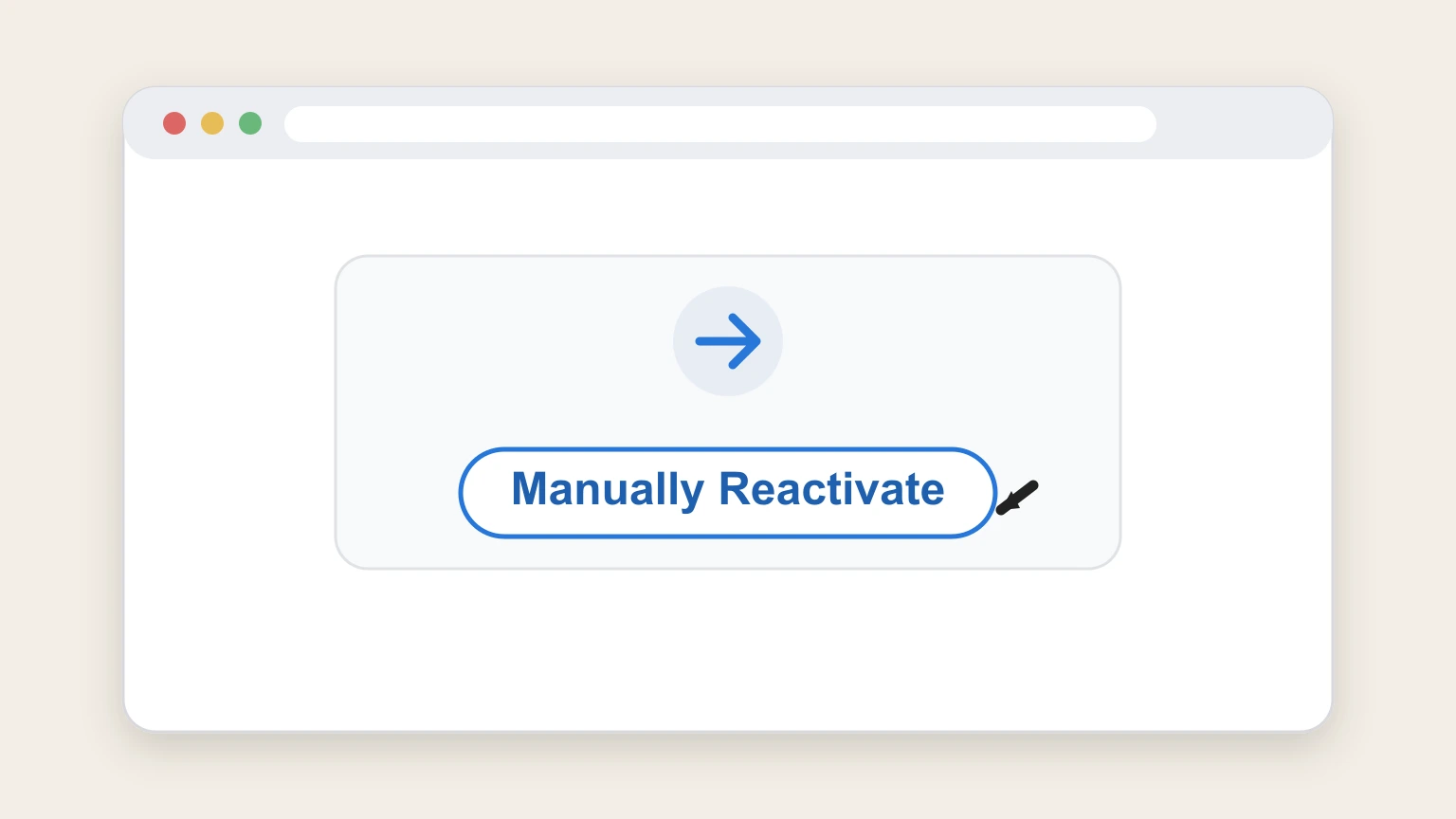
5Select Manually Reactivate
Choose Manually Reactivate so future automatic charges remain stopped until you reactivate.
 6
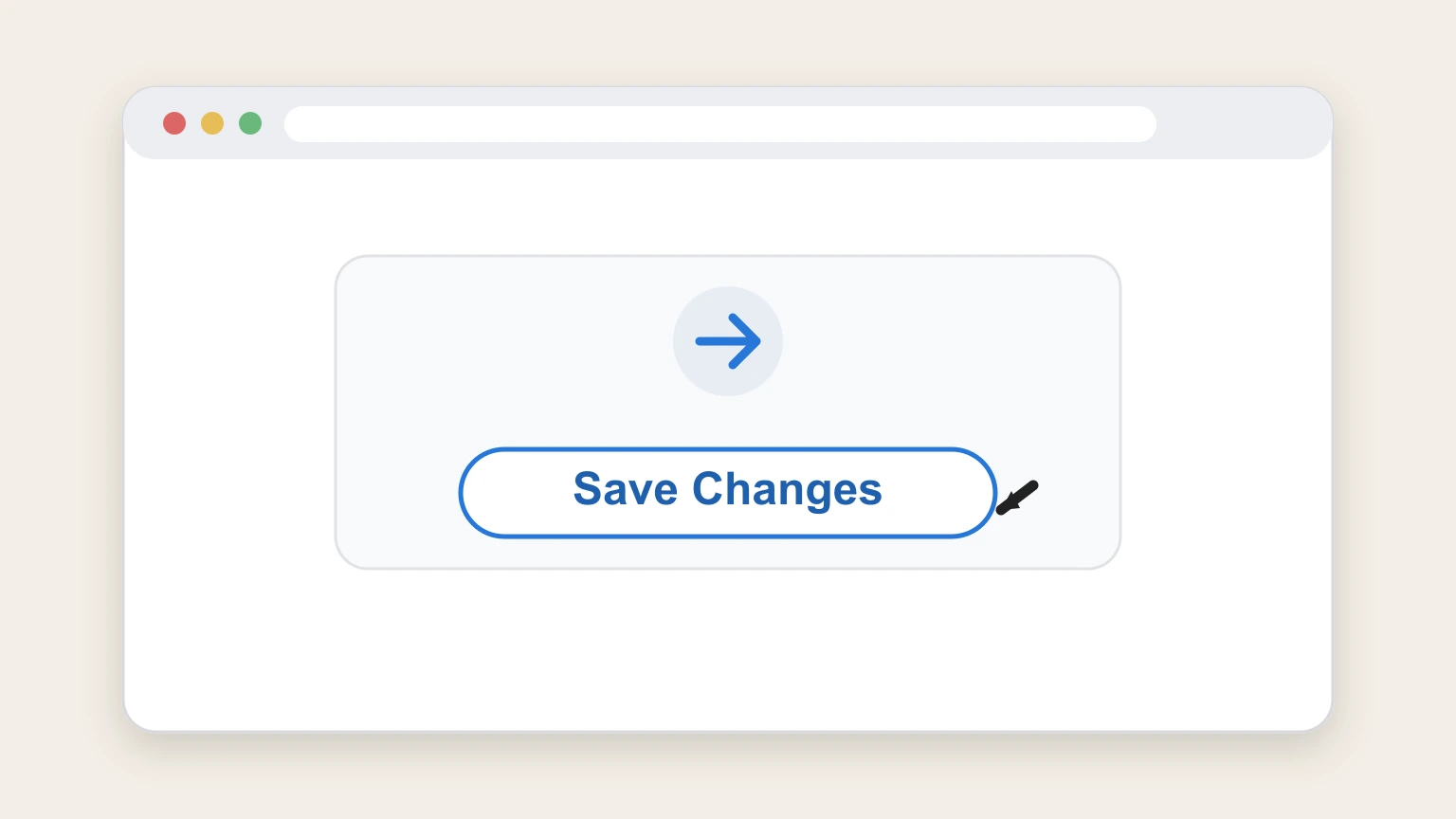
6Save Changes
Select Save Changes and recheck the subscription status.

Refund policy
Bokksu paid fees are generally nonrefundable
Current terms state payment obligations are non‑cancelable and paid fees are non‑refundable except where additional terms say otherwise.
Check my refund options- Prepaid shipments continue
- Deactivation stops future renewal, but it does not cancel remaining prepaid shipments; already‑paid boxes continue.
- No universal day cutoff
- The current reviewed sources do not establish a universal number of days before renewal. Use the next billing date shown in the account and act before it.
Review the current Bokksu terms for any plan‑specific exception. Open Bokksu Terms
Check the plan
Distinguish recurring and gift Bokksu plans
A gift plan should not be described as recurring unless the account shows renewal.
Recurring Snack Box
Use the portal deactivation flow.
Gift plan
Check whether the account shows any renewal before taking action.
After deactivation
Prepaid Bokksu boxes continue
The official product page says remaining prepaid shipments are not canceled by deactivation.
Future renewal stops
Manual reactivation prevents automatic charges.
Paid shipments remain
Already‑paid boxes continue.
After Save Changes
Verify Bokksu shows manual reactivation
The provider portal uses this state to keep renewal off until the subscriber chooses to resume.
Subscription status
Reopen the selected plan and check the saved state.
Next billing date
Confirm the portal no longer shows an automatic renewal for that plan.
Bokksu cancellation FAQ
Answers about Bokksu billing ownership, cancellation timing, refunds, and access after cancellation.
How do I cancel Bokksu online?
Do Bokksu prepaid boxes stop after deactivation?
Will Bokksu charge again after manual reactivation is selected?
Does Bokksu refund canceled subscription fees?
Untangle this Bokksu issue.
Let Pine handle the provider follow-up and keep the confirmation in one place.
