


Bean Box
Cancel subscription
How to Cancel Bean Box: Official Steps & Timing
Cancel Bean Box through the correct billing route. Follow official steps, understand renewal timing and refunds, and keep proof of the final result.
- 1 verified cancellation route
- Billing ownership and renewal timing explained
- Provider-specific refund boundaries included
- A confirmation check follows every route
Choose the correct Bean Box cancellation route
Bean Box account · verify the billing owner
Cancel Bean Box in the account
 1
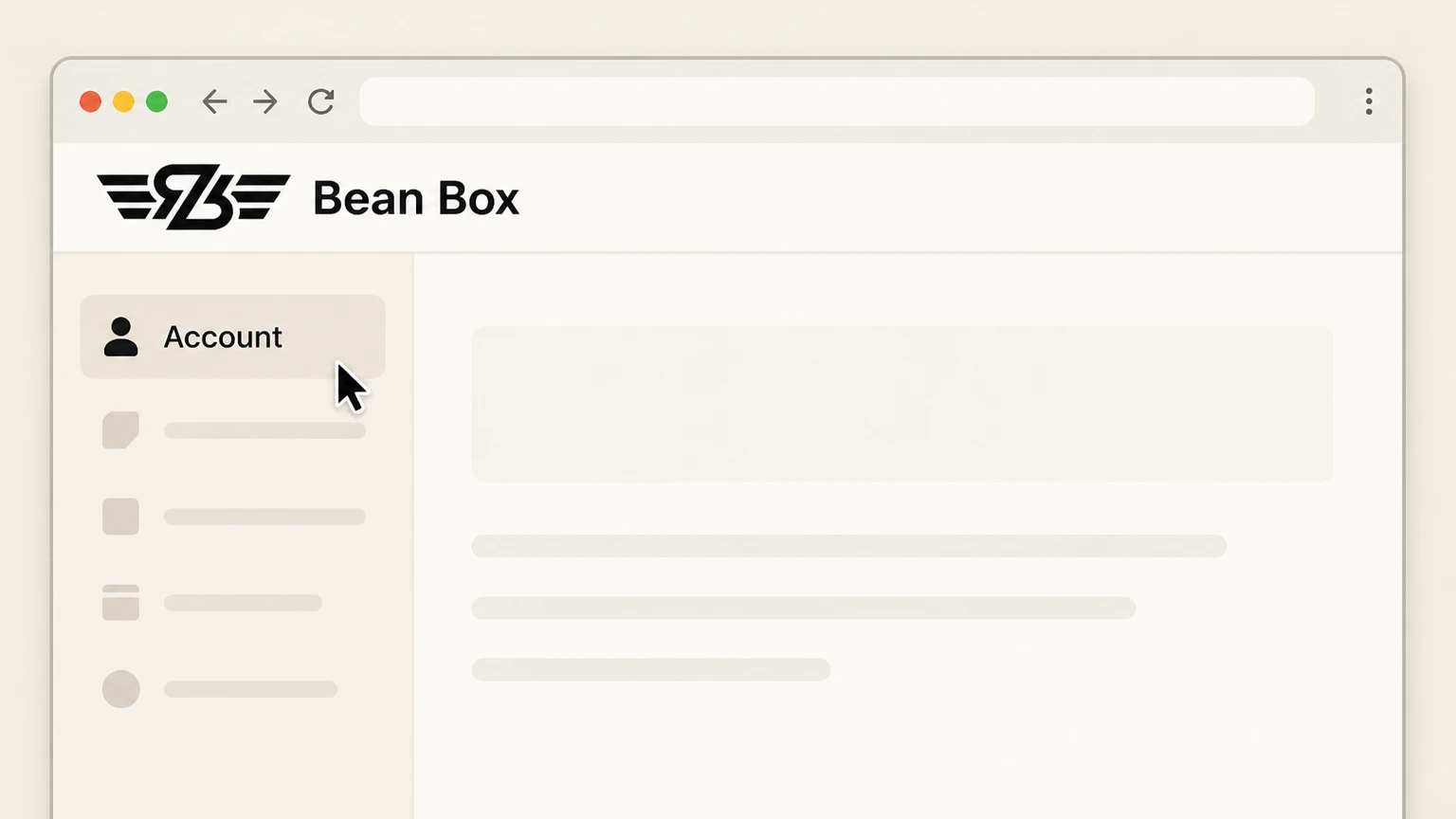
1Open the account section
Sign in to Bean Box and open the account section.
 2
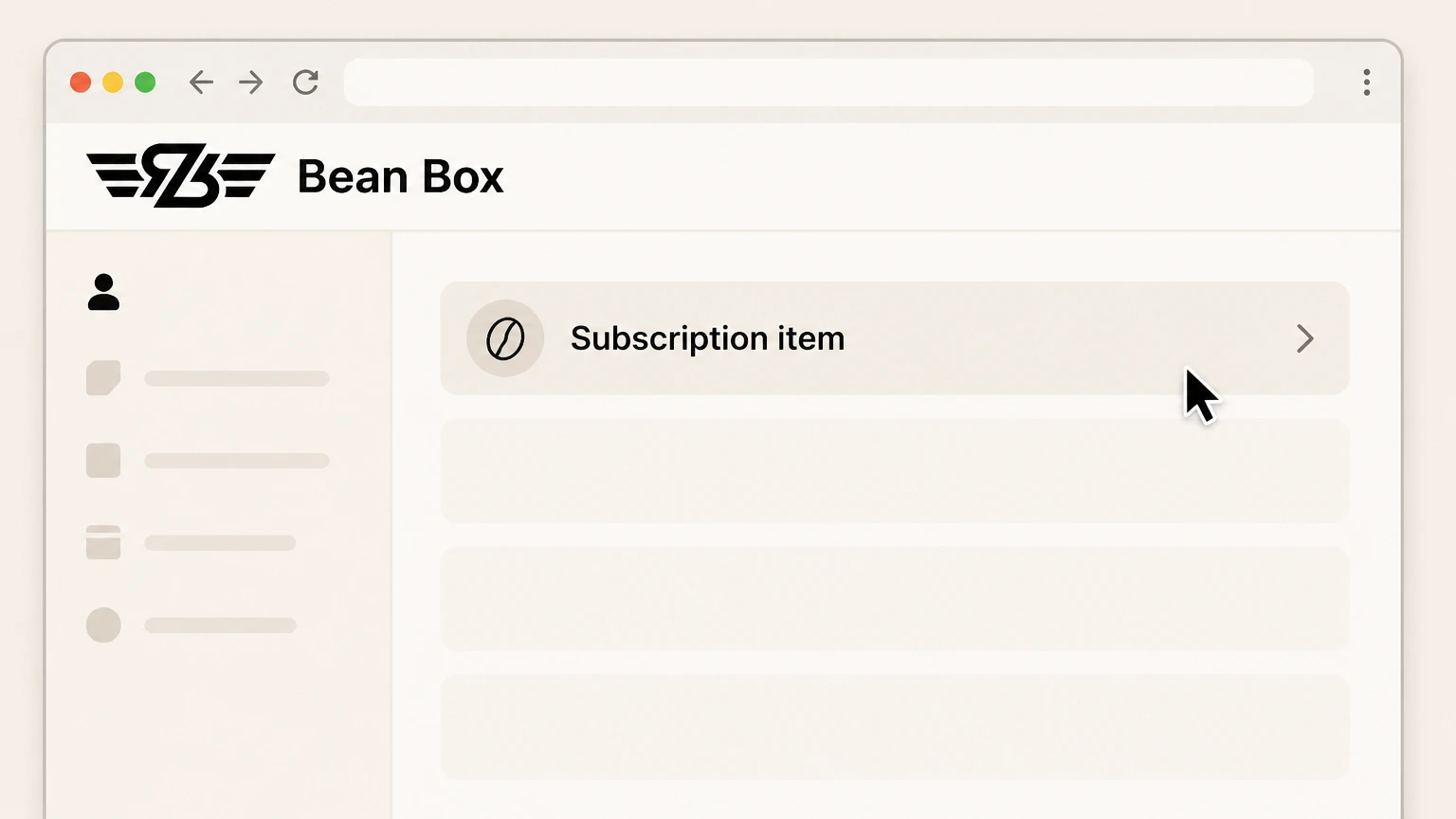
2Select the subscription item
Choose the recurring coffee item that should stop.
- Let Pine handle it
Pine can help
Too many steps?
Pine can find the right Bean Box account path and handle the cancellation for you.
 3
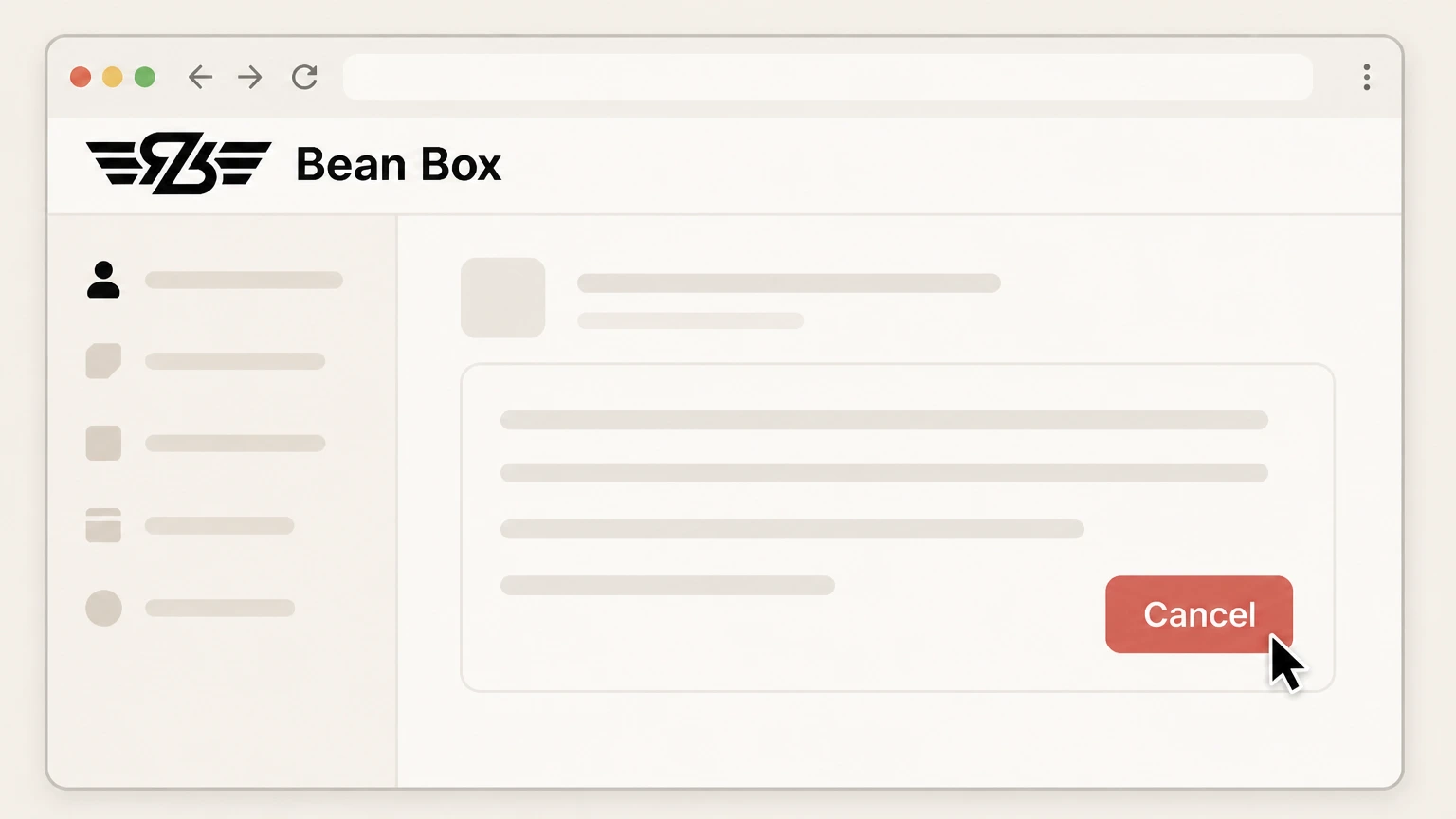
3Use the cancellation button
Open its order details and select the cancellation button.

Refund policy
Bean Box cancellation and the next order
The current terms focus on the published cutoff rather than promising a refund after an order enters processing.
Check my refund options- Cutoff controls the next shipment
- Cancel by 1 PM Pacific Wednesday before the scheduled shipment to prevent that cycle.
Email Bean Box about an order already billed. Read Bean Box terms
Shipment cutoff
Cancel by Wednesday at 1 PM Pacific
Bean Box publishes a cutoff before the next scheduled shipment.
Wednesday deadline
Complete cancellation by 1 PM Pacific on Wednesday before the next shipment.
Billing timing
The subscription is billed on Friday before shipment
A request after the Wednesday cutoff may not stop the next order.
Check the next shipment
Use the account order details to see which recurring item is affected.
Support route
Email is an official alternative
The current terms publish delight@beanbox.com for cancellation.
Name the target item
Identify the subscription item and retain the provider response.
Bean Box cancellation FAQ
Provider-specific answers about billing, timing, refunds, and confirmation.
How do I cancel a Bean Box subscription?
What is the Bean Box cancellation cutoff?
Can I cancel Bean Box by email?
Untangle this Bean Box issue.
Let Pine handle the provider follow-up and keep the confirmation in one place.
