

Fabletics
Cancel subscription
Cancel Your Fabletics VIP Membership Online or Phone
Learn how to cancel Fabletics through the right billing provider. Follow official steps, understand access timing, refunds, and the confirmation to keep.
- Official Fabletics and billing-owner sources
- 2 provider-specific cancellation paths
- Refund and post-cancellation effects separated from renewal
- Verified August 16, 2026
Choose the Fabletics cancellation path that matches who bills you
Cancel online through your Fabletics Account · verify the billing owner
 1
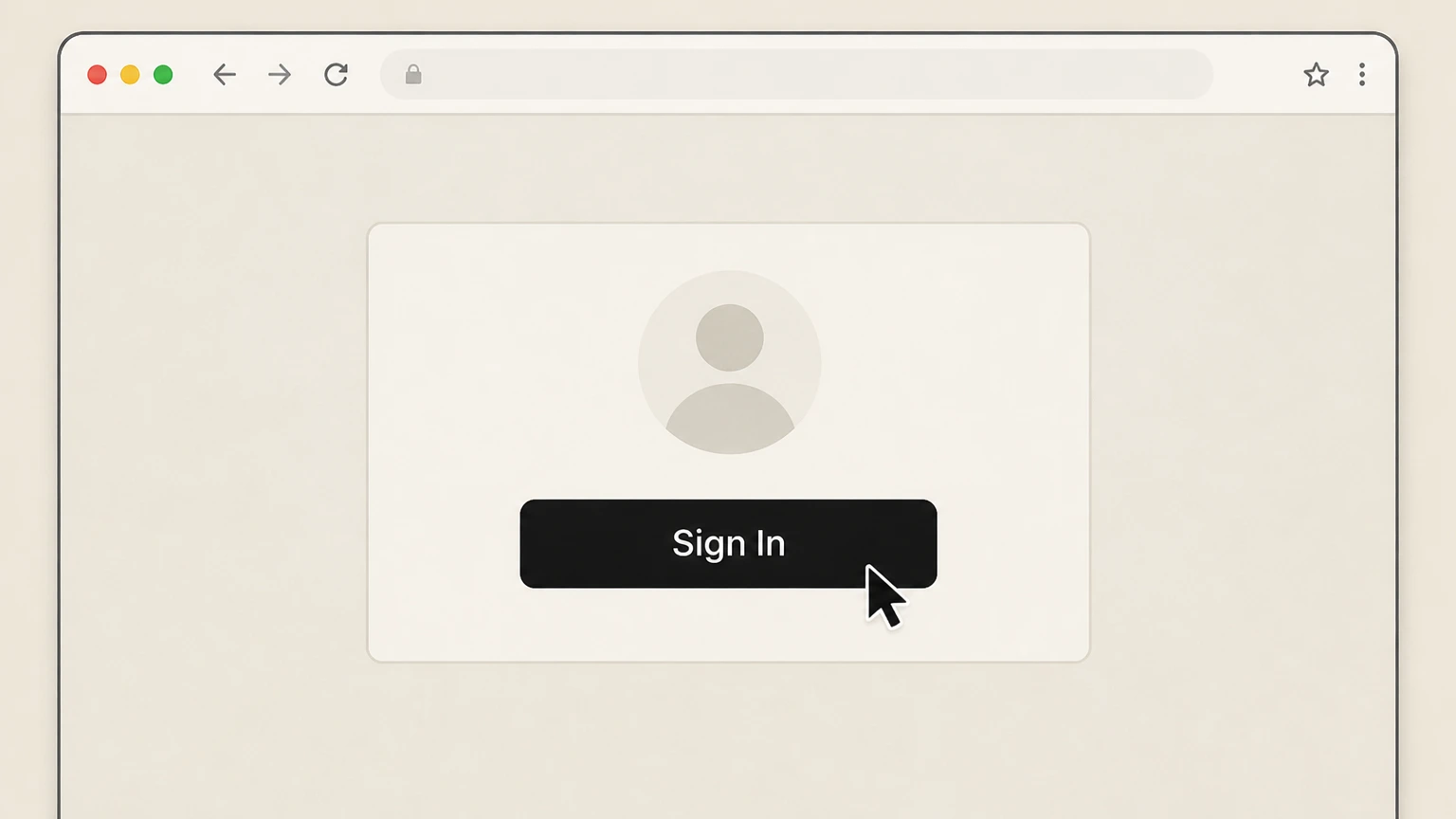
1Sign in to your Fabletics account
Sign in to your Fabletics account at fabletics.com using your usual login details so you can manage your VIP Membership.
 2
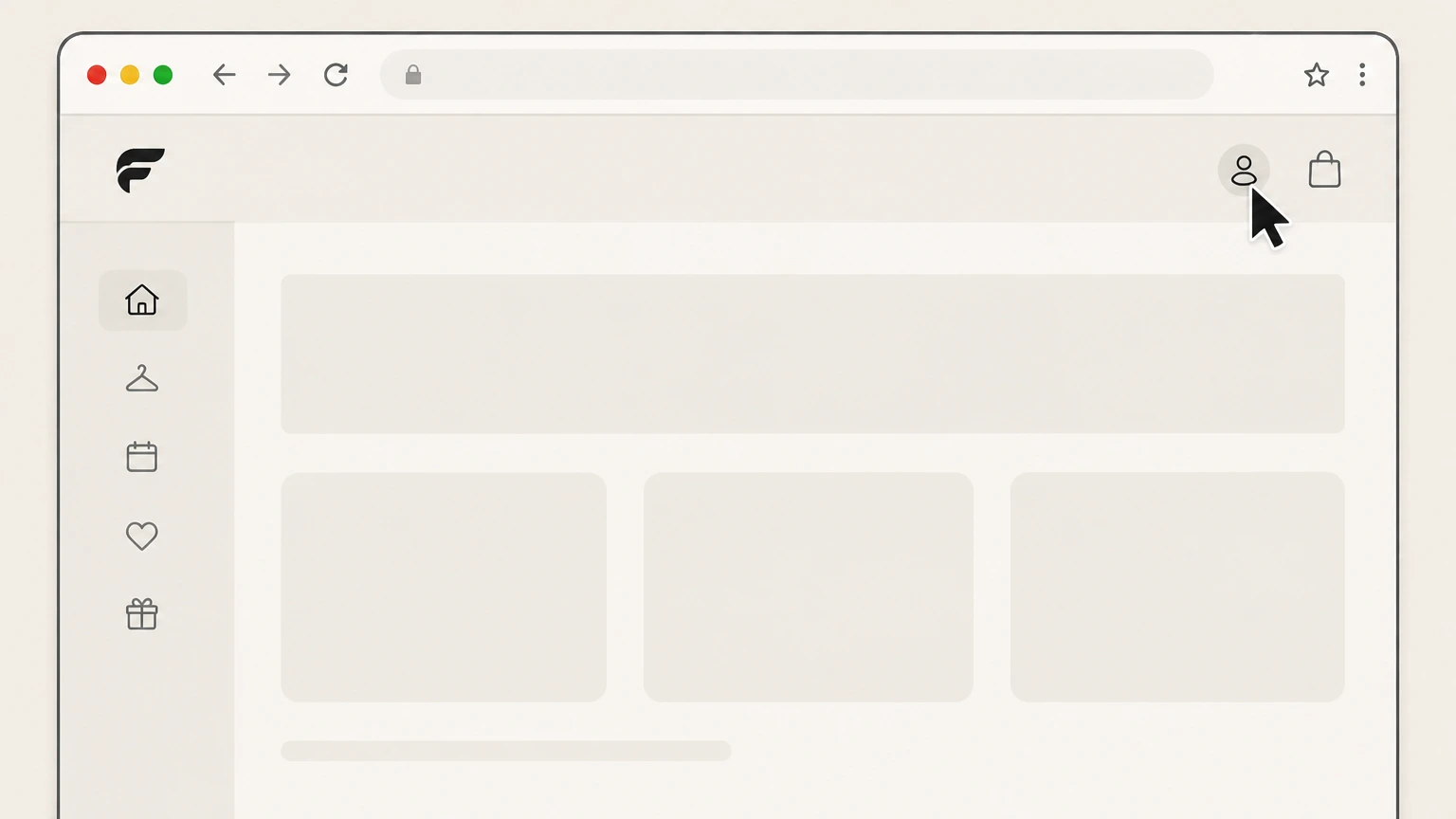
2Open the My Account page
From the signed-in site, click “My Account” to open your account page and access membership settings. Use the Fabletics account named on your receipt, and continue only after the next status in this cancellation path is visible.
- Let Pine handle it
Pine can help
Too many steps?
Pine can find the right Cancel online through your Fabletics Account path and handle the cancellation for you.
 3
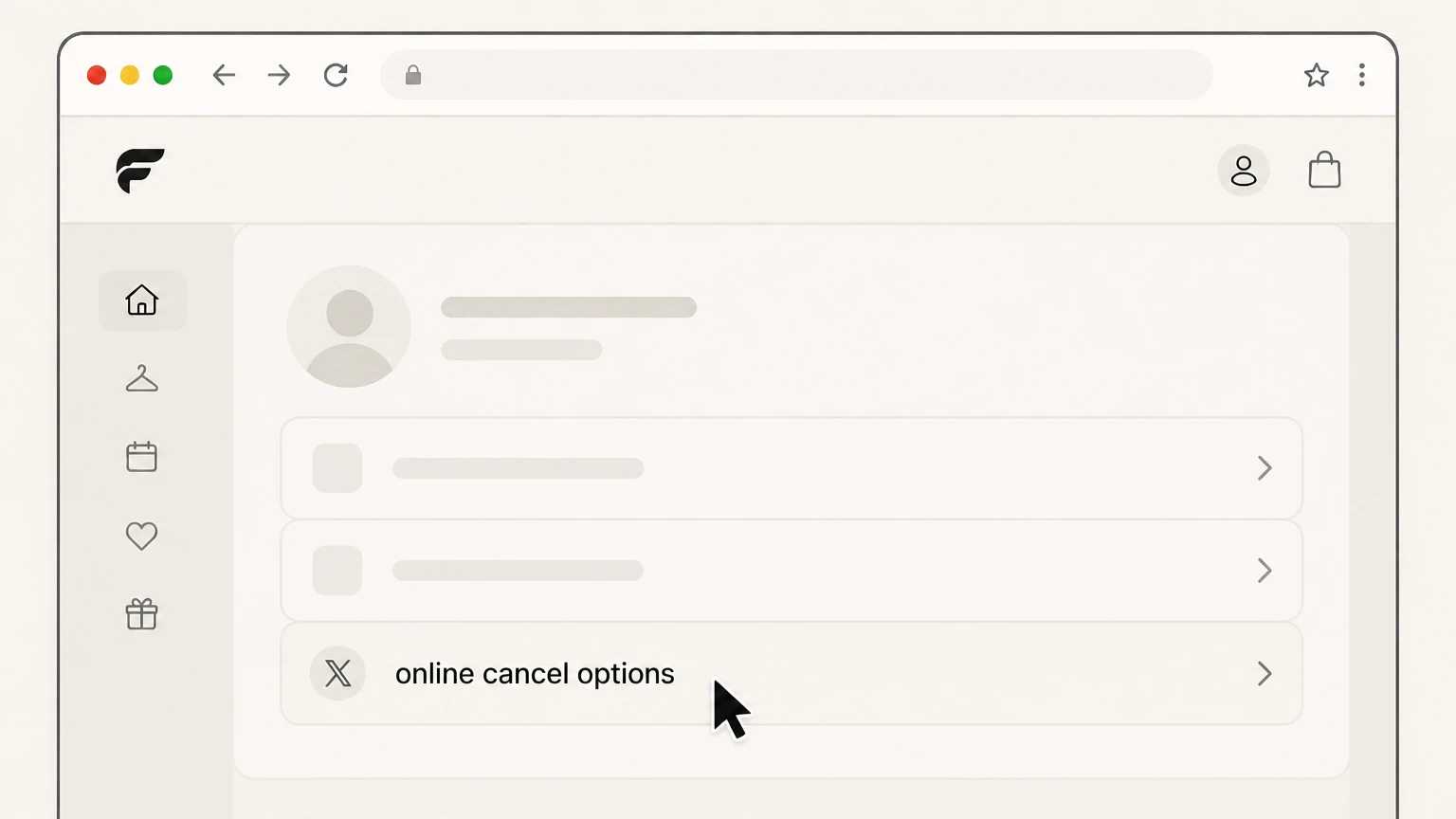
3Locate the online cancel options
In your Account, find and select the online cancel options for your Fabletics VIP Membership to open the cancellation flow.
 4
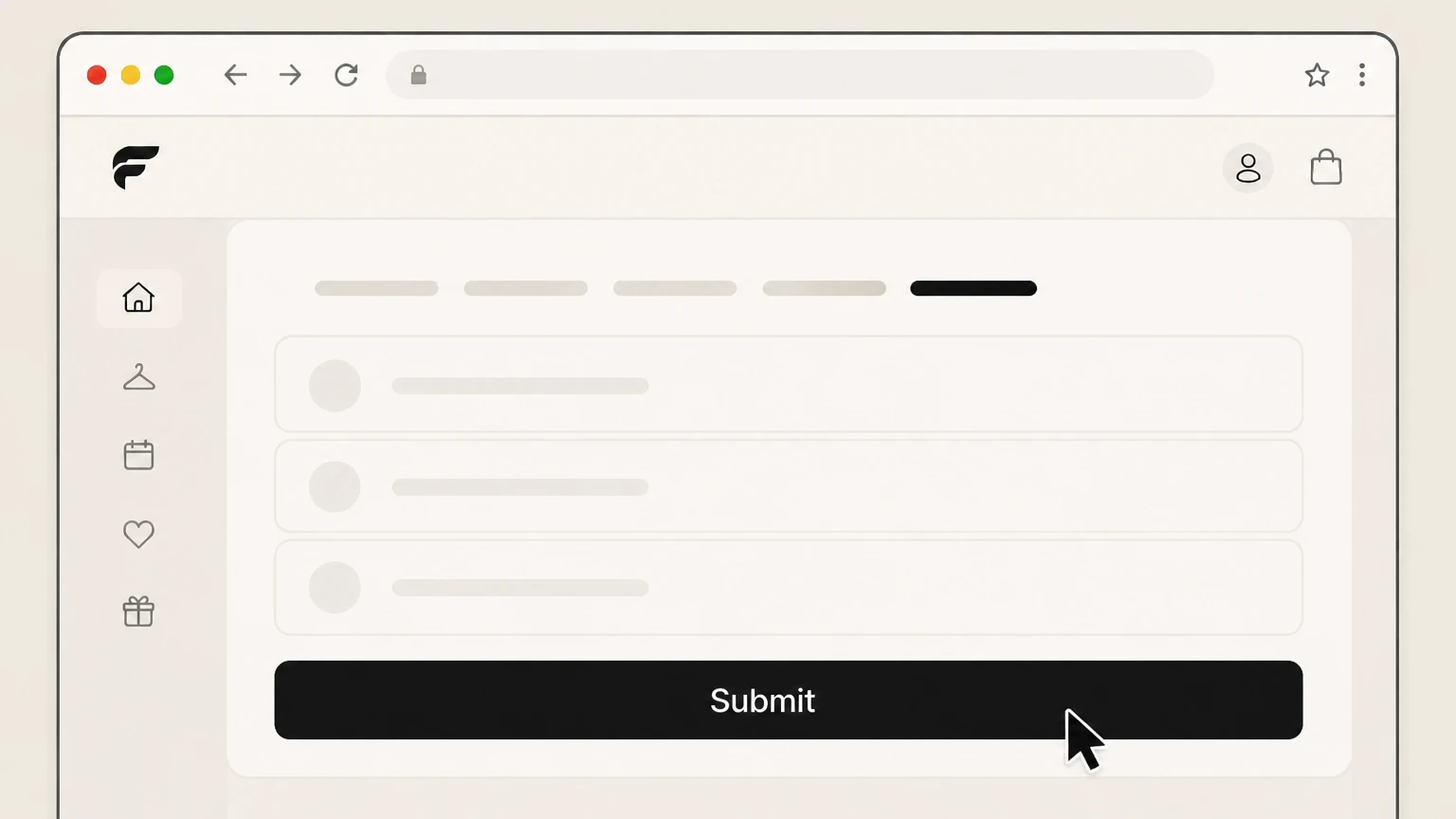
4Submit the VIP cancellation form
Follow the prompts and submit the online cancellation form to send your request to cancel the VIP Membership. Use the Fabletics account named on your receipt, and continue only after the next status in this cancellation path is visible.
 5
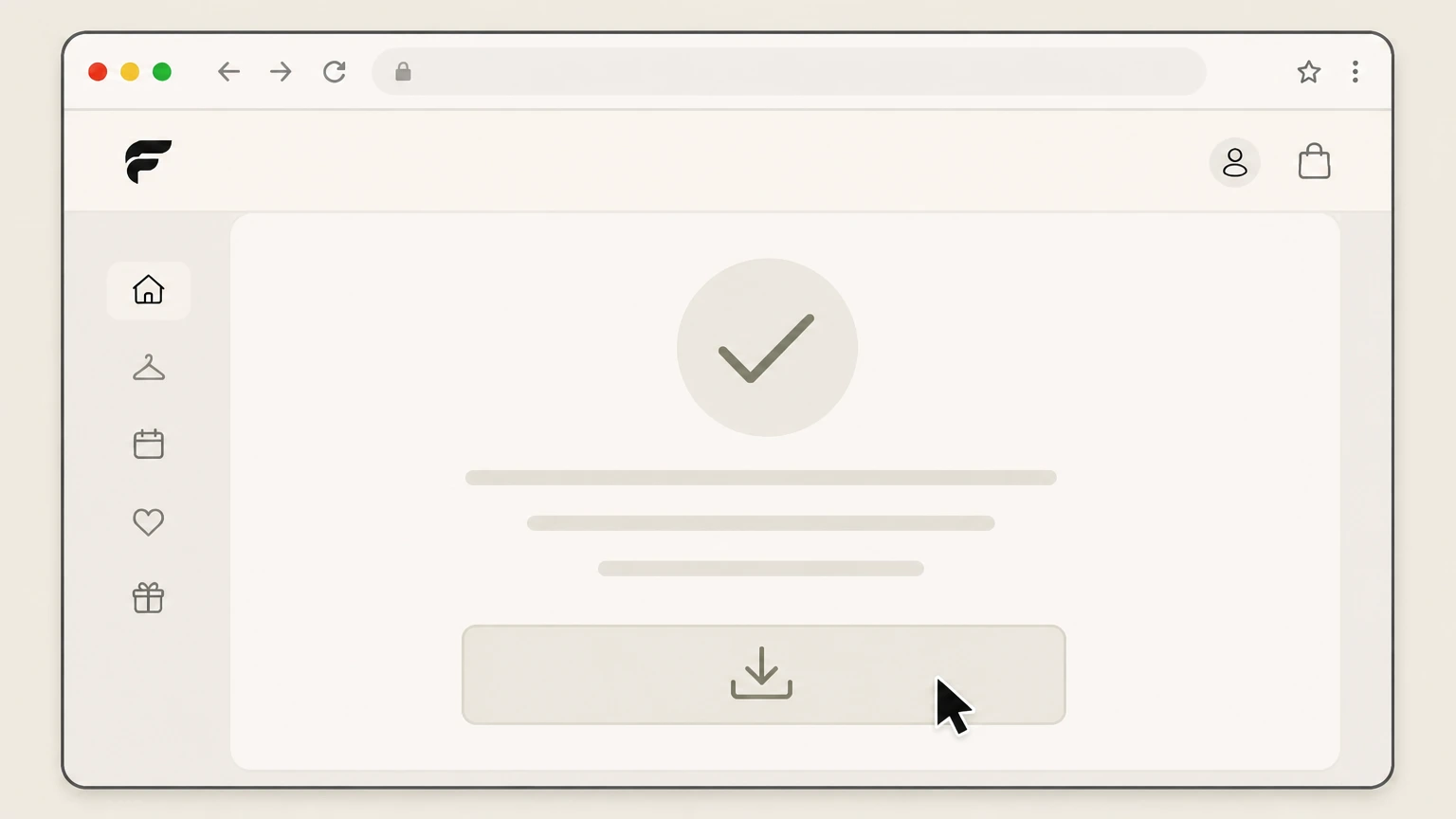
5Save your cancellation confirmation
Save or screenshot any on-screen and email confirmation that your Fabletics VIP Membership has been cancelled for your records. Use the Fabletics account named on your receipt, and continue only after the next status in this cancellation path is visible.

Cancel by calling Fabletics customer service · verify the billing owner
 1
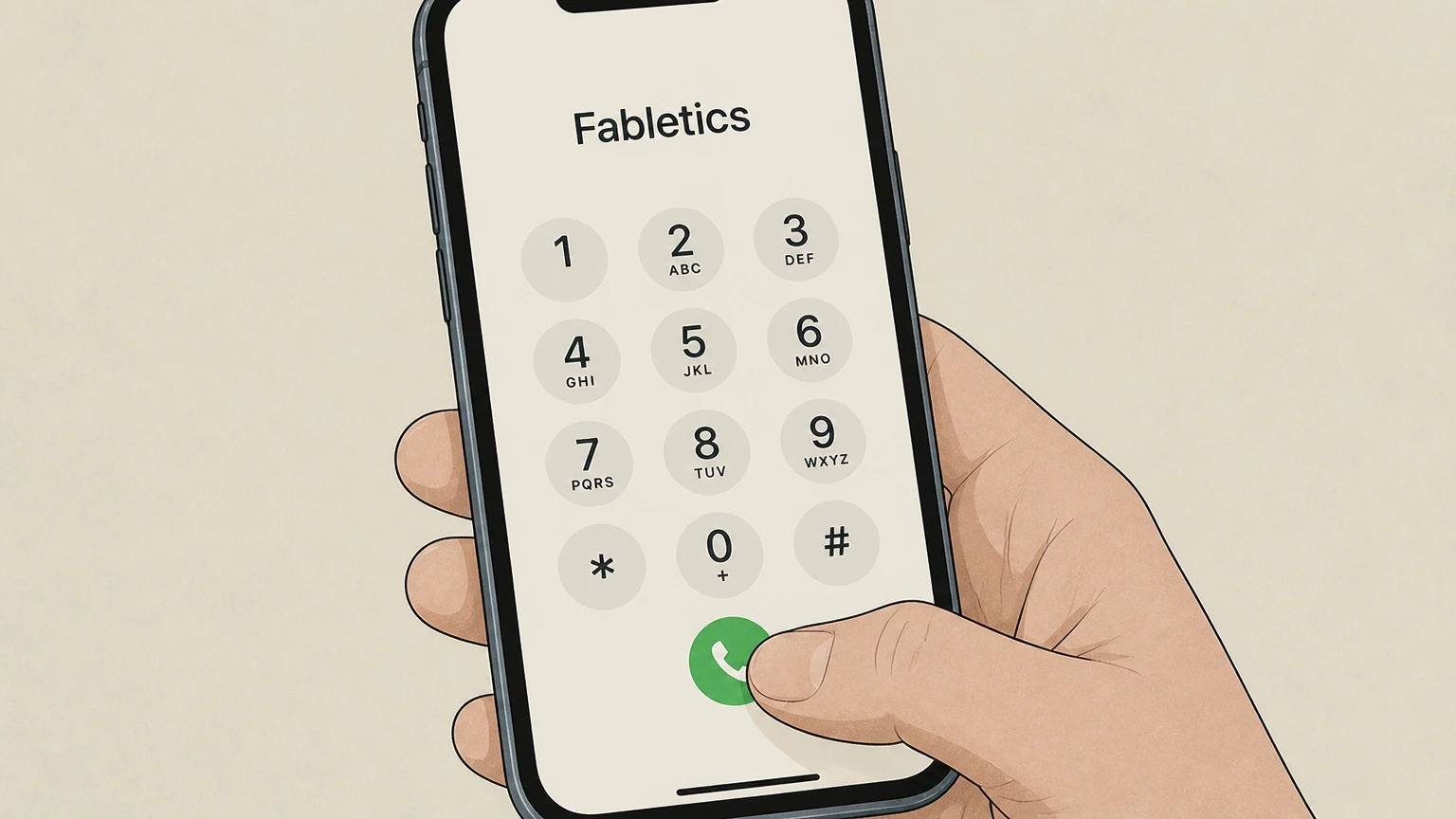
1Call Fabletics customer service
Use the customer-service phone number shown on the Fabletics Help Center or your account communications and place a call to Fabletics.
 2
2Request VIP Membership cancellation
Tell the representative that you want to cancel your Fabletics VIP Membership and that you no longer want to be billed the monthly membership fee.
- Let Pine handle it
Pine can help
Too many steps?
Pine can find the right Cancel by calling Fabletics customer service path and handle the cancellation for you.
 3
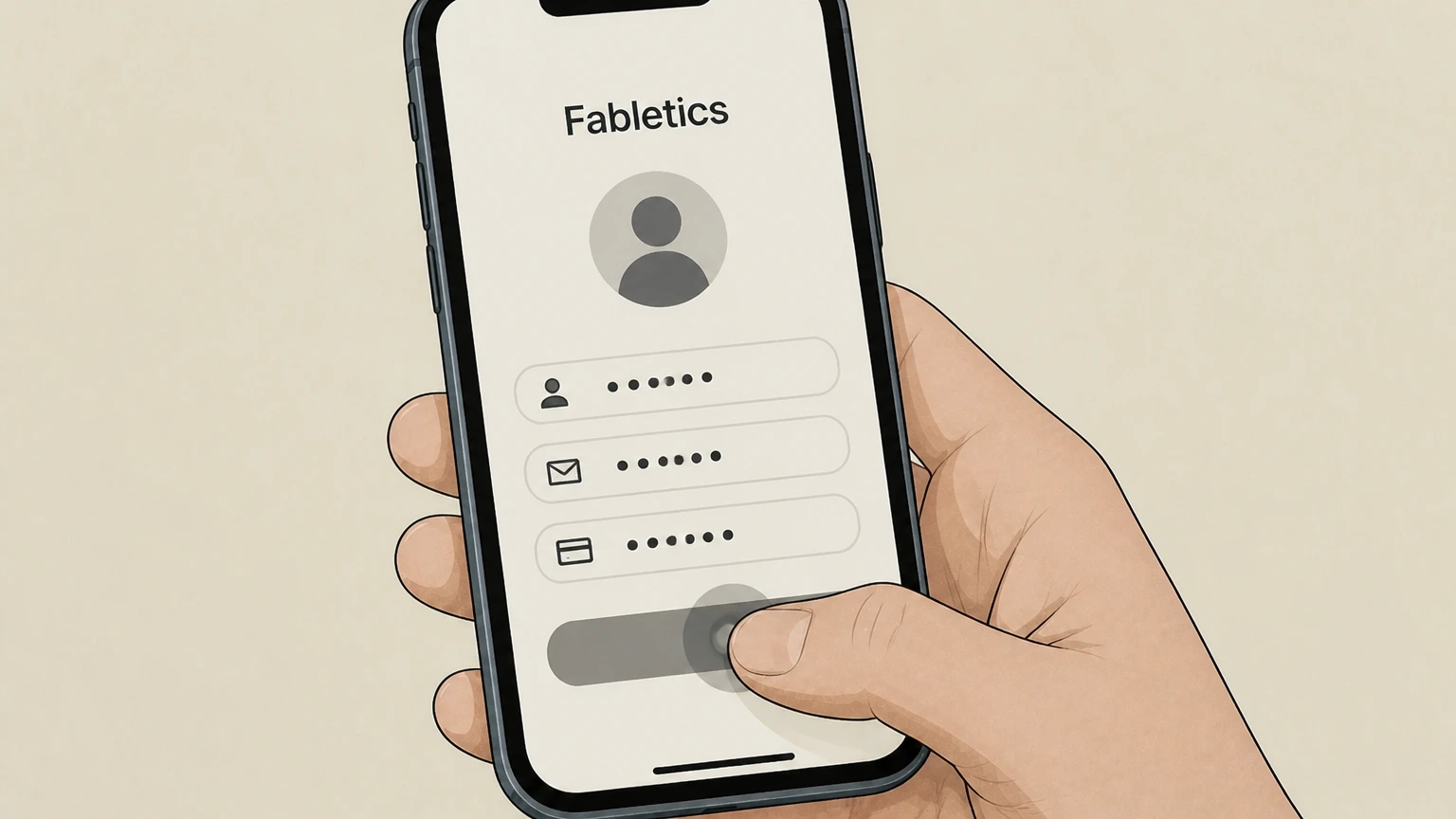
3Verify your account details
Provide any requested identifying information, such as your name, email address, and billing details, so the representative can locate and authenticate your account.
 4
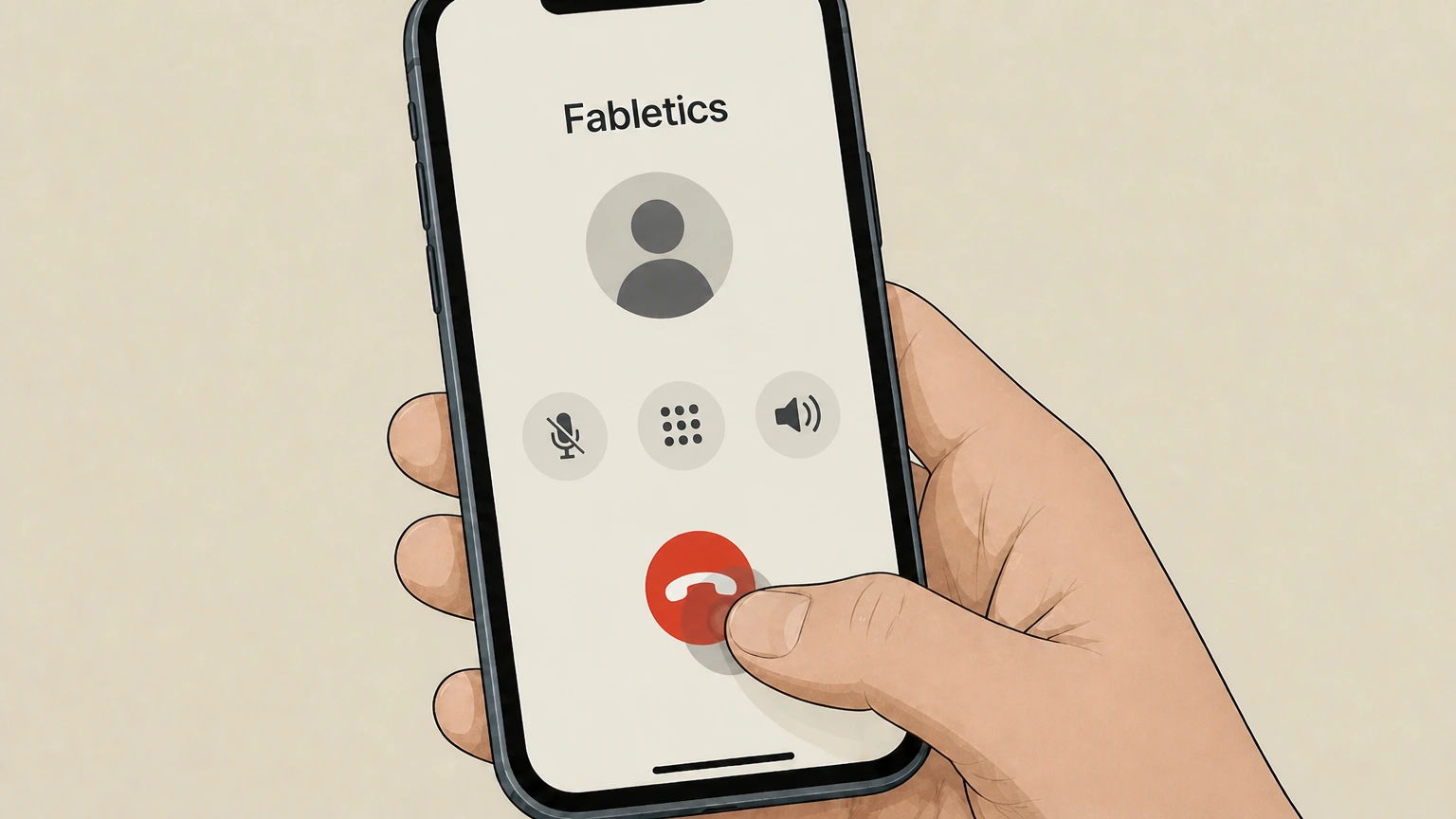
4Confirm that cancellation has been processed
Ask the representative to confirm that your VIP Membership has been cancelled and that future monthly membership charges will stop.
 5
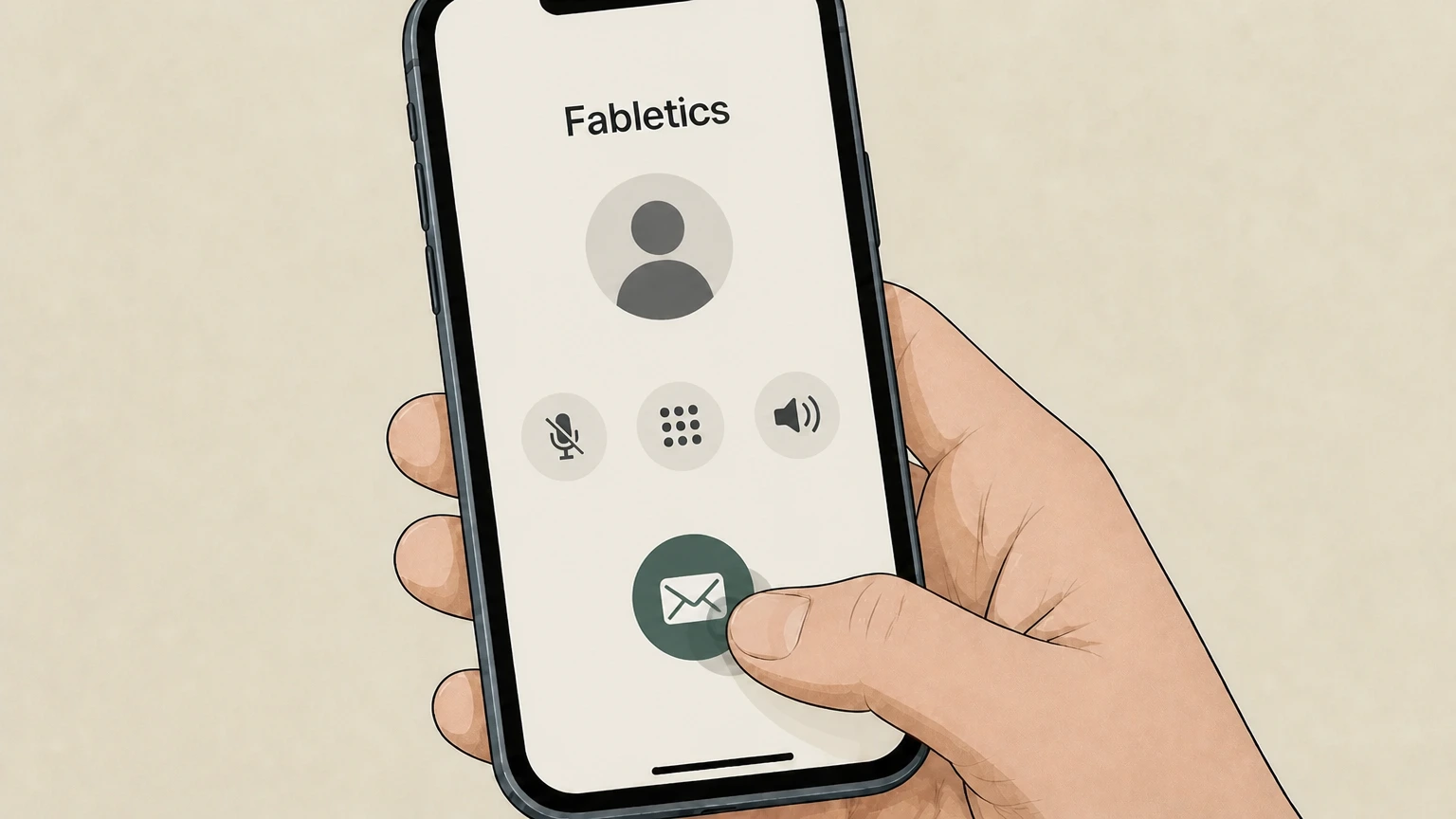
5Request written confirmation
Ask for confirmation of the cancellation by email or text and keep it, along with notes on the date and time of your call, for your records.
Refund policy
Refunds when cancelling a Fabletics VIP Membership
Cancelling your Fabletics VIP Membership primarily stops future monthly membership fees; it does not automatically refund past charges or convert VIP Credits back into cash. Fabletics’ own policies sharply distinguish between promotional member credits, store credit, and card‑based refunds, while your card issuer and consumer‑protection laws provide a separate framework for disputing billing problems.
Check my refund options- Cancellation does not auto‑refund past fees
- The Terms and Help Center explain that you can cancel anytime with no cancellation fee, but they do not state that cancelling retroactively refunds past monthly VIP charges; those charges typically remain as valid payments that may have been converted into promotional member credits.
- VIP Credits persist, but are not cash
- After cancellation, you may still redeem remaining unexpired VIP Credits or promotional member credits for eligible products, subject to 12‑month expiration from issuance; these credits are not cash balances and cannot be redeemed for cash under Fabletics’ VIP Credits policies.
- Store credit rarely converts back to card
- Fabletics’ article on charges converted to store credit says that once a charge has been converted to store credit, it generally cannot be reversed to the original payment method, and advises customers with questions to contact Customer Service for individualized assistance.
- Loyalty points disappear on cancellation
- The Loyalty Program documentation states that loyalty points expire upon cancellation of your VIP Membership; cancelling therefore removes the option to convert any remaining points into rewards, and Fabletics does not describe any refund of lost loyalty value.
- Card‑issuer dispute rights may still apply
- The Consumer Financial Protection Bureau notes that you can sometimes dispute a credit‑card charge when you believe you were billed incorrectly or did not receive what you paid for, but this process is handled by your card issuer under federal billing‑error rules, not by Fabletics’ cancellation form.
If you believe you were charged incorrectly after cancelling or disagree with how a membership fee was handled (for example, converted to store credit), first contact Fabletics Customer Service, then consult your credit-card issuer’s dispute procedures and CFPB guidance if the issue remains unresolved. Review Fabletics VIP Credits and store-credit refund policy
Fabletics VIP structure
How the Fabletics VIP Membership works
Understanding how the Fabletics VIP Membership is billed and managed helps explain why cancellation must be done with Fabletics and what happens if you do nothing, skip, or cancel.
Monthly fee and billing date
Fabletics’ VIP Membership Program charges a recurring monthly membership fee when you do not choose “Skip the Month” between the 1st and 5th; the fee is charged on the 6th of the month and provides membership benefits, including a promotional member credit, under the Terms of Service.
Skip the Month vs. staying inactive
If you log in between the 1st and 5th and click the “Skip the Month” window on your homepage, Fabletics will not charge that month’s membership fee; your VIP Membership stays active, and you keep access to VIP pricing and benefits.
No automatic product shipments
Fabletics states that it will never automatically ship products just because you do not skip; instead, failing to skip results in a monthly membership-fee charge and a promotional member credit that can be used later.
Enrollment and account requirement
To become a VIP Member, you must create an Account and check out as a VIP when making a purchase on the Fabletics site or applicable service; your membership and billing are tied to this online Account and its stored payment method.
Official channels
Official ways to cancel Fabletics VIP
Fabletics describes several official cancellation pathways, but all are controlled by Fabletics itself, not by app stores or banks. Members can choose the channel they find easiest.
Phone cancellation
The Terms of Service, Privacy Policy, and Help Center all state that you can cancel your VIP Membership at any time by calling Fabletics’ customer-service line, which is advertised as available 24/7 for members.
Online cancel options in your Account
Fabletics repeatedly refers to “online cancel options” and your “Account page” as a way to cancel the VIP Membership yourself, indicating that logged-in members can use a self-service cancellation flow instead of calling.
Live chat and web messaging
The Privacy Policy and Terms say you may cancel via live chat, and the Help Center’s contact section lists Live Chat and Web Messaging as 24/7 options for membership support, including cancellation.
Email/online form references
On the VIP Membership marketing page, Fabletics notes that you can cancel via online form, chat, or email, with cancellation taking effect after a stated period; this language appears primarily on membership explainer pages used across regions.
No app-store cancellation path published
Neither the Fabletics Terms nor Help Center provide any instructions for cancelling the VIP Membership through Apple’s or Google’s subscription-management systems; all official guidance routes cancellation back to Fabletics support or the online Account page.
After you cancel
What changes when you cancel Fabletics VIP
Cancelling VIP Membership stops future monthly membership fees and changes how you access pricing, perks, and linked services like Yitty and the Fabletics FIT App, but it does not erase your account by default.
Membership fees stop going forward
Once Fabletics processes your VIP Membership cancellation (whether by phone, chat, or online cancel options), the automatic monthly membership fee described in the Terms no longer bills to your saved payment method.
VIP pricing and perks end
Fabletics makes clear that discounted VIP-only pricing, VIP promotions, and some exclusive styles are available only while you are an active VIP Member; after cancellation you can still shop, but at non‑VIP retail prices unless you use a valid promotional member credit.
Use of existing VIP Credits after cancellation
According to the Terms and VIP Credits help article, you may use remaining unexpired VIP Credits/promotional member credits after cancelling, but you will not have VIP-only discounted pricing on items you purchase without a promotional credit.
Yitty VIP perks are also cancelled
Because the Fabletics VIP Membership also grants VIP perks on the Yitty site and the Terms state that cancelling Fabletics VIP also cancels Yitty VIP, ending Fabletics VIP means you lose Yitty VIP pricing and related perks as well.
Fabletics FIT App access requires active VIP
The Terms explain that access to the Fabletics FIT App and its on-demand workouts is included with VIP Membership; if your Fabletics or Yitty VIP Membership is cancelled or terminated, you can no longer use FIT App services that depend on an active VIP membership.
Credits & rewards
VIP Credits, store credit, and loyalty when cancelling
Fabletics distinguishes between VIP Credits/promotional member credits, store credit from returns, and loyalty points and tiers; each behaves differently once you cancel your VIP Membership.
VIP Credits remain usable for a time
The VIP Credits help article and Terms explain that promotional member credits can still be redeemed after you cancel your VIP Membership, typically for any eligible item or outfit up to a stated value, until each credit’s 12‑month expiration from issuance.
VIP Credits are not cash
Fabletics describes VIP Credits as promotional credits unlocking special savings on products rather than cash balances; they can be redeemed online or in-store but cannot be converted into cash and are subject to expiration timelines under the Terms.
Store credit from returns
When a purchase made with a VIP Credit is partially returned, the VIP Credits help article states that Fabletics issues store credit, not a refund of the original VIP Credit; this store credit can later be converted to an electronic gift card under the Terms.
Refunds for charges converted to store credit
A dedicated help article explains that once a charge has been converted to store credit, it generally cannot be reversed back to the original payment method, and that members with questions should contact Customer Service for case-specific review.
Loyalty points and tiers on cancellation
The Loyalty Program articles state that loyalty points expire upon cancellation of your VIP Membership and that your loyalty tier status (Gold, Platinum, or Black) is tied to an active VIP Membership and may reset if you choose to rejoin later.
Account & privacy
Cancelling VIP vs deleting your Fabletics account
Fabletics draws a clear line between cancelling the monthly VIP Membership and deleting your entire account as a privacy request; the two actions have very different effects on your credits and data.
Cancelling VIP keeps your account
The Privacy Policy notes that if you prefer to keep your account and member credits but stop the monthly VIP Membership, you should cancel your VIP Membership (by phone, live chat, or online) instead of submitting an account-deletion request.
Account deletion removes credits and history
Under the Privacy Policy’s data-deletion section, deleting your account is irreversible and removes your account, unused member credits, reward points, and order history; any credits present on the account at deletion are lost and cannot be used.
Membership cancellation is reversible; deletion is not
The Terms and Privacy Policy allow you to cancel and later re-enroll in the VIP Membership (although loyalty tier progress may reset), but once you request and Fabletics processes account deletion, you must create a new account to shop again in the future.
Different channels for privacy vs cancellation
Privacy requests can be initiated by phone or through Fabletics’ privacy webform, whereas VIP Membership cancellation is consistently routed to customer service via phone, live chat, or online cancel options in your Account.
Regions & linked brands
Regional notes and Yitty linkage for VIP Members
Fabletics runs VIP Memberships across several countries and brands. While core concepts are similar, some details—including cancellation-effect timing and local contact methods—vary by region and by linked Yitty memberships.
Shared Fabletics and Yitty VIP Membership
The Terms explain that enrolling in the Fabletics VIP Membership also grants Yitty VIP perks, and that cancelling the Fabletics VIP Membership cancels Yitty VIP Membership and its perks, including shared promotional member credits across both sites.
Regional marketing pages and 30‑day timing
Certain VIP Membership explainer pages used in Europe describe cancellation via online form, chat, or email, and indicate that cancellation takes effect after 30 days; these pages are primarily targeted to non‑US regions and may reflect regional consumer-law requirements.
Local help-center sites and numbers
Fabletics operates localized Help Centers (for example, en‑CA, en‑GB, en‑AU) with region-specific wording on skip, pricing, and customer-service contact details; members should use the version matching their country setting on fabletics.com for most accurate local instructions.
Non‑US skip charges may differ
Skip‑the‑Month articles for some regions quote different membership-fee amounts and currencies from those in the US; this dossier focuses on the US Terms and Help content, so non‑US members should confirm amounts and legal rights on their local Fabletics sites.
Billing & disputes
Billing ownership, disputes, and protections
Fabletics controls VIP Membership billing, but your card issuer and regulators like the CFPB provide separate tools if you believe charges are incorrect or continue after you cancel.
Fabletics is the VIP Membership biller
The Terms tie the VIP Membership fee to your Account and stored credit card or payment method, and direct any desire to stop membership billing to Fabletics cancellation channels—not to app stores, banks, or third‑party retailers.
Stopping payment vs true cancellation
If you only stop payment through your bank or card issuer but do not cancel with Fabletics, you may avoid further charges but still technically have an active VIP Membership under the Terms; Fabletics repeatedly instructs members to cancel directly via phone, chat, or Account.
Store credit refunds are limited
Fabletics’ VIP Credits help content states that once a charge has been converted to store credit, it generally cannot be converted back to the original payment method, and members with questions should work directly with Fabletics Customer Service.
Card dispute rights through your issuer
The Consumer Financial Protection Bureau explains that if you cannot resolve a billing problem with a merchant, you may have rights to dispute the charge with your credit-card company by following the issuer’s billing‑error procedures and deadlines.
Regulatory complaint options
If issues persist after working with both Fabletics and your card issuer, the CFPB provides a complaint portal where consumers can submit complaints about credit-card billing and related financial products for further review.
What official sources do not confirm
Limits of the public Fabletics cancellation guidance
These points are intentionally qualified because the official sources reviewed on August 16, 2026 do not publish a complete answer.
Documented limitation 1
Fabletics does not publish a step-by-step visual walkthrough or exact button labels for the online cancel flow inside the Account page; this guide infers a generic “online cancel options” step from the Terms and Privacy Policy but cannot describe every on-screen prompt.
Documented limitation 2
Some regional VIP Membership pages and help articles quote different membership-fee amounts and describe cancellation taking effect after 30 days; this dossier focuses on the US terms and may not fully reflect local consumer-law nuances in other countries.
Documented limitation 3
Fabletics’ public documentation does not indicate that VIP Membership can be billed as an Apple App Store or Google Play subscription, so this guide assumes Fabletics remains the billing owner; it may not cover any exceptional arrangements made through third parties.
Documented limitation 4
Refund information is limited to what Fabletics publishes for VIP Credits and store credit and to general CFPB guidance on credit-card disputes; it does not interpret or apply specific legal rights for individual consumers.
Documented limitation 5
Exact customer-service phone numbers, email addresses, and chat availability windows can change; this dossier avoids repeating most contact details and instead points to the Fabletics Help Center and Privacy Policy as the authoritative current sources.
Fabletics cancellation FAQ
Questions people search about canceling Fabletics, answered with official provider or billing-platform sources checked on August 16, 2026.
How do I cancel my Fabletics VIP Membership?
How do I cancel Fabletics online?
Can you cancel Fabletics without calling?
Can I cancel Fabletics VIP immediately after purchase?
Why am I being charged $69.95 from Fabletics?
What happens to my VIP Credits if I cancel my Fabletics membership?
What happens to my Fabletics loyalty points and tier when I cancel?
Does cancelling Fabletics delete my account or my data?
Can I cancel my Fabletics membership in the app?
Why is it so hard to cancel Fabletics membership?
Untangle this Fabletics issue.
Let Pine handle the provider follow-up and keep the confirmation in one place.
