


Salesforce
Cancel subscription
How to Cancel Salesforce: Official Steps & Timing
Cancel Salesforce through the correct billing account. Follow current official steps, check when access or service ends, and understand refund limits.
- 1 cancellation path matched to the billing owner
- Renewal timing and access outcome explained
- Refund requests routed to the company that billed you
- Confirmation steps included for every path
Choose the Salesforce cancellation path that matches who bills you
Salesforce annual contract in Your Account · verify the billing owner
Salesforce annual contract in Your Account cancellation steps
 1
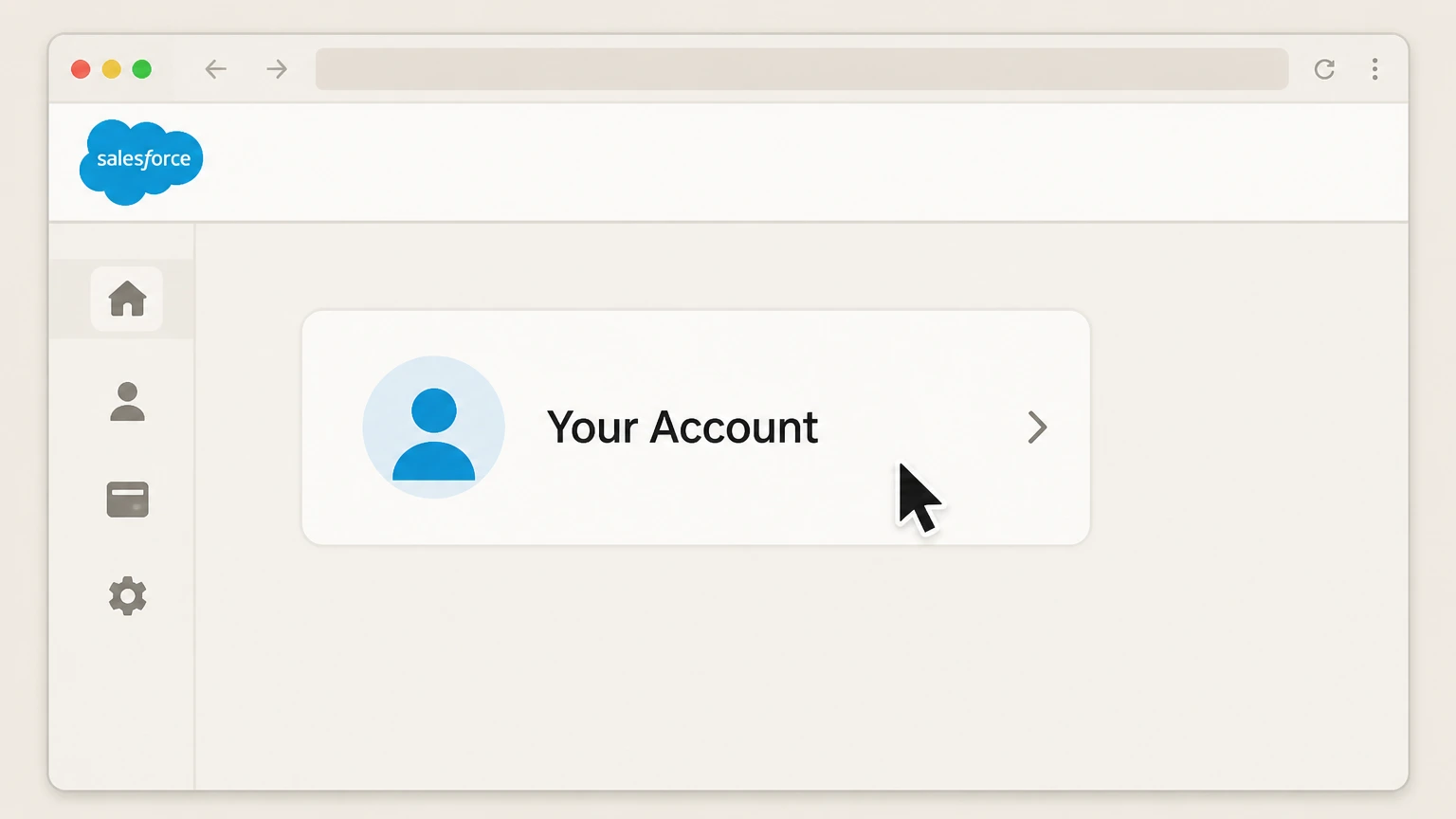
1Launch Your Account
Open Salesforce Your Account while signed in with a user who can manage billing or subscriptions.
 2
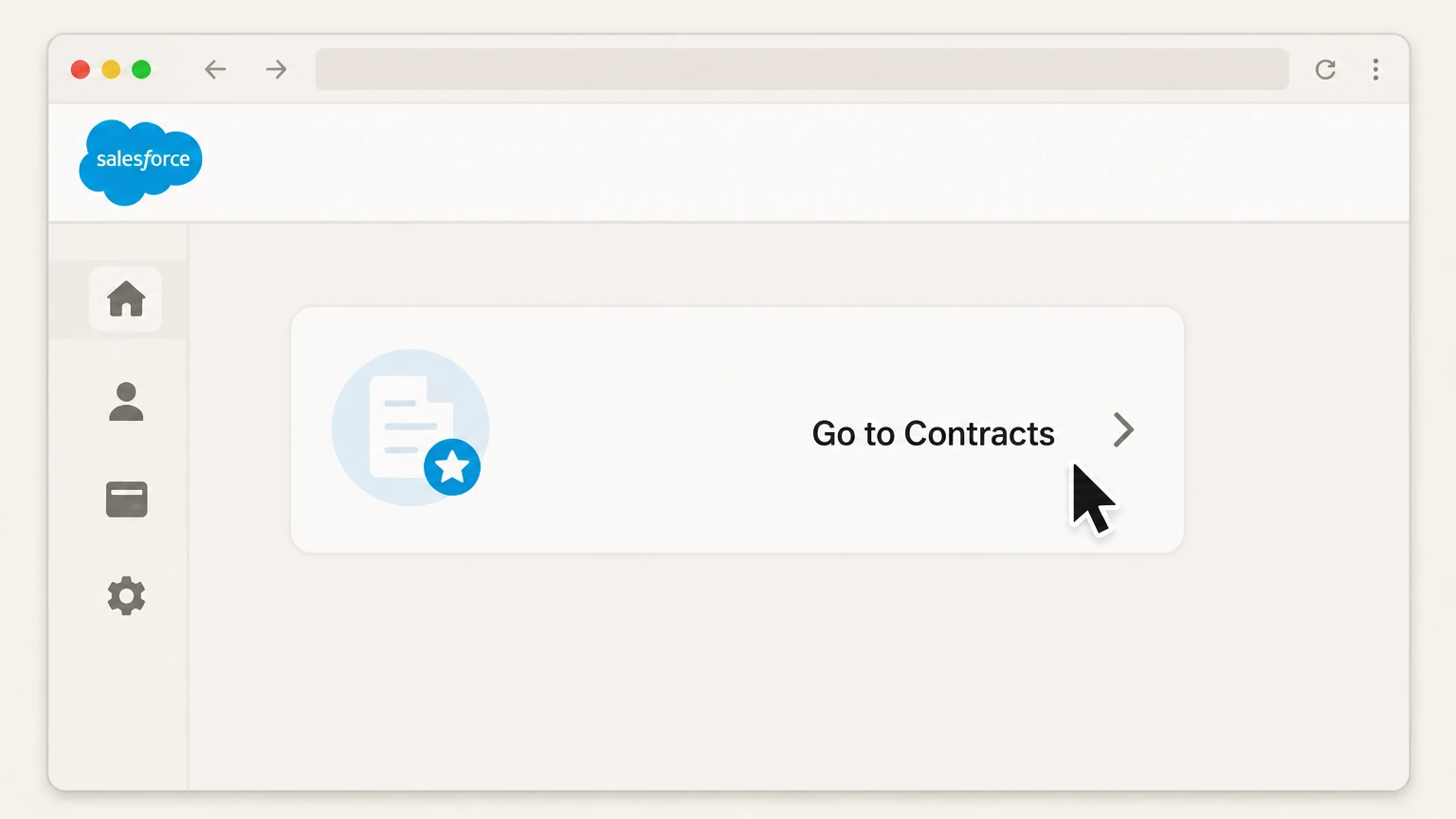
2Open Contracts
Select Go to Contracts to view the organization’s Salesforce contracts.
- Let Pine handle it
Pine can help
Too many steps?
Pine can find the right Salesforce annual contract in Your Account path and handle the cancellation for you.
 3
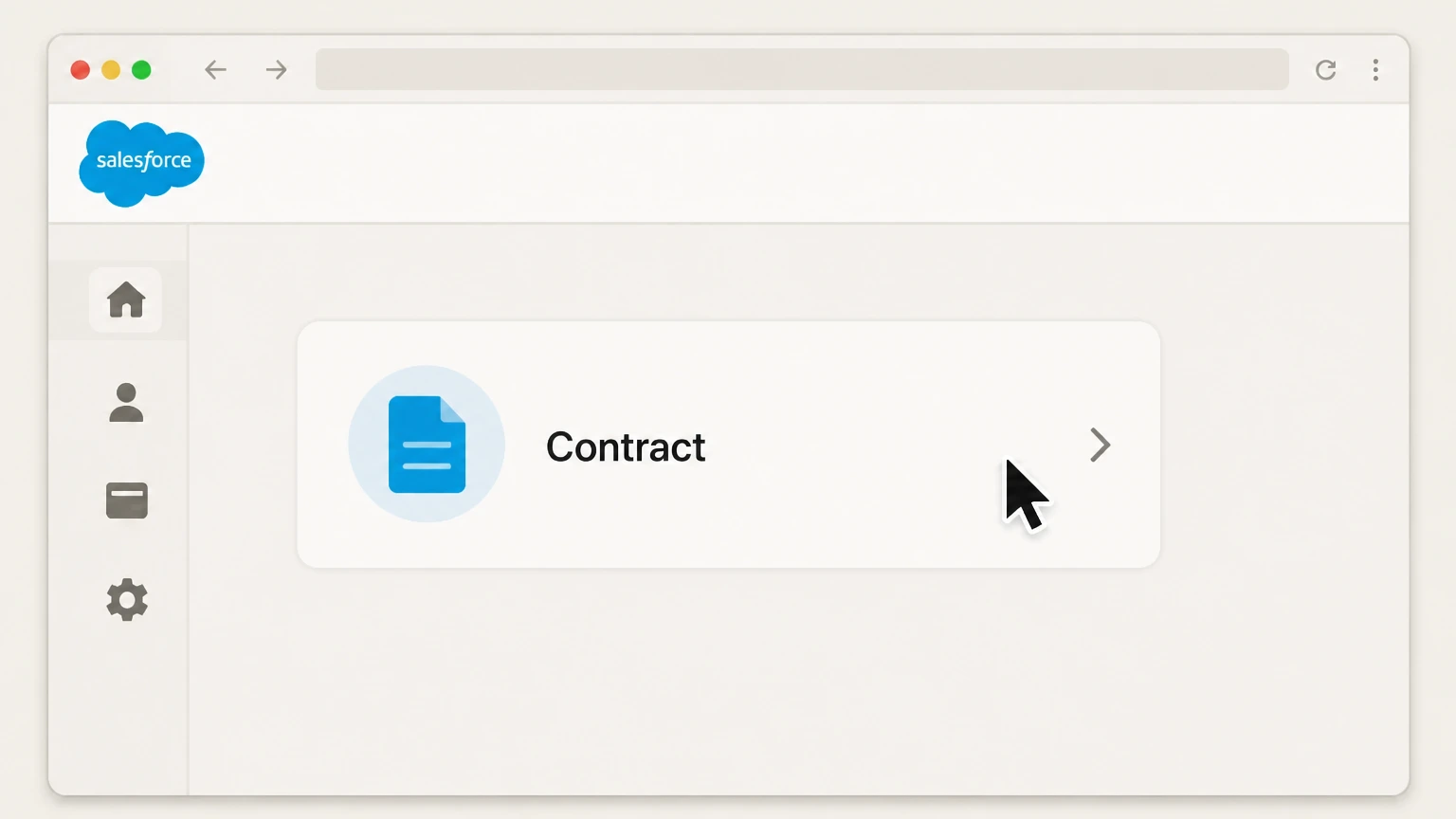
3Select the contract
Open the annual contract whose automatic renewal you want to stop.
 4
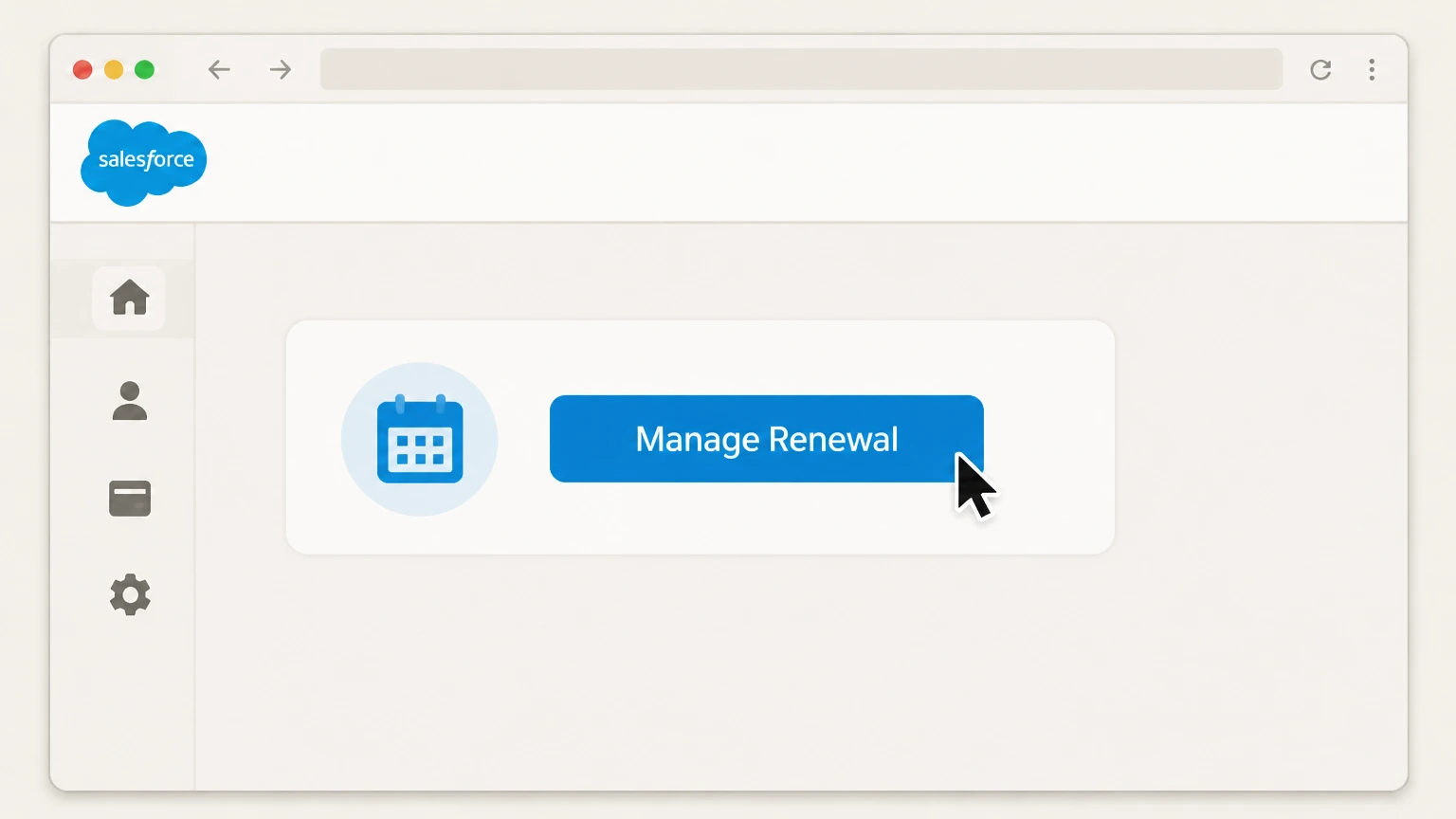
4Open Manage Renewal
Choose Manage Renewal when that control is available for the contract.
 5
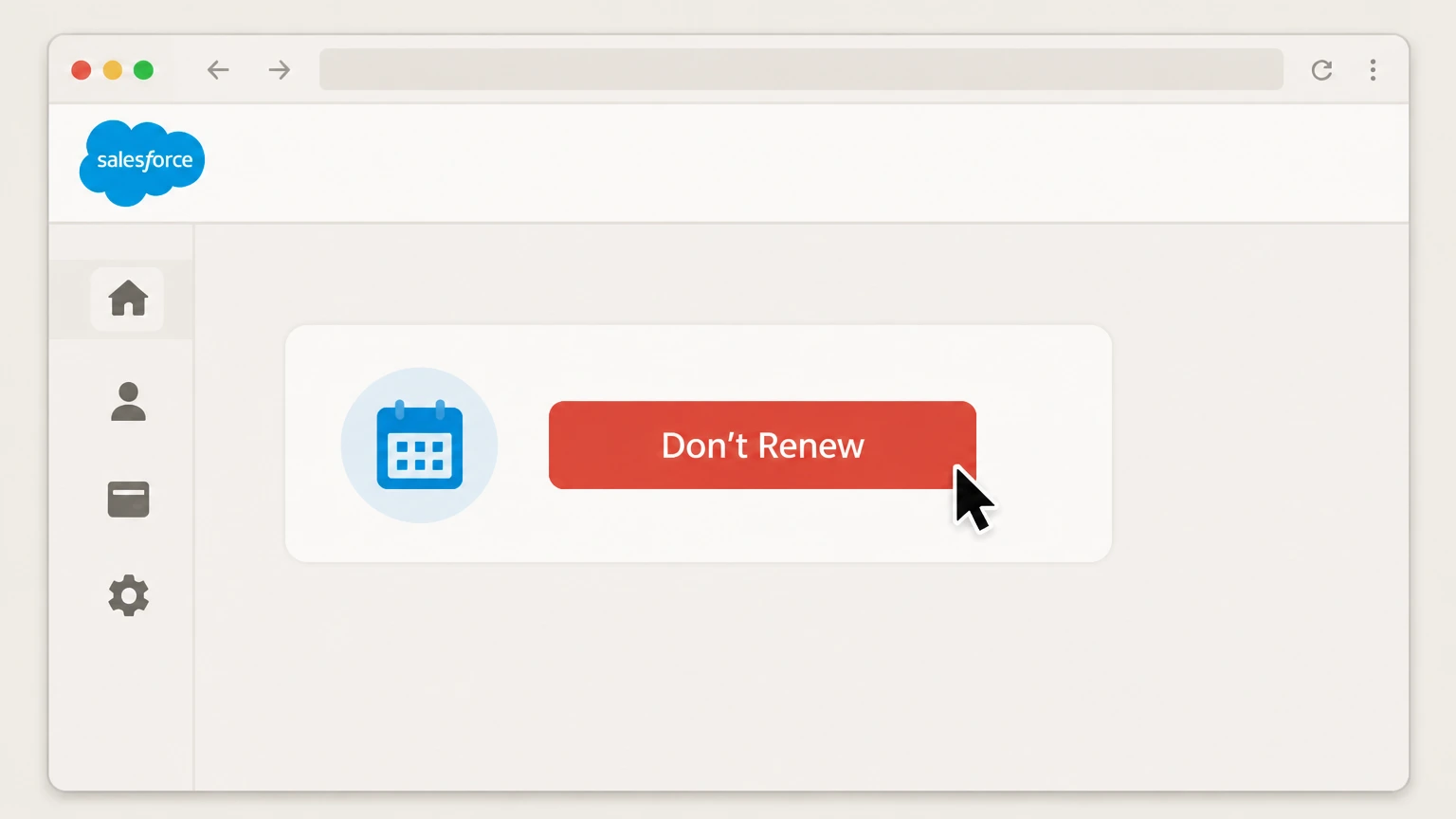
5Choose Don’t Renew
Select Don’t Renew and complete Salesforce’s authorization confirmation.

Refund policy
Salesforce contract charges and refunds
The reviewed cancellation and renewal pages do not promise a refund or mid-term release. Treat the signed contract and Salesforce billing response as controlling.
Check my refund options- Current term remains distinct
- Selecting Don’t Renew addresses the next renewal, not an immediate refund for the current annual term.
- Keep the contract status
- After the action, retain the contract end date and non-renewal status shown in Your Account or Billing Portal.
Use the current Salesforce source below if your account shows a different plan, merchant, or effective date. Review Salesforce cancellation terms
Choose the right account
Salesforce billing ownership and cancellation route
Salesforce contract billing is managed by the organization’s authorized billing contacts. A mobile app installation is not the contract, and the current Salesforce instructions route annual renewals through Your Account or Billing Portal.
Renewal controls are permissioned
Salesforce requires Manage Billing or Manage Subscriptions in Your Account permission to use the documented renewal workflow.
Annual timing matters
The Manage Renewal action appears when an annual contract is within 90 days of renewal; the Billing Portal FAQ describes eligible auto-renew changes from 90 days to 7 days before contract end.
Before the next charge
Timing that matters for Salesforce
For an eligible annual Salesforce contract, an authorized billing user can open Your Account, select the contract, choose Manage Renewal, and select Don’t Renew. Monthly Starter subscriptions and contracts without an available renewal control require Salesforce billing or renewal support.
Some contracts need assistance
Salesforce directs monthly Starter customers to log a Renewals case and directs other unavailable cases to a Renewal Manager or Customer Service Billing.
Stopping renewal is not early termination
The documented Don’t Renew action prevents the next term; it does not state that the current contract or its payment obligations end immediately.
After you submit
Check the final Salesforce status
The contract is set not to renew at the end of its current term. Salesforce says the annual action is available in the renewal window; if the control is absent, contact the Renewal Manager or billing team. Reopen the account used for this route and compare its displayed status with that result.
Check Don’t Renew
Return to the Salesforce annual contract in Your Account and confirm that Don’t Renew produced the provider-specific outcome described above.
Compare the next billing event
The reviewed cancellation and renewal pages do not promise a refund or mid-term release. Treat the signed contract and Salesforce billing response as controlling. Use that rule when reviewing the next charge, access date, shipment, or contract event shown for this account.
Salesforce cancellation FAQ
Answers about Salesforce billing ownership, cancellation timing, refunds, and access after cancellation.
How do I completely cancel a Salesforce subscription?
Why can’t I see the Salesforce Don’t Renew button?
Does Salesforce cancellation end the contract immediately?
How do I confirm Salesforce auto-renewal is off?
Untangle this Salesforce issue.
Let Pine handle the provider follow-up and keep the confirmation in one place.
