

Raddish Kids
Cancel subscription
How to Cancel Raddish Kids: Official Steps & Timing
Cancel Raddish Kids through the correct billing route. Follow official steps, understand renewal timing and refunds, and keep proof of the final result.
- 1 verified cancellation route
- Billing ownership and renewal timing explained
- Provider-specific refund boundaries included
- A confirmation check follows every route
Choose the correct Raddish Kids cancellation route
Raddish Kids account · verify the billing owner
Cancel Raddish Kids renewal online
 1
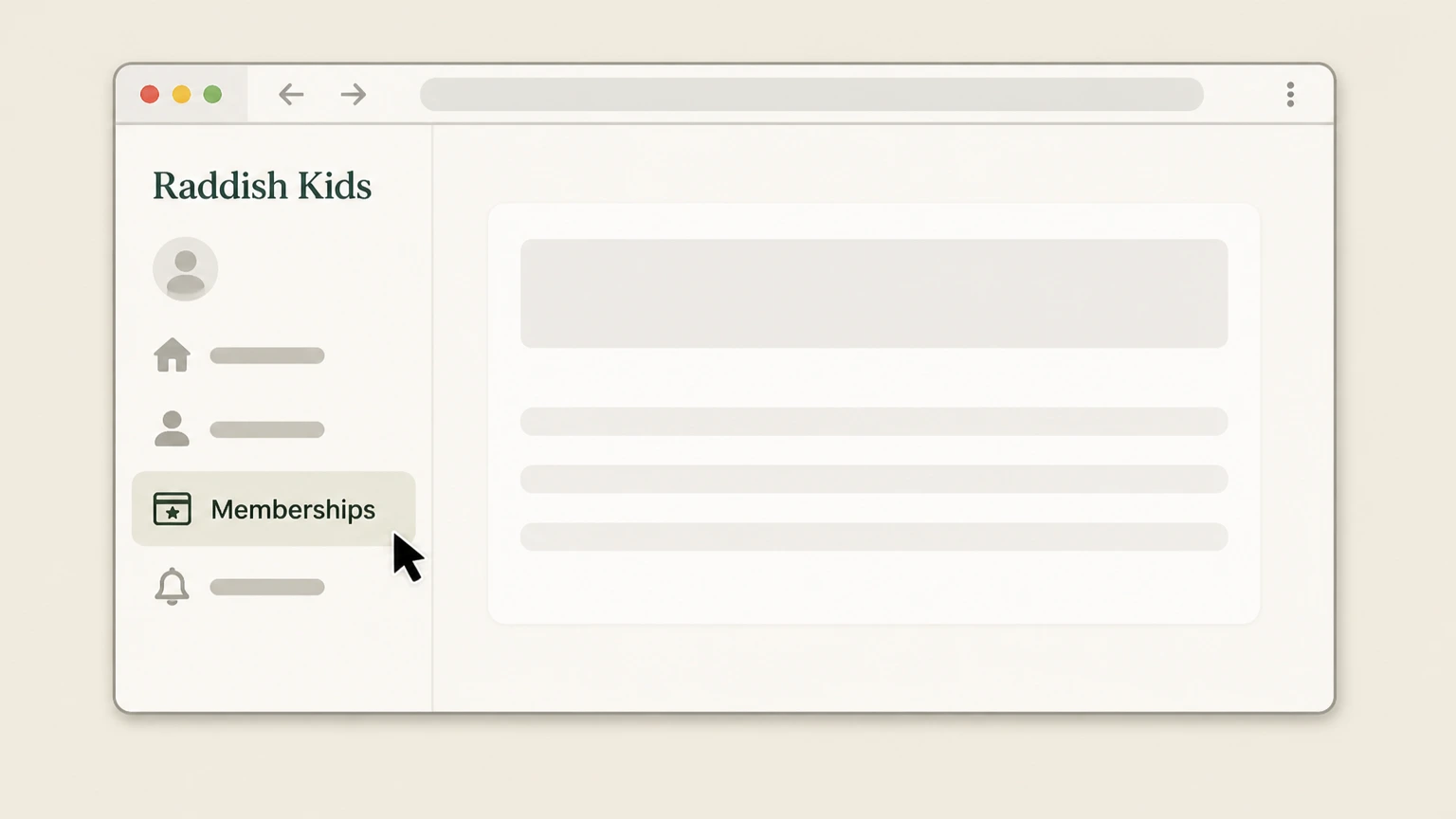
1Open Memberships
Sign in to Raddish Kids and open Memberships.
 2
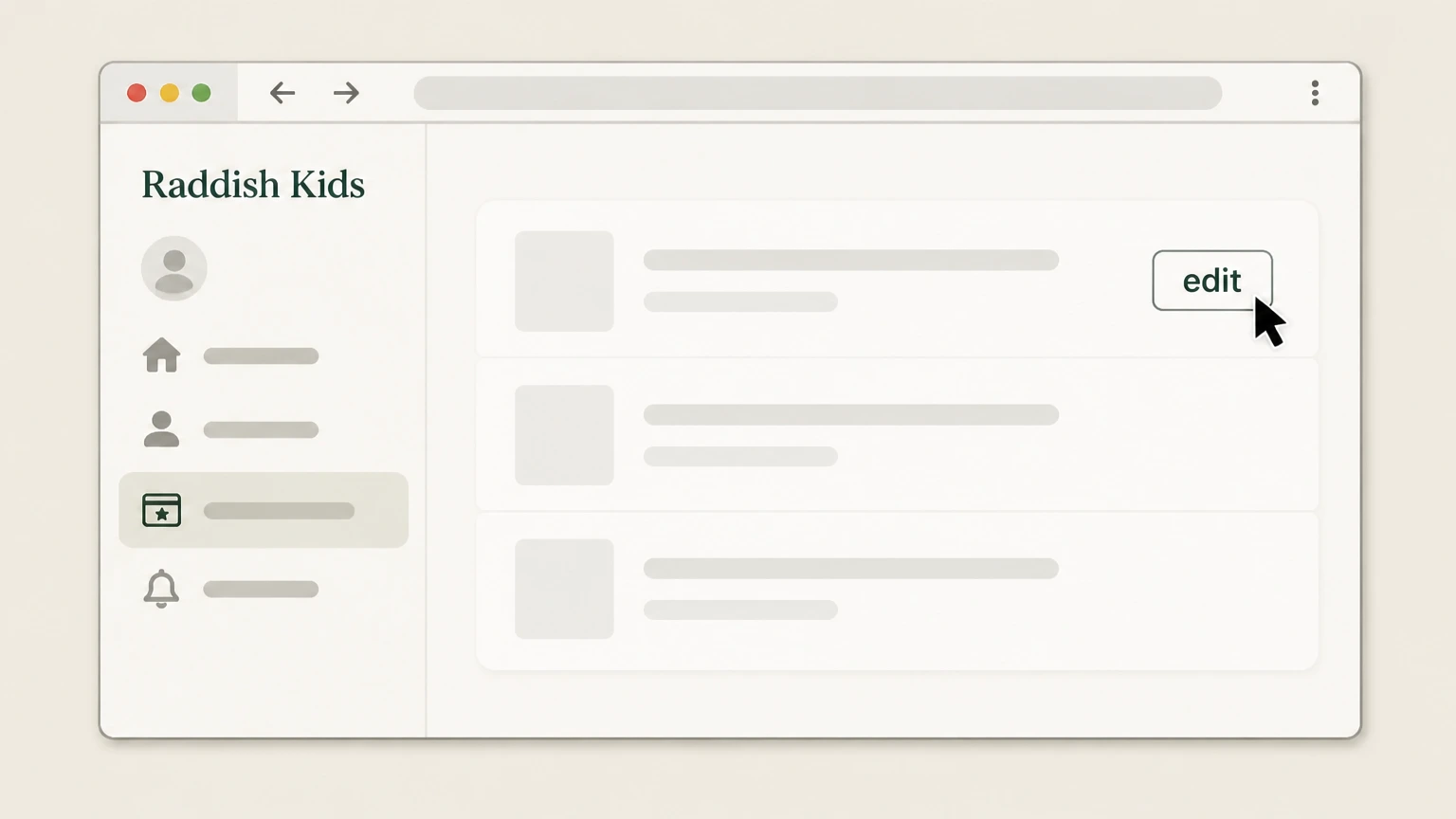
2Choose the plan to edit
Select the target membership and choose edit.
- Let Pine handle it
Pine can help
Too many steps?
Pine can find the right Raddish Kids account path and handle the cancellation for you.
 3
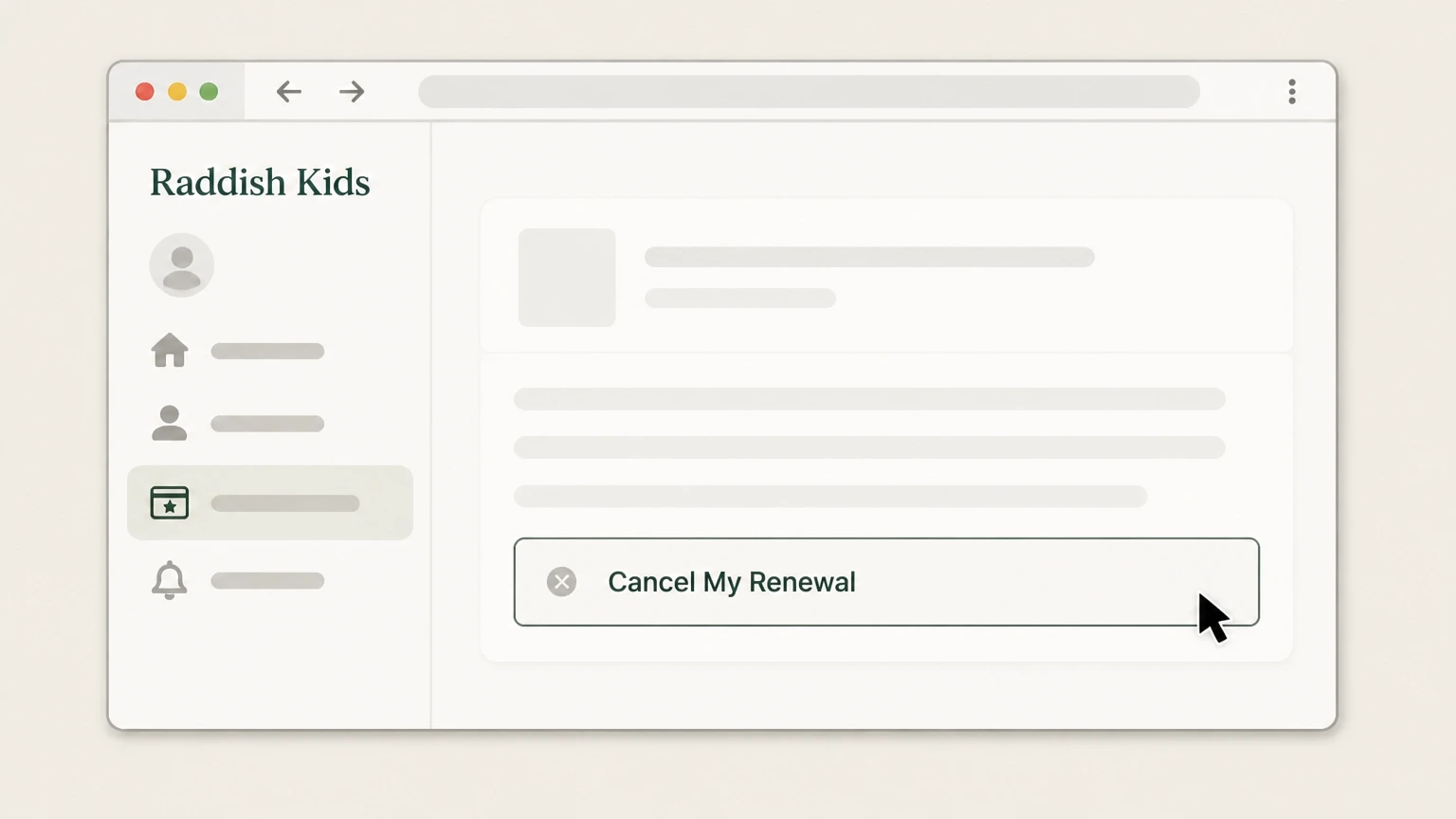
3Select Cancel My Renewal
Choose Cancel My Renewal for that plan.
 4
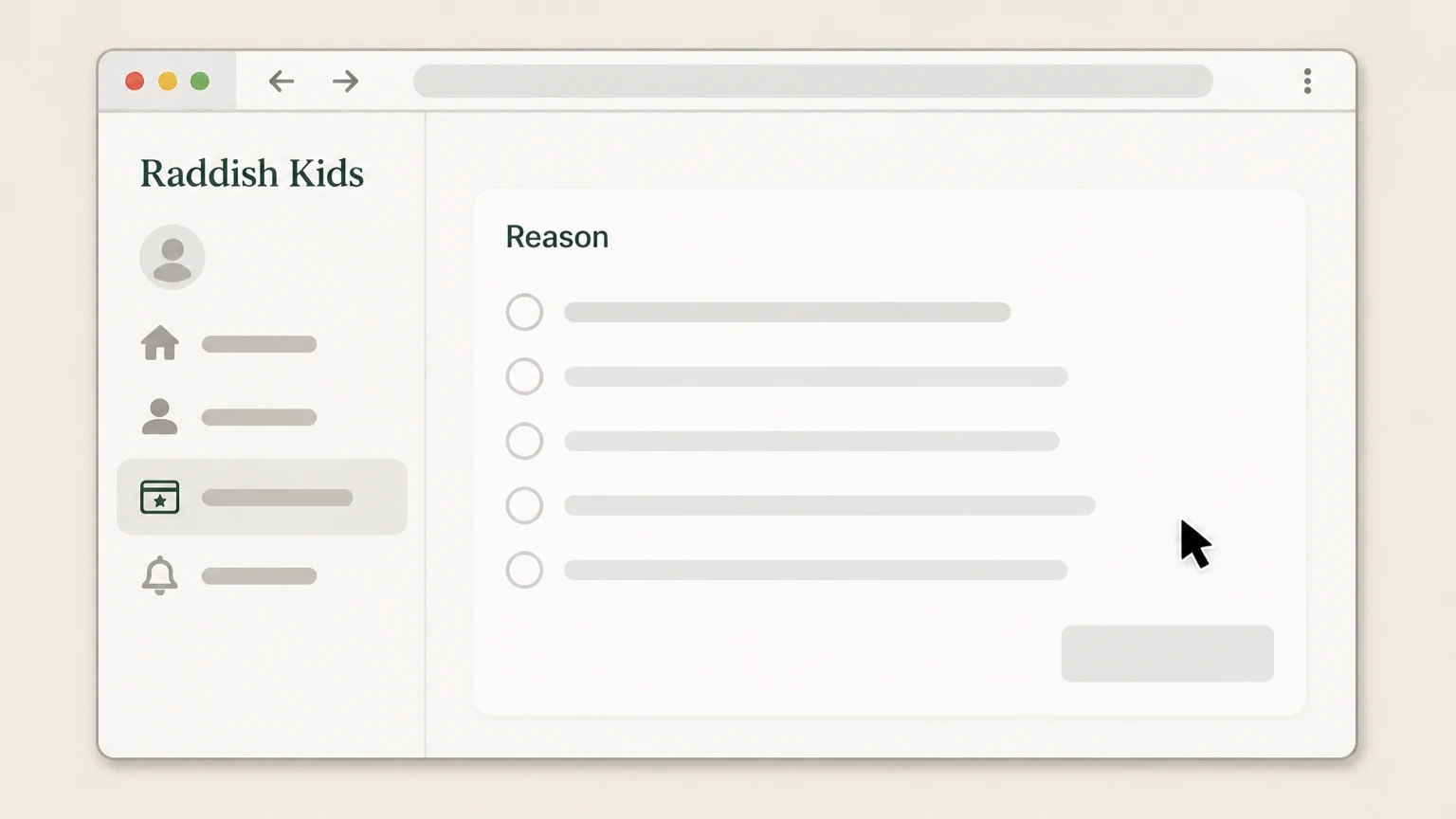
4Choose a reason
Select the cancellation reason requested by the provider.
 5
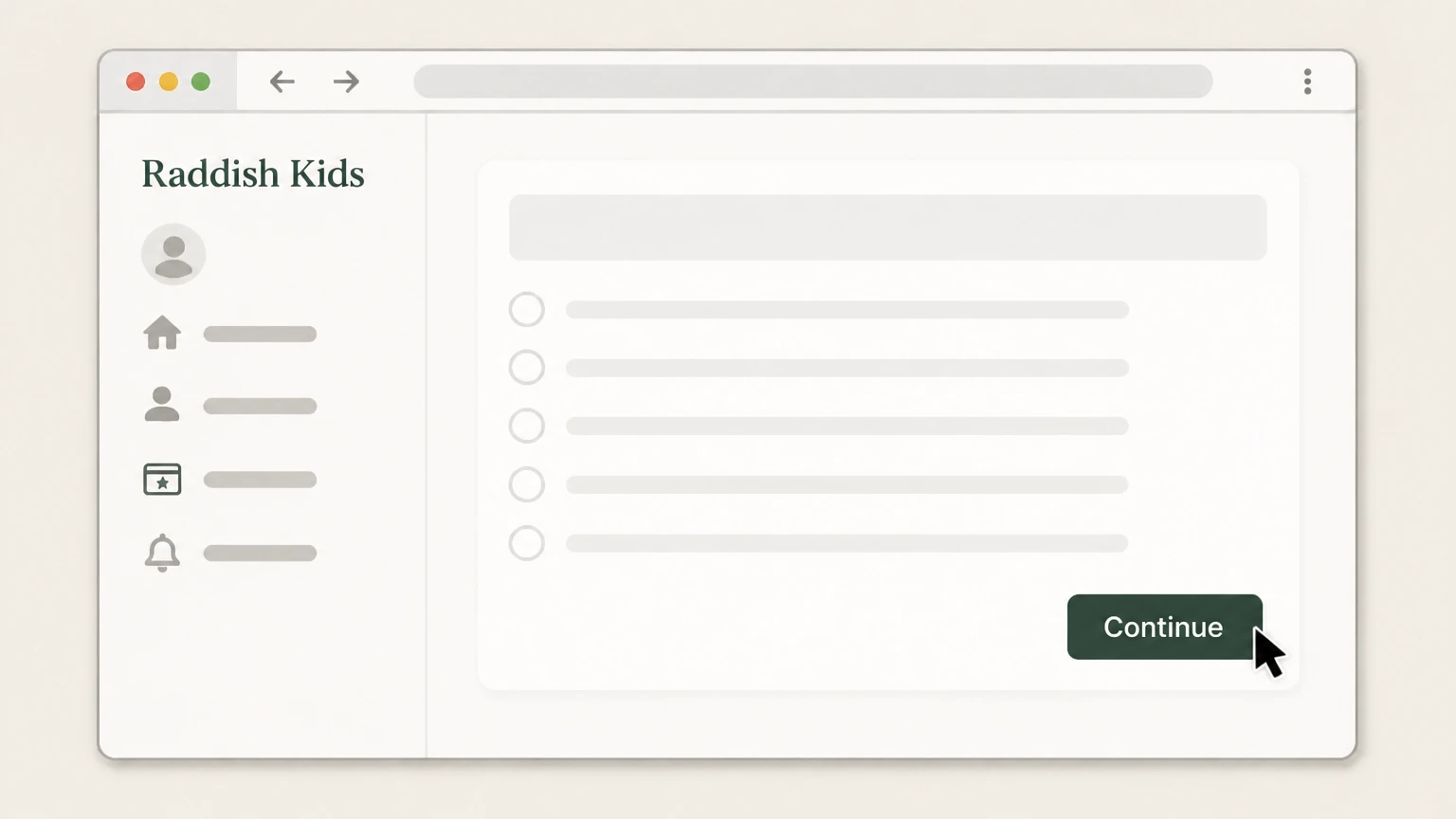
5Continue
Select Continue to complete the request.

Refund policy
Raddish Kids prepaid-plan refunds
Prepaid memberships continue through their purchased term and are not refunded mid-term.
Check my refund options- Remaining kits continue
- A 3-, 6-, or 12-month prepaid membership continues sending the kits included in the paid term.
Review the current membership FAQ before changing the plan. Open Raddish Kids FAQ
Plan type
Prepaid and monthly memberships end differently
The official FAQ distinguishes recurring monthly billing from prepaid 3-, 6-, and 12-month terms.
Prepaid term
Turning off renewal does not cancel the remaining prepaid kits.
Monthly renewal
Completing the portal flow stops the next renewal.
Refund boundary
No mid-term refund for prepaid plans
Raddish Kids states that prepaid memberships continue through the paid term.
Kits continue
The remaining kits are delivered rather than refunded mid-term.
Proof
Recheck the target plan
Keep the final portal state for the membership you edited.
Confirm renewal is off
The selected membership should no longer show a future renewal.
Raddish Kids cancellation FAQ
Provider-specific answers about billing, timing, refunds, and confirmation.
How can I cancel my Raddish Kids subscription?
Will a prepaid Raddish Kids plan stop immediately?
Can I get a mid-term refund for Raddish Kids?
Untangle this Raddish Kids issue.
Let Pine handle the provider follow-up and keep the confirmation in one place.
