


New York Times
Cancel subscription
How to Cancel The New York Times by Billing Route
Cancel The New York Times through NYTimes, Apple, or Google Play. Compare paid and trial access, The Athletic billing, confirmation, and refund rules.
- NYTimes, Apple, and Google billing routes are separated
- Paid access normally continues through the current period
- Canceling a free trial can end access immediately
- The Athletic may require separate cancellation
Cancel New York Times through the company that bills you
Web · NYTimes billing
Cancel a digital New York Times subscription in your account
 1
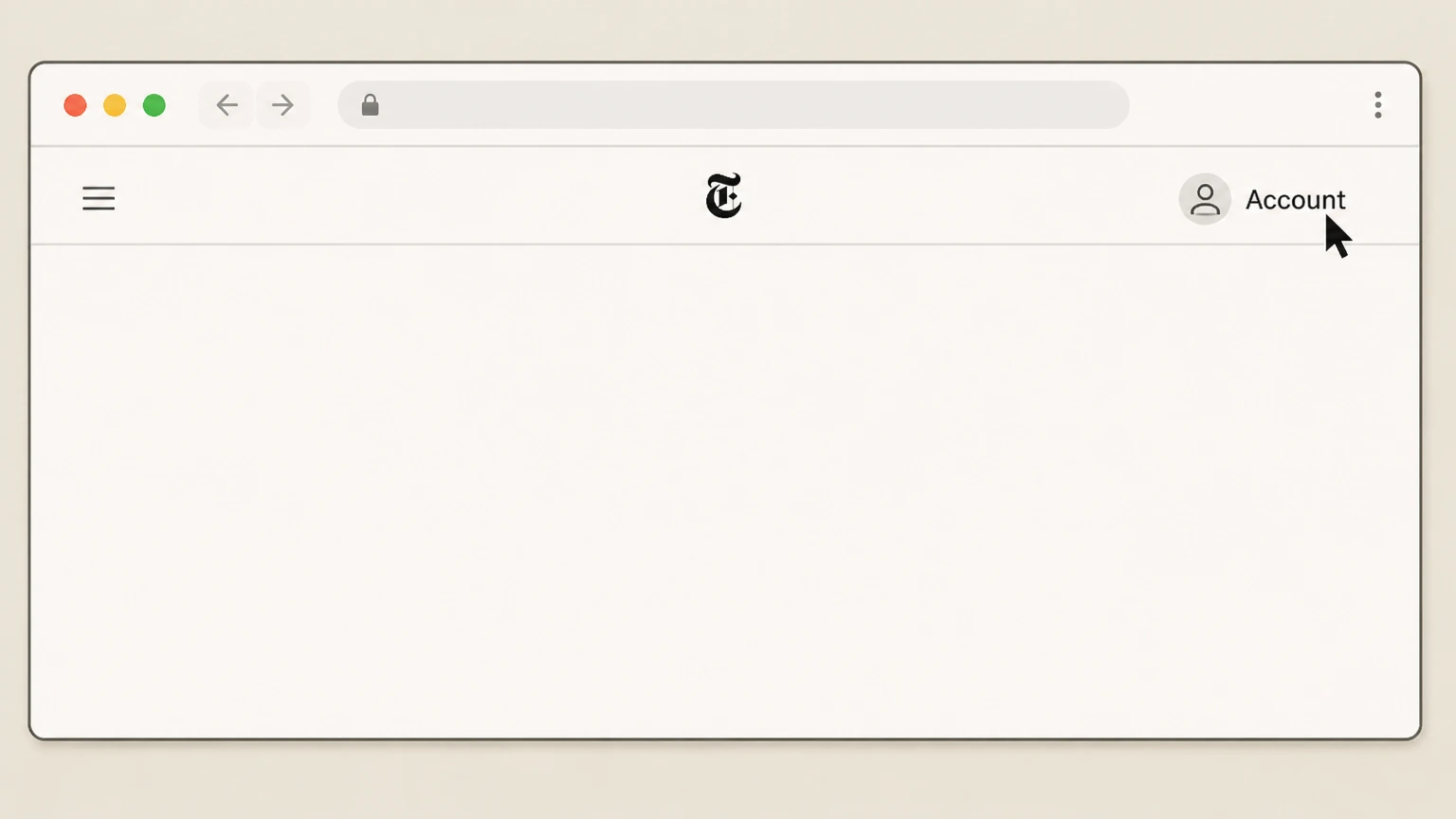
1Open your NYTimes Account
Sign in to NYTimes.com and open the Account area.
 2
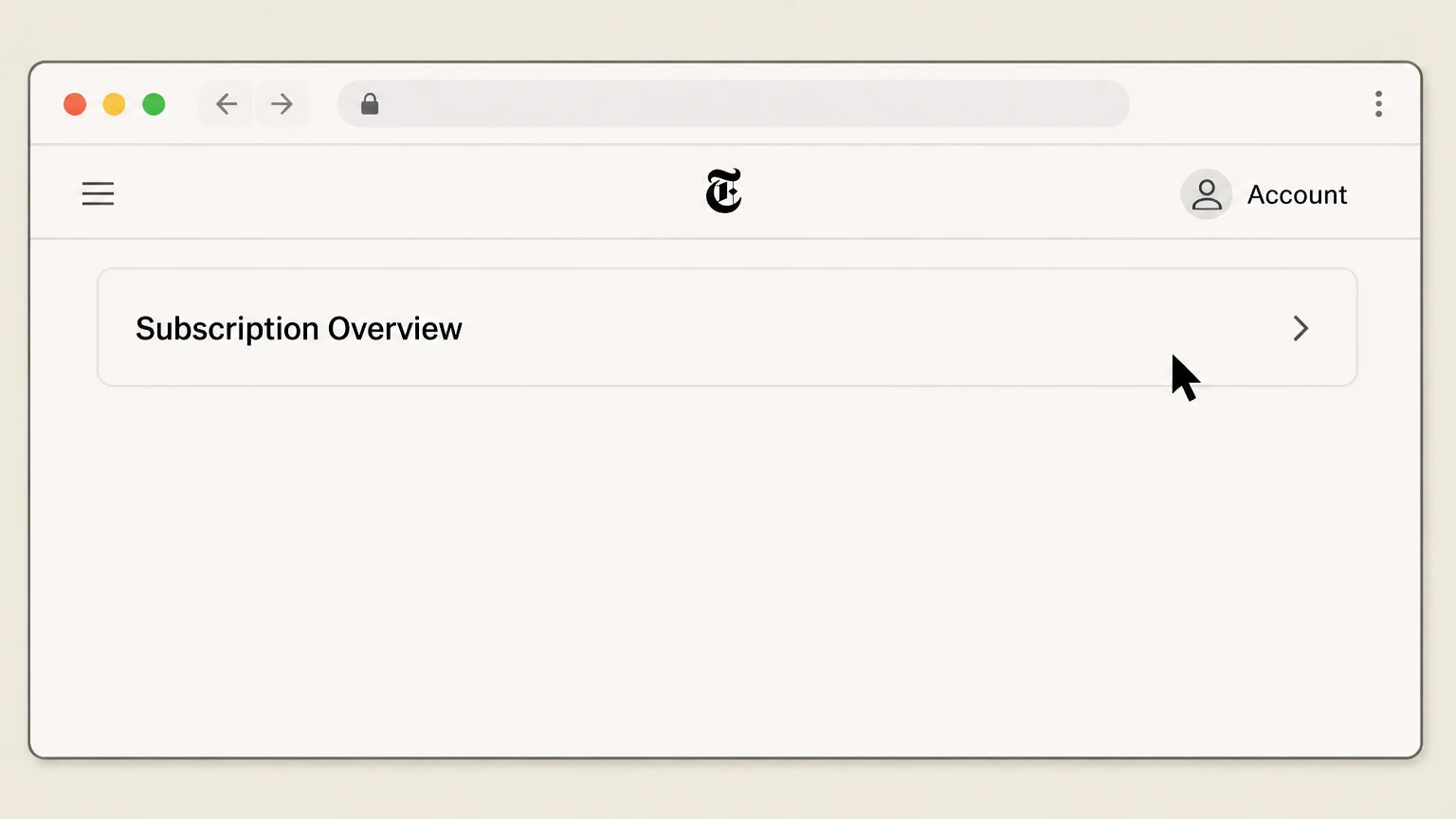
2Open Subscription Overview
Open Subscription Overview and select the directly billed subscription that should stop renewing.
- Let Pine handle it
Pine can help
Too many steps?
Pine can find the right Web path and handle the cancellation for you.
 3
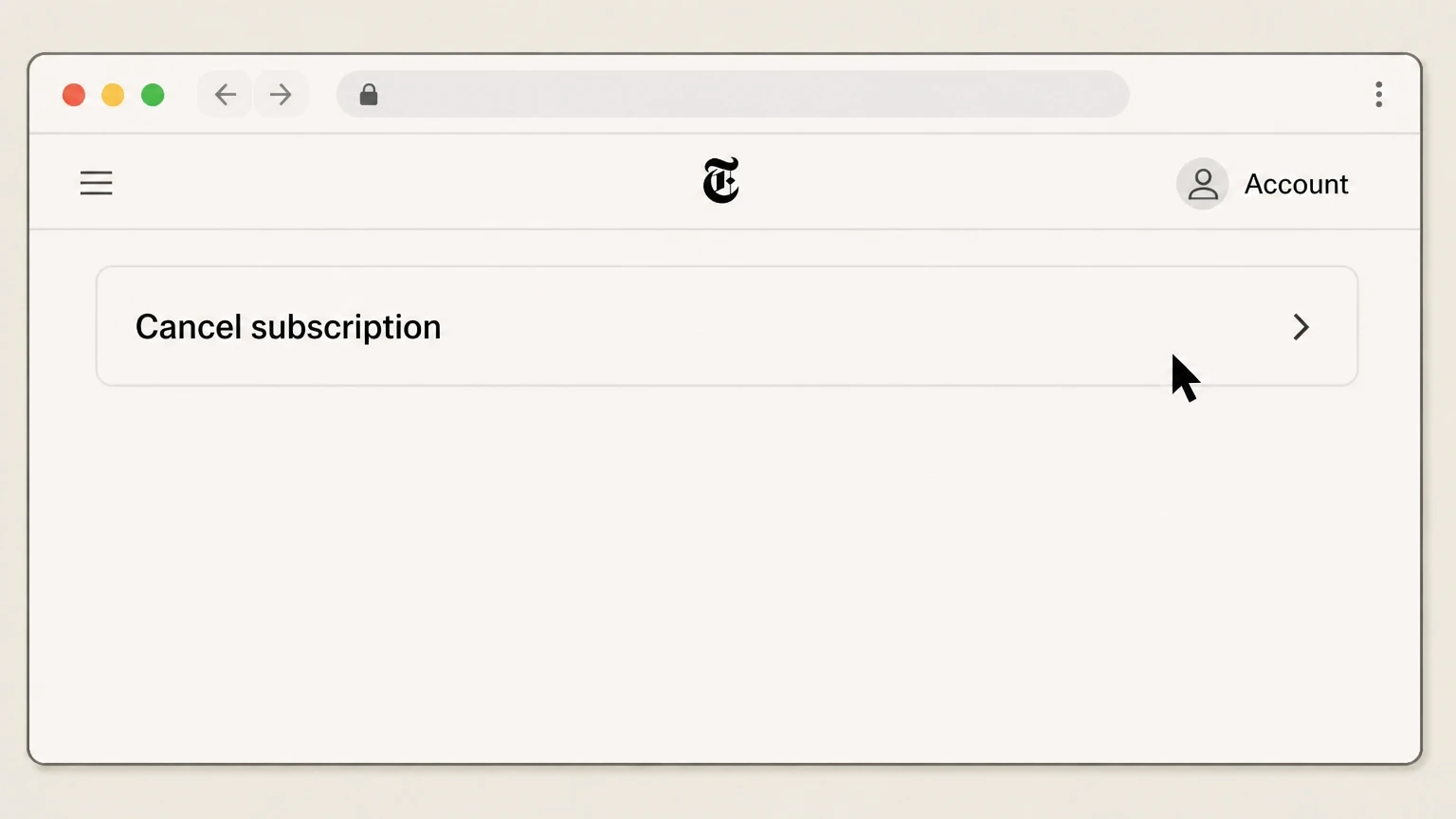
3Complete the account cancellation
Choose the cancellation option, finish the prompts, and retain the final status.

iPhone · Apple billing
Cancel New York Times through Apple Subscriptions
 1
1Open Settings
Open Settings on the iPhone signed in to the Apple Account used for the purchase.
 2
2Tap your name
Open the Apple Account card at the top of Settings.
- Let Pine handle it
Pine can help
Too many steps?
Pine can find the right iOS path and handle the cancellation for you.
 3
3Open Subscriptions
Select Subscriptions to see subscriptions billed by Apple.
 4
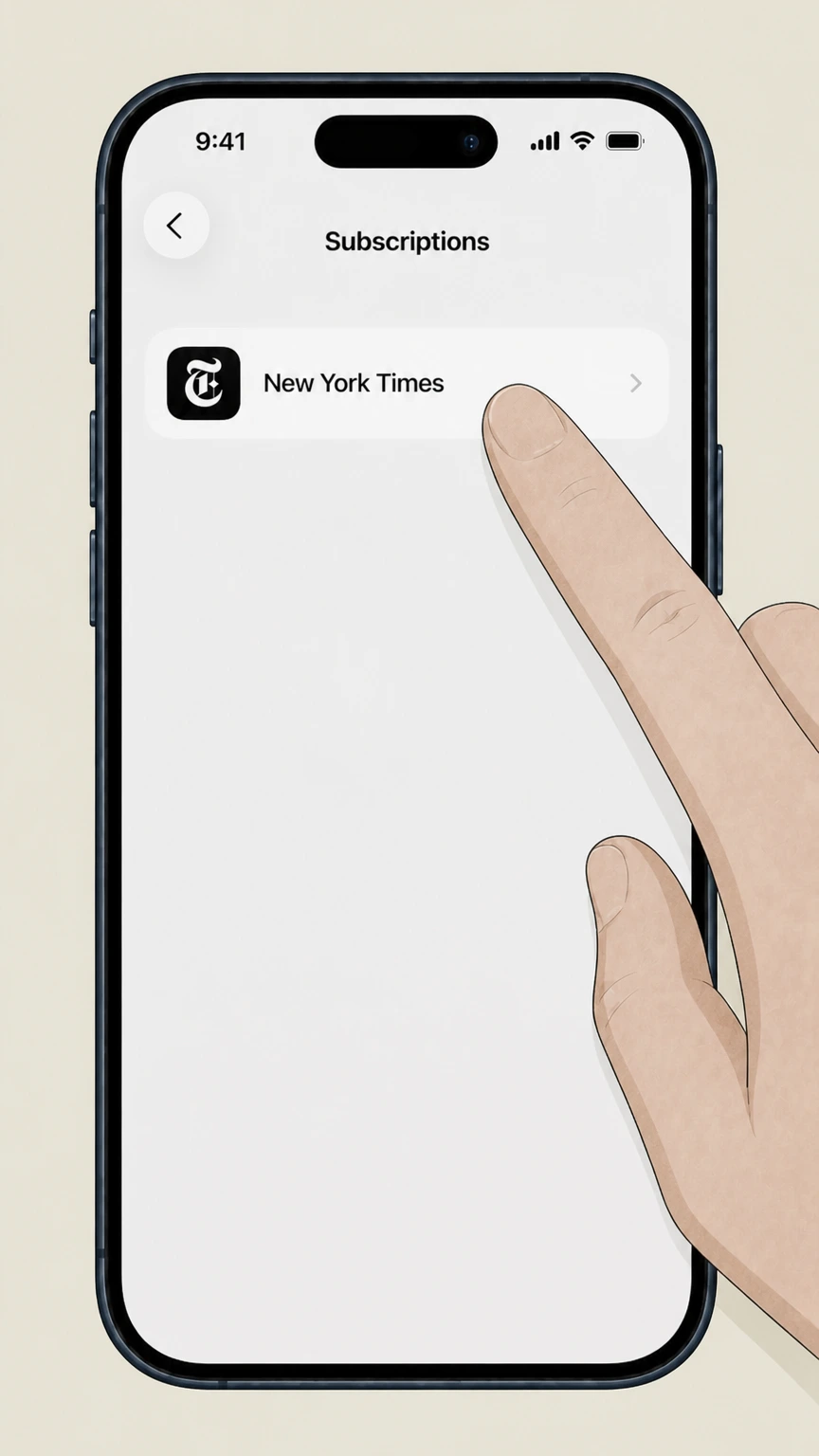
4Select New York Times
Choose New York Times from the Apple subscription list. If it is absent, verify a different Apple Account or billing owner.
 5
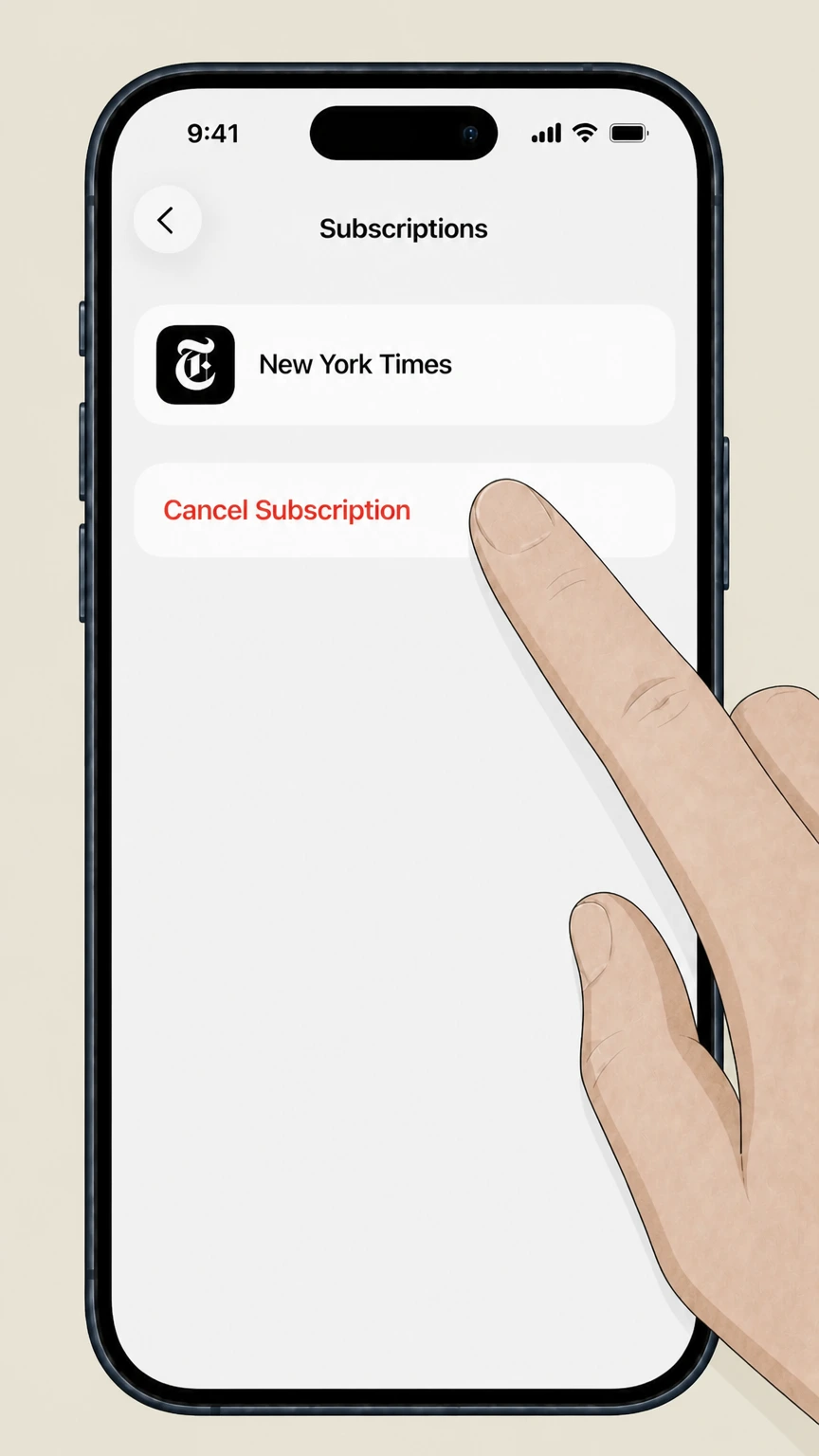
5Tap Cancel Subscription
Tap Cancel Subscription and complete Apple’s confirmation prompt. Keep the resulting status or expiration date.
Refund policy
New York Times refunds, access, and charge follow-up
NYTimes cancellation normally stops future charges without refunding unused time in the current subscription period.
Check my refund options- Subscription fees are generally nonrefundable
- The terms say no refund or credit is normally due for time remaining after cancellation, except where stated or required by law.
- Additional charges after a timely cancellation are reviewable
- The terms say canceling before the deadline avoids the next charge or can make additional charges eligible for refund.
- Print combinations can have different calculations
- Monthly and prepaid combined print subscriptions may be handled differently based on delivered copies and prepaid service.
- Third-party refunds stay with the third party
- Apple and Google control subscriptions and related refund handling for purchases made through their stores.
If the account shows multiple NYTimes products, confirm each product and billing owner before contacting Customer Care. Open New York Times account help
Product scope
One cancellation may not cover every New York Times product
Review all active products before assuming the account is finished.
NYTimes digital subscriptions
Directly billed digital subscriptions can be canceled from the NYTimes Account area.
The Athletic may be separate
The current terms explicitly say canceling a New York Times subscription does not automatically cancel a separately billed Athletic subscription.
Home Delivery can follow different timing
Certain print and combined subscriptions have service and refund rules that differ from digital-only access.
After cancellation
Access and timing after NYTimes cancellation
The current billing period usually determines when digital access changes.
Future charges stop after a timely cancellation
Cancel before the current subscription period ends to avoid the next charge.
Paid digital access normally continues
For a paid subscription outside a free trial, access generally remains through the rest of the current period.
Free-trial cancellation is immediate
The terms state that canceling during a free trial ends access immediately.
New York Times cancellation questions
Questions discovered from current search behavior are answered only with the official sources checked on August 16, 2026.
How do I cancel my New York Times subscription online?
Why can't I cancel my Times subscription?
How do I cancel a New York Times subscription on iPhone?
Does canceling NYTimes cancel The Athletic too?
When does New York Times access end after cancellation?
Untangle this New York Times issue.
Let Pine handle the provider follow-up and keep the confirmation in one place.
