


CubeSmart
Cancel subscription
How to Cancel CubeSmart Storage and Move Out Cleanly
Learn how to cancel CubeSmart through the right billing provider. Follow official steps, understand access timing, refunds, and the confirmation to keep.
- Official CubeSmart and billing-owner sources
- 2 provider-specific cancellation paths
- Refund and post-cancellation effects separated from renewal
- Verified August 16, 2026
Choose the CubeSmart cancellation path that matches who bills you
In person at your CubeSmart facility · verify the billing owner
 1
1Confirm your billing timing
Check your latest CubeSmart bill, email, or online Customer Center account to see your monthly rent due date so you understand when the next rental period starts.
 2
2Empty your storage unit
Remove all of your belongings from the CubeSmart storage unit you want to cancel so the unit is completely vacated before you ask staff to close the rental.
- Let Pine handle it
Pine can help
Too many steps?
Pine can find the right In person at your CubeSmart facility path and handle the cancellation for you.
 3
3Go to the facility office
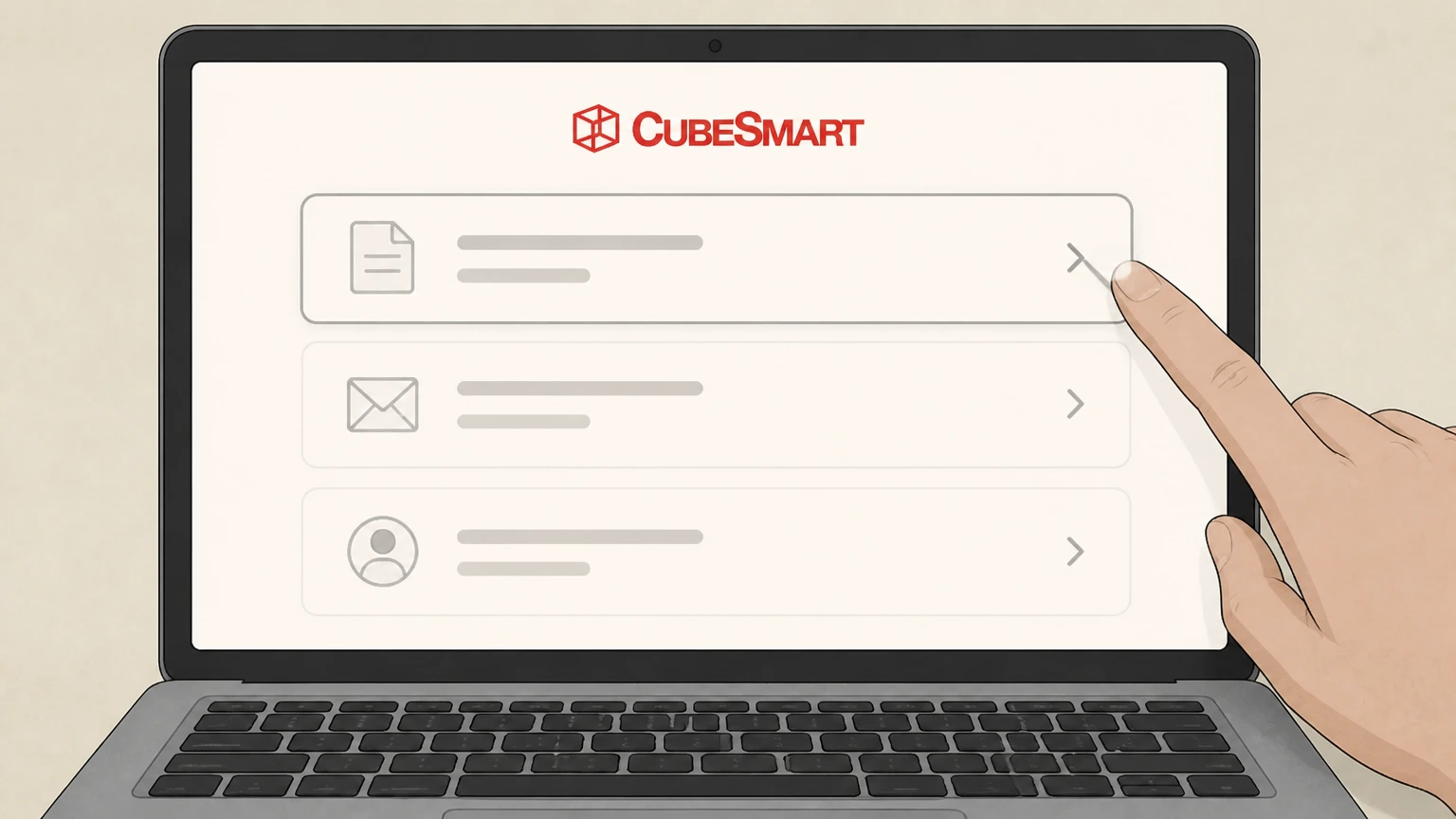
Visit the office at your CubeSmart location during its posted office hours so you can speak directly with a store teammate or manager.
 4
4Tell staff you are moving out and want to close the rental
Inform the store manager that you have emptied your unit and want them to mark the unit as vacated and close your CubeSmart rental account for that unit.
 5
5Confirm the move‑out date and future billing
Ask the manager to confirm the official move‑out date they will record and when rent and any AutoPay charges will stop for that unit.
 6
6Request written or emailed confirmation
Ask for printed or emailed confirmation that your unit is shown as vacated and the rental is closed, and keep this with your final billing statement for your records.

Phone with CubeSmart store or customer service · verify the billing owner
 1
1Find the correct CubeSmart phone number
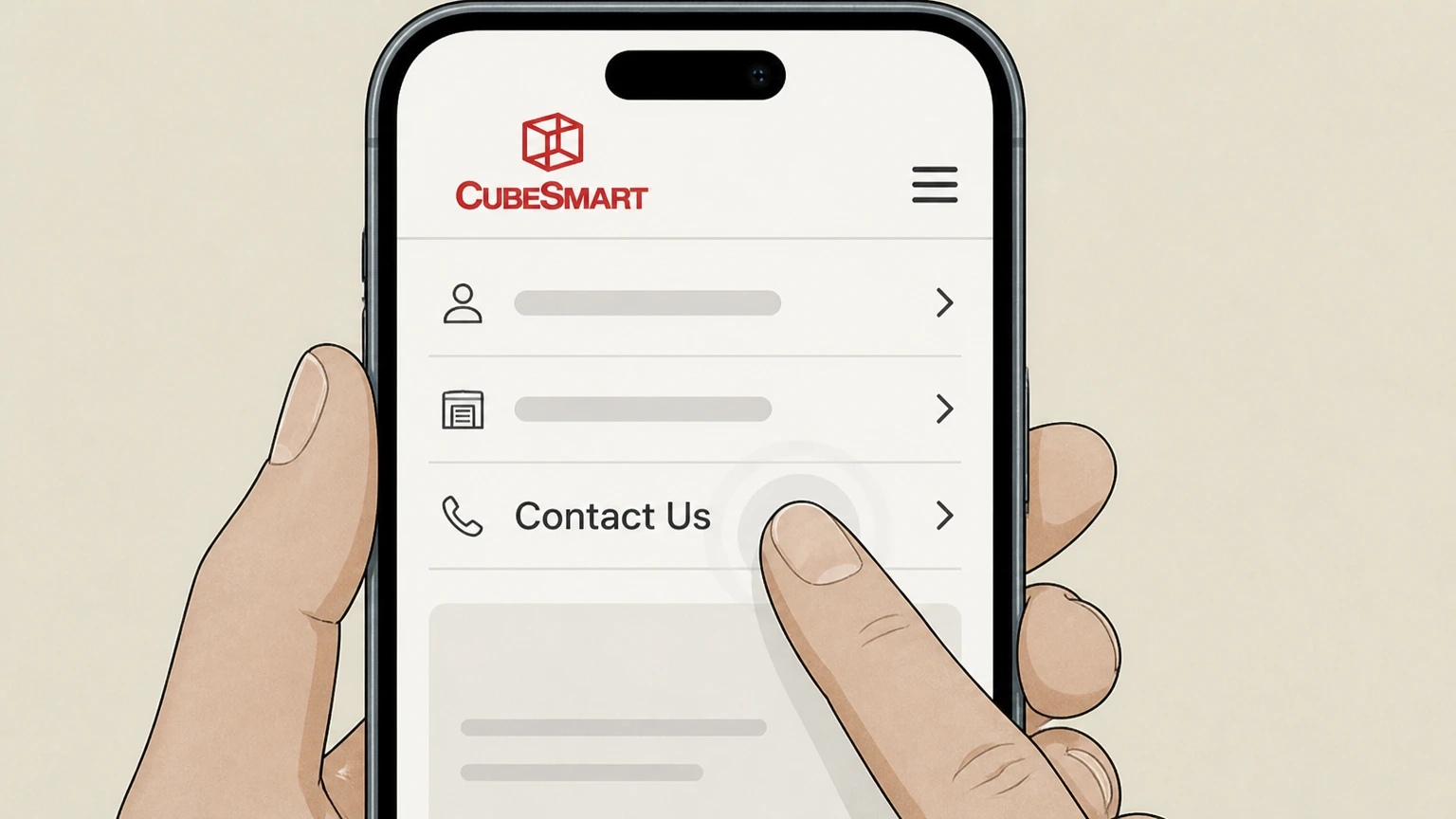
Use the CubeSmart website to locate your specific facility page or the Contact Us page and note the phone number listed for current customers or customer service.
 2
2Call CubeSmart about your unit
Call the number and identify yourself, your CubeSmart location, and your unit so the representative can pull up your rental account.
- Let Pine handle it
Pine can help
Too many steps?
Pine can find the right Phone with CubeSmart store or customer service path and handle the cancellation for you.
 3
3State that you have moved out and want to close the rental
Tell the representative that your unit is emptied and that you want them to record your move‑out and close the CubeSmart rental for that unit.
 4
4Confirm the recorded move‑out date and remaining balance
Ask the representative to confirm the official move‑out date on your account and whether any final rent or fees remain due under your lease.
 5
5Request written confirmation of closure
Ask for an email or mailed statement showing that your unit is vacated and your rental has been closed so you can keep proof of cancellation.
Refund policy
CubeSmart refunds, final bills, and credits
CubeSmart’s public site focuses on how and when rent is charged rather than on explicit refund promises. Your rental agreement and local law ultimately govern whether any unused rent is prorated or refunded when you move out.
Check my refund options- No general promise of prorated refunds
- CubeSmart’s Storage FAQs and Payments pages do not state that unused rent is automatically refunded if you move out mid‑cycle. Because leases are month‑to‑month with rent due on the same day each month, you should assume that timing matters and ask your facility in advance about any proration.
- Promotions apply only to rent due
- Promotion terms specify that discounts apply to rental payments due and not to taxes, insurance or protection plan fees, administrative fees, or other charges. Moving out early does not retroactively change how past promotions were applied to your account.
- Final statements and outstanding balances
- After you move out and the facility closes your rental, any unpaid rent, late fees, or other charges shown on your account remain due. Payment resources emphasize that online, app, in‑store, mail, or automated phone payments can all be used to clear a final balance.
- Invoice and paper billing fees
- Rules and Regulations explain that you may be charged a monthly invoice fee if you choose to receive paper invoices. That fee can still appear on your final bill if it applies to the last billing period before cancellation.
- Auctions and proceeds after nonpayment
- CubeSmart’s auction pages describe sales of abandoned units but do not explain how any surplus auction proceeds would be handled. If your unit is sold after nonpayment, questions about proceeds or refunds depend on your lease and state lien laws, not the standard cancellation flow.
Review your individual CubeSmart lease and talk with your facility manager before scheduling your move‑out date if you need clarity on proration, refunds, or how promotions interact with your final bill. Review lease and ask your CubeSmart facility
How CubeSmart billing works
CubeSmart leases, billing cycles, and AutoPay
Understanding how CubeSmart structures its leases and payments helps you time your move‑out and avoid extra rent.
Month‑to‑month rental agreements
CubeSmart states that storing with them requires a month‑to‑month rental agreement, and that they offer month‑to‑month leases so you have the flexibility to move out when the time is right.
Move‑out notice expectations
In its Storage FAQs, CubeSmart says that advanced notice before moving out is appreciated but not required, which means you are not locked into a fixed‑term lease for standard self‑storage.
Standard rent due date
CubeSmart explains that rent is due at move‑in and then on the same day of the month each month you continue to rent the storage unit, so cancelling after your billing date usually applies to the next period.
AutoPay and online payments
CubeSmart encourages customers to enroll in bank‑account AutoPay or use credit or debit cards to pay via the CubeSmart Mobile App, online Customer Center, in‑store payments, or the automated phone payment line.
Fees and fee schedule
CubeSmart notes that some payments, such as card payments online or by phone, can include convenience fees and refers customers to a published Fee Schedule for complete, current fee details.
Ending your rental
What actually cancels a CubeSmart storage unit
For CubeSmart, cancellation is tied to ending your rental, not simply changing payment settings or deleting an app.
Moving out and closing the account
CubeSmart’s materials describe flexible month‑to‑month leases and store managers who help with contracts, move‑in, move‑out, and billing. Practically, your rental ends when your unit is emptied and the facility records it as vacated and closed.
No self‑serve “cancel” button documented
Public FAQs, the Customer Center page, and Mobile App descriptions explain how to pay bills, manage AutoPay, and view statements, but do not describe a one‑click online or in‑app cancellation of your storage lease.
Store managers as the main point of closure
Individual facility pages state that friendly store managers are available to help with your contract, move in, move out, and billing, so they are the primary contacts to finalize your rental end date.
Empty, unsecured units may be treated as terminated
CubeSmart’s Rules and Regulations say that if an unsecured cube is vacant, or contains only items that appear to be trash, the owner may dispose of the trash and consider the agreement terminated, underscoring the importance of clearly documenting your move‑out.
Importance of written confirmation
Because the site emphasizes billing and fee schedules but does not show a dedicated cancellation receipt screen, it is prudent to ask for written or emailed confirmation that your unit is recorded as vacated and the rental closed.
After cancellation
Access, gate codes, and online accounts after move‑out
Closing your CubeSmart unit changes how you use your gate code, app, and Customer Center, but does not automatically erase your online profile or history.
Gate code and facility access
CubeSmart explains that customers use gate codes to access their units and that the Mobile App can display your gate code. Once your rental is closed and any balance resolved, your gate code and physical access to that unit are removed by the facility.
Mobile App capabilities post‑cancellation
The CubeSmart Mobile App is described as a way to access your gate code, pay bills, set up AutoPay, and view balances. Closing one unit typically stops future charges for that unit, but your login and app remain available for any other active units or outstanding payments.
Customer Center account remains
The Customer Center login page highlights managing your account, viewing billing statements, and making online payments. Cancelling a unit ends that specific rental, but does not itself delete your Customer Center profile or billing history.
Paper and email statements
Rules and Regulations explain that monthly paper invoices may incur a separate invoice fee, and payment FAQs refer to mailed or emailed notifications. After cancellation, you should still expect access to final statements for the closed unit.
Data and privacy controls
CubeSmart maintains separate privacy notices and legal disclosures. If you have concerns about how long they retain account data after a rental ends, you can refer to the privacy notice or use its contact details to exercise any applicable data rights.
Payments and AutoPay
How payments, AutoPay, and phone billing interact with cancellation
Stopping payments and cancelling your lease are related but distinct actions in CubeSmart’s system.
AutoPay does not equal cancellation
CubeSmart strongly promotes AutoPay through the Mobile App and Customer Center, but these tools are presented as payment conveniences. Turning AutoPay off without formally ending your lease can still leave you owing rent until the rental is closed.
Past‑due accounts require store contact
Payment FAQs state that if your bill becomes past due beyond a certain point, you will need to speak directly to your local store manager to go over available payment options, which may include resolving delinquencies before or after move‑out.
Secure phone payments only through automation
CubeSmart notes that, for security, agents do not take card payments over the phone; instead you use an automated payment line. This separation between billing assistance and payment processing means a phone conversation about cancellation is typically followed by a separate payment step.
Mail‑in and in‑store payments
Customers can mail checks to the address on their invoice or pay in‑store by cash, check, or card without a convenience fee. If you are clearing a final balance at move‑out, in‑store payment directly with the facility can simplify closing the account.
Fee schedule may apply at the end of a lease
CubeSmart’s FAQs and Rules and Regulations mention that additional fees and charges, detailed in a Fee Schedule, may apply. Late, auction, or administrative fees can be added even close to cancellation if rent is not paid on time.
If you stop paying
What happens if you stop paying CubeSmart
Ending payments without formally cancelling your rental can trigger late fees, overlocks, and eventually lien sales of stored property under CubeSmart’s rules and state law.
Late and additional fees
CubeSmart’s Rules and Regulations explain that the agreement does not include all possible fees and that the owner reserves the right to charge additional fees, with details and changes communicated through notices and the Fee Schedule.
Overlocks and access limits
Under the Rules and Regulations, CubeSmart may place locks on unsecured cubes and manage access. When rent is seriously delinquent, you may be unable to access your unit until payment is made—this can happen even before any auction is scheduled.
Lock removal and preparation for sale
CubeSmart’s Rules and Regulations state that if rent is 30 days or more past due, the owner will remove the customer’s lock from the cube to prepare for the sale of the cube contents, signalling movement toward a lien sale process.
Storage unit auctions
CubeSmart maintains a public schedule of storage unit auctions by state and facility, listing locations where abandoned or delinquent units may be eligible for auction. These auctions are typically the final step after repeated nonpayment and required legal notices.
Debt collection and credit considerations
While CubeSmart does not publish detailed collection policies on its consumer pages, general U.S. consumer‑finance guidance explains that unpaid rental or storage debts can be sent to collections and may affect your credit or background‑check reports if not resolved.
Protection plans
Insurance, protection plans, and add‑ons when you cancel
Many CubeSmart rentals include or require insurance or protection plans plus optional services, which interact with cancellation but are not identical to your lease.
Insurance requirement
CubeSmart’s FAQs state that you are responsible for items you store and that insurance for those items is required, either through your own coverage or a third‑party protection plan offered at the facility.
Third‑party protection plans
The site describes affordable third‑party insurance or protection plan options available at the facility. These are typically separate contracts; cancelling your CubeSmart rental usually ends the need for coverage on that unit but does not retroactively change earlier coverage terms.
Vehicle and RV storage considerations
CubeSmart offers vehicle and RV storage at many facilities. Moving out a vehicle space and closing the rental still requires coordination with the facility and may involve confirming that no vehicle remains on site to avoid towing or other charges.
Merchandise and moving services
Packing supplies, moving labor assistance, or free truck offers promoted on facility pages are one‑time or ancillary services. Cancelling your storage unit does not automatically undo these purchases; they are governed by their own terms or promotions.
Claims and disputes
CubeSmart’s public site does not host a detailed claims center for insurance; if you believe items were damaged or improperly sold after nonpayment, your policy documents and any state self‑storage lien laws, not the cancellation process alone, control how you pursue a claim.
Getting help
How to get help from CubeSmart about cancelling
CubeSmart offers several official support channels that can assist with move‑out questions, delinquent accounts, or issues after cancellation.
Customer service contact
The Contact Us page lists a general customer service phone number and an email option, inviting customers to reach out for storage‑related issues or other questions. These channels can help route complex move‑out or billing problems to the right team.
Store‑level assistance
Facility pages emphasize that store managers can help with contracts, move in, move out, and billing. For most cancellations, working directly with your home facility—by visit or phone—is the most direct way to ensure your account is closed correctly.
Mobile App support
The CubeSmart Mobile App page and FAQs provide a dedicated customer service number for app questions, along with guidance on managing communication preferences and passwords. This is helpful if you have trouble accessing billing information while preparing to cancel.
Online Customer Center login help
The Customer Center login page offers self‑help links such as “What’s my email?” and re‑registration support. If you need to view statements or confirm charges before move‑out, resolving login issues there is often the first step.
Escalating disputes or complaints
If you cannot resolve a billing or auction‑related issue directly with CubeSmart, federal consumer‑protection agencies provide general complaint channels and information about debt‑collection rights, which can be relevant when storage debts are pursued after move‑out.
What official sources do not confirm
Limits of the public CubeSmart cancellation guidance
These points are intentionally qualified because the official sources reviewed on August 16, 2026 do not publish a complete answer.
Documented limitation 1
CubeSmart does not publish a single, step‑by‑step corporate move‑out checklist; recommended cancellation steps are synthesized from general FAQs, Rules and Regulations, and facility descriptions rather than a dedicated “how to cancel” page.
Documented limitation 2
Public pages do not clearly state whether rent is ever prorated when you move out mid‑cycle, so guidance avoids promising refunds and instead directs readers back to their individual lease and facility manager.
Documented limitation 3
The Customer Center and Mobile App UIs are not fully visible without an active login, so there may be additional in‑product messaging about move‑out or account closure that could not be independently verified.
Documented limitation 4
CubeSmart’s consumer‑facing site does not detail how third‑party storage insurance claims work or how auction proceeds are handled, limiting the specificity of advice on claims and post‑auction refunds.
Documented limitation 5
Service hours for customer service lines and the exact capabilities of store‑level phone support around closing rentals are not exhaustively documented, so phone‑based cancellation steps are framed cautiously as coordination rather than guaranteed full closure.
CubeSmart cancellation FAQ
Questions people search about canceling CubeSmart, answered with official provider or billing-platform sources checked on August 16, 2026.
What is the cancellation policy for CubeSmart?
Can I cancel my storage unit at any time?
Does it cost to move out of CubeSmart?
What happens if I stop paying CubeSmart?
How to cancel CubeSmart without calling
Where do I manage my CubeSmart bill and AutoPay?
How can I pay my CubeSmart bill by phone or online?
Can I cancel my CubeSmart unit through the mobile app?
What proof should I keep after cancelling my CubeSmart unit?
Untangle this CubeSmart issue.
Let Pine handle the provider follow-up and keep the confirmation in one place.
