


Cloth & Paper
Cancel subscription
How to Cancel Your Cloth & Paper Subscription Box
Cancel your Cloth & Paper Intention Box subscription. Learn how to stop renewals online or by email, what happens to prepaid boxes, and key refund limitations.
- Official Cloth & Paper and billing-owner sources
- 2 provider-specific cancellation paths
- Refund and post-cancellation effects separated from renewal
- Verified August 16, 2026
Choose the Cloth & Paper cancellation path that matches who bills you
Cloth & Paper website account · verify the billing owner
 1
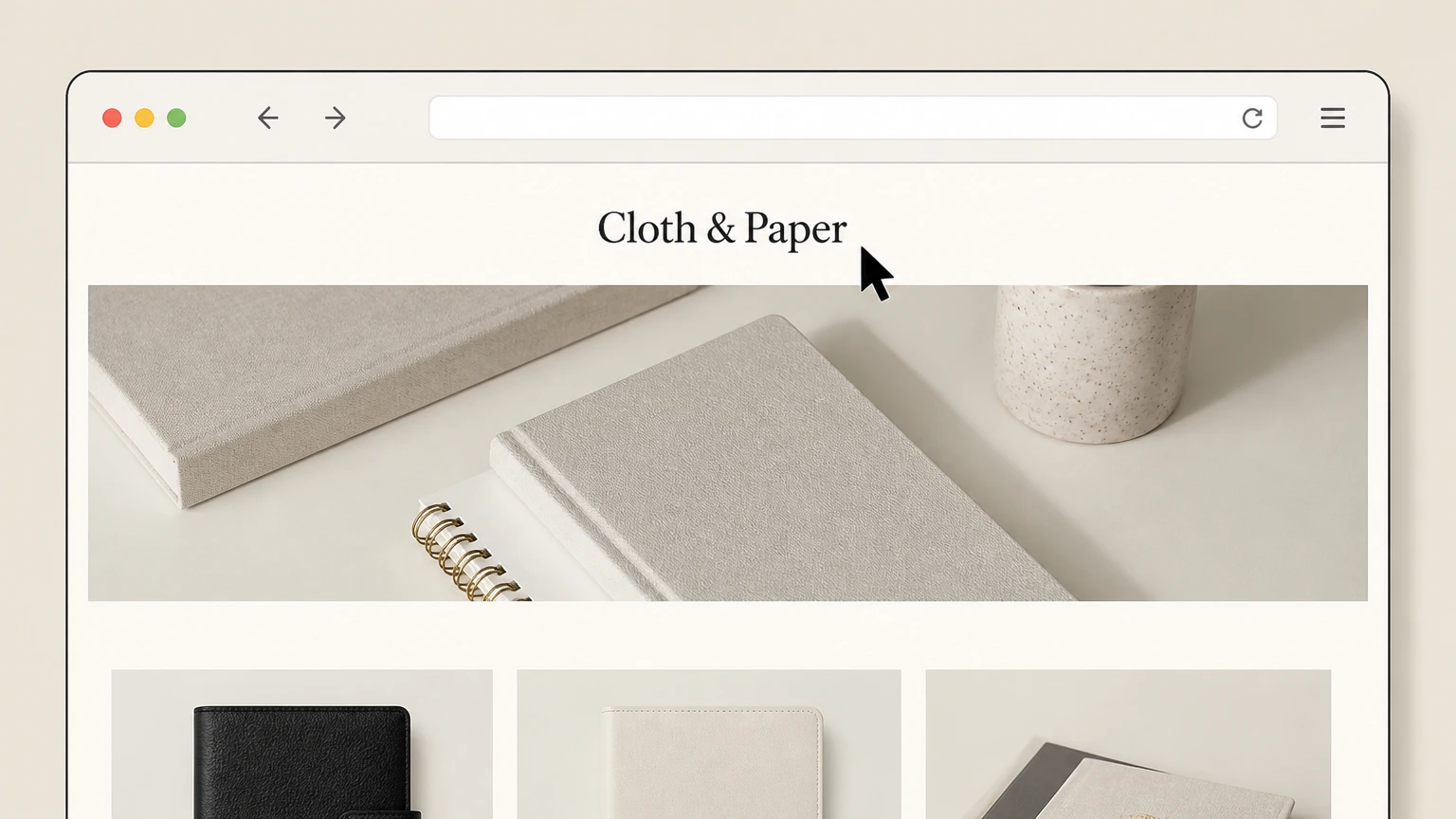
1Go to the Cloth & Paper website
Open a web browser and navigate to clothandpaper.com, where Intention Box subscriptions are sold and managed. Use the Cloth & Paper account named on your receipt, and continue only after the next status in this cancellation path is visible.
 2
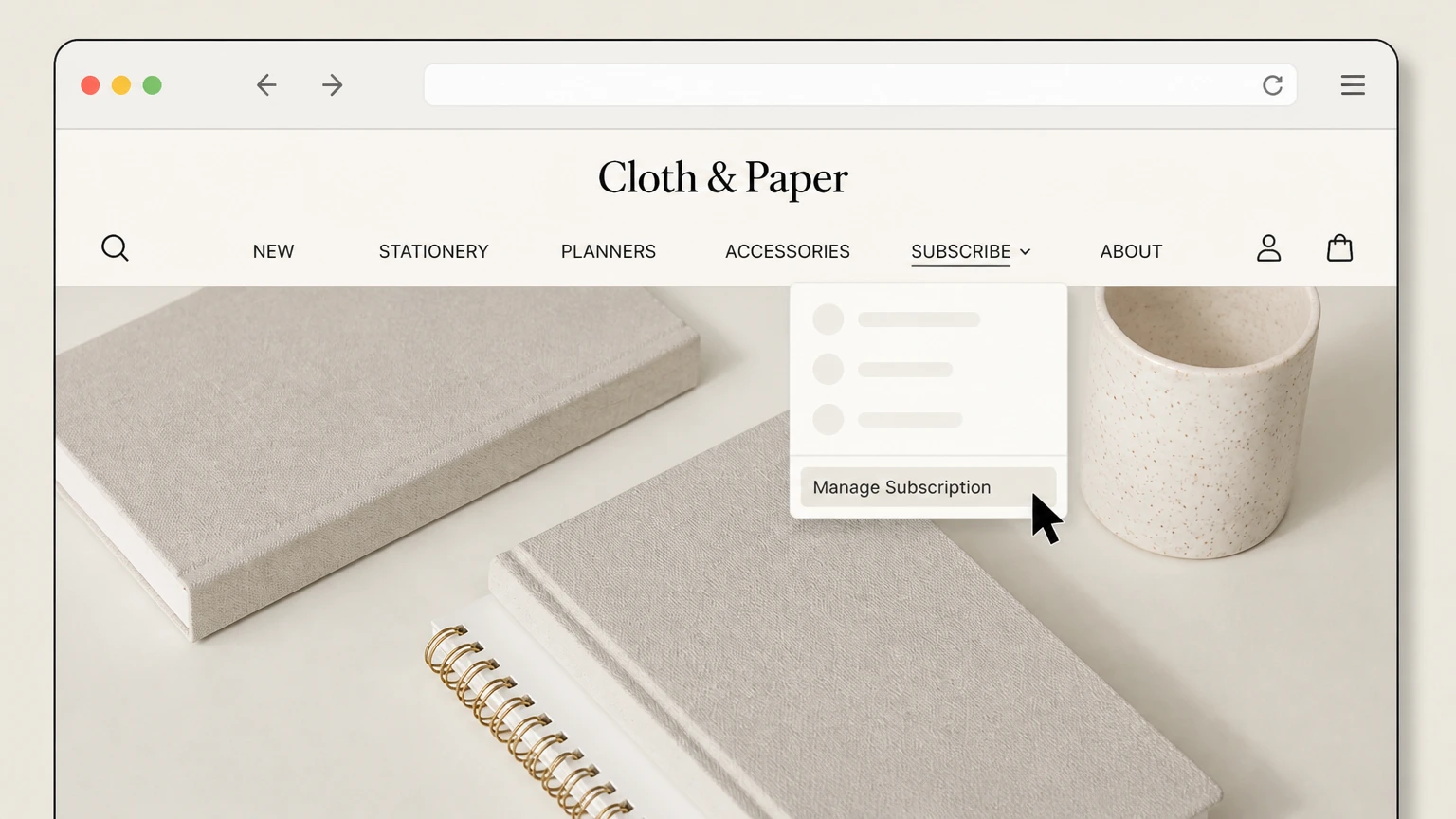
2Open the Manage Subscription portal
In the top navigation, open the SUBSCRIBE menu and select the Manage Subscription link to reach the subscription access page.
- Let Pine handle it
Pine can help
Too many steps?
Pine can find the right Cloth & Paper website account path and handle the cancellation for you.
 3
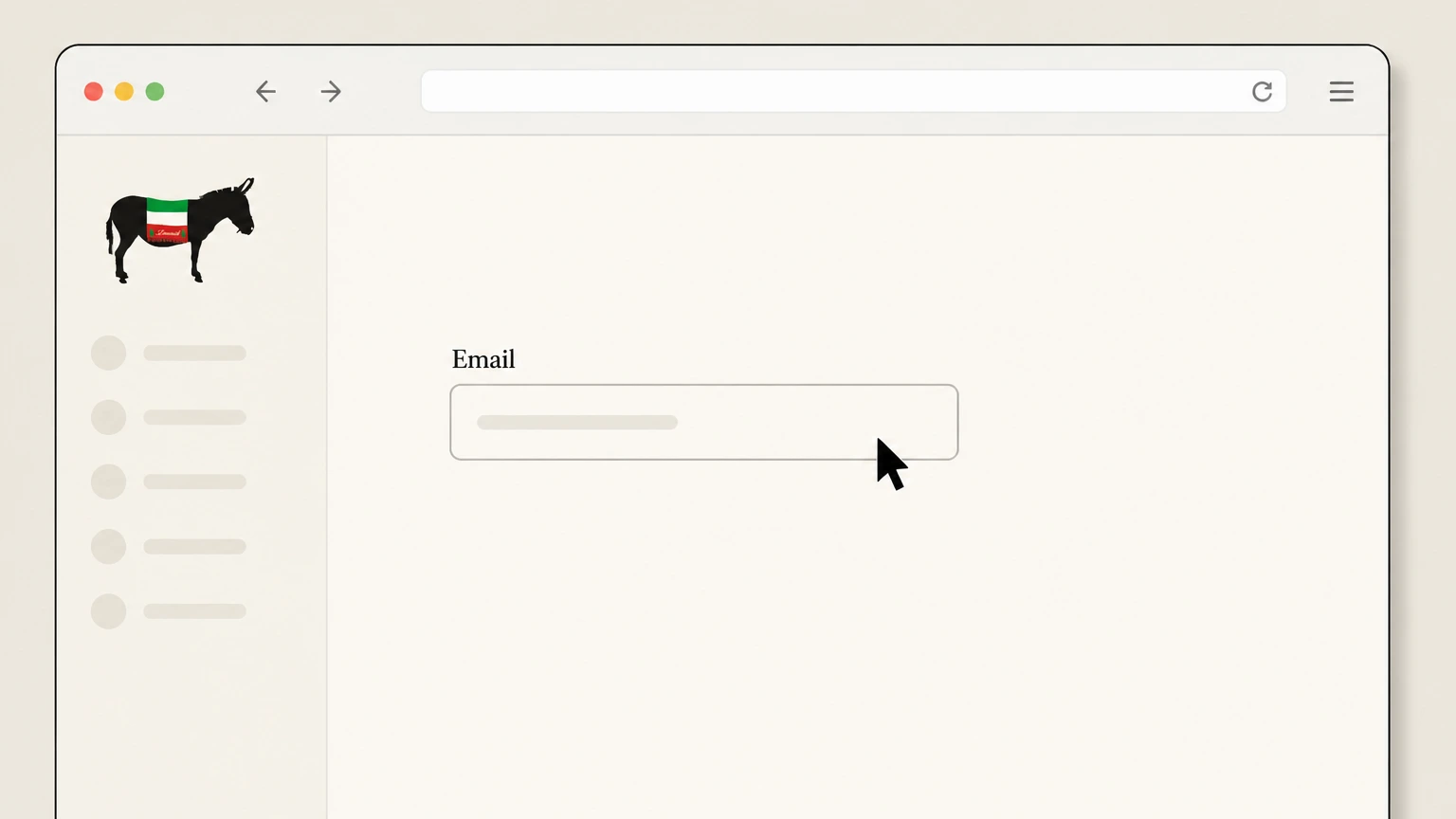
3Enter the email linked to your subscription
On the subscription access page, type the email address associated with your Intention Box subscription into the Email field. Use the Cloth & Paper account named on your receipt, and continue only after the next status in this cancellation path is visible.
 4
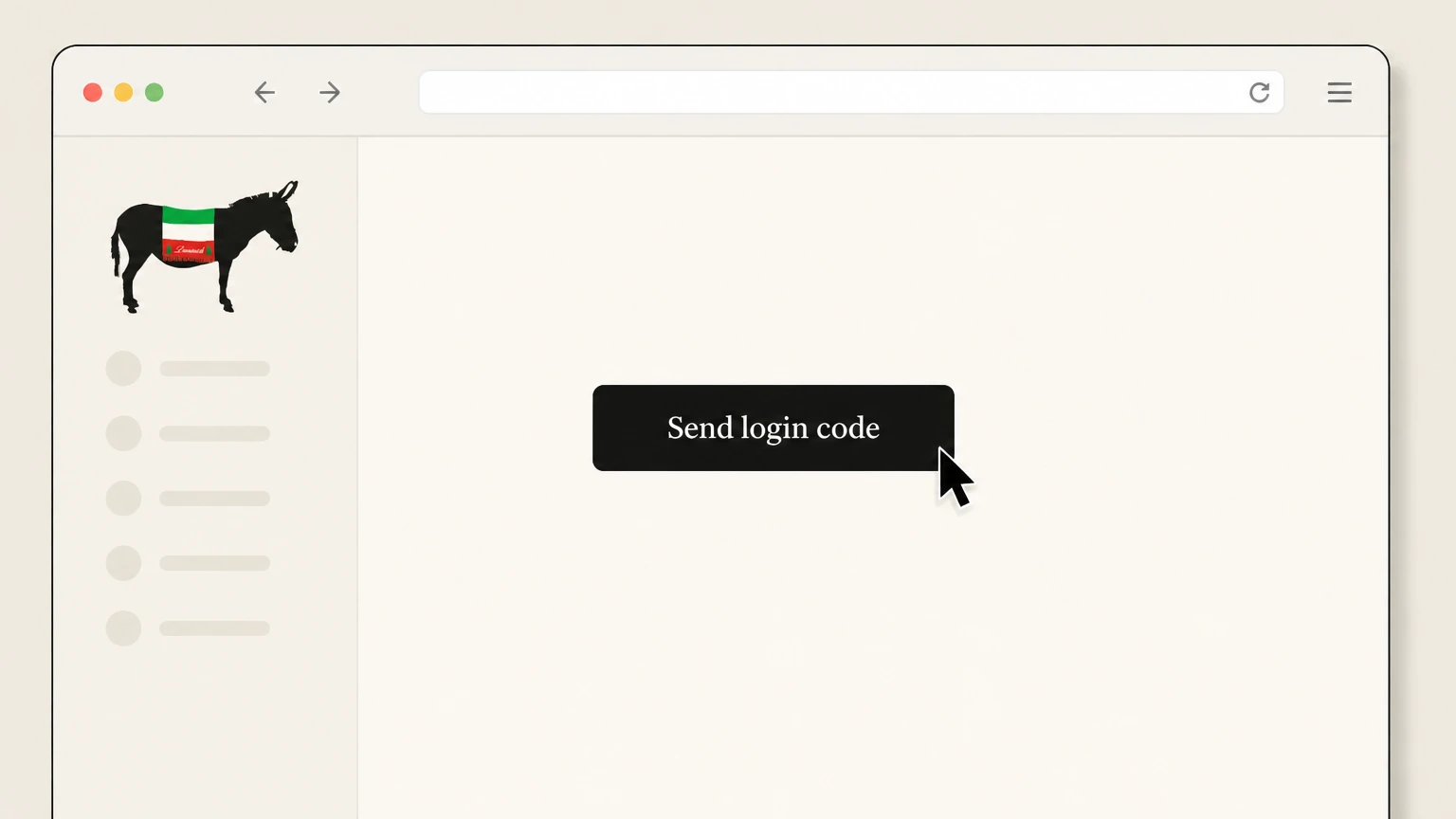
4Send your login code
Click the Send login code button so Cloth & Paper can send a one‑time code (and SMS if available) to access your subscription account.
 5
5Enter the verification code
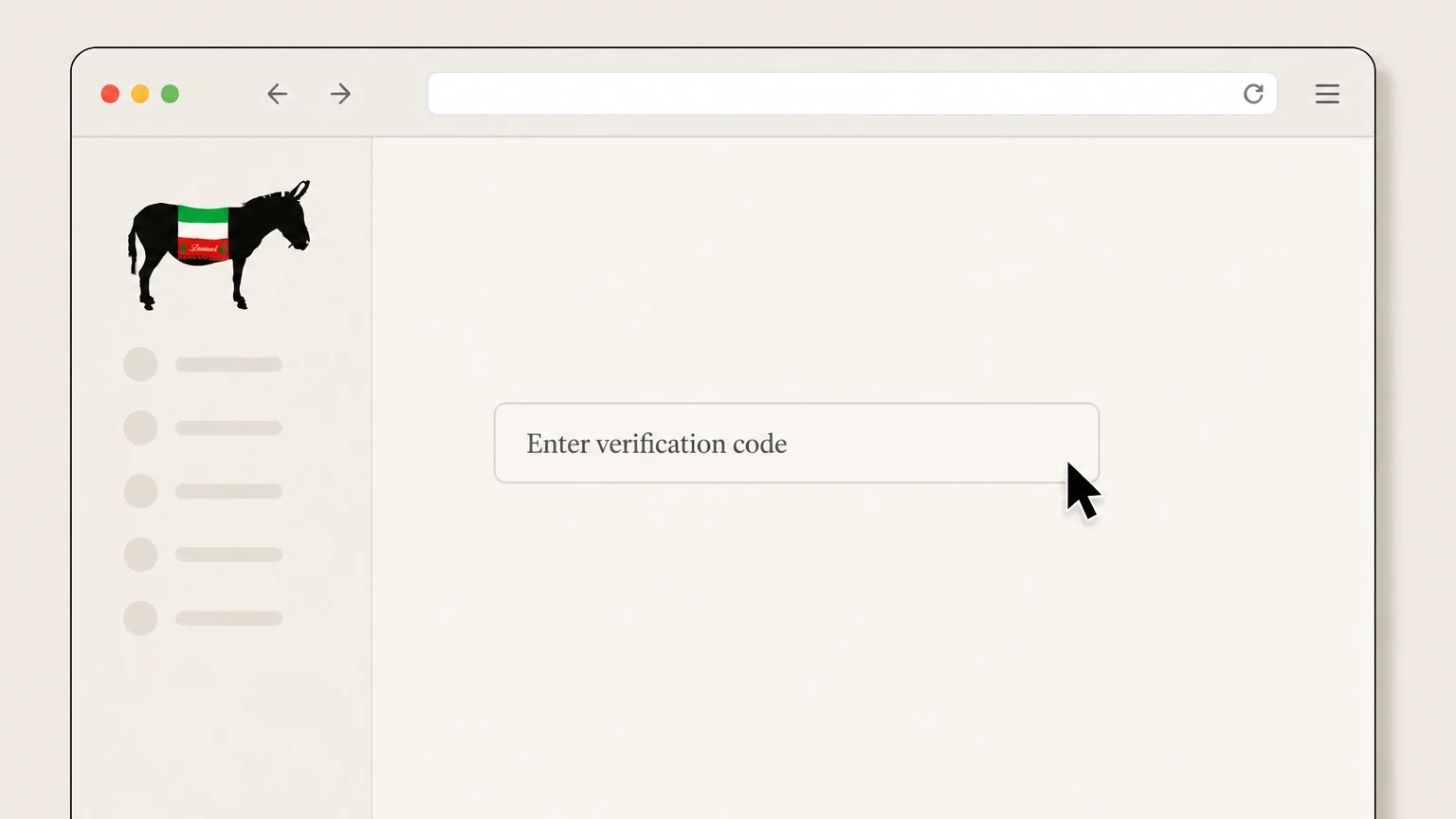
When your code arrives, enter it in the Enter verification code field to open your Cloth & Paper subscription account dashboard.
 6
6Cancel the Intention Box subscription
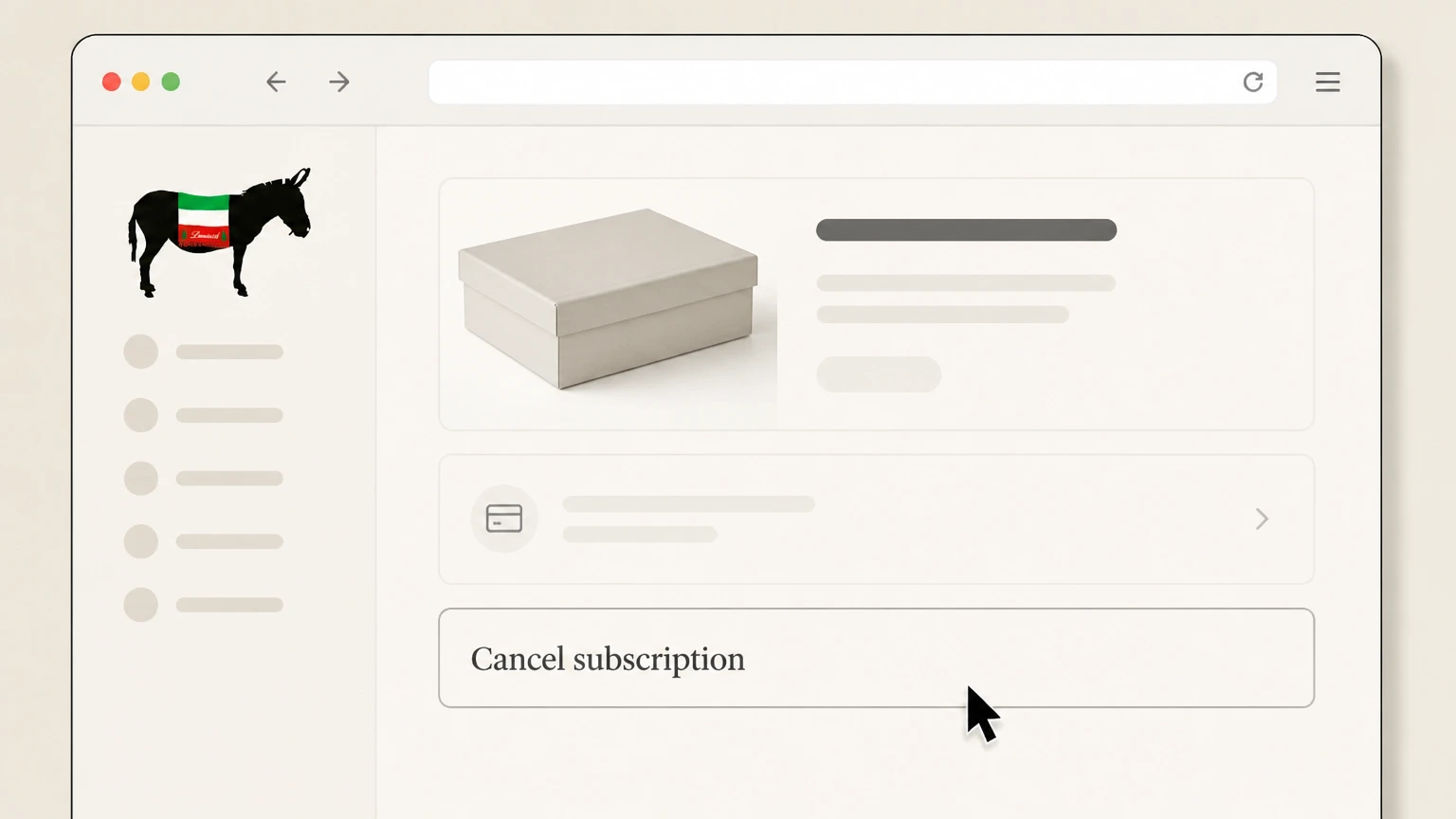
In your subscription account, select the Intention Box (or other active subscription) and use the Cancel subscription option so it will no longer renew.

Email customer service · verify the billing owner
 1
1Open your email service
Use your usual email app or webmail service to get ready to send a message from the address on your Cloth & Paper subscription.
 2
2Compose a new message to customer service
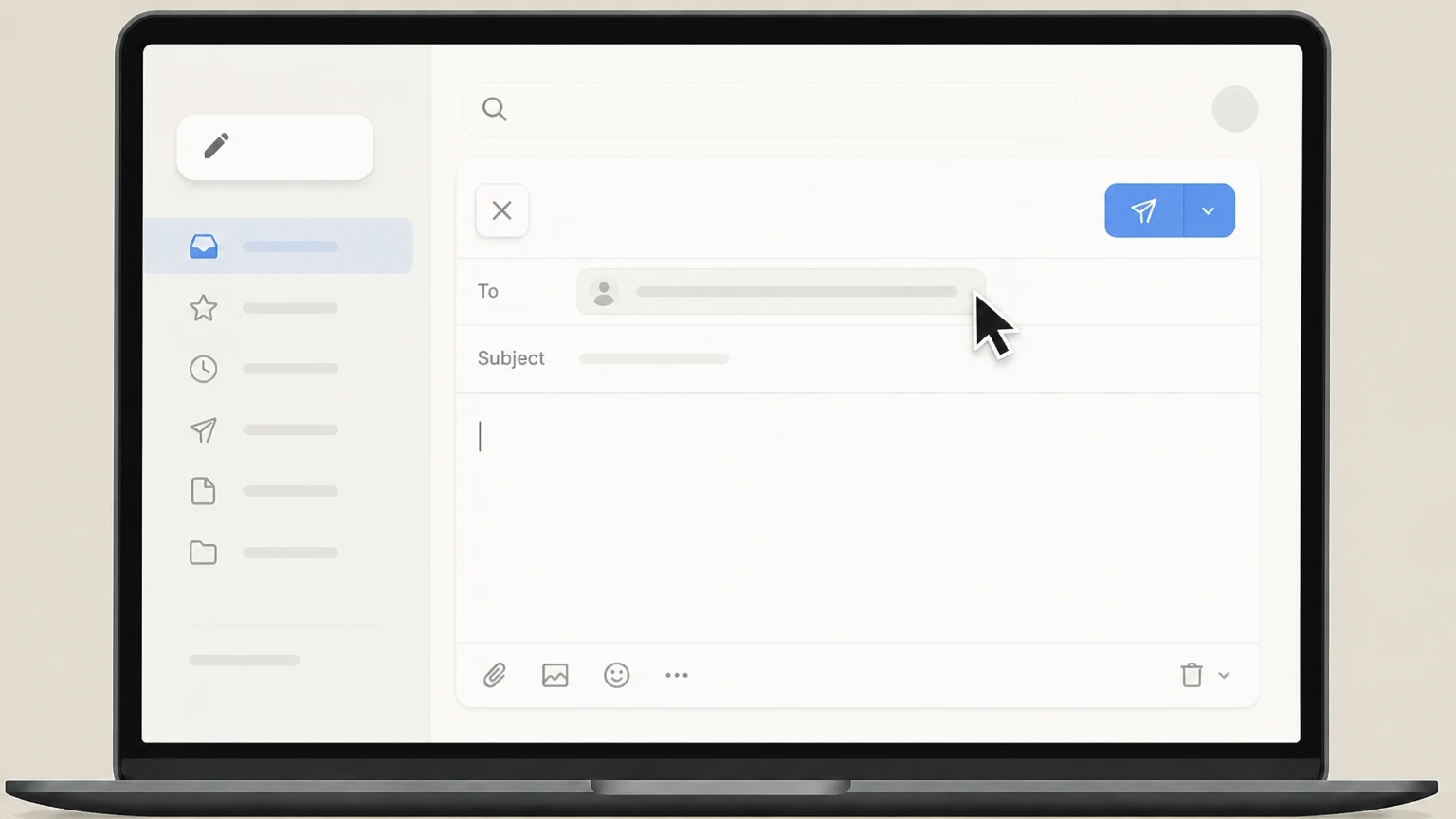
Start a new email addressed to assist@clothandpaper.com, the customer service address listed in Cloth & Paper’s Help Center articles. Use the Cloth & Paper account named on your receipt, and continue only after the next status in this cancellation path is visible.
- Let Pine handle it
Pine can help
Too many steps?
Pine can find the right Email customer service path and handle the cancellation for you.
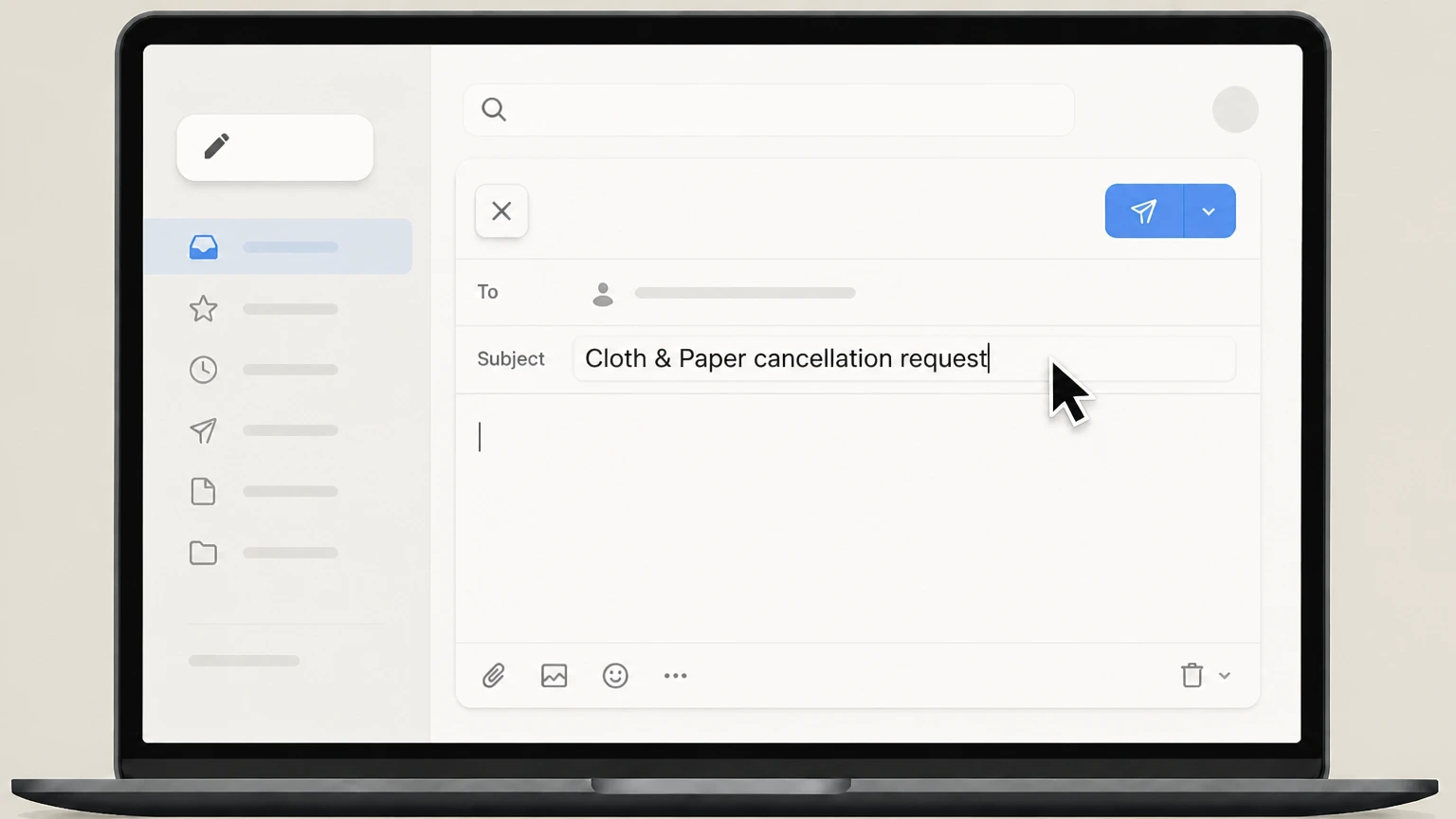 3
3Write a clear cancellation subject line
In the subject, state that you want to cancel your Cloth & Paper Intention Box subscription and include the word “cancellation.”
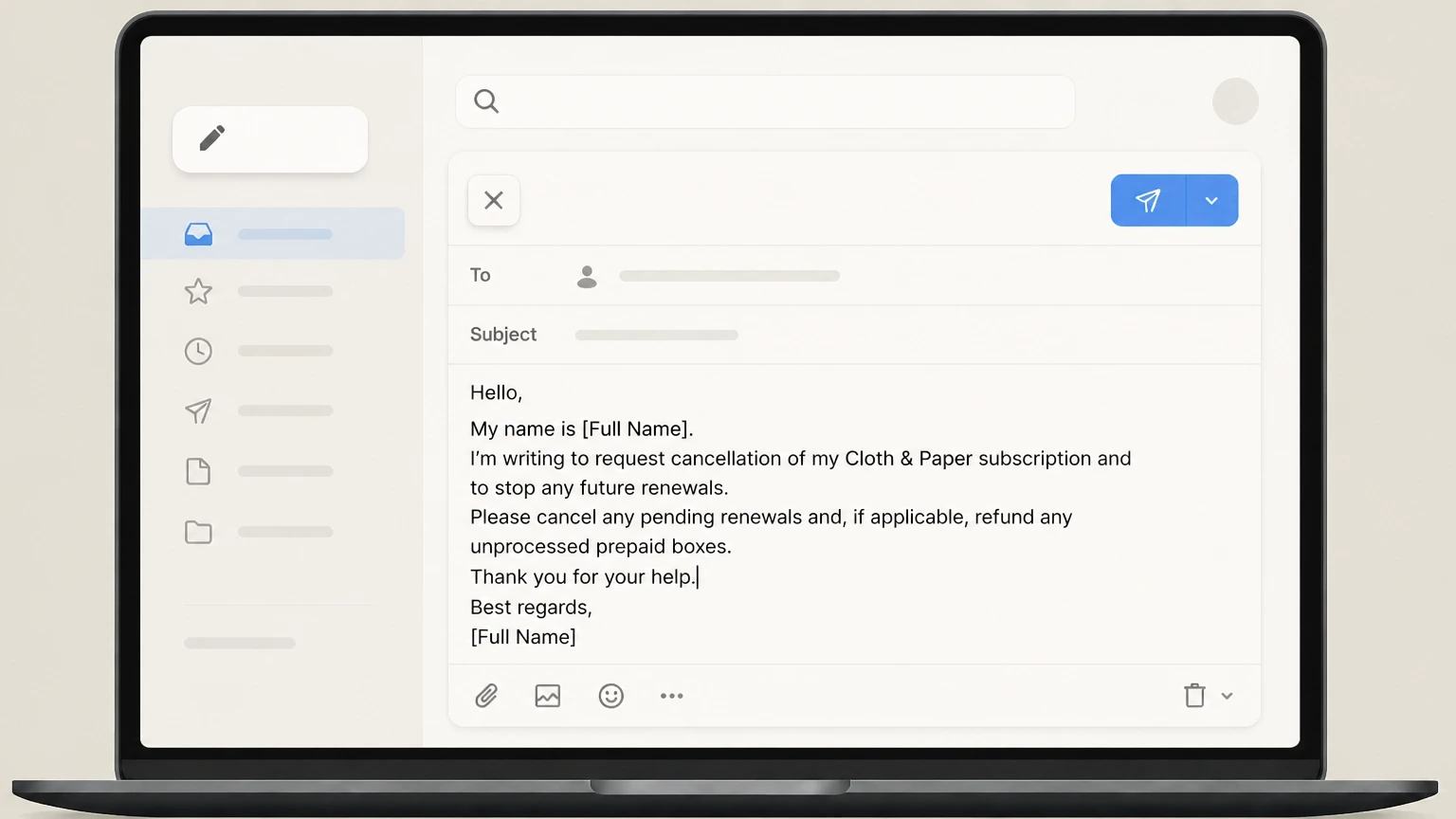 4
4Include identifying details and your request
In the message body, include your full name, the email used for the subscription, relevant order or subscription IDs, and clearly ask to cancel future renewals (and, if applicable, to refund any unprocessed prepaid boxes).
 5
5Send the email and await confirmation
Send your message; Cloth & Paper notes that email cancellation requests can take 2–3 days to process, and you should receive a confirmation once your subscription will no longer renew.
Refund policy
Cloth & Paper subscription refunds after cancellation
Cloth & Paper distinguishes between stopping future renewals and obtaining refunds for specific boxes. Shipped subscription boxes are normally non‑refundable, but you may be able to cancel and refund unprocessed boxes or unused portions of prepaid terms by emailing customer service before processing and shipping.
Check my refund options- Shipped subscription boxes are final
- The subscription‑box return policy states that once a box has shipped, it is non‑refundable and non‑returnable because each box is specially curated for that month. help.clothandpaper.com
- Unprocessed boxes may be cancelled and refunded
- If you wish to cancel a box you have already paid for, Cloth & Paper instructs you to request cancellation via email before that month’s box is processed; unprocessed boxes can typically be refunded. help.clothandpaper.com
- Standard cancellation stops renewal only
- The cancellation policy clarifies that cancelling your subscription will stop future renewals but does not automatically cancel the shipment of boxes you have already paid for, so refunds require a separate request. help.clothandpaper.com
- Prepaid plan refund option for remaining boxes
- For prepaid subscriptions, Cloth & Paper indicates that if you cancel after a prepaid renewal but prefer not to receive remaining boxes, you should email customer service to request a refund of the unused portion instead of shipments. help.clothandpaper.com
- Refunds must be requested by email
- Both the subscription‑box return policy and billing FAQ direct customers to email assist@clothandpaper.com for any subscription‑box refund requests, including prepay adjustments. help.clothandpaper.com For Cloth & Paper, preserve the receipt and cancellation confirmation because the company that posted the charge controls any account-specific refund review.
If you are unsure whether a specific renewal or shipment is eligible for a refund, contact Cloth & Paper customer service with your order number, renewal date, and shipping status for case‑specific guidance. Go to Cloth & Paper support
Service scope
What Cloth & Paper subscription you are cancelling
Cloth & Paper’s active subscription offering is The Intention Box, a monthly stationery and pen subscription with optional 3‑ and 6‑month prepaid plans.
Intention Box as the core subscription
The Intention Box is a recurring stationery and pen subscription featuring curated planning tools, writing instruments, and subscriber‑only perks delivered monthly. clothandpaper.com For your Cloth & Paper account, compare this point with the billing owner and effective date shown in the signed-in account or latest receipt.
Monthly and prepaid billing terms
Customers can subscribe month‑to‑month or choose 3‑ or 6‑month prepaid plans, all of which automatically renew on the 1st of the relevant month unless cancelled. clothandpaper.com
Website‑based enrollment
Subscriptions are purchased through Cloth & Paper’s own website product and landing pages, which present the available term options and subscribe buttons; there is no in‑app purchase flow. clothandpaper.com
Subscription management inside C&P account
Cloth & Paper states that subscribers manage their plan through the Account link and the Manage Subscriptions section, where they can update details, skip, or cancel. clothandpaper.com
Billing owner
Who bills you and where cancellation happens
Cloth & Paper bills Intention Box subscriptions directly and offers two official cancellation routes: self‑service in your subscription account or a written email request.
Direct billing by Cloth & Paper
Help Center articles explain that C&P subscriptions automatically renew on specific dates and are billed by Cloth & Paper itself, with no mention of Apple or Google in‑app billing. help.clothandpaper.com
Online subscription account controls
Both the Intention Box FAQ and Subscription Management guides direct customers to log into their C&P Account, then select Manage Subscriptions to modify, skip, or cancel their subscription. clothandpaper.com
Email as an official cancellation path
The cancellation policy states you can cancel any time either by logging into your subscription box account or by emailing customer service at assist@clothandpaper.com; email requests may take 2–3 days to process. help.clothandpaper.com
Chat and phone not listed for cancellation
The contact‑support article lists email and website chat as ways to reach support, but the cancellation policy itself limits formal cancellation methods to the subscription account and email, so those are the routes relied on here. help.clothandpaper.com
Timing rules
Renewals, cutoffs, and when cancellation takes effect
Cancellation stops future renewals, but you must pay attention to renewal times and when a box enters the shipping queue if you want to avoid receiving or paying for the next shipment.
Automatic renewal timing
Cloth & Paper states that subscription charges run automatically at 12:00 a.m. Eastern Time on the 1st of the month, or on the 1st following the end of a prepaid term. help.clothandpaper.com
Cutoff date for subscribing, not cancelling
The cutoff date article explains that the last day of each month (until sell‑out) is the final day to subscribe for that month’s box; this timing does not itself cancel existing subscriptions. help.clothandpaper.com
Recommended timing for cancellation each cycle
Cloth & Paper “kindly asks” that subscription cancellation requests occur before your box enters the shipping queue each month, to avoid shipping a box you no longer want. help.clothandpaper.com
Effect of cancelling after renewal date
The cancellation policy clarifies that cancelling after a renewal has processed stops renewal going forward but does not automatically cancel shipment of the just‑billed box. help.clothandpaper.com
Shipments
What happens to boxes already paid for
Cancelling a Cloth & Paper subscription mainly affects future renewals; shipments you have already paid for usually still go out unless you email support in time for a refund on unprocessed boxes.
Cancellation stops renewals, not past shipments
The cancellation policy explains that cancelling stops future renewals but does not automatically cancel shipment of boxes already paid for—for example, cancelling on May 2 still sends your May box. help.clothandpaper.com
Unprocessed boxes may be refunded on request
Cloth & Paper’s return policy for subscription boxes states that you may cancel and receive a refund for a box that has not yet been processed, by contacting customer service. help.clothandpaper.com
Shipped boxes are non‑refundable and non‑returnable
Once a subscription box has shipped, the subscription‑box return policy says it is non‑refundable and non‑returnable because of its curated nature. help.clothandpaper.com For your Cloth & Paper account, compare this point with the billing owner and effective date shown in the signed-in account or latest receipt.
Prepaid terms and remaining boxes
For prepaid plans, Cloth & Paper notes that cancelling after the prepaid renewal does not cancel shipment of the prepaid boxes; instead, you must email support if you prefer a refund for remaining prepaid boxes. help.clothandpaper.com
Perks & access
How cancellation affects perks, exclusives, and rewards
Ending your subscription changes access to certain subscription‑only perks but does not remove your underlying shop account or previously earned rewards currency.
Subscriber Exclusive Collection access pauses
The Intention Box page explains that access to the Subscriber Exclusive Collection is reserved for active subscribers who have ordered the current month’s box; access pauses if you skip or cancel, and resumes with your next shipment. clothandpaper.com
Luxe Bux rewards earned on subscriptions
The C&P Rewards article notes that purchases on both the Cloth & Paper website and subscriptions can earn Luxe Bux rewards points, which accrue to your shop account. help.clothandpaper.com
Redeeming Luxe Bux on shop orders only
Rewards documentation clarifies that Luxe Bux can be redeemed for coupons or product rewards on shop orders, and a separate article specifies that Luxe Bux cannot be used toward subscription orders themselves. help.clothandpaper.com
Account and order history remain
Help Center materials distinguish between cancelling a subscription and returning or managing products; they do not state that your main Cloth & Paper shop account or order history is deleted when you cancel a subscription, so those generally remain available for future one‑time purchases. help.clothandpaper.com
Account steps
How the website subscription account works for cancellation
Cloth & Paper’s documentation describes how to access your subscription account from the main website before using in‑account options such as skipping or cancelling.
Access via Account link and Person icon
The login guide instructs customers to select Account at the top right of the site (or the Person icon on mobile), then use the Manage Subscriptions link under their profile name to reach the subscription account. help.clothandpaper.com
Direct Manage Subscription navigation
The main navigation also provides a Manage Subscription link under the SUBSCRIBE menu, which opens a dedicated subscription access page where customers can request a login code by email. clothandpaper.com
Login code authentication
On the subscription access page, subscribers enter their email into the Email field and click Send login code, then use the Enter verification code prompt to access their subscription account securely. clothandpaper.com
In‑account controls: skip, cancel, update
Intention Box FAQs and Subscription Management articles explain that once in the subscription account, you can select a subscription via the “>” icon and then choose options including skip, unskip, size updates, and cancellation. help.clothandpaper.com
Confirmation
Verifying your cancellation and handling issues
After requesting cancellation, you should confirm that renewals have stopped and contact support if you still see upcoming charges or shipments you believe should not occur.
Expect no future renewals on the 1st
Because Cloth & Paper charges subscriptions automatically at midnight Eastern on the 1st, a successful cancellation means you should no longer see charges on that schedule after your request has been processed. help.clothandpaper.com
Check subscription status in your account
Once logged into your subscription account via Manage Subscriptions, verify that the Intention Box shows as cancelled or otherwise set not to renew before the next billing date. help.clothandpaper.com
Email confirmation when cancelling via support
The cancellation policy notes that email cancellation requests can take 2–3 days to process; you should retain any response from customer service confirming that your subscription will not renew. help.clothandpaper.com
If a processed box still ships
If a box ships after renewal, this aligns with published policy; however, if a box has not yet been processed, you can email customer service to request cancellation and a potential refund before it enters the shipping queue. help.clothandpaper.com
Prepaid terms
Extra rules for 3‑ and 6‑month prepaid subscriptions
Prepaid plans renew less often but can make cancellation timing and refunds more complex, especially if you want to avoid receiving remaining prepaid boxes after a renewal.
How prepaid renewals work
For 3‑ and 6‑month prepaid subscriptions, Cloth & Paper charges the full prepaid amount on the initial purchase date and then again on the 1st of the month following the end of that prepaid term, unless cancelled beforehand. help.clothandpaper.com
Cancelling after a prepaid renewal
The auto‑billing FAQ explains that cancelling a prepaid subscription after the renewal cycle has processed does not cancel shipment of any prepaid boxes within that renewed term. help.clothandpaper.com
Requesting refunds instead of remaining shipments
For customers who would rather not receive the remaining prepaid boxes after renewal, the auto‑billing article instructs them to email customer service to request a refund for the prepay subscription instead of receiving the remaining boxes. help.clothandpaper.com
Apply cancellation before shipping queue when possible
The cutoff‑date guidance asks that cancellation requests be submitted before a box enters the shipping queue; doing this before or soon after a prepaid renewal improves the chance of adjusting upcoming shipments. help.clothandpaper.com
What official sources do not confirm
Limits of the public Cloth & Paper cancellation guidance
These points are intentionally qualified because the official sources reviewed on August 16, 2026 do not publish a complete answer.
Documented limitation 1
The exact wording and placement of the final in‑portal “Cancel subscription” control cannot be inspected without an active subscriber login; step‑by‑step web instructions infer this label from Cloth & Paper’s public descriptions of in‑account actions.
Documented limitation 2
Official documentation does not state that live chat can authorize subscription cancellation, so this guide focuses on the explicitly endorsed account and email channels even though chat is available for general support.
Documented limitation 3
Cloth & Paper’s public materials do not address subscriptions purchased through third‑party marketplaces; this guide only covers subscriptions bought and managed directly on clothandpaper.com. For Cloth & Paper, verify this account-specific point with the current billing owner because the reviewed public sources do not publish a more precise universal rule.
Documented limitation 4
While Help Center articles give examples for timing (such as cancelling after a specific renewal date), they do not publish a universal cutoff time for every scenario; readers should treat the guidance on shipping queues and processing as policy direction, not precise deadlines.
Cloth & Paper cancellation FAQ
Questions people search about canceling Cloth & Paper, answered with official provider or billing-platform sources checked on August 16, 2026.
How do I cancel my online subscription?
How do I cancel my Cloth & Paper subscription box?
Can I cancel my Cloth & Paper subscription online instead of emailing support?
What happens to boxes I’ve already paid for if I cancel?
Can I get a refund for a Cloth & Paper subscription box I no longer want?
How do I contact Cloth & Paper customer service about cancelling?
Does canceling my subscription affect my Luxe Bux rewards or VIP status?
How do I check whether my Cloth & Paper subscription is actually cancelled?
Where can I find Cloth & Paper’s official FAQs about subscriptions and cancellations?
Untangle this Cloth & Paper issue.
Let Pine handle the provider follow-up and keep the confirmation in one place.
