


Citation Machine
Cancel subscription
How to Cancel Citation Machine
Learn how to cancel Citation Machine with verified current steps, billing-owner guidance, timing and refund details, plus proof that future renewal has stopped.
- 3 current, source-verified cancellation routes
- Billing ownership is explicit for each route
- Refund and access timing are separated from cancellation
- Account-specific confirmation is still required
Choose the correct Citation Machine cancellation route
Chegg website (direct billing) · verify the billing owner
Cancel a Citation Machine / Chegg Writing subscription on chegg.com
 1
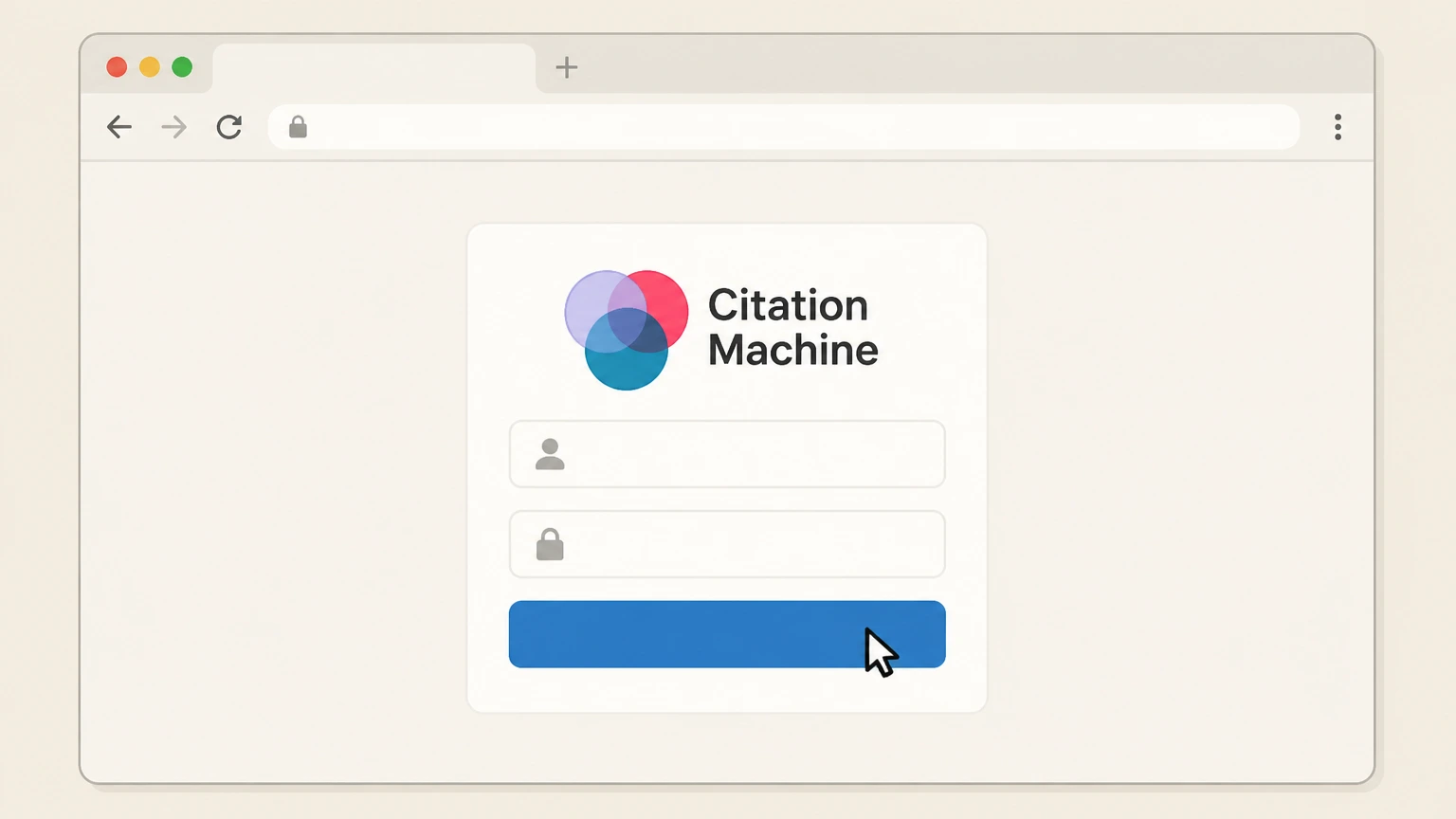
1Sign in to your Chegg account
Go to chegg.com in a desktop or laptop browser and sign in using the same email and password you used when you upgraded from Citation Machine or started the Chegg Writing trial.
 2
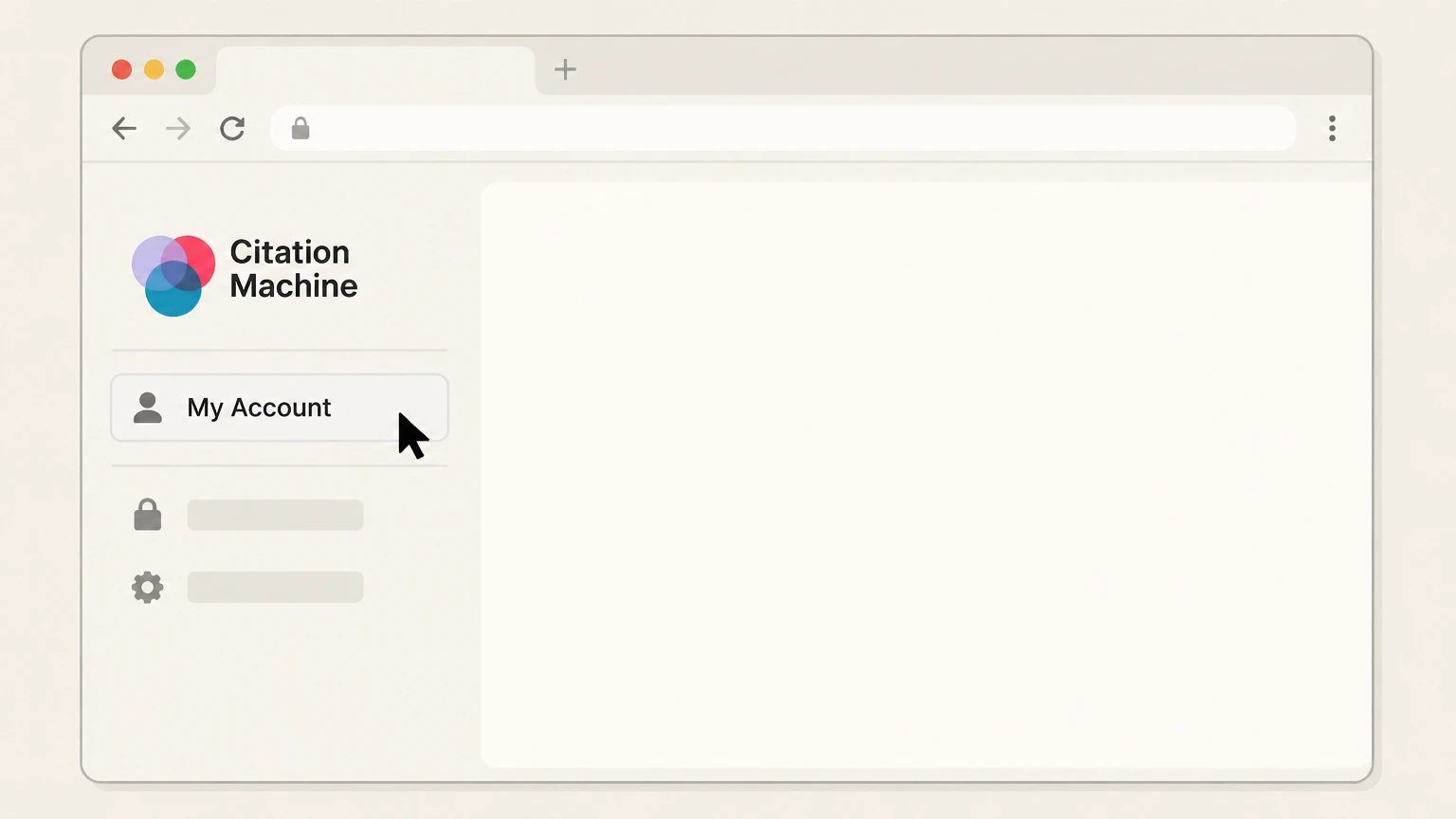
2Open My Account
From the Chegg website, navigate to the My Account page, which Chegg and the FTC identify as the starting point for managing subscriptions and account settings.
- Let Pine handle it
Pine can help
Too many steps?
Pine can find the right Chegg website (direct billing) path and handle the cancellation for you.
 3
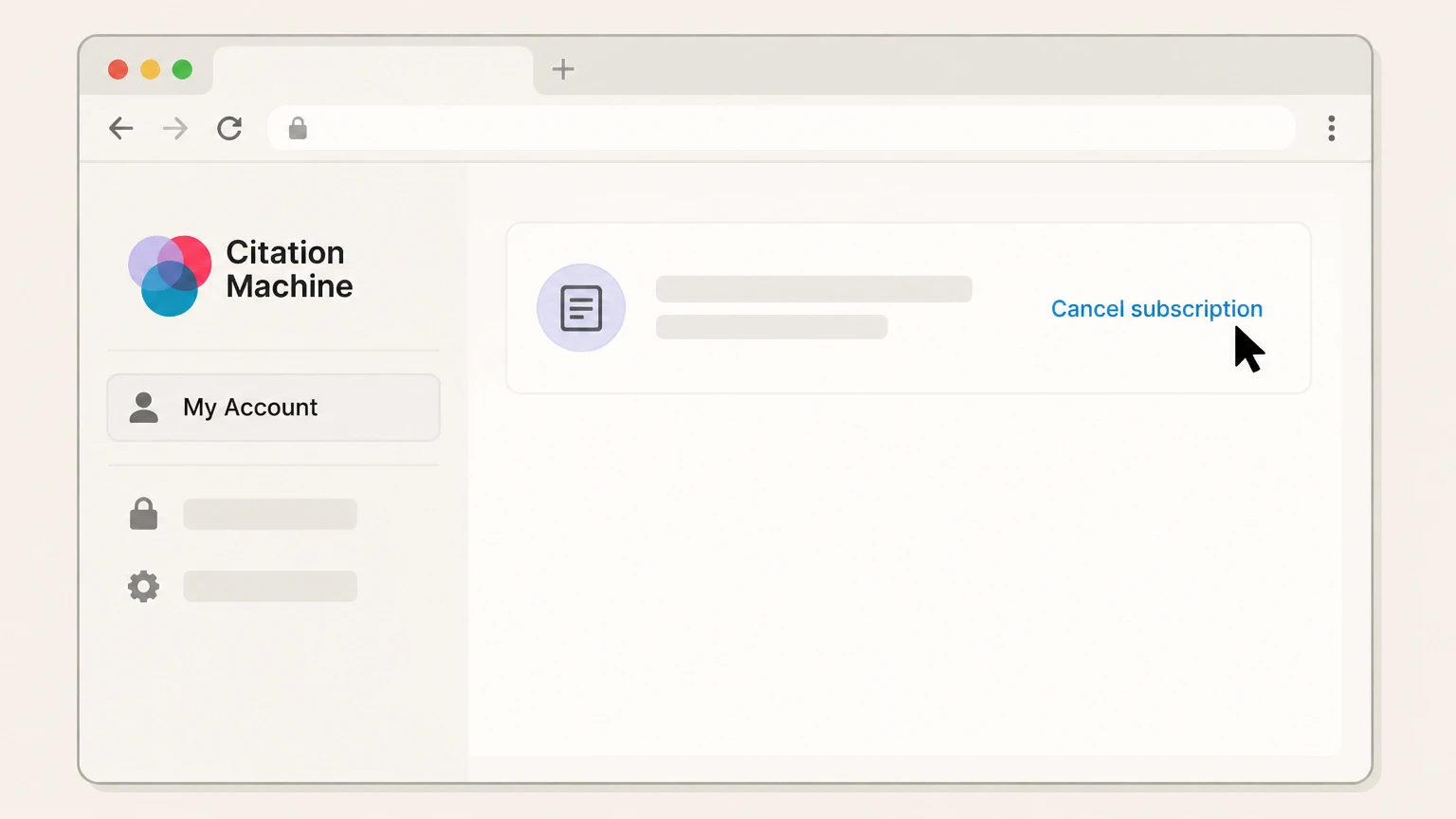
3Go to Orders, then Select Cancel subscription for the writing tools plan
On the My Account page, select Orders to see your active Chegg memberships, including Chegg Study, Chegg Writing, and any subscription that originated on citationmachine.net. In Orders, locate the Chegg Writing / Citation Machine or similar writing-tools subscription entry and click the small Cancel subscription hyperlink to start cancellation.
 4
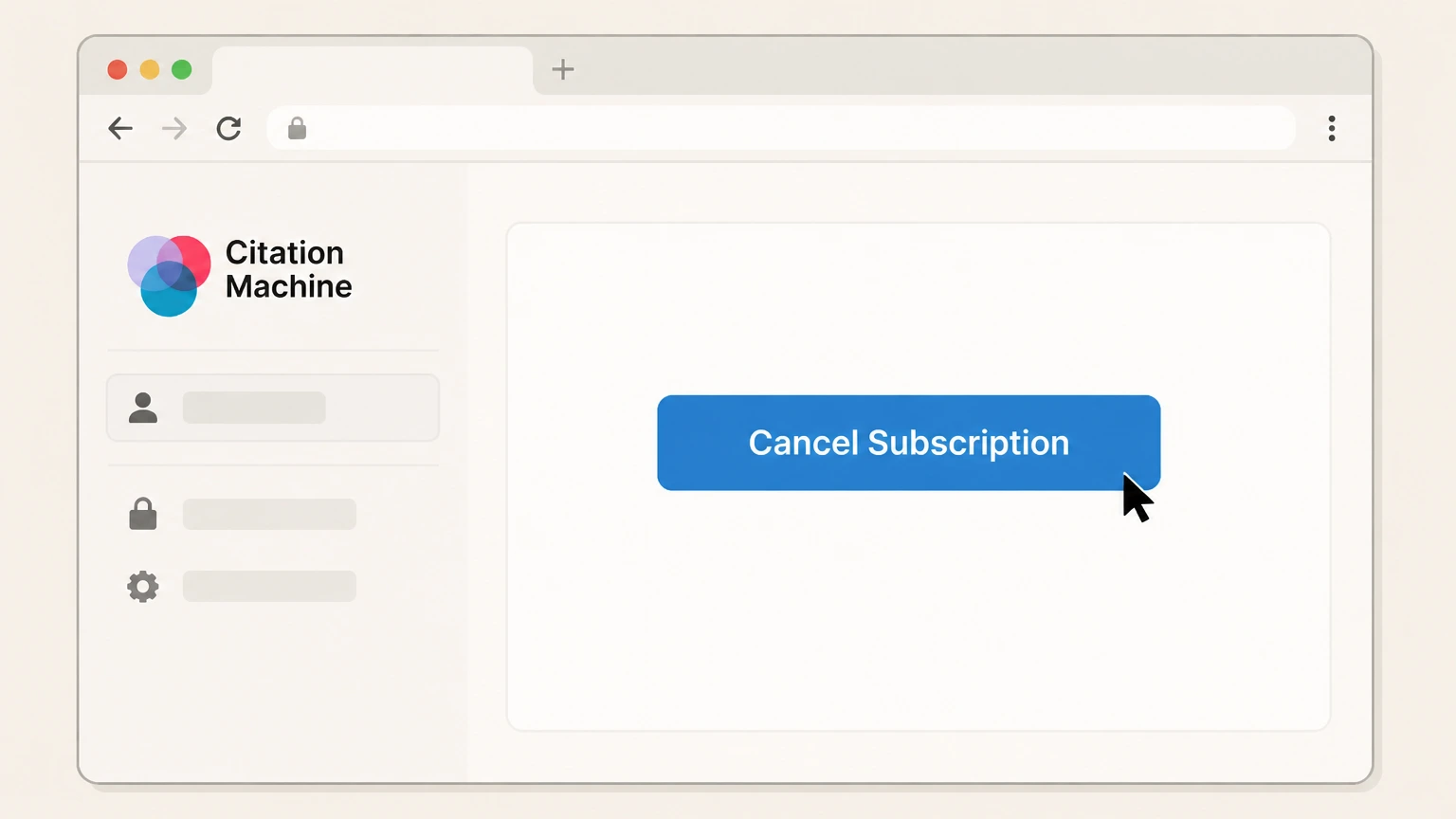
4Confirm cancellation
Follow Chegg’s on-screen flow until you reach the final confirmation screen, then select the Cancel Subscription button or equivalent confirmation control to complete cancellation.

Apple App Store billing · verify the billing owner
Cancel a Chegg / Citation Machine subscription billed through Apple
 1
1Open Settings
Open the Settings app on your iPhone or iPad.
 2
2Tap your name
At the top of Settings, tap your name to open your Apple Account settings.
- Let Pine handle it
Pine can help
Too many steps?
Pine can find the right Apple App Store billing path and handle the cancellation for you.
 3
3Open Subscriptions
Tap Subscriptions to view subscriptions billed by Apple for this Apple Account.
 4
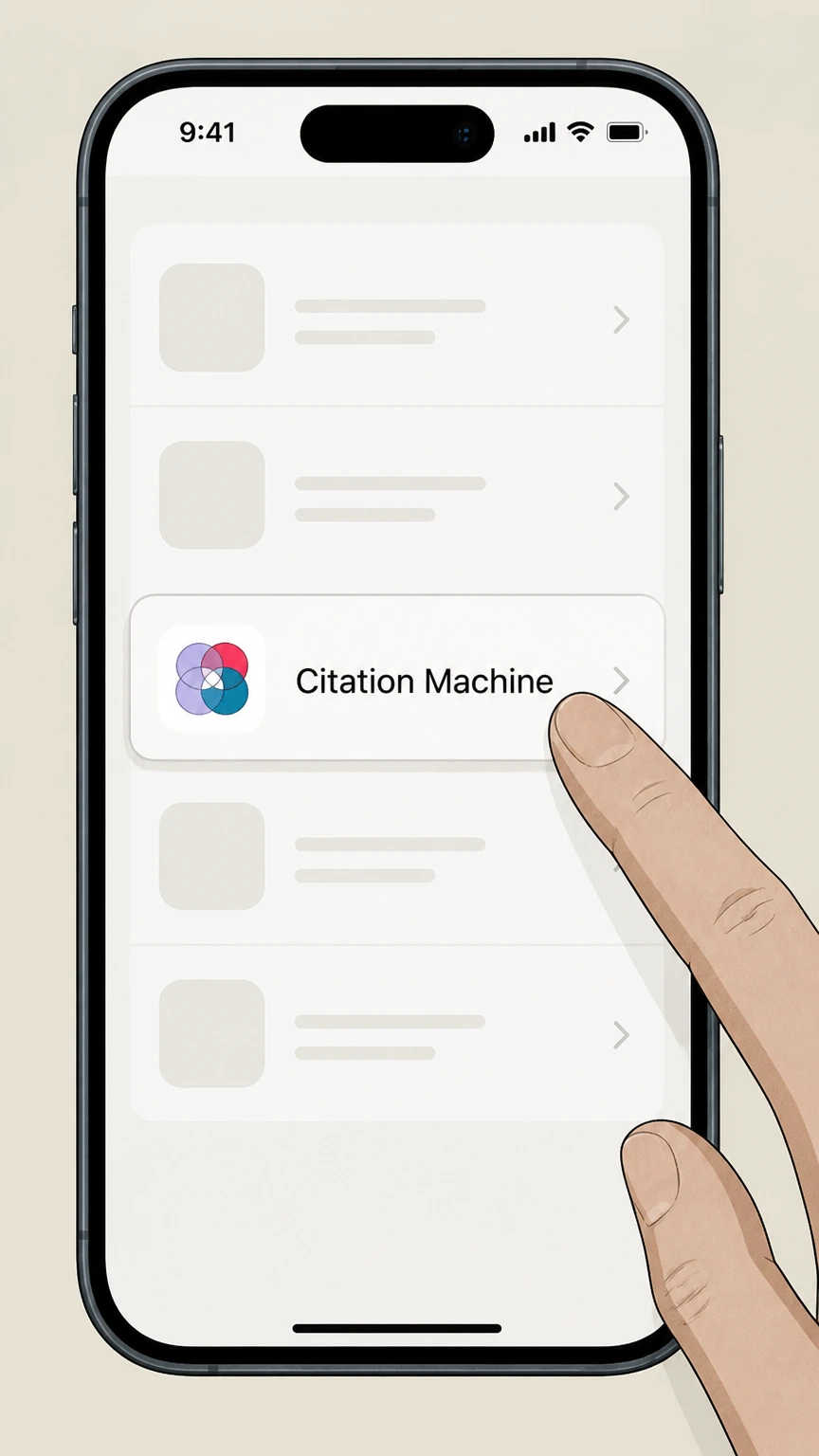
4Select Citation Machine
In the Subscriptions list, select the Citation Machine subscription you want to stop renewing.
 5
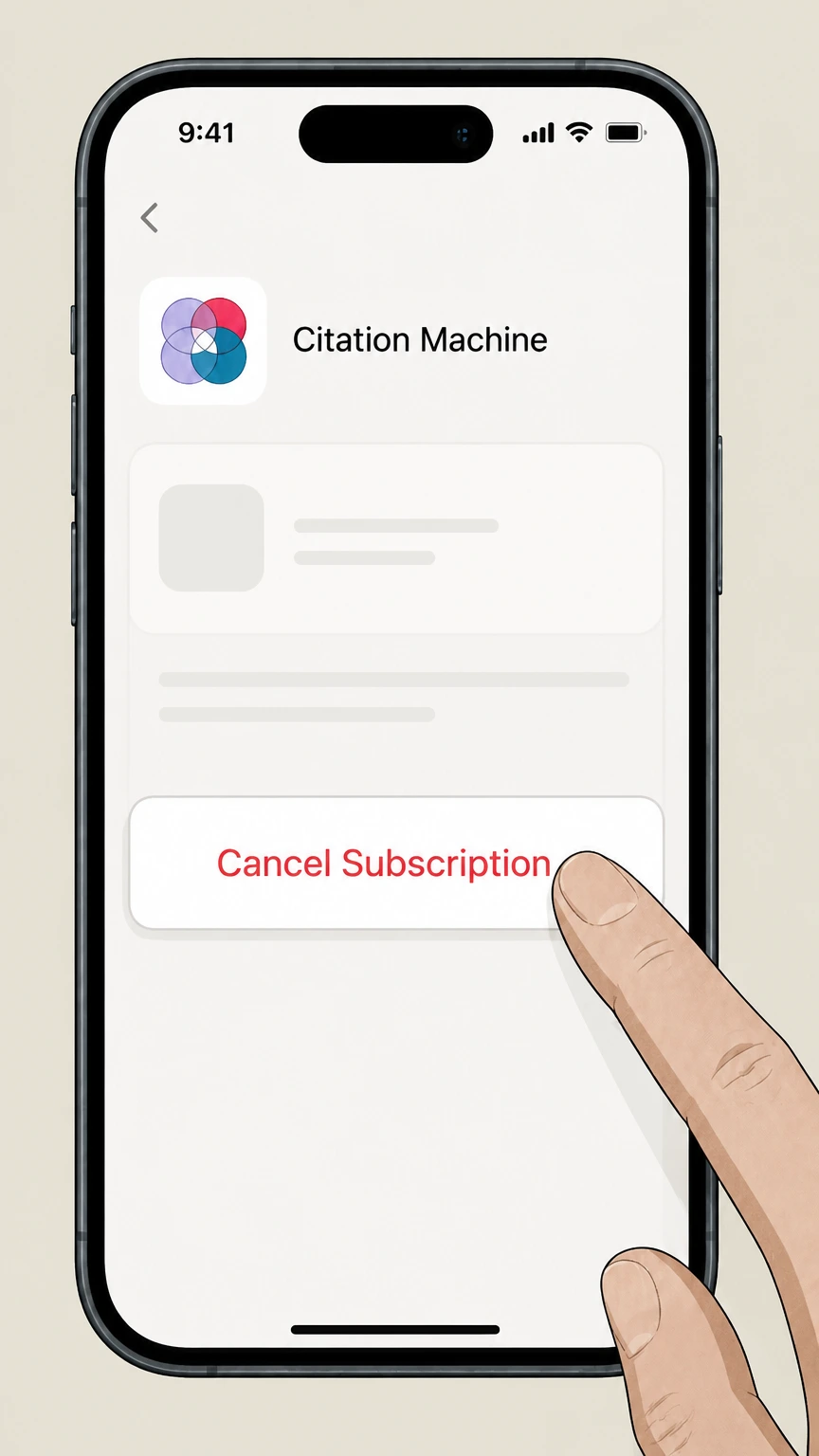
5Tap Cancel Subscription
Tap Cancel Subscription and follow the confirmation prompt. If no cancel button appears or an expiration message is shown, Apple says the subscription is already canceled.
Google Play Store billing · verify the billing owner
Cancel a Chegg / Citation Machine subscription billed through Google Play
 1
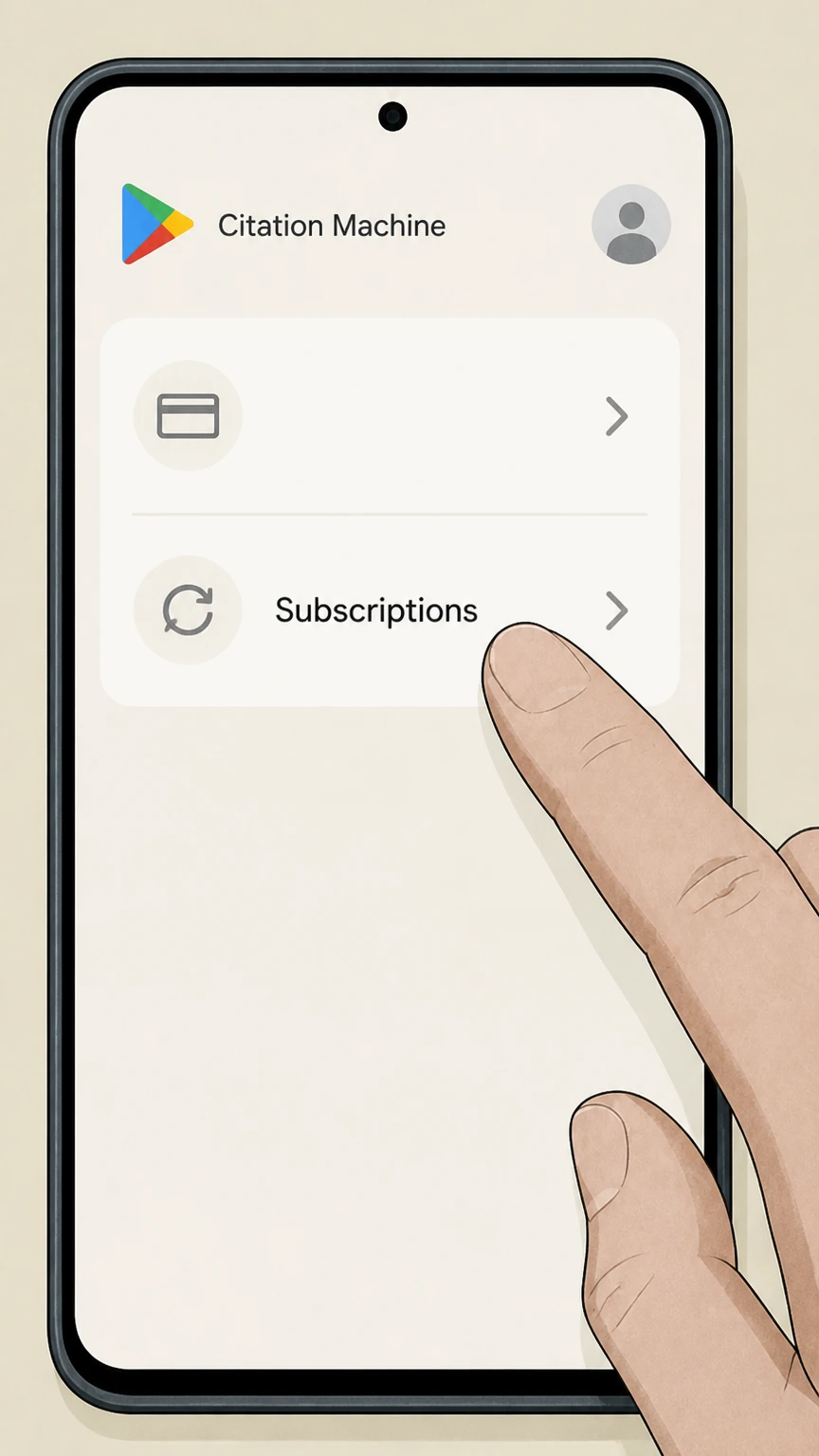
1Open Google Play and go to subscriptions
On your Android device or on the web, open Google Play while signed into the correct Google Account, then navigate to the subscriptions section (for example, Play Store > profile icon > Payments & subscriptions > Subscriptions on mobile, or the subscriptions page on play.google.com).
 2
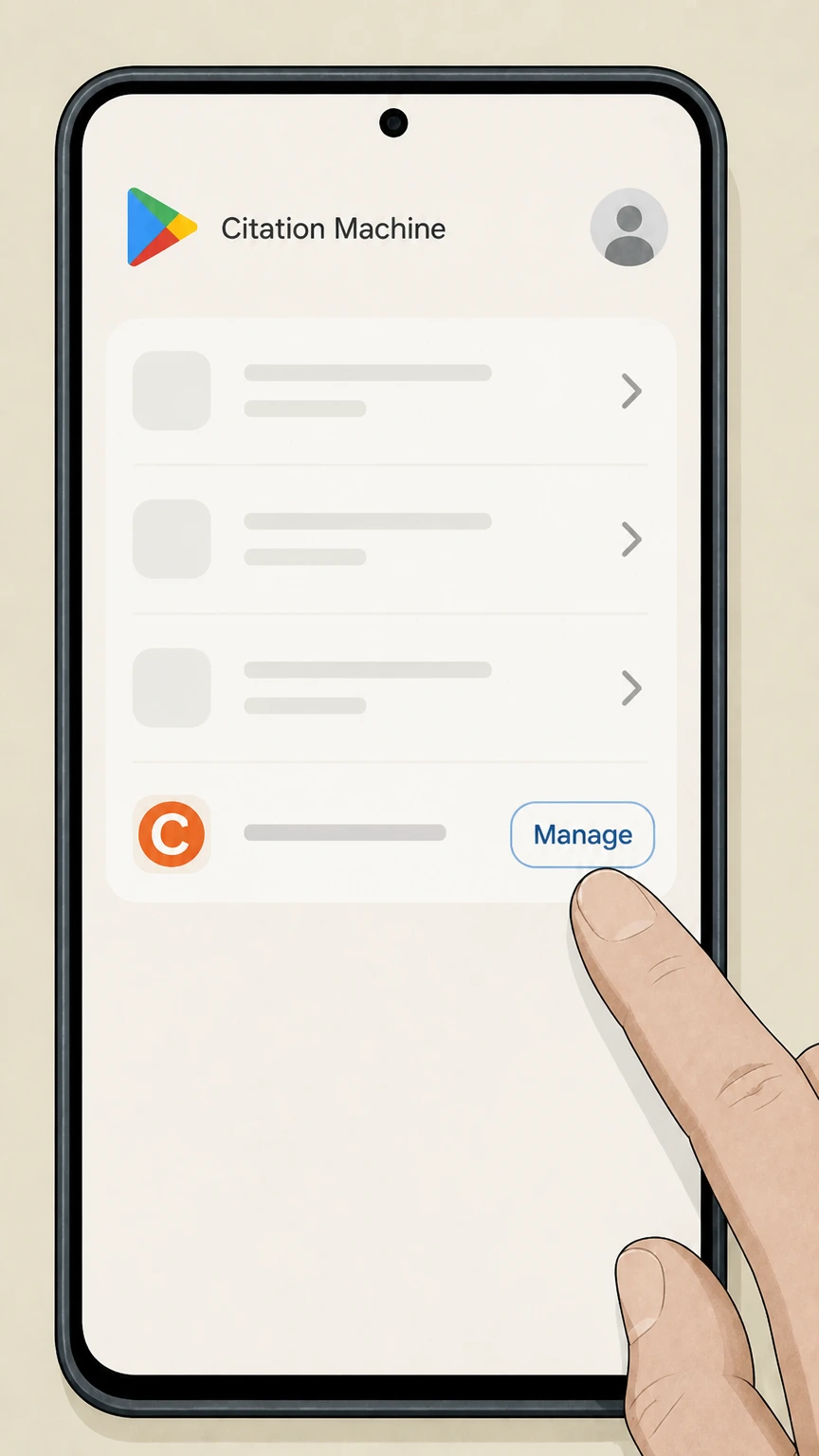
2Select the Chegg-related subscription
In the subscriptions list, choose the entry associated with Chegg (this may power your access to Citation Machine’s paid features, even if the brand name shown is Chegg Study or Chegg Writing).
- Let Pine handle it
Pine can help
Too many steps?
Pine can find the right Google Play Store billing path and handle the cancellation for you.
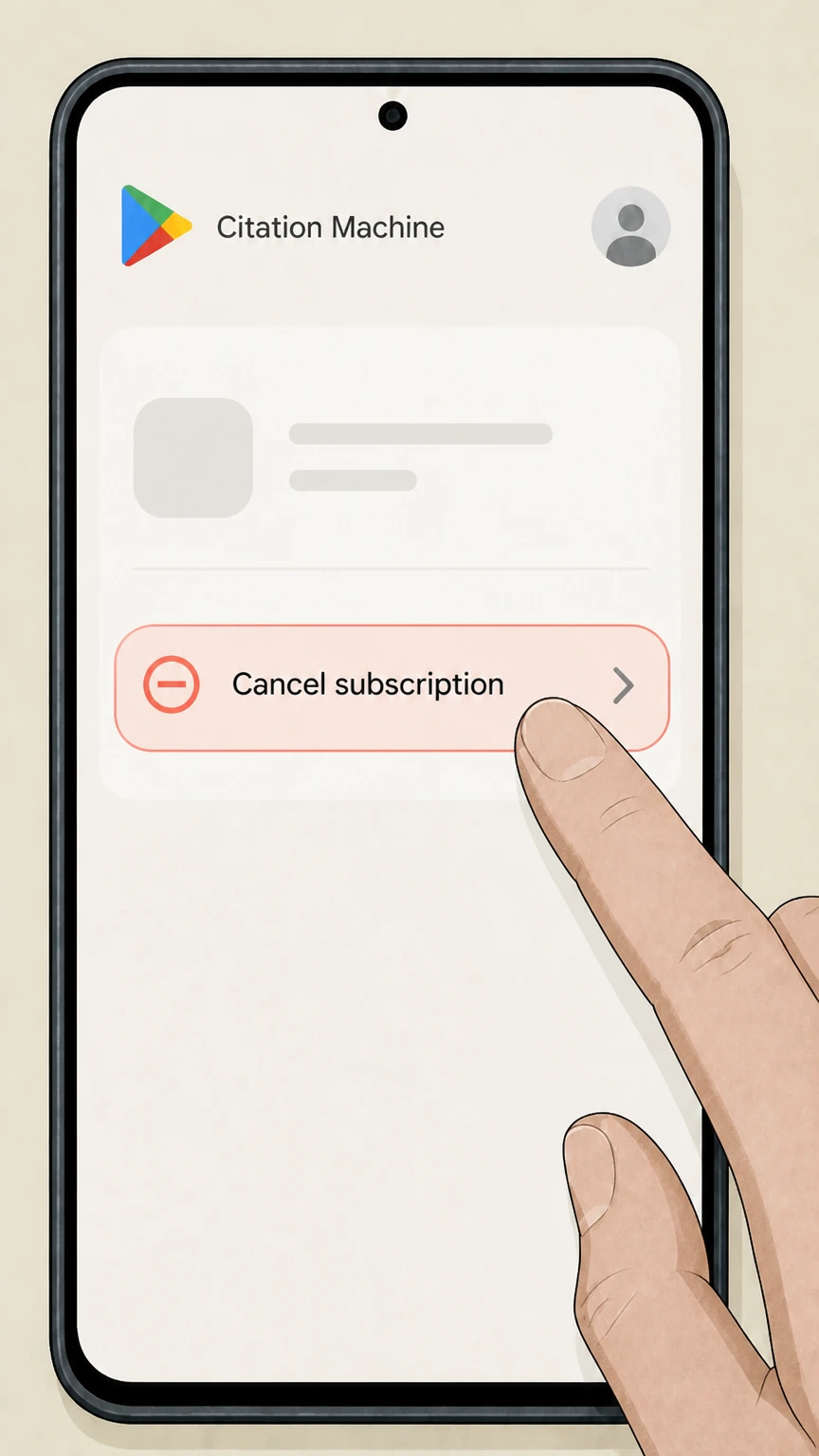 3
3Start cancellation
Click or tap Manage (if shown), then choose Cancel subscription for that Chegg entry to begin the cancellation flow.
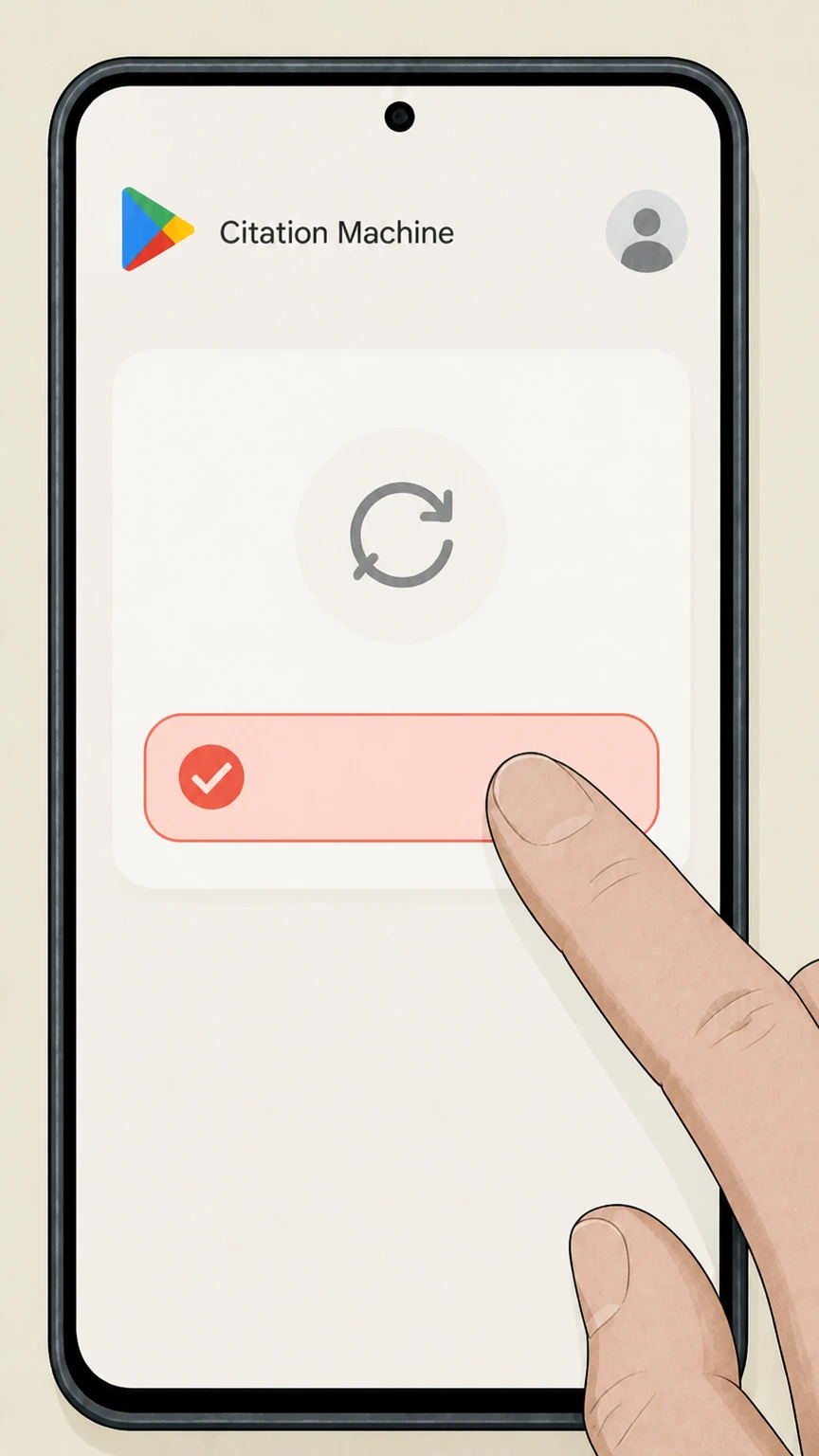 4
4Confirm cancellation
Follow Google Play’s prompts (including selecting a reason, if requested) and confirm. Google Play Help states that you keep access until the end of the period you’ve already paid for, but future renewals will stop.
Refund policy
Refunds and billing for Citation Machine / Chegg Writing subscriptions
Citation Machine’s paid features are delivered under Chegg’s subscription Terms. Those Terms, along with Chegg Writing’s product disclosures and Apple/Google Play documentation, define how charges, renewals, and potential refunds work.
Check my refund options- Chegg subscriptions auto-renew and are billed in advance
- Chegg’s Terms state that payment for certain Services is due in advance of each membership period and that such memberships may automatically renew, charging the stored payment method on the first day of each renewal period until the membership is terminated by Chegg or cancelled by you. This applies to Chegg Writing and related writing tools, including subscriptions initiated on citationmachine.net.
- Chegg normally does not provide refunds after cancellation
- The Terms specify that all fees and charges are payable in advance and non-refundable, including after cancellation, unless otherwise disclosed at the time of purchase. The Chegg Writing page’s free-trial disclosure focuses on avoiding future charges by cancelling before the trial ends, rather than obtaining refunds for billed periods.
- Free trials can be cancelled online or via support to avoid conversion to paid
- Chegg’s Terms explain that free trials may require a valid payment method and will automatically renew at the promoted membership rate at the end of the trial unless the user cancels before the end of the trial, and that you can cancel a free trial online or by contacting Chegg’s customer support. The Chegg Writing page reiterates that its free trial converts to a monthly subscription if you do not cancel.
- App-store subscriptions follow Apple or Google Play refund rules
- For subscriptions purchased through Apple or Google Play, the billing relationship is with those stores. Apple Support describes these as “subscription[s] from Apple or a subscription that you purchased with an app from the App Store,” managed via the Subscriptions settings. Google Play Help similarly describes subscriptions as recurring charges controlled by the Google Account and notes that Google Play will issue refunds only as provided in its refund policy. In these cases, any refund or charge dispute must be handled under Apple’s or Google’s rules rather than Chegg’s standard non-refundability clause.
If a customer believes they were billed after following the documented cancellation steps, they should collect screenshots of their Chegg Orders page or app-store subscription status and then pursue resolution through Chegg Customer Service or the relevant app store’s support and, if needed, applicable payment-dispute channels. Chegg Customer Service
Scope and ownership
What exactly is being cancelled when you cancel Citation Machine?
Official Chegg and FTC materials clarify that a ‘Citation Machine subscription’ is not a standalone billing entity but part of Chegg’s broader writing subscription services.
Citation Machine is a Chegg Writing Tools site
Chegg’s Terms of Use state that Chegg may offer citation, bibliography and plagiarism checker services “including but not limited to, EasyBib, BibMe, Cite This For Me, Citation Machine, Normas APA and other writing tools” through the Chegg Websites. The footer also lists Citation Machine under the Chegg Network with a direct link to citationmachine.net.
Citationmachine.net sells Chegg subscription services
An FTC complaint filed in 2025 describes Chegg subscription offerings including Chegg Writing and notes that Chegg “markets, offers, and sells several subscription services through its websites, including www.chegg.com, www.bibme.org, www.citationmachine.net, www.citethisforme.com, www.easybib.com, and www.mathway.com.” It explains that consumers enrolled on these sites are charged on a recurring basis until they affirmatively cancel.
Paid features are tied to Chegg Writing subscriptions
Chegg’s Writing product page describes a Chegg Writing subscription that includes plagiarism detection, grammar checks, expert proofreading, and automatic citation creation, and offers a free trial that converts into a monthly subscription unless cancelled. Citation Machine’s own citation pages promote a “Free 3-day trial. Cancel anytime” for premium checks, indicating that its paid tools are delivered via Chegg’s writing subscription rather than a separate local billing system.
How cancellation works
How Citation Machine subscriptions are cancelled in practice
Chegg and FTC sources show two supported cancellation mechanisms: self-service online through chegg.com and assisted cancellation via Chegg customer support, plus app-store flows when Apple or Google bills you.
Self-service cancellation is done on chegg.com, not on citationmachine.net
The FTC’s complaint explains that for Chegg’s writing tools sites—including citationmachine.net—subscribers cannot complete cancellation on those sites. Instead, they must navigate to chegg.com and complete cancellation from the My Account pages, typically via the Orders tab and a Cancel subscription link.
Chegg documents the My Account > Orders > Cancel subscription flow
Chegg’s help center outlines how to cancel a Chegg Study subscription by going to My Account, clicking Orders, finding the subscription, clicking Cancel subscription, and then confirming cancellation on a final page. The FTC complaint describes an essentially identical flow for Chegg subscriptions generally, including writing tools, with My Account, Orders, and a Cancel subscription link as the key controls.
Support-assisted cancellation is also available
Chegg’s Terms say that if you wish to cancel your membership in a Service, you should visit the customer support area, and that free-trial memberships can be cancelled online or by contacting Chegg’s customer support. The FTC complaint further notes that Chegg provides cancellation via customer service channels such as online chat, phone, email, or social media, in addition to online self-cancellation.
After you cancel
What happens after you cancel a Citation Machine / Chegg Writing subscription
Chegg’s product pages, Terms, and Apple/Google documentation together describe how access and billing behave once you cancel.
Access continues until the end of the paid period
The Chegg Writing page notes that free trials convert to a monthly subscription if not cancelled, and that cancellations take effect at the end of the current billing cycle. Chegg’s help center similarly states that after cancelling a study subscription, you will not be charged again and will have access for the remainder of your current billing period. Google Play and Apple Support confirm the same pattern for store-managed subscriptions: cancellation stops renewal but preserves access for the period already paid.
Fees are generally non-refundable and memberships auto-renew until cancelled
Chegg’s Terms explain that for certain Services, payment is due in advance of each membership period, memberships may automatically renew and charge the stored payment method until cancelled, and that fees and charges are payable in advance and non-refundable, including after cancellation, unless otherwise disclosed at purchase.
Account and free tools are separate from paid membership
Chegg’s Terms distinguish between free trials, paid memberships, and the ability to continue as a Free Member with reduced benefits after cancelling a free trial. Citation Machine’s main site continues to offer free citation-generation tools, suggesting that cancelling the paid writing subscription affects premium features (plagiarism scans, advanced checks) but not the existence of your Chegg account or access to free citation tools.
Citation Machine cancellation FAQ
Current, source-backed answers about cancellation, billing ownership, refunds, and access timing.
Is Citation Machine itself the billing provider, or is it part of a Chegg subscription?
Can I cancel my Citation Machine subscription directly on citationmachine.net?
What happens to my Citation Machine access after I cancel?
Untangle this Citation Machine issue.
Let Pine handle the provider follow-up and keep the confirmation in one place.
