


BookRags
Cancel subscription
How to Cancel BookRags: Official Steps & Timing
Cancel BookRags through the correct billing route. Follow official steps, understand renewal timing and refunds, and keep proof of the final result.
- 1 verified cancellation route
- Billing ownership and renewal timing explained
- Provider-specific refund boundaries included
- A confirmation check follows every route
Choose the correct BookRags cancellation route
BookRags account · verify the billing owner
Cancel BookRags online
 1
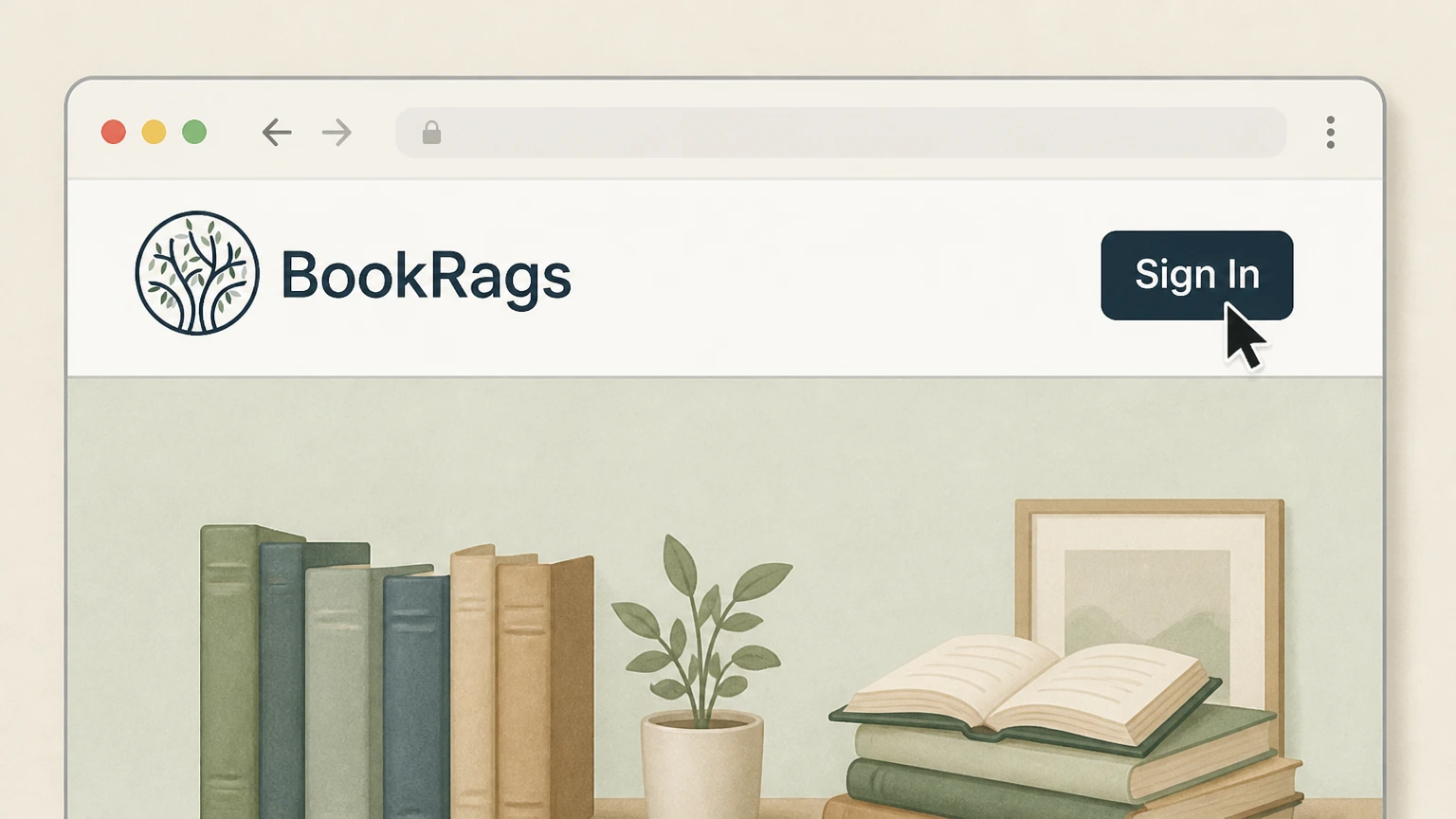
1Sign in to BookRags
Open BookRags and sign in to the subscription account.
 2
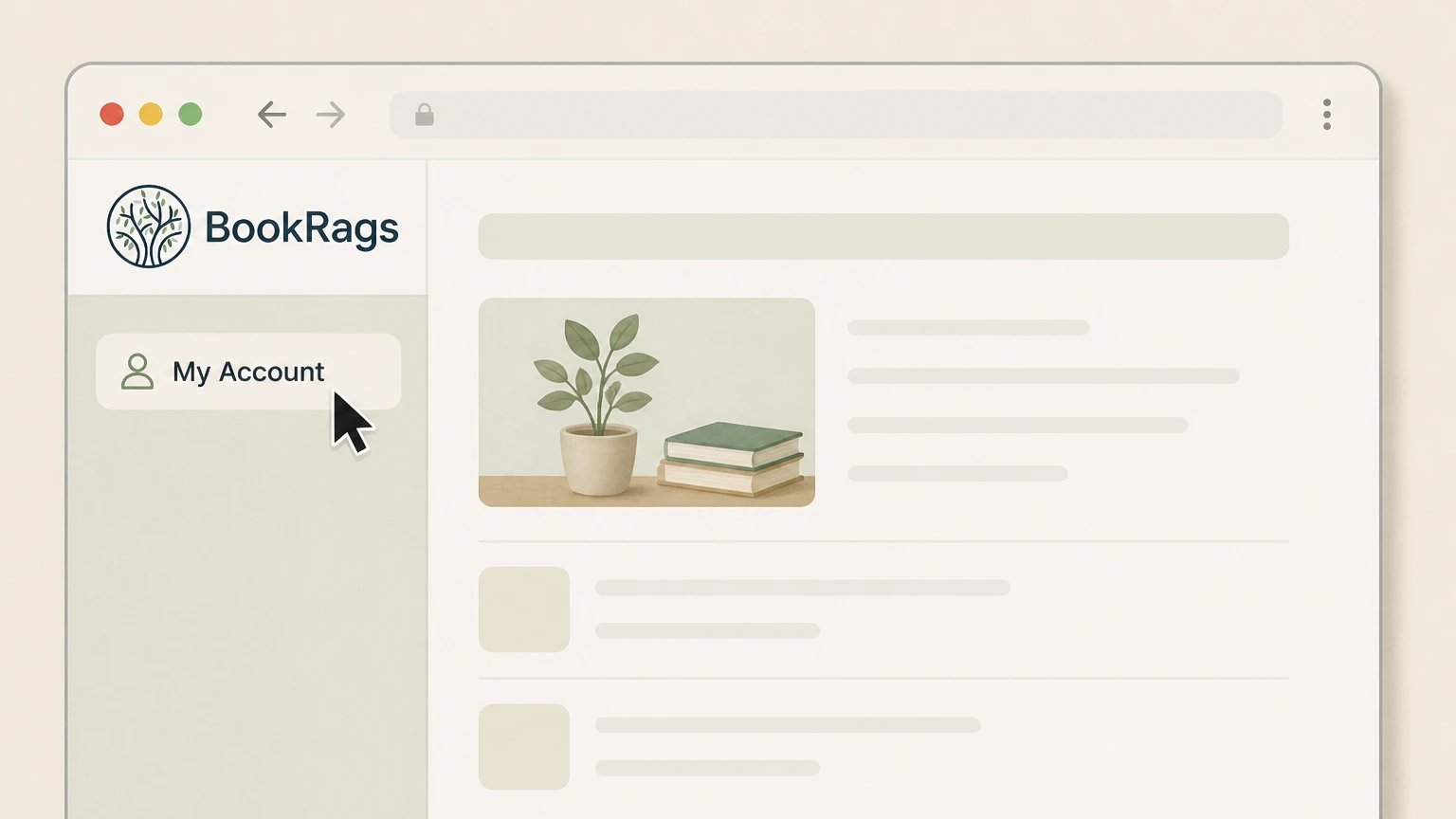
2Open My Account
Select My Account.
- Let Pine handle it
Pine can help
Too many steps?
Pine can find the right BookRags account path and handle the cancellation for you.
 3
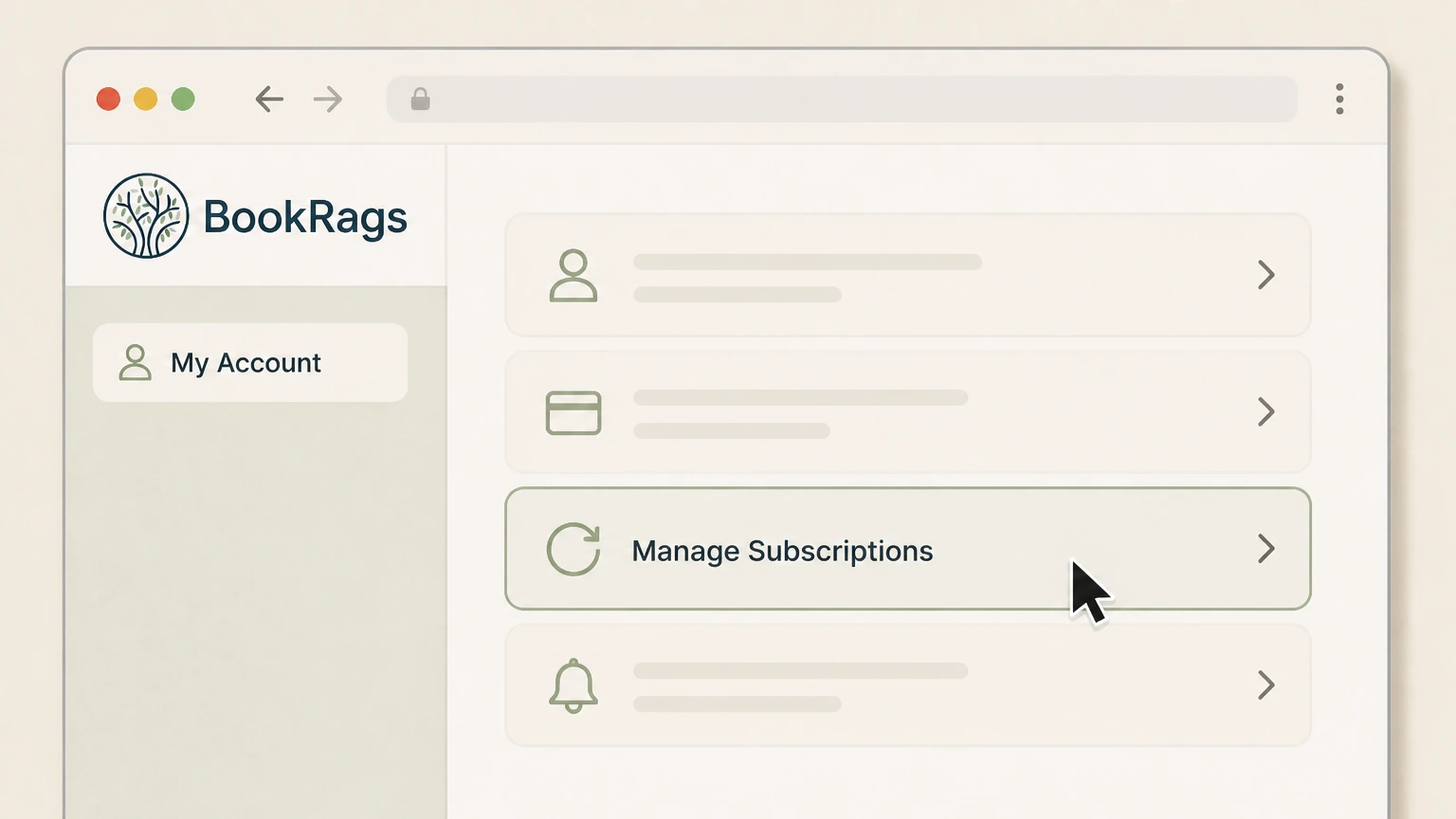
3Open Manage Subscriptions
Select Manage Subscriptions.
 4
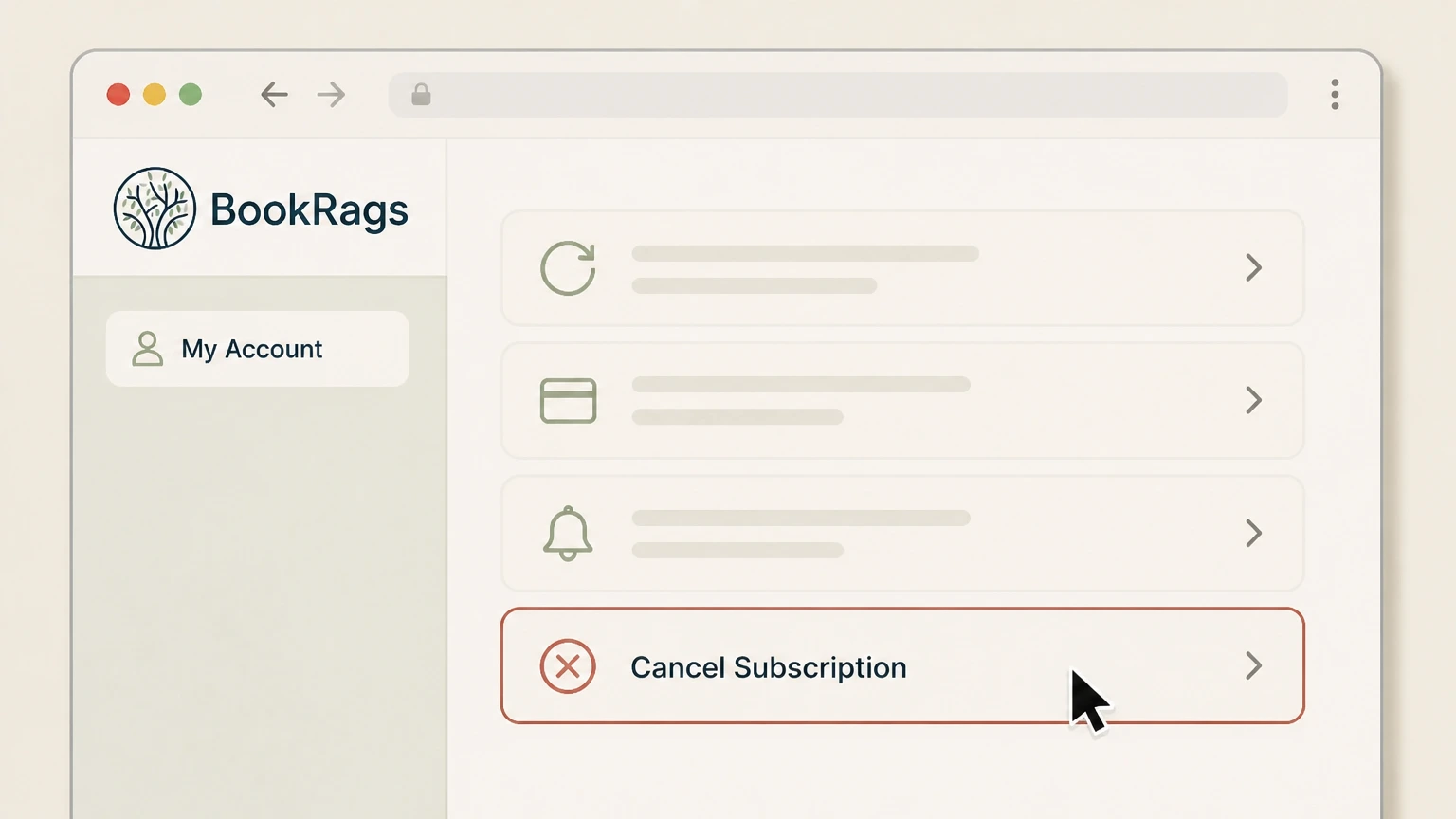
4Select Cancel Subscription
Select Cancel Subscription. Do not infer any additional confirmation labels from this guide.

Refund policy
BookRags cancellation and refunds
The cited cancellation article confirms period-end access but does not publish a refund promise.
Check my refund options- Access timing
- The subscription remains available through the rest of the billing period.
- No invented refund rule
- Ask BookRags about an account-specific charge rather than assuming proration.
Use the live provider help article and verify the signed-in result. Open BookRags cancellation help
Source boundary
Only public provider labels are included
The cancellation article remains live but was last updated in 2017.
No invented controls
This guide stops at Cancel Subscription and does not describe an unseen logged-in confirmation screen.
Current service
BookRags still sells recurring access
The current checkout lists monthly and annual subscriptions billed until cancelled.
Direct billing
Use the BookRags account route for the subscription shown at checkout.
After cancellation
Access continues through the billing period
The provider help article states that cancellation does not remove access immediately.
Keep the paid-through date
Record the account result displayed after using Cancel Subscription.
BookRags cancellation FAQ
Provider-specific answers about billing, timing, refunds, and confirmation.
How do I completely cancel my BookRags subscription?
Will BookRags access stop immediately?
Does this guide verify the screen after Cancel Subscription?
Untangle this BookRags issue.
Let Pine handle the provider follow-up and keep the confirmation in one place.
