

Bonsai
Cancel subscription
How to Cancel Bonsai: Official Steps & Timing
Cancel Bonsai through the correct billing route. Follow official steps, understand renewal timing and refunds, and keep proof of the final result.
- 1 verified cancellation route
- Billing ownership and renewal timing explained
- Provider-specific refund boundaries included
- A confirmation check follows every route
Choose the correct Bonsai cancellation route
Bonsai account · verify the billing owner
Cancel a direct-billed Bonsai plan
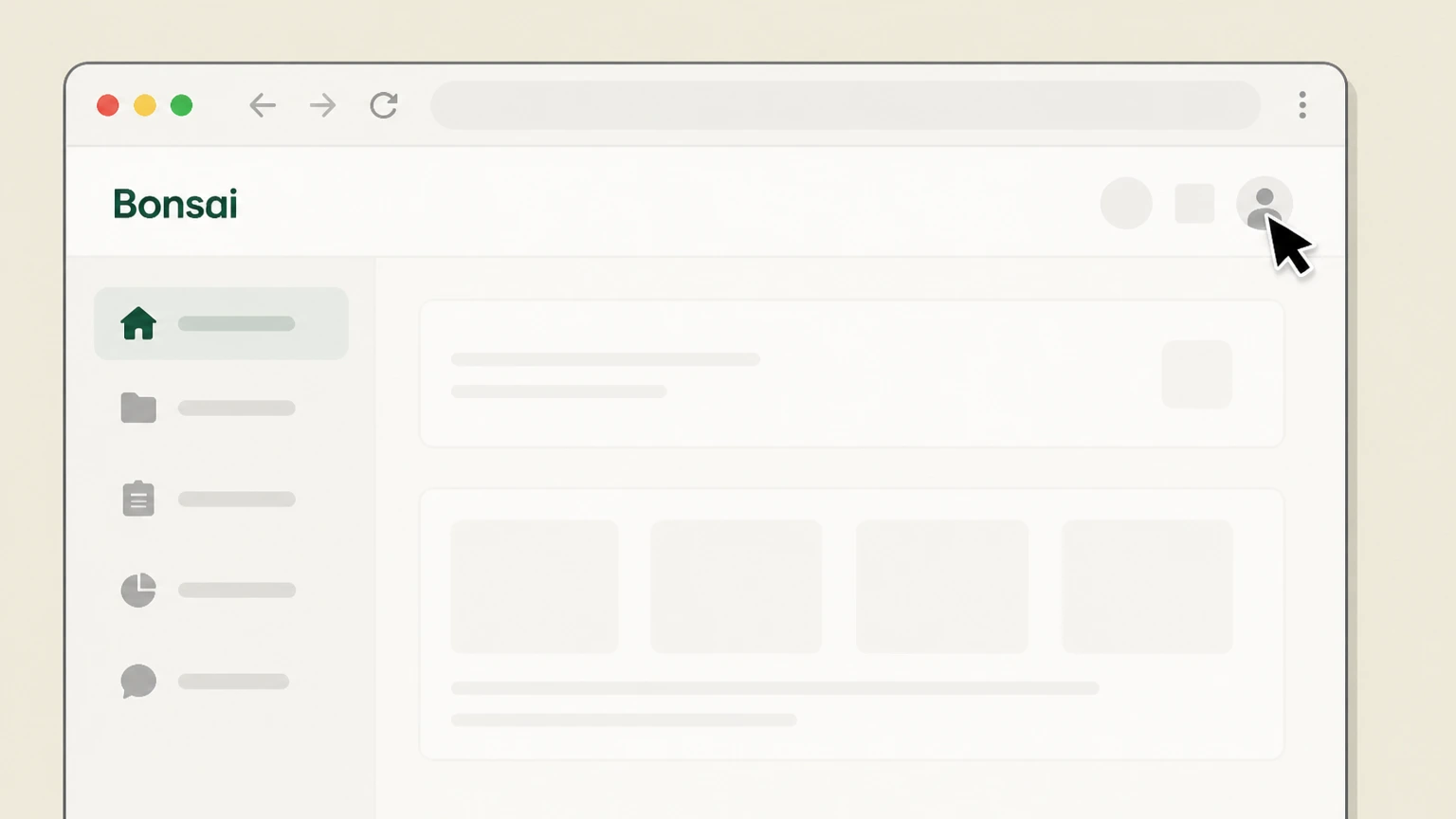 1
1Open the profile menu
Sign in to Bonsai and select the profile icon.
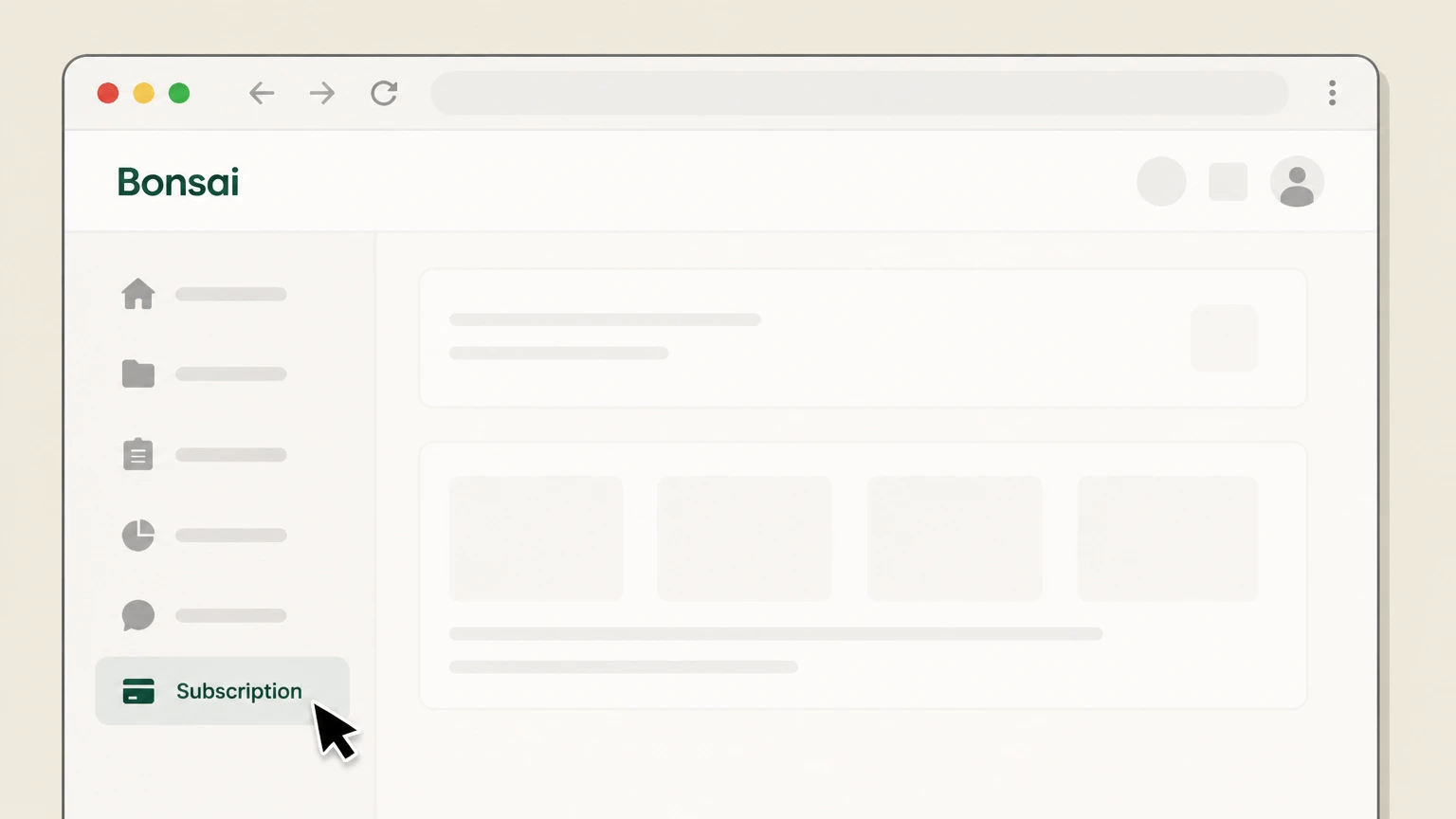 2
2Open Subscription
Select the Subscription page.
- Let Pine handle it
Pine can help
Too many steps?
Pine can find the right Bonsai account path and handle the cancellation for you.
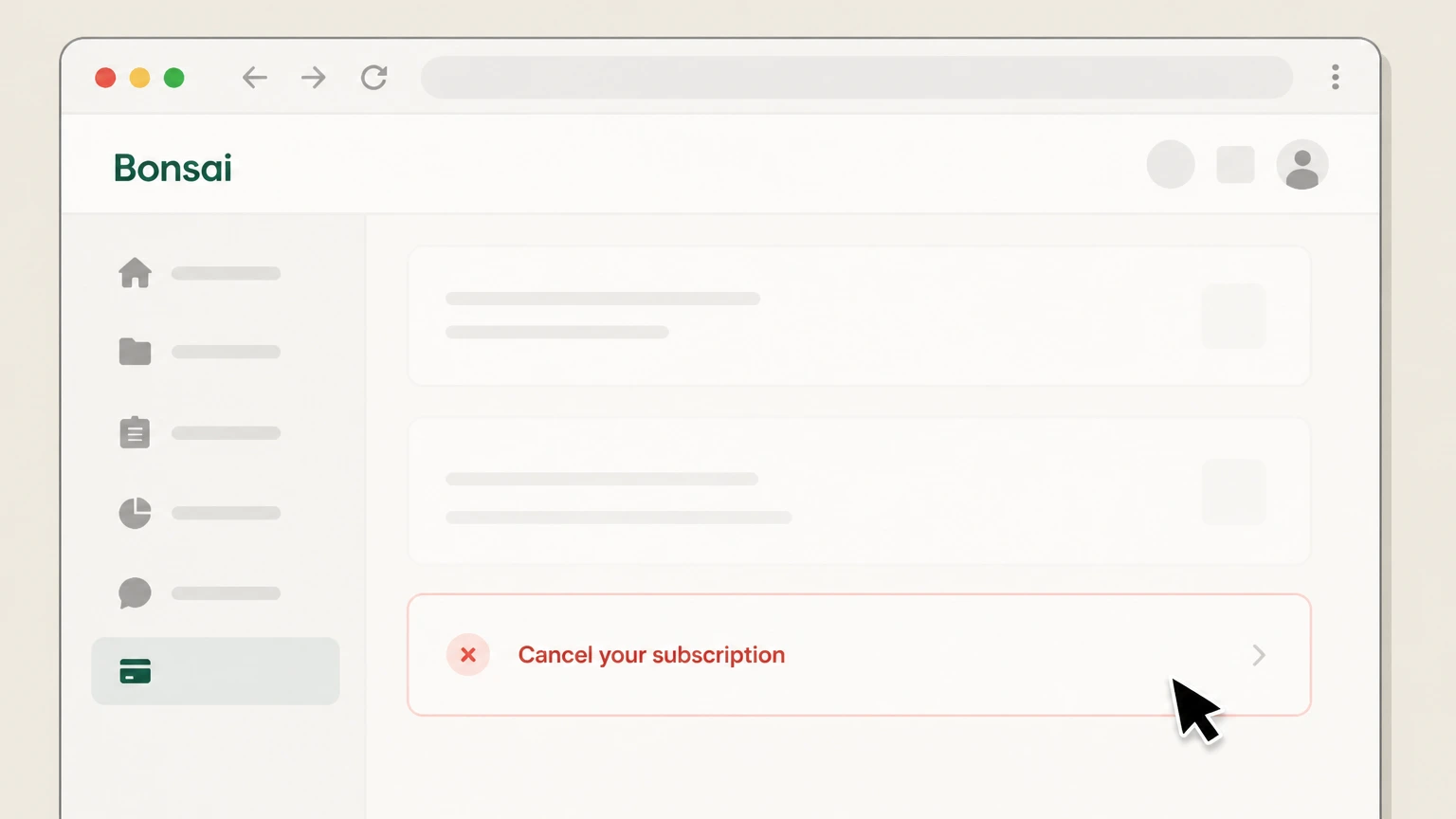 3
3Select Cancel your subscription
Choose Cancel your subscription, then complete the provider prompts shown on the account.

Refund policy
Bonsai refund boundary
This page does not promise a refund because current Bonsai refund materials need separate reconciliation.
Check my refund options- Cancellation
- The official cancellation article supports stopping future charges.
- Zoom purchase
- Zoom controls any refund for a Zoom-billed plan.
Use the billing owner’s current support for an account-specific charge. Open Bonsai cancellation help
After cancellation
The account moves to the Limited plan
Bonsai says existing projects, clients, and documents remain viewable.
Restricted creation
Some new-document and form functions become unavailable on the Limited plan.
Billing partner
Zoom purchases stay with Zoom
Plan & Billing opens the Zoom billing portal.
Support boundary
Bonsai Support cannot cancel or refund a Zoom-billed subscription.
Proof
Check the subscription state
Use the final Bonsai or Zoom billing status as confirmation.
Future charges
Cancellation stops future charges for the plan handled by that billing owner.
Bonsai cancellation FAQ
Provider-specific answers about billing, timing, refunds, and confirmation.
How do I cancel a Bonsai subscription?
What happens to my Bonsai account after cancellation?
Who cancels a Bonsai subscription purchased through Zoom?
Untangle this Bonsai issue.
Let Pine handle the provider follow-up and keep the confirmation in one place.
