


ABCmouse
Cancel subscription
How to Cancel ABCmouse: Official Steps by Billing Route
Cancel ABCmouse through the correct billing owner. Follow current direct-app, Apple, or Google Play steps, plus access, Classic, and refund details.
- Direct, Apple, and Google cancellation routes are separated
- ABCmouse Classic follows a separate cancellation route
- Paid access continues through the current term after cancellation
- Deleting the app or account does not stop renewal
Cancel ABCmouse through the company that bills you
Direct billing · ABCmouse app
Cancel an ABCmouse membership billed by Age of Learning
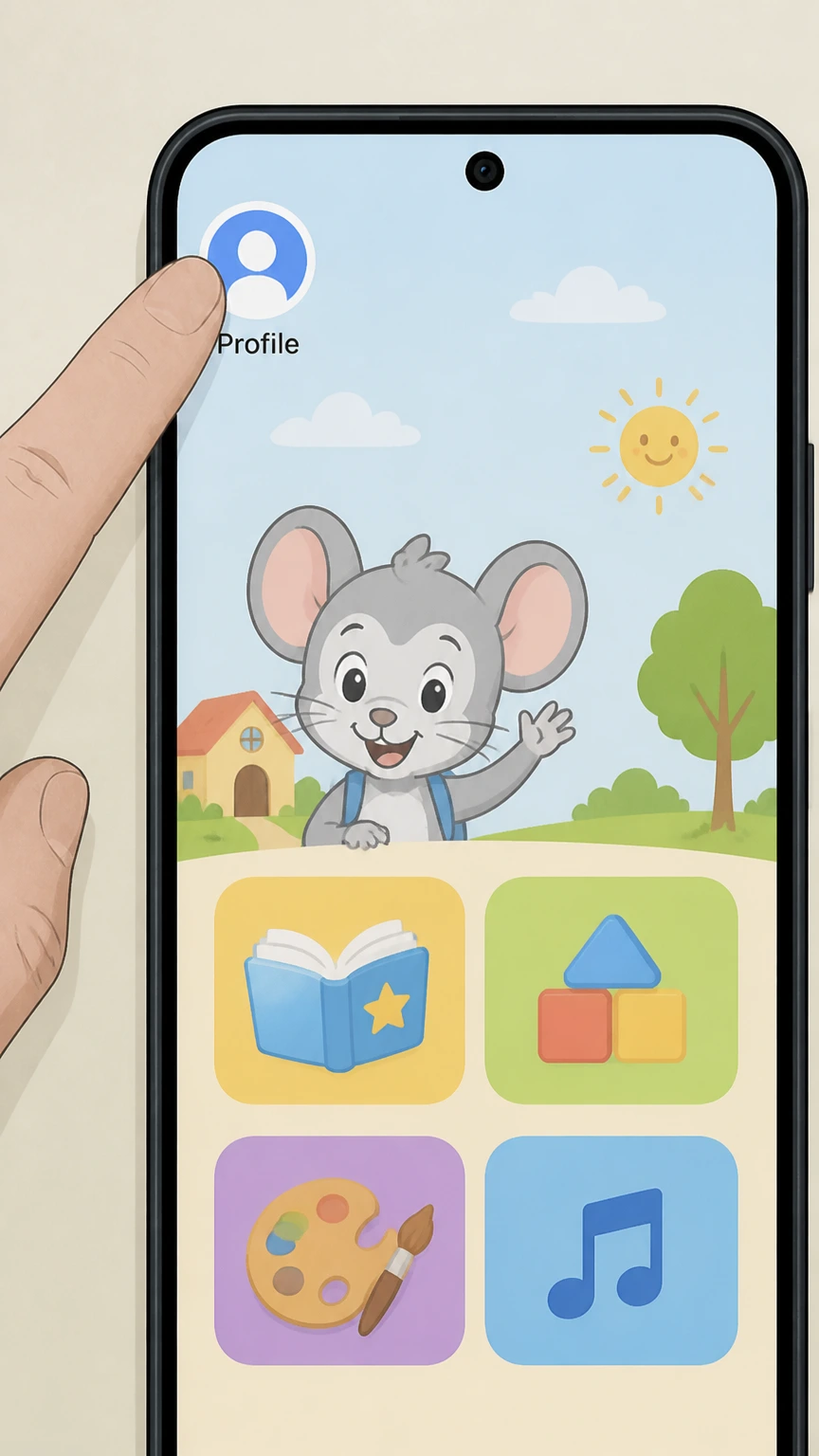 1
1Open the profile menu
Open the ABCmouse app, sign in, and tap the Avatar or profile icon in the upper-left corner.
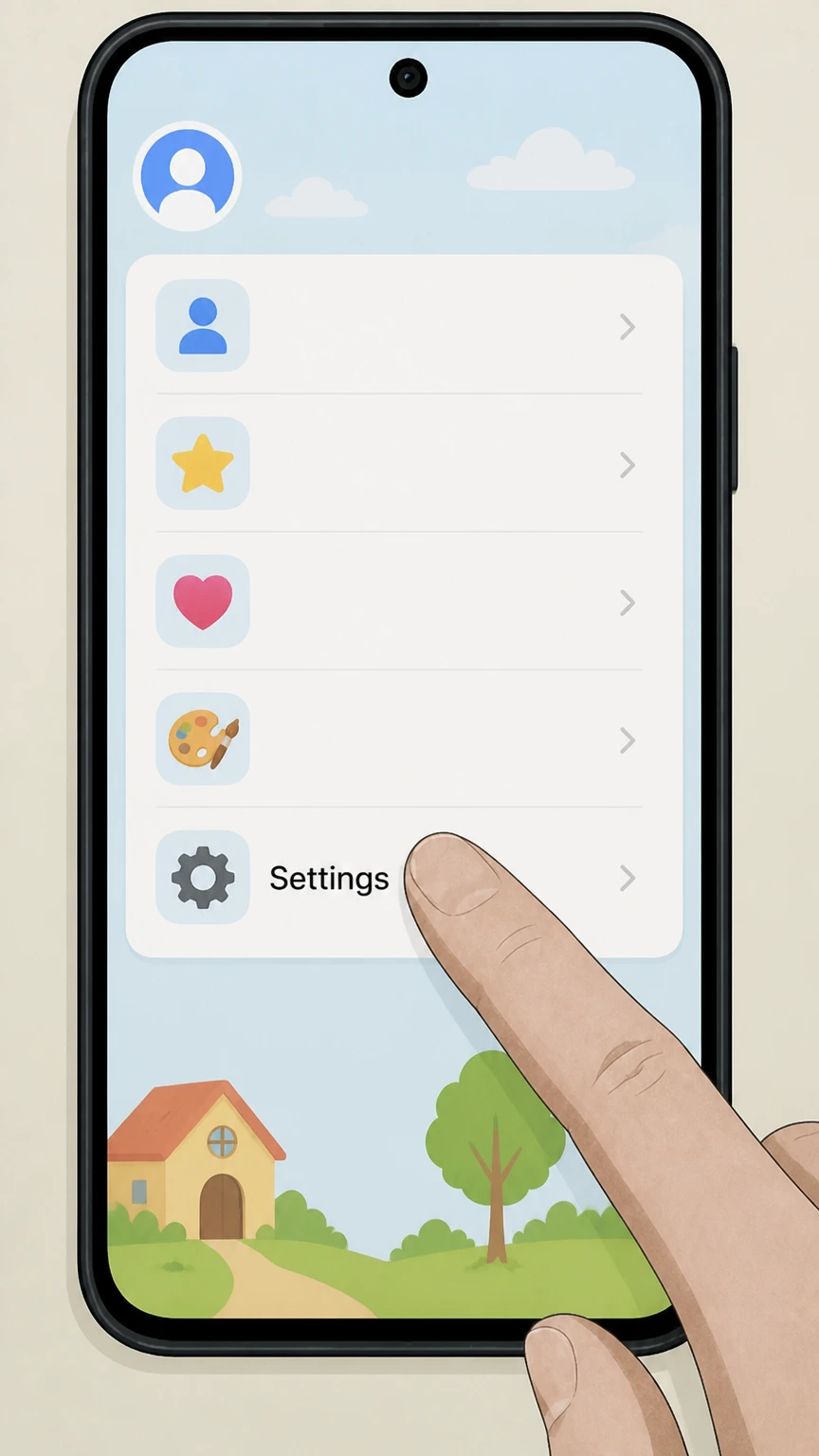 2
2Open Settings
Choose Settings in the lower-left. ABCmouse may ask for a birth year or parent password.
- Let Pine handle it
Pine can help
Too many steps?
Pine can find the right ABCmouse app path and handle the cancellation for you.
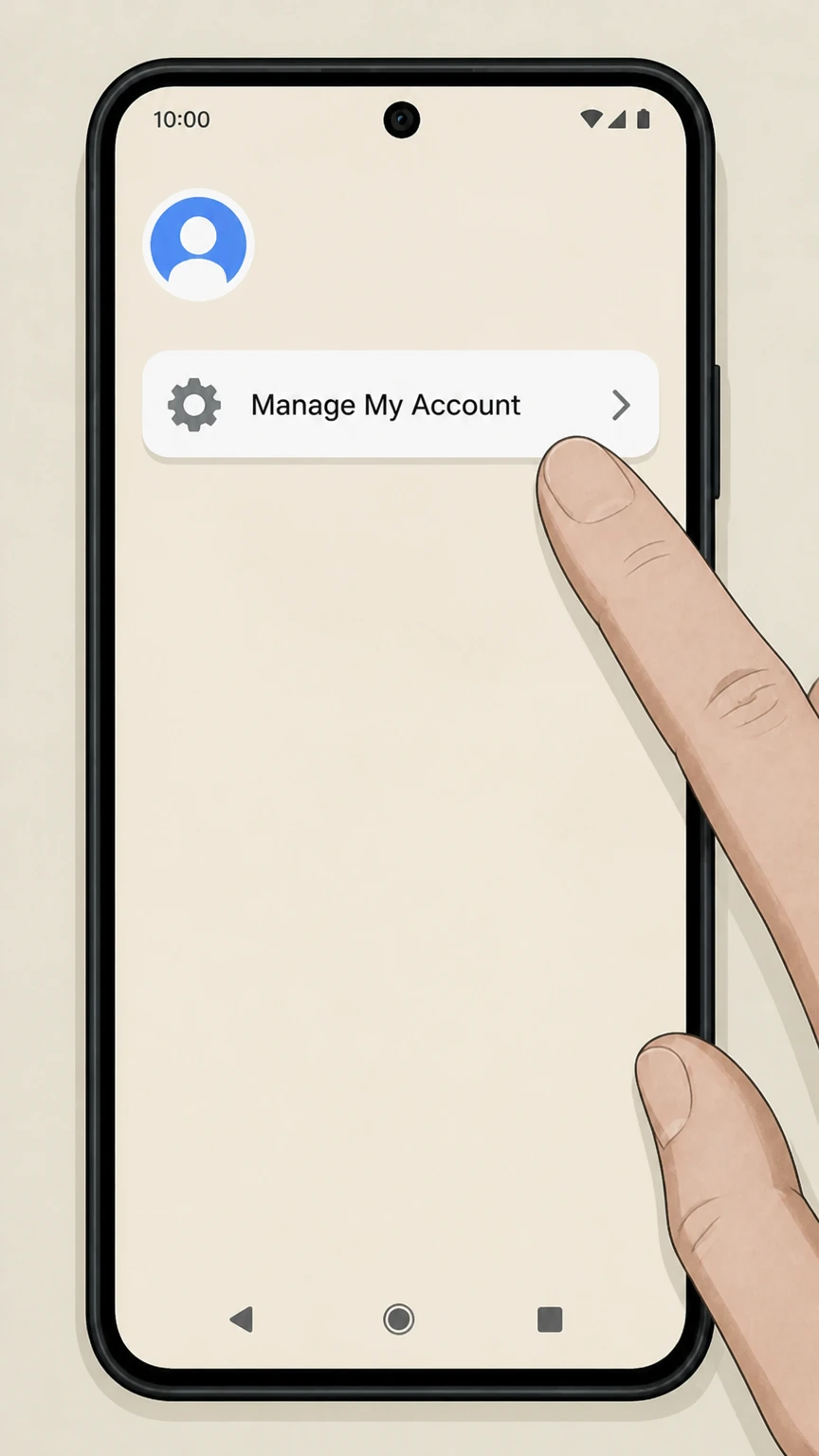 3
3Open Manage My Account
In Settings, select Manage My Account to reach Membership Details.
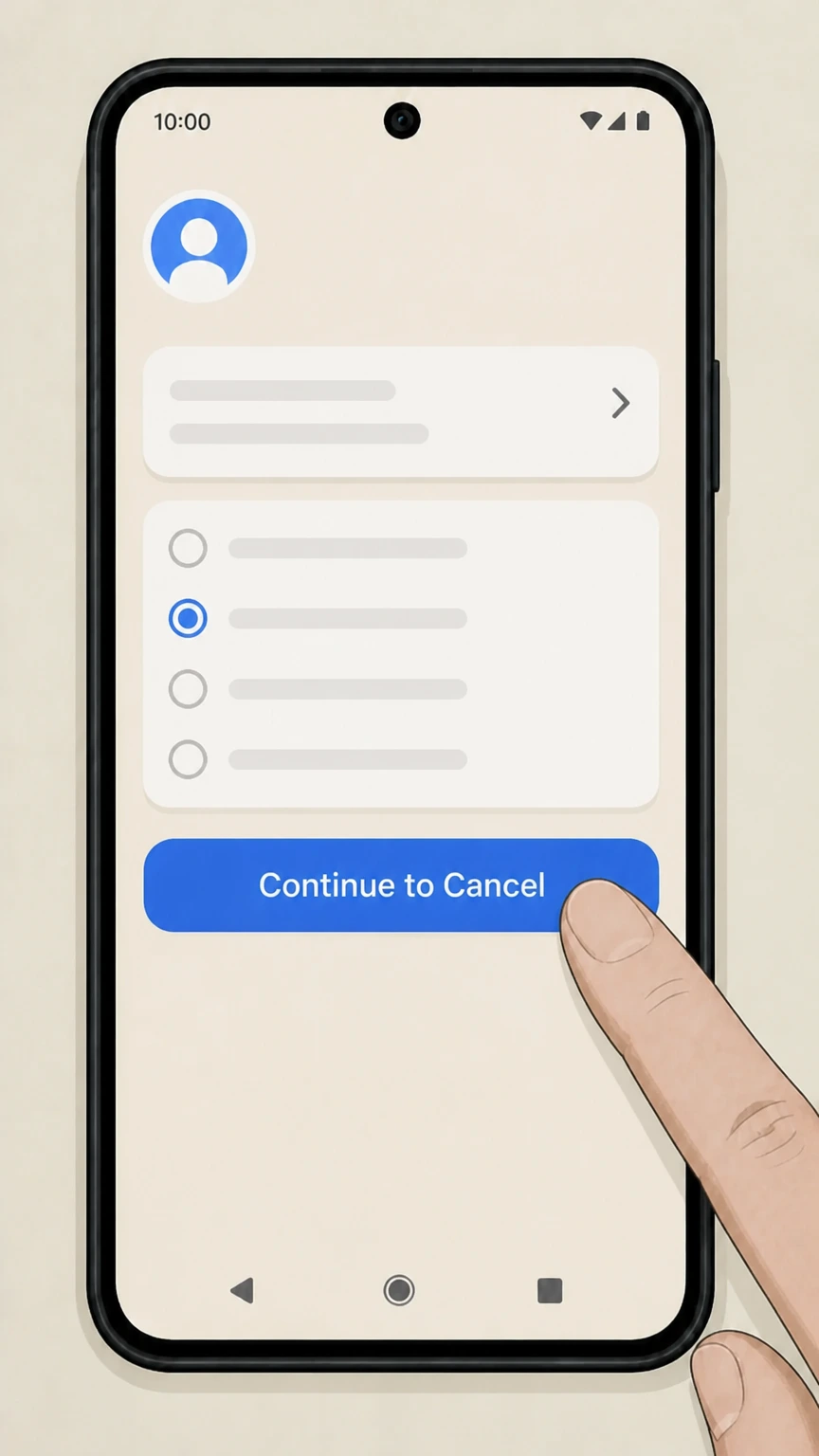 4
4Choose Cancel Membership
On Membership Details, select Cancel Membership, choose a reason, and then select Continue to Cancel.
 5
5Confirm the cancellation
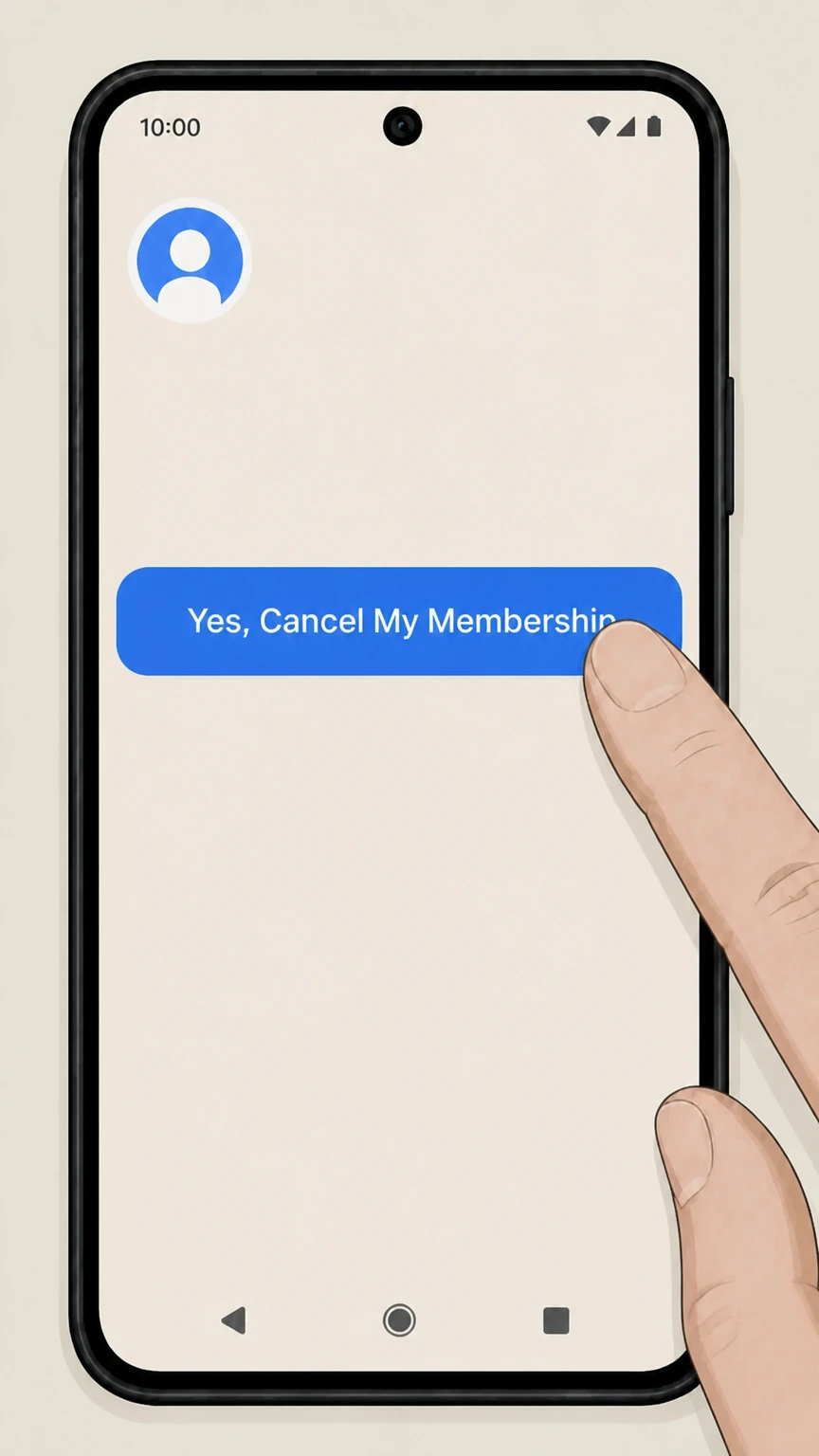
Select Yes, Cancel My Membership. Save the on-screen confirmation or confirmation email.

iPhone · Apple billing
Cancel ABCmouse through Apple Subscriptions
 1
1Open Settings
Open Settings on the iPhone signed in to the Apple Account used for the purchase.
 2
2Tap your name
Open the Apple Account card at the top of Settings.
- Let Pine handle it
Pine can help
Too many steps?
Pine can find the right iOS path and handle the cancellation for you.
 3
3Open Subscriptions
Select Subscriptions to see subscriptions billed by Apple.
 4
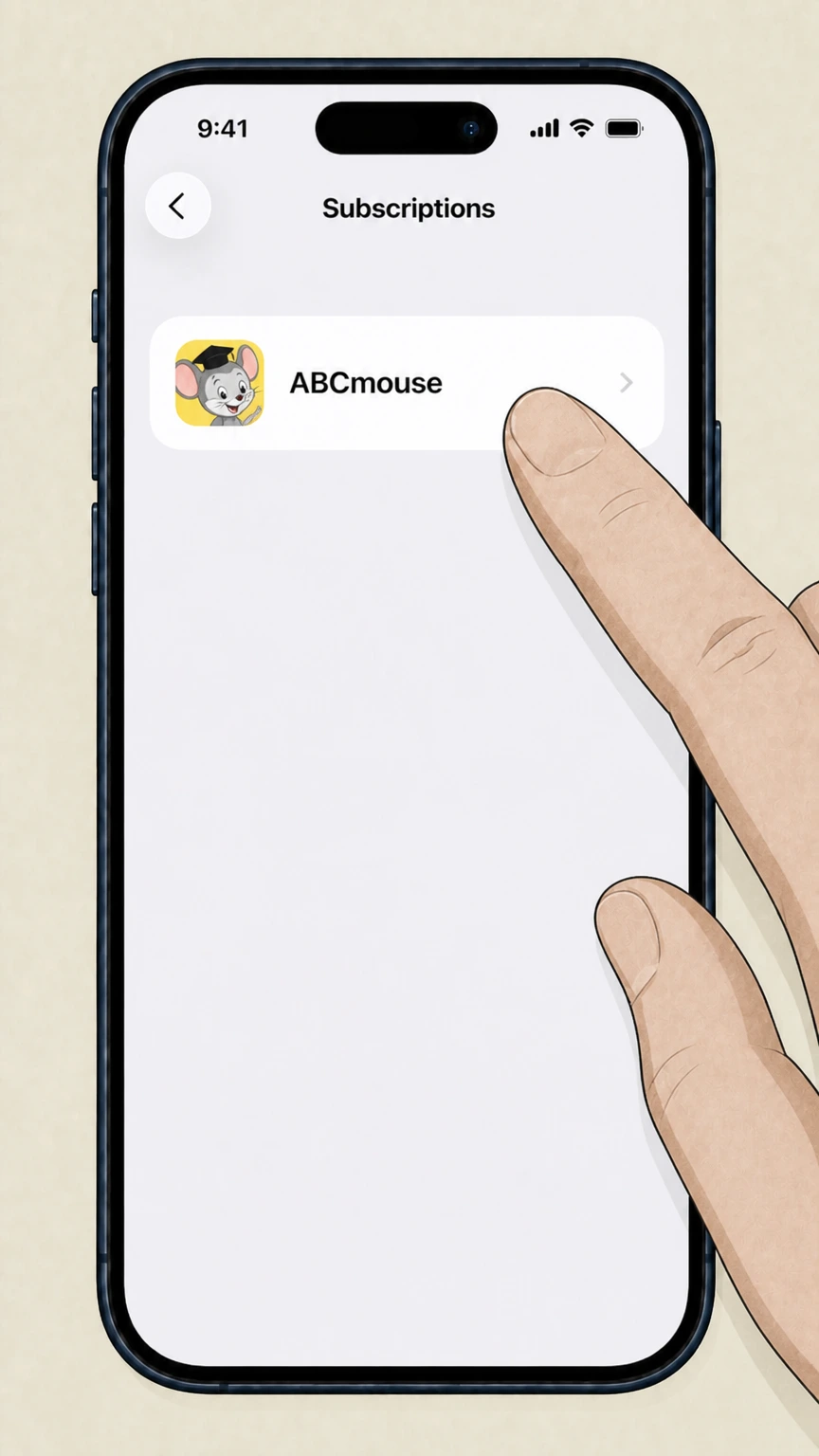
4Select ABCmouse
Choose ABCmouse from the Apple subscription list. If it is absent, verify a different Apple Account or billing owner.
 5
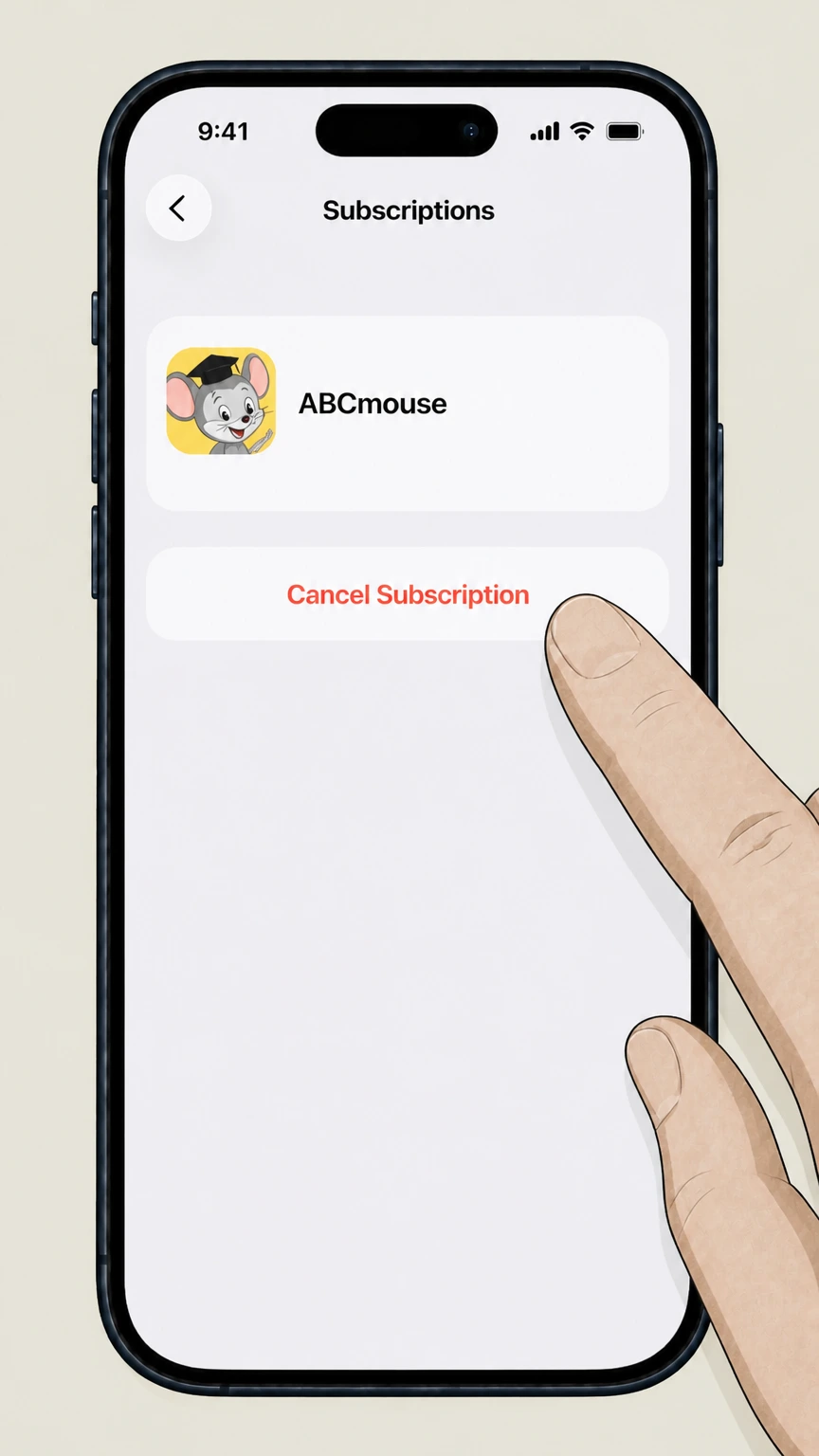
5Tap Cancel Subscription
Tap Cancel Subscription and complete Apple’s confirmation prompt. Keep the resulting status or expiration date.
Refund policy
ABCmouse refunds, access, and charge follow-up
ABCmouse states that subscription charges are final and that cancellation does not create a full or prorated refund for the period already charged.
Check my refund options- No automatic refund after cancellation
- Cancellation prevents a future renewal; it does not reverse an ABCmouse charge that has already been processed.
- No prorating of the current term
- Unused days in the current paid period are not refunded, while access remains available through that period.
- Store purchases follow store handling
- Questions about Apple or Google Play charges must be handled through the store that processed the purchase.
If the billing owner or account identity is unclear, use ABCmouse support before canceling a different family subscription by mistake. Open ABCmouse account and billing help
Billing owner
Check who bills ABCmouse before canceling
The correct route is controlled by the payment owner, not by the device you normally use.
Direct ABCmouse billing
If the charge is from Age of Learning and the membership was started on ABCmouse.com with a card, PayPal, or Apple Pay, use Manage My Account inside the current ABCmouse app.
Apple or Google Play billing
If the receipt or subscription list names Apple or Google Play, cancel in that store. Canceling inside ABCmouse does not stop a store-managed renewal.
ABCmouse Classic is a separate route
ABCmouse explicitly directs Classic users to the Classic cancellation instructions. Confirm which product the account opens before following labels from the newer app.
After cancellation
What changes after ABCmouse cancellation
A completed cancellation stops renewal but does not erase the parent account.
Paid access continues to the listed end date
ABCmouse says direct-billed members retain access for the remainder of the period already paid for.
Deleting the app is not cancellation
Uninstalling, stopping use, changing the payment method, or deleting an account does not replace the documented cancellation process.
Save the confirmation email
ABCmouse sends a confirmation email. If the app returns to the home screen without a clear confirmation, check that email before assuming renewal has stopped.
ABCmouse cancellation questions
Questions discovered from current search behavior are answered only with the official sources checked on August 16, 2026.
How do I cancel my subscription to ABCmouse?
How do I access my ABCmouse account settings?
How do I cancel ABCmouse on an iPhone?
Does deleting the ABCmouse app cancel the subscription?
Is ABCmouse Classic canceled the same way as the current ABCmouse app?
Untangle this ABCmouse issue.
Let Pine handle the provider follow-up and keep the confirmation in one place.
