
You've swept the floor, removed your lock, and driven away, thinking your CubeSmart move out process is officially complete. Then, two weeks later, an unexpected charge hits your credit card. If you are scrambling to figure out how to cancel CubeSmart for good, you are definitely not alone. I'm Millie, and as someone who tests subscription and account management services at 19pine.ai, I've seen exactly how these seemingly simple admin tasks turn into lingering headaches. Storage facilities rarely offer a simple, one-click unsubscribe button. Instead, they trap you in a gray area between "moving out" and actually "closing the account." In this guide, I'm breaking down the exact steps you need to take to ensure your account is fully closed, documented, and officially off your mental to-do list. Let's make sure that final bill is actually your last.

What the CubeSmart move-out process usually includes
When people ask how to cancel CubeSmart, they're often really asking how to move out without getting stuck in a weird billing loop afterward. Fair question. Storage providers usually tie cancellation to the move-out process, not to a neat little one-click unsubscribe button the way software tools do.
In practice, CubeSmart move-outs generally involve notifying the facility, removing all belongings, leaving the unit empty and accessible, and making sure the account is marked as vacated in their system. That last part matters more than it should, honestly.
I don't guess. I verify. And with storage, the difference between "I'm done with this unit" and "the account has been fully closed" is exactly where people lose time.
Before your final day
Before your final day, I'd check three things first:
1. Your stated move-out notice requirements
Some locations may ask for advance notice before you vacate. If you're looking for the CubeSmart cancellation policy, this is one of the first things to confirm directly with your facility or rental agreement.

2. Your billing cycle date
Storage billing often follows a monthly cycle, and timing your move-out around that date can make a real difference. Emptying the unit on one day doesn't always mean charges stop that same day if the account closure isn't processed correctly.
3. Whether the location wants verbal or written notice
This is the bit most people miss. Even if staff say they've made a note, I'd still want some kind of written confirmation, email is ideal.
If you're wondering can you cancel CubeSmart online, the answer is: not always in a simple self-serve way. Some account actions may be available online, but move-out handling often still depends on the specific facility and account status. I'd go in expecting that you may need to contact the location directly rather than clicking one universal cancel button and calling it a day.

Why final billing details matter
This is where a lot of avoidable mess starts.
Final billing details matter because storage accounts can involve more than the monthly rent. You may also be dealing with fees, prorated timing questions, autopay issues, insurance-related charges, or a deposit question depending on the terms of your rental. If anything is unclear before move-out, it tends to get more annoying after move-out.
I've had enough subscriptions and service accounts quietly keep charging me that I no longer treat "should be fine" as a real category.
So before you leave the unit behind, I'd confirm:
- the exact last date of occupancy on the account
- whether any additional payment is due
- whether autopay stops automatically or simply has nothing left to charge once the account closes
- whether you should expect any refund, credit, or final statement

None of this is dramatic. That's kind of the point. The best cancellation is the boring one, done, documented, and not resurfacing in your inbox two weeks later.
What to check before handing off the unit
When I'm juggling three deadlines, a project board full of loose ends, and the usual triple-digit inbox situation, I don't want to revisit a storage unit after I've emptied it. So before handing off the unit, I'd slow down for ten minutes and check the details that are most likely to come back later.
Account status and move-out timing
First, make sure your account is actually marked for move-out, not just "customer intends to leave soon." Those are not the same thing.
If you've already told staff you're leaving, ask them to confirm:
- your scheduled move-out date
- the date the account will be closed in the system
- whether any extra action is still required from you
This matters because if you move out near the end of a billing period, timing can affect whether you owe another month, part of a month, or nothing further at all. The CubeSmart cancellation policy can vary by agreement and location practices, so I wouldn't assume the process works exactly the way another storage provider handled it.
If possible, get your move-out confirmation in writing. A short email is enough. Something simple like: your unit is vacated as of X date, and your account will be closed. That one note can save you a very dull support conversation later.
Charges and refund questions
Before you walk away, ask the questions that feel slightly annoying in the moment but much more annoying if skipped.
I'd want clear answers to these:
- Will there be a final charge?
- Is any part of the month refundable or prorated? (See how a similar provider handles this: Public Storage refund policy)
- Are there outstanding fees on the account?
- If there's a refund or credit, how and when is it issued?
Some of the confusion around cubesmart cancel comes from people assuming that once the unit is empty, the money part is over too. Sometimes yes. Sometimes not quite.
And if you were enrolled in autopay, I'd specifically confirm that no future billing remains scheduled. I was half-expecting to repeat myself three times the first time I handled a storage move-out issue like this. Instead, the most useful thing was just asking one very direct question: Is there anything left on this account that could still generate a charge?
That tends to cut through the vague answers pretty fast.
Common move-out problems
Most storage move-outs are uneventful. But the ones that go sideways tend to do so in very predictable ways. If you know what to watch for, you can usually fix the issue faster, or avoid it completely.
Still billed after move-out
This is probably the most frustrating version of the problem because it creates the exact task you thought you'd finished.
If you're still billed after move-out, the most common reasons are:
- the move-out was not fully processed in the system
- notice requirements were not met according to the account terms
- the billing cycle renewed before the closure was completed
- an add-on charge remained active even though the unit was emptied
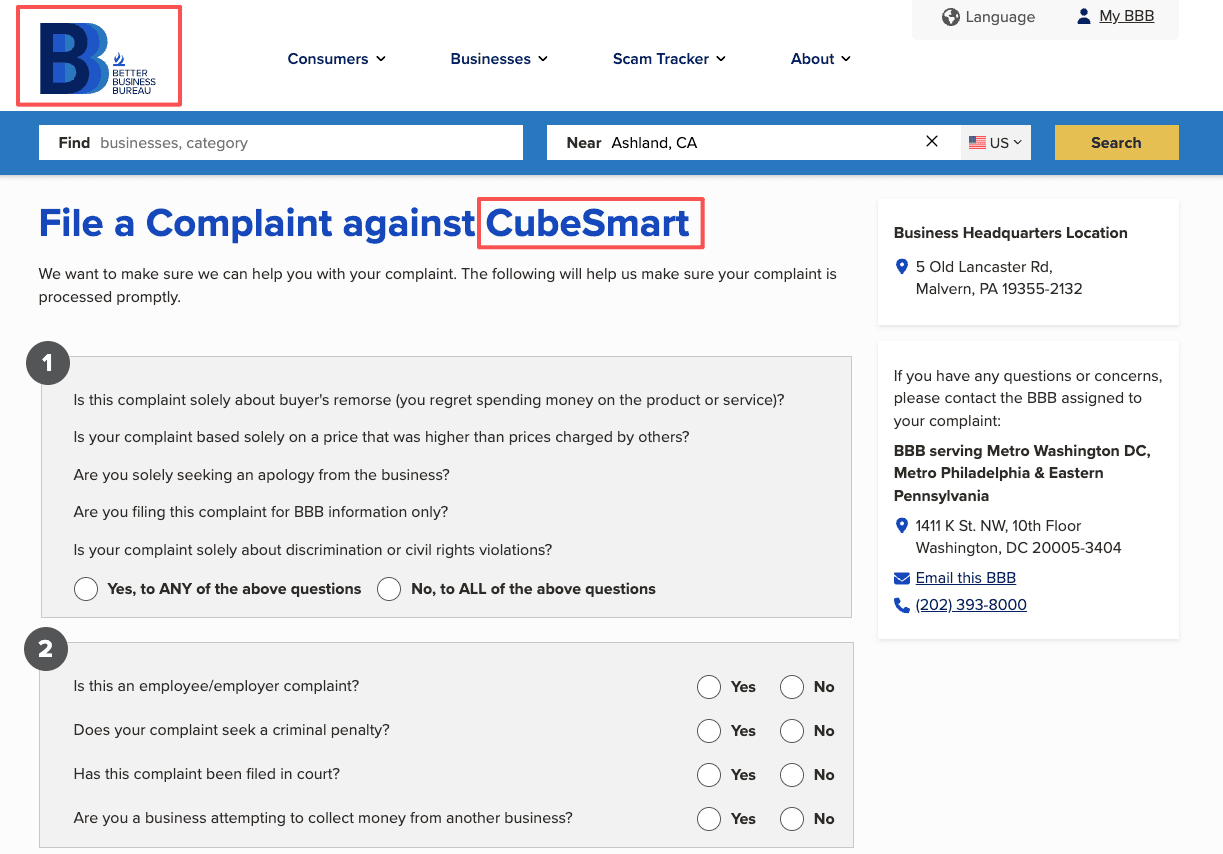
According to CubeSmart customer complaints on BBB, billing disputes after move-out are among the most frequently reported issues, which underscores why documentation matters so much.
If this happens, gather your timeline first:
- when you gave notice
- when you emptied the unit
- when you returned access or informed the facility it was vacant
- any confirmation messages, emails, or receipts
Then contact support or file a complaint with that timeline in one place. Keep it clean and factual. I've found that the faster you can show dates and documentation, the less likely the conversation is to turn into a back-and-forth of "we don't see that here."
This worked better than it had any right to in similar billing disputes I've handled: one message, dated proof, specific ask. Not a long story. Just the evidence and the correction you want.
Missing confirmation or refund confusion
The other common issue is softer but still annoying: you moved out, nothing obviously terrible happened, but you never got final confirmation. Or you were told there may be a refund or account credit and then… silence.
That's where people lose momentum. The charge might be small enough to ignore for a week or two. Then a week becomes a month because dealing with customer service starts to feel like a side quest no one asked for.
If you're missing confirmation, ask for:
- written proof the unit was vacated
- written proof the account was closed
- an itemized final statement if there was any last payment
If you're waiting on a refund, ask:
- the refund amount
- the payment method used for the refund
- the expected processing time
- who to contact if it doesn't arrive
I'll be honest, I went in expecting very little from storage cancellation processes in general. They're rarely elegant. But they do become much easier to manage once everything is pinned to a date, an amount, and a written record.
How to close the process cleanly
If your goal is to cancel CubeSmart and never think about the unit again, the clean finish matters as much as the move-out itself. The result you want is not "probably closed." The result you want is: done, documented, no surprise charges later.

Save proof and final records
Once the unit is empty and the account is supposedly closed, save everything while it's still easy to find.
I'd keep:
- the original rental agreement
- any notice of intent to move out
- email or text confirmation of closure
- receipts for final payment
- screenshots of account status, if available
- bank or card records showing the last successful charge
This doesn't need to become a whole filing system. A single folder works. But if a charge appears later, you'll want proof without digging through six months of email during a lunch break you were hoping to spend not doing this.
As Forbes advises on renting a self-storage unit, keeping thorough records before, during, and after your rental is one of the most effective ways to protect yourself from unexpected charges or disputes.
If you're using a service or assistant to help with cancellation-related admin, this is the standard I'd hold it to as well: not just contacting support, but leaving you with records you can actually use later.
When to contact support or escalate
If something still looks off after move-out, another charge posts, your account appears open, or a promised refund never arrives, contact CubeSmart customer service promptly and be specific.
I'd include:
- your unit or account details
- the move-out date
- what confirmation you received
- the exact billing issue or missing refund
- what you want fixed
If the first response is vague, follow up and ask for the matter to be reviewed again with the dates and documents attached. You don't need to be aggressive. You do need to be precise.
For anyone searching how to cancel CubeSmart, that's really my verdict: the process is manageable, but it's not something I'd leave on autopilot. CubeSmart how to cancel questions usually come down to notice, timing, and proof. Handle those three well, and most of the usual problems are avoidable.
The result, when it works, is not dramatic. Just: the unit is closed, the billing stops, and you get your afternoon back. Honestly, that was all I needed.
We've outlined exactly what you need to cancel your storage unit cleanly. If you'd rather skip the actual phone calls and follow-up emails yourself, Pine AI can step in as your completion agent. Try Pine AI and let us take this officially off your to-do list.
Frequently Asked Questions
How do I cancel CubeSmart without getting charged again?
To cancel CubeSmart cleanly, notify your facility, empty the unit, and confirm the account is marked as vacated and closed. Ask for written confirmation by email if possible. Also verify your final billing date, any remaining balance, and whether autopay will stop once the account closes.
Can you cancel CubeSmart online, or do you have to contact the facility?
CubeSmart online cancellation is not always available as a simple self-service option. Some account actions may be handled online, but move-out and account closure often depend on the specific facility. In many cases, the safest approach is to contact the location directly and request written confirmation.
What should I check before my final CubeSmart move-out date?
Before your final day, confirm any notice requirements, your billing cycle date, and whether the facility wants verbal or written notice. These details affect how to cancel CubeSmart properly and help prevent extra charges, delayed closure, or confusion about your official move-out date.
Why am I still being billed after I moved out of my CubeSmart unit?
If CubeSmart still bills you after move-out, the account may not have been fully closed, notice terms may not have been met, or the billing cycle may have renewed before processing finished. Gather your timeline, receipts, and confirmations, then contact the facility or support with a clear request to review and correct the charge.
Does CubeSmart refund unused days if you move out early?
Refunds or prorated charges can vary by rental agreement, billing cycle, and facility practices. If you move out early, ask whether any part of the month is refundable, whether a final charge still applies, and when a refund or credit would be issued. Always request the answer in writing.