


The Epoch Times
Cancel subscription
Cancel The Epoch Times Subscription: Step‑by‑Step
Cancel The Epoch Times on the website, in the iOS app, or through Google Play with steps, billing owner rules, and what happens to your access and charges.
- Official The Epoch Times and billing-owner sources
- 3 provider-specific cancellation paths
- Refund and post-cancellation effects separated from renewal
- Verified August 16, 2026
Choose the The Epoch Times cancellation path that matches who bills you
Website customer portal (direct billing) · verify the billing owner
 1
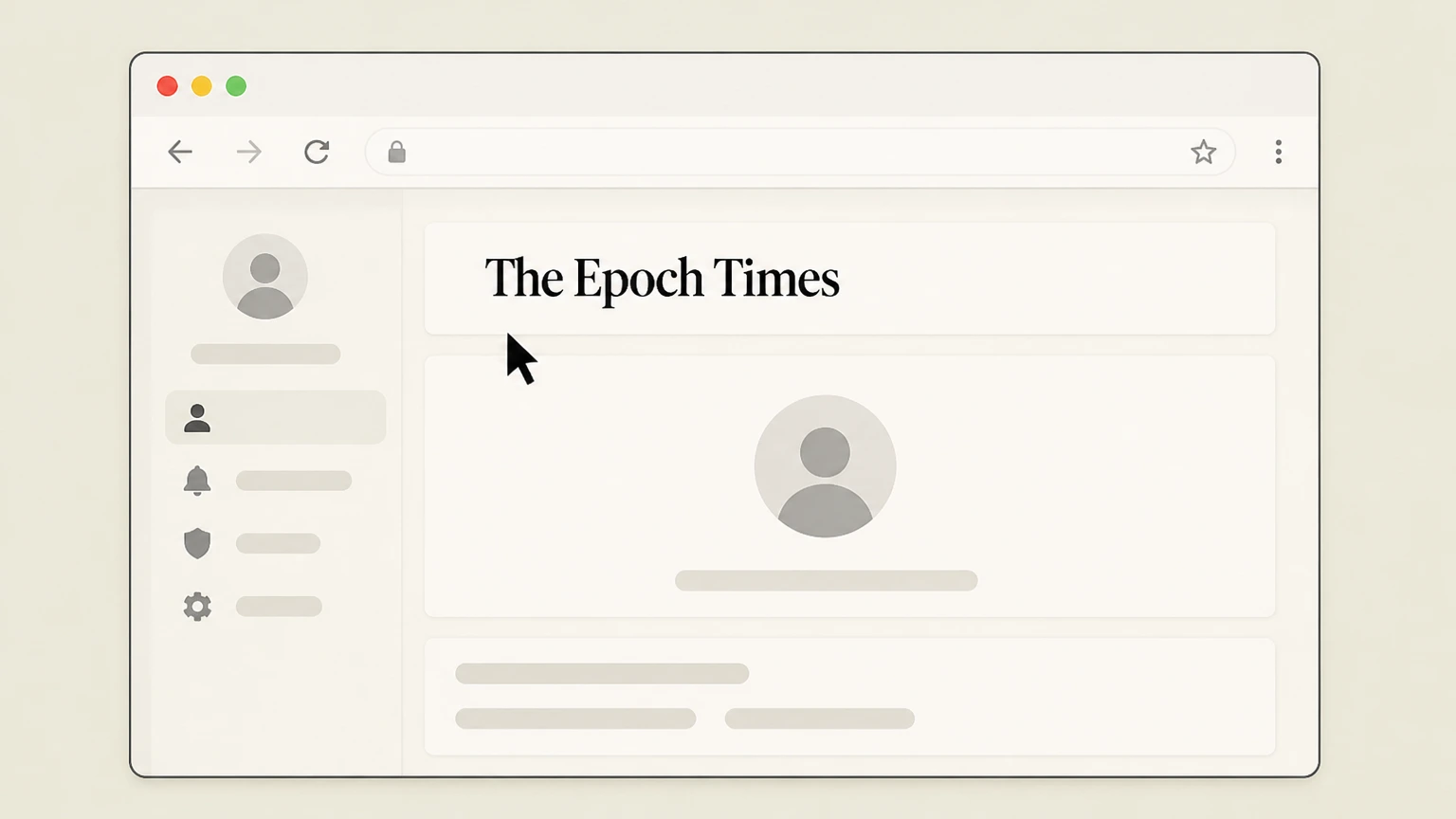
1Go to the Customer Portal
Open a web browser and go to the Epoch Times account portal at theepochtimes.com/profile. Use the The Epoch Times account named on your receipt, and continue only after the next status in this cancellation path is visible.
 2
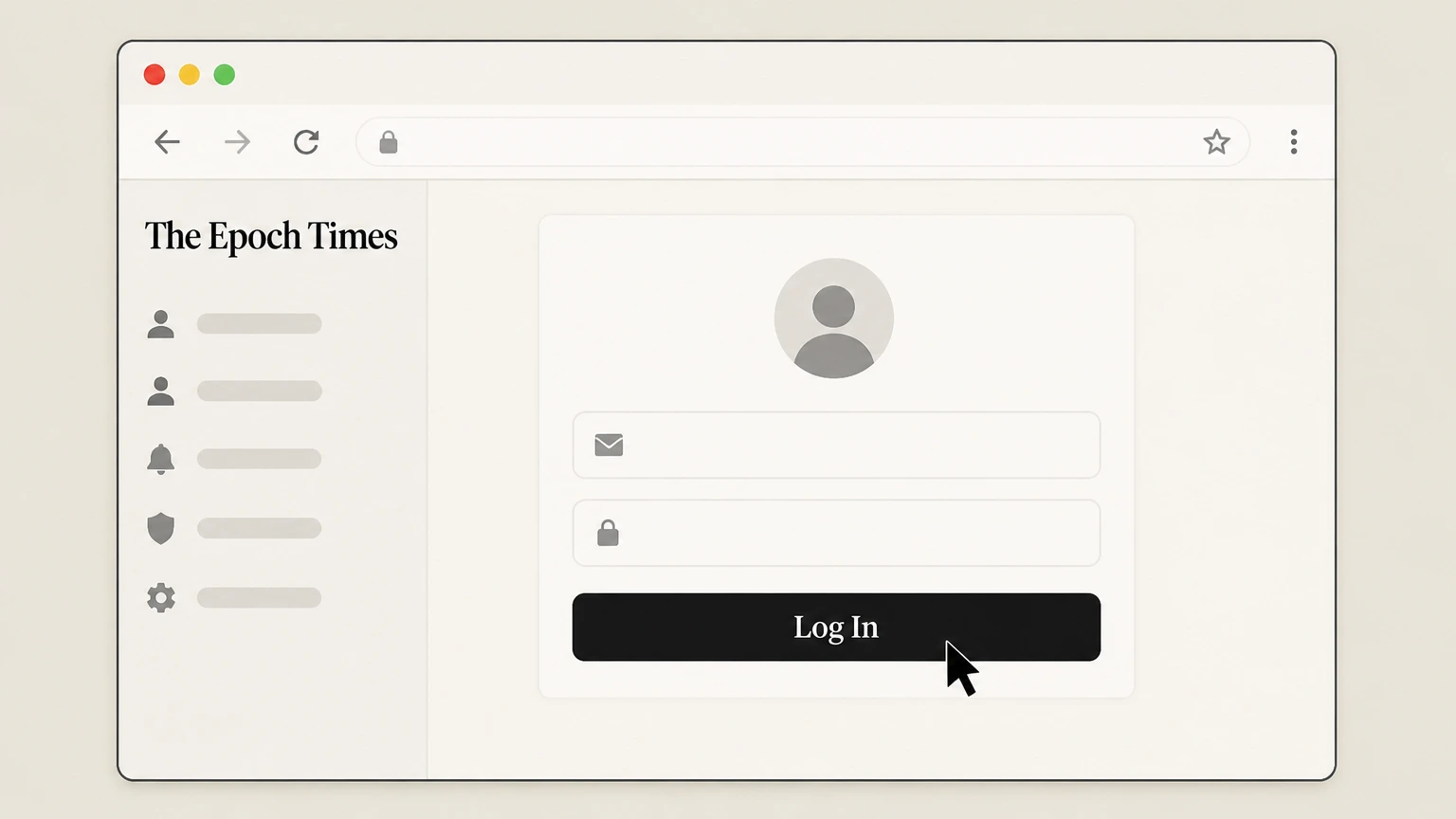
2Sign in to your Epoch Times account
Enter the email address and password associated with your subscription and complete sign‑in. Use the The Epoch Times account named on your receipt, and continue only after the next status in this cancellation path is visible.
- Let Pine handle it
Pine can help
Too many steps?
Pine can find the right Website customer portal (direct billing) path and handle the cancellation for you.
 3
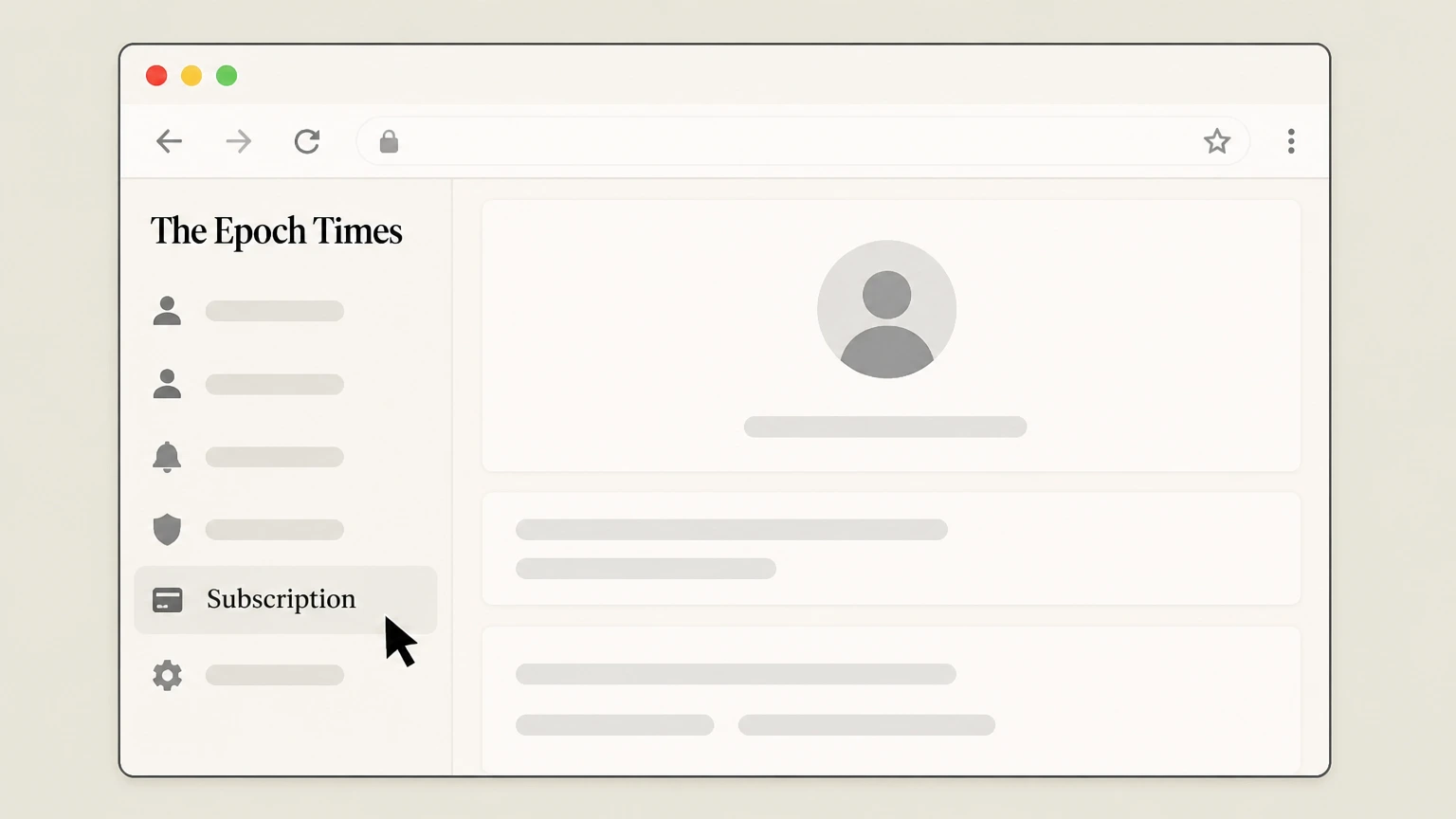
3Open the Subscription menu
In the left‑hand menu of your account page, click the "Subscription" option to view your active plans. Use the The Epoch Times account named on your receipt, and continue only after the next status in this cancellation path is visible.
 4
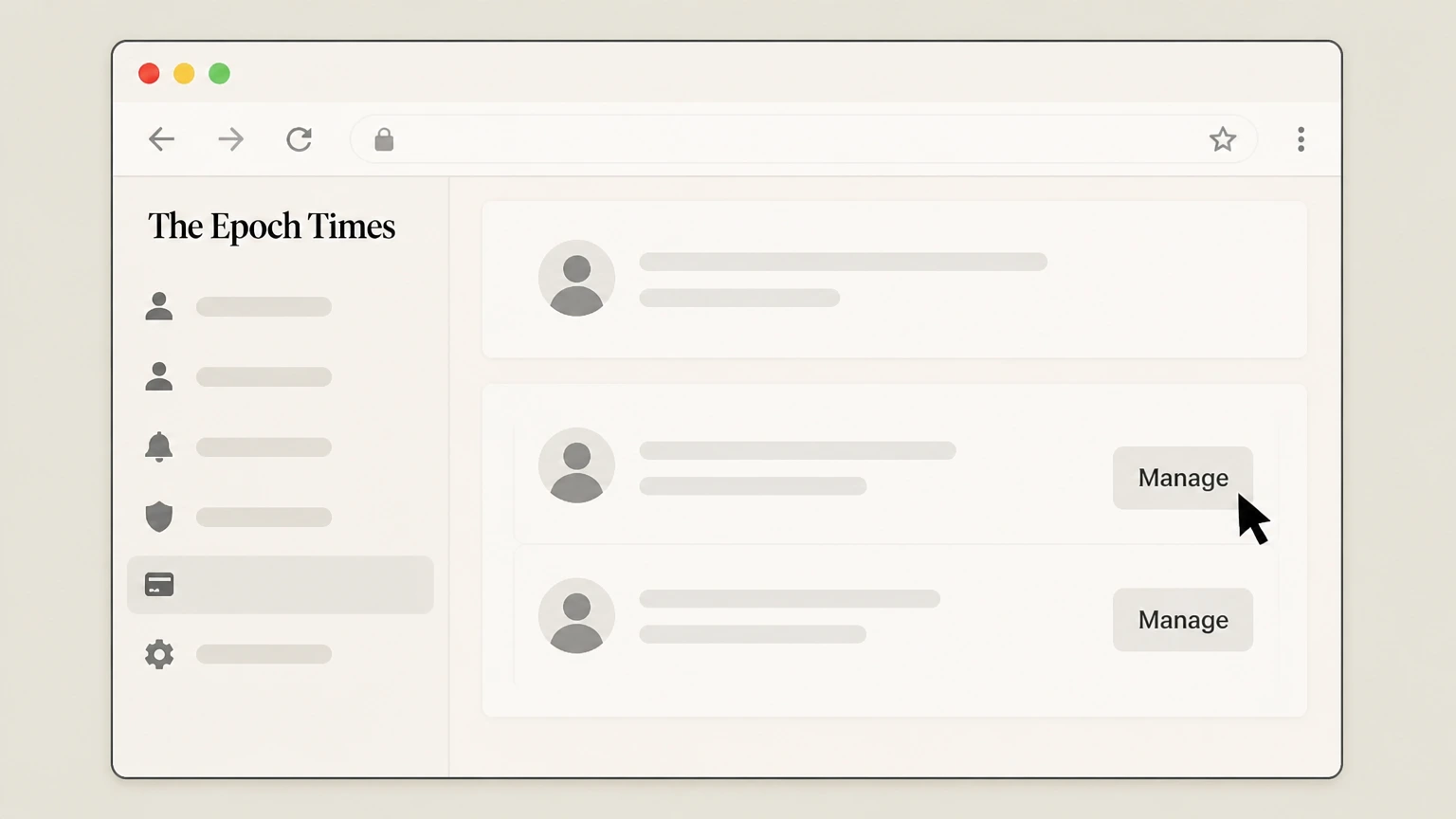
4Manage the correct subscription
If more than one subscription is listed, select the one you want to stop and click the "Manage" button to open its details.
 5
5Cancel the subscription
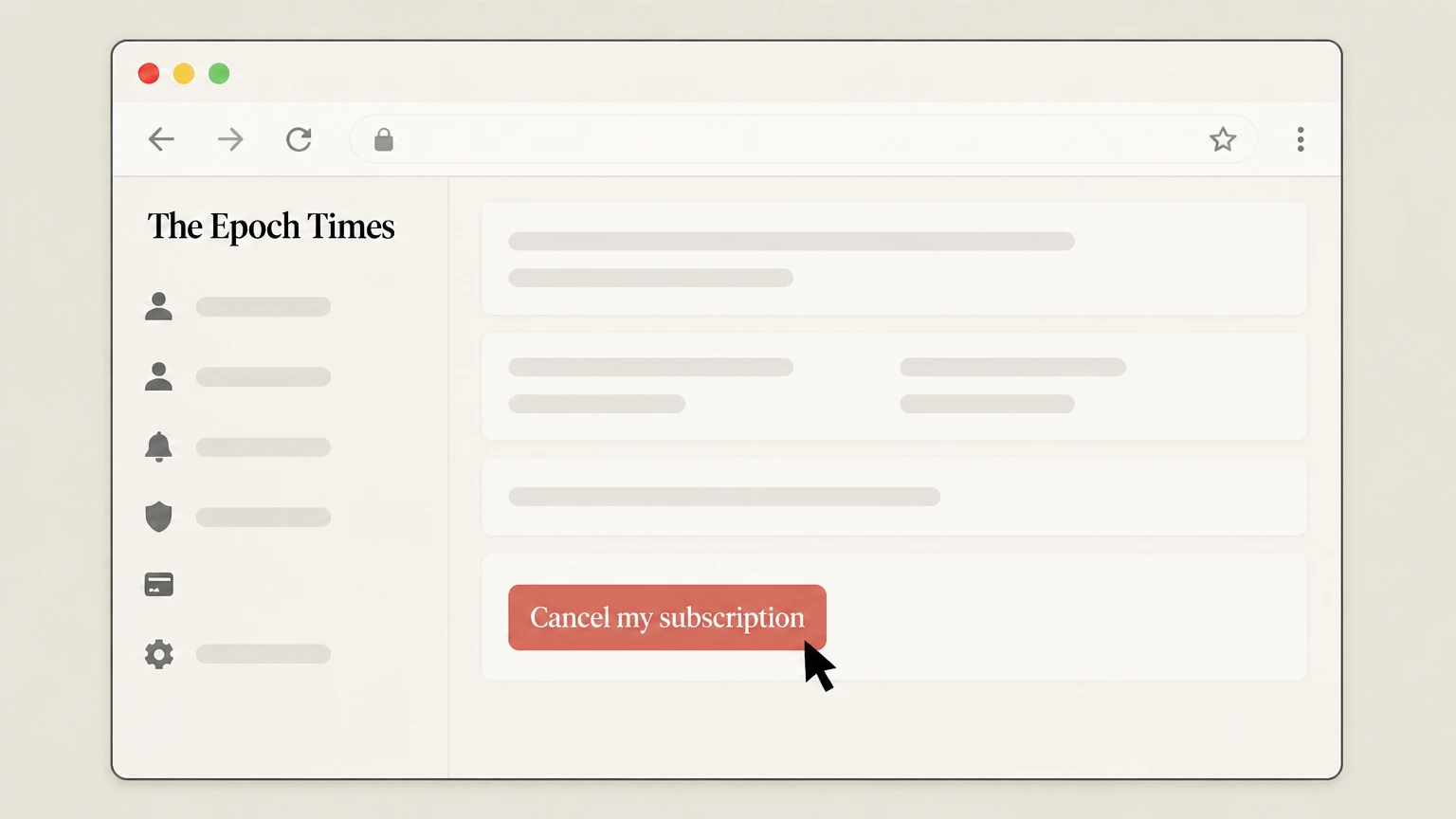
On the subscription details page, scroll to the bottom and click "Cancel my subscription," then follow any on‑screen prompts until you see confirmation that cancellation was submitted.

Apple App Store (iOS in‑app purchase) · verify the billing owner
 1
1Open Settings
On your iPhone, open the Settings app. Use the The Epoch Times account named on your receipt, and continue only after the next status in this cancellation path is visible.
 2
2Tap your name
At the top of Settings, tap your name to open your Apple ID account settings. Use the The Epoch Times account named on your receipt, and continue only after the next status in this cancellation path is visible.
- Let Pine handle it
Pine can help
Too many steps?
Pine can find the right Apple App Store (iOS in‑app purchase) path and handle the cancellation for you.
 3
3Open Subscriptions
In your Apple ID settings, tap "Subscriptions" to see all subscriptions billed through Apple. Use the The Epoch Times account named on your receipt, and continue only after the next status in this cancellation path is visible.
 4
4Select The Epoch Times
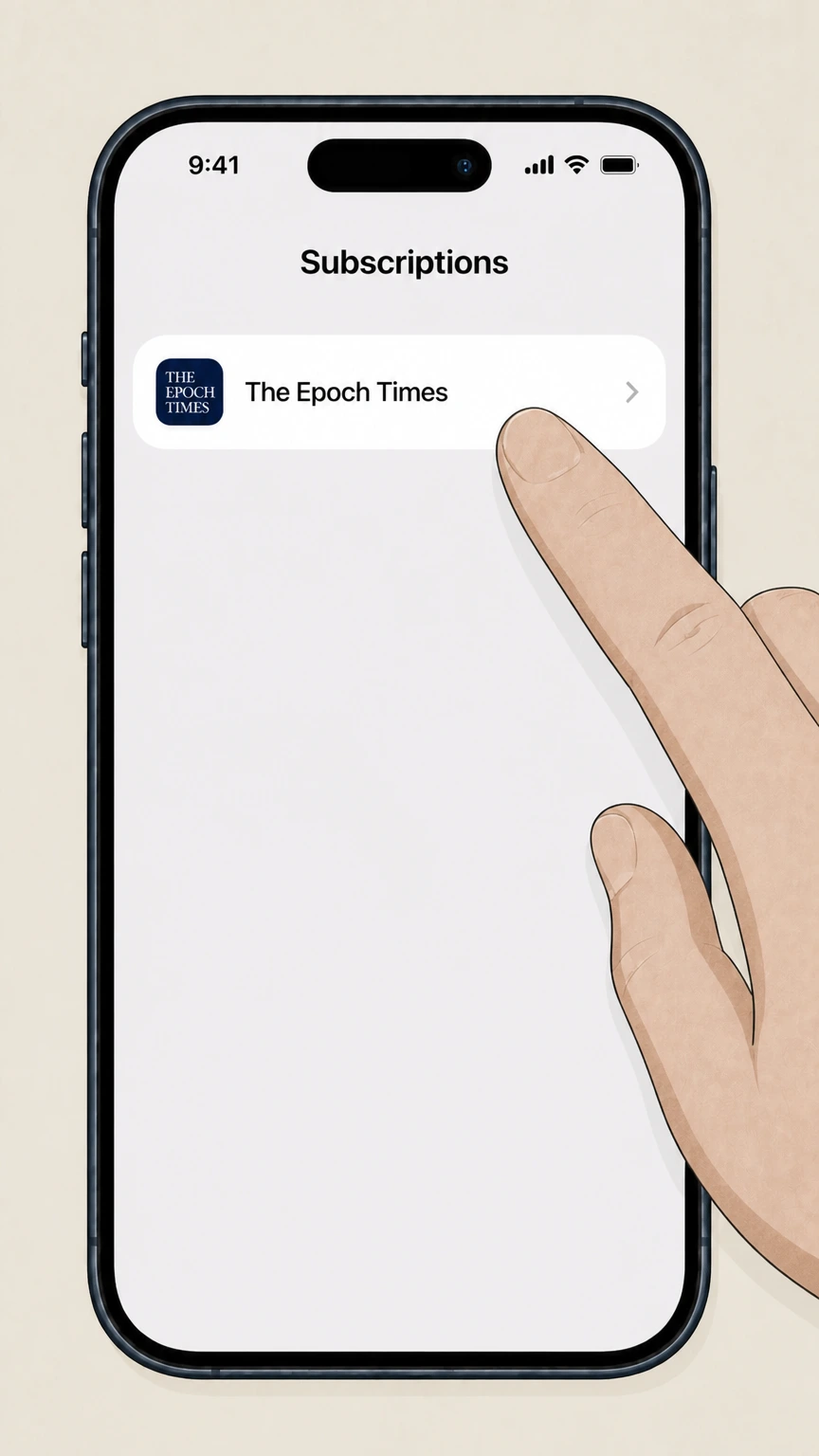
In the subscriptions list, tap "The Epoch Times" subscription to open its details. Use the The Epoch Times account named on your receipt, and continue only after the next status in this cancellation path is visible.
 5
5Cancel the subscription
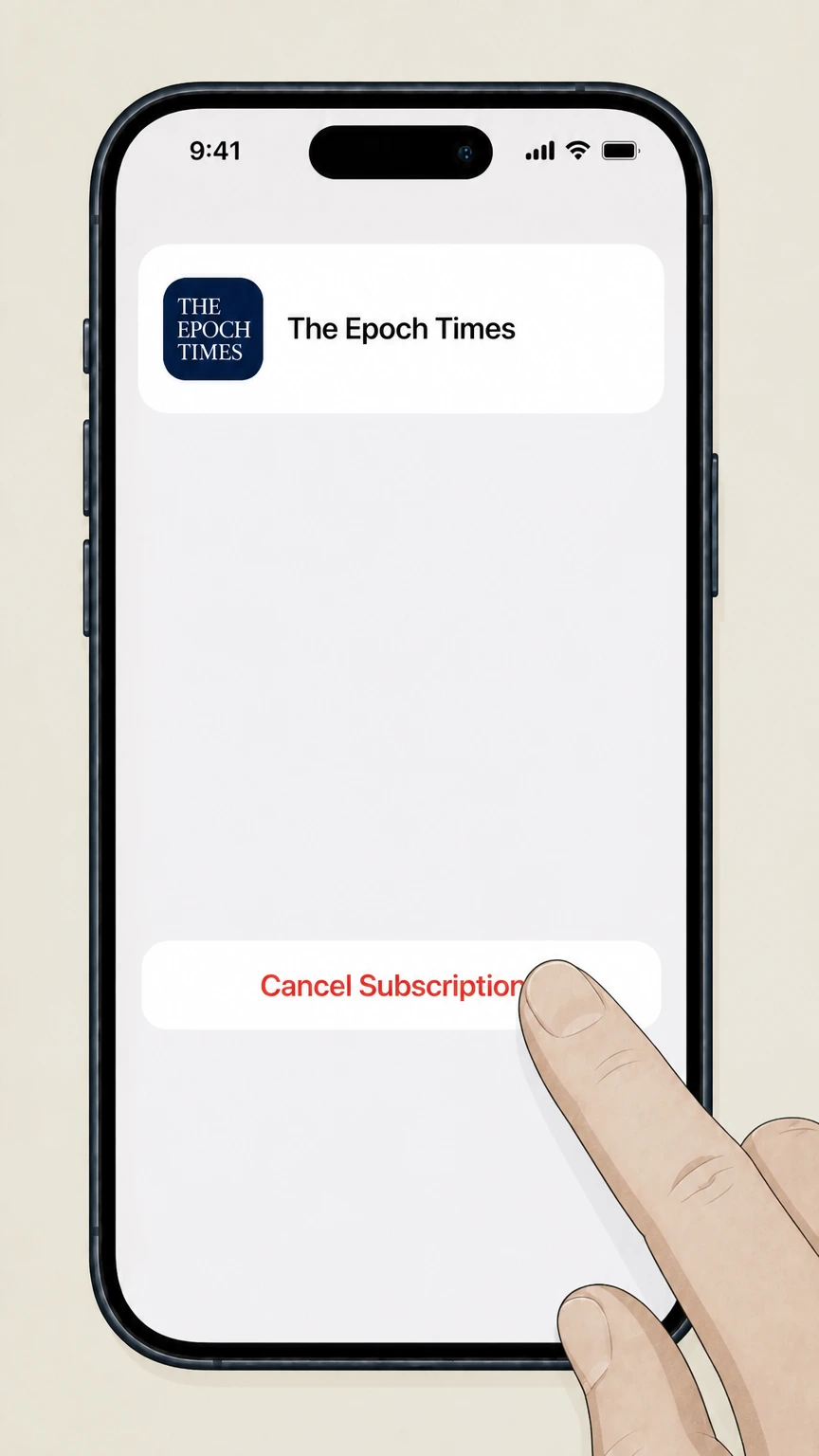
On the subscription details screen, tap "Cancel Subscription" and follow any prompts until the status shows that it will expire instead of renew.
Google Play (Android in‑app purchase) · verify the billing owner
 1
1Open Google Play on your Android device
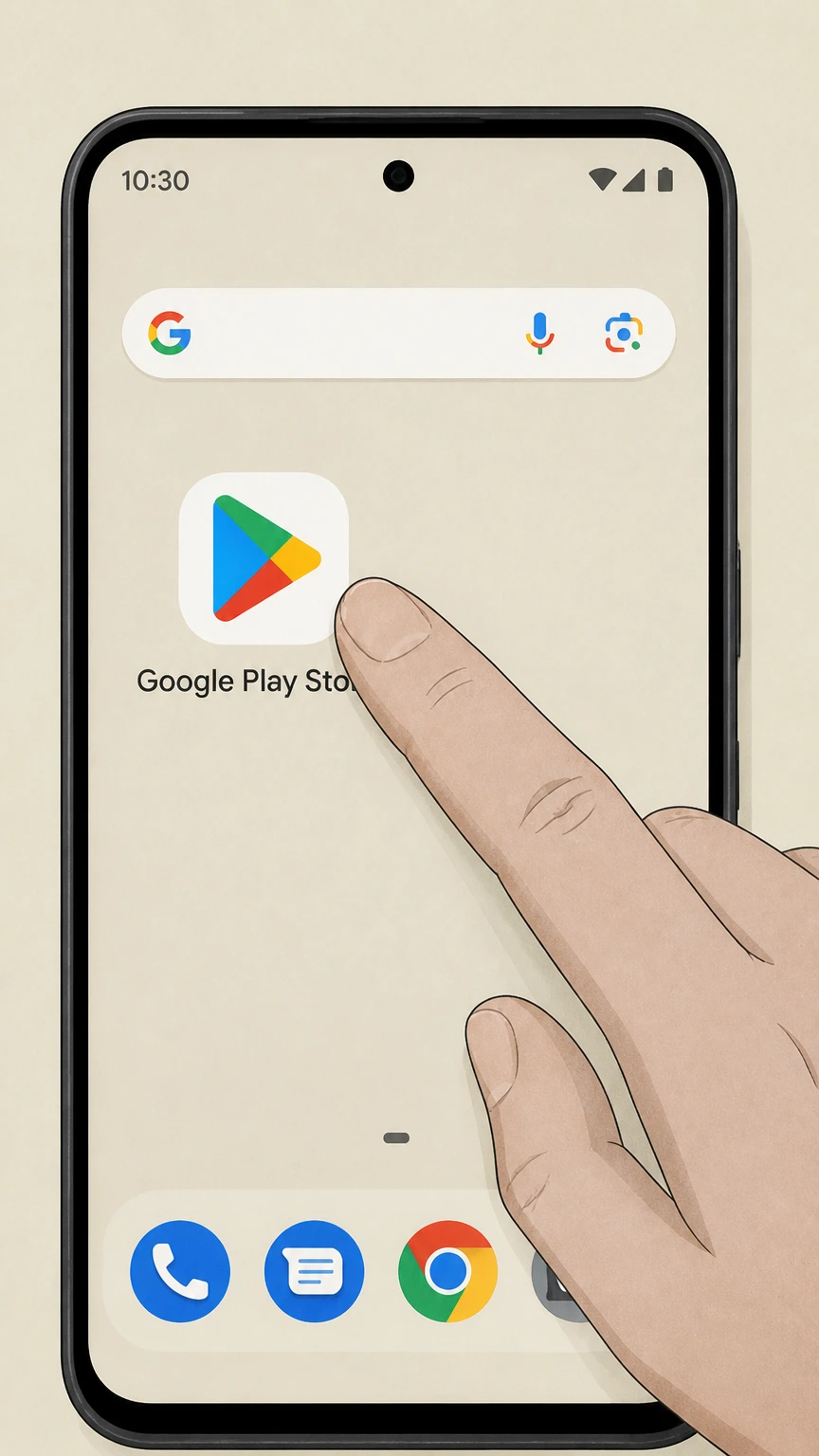
On your Android phone or tablet, open the Google Play Store app while signed in to the Google account used for your subscription.
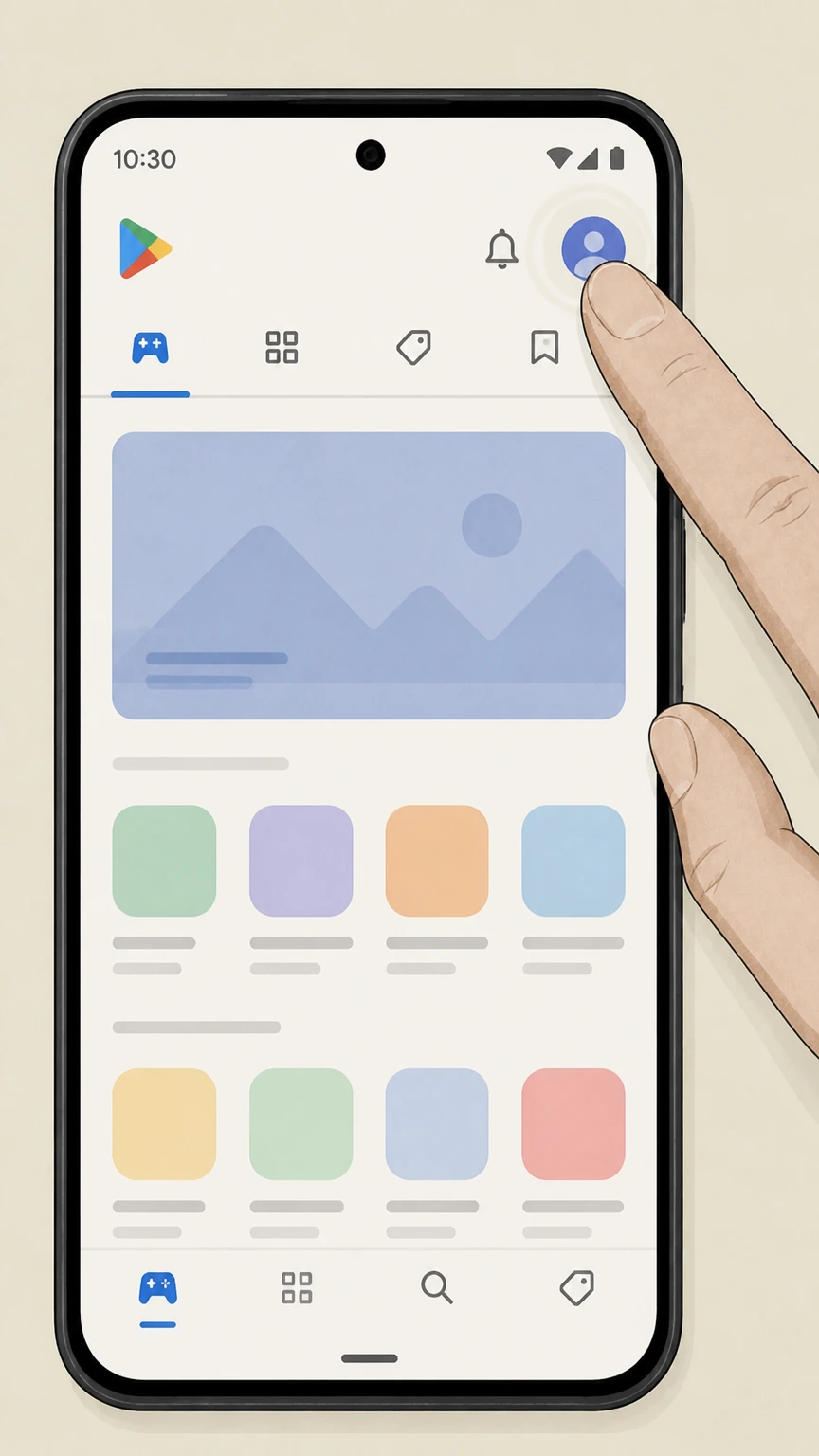 2
2Open your account menu
Tap your profile icon in the top‑right corner of the Play Store screen to open the account menu. Use the The Epoch Times account named on your receipt, and continue only after the next status in this cancellation path is visible.
- Let Pine handle it
Pine can help
Too many steps?
Pine can find the right Google Play (Android in‑app purchase) path and handle the cancellation for you.
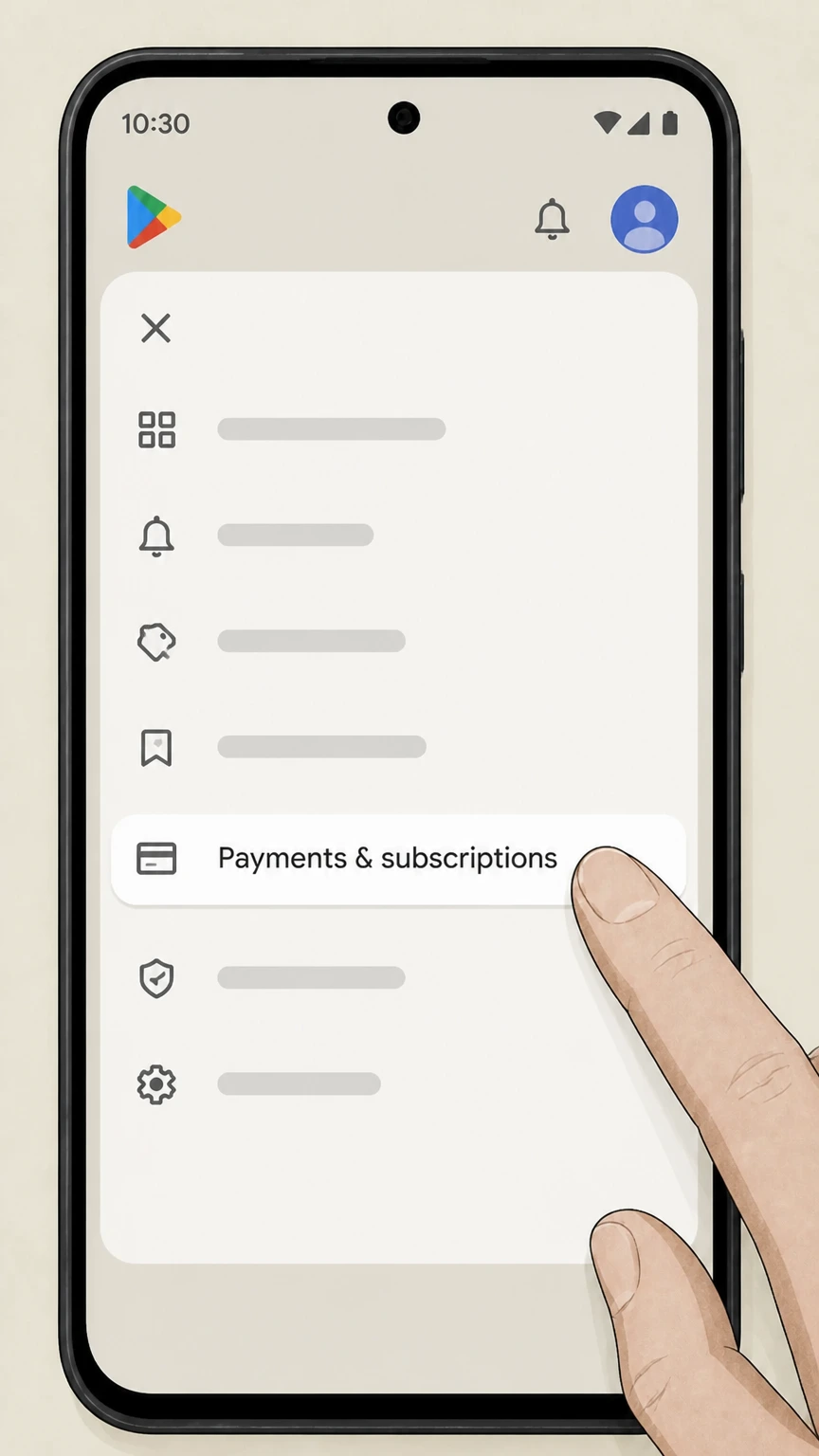 3
3Go to subscriptions
In the menu, tap "Payments & subscriptions" and then tap "Subscriptions" to view your active Google Play subscriptions. Use the The Epoch Times account named on your receipt, and continue only after the next status in this cancellation path is visible.
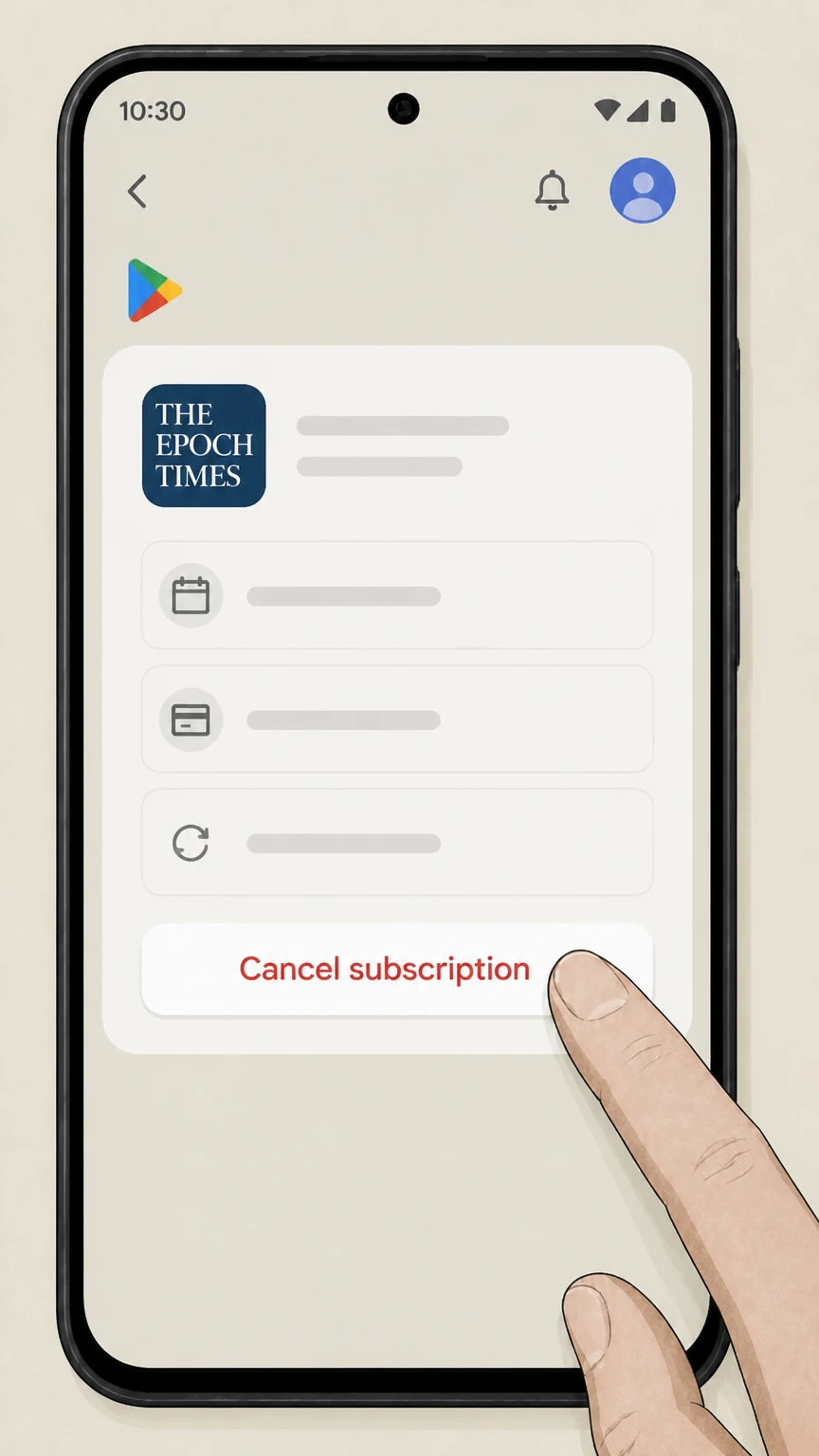 4
4Cancel The Epoch Times subscription
From the subscriptions list, select "The Epoch Times" and tap "Cancel subscription," then follow the on‑screen instructions until Google Play confirms cancellation.
Refund policy
Refunds and what happens to charges
Refund handling for The Epoch Times depends on who bills you and when you cancel. Official policies emphasize non‑refundable payments for direct subscriptions and direct handling by Apple or Google for in‑app purchases.
Check my refund options- Direct Epoch Times payments are non‑refundable
- The main U.S. subscription FAQ states that subscriptions can be canceled at any time but that all payments are non‑refundable; if a cancellation request arrives after a billing cycle has started, that term is still charged and cancellation takes effect at the end of that term.
- Access continues until the end of the paid term
- The cancellation help article specifies that after you cancel by portal or phone, you will receive a confirmation email and retain access for the rest of the current subscription period, but additional renewals are stopped.
- Apple App Store refunds handled by Apple
- The iOS app help article explains that subscriptions purchased in the Epoch Times iOS app are managed by the Apple App Store, and that cancellation, renewal dates, and refund requests must follow Apple’s own subscription and refund processes.
- Google Play refunds handled in Google systems
- The Android app help article says that cancellations, billing inquiries, and refund requests for Google Play subscriptions are handled in the Google payments center and through Google Play Help, rather than by The Epoch Times support.
- No implied refunds from pausing
- The pause‑subscription article treats pausing as a temporary change to service timing, not a refund tool; pausing does not automatically generate credits or refunds unless separately arranged under the applicable subscription terms.
For billing edge cases (such as disputed charges or overlapping cancellations) that are not clearly covered by the published policies, contact The Epoch Times customer service through the official help center or, for Apple and Google Play purchases, follow the app‑store refund request links referenced in the iOS and Android app help articles. Visit The Epoch Times help center
Direct billing
Direct Epoch Times digital subscriptions
How digital‑only subscriptions bought from The Epoch Times behave when you cancel.
Where direct digital subscriptions are sold
Current digital‑only and print‑plus‑digital plans are sold on secure.theepochtimes.com and subscribe.theepochtimes.com, with checkout pages that clearly indicate The Epoch Times as the merchant of record.
Customer Portal for self‑service
Direct subscribers manage their plans through the Customer Self Service Portal at theepochtimes.com/profile, where they can view renewal dates, update payment details, and cancel eligible subscriptions.
Non‑refundable payments
The core cancellation policy on the main U.S. subscription page states that subscriptions can be canceled at any time but that all payments are non‑refundable once a billing period has begun.
End‑of‑term access
After you cancel a direct digital subscription, The Epoch Times states that access continues for the remainder of the current subscription period and then stops at the end of that term.
Print and bundles
Print newspaper and bundled access
What happens to print delivery and bundled digital benefits when canceling.
Print plus digital bundles
Print subscriptions typically include full digital access, including web, ePaper, and EpochTV, so canceling or changing the print plan can affect bundled digital access linked to the same account.
Pause versus cancel for print
The help center offers a pause option for print and magazine subscriptions, allowing temporary suspension with an automatic resume date, which is separate from fully canceling the subscription.
Lead time for print changes
For paused print or magazine delivery, The Epoch Times notes that it can take one to two weeks for delivery pauses or resumptions to take full effect due to print and mailing schedules.
Where to manage print billing
Print billing and renewal dates are visible in the same Subscription section of the Customer Portal used for digital plans, using the "Manage" button for each listed subscription.
App stores
Apple and Google Play app‑store subscriptions
How in‑app purchases for The Epoch Times are billed and canceled.
When Apple is the billing owner
If you subscribed inside the Epoch Times iOS News app, the help article explains that your subscription and payments are entirely managed by the Apple App Store, not by The Epoch Times directly.
When Google Play is the billing owner
For subscriptions started via the Android app with Google Play Billing, The Epoch Times states that cancellations, billing questions, and refund requests must be handled through Google’s payments center or Google Play Help.
Apple’s cancellation rules
Apple’s support documentation explains that you cancel subscriptions in the iPhone Settings > your name > Subscriptions screen, and that canceling stops future renewals but leaves access active until the current period ends.
Google Play cancellation behavior
Google Play’s subscription help clarifies that canceling in the Play Store prevents the next renewal charge and that content remains available to you until the end of the already‑paid billing cycle.
Policy basics
Key Epoch Times cancellation rules
Core contractual rules that apply when you request cancellation. This section explains a provider-specific consequence to verify in your The Epoch Times account before cancellation.
Timing before next billing cycle
The U.S. subscription FAQ specifies that cancellation requests must be received before the start of the next billing cycle; otherwise, you are charged for the next term, and the cancellation takes effect at the end of that additional cycle.
Access continues after canceling
Both the cancellation help article and subscription FAQ state that access continues through the end of the current paid term and that you should receive an email confirming that cancellation has been processed.
Payments are non‑refundable
The same subscription FAQ states that all payments are non‑refundable, so canceling early generally does not generate a prorated refund of unused time, although access will continue until your paid‑through date.
Auto‑renewal by default
The billing help article explains that, except for certain gift subscriptions, Epoch Times plans automatically renew at the start of each billing period using the payment method on file until you change or cancel.
Account tools
Using the Customer Portal and help center
Where to go for self‑service changes and support if you have trouble canceling.
Customer Portal entry points
The main help center prominently links to the Customer Portal, instructing subscribers to log in there to manage subscriptions, billing, and other account details. For your The Epoch Times account, compare this point with the billing owner and effective date shown in the signed-in account or latest receipt.
Managing more than one subscription
In both the cancellation and billing articles, The Epoch Times notes that if you have multiple subscriptions you must select the desired one in the "Subscription" menu and use its "Manage" button for any changes.
Video guides for managing your account
A dedicated video article, "How To Manage Your Subscription On The Customer Portal," walks users through core account‑management tasks, including navigation to Subscription settings. For your The Epoch Times account, compare this point with the billing owner and effective date shown in the signed-in account or latest receipt.
Support request options
If you cannot complete an action online, the help center offers additional options—such as submitting a support request or using live chat—for non‑cancellation issues and general account help.
Bundled content
EpochTV and other digital benefits after canceling
How cancellation affects access to EpochTV and other digital perks that ride on your subscription.
Digital subscription includes EpochTV
The digital subscription description lists EpochTV, ePaper, weekly digital magazines, and other products as part of the bundled access associated with an active digital account.
EpochTV access from digital subscriptions
An EpochTV help article explains that holding an EpochTV subscription or a qualifying print/digital subscription provides complimentary access to content on The Epoch Times website while your subscription is active.
Effect of canceling on bundled services
When you cancel the underlying digital or print subscription, access to bundled services such as EpochTV and ePaper continues until your paid‑through date and then stops when the subscription term ends.
App access tied to account credentials
The iOS and Android app guides explain that once you have an Epoch Times account linked to a valid subscription, you can log in on multiple devices to use your access across the website, apps, and streaming platforms.
Alternatives
Pausing instead of canceling
Differences between pausing an Epoch Times subscription and fully canceling it.
Pause option for digital and print
The "Pause your subscription" article explains that some digital, print, and magazine subscriptions can be paused from the account Subscription page using a dedicated "Pause Subscription" button.
Immediate pause effect for digital
For digital plans, pausing takes effect immediately, and service resumes on the date you select in the pause dialog; this can be useful if you only need a temporary break from content.
Lead time for paused deliveries
For print and magazine deliveries, The Epoch Times notes that pausing may take one to two weeks to affect physical delivery, and similar lead times can apply when resuming service.
Pausing is not canceling
Pausing temporarily stops access and/or delivery but does not close the subscription contract permanently; to stop future renewals entirely, you must complete a full cancellation instead of relying on a pause alone.
Legacy channels
Kindle and legacy Amazon subscriptions
How discontinued Kindle and Amazon magazine subscriptions relate to canceling today.
Kindle edition discontinued
The Kindle edition help article notes that as of September 4, 2023, Amazon discontinued sales of print and Kindle subscriptions for magazines and newspapers, including The Epoch Times.
No new Amazon‑billed newspaper subscriptions
Because of Amazon’s 2023 decision, new print or Kindle newspaper subscriptions for The Epoch Times are no longer sold via Amazon channels; current offers are sold directly by The Epoch Times instead.
Managing legacy Amazon billing
The Kindle edition article directs readers to Amazon for more information, indicating that any remaining billing or refund questions for former Kindle or Amazon‑managed subscriptions must follow Amazon’s support and cancellation processes.
Current plans on Epoch Times platforms
The same article links back to current subscription offerings on The Epoch Times website, confirming that ongoing subscription products are now managed on The Epoch Times’ own platforms.
What official sources do not confirm
Limits of the public The Epoch Times cancellation guidance
These points are intentionally qualified because the official sources reviewed on August 16, 2026 do not publish a complete answer.
Documented limitation 1
Some cancellation and billing videos in The Epoch Times help center are embedded as iframes and could not be fully reviewed; this dossier relies on the surrounding text articles rather than the video content itself.
Documented limitation 2
The U.S. subscription landing page states that all cancellation requests must be done through the customer service hotline, while the help center still documents an online portal cancel button; this guide emphasizes the documented portal flow but notes that terms may make the hotline primary for specific offers.
Documented limitation 3
Amazon’s 2023 discontinuation of magazine and newspaper subscriptions, including The Epoch Times, is referenced from The Epoch Times’ own Kindle edition article; detailed Amazon‑side cancellation and refund rules were not re‑verified here.
Documented limitation 4
International editions (such as UK help sites and non‑U.S. apps) may have localized terms or processes; this guide focuses on the primary U.S. site and app‑store flows relevant to most U.S. subscribers on August 16, 2026.
Documented limitation 5
This dossier does not cover every potential third‑party billing path (for example, telecom bundles or legacy arrangements) if they are not documented in the allowed official sources; users in those scenarios may need direct assistance from customer service or the third‑party provider.
The Epoch Times cancellation FAQ
Questions people search about canceling The Epoch Times, answered with official provider or billing-platform sources checked on August 16, 2026.
How do I get rid of Epoch Times?
How do I cancel The Epoch Times if I subscribed on their website?
Why do I have a charge from Epoch Times?
How do I permanently cancel my Epoch Times subscription?
How do I cancel The Epoch Times in the iOS app?
How do I cancel The Epoch Times on Android or Google Play?
Will I still have access to EpochTV and articles after I cancel?
Can I pause my Epoch Times subscription instead of canceling?
How do I get a refund from The Epoch Times?
How do I contact Epoch Times customer service about my subscription?
Untangle this The Epoch Times issue.
Let Pine handle the provider follow-up and keep the confirmation in one place.
