


The Baltimore Sun
Cancel subscription
How to Cancel The Baltimore Sun: Official Steps & Refunds
Learn how to cancel The Baltimore Sun, whether you pay Tribune directly or through Apple. Get clear steps for web, phone, and app billing, plus refund rules.
- Official The Baltimore Sun and billing-owner sources
- 3 provider-specific cancellation paths
- Refund and post-cancellation effects separated from renewal
- Verified August 16, 2026
Choose the The Baltimore Sun cancellation path that matches who bills you
Baltimore Sun online account · verify the billing owner
 1
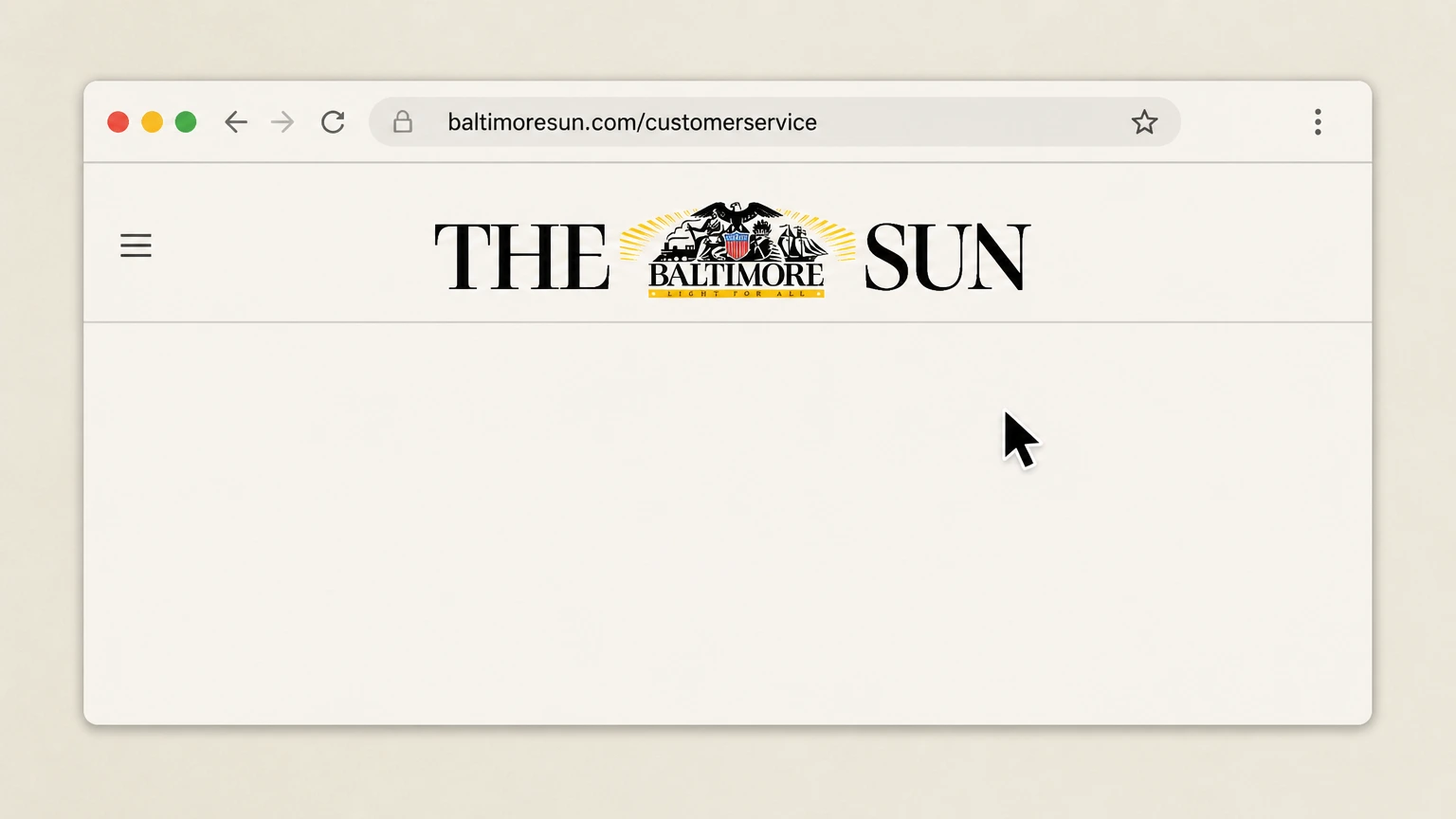
1Open the Baltimore Sun customer service site
In a web browser, go to the Baltimore Sun customer service portal at baltimoresun.com/customerservice. Use the The Baltimore Sun account named on your receipt, and continue only after the next status in this cancellation path is visible.
 2
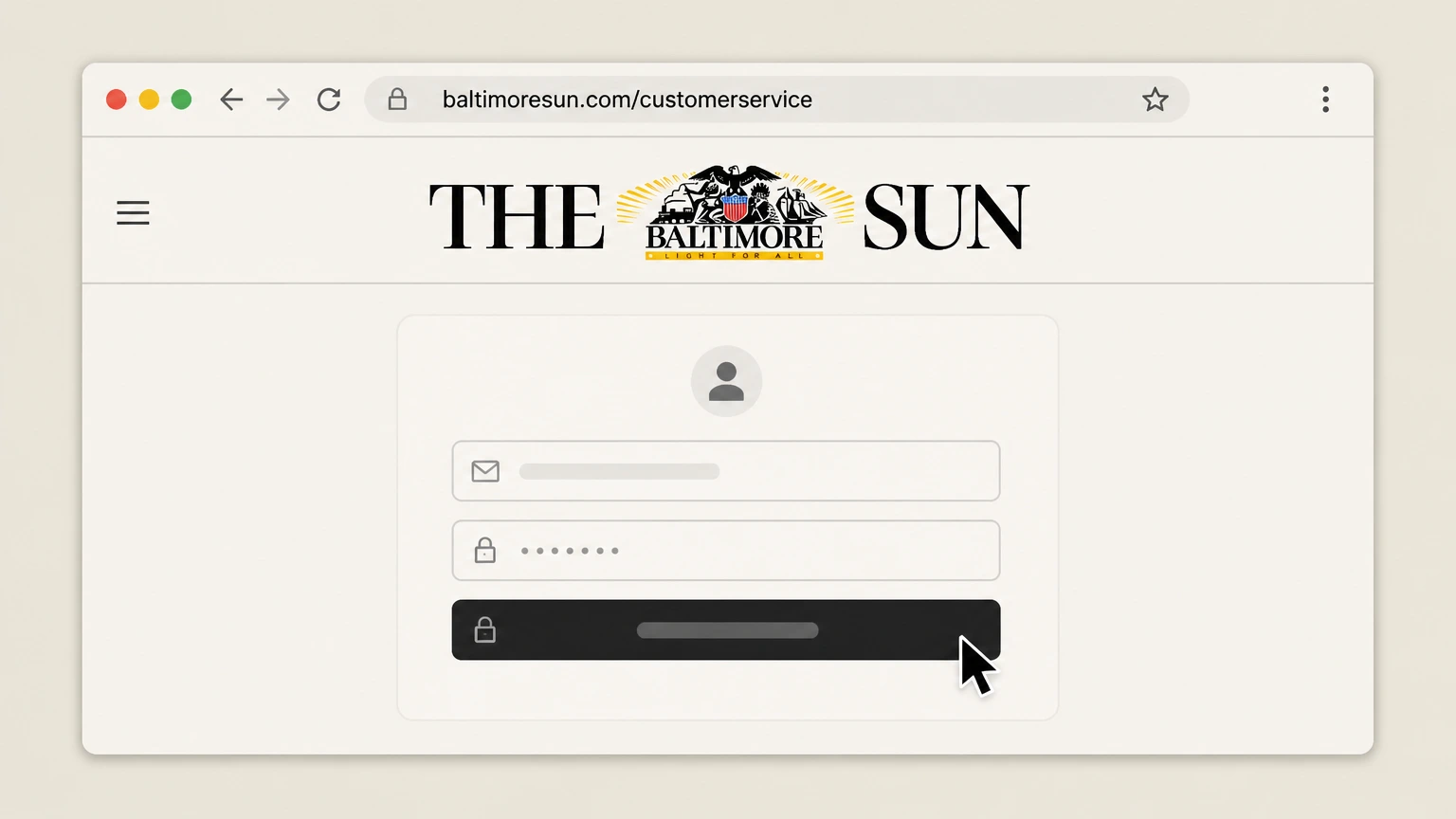
2Sign in to your subscriber account
Enter the email address and password associated with your Baltimore Sun subscription and complete any sign‑in prompts. Use the The Baltimore Sun account named on your receipt, and continue only after the next status in this cancellation path is visible.
- Let Pine handle it
Pine can help
Too many steps?
Pine can find the right Baltimore Sun online account path and handle the cancellation for you.
 3
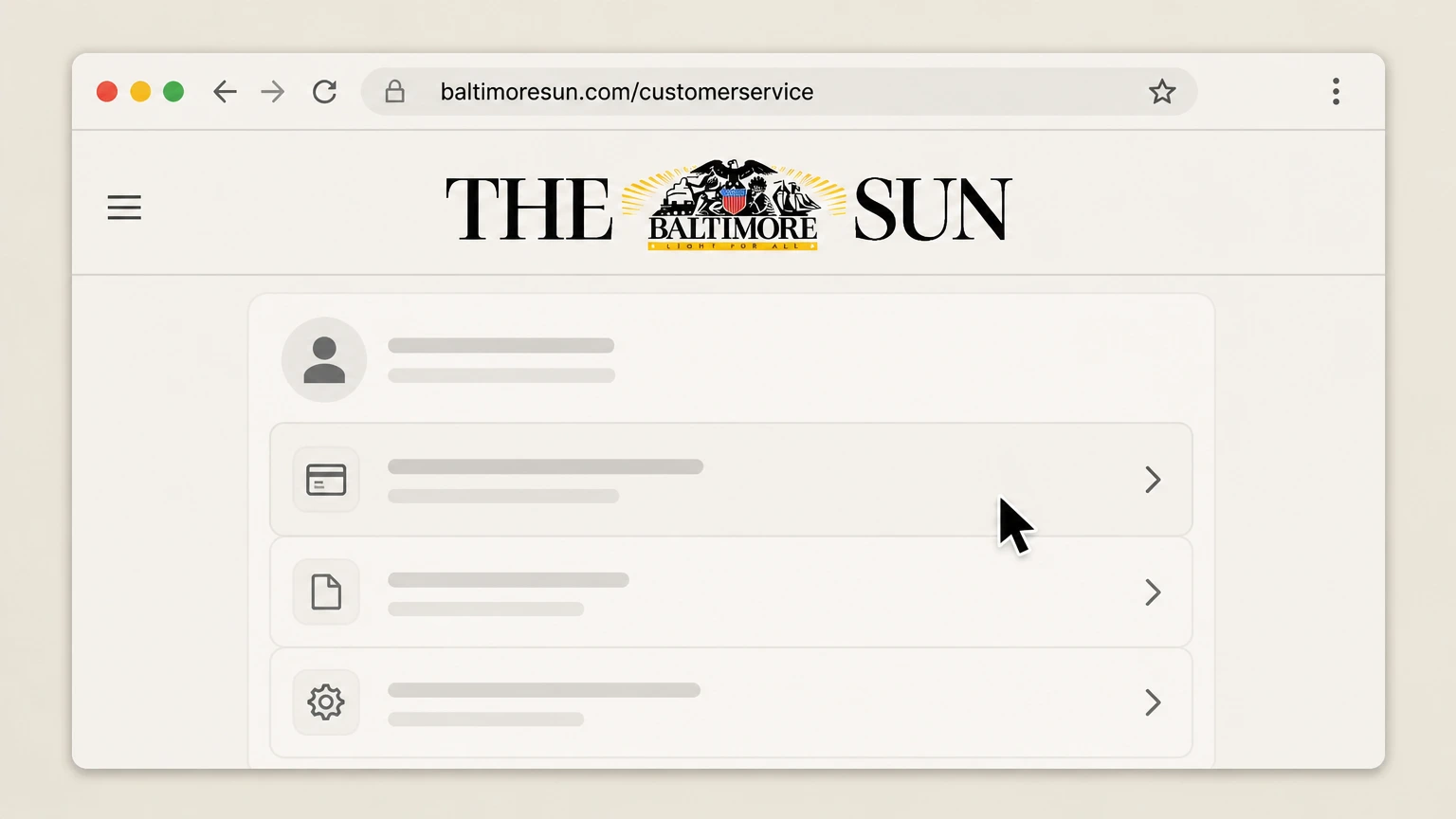
3Access your subscription settings
In your account, navigate to the area that lists your active Baltimore Sun subscription and billing details. Use the The Baltimore Sun account named on your receipt, and continue only after the next status in this cancellation path is visible.
 4
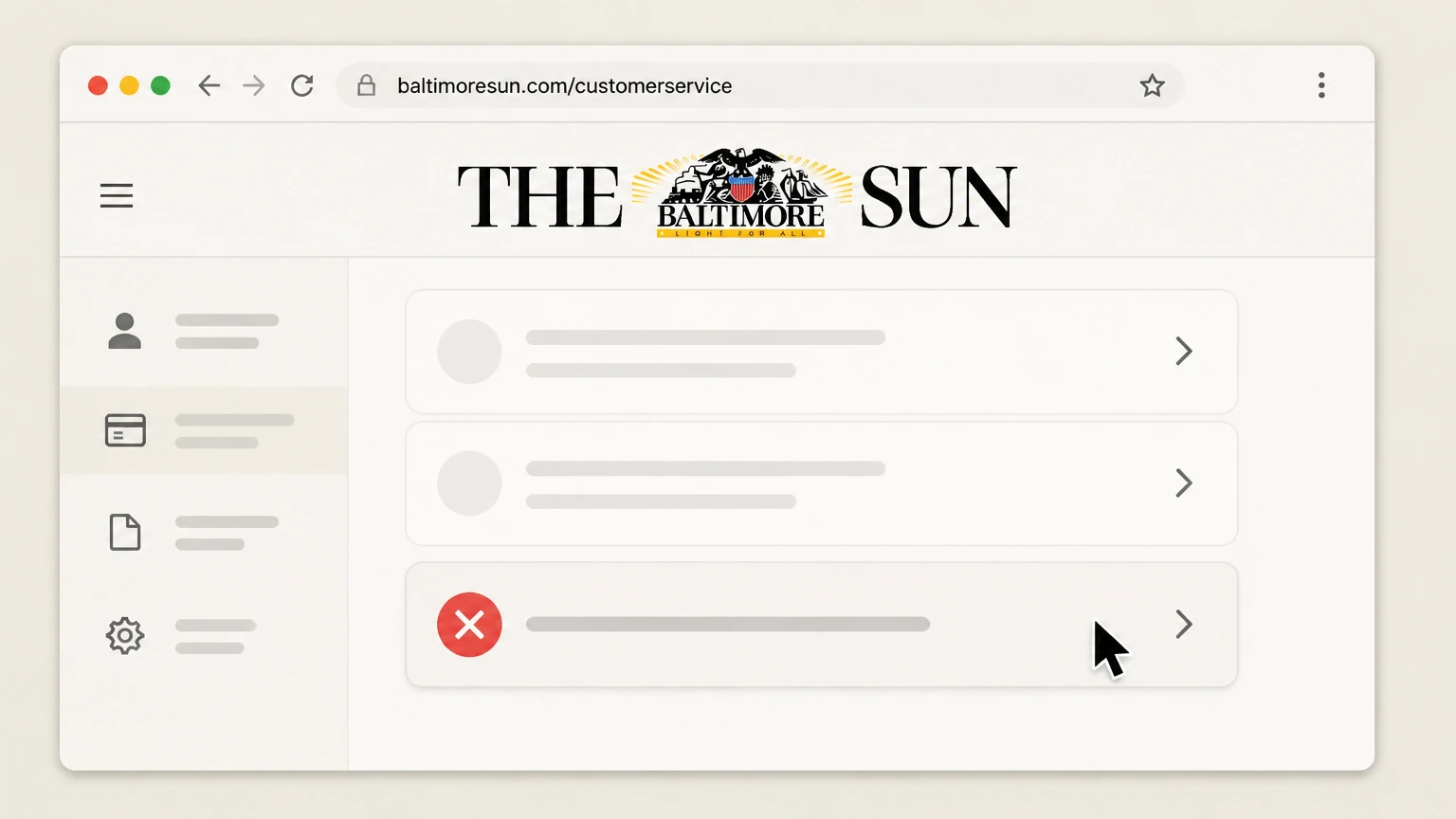
4Select the Cancel Subscription option
If a self‑service option is available, choose “Cancel Subscription” for your Baltimore Sun plan in the account settings. Use the The Baltimore Sun account named on your receipt, and continue only after the next status in this cancellation path is visible.
 5
5Confirm cancellation and note the end date
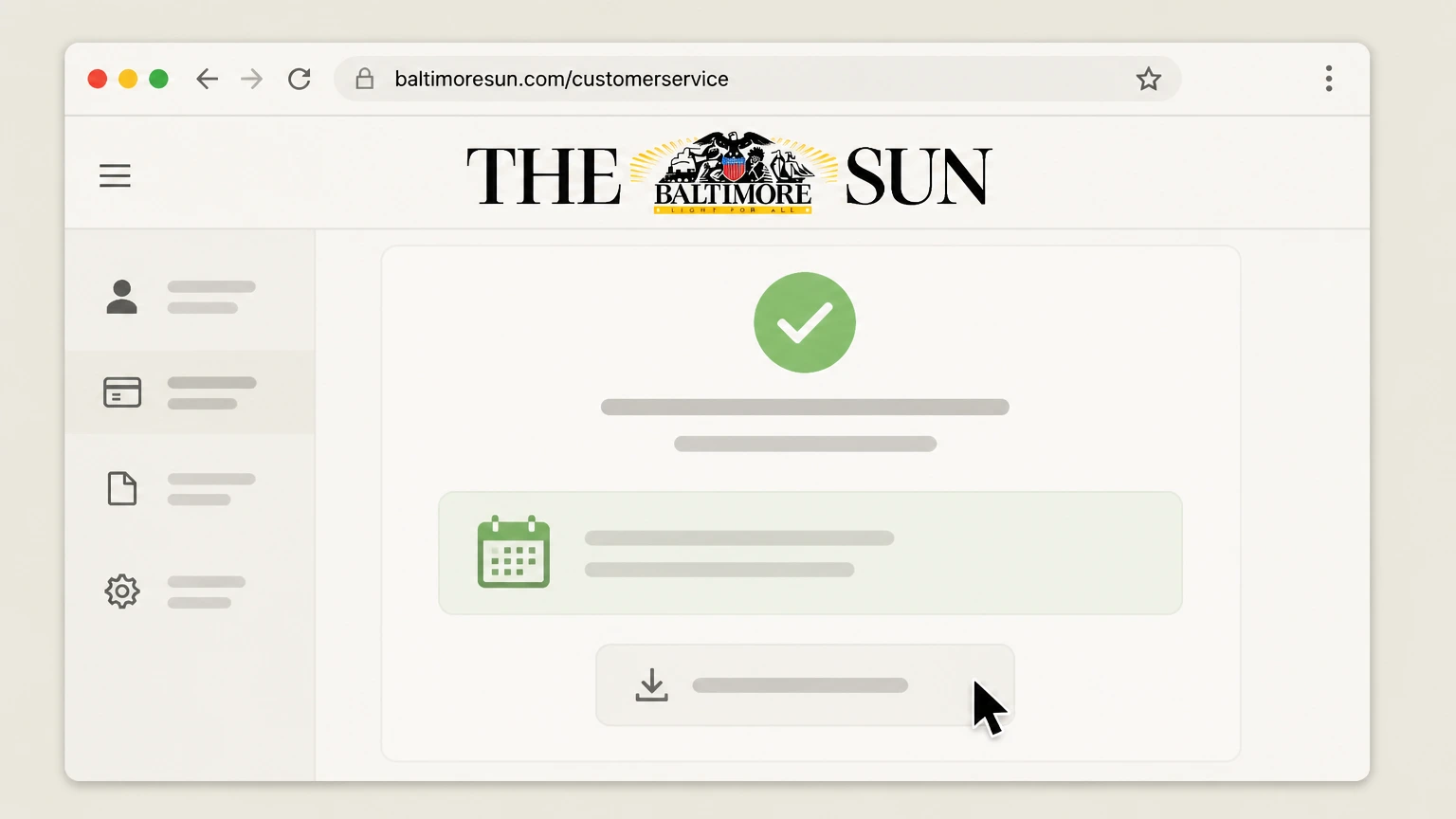
Complete any on‑screen confirmation, then review and save the message showing when your digital access or home delivery will end.

Call Baltimore Sun customer service · verify the billing owner
 1
1Gather your subscription details
Before calling, have your name, delivery address (for print), subscriber email, and any account or order number from a recent bill ready.
 2
2Call The Baltimore Sun customer service number
Call The Baltimore Sun customer service at 443-692-9011 during the hours published in Tribune’s Subscriber Terms and Conditions. Use the The Baltimore Sun account named on your receipt, and continue only after the next status in this cancellation path is visible.
- Let Pine handle it
Pine can help
Too many steps?
Pine can find the right Call Baltimore Sun customer service path and handle the cancellation for you.
 3
3Request cancellation of your subscription
Tell the representative you want to cancel your Baltimore Sun subscription and stop all future renewals for that account. Use the The Baltimore Sun account named on your receipt, and continue only after the next status in this cancellation path is visible.
 4
4Verify your identity and account
Provide any details the agent requests—such as your subscriber email, delivery address, and phone number—to locate and verify your account.
 5
5Confirm final dates and confirmation method
Ask the agent to confirm your final access or delivery date, any remaining balance, and how you will receive written or email confirmation of cancellation.
Apple App Store subscription · verify the billing owner
 1
1Open Settings on your Apple device
On your iPhone or iPad, open the Settings app. Use the The Baltimore Sun account named on your receipt, and continue only after the next status in this cancellation path is visible.
 2
2Open your Apple Account details
In Settings, tap your name at the top of the screen to open your Apple Account settings. Use the The Baltimore Sun account named on your receipt, and continue only after the next status in this cancellation path is visible.
- Let Pine handle it
Pine can help
Too many steps?
Pine can find the right Apple App Store subscription path and handle the cancellation for you.
 3
3Open Subscriptions
In your Apple Account settings, tap “Subscriptions” to see the list of active and expired subscriptions tied to your Apple ID.
 4
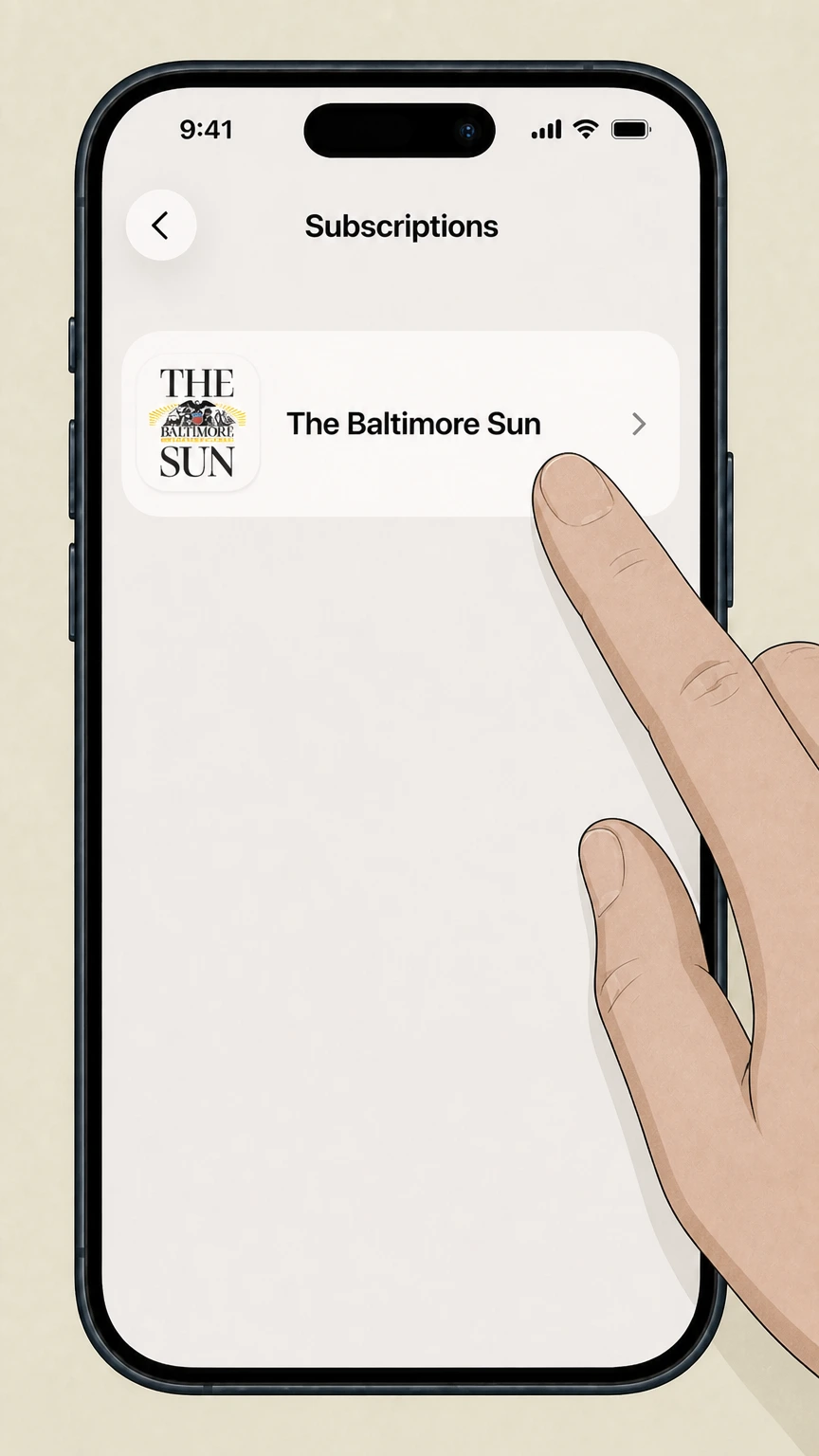
4Select The Baltimore Sun subscription
In the Subscriptions list, tap your active Baltimore Sun or Unlimited Digital Access subscription to view its details. Use the The Baltimore Sun account named on your receipt, and continue only after the next status in this cancellation path is visible.
 5
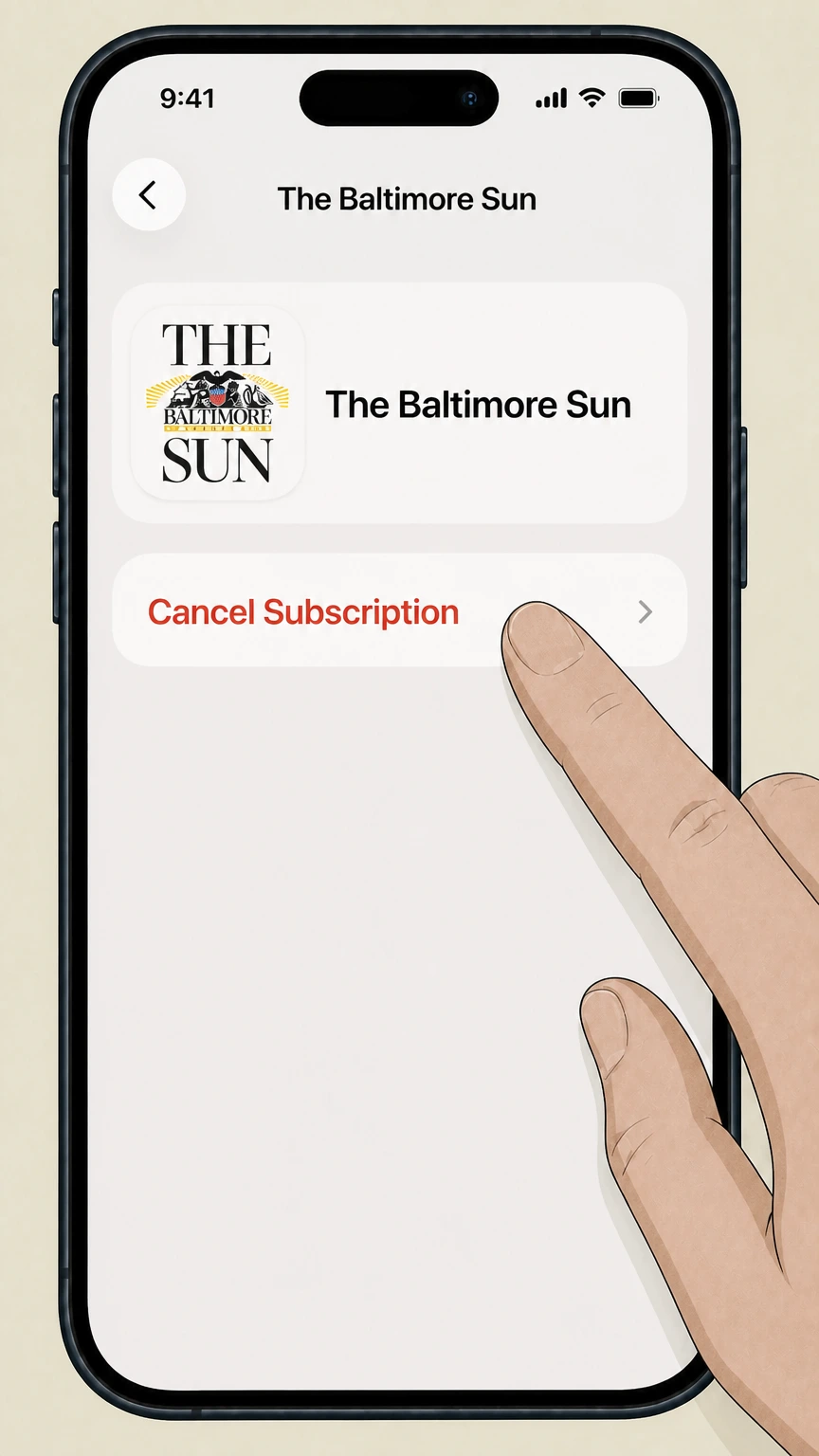
5Cancel the subscription
On the Baltimore Sun subscription screen, tap “Cancel Subscription” and follow any remaining prompts until the status shows it will not renew.
Refund policy
Baltimore Sun refunds and what to expect
Tribune’s Subscriber Terms frame Baltimore Sun subscriptions as fully prepaid and generally non‑refundable for unused time, with only narrow, discretionary exceptions and separate rules when Apple or Google Play is the billing owner.
Check my refund options- Prepaid, non‑refundable nature of subscriptions
- Tribune states that a subscription is a fully prepaid, non‑refundable personal license for the duration of the chosen term, and that no unused portion of that term will be refunded or converted to other compensation or credit.
- Discretionary credits in limited cases
- The Subscriber Terms allow Tribune to grant refunds or credits under limited circumstances, such as when technical problems prevent access to content; decisions about whether to issue a refund and the amount are at Tribune’s sole discretion, subject to applicable law.
- No credit for vacation holds
- For home delivery subscribers, Tribune expressly notes that no credit is provided for vacation interruptions, even if service is temporarily suspended, so pausing delivery does not ordinarily extend the prepaid subscription term or generate a refund.
- Different rules for Apple and Google Play billing
- If your Baltimore Sun subscription is billed by Apple or Google Play, refund requests generally must follow the app store’s policies and processes rather than Tribune’s Subscriber Terms, using tools like Apple’s subscription management or Google Play’s refund resources.
If Tribune or an app store declines a refund and you believe charges do not match the disclosed subscription terms, first escalate through the publisher or platform’s customer‑service channels, then consider reporting the issue to U.S. consumer regulators if it involves unfair or unauthorized billing. Report a recurring‑billing problem to the FTC
Service and billing
How Baltimore Sun subscriptions are structured
Key facts about how The Baltimore Sun and Tribune Publishing currently run subscription billing and account management.
Continuous renewal until canceled
Tribune’s Subscriber Terms state that all print and digital subscriptions are continuous, meaning they automatically renew and continue to be billed until the subscriber cancels the subscription with the company.
Central Tribune subscription rules
The same Subscriber Terms govern most Tribune newspapers, including The Baltimore Sun, and define how offers, introductory rates, billing disputes, delivery surcharges, and promotional pricing work across properties.
Baltimore Sun contact entry
The Contact Us section of Tribune’s Subscriber Terms lists The Baltimore Sun by name with a dedicated customer-service phone number and a “Manage Account” link pointing to baltimoresun.com/customerservice for online account management.
No cancellation by postal mail
Tribune’s Subscriber Terms specify that written correspondence sent by U.S. mail or similar channels is not an accepted method to cancel a subscription; customers must use the listed phone, email (where provided), or eligible online account options instead.
Bundled print and digital access
Tribune notes that bundled print and digital subscriptions include home delivery, access to the daily eEdition, and full website access, and that 50% of the subscription cost is treated as payment for the digital services portion of the bundle.
Who bills you
Determining who bills your Baltimore Sun subscription
Before canceling, you must identify whether Tribune, Apple, or Google Play controls renewal for your subscription.
Checking your payment method
Tribune’s Subscriber Terms define your payment method as the card, bank account, or Apple Pay source you provided, and explain that your introductory and ongoing charges are taken from that method according to the term shown on your order page.
Evidence of direct Tribune billing
If your card or bank statement shows The Baltimore Sun, Tribune Publishing, or a similar newspaper descriptor, and your account appears in the baltimoresun.com/customerservice portal, your subscription is considered direct and must be canceled with Tribune.
Evidence of Apple billing
If the Baltimore Sun iOS App Store listing appears in your purchase history and receipts show Apple or the App Store as the merchant for an Unlimited Digital Access or similar product, Apple manages your billing and renewal and you must cancel in Apple’s subscription settings.
Evidence of Google Play billing
The Android app’s Google Play listing identifies Tribune Publishing as the developer and shows digital purchases; if your Google Play order history lists a recurring Baltimore Sun subscription charge, you must use Google Play’s subscriptions management tools to stop renewal.
Why deleting apps is not enough
Google’s subscription help and Apple’s support guidance make clear that uninstalling an app does not cancel a subscription; cancellation must be completed through the account or subscription tools of the billing platform or publisher.
Payments
Easy Pay, automatic payments, and rate changes
Tribune’s Subscriber Terms explain how automatic billing, Easy Pay, and price changes affect Baltimore Sun subscribers who are billed directly.
Enrollment in Easy Pay
By subscribing directly, you are automatically enrolled in Easy Pay, authorizing recurring charges to your card or bank account for your continuous subscription at the stated amount and interval until you cancel both the subscription and, if desired, Easy Pay.
Stopping Easy Pay does not cancel
Tribune’s Subscriber Terms explicitly state that revoking the automatic payment authorization for Easy Pay does not cancel your underlying subscription; you must still cancel the subscription itself and pay any remaining amounts by other means.
Advance notice of price changes
The terms promise that subscribers will receive at least 10 days’ notice before any price increase or variation from the amount associated with their subscription term, giving time to decide whether to continue or cancel before the higher rate takes effect.
Printed invoice processing fees
Subscribers who choose to receive a printed invoice rather than automatic billing may be charged a processing fee disclosed during checkout, although Tribune notes this fee does not apply in some jurisdictions such as New York and Delaware.
Delivery surcharge for home delivery
Home delivery subscriptions are subject to a delivery surcharge of up to a specified per‑delivery‑day rate, which is billed weekly and can shorten the effective length of the prepaid subscription term instead of appearing as a separate line‑item bill.
Access changes
What changes when you cancel print or digital access
How canceling a Baltimore Sun subscription affects eEdition access, website access, and home delivery, based on Tribune’s current subscription framework.
Bundled print and digital subscriptions
Tribune explains that a print and digital bundle includes home delivery, access to the daily eEdition replica, and full digital access to the newspaper website; canceling the bundle normally ends all three components unless you arrange a separate digital‑only plan.
Digital‑only subscriptions
Digital‑only subscriptions purchased directly from Tribune grant online access to the Baltimore Sun website and eEdition during the prepaid term; once canceled and the term ends, access to paywalled content is removed unless you re‑subscribe.
Effect of canceling home delivery only
The Subscriber Terms do not guarantee ongoing digital access if only home delivery is stopped, so customers who want to change to digital‑only should confirm with customer service how their account will be converted and what access will remain after the change.
Special Editions and subscription length
Home delivery subscriptions automatically include Special Editions, which, if charged, reduce the amount treated as regular subscription payment and shorten the length of the prepaid term unless you call Subscriber Services to opt out in advance.
Delivery interruptions vs cancellation
The Subscriber Terms state that no credit is offered for vacation interruptions; temporary stops are treated differently from cancellation, and you generally remain obligated for the prepaid term even if you pause delivery for part of that period.
Online options
Scope and limits of online cancellation for Baltimore Sun
What Tribune’s current Subscriber Terms say about canceling Baltimore Sun subscriptions in online account settings.
Eligibility based on how you subscribed
Tribune’s Subscriber Terms state that, depending on your jurisdiction, if you started your subscription online, you may be able to cancel by selecting a “Cancel Subscription” option in your account settings for that subscription.
Baltimore Sun Manage Account portal
The Contact Us table in Tribune’s Subscriber Terms lists a “Manage Account” link for The Baltimore Sun at baltimoresun.com/customerservice, indicating an official online account portal where subscribers can log in and manage subscription details.
Jurisdiction and product variation
Because online cancellation depends on jurisdiction and how your subscription was originally set up, some Baltimore Sun subscribers may see a self‑service cancel option while others must still call customer service to end their subscription.
No mail‑in cancellation accepted
The Subscriber Terms explicitly reject cancellation requests submitted via paper mail or similar written correspondence, so online account tools and the listed phone number are the primary methods for ending a Baltimore Sun subscription.
Why confirmation is important
After using any online cancel feature, Tribune advises subscribers to retain copies of confirmation messages and to contact customer service if they have questions about their subscription, helping ensure the continuous subscription is actually set to end.
Refunds
Refund expectations and billing disputes
Tribune’s Subscriber Terms define Baltimore Sun subscriptions as prepaid and largely non‑refundable, but allow limited credits or refunds in specific circumstances.
Prepaid, non‑refundable license
The Subscriber Terms describe subscriptions as a fully prepaid, non‑refundable, non‑transferable personal license to receive and access subscription materials for the selected term; unused portions of a term are not normally refunded or converted to other credits or cash.
Limited discretionary refunds
Tribune reserves the right to issue refunds or credits in limited situations—such as when technical problems prevent access to subscription content—and states that whether to issue a refund and in what amount is at the company’s sole discretion, subject to applicable law.
No refund for vacation interruptions
The terms specify that no credit is offered for vacation interruptions, even if delivery is temporarily suspended, reinforcing that the prepaid subscription cost covers the whole term rather than specific delivery days.
Billing dispute window
Subscribers are instructed to raise billing disputes by phone or electronic communication within 120 days of the statement date; disputes raised later than that may not be eligible for review under the Subscriber Terms.
App‑store refund pathways
For Apple‑ or Google‑billed subscriptions, refund decisions typically follow Apple’s or Google Play’s own policies, which must be accessed through their support tools rather than through Tribune’s customer‑service systems for direct subscribers.
Account data
What happens to your account and data after canceling
Tribune’s Privacy Policy describes how personal information is handled across its newspaper platforms, including The Baltimore Sun.
Account and subscription records
Tribune’s Privacy Policy explains that it collects account identifiers, contact information, and billing data when you register or subscribe; those records are tied to both your print and digital Baltimore Sun subscriptions for billing and service delivery.
Ongoing data use after cancellation
After a subscription ends, Tribune may continue processing personal information for purposes described in its Privacy Policy, such as accounting, legal compliance, analytics, and responding to customer inquiries, even though active access to paid content has stopped.
Retention and legal obligations
The Privacy Policy notes that Tribune retains personal information for as long as necessary to provide services and meet legal obligations; although it does not state a fixed retention period, subscribers can consult the policy for more detail and jurisdiction‑specific rights.
Privacy rights and choices
Tribune outlines privacy rights available under various state and international laws, and provides contact channels—including a dedicated privacy email address—for users who wish to exercise rights such as access, deletion, or opting out of certain data uses.
Separation of privacy and billing issues
While privacy requests are handled under the Privacy Policy, questions about subscription charges, Easy Pay, or cancellation are directed back to the customer‑service channels and Subscriber Terms that govern Baltimore Sun subscription contracts.
Mobile access
Using Baltimore Sun mobile apps with or without a subscription
How The Baltimore Sun’s official mobile apps relate to your subscription and cancellation options.
iOS app and Unlimited Digital Access
The Baltimore Sun’s iOS App Store listing offers Unlimited Digital Access with a free trial followed by a monthly charge billed to your Apple account, and notes that the subscription automatically renews unless auto‑renew is turned off at least 24 hours before the period ends.
Managing iOS subscriptions
Apple’s support documentation explains that you manage and cancel iOS app subscriptions by opening Settings, tapping your name, tapping Subscriptions, selecting the subscription, and then tapping Cancel Subscription, which also applies to a Baltimore Sun app subscription.
Android app availability
The Baltimore Sun Android app is published on Google Play by Tribune Publishing and supports digital purchases; Google Play’s help center explains that subscriptions from apps on the platform must be canceled using the subscriptions section of Google Play, not by uninstalling the app.
Differences from web logins
Even when an app subscription includes website and eEdition access, app‑store billing is separate from Tribune’s own billing; canceling in an app store affects only the subscription billed by that store, not any separate direct subscription you might hold.
Support contacts for mobile access
The Google Play listing provides a mobile support email for issues with the Baltimore Sun app, while the iOS listing points customers with subscription questions to customer service and links back to Tribune’s Privacy Policy and Terms for overarching rules.
What official sources do not confirm
Limits of the public The Baltimore Sun cancellation guidance
These points are intentionally qualified because the official sources reviewed on August 16, 2026 do not publish a complete answer.
Documented limitation 1
Direct access to baltimoresun.com pages, including the full customer-service portal, is blocked by robots.txt in this environment, so this guide relies on Tribune’s Subscriber Terms for the existence of the baltimoresun.com/customerservice Manage Account link and cannot describe that site’s current on‑screen labels or layout in detail.
Documented limitation 2
Tribune’s Subscriber Terms refer to the possibility of canceling by email at addresses listed in the Contact Us section, but the current Baltimore Sun row in the visible table shows only a phone number and Manage Account link, so this dossier does not describe any email‑based cancellation route for The Baltimore Sun.
Documented limitation 3
The available official sources do not state how long Baltimore Sun retains subscriber data after cancellation or provide granular jurisdiction‑specific cancellation rights; this guide therefore avoids making claims about retention periods or legal entitlements beyond citing the general terms and privacy policy.
Documented limitation 4
Google Play and Apple documentation describe generic subscription management flows, but the providers’ public pages do not enumerate every in‑app product for The Baltimore Sun; this guide conditions app‑store cancellation advice on the user actually seeing a Baltimore Sun subscription entry in their Apple or Google Play account.
The Baltimore Sun cancellation FAQ
Questions people search about canceling The Baltimore Sun, answered with official provider or billing-platform sources checked on August 16, 2026.
How do I cancel my subscription to the Sun?
How do I cancel my subscription online?
How do I cancel my newspaper subscription?
How can I contact Baltimore Sun Customer Service about my subscription?
Can I cancel The Baltimore Sun without calling customer service?
Does stopping Easy Pay cancel my Baltimore Sun subscription?
Will I get a refund if I cancel my Baltimore Sun subscription early?
How do I cancel a Baltimore Sun subscription purchased through the Apple App Store?
How do I cancel a Baltimore Sun subscription billed through Google Play?
What proof of cancellation should I keep for my Baltimore Sun subscription?
Untangle this The Baltimore Sun issue.
Let Pine handle the provider follow-up and keep the confirmation in one place.
