


Book of the Month
Cancel subscription
How to Cancel Your Book of the Month Membership
Learn how to cancel Book of the Month with online and phone steps, understand renewal timing, and see what happens to credits and audiobooks after cancellation.
- Official Book of the Month and billing-owner sources
- 2 provider-specific cancellation paths
- Refund and post-cancellation effects separated from renewal
- Verified August 16, 2026
Choose the Book of the Month cancellation path that matches who bills you
Book of the Month website · verify the billing owner
 1
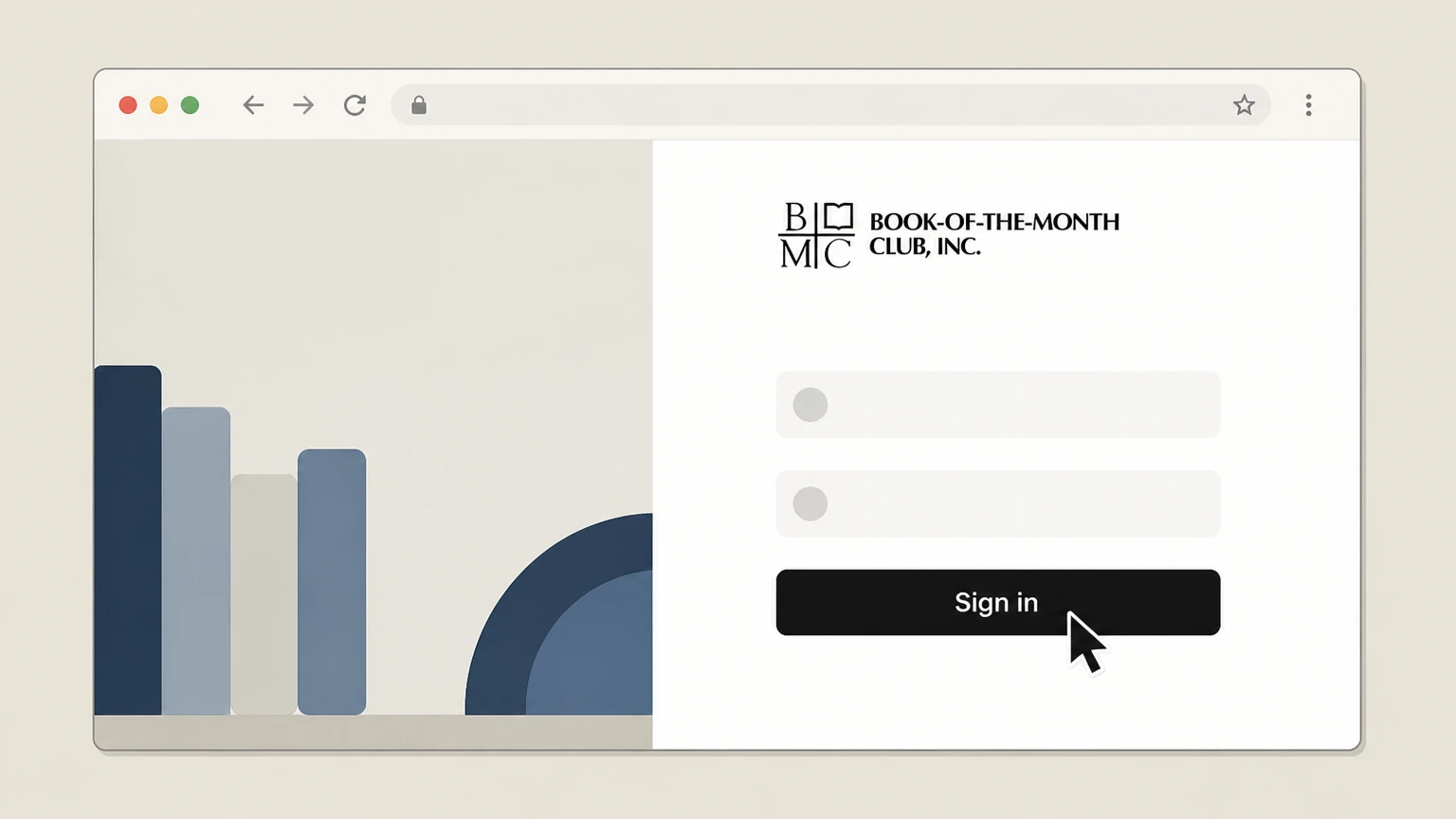
1Sign in to your Book of the Month account
Go to bookofthemonth.com and sign in with the email and password associated with your membership. Use the Book of the Month account named on your receipt, and continue only after the next status in this cancellation path is visible.
 2
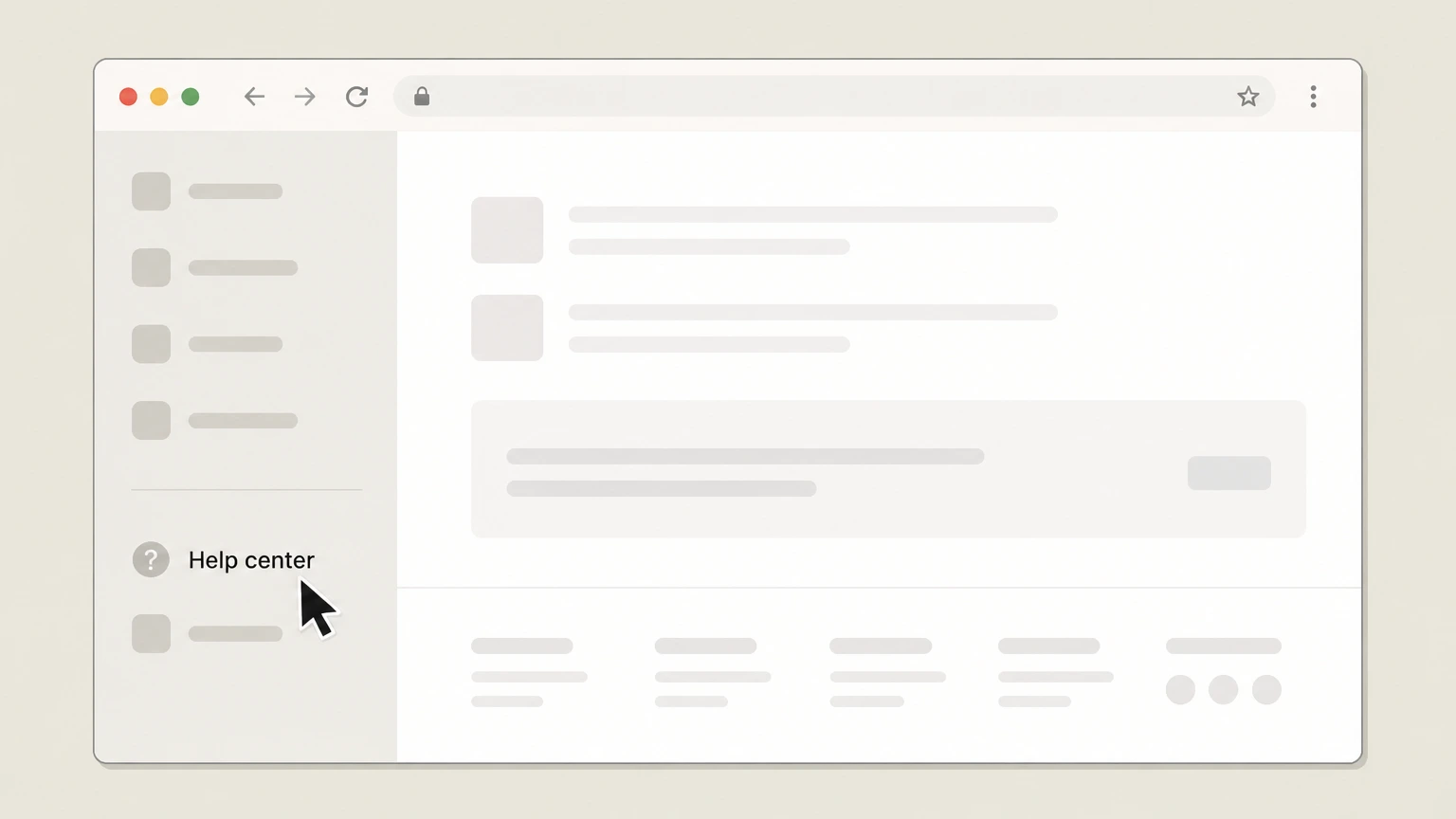
2Open the Help Center
From the site navigation or footer, select the Help center link to view support articles. Use the Book of the Month account named on your receipt, and continue only after the next status in this cancellation path is visible.
- Let Pine handle it
Pine can help
Too many steps?
Pine can find the right Book of the Month website path and handle the cancellation for you.
 3
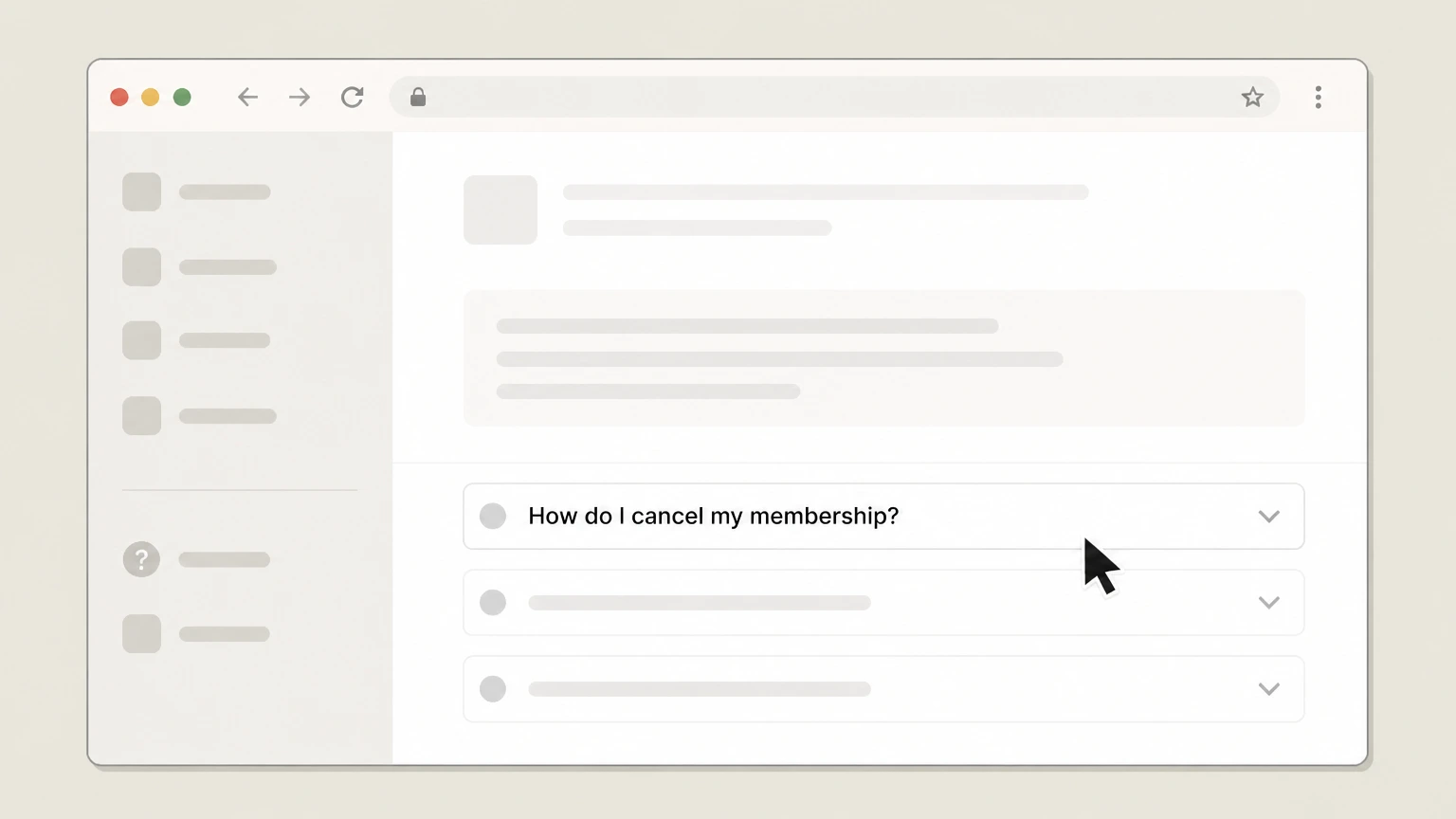
3Select “How do I cancel my membership?”
In the Adjust my membership section, open the article titled “How do I cancel my membership?”. Use the Book of the Month account named on your receipt, and continue only after the next status in this cancellation path is visible.
 4
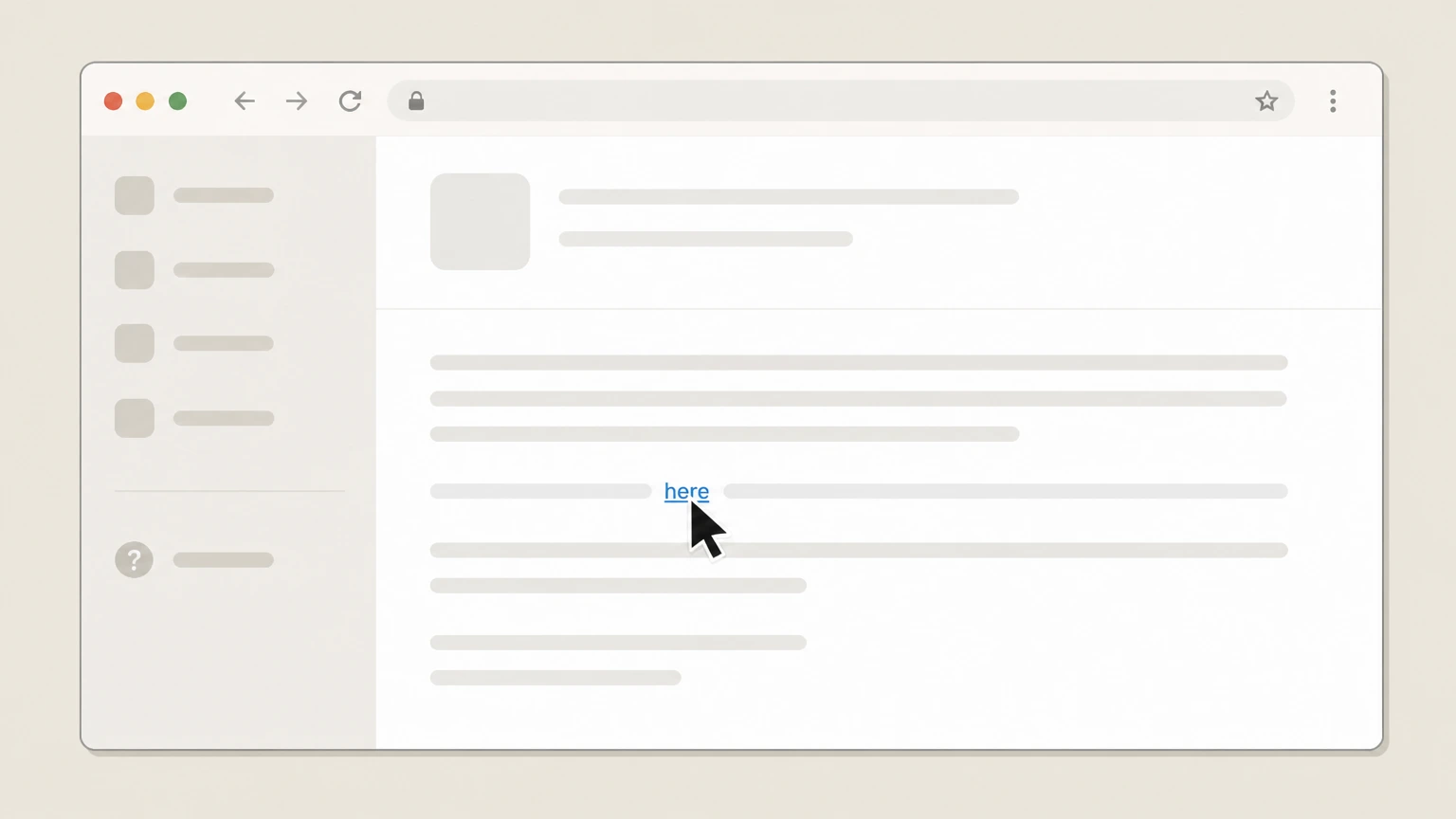
4Use the cancellation link and confirm
In that article, click the “here” link to open your cancellation page, then follow the on-screen prompts to confirm cancellation of your membership.

Phone with Book of the Month · verify the billing owner
 1
1Gather your account information
Before calling, have your account email address and any recent box details handy so support can locate your membership. Use the Book of the Month account named on your receipt, and continue only after the next status in this cancellation path is visible.
 2
2Call the customer service number in the Terms of use
Dial the toll-free customer service number listed in Book of the Month’s Terms of use (1-888-784-2670) to reach a representative.
- Let Pine handle it
Pine can help
Too many steps?
Pine can find the right Phone with Book of the Month path and handle the cancellation for you.
 3
3Request cancellation of your membership
Clearly state that you want to cancel your Book of the Month membership (monthly or annual) rather than skip or pause, and confirm which plan you’re ending.
 4
4Ask for confirmation and effective date
Ask the representative to confirm your membership has been cancelled, note the effective date, and request an email confirmation for your records.
Refund policy
Refunds and value after cancelling Book of the Month
Book of the Month separates credit expiry, membership-fee refunds, and refunds for gifts. Refunds are governed by the Terms of use and depend on how many boxes you’ve shipped and whether you’re on a monthly, annual, or gift plan.
Check my refund options- Membership-fee refunds for monthly plans
- For standard monthly memberships, the Terms of use allow you to request a refund of unused membership fees for charges in the 90 days before you contact customer service, but only if you have shipped 0 or 1 boxes; after 2 or more boxes, no refunds are offered.static.bookofthemonth.com
- Membership-fee refunds for annual plans
- For annual members who have shipped 0 or 1 boxes, you may request a refund of unused membership fees for charges in the 30 days before contacting support. Once you have shipped 2 or more boxes on an annual plan, the Terms state that no refunds will be issued.static.bookofthemonth.com
- Gift membership refund rules
- Unredeemed gift memberships can be refunded only to the purchaser within 180 days of purchase; once a gift is redeemed, it becomes a regular membership term for the recipient and is non‑refundable.static.bookofthemonth.com
- Credits are non‑refundable but usable post‑cancel
- Book Credits have no cash value and are non‑refundable; however, if you cancel your membership you still have 60 days to redeem any remaining credits before they expire, which lets you capture remaining value in books or audiobooks.static.bookofthemonth.com
- Books and audiobooks are not refunded
- The Terms specify that refunds are not issued for books, including damaged or defective ones; damaged items are handled instead via replacement or credit extensions, and purchased audiobooks remain in your library even after cancellation.static.bookofthemonth.com
Review the current Terms of use and relevant Help Center articles before requesting a refund, since Book of the Month may update its refund conditions or eligibility rules over time. Check the latest official refund policy
Service basics
How Book of the Month memberships work
Key facts about how Book of the Month structures its memberships and renewals.
Membership types
Book of the Month offers monthly memberships, annual memberships with 12 credits upfront, and fixed-length gift memberships. Gift memberships do not automatically renew unless the recipient chooses a plan and adds a payment method.static.bookofthemonth.com
Automatic renewal
Active paid memberships renew automatically on your assigned renewal date at the end of each month (or annually for annual plans) unless you pause, cancel, or skip as described in your account and Help Center.bookofthemonth.com
How you’re charged
Membership and add-on charges are billed to the credit or debit card you keep on file with Book of the Month; the Terms of use specify that this card is used for all future purchases and renewals.static.bookofthemonth.com
Using credits
Membership credits can be used interchangeably on monthly selections, add-on hardcovers, or audiobooks, including for annual members who receive 12 credits upfront.bookofthemonth.com For your Book of the Month account, compare this point with the billing owner and effective date shown in the signed-in account or latest receipt.
Apps as companions
The iOS and Android apps let you pick books, skip months, manage audiobooks, and track rewards, but billing still runs through Book of the Month’s own systems rather than Apple or Google subscriptions.bookofthemonth.com
Cancellation methods
Ways you can cancel Book of the Month
Officially supported paths for ending a Book of the Month membership.
Online cancellation via Help Center
Book of the Month’s Help Center directs members to log in and click the dedicated cancellation link (“here”) to end their membership, providing a self-service online path.bookofthemonth.com
Phone cancellation allowed by Terms
The Terms of use explicitly state that you may cancel your membership by calling Book of the Month’s toll-free customer service number, subject to any enrollment commitment you agreed to.static.bookofthemonth.com
No Apple or Google Play subscription
Neither the App Store nor Google Play listing shows an in-app subscription; Book of the Month’s Terms describe card billing on its own site, so you do not cancel through Apple or Google subscription settings.apps.apple.com
Promo-code commitment limits early cancellation
If you joined with certain promotional codes, Help Center and Terms explain that you must complete one full-price renewal before you are free to cancel online or by phone.bookofthemonth.com
Account deletion is a separate step
Help articles specify that deleting your account and personal information is separate from cancelling: you must cancel first, then submit a deletion request through the privacy preferences portal.bookofthemonth.com
Access & benefits
What changes after you cancel Book of the Month
How cancellation affects shipments, credits, perks, and digital content. This section explains a provider-specific consequence to verify in your Book of the Month account before cancellation.
End of automatic renewals and charges
The “When will I be charged?” article says your membership is automatically renewed and charged at the end of each month unless you pause, cancel, or skip; once cancellation is processed, those future renewals and charges stop.bookofthemonth.com
60-day window to use remaining credits
If you cancel, Book of the Month’s credits article states that you have 60 days to redeem any remaining credits; after that, unused credits expire and can no longer be applied.bookofthemonth.com
Audiobooks stay in your library
The audiobooks Help Center entry confirms that purchased audiobooks remain yours to keep and can still be played in the BOTM app even after you cancel your membership.bookofthemonth.com
Loyalty status resets if you rejoin
The Terms explain that Relationship Status (Friend/BFF) progress is preserved if you pause or skip, but if you cancel and later rejoin, your loyalty status resets from the beginning.static.bookofthemonth.com
No automatic extension for gift memberships
When a fixed gift membership ends, the gift help article says you simply have the option to renew by choosing a plan in your account; the gift itself does not continue unless you actively subscribe.bookofthemonth.com
Alternative options
Skipping or pausing instead of cancelling
How Book of the Month’s skip and pause tools compare with full cancellation.
Skipping a month
The skip article explains that in the app or on the site you can go to My BOTM and hit “Skip the Month,” which rolls your credit to the following month and avoids that month’s charge while keeping your membership active.bookofthemonth.com
Unskipping rules
If you change your mind after skipping, the same article notes that you may unskip before the 21st of the month via the provided link, restoring that month’s box eligibility and billing.bookofthemonth.com
Pausing for up to three months
The pause article allows you to pause your account for up to three months; when the pause ends, your membership resumes and you are automatically renewed again.bookofthemonth.com
Effect on loyalty status
Terms specify that pausing or skipping does not affect your Relationship Status progress, while cancelling and later rejoining will reset your loyalty tier.static.bookofthemonth.com For your Book of the Month account, compare this point with the billing owner and effective date shown in the signed-in account or latest receipt.
Skip/pause versus cancellation
Skipping or pausing temporarily avoids charges but leaves the membership in place; cancelling ends the membership, starts the 60‑day credit countdown, and is required before you can delete your account data.bookofthemonth.com
Billing rules
Renewal timing and avoiding unwanted charges
How Book of the Month decides when to charge you and what actions stop those charges.
Monthly renewal timing
According to the “When will I be charged?” article, memberships renew and are charged automatically at the end of each month on your assigned renewal date unless you pause, cancel, or skip the month.bookofthemonth.com
Annual membership renewal
The annual-membership article explains that you are renewed approximately 12 months after enrollment or as soon as you use your last credit, whichever comes first, unless you cancel prior to that annual renewal date.bookofthemonth.com
Charges for add‑ons
Book of the Month specifies that if you purchase add-ons, those items are charged when you ship your box, separate from your end‑of‑month renewal charge for the next credit.bookofthemonth.com
Skipping to avoid a monthly charge
For monthly members who want to avoid a given month’s charge without cancelling, the charges article says you must log in and press Skip before the date specified so that your book credit rolls over and the renewal is skipped.bookofthemonth.com
Keeping payment details current
The Terms of use require you to keep a valid credit or debit card on file; if charges fail or are reversed, Book of the Month may suspend or cancel your membership until payment is provided.static.bookofthemonth.com
Money & credits
Credits, refunds, and what you keep
How Book Credits behave when you cancel and when membership fees may be refundable under the Terms.
Credits after cancellation
The Help Center states that when you cancel, you have 60 days to redeem existing credits; after that window, any unused credits expire and can no longer be applied to books or audiobooks.bookofthemonth.com
Credits during a pause
If you pause instead of cancelling, you retain access to your existing credits for the full 1–3 month pause period and can use them once you resume.bookofthemonth.com
Credits are not cash and are non‑refundable
The Terms explain that Book Credits are not payment instruments, have no cash value, and are non‑refundable, even when you cancel your membership.static.bookofthemonth.com For your Book of the Month account, compare this point with the billing owner and effective date shown in the signed-in account or latest receipt.
Refunds for monthly memberships
For monthly plans, Terms say that if you have shipped 0 or 1 boxes, you may request a refund of unused membership fees charged within the 90 days before you contact customer service; no refunds are offered after 2 or more boxes.static.bookofthemonth.com
Refunds for annual plans and gifts
For annual members with 0 or 1 shipped boxes, you may request a refund of unused membership fees from the 30 days before contacting support; unredeemed gifts are refundable only to the purchaser within 180 days, while redeemed gifts are non‑refundable.static.bookofthemonth.com
Accounts & data
Account deletion and privacy after cancellation
How cancelling your membership relates to your Book of the Month account and personal data.
Cancelling versus deleting your account
The “How do I delete my account?” article explains that cancelling your membership is required before you can request deletion of your personal information; cancellation alone does not erase your data.bookofthemonth.com
Using the privacy preferences portal
After cancelling, you can visit the preferences.bookofthemonth.com portal linked from Help Center to manage privacy choices and request deletion of stored personal information.bookofthemonth.com For your Book of the Month account, compare this point with the billing owner and effective date shown in the signed-in account or latest receipt.
Impact on marketing and loyalty data
The Terms and Relationship Status pages note that Book of the Month tracks your shipped boxes and rewards tiers; if you later delete personal data, this history and tier status will no longer persist.static.bookofthemonth.com
Eligibility and geographic limits
Terms specify that Book of the Month is available only to members with U.S. shipping addresses, which also frames where its membership and data‑handling obligations apply.static.bookofthemonth.com
Contacting support about data
Both the Terms and Help Center direct users with data or account questions to contact Book of the Month through the provided channels (including the privacy email and Help Center “Email us” links).static.bookofthemonth.com
What official sources do not confirm
Limits of the public Book of the Month cancellation guidance
These points are intentionally qualified because the official sources reviewed on August 16, 2026 do not publish a complete answer.
Documented limitation 1
Cancellation UI beyond the publicly visible Help Center (for example, the exact text and layout of the in-account cancellation button or page) is behind login, so step labels are inferred from nearby navigation and linked articles rather than direct observation of the final screen.
Documented limitation 2
Apple and Google Play listings do not show in-app purchases, and Book of the Month’s Terms describe only direct card billing; the absence of store-managed subscriptions is inferred from this combination of evidence.
Documented limitation 3
The Terms of use PDF is dated 2022; while still linked as the active Terms in 2026, there is a possibility that some operational practices (such as phone availability or refund discretion) have evolved without yet being reflected in that document.
Documented limitation 4
Exact timing cutoffs for actions like skipping (e.g., specific calendar dates in a given month) can change over time; this dossier relies on the latest Help Center language rather than attempting to generalize beyond what is written.
Book of the Month cancellation FAQ
Questions people search about canceling Book of the Month, answered with official provider or billing-platform sources checked on August 16, 2026.
Can I cancel my Book of the Month subscription?
Do I lose my credits if I cancel the Book of the Month?
How do I cancel my Book of the Month membership immediately?
What happens to my Book of the Month audiobooks if I cancel?
Is it better to skip, pause, or cancel Book of the Month?
How do I cancel Book of the Month without calling?
Can I get a refund if I forgot to cancel Book of the Month?
Does cancelling Book of the Month delete my account?
How do I cancel if I have an annual or gift Book of the Month membership?
Can I cancel Book of the Month by email or chat?
Untangle this Book of the Month issue.
Let Pine handle the provider follow-up and keep the confirmation in one place.
