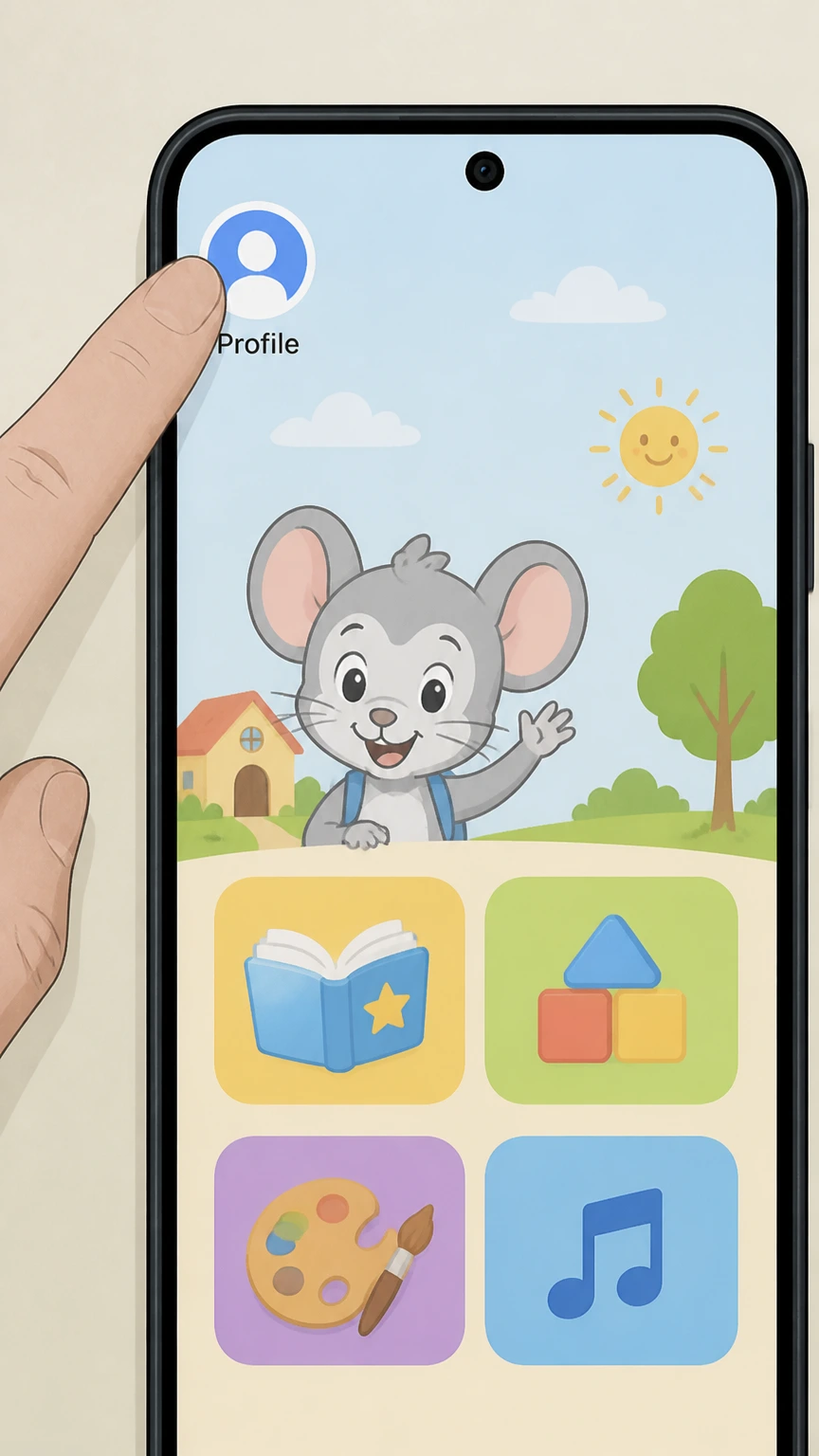
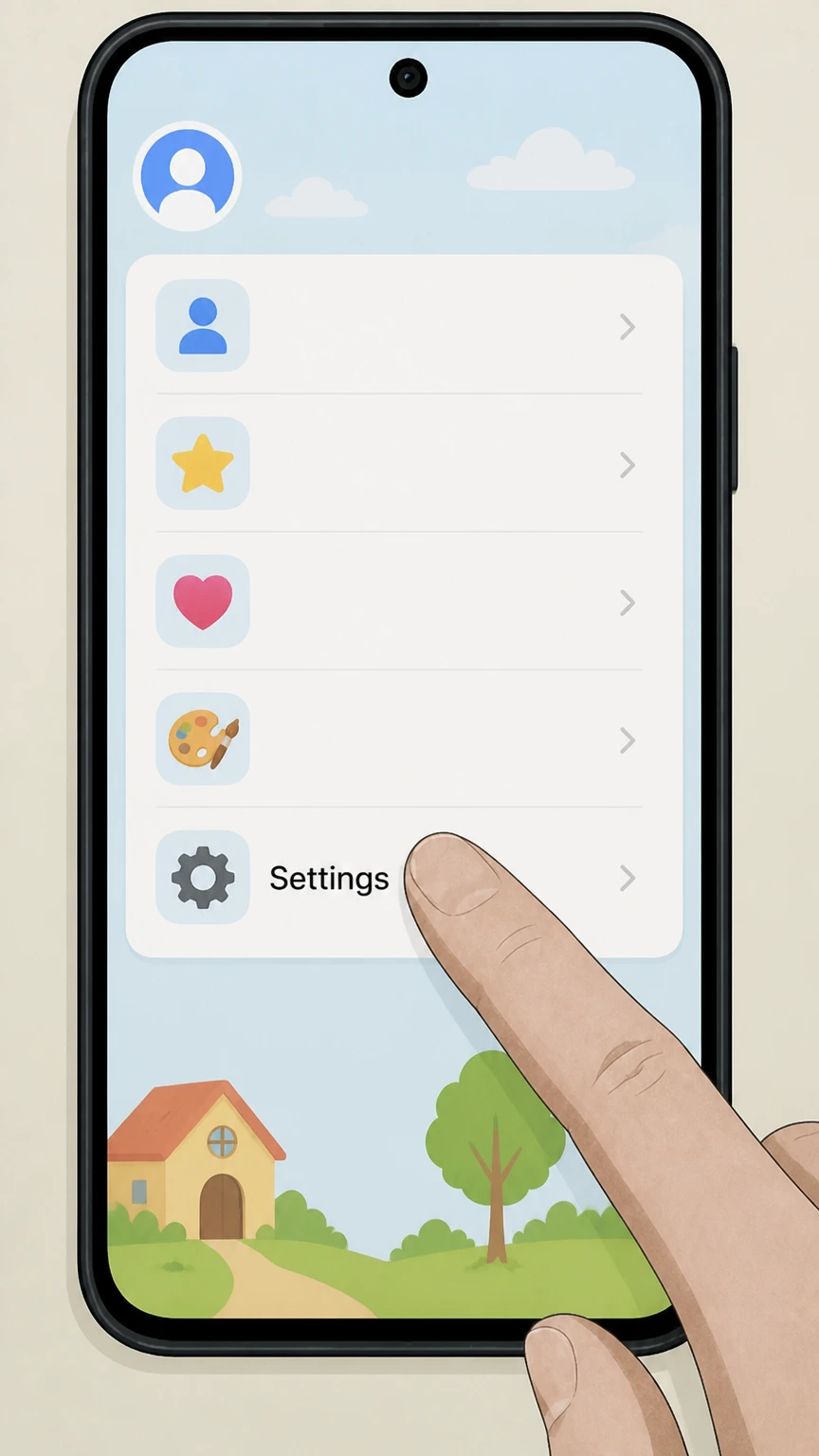
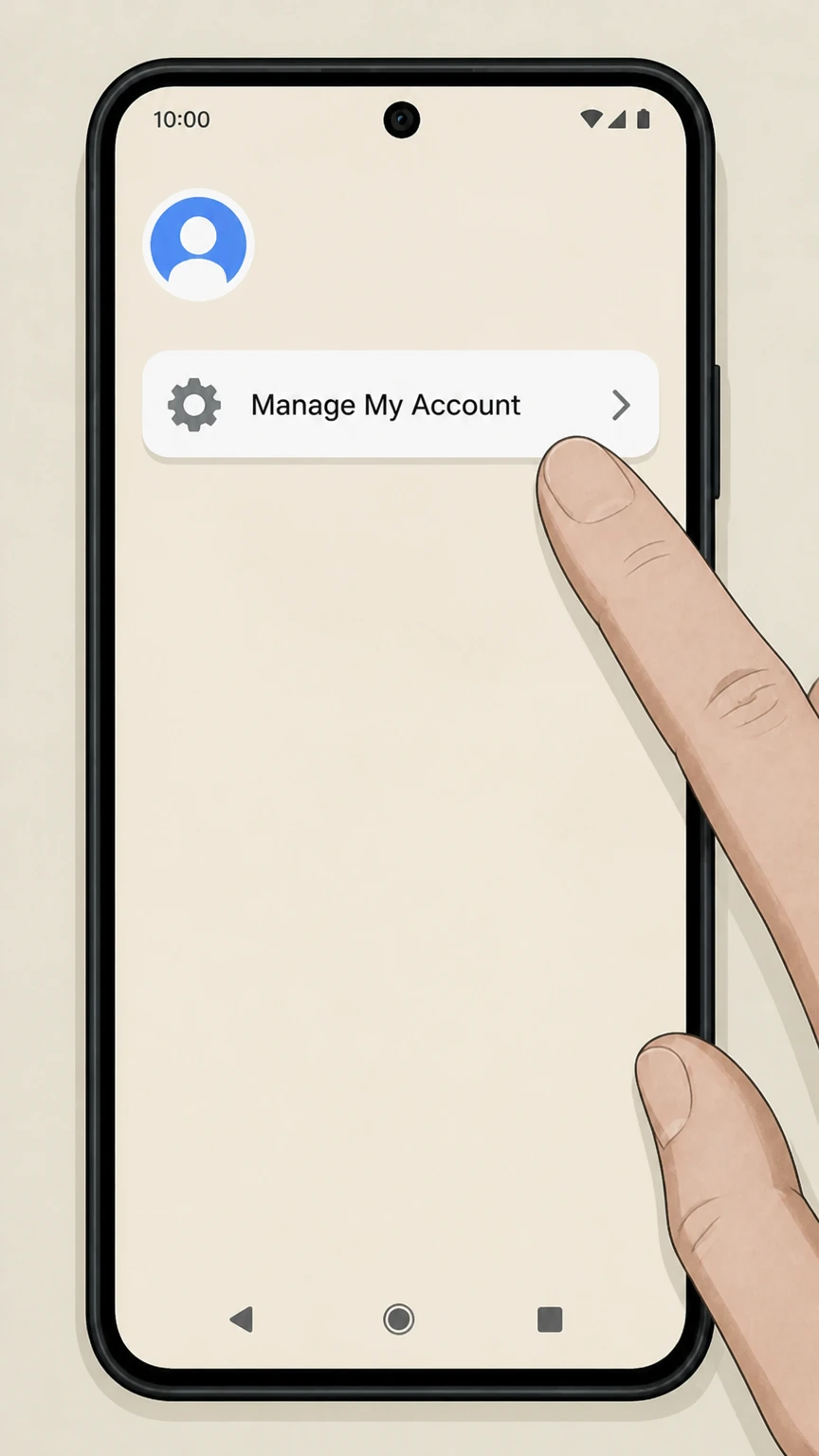
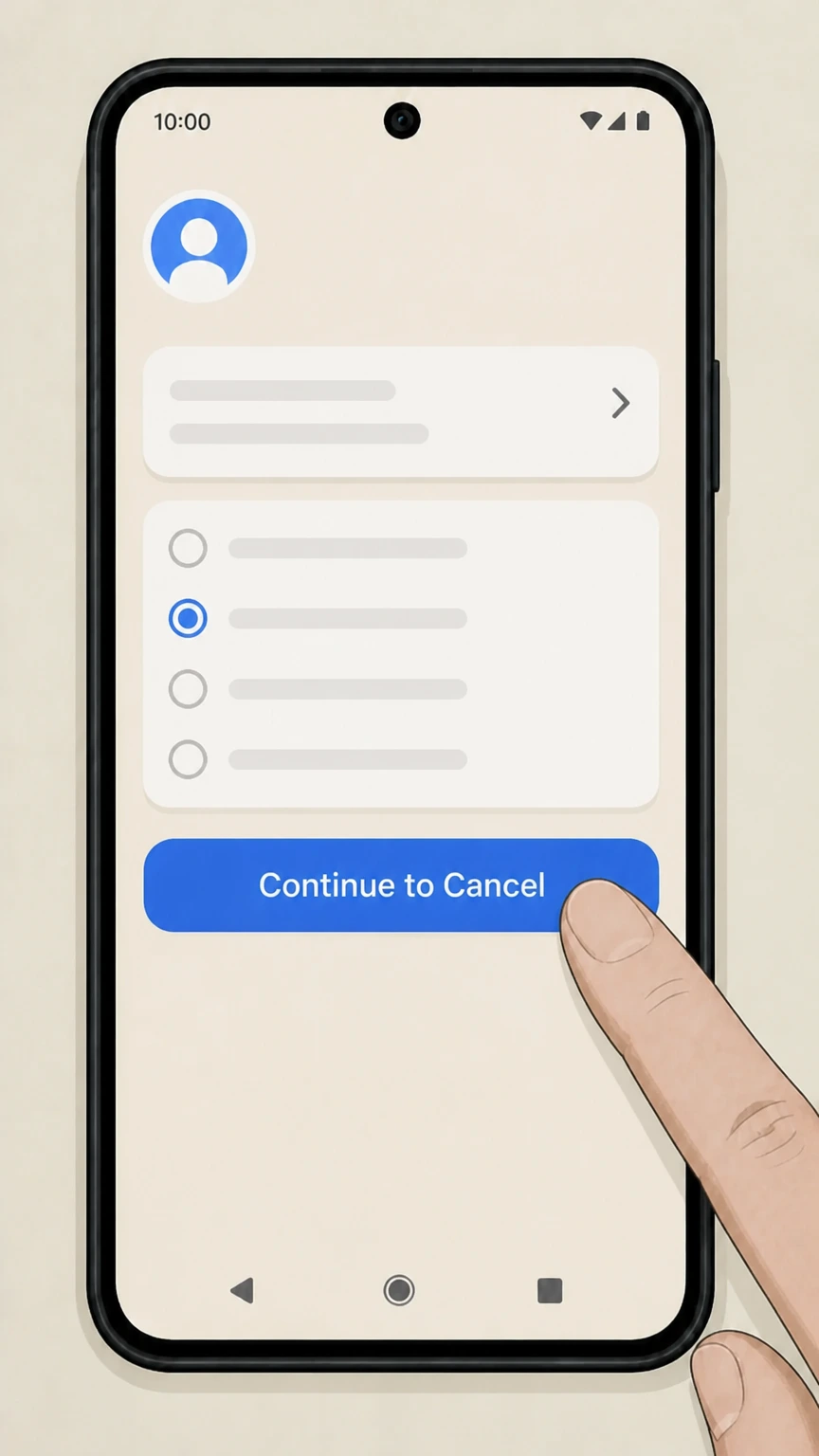
Cancel Subscription with Pine AI
logohat
pine
Try for free
nav-show-menu
ABCMouse

How to Cancel Your ABCMouse Subscription (2025)

ABCMouse, established in 2010, promised to make your toddler a genius, but now you are just dealing with another "iPad kid" glued to a screen. With plans ranging from $12.99 to $59.99, cancelling can save you up to $60 annually. You can cancel on iOS, Android, or desktop via Visit ABCMouse. According to the Better Business Bureau, Age of Learning has closed over 800 complaints in the last 3 years, mostly regarding "incorrect billing amounts" and difficult cancellation processes. If you are tired of the auto-renewals or just shifting to free alternatives, here is how to stop the charges.

Last Edited on 08 Dec, 2025
Emma Sullivan, EdTech and Media Writer
7 min read

How to Cancel ABCMouse on iPhone (iOS)

If you subscribed via the App Store, you must cancel through Apple. Deleting the app does absolutely nothing to stop the billing.

1 Open Settings

Tap the Settings app on your iPhone home screen. It is the grey gear icon you probably ignore until an update forces you to look at it.

2 Tap Your Name

Tap your Apple ID banner at the very top of the screen. This is where all your iCloud and subscription info lives.

3 Select Subscriptions

Tap on Subscriptions. If you do not see it, you might need to tap "Media & Purchases" first, but usually, it is right there in the main list.

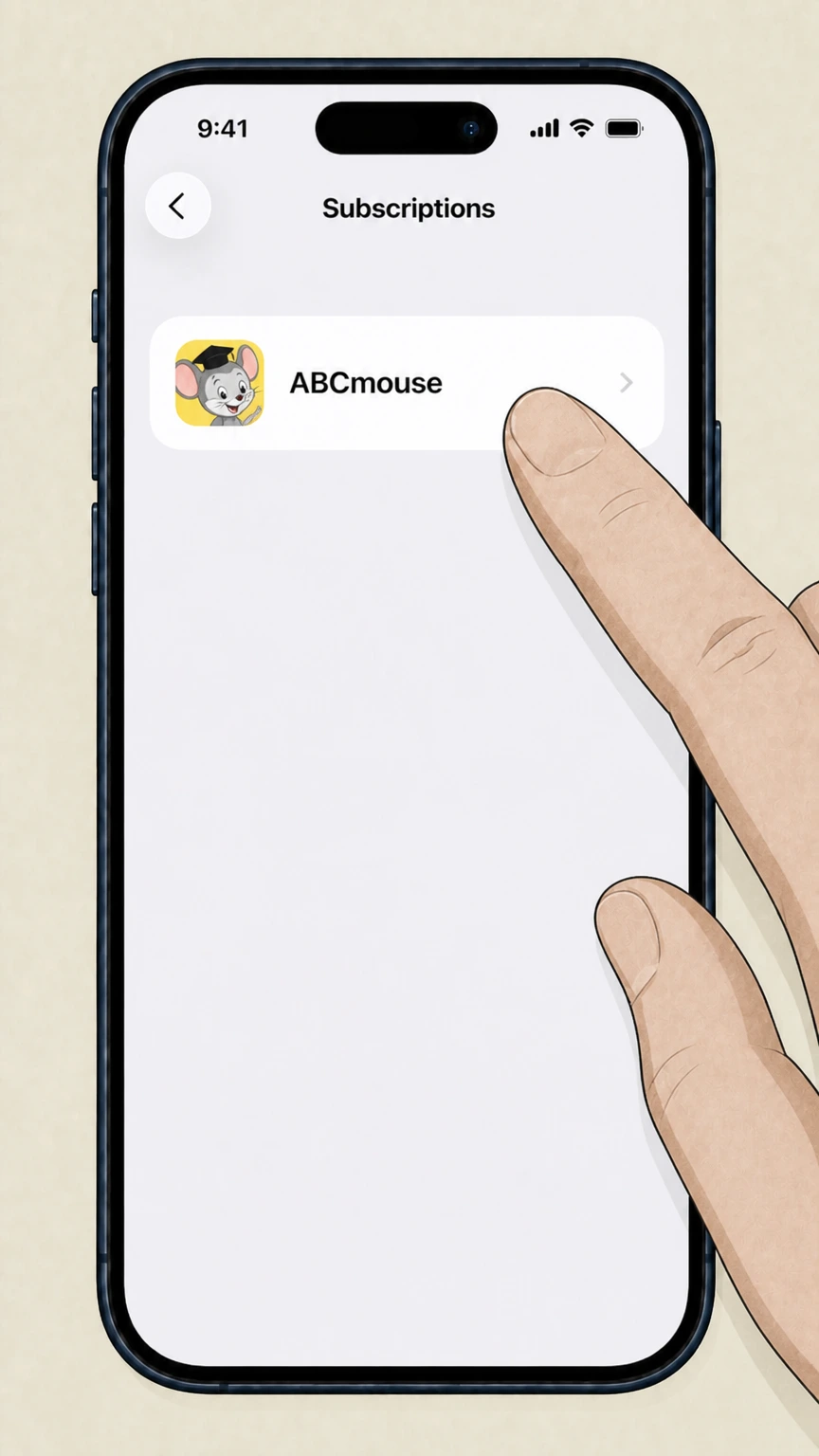
4 Choose ABCMouse

Find ABCMouse in the list of active subscriptions. If it is not there, you might have subscribed directly through their website instead of Apple.

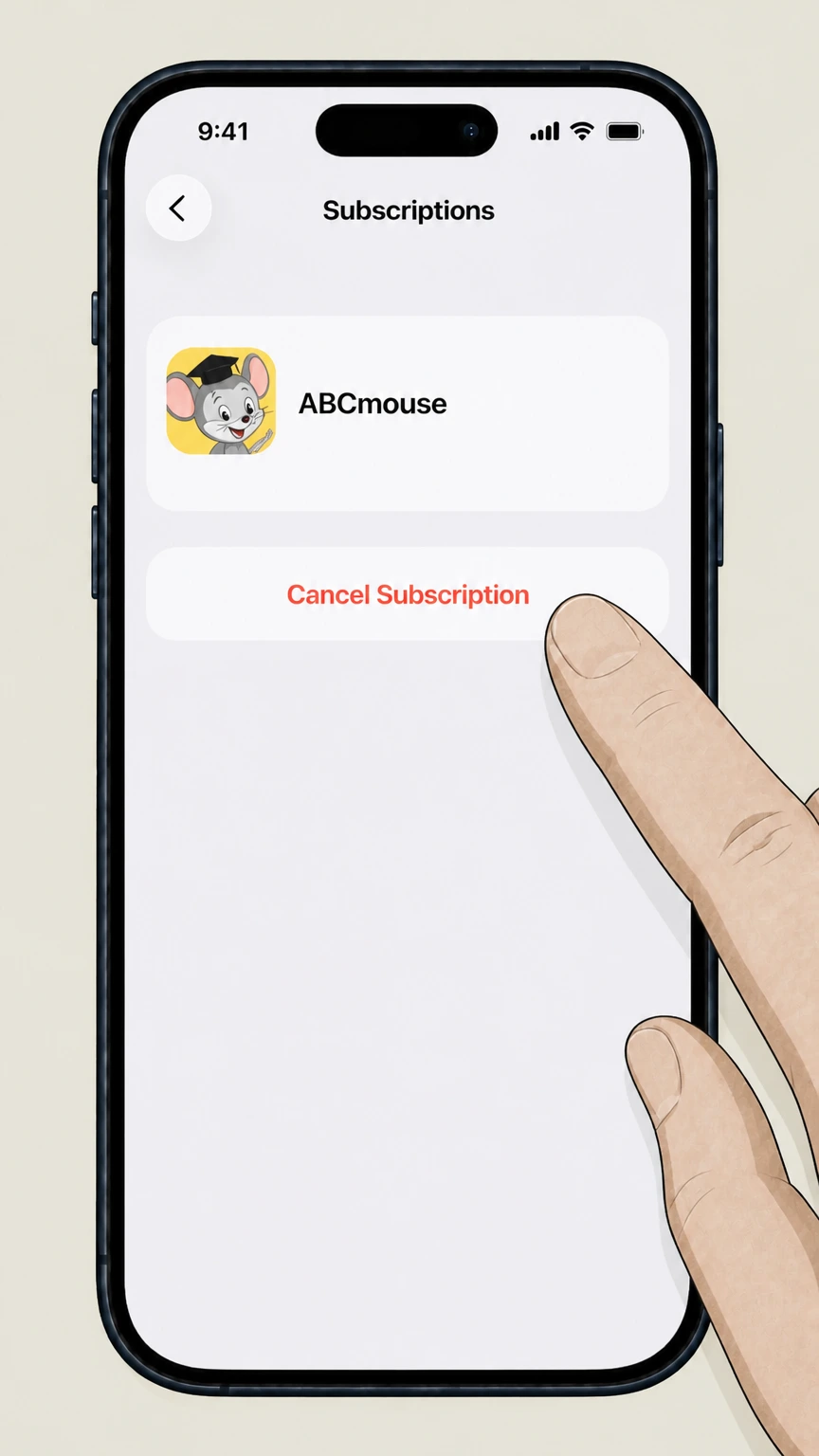
5 Cancel Subscription

Tap Cancel Subscription. You will need to confirm this choice. Once done, it should say "Expires on [Date]" instead of "Renews on [Date]."

How to Cancel ABCMouse on Android

Android users often get confused here because the subscription is tied to the Play Store, not the app settings itself.

1 Open Google Play Store

Launch the Google Play Store app on your device. Make sure you are signed into the correct Google account used for the purchase.

2 Tap Profile Icon

Tap your profile picture in the top right corner. A menu will slide up or drop down.

3 Navigate to Payments

Tap Payments & subscriptions, then select Subscriptions from the list.

4 Select ABCMouse

Locate ABCMouse in your list. If it is missing, check if you subscribed via Amazon Appstore or the website directly.

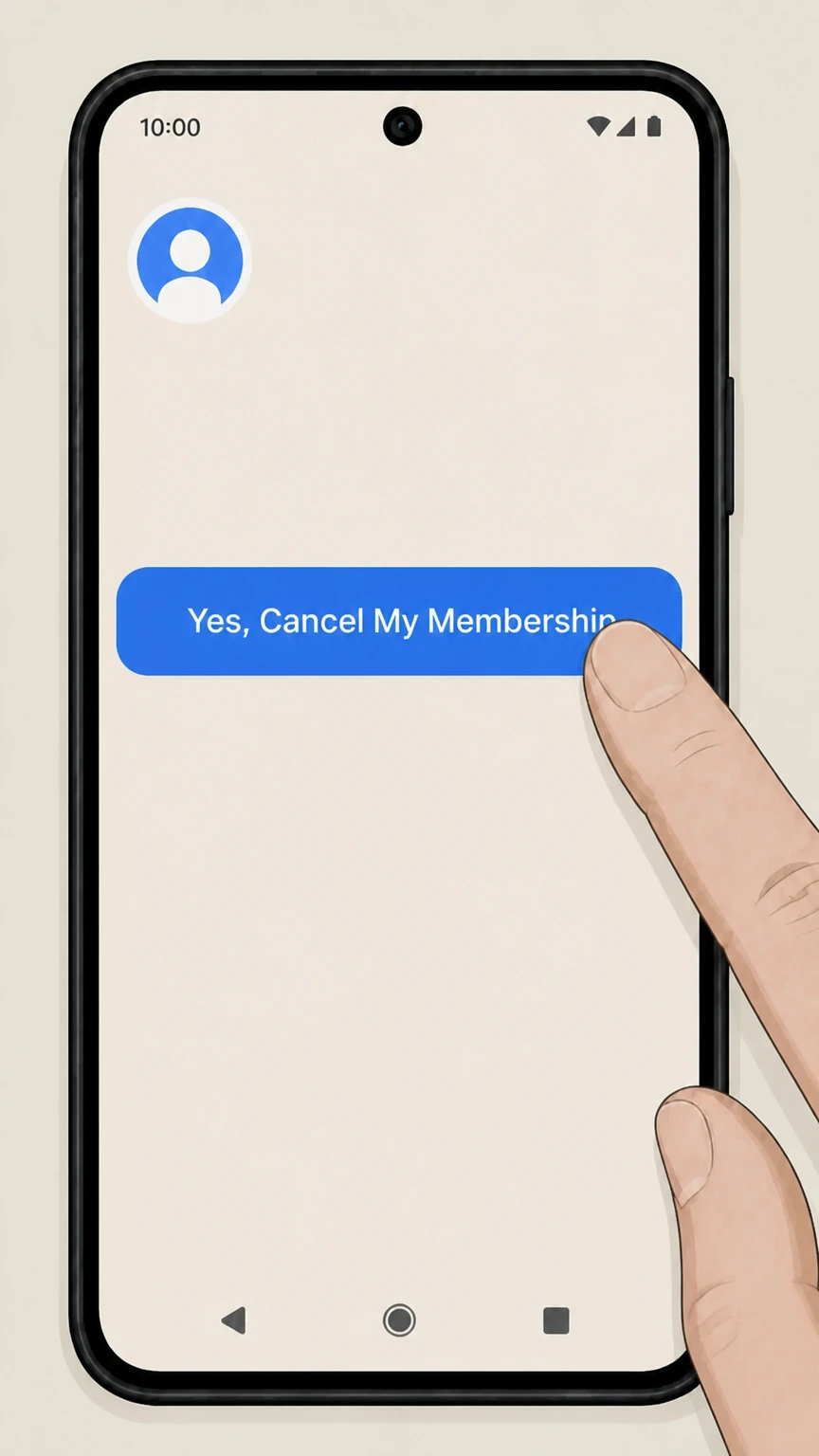
5 Cancel Subscription

Tap Cancel subscription at the bottom. Follow the on-screen instructions to confirm. Google might ask why you are leaving, just pick any reason to move on.

How to Cancel ABCMouse on Desktop or Laptop

This is the method to use if you signed up directly through their website. It is the most reliable way to ensure the account is actually closed.

1 Log In

Go to the ABCMouse website and log in to your account. You will need the email and password you used at sign-up.

2 Access Parent Section

Click on the Gear icon or Parent Section button. You might have to solve a simple math problem to prove you are an adult (ironic, right?).

3 Go to My Account

Select the My Account panel from the dashboard.

4 Select Cancellation Policy

Click on Cancellation Policy at the bottom of the page. They hide it a bit, so look closely.

5 Complete the Steps

Follow the prompts to cancel. You will likely have to click "Continue Cancellation" multiple times as they try to offer you discounts to stay.

What is ABCMouse Cancellation Policy

ABCMouse operates on a recurring subscription model. This means they will keep charging you until you actively tell them to stop. According to their policy, you can cancel at any time, and you will continue to have access to the service until the end of your current billing cycle. However, they generally do not offer refunds for partial months or unused time. This is a major point of contention on sites like Pissed Consumer, where parents complain about forgetting to cancel by a single day and getting hit with a full year's charge. If you signed up for a free trial, you must cancel at least 24 hours before the trial ends to avoid being charged.

Before You Cancel ABCMouse: What You Should Know

Before you pull the plug, keep in mind that your child's progress data might be saved for a limited time, but there is no guarantee it will be there forever if you decide to return. Also, check if you are on a "locked-in" annual rate; cancelling now stops the next renewal, but you won't get money back for the remaining months of this year. If you purchased through a third party like Amazon, Roku, or Apple, ABCMouse support cannot cancel it for you. You have to go to that specific platform.

Having Trouble Cancelling Your ABCMouse Subscription?

If you followed the steps above and still see charges, try these troubleshooting tips:

  • Check Third-Party Billers: You might have subscribed via Amazon, Roku, or a bundle. Check your bank statement to see who is actually charging you (e.g., "AMZN Digital" vs "ABCMouse").
  • Use a Desktop: Mobile browsers can be glitchy with their cancellation flow. Log in from a laptop or desktop computer.
  • Clear Cache: Sometimes the "Cancel" button literally won't load. Clear your browser cache or try Incognito mode.
  • Contact Support: If all else fails, use their "Contact Us" form, though response times can be slow.

Subscription Plans and Pricing (2025)

Plan Price Details
Monthly $12.99 / mo Billed monthly. Cancel anytime.
Annual $59.99 / yr Billed once a year. Best value if you actually use it.
Assessment Center +$9.99 / yr Optional add-on for tracking academic progress.

How Pine AI Can Help You Cancel Your ABCMouse Subscription

With the cost of living squeezing everyone in 2025, cutting a $13 monthly fee for an app your kid hasn't touched since Bluey season 3 came out is a no-brainer.

Step 1: Let's get started to cancel ABCMouse Simply tell us that you want to cancel your subscription with ABCMouse, we'll ask for some account details to get started.

Step 2: Pine gets to work We navigate the confusing clicks, wait on hold, and handle the awkward conversations to ensure it's actually cancelled. We don't just suggest it; we finish it.

Step 3: You're free from ABCMouse The payments stop and you get your time back. No "retention offers," no run-around, just a confirmed "one-and-done" result.

Frequently Asked Questions about ABCMouse

Can I unsubscribe from ABCMouse anytime?
icon-show
Can I get a refund from ABCMouse if I forgot to cancel?
icon-show
How do I know my ABCMouse subscription is cancelled?
icon-show
How long does it take for ABCMouse to cancel?
icon-show
What else should I know before I cancel my ABCMouse subscription?
icon-show
How do I raise a complaint to ABCMouse?
icon-show
How does Pine AI work with ABCMouse to cancel my subscription?
icon-show
Emma Sullivan

Emma Sullivan

EdTech and Media Writer

Emma Sullivan is the EdTech & Media Writer at Pine AI, focusing on the intersection of educational technology, digital media, and consumer trends. With over a decade of experience as a technology journalist and an educator, Emma brings a unique, hands-on perspective to their analysis. In her full time profession Emma teaches digital literacy programs and reports for leading technology publications, where they cover the launch of major educational platforms and the integration of new media in learning environments. Emma is committed to providing readers with practical, insightful, and reliable guidance whether it's about saving money or practical subscription hacks, she wants to empower consumers through knowleddge.

More ABCMouse Resources

Need help with other ABCMouse services? Check out these helpful guides:

More News and Online Learning providers for cancelling your subscription

Discover other popular News and Online Learning providers, and see how Pine AI could help you with tricky subscription cancellation issues.

How to Cancel Course Hero Subscription

How to Cancel Course Hero Subscription

How to Cancel Guitar Tricks Subscription

How to Cancel Guitar Tricks Subscription

How to Cancel Citation Machine Subscription

How to Cancel Citation Machine Subscription

How to Cancel AdaptedMind Math Subscription

How to Cancel AdaptedMind Math Subscription

How to Cancel 123 Help Me Subscription

How to Cancel 123 Help Me Subscription

How to Cancel Barnes & Noble Subscription

How to Cancel Barnes & Noble Subscription

How to Cancel Real Simple Subscription

How to Cancel Real Simple Subscription

How to Cancel Newsday Subscription

How to Cancel Newsday Subscription

How to Cancel The Economist Subscription

How to Cancel The Economist Subscription

How to Cancel New Yorker Subscription

How to Cancel New Yorker Subscription

How to Cancel Hooked on Phonics Subscription

How to Cancel Hooked on Phonics Subscription

How to Cancel Rolling Stone Subscription

How to Cancel Rolling Stone Subscription

How to Cancel People Magazine Subscription

How to Cancel People Magazine Subscription

How to Cancel New York Times Subscription

How to Cancel New York Times Subscription

How to Cancel Bitsbox Subscription

How to Cancel Bitsbox Subscription

How to Cancel KiwiCo Subscription

How to Cancel KiwiCo Subscription

How to Cancel GenealogyBank Subscription

How to Cancel Frontend Masters Subscription

How to Cancel Elephant Learning Subscription

How to Cancel History Unboxed Subscription

How to Cancel Time Magazine Subscription

How to Cancel Time Magazine Subscription

How to Cancel Birmingham News Company Subscription

How to Cancel Birmingham News Company Subscription

How to Cancel Greenwich Time Subscription

How to Cancel Greenwich Time Subscription

How to Cancel Epoch Times Subscription

How to Cancel Epoch Times Subscription

How to Cancel Esquire Subscription

How to Cancel Esquire Subscription

How to Cancel All You Can Books Subscription

How to Cancel All You Can Books Subscription

How to Cancel Washington Post Subscription

How to Cancel Washington Post Subscription

How to Cancel Scribd Subscription

How to Cancel Scribd Subscription

How to Cancel Arizona Republic Subscription

How to Cancel Arizona Republic Subscription

How to Cancel AccuWeather Subscription

How to Cancel AccuWeather Subscription

How to Cancel Auto News Subscription Subscription

How to Cancel Auto News Subscription Subscription

How to Cancel Facetune Subscription

How to Cancel Facetune Subscription

How to Cancel Architectural Digest Subscription

How to Cancel Architectural Digest Subscription

How to Cancel Audiobooks Subscription

How to Cancel Audiobooks Subscription

How to Cancel Baltimore Sun Subscription

How to Cancel Baltimore Sun Subscription

How to Cancel Financial Times Subscription

How to Cancel Financial Times Subscription

How to Cancel Buoyweather Subscription

How to Cancel Buoyweather Subscription

How to Cancel DailyWire plus Subscription

How to Cancel DailyWire plus Subscription

How to Cancel Chicago Sun Times Subscription

How to Cancel Chicago Sun Times Subscription

How to Cancel 24/7 Sports Subscription

How to Cancel 24/7 Sports Subscription

How to Cancel Barron's Subscription

How to Cancel Barron's Subscription

How to Cancel Bloomberg Business Week Subscription

How to Cancel Bloomberg Business Week Subscription

How to Cancel Bookroo Subscription

How to Cancel Bookroo Subscription

How to Cancel Deseret Book Subscription

How to Cancel Deseret Book Subscription

How to Cancel Bicycling Magazine Subscription

How to Cancel Bicycling Magazine Subscription

How to Cancel Highlights for Children Subscription

How to Cancel Highlights for Children Subscription

How to Cancel Green Kid Crafts Subscription

How to Cancel Green Kid Crafts Subscription

How to Cancel Magazines.com Subscription

How to Cancel Magazines.com Subscription

How to Cancel Cosmopolitan Subscription

How to Cancel Cosmopolitan Subscription

How to Cancel Country Living Subscription

How to Cancel Country Living Subscription

How to Cancel Elle Subscription

How to Cancel Elle Subscription

How to Cancel Epicurious Subscription

How to Cancel Epicurious Subscription

How to Cancel Art in America Subscription

How to Cancel Art in America Subscription

How to Cancel Footwear News Subscription

How to Cancel Footwear News Subscription

How to Cancel Good Housekeeping Magazine Subscription

How to Cancel Good Housekeeping Magazine Subscription

How to Cancel Ars Technica Subscription

How to Cancel Ars Technica Subscription

How to Cancel Harvard Business Review Subscription

How to Cancel Harvard Business Review Subscription

How to Cancel ArtForum Subscription

How to Cancel ArtForum Subscription

How to Cancel Chronicles Magazine Subscription

How to Cancel Chronicles Magazine Subscription

How to Cancel Conde Nast Traveler Subscription

How to Cancel Conde Nast Traveler Subscription

How to Cancel DeepDyve Subscription

How to Cancel DeepDyve Subscription

How to Cancel GQ Subscription

How to Cancel GQ Subscription

How to Cancel Harper's BAZAAR Subscription

How to Cancel Harper's BAZAAR Subscription

How to Cancel National Geographic Subscription

How to Cancel National Geographic Subscription

How to Cancel ArtNews Subscription

How to Cancel ArtNews Subscription

How to Cancel Sports Illustrated Subscription

How to Cancel Sports Illustrated Subscription

How to Cancel ELLE Decor Subscription

How to Cancel ELLE Decor Subscription

How to Cancel BookRags Subscription

How to Cancel BookRags Subscription

How to Cancel Dallas Morning News Subscription

How to Cancel Dallas Morning News Subscription

How to Cancel Dwell Magazine Subscription

How to Cancel Dwell Magazine Subscription

How to Cancel HGTV Magazine Subscription

How to Cancel HGTV Magazine Subscription

How to Cancel Book of the Month Subscription

How to Cancel Book of the Month Subscription

How to Cancel LA Times Subscription

How to Cancel LA Times Subscription

How to Cancel Boston Globe Subscription

How to Cancel Boston Globe Subscription

How to Cancel Chicago Tribune Subscription

How to Cancel Chicago Tribune Subscription

How to Cancel Vogue Subscription

How to Cancel Vogue Subscription

How to Cancel Wall Street Journal Subscription

How to Cancel Wall Street Journal Subscription

How to Cancel USA Today Subscription

How to Cancel USA Today Subscription