


By the Pine AI Editorial Team | Updated May 2026 | Reviewed using publicly available legal resources
The Wynwood block looked clear. The art festival's temporary no-parking signs had been pulled by the event crew. You parked, walked to the gallery — and came back to a $75 no-parking citation. The restriction was still technically active under the festival permit. The signs just weren't there anymore.
This is one of Miami's most specific and documentable dispute patterns. Temporary no-parking restrictions posted under event permits remain active for the duration of the permit period, regardless of whether the physical signs are still present. But a restriction that isn't communicated at the parking location is a restriction that couldn't reasonably be known — and that's a dispute ground with documentation.
Before anything else: identify who issued your citation. Miami has two separate enforcement systems.
Pine AI files your Miami dispute automatically.
First: Identify Who Issued Your Citation
Check the citation header. Look for the issuing agency name.
- Miami Parking Authority or City of Miami: dispute through the City of Miami portal — miamiparking.com
- Miami-Dade County: dispute through miamidade.gov
- Other agency (Miami Beach, Coral Gables, Hialeah): those are separate cities with their own systems — this guide covers City of Miami and Miami-Dade County only
Submitting to the wrong portal does not forward your dispute. It simply fails to process.
A Real Miami Case
A Pine user parked on a block in Wynwood during an active art festival weekend. The block had been posted with temporary no-parking signs for the festival event under a City permit. As the festival wound down, event staff removed the signs from the block before the permit period officially ended. The user arrived after the signs were gone, parked in what appeared to be unrestricted street parking, and received a $75 no-parking citation.
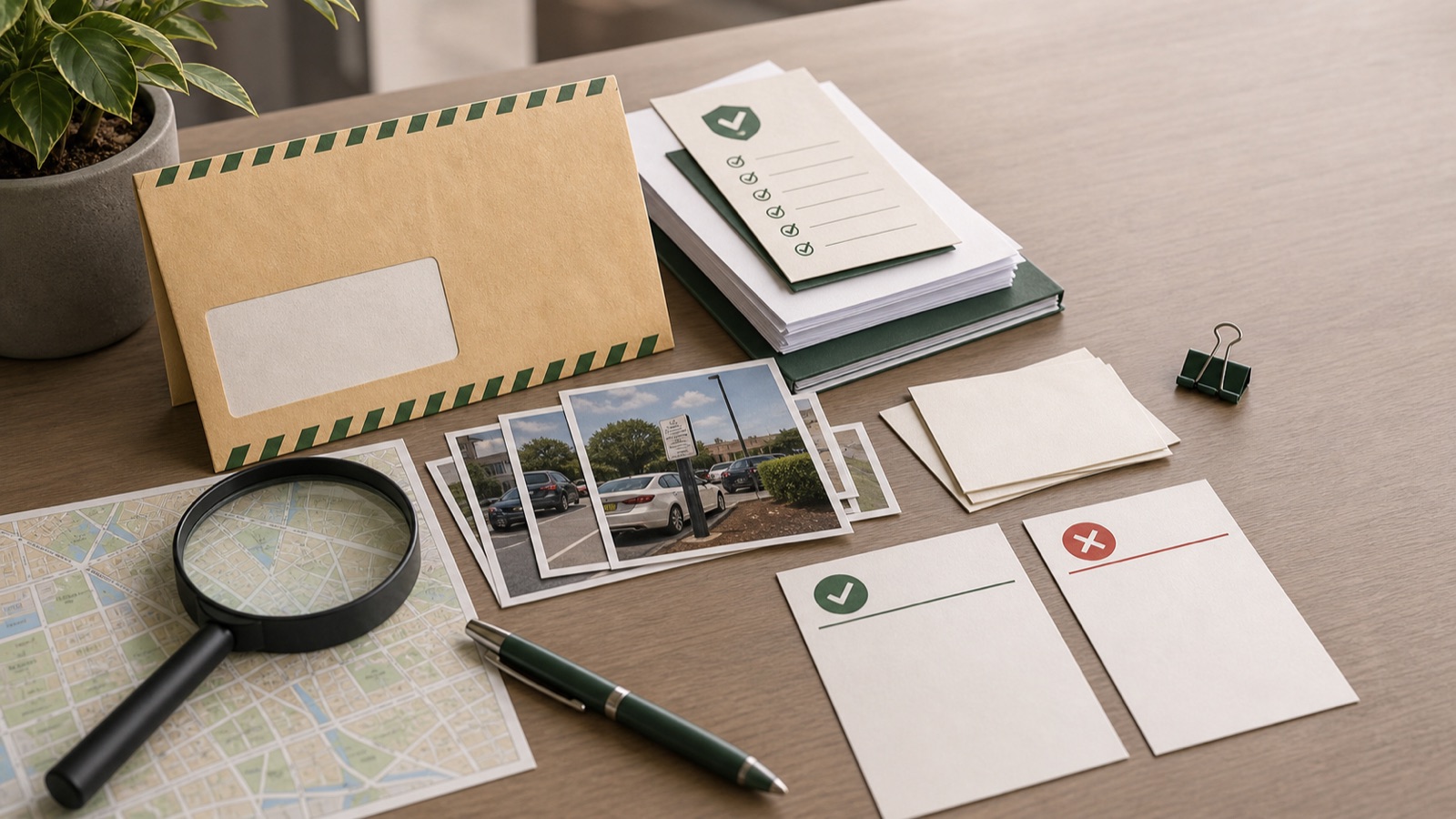
The user obtained the festival permit documentation from the City of Miami, which showed the permit duration and confirmed that the restriction was technically active during the citation window. They also photographed the block face showing no temporary signs present at the time they parked. The combination — permit documentation establishing the restriction was active, photos establishing the signs were absent — resulted in dismissal. The key: both pieces of evidence were necessary. The permit alone showed the restriction was active; the photos showed it wasn't communicated.
Common Reasons Miami Parking Tickets Get Dismissed
Temporary event restriction signs removed before permit expiry Major Miami events operate under city permits that authorize temporary no-parking restrictions. When event organizers or staff remove the signs before the permit period ends, the underlying restriction remains active but is no longer communicated at the location. Drivers who parked after sign removal have a dispute ground when they can document both the permit period and the absence of signs.
Citation from the wrong enforcement entity A citation issued by an agency that doesn't have jurisdiction over the location is an error.
Meter or payment system failure ParkMobile failures, meter malfunctions, or pay station errors are dispute grounds when documented at the time. Photo of the error with the unit number visible is the key evidence.
Citation field error Wrong plate number, wrong vehicle description, wrong block address. Compare against your FL vehicle registration.
Sign condition A damaged, missing, or obstructed sign for the restriction is a dispute ground.
Restriction not in effect at the citation time Time-limited restrictions, street cleaning windows, and zone restrictions have specific applicability periods. If the restriction wasn't active at the citation time, the citation is disputable.
How to Dispute a Miami Parking Ticket: Step by Step
Step 1 — Identify the issuing agency
Before anything else, read your citation header. Is this a City of Miami / Miami Parking Authority citation or a Miami-Dade County citation? Your dispute portal depends on this.
Step 2 — Check the citation details at the location
If you're still at the location: photograph the sign (or document its absence), the block face, any event infrastructure, and your vehicle. If an event just wrapped up and signs have been removed, document the absence — wide-angle photos of the block from both directions.
Step 3 — Note your dispute deadline
Set a calendar reminder. Late fees apply after the deadline.
Step 4 — Gather your evidence
For event permit / sign removal cases:
- City of Miami permit documentation for the event (request from the City's permit office —)
- Photos of the block face showing no temporary no-parking signs present
- Wide-angle photos of the area showing the event was winding down or had concluded
- Any documentation of event timing (event website, social media, published schedule)
For meter/payment system failure:
- Photo of the meter or pay station error with the unit number visible
- ParkMobile session history
- Bank statement showing payment status
For citation error:
- FL vehicle registration contradicting the citation
Step 5 — File through the correct portal
City of Miami citations: go to miamiparking.com
Miami-Dade County citations: go to miamidade.gov
Enter your citation number. Submit:
- A written explanation (for an event permit case: "I parked on this block after the temporary no-parking signs had been removed by event staff. The signs were not present at the time of parking. Attached: permit documentation showing the permit period and photos showing no signs at the block face.")
- All supporting documentation
Save your confirmation number.
Step 6 — Hearing, if needed
If the initial review doesn't dismiss the citation, a hearing is scheduled.
For event permit cases, the permit documentation is your lead evidence. Present the permit period, the absence of signs, and the dismissal case clearly.
Step 7 — Court appeal
If the citation is upheld at the hearing, you may appeal to Miami-Dade County Circuit Court.
What Evidence Actually Helps
Strongest:
- City of Miami permit documentation showing the event permit duration and restriction details
- Photos of the block face showing no temporary signs present at the time of parking
- FL vehicle registration contradicting a field on the citation
- Photo of a meter or pay station error with the unit number visible
Supporting:
- Wide-angle block photos showing the event had concluded
- Event schedule documentation establishing the event timing relative to your parking time
- ParkMobile session history for payment failure cases
Weakest but still worth including:
- Written description of sign absence without photos
- General area photos without the specific block face
What Happens After You Submit
After filing through the correct portal:
-
Confirmation — save your confirmation number.
-
Initial review — the issuing entity reviews your submission.
-
If dismissed — no payment required. Save the dismissal notice.
-
If not dismissed — a hearing is scheduled.
-
Hearing — attend with original evidence. For event permit cases, present the permit documentation and absence-of-signs photos together.
-
Hearing decision — issued at the hearing or mailed.
-
Court appeal — available if the citation is upheld.
How Pine AI Handles Miami Disputes
Pine reads your citation to identify the issuing entity — City of Miami or Miami-Dade County — and routes the dispute to the correct portal. For event permit and sign removal cases, Pine structures the filing around the permit documentation and photo evidence. For payment failure and citation error cases, Pine builds from your citation photo and registration. Pine handles the portal navigation so you don't have to deal with the two-system confusion.
Frequently Asked Questions
How do I know if my citation is from the City of Miami or Miami-Dade County? Check the citation header for the issuing agency name. "Miami Parking Authority" or "City of Miami" means the City system. "Miami-Dade County" means the county system.
How long do I have to dispute a Miami parking ticket?
Can I dispute a ticket from an event zone where the signs were removed? Yes. The documentation path: obtain the event permit from the City of Miami showing the permit period, photograph the block showing no signs present, and file with that evidence.
Does disputing a Miami citation increase the fine? No. Filing a dispute does not increase the original fine.
Do City of Miami and Miami-Dade County share a dispute portal? No. They are entirely separate systems with separate portals.
Sources
- Miami Parking Authority — miamiparking.com
- Miami-Dade County — miamidade.gov
- City of Miami permit records