

America's Test Kitchen
Cancel subscription
How to Cancel America's Test Kitchen Membership
Learn how to cancel America's Test Kitchen digital memberships, magazine subscriptions, and Apple-billed app access, plus what changes and who handles refunds.
- Official America's Test Kitchen and billing-owner sources
- 3 provider-specific cancellation paths
- Refund and post-cancellation effects separated from renewal
- Verified August 16, 2026
Choose the America's Test Kitchen cancellation path that matches who bills you
Cancel website-billed Essential Membership or ATK Classes · verify the billing owner
 1
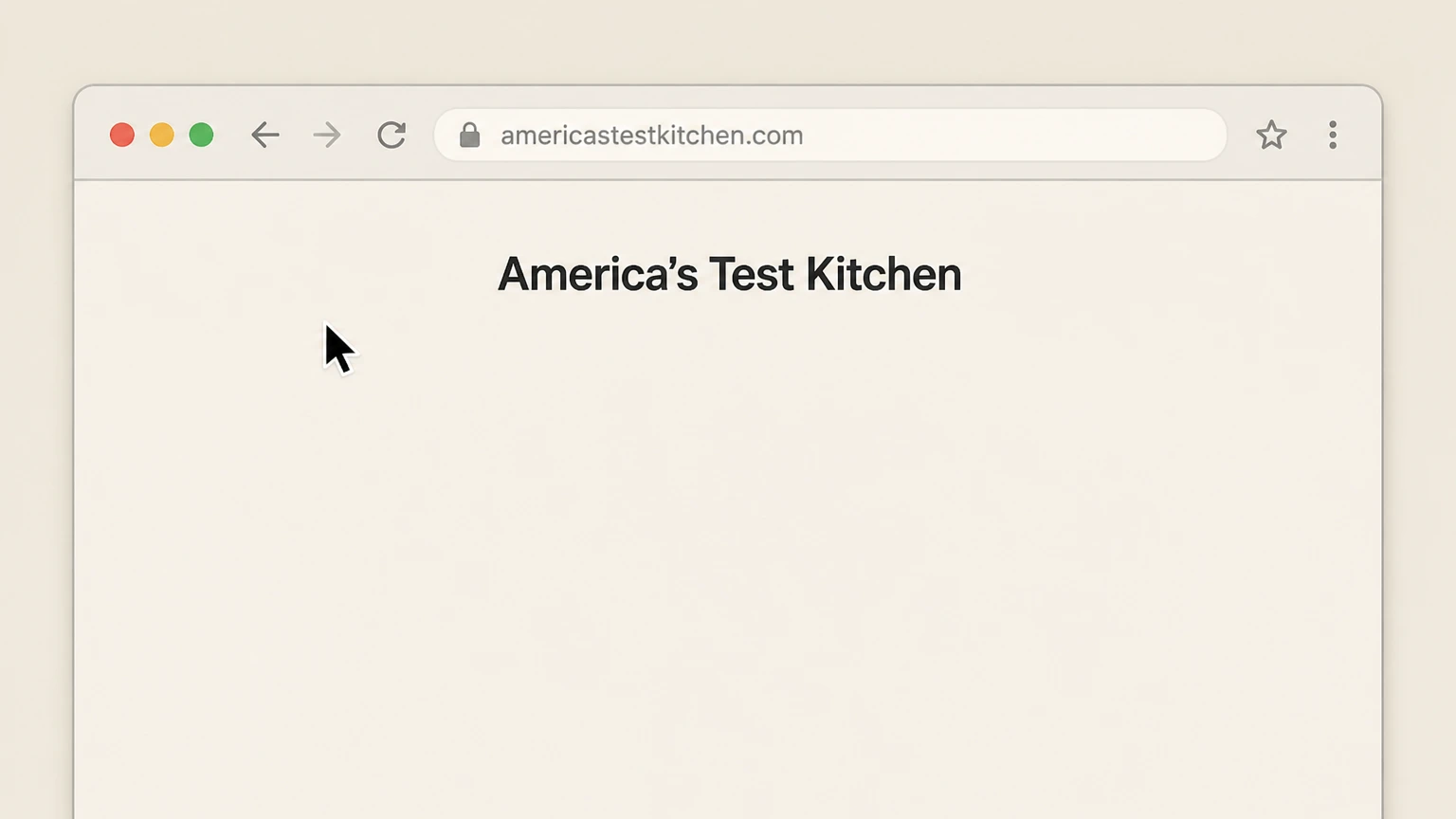
1Open the America's Test Kitchen website
Open https://www.americastestkitchen.com/ in a web browser. Use the America's Test Kitchen account named on your receipt, and continue only after the next status in this cancellation path is visible.
 2
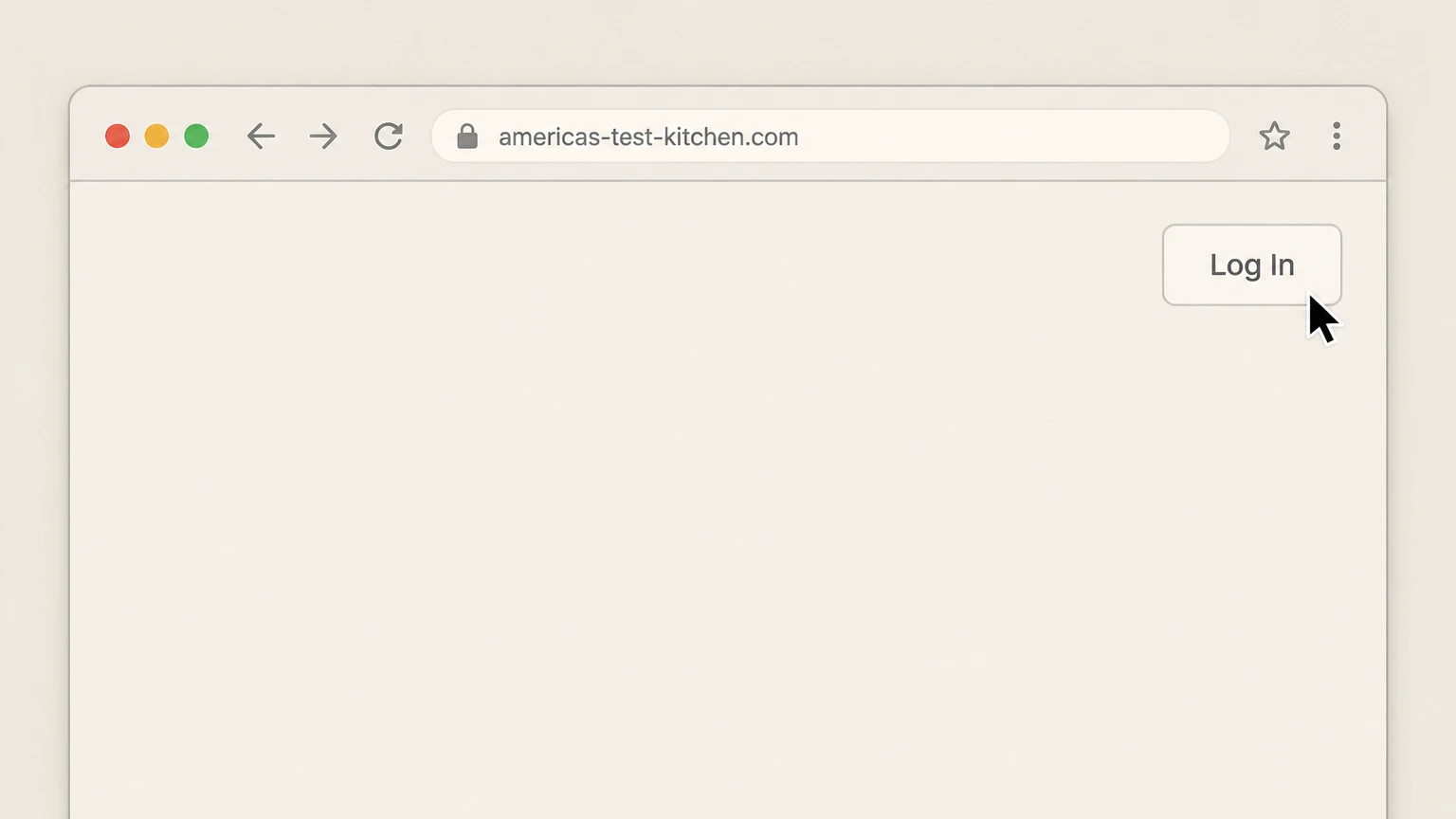
2Open the login form
Click the "Log In" button in the top-right corner of the homepage. Use the America's Test Kitchen account named on your receipt, and continue only after the next status in this cancellation path is visible.
- Let Pine handle it
Pine can help
Too many steps?
Pine can find the right Cancel website-billed Essential Membership or ATK Classes path and handle the cancellation for you.
 3
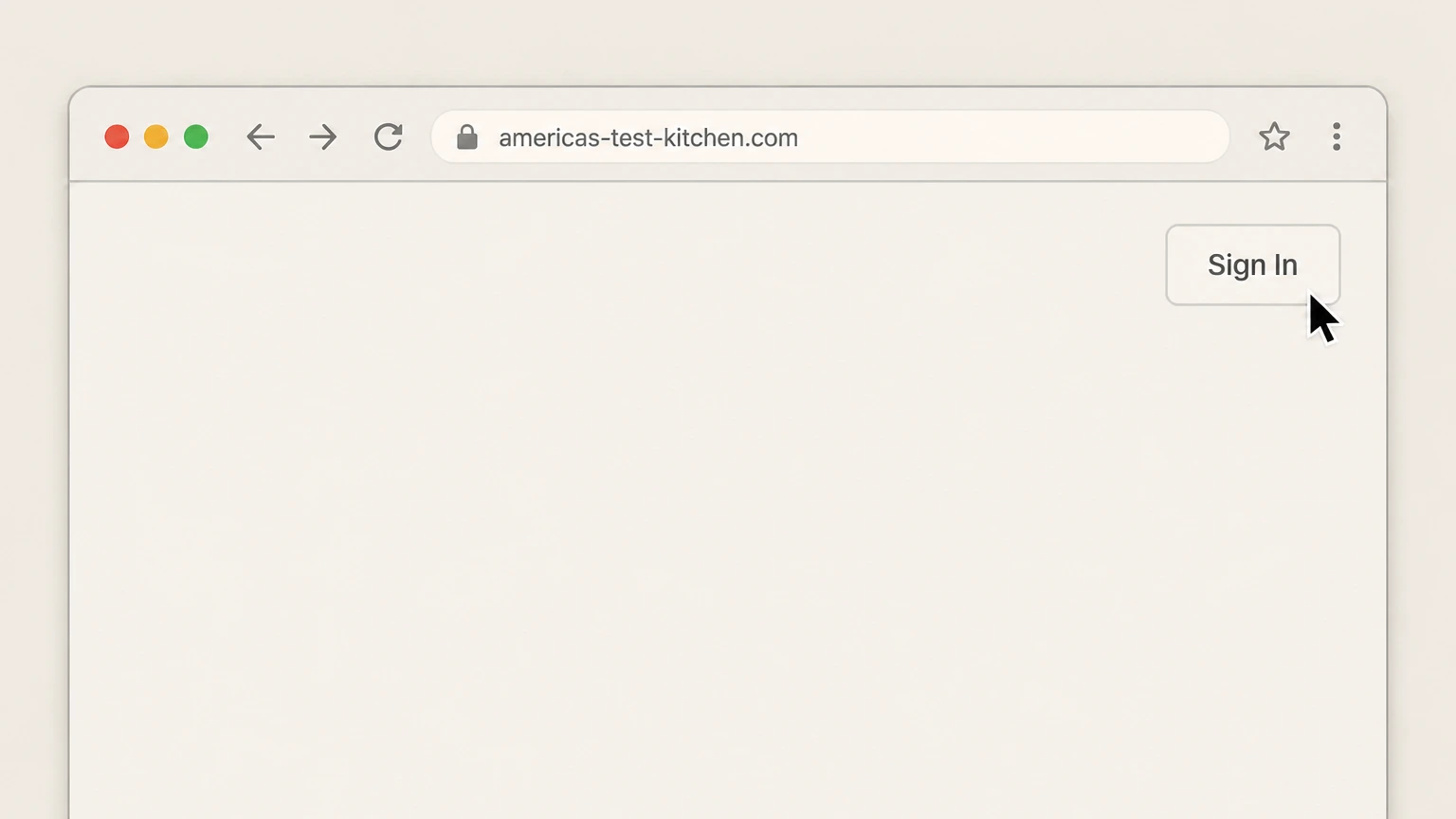
3Sign in to your membership account
Sign in using the email address and password associated with your America’s Test Kitchen membership. Use the America's Test Kitchen account named on your receipt, and continue only after the next status in this cancellation path is visible.
 4
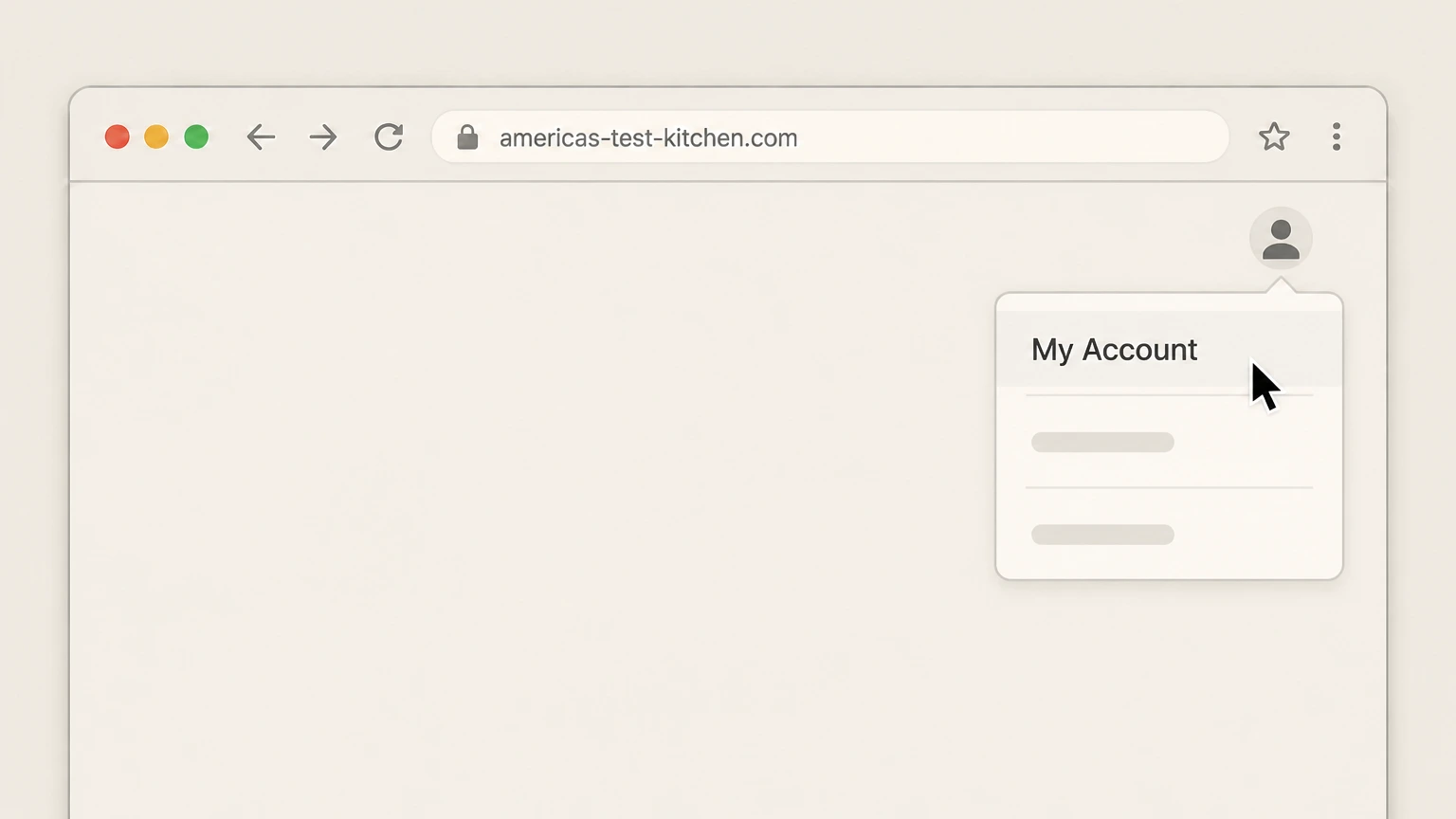
4Go to My Account
From the person icon menu in the upper-right corner, select "My Account". Use the America's Test Kitchen account named on your receipt, and continue only after the next status in this cancellation path is visible.
 5
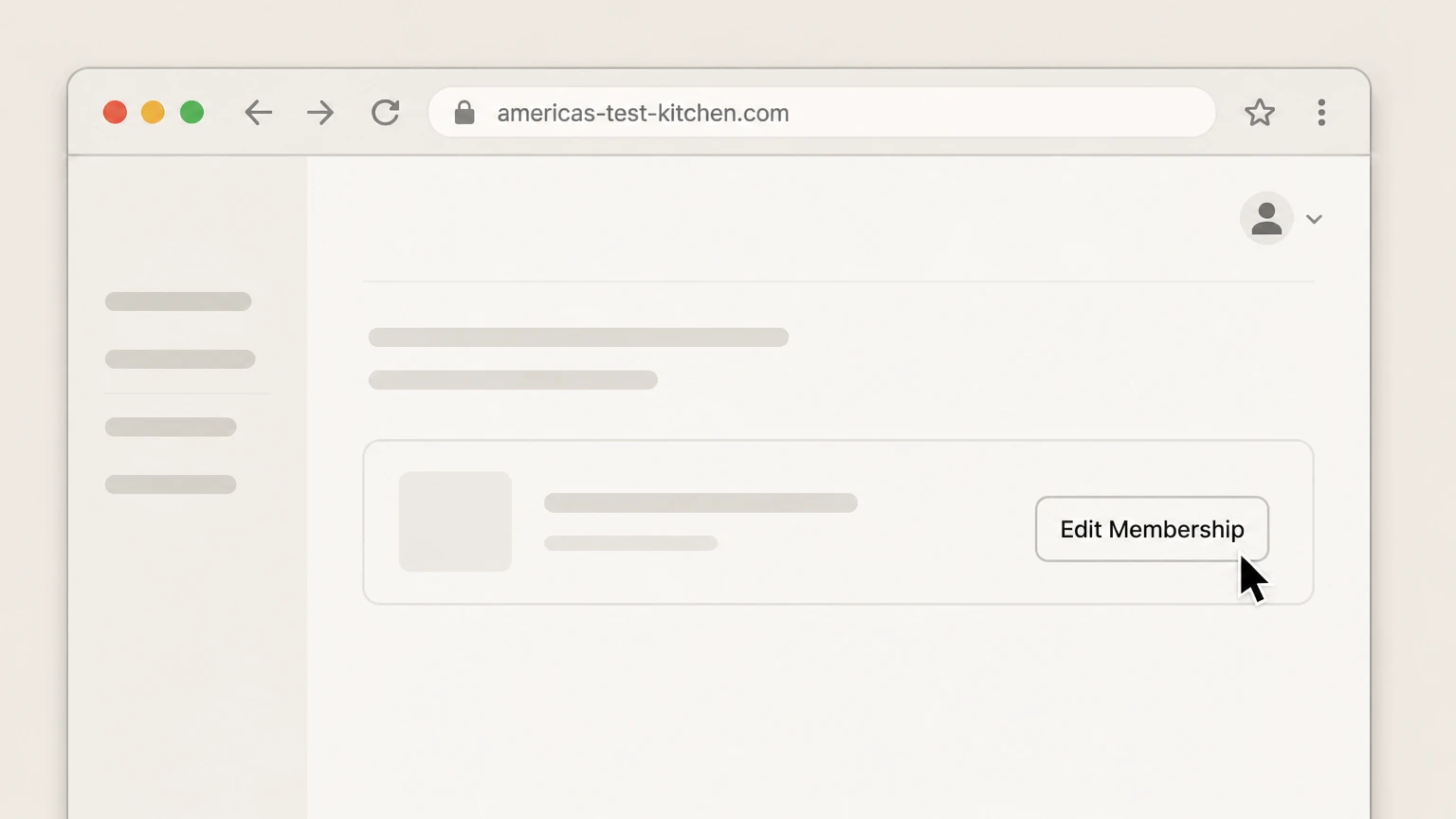
5Open Edit Membership
In the "Your Digital Subscriptions" section, select "Edit Membership" for the membership you want to cancel. Use the America's Test Kitchen account named on your receipt, and continue only after the next status in this cancellation path is visible.
 6
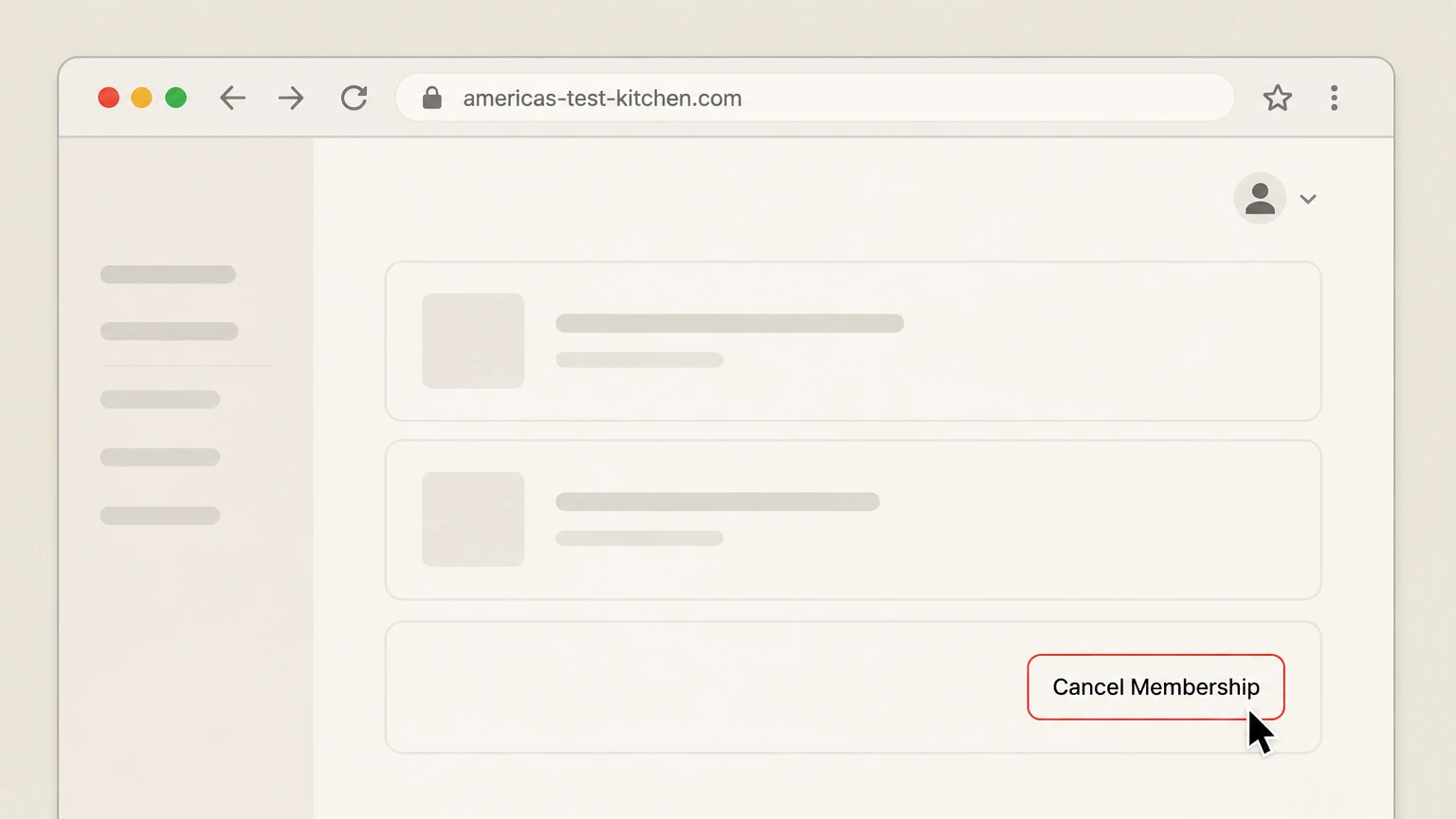
6Cancel the membership
On the membership page, select "Cancel Membership" and follow any on-screen confirmation to stop future renewals. Use the America's Test Kitchen account named on your receipt, and continue only after the next status in this cancellation path is visible.

Cancel an America's Test Kitchen magazine subscription online · verify the billing owner
 1
1Open the magazine subscriber account tools
From ATK’s "Cancel Magazine Subscription" or "Print & Digital Magazines" help articles, follow the link to the magazine subscriber account page in your browser.
 2
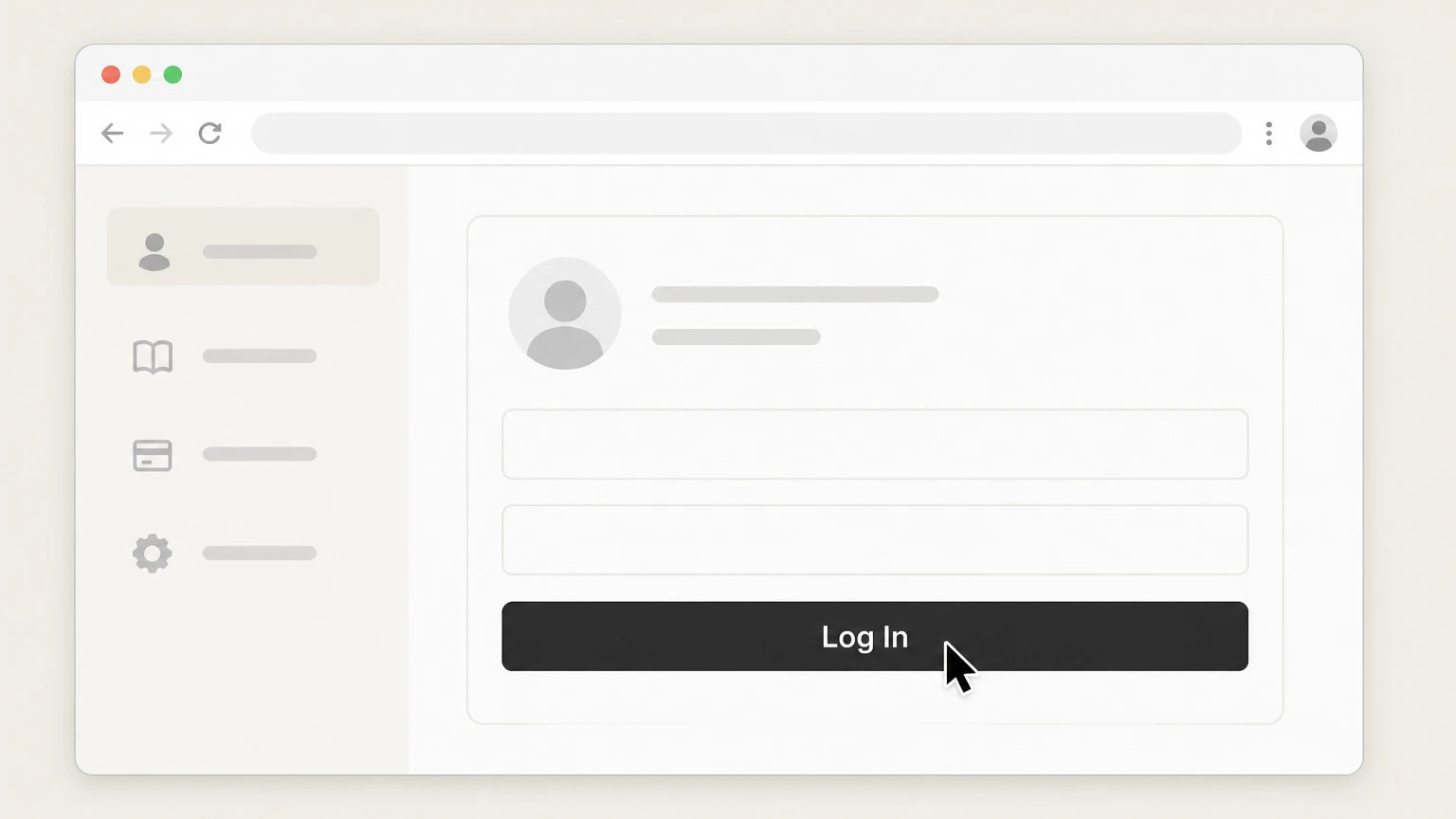
2Sign in to your magazine account
Log in using your magazine account number (from your mailing label or order) and your postal or ZIP code. Use the America's Test Kitchen account named on your receipt, and continue only after the next status in this cancellation path is visible.
- Let Pine handle it
Pine can help
Too many steps?
Pine can find the right Cancel an America's Test Kitchen magazine subscription online path and handle the cancellation for you.
 3
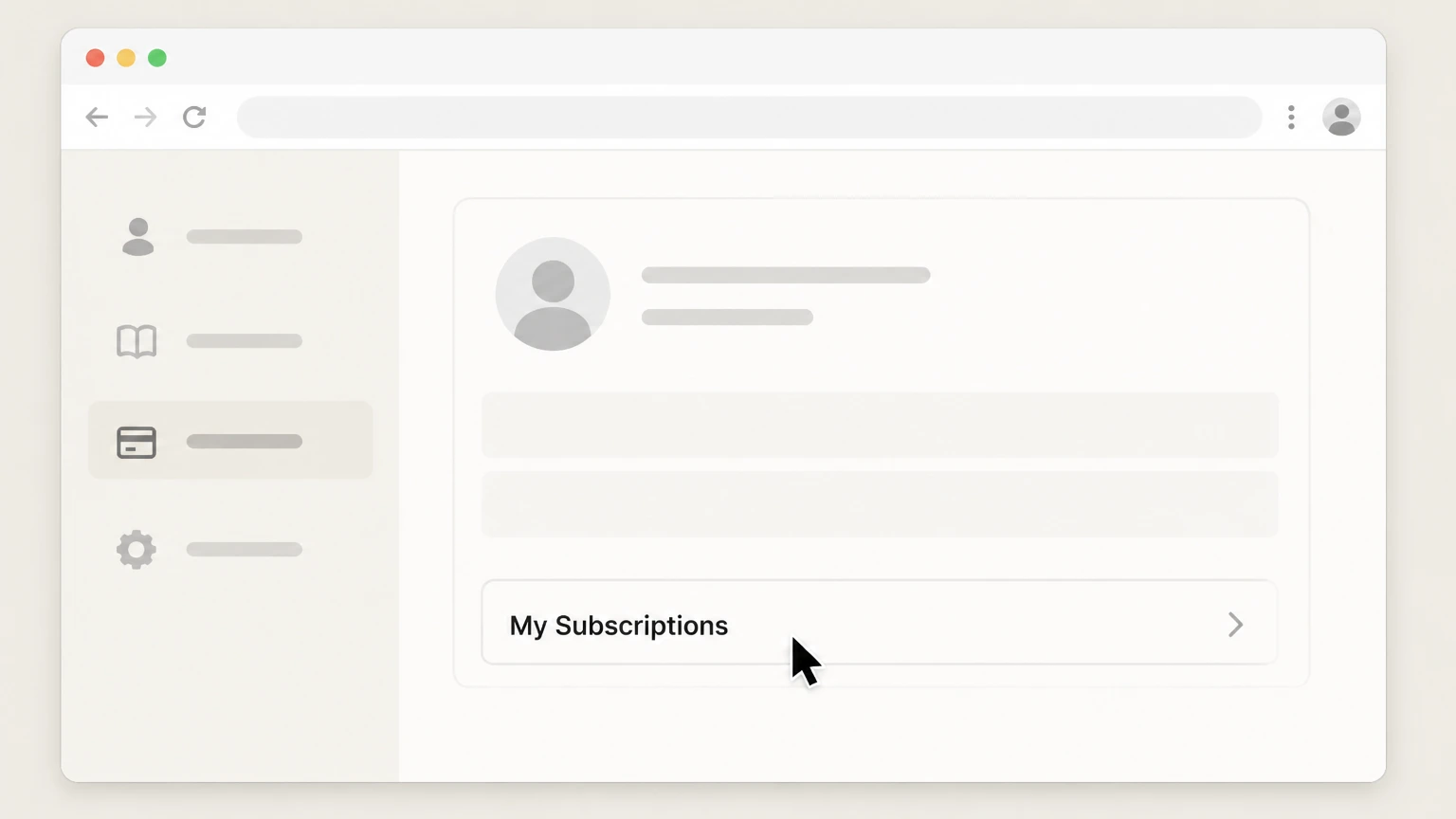
3Open your magazine subscriptions list
In your magazine account, select "My Orders" or "My Subscriptions" to view active magazine subscriptions. Use the America's Test Kitchen account named on your receipt, and continue only after the next status in this cancellation path is visible.
 4
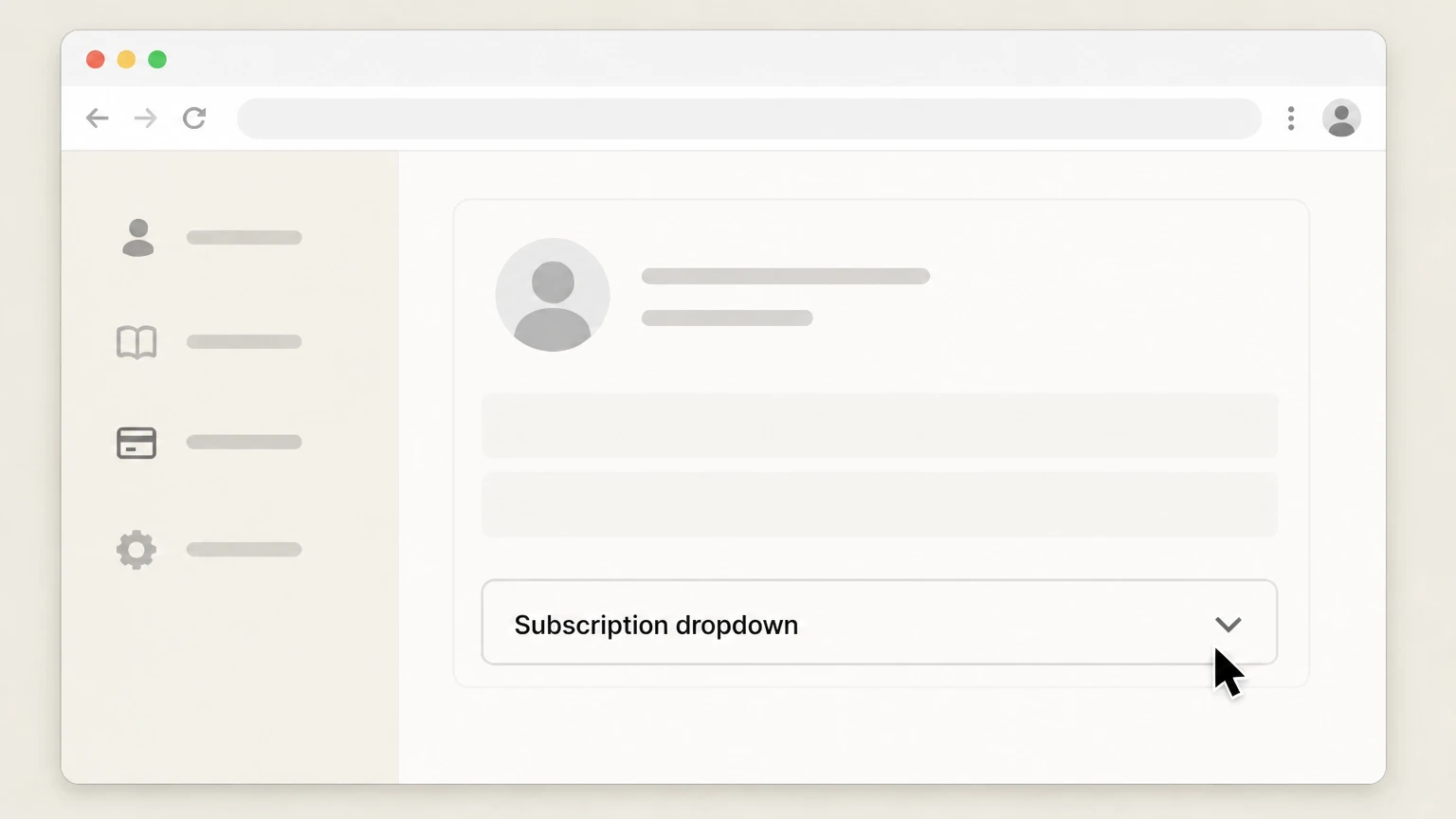
4Select the subscription to change
From the subscription dropdown list, choose the specific magazine subscription you want to change or end. Use the America's Test Kitchen account named on your receipt, and continue only after the next status in this cancellation path is visible.
 5
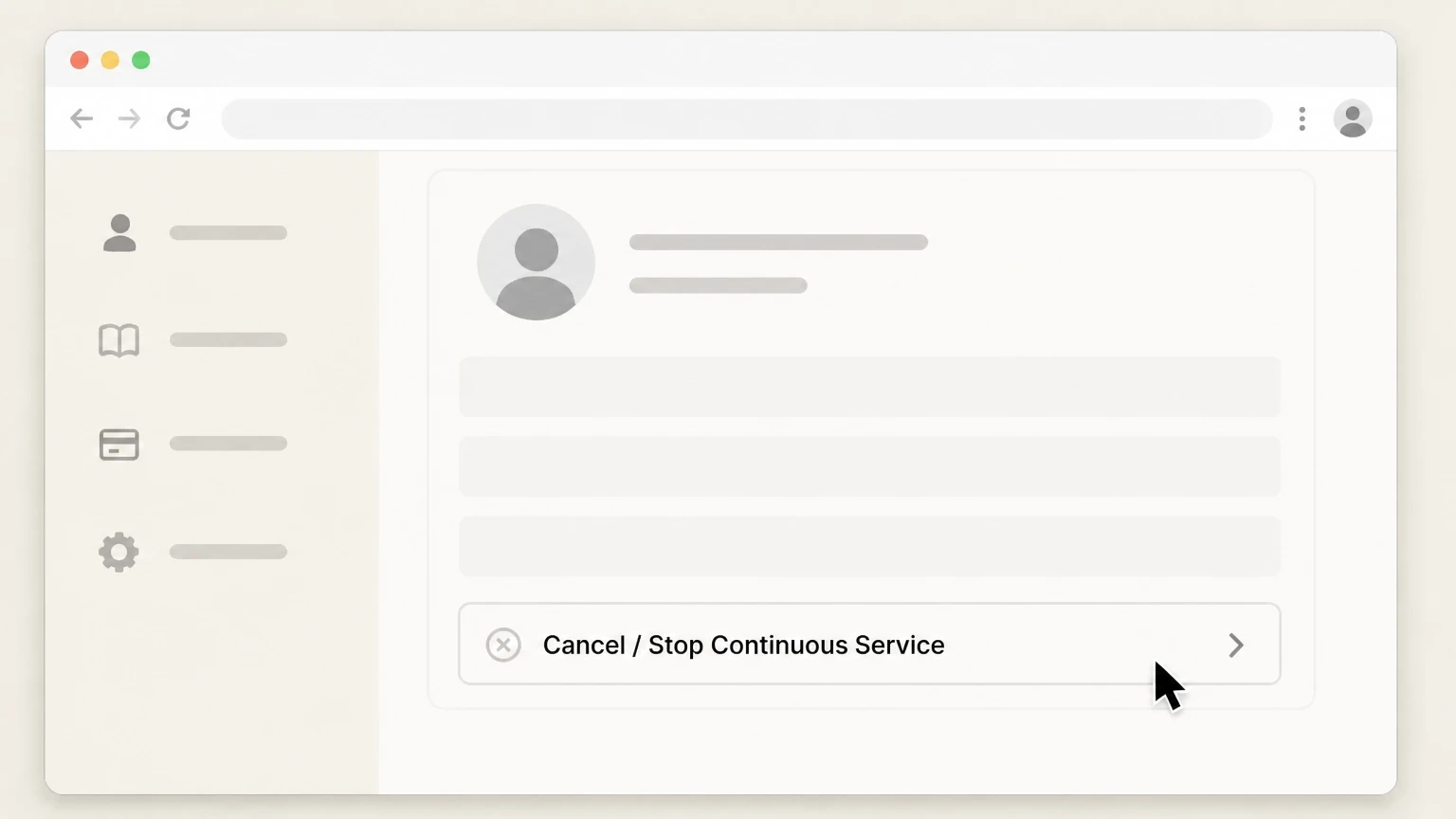
5Choose the cancellation option
Select "Cancel" to end the subscription immediately or select "Stop Continuous Service" to stop future automatic renewals at the end of the current term.
Cancel an America's Test Kitchen subscription billed through Apple · verify the billing owner
 1
1Open Settings on your Apple device
Open the Settings app on your iPhone or iPad. Use the America's Test Kitchen account named on your receipt, and continue only after the next status in this cancellation path is visible.
 2
2Open your Apple ID menu
In Settings, tap your name at the top to open your Apple ID account settings. Use the America's Test Kitchen account named on your receipt, and continue only after the next status in this cancellation path is visible.
- Let Pine handle it
Pine can help
Too many steps?
Pine can find the right Cancel an America's Test Kitchen subscription billed through Apple path and handle the cancellation for you.
 3
3Open Subscriptions
In your Apple ID menu, tap "Subscriptions" to see your active and expired subscriptions. Use the America's Test Kitchen account named on your receipt, and continue only after the next status in this cancellation path is visible.
 4
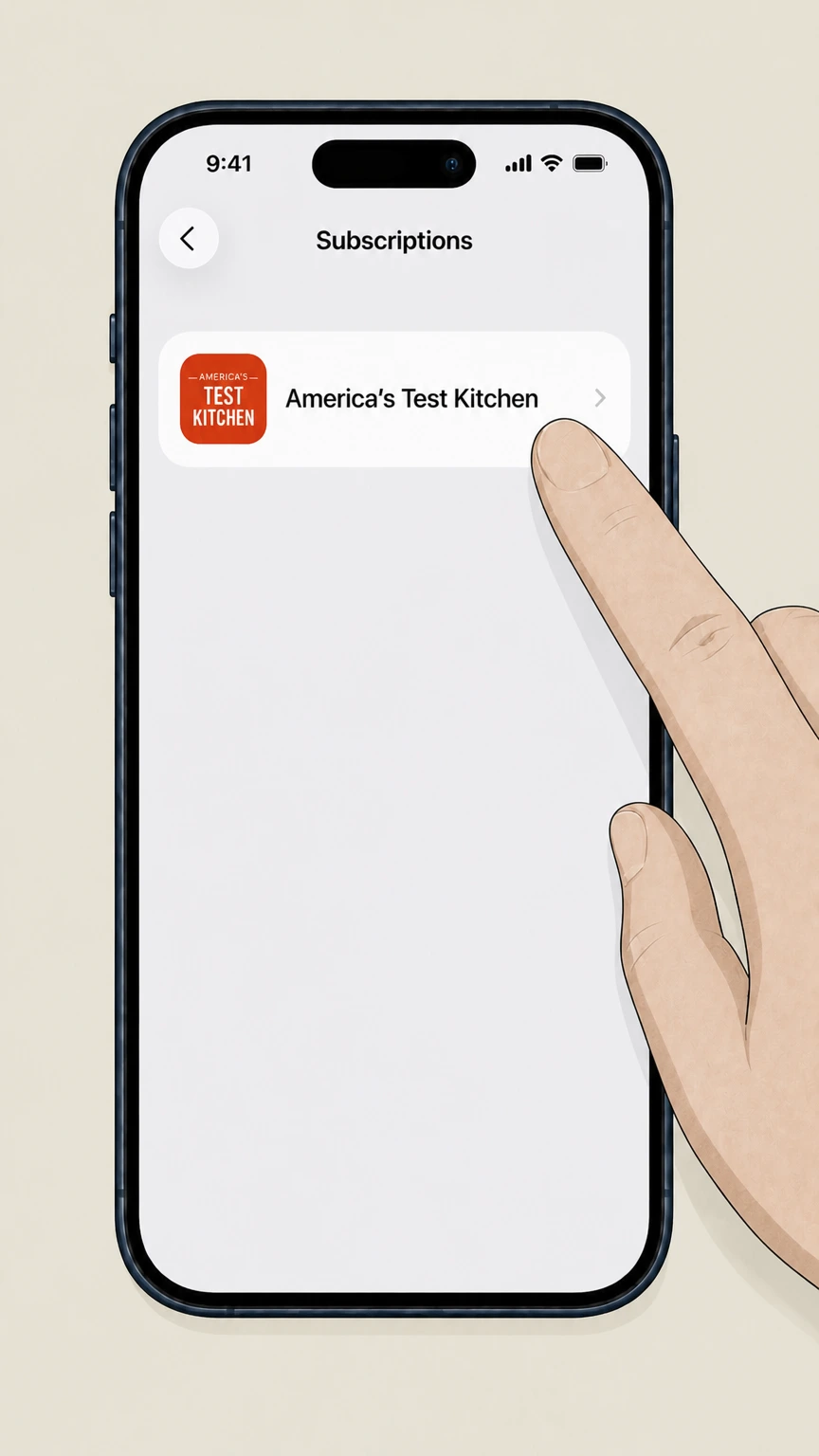
4Select the America's Test Kitchen subscription
In the Subscriptions list, tap the America's Test Kitchen–related subscription you want to cancel (such as ATK, ATK Classes, or Cook’s Illustrated).
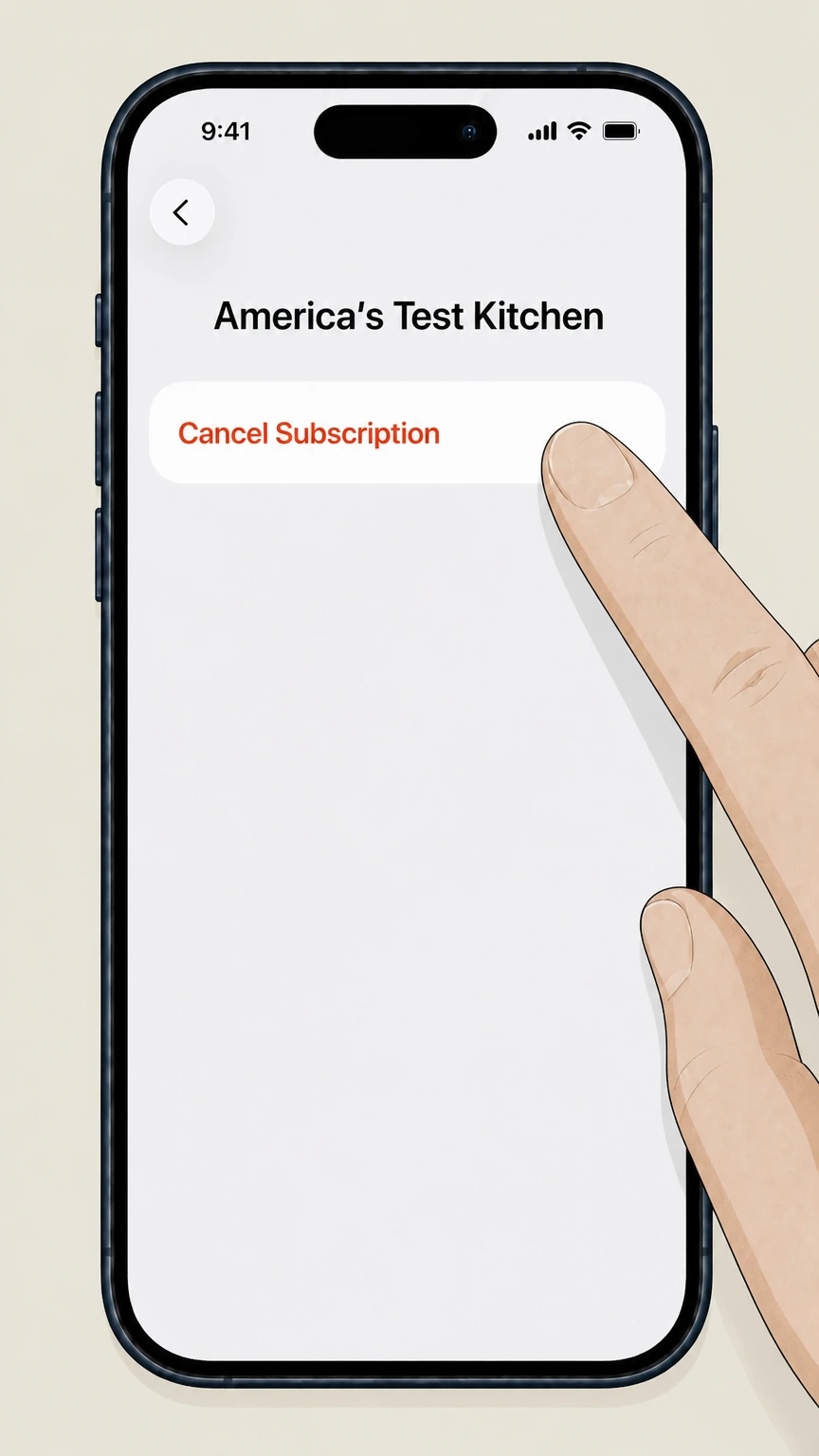 5
5Cancel the subscription
On the subscription details screen, tap "Cancel Subscription" and confirm to stop future renewals. Use the America's Test Kitchen account named on your receipt, and continue only after the next status in this cancellation path is visible.
Refund policy
Refunds, credits, and what does not change when you cancel
America’s Test Kitchen publishes some refund details for print magazines but does not offer a single, universal refund promise for all memberships. Treat refunds as separate from canceling auto‑renew and route requests to the original billing owner.
Check my refund options- Website-billed Essential Membership and Classes
- ATK’s Essential Membership and ATK Classes documentation focuses on auto‑renewal and cancellation in My Account and does not announce a standard pro‑rated refund policy; you should expect cancellation to stop future renewals, with any refund handled case‑by‑case by ATK support if available.support.americastestkitchen.com
- Print magazine refund on unmailed issues
- The Cook’s Illustrated magazine subscription page explains that you may cancel at any time by contacting customer service, and you will receive a full refund on all unmailed issues—so refunds are tied to remaining print issues, not digital access.shop.americastestkitchen.com
- Digital magazine subscriptions via app stores
- The Digital Magazine article emphasizes app‑store billing and auto‑renew behavior and notes that no cancellation of the current issue is permitted during an active subscription period; refunds, if any, are governed by the app store’s policies rather than ATK.support.americastestkitchen.com
- Apple-billed ATK subscriptions
- Apple’s subscription guidance indicates that canceling through the Subscriptions screen stops future billing but generally lets you access content until the current billing period ends; refund decisions and charge disputes are handled by Apple under its own rules.support.apple.com
- Google Play–billed ATK subscriptions
- Google Play help explains that subscriptions continue for the current billing period after cancellation and are subject to Google Play’s refund policies; uninstalling an app does not cancel its subscription.support.google.com
If you believe you were charged incorrectly or need a discretionary refund after canceling, gather your last renewal notice, order or receipt, and screenshots of your cancellation, then contact either America's Test Kitchen customer support or the relevant app store’s billing support, depending on who processed the payment. Visit the America's Test Kitchen Help Center
Membership types
Identify which America's Test Kitchen access you need to cancel
Different ATK products cancel in different places, so confirm exactly what you have before following a route.
Essential Membership (core digital access)
The Essential Membership unlocks recipes, reviews, videos, and the ATK app across America’s Test Kitchen, Cook’s Illustrated, and Cook’s Country. It is sold as an auto‑renewing plan and is managed from My Account on the ATK website.support.americastestkitchen.com
ATK Classes add-on
ATK Classes is an add‑on that requires an active Essential Membership. If bought on the website, it appears under Your Digital Subscriptions; if bought in an app, it is billed by Apple or Google Play and must be canceled there.support.americastestkitchen.com
Print magazine subscriptions
Print magazines such as Cook’s Illustrated are managed in a separate magazine account system using your account number and ZIP/postal code, not through the Essential Membership My Account page.support.americastestkitchen.com
Digital magazine apps
Cook’s Illustrated offers digital magazine subscriptions through app stores; these auto‑renew until you turn off auto‑renewal in the relevant app‑store account and are billed by Apple or Google, not directly by ATK.support.americastestkitchen.com
Cook’s Country magazine changes
The Cook’s Country print magazine ceased publication after the Oct/Nov 2025 issue and its app subscriptions were removed from sale, so most remaining obligations are about previously purchased issues rather than ongoing auto‑renewing print subscriptions.support.americastestkitchen.com
After you cancel
What changes when you cancel an Essential Membership
Canceling your Essential Membership mainly affects future renewals and paid digital access, not your basic ATK account identity.
Auto-renew charges stop going forward
ATK treats Essential Membership as an auto‑renewing plan; canceling through My Account stops future renewals on that membership so new membership charges should cease after the current paid term.support.americastestkitchen.com
Digital access ends after your paid term
The help center frames cancellation as turning off renewal rather than issuing an immediate pro‑rated refund, so you should expect full access through the period you already paid for and loss of members‑only access after that term.support.americastestkitchen.com
Your basic ATK account usually remains
ATK explains that visitors without a paid digital membership can still view a limited number of pages for free each month, implying that your login and basic profile can persist after membership ends.support.americastestkitchen.com
Gifts and shop orders are separate
Canceling an Essential Membership does not cancel physical cookbook or gear orders, which are subject to ATK’s separate order cancellation and return policies.support.americastestkitchen.com For your America's Test Kitchen account, compare this point with the billing owner and effective date shown in the signed-in account or latest receipt.
You can manually restart later
The Membership Renewal article notes that inactive memberships can be restarted from My Account by selecting Renew, so future access can be reactivated without creating a new account.support.americastestkitchen.com
Classes add-on
How ATK Classes interacts with your membership and billing
Because ATK Classes depends on the Essential Membership, you need to understand how canceling one can affect the other.
Classes requires an active Essential Membership
ATK states that ATK Classes is an add‑on feature that requires an active Essential Membership, so canceling or allowing the Essential Membership to lapse can affect your ability to use Classes.support.americastestkitchen.com
Website-billed Classes cancels in My Account
If you bought Classes through the ATK website, it appears under Your Digital Subscriptions and is canceled from My Account using the same path as Essential Membership.support.americastestkitchen.com
App-store-billed Classes cancels with Apple or Google
If you purchased Classes through the ATK app in the Apple or Google Play stores, ATK directs you to cancel through those providers following their subscription instructions.support.americastestkitchen.com
Essential Membership with app sign-up may still be third-party billed
Pricing & Plans notes that you can start a membership by downloading the ATK app; such memberships can be billed by the app store even though they unlock full website access, so they must be canceled in Apple or Google Play.support.americastestkitchen.com
Magazines
Key details for canceling ATK magazine subscriptions
Magazine subscriptions are structurally separate from digital memberships and have their own tools and terms.
Separate magazine account credentials
ATK’s magazine help articles explain that magazine subscribers log into a dedicated magazine account using an account number from the mailing label and their postal code, separate from Essential Membership credentials.support.americastestkitchen.com
Cancel vs Stop Continuous Service
The Cancel Magazine Subscription article distinguishes between selecting "Cancel" to end a subscription immediately and selecting "Stop Continuous Service" to stop future automatic renewals while allowing the current term to finish.support.americastestkitchen.com
Automatic renewal program terms
The Cook’s Illustrated subscription product page explains that subscribers authorize recurring charges at the subscriber rate then in effect unless they contact customer service to stop, and that canceling yields a refund on unmailed issues.shop.americastestkitchen.com
Magazine does not grant web membership
ATK clarifies that a print magazine subscription does not automatically include web access; digital membership is sold separately as the Essential Membership.support.americastestkitchen.com For your America's Test Kitchen account, compare this point with the billing owner and effective date shown in the signed-in account or latest receipt.
Digital magazine app billing
The Digital Magazine article states that Cook’s Illustrated app subscriptions are billed by the app store provider, auto‑renew unless auto‑renew is disabled in the app‑store account, and cannot have the current issue canceled mid‑period.support.americastestkitchen.com
App-store billing
How to tell if Apple or Google Play is billing you
Correctly identifying app‑store billing prevents you from trying to cancel in the wrong place.
Check ATK My Account first
The View/Update Account & Payment Details article explains that if your membership was purchased directly from ATK, you can see and manage it in My Account; otherwise, you may need to check Apple or Google subscriptions instead.support.americastestkitchen.com
Look for Apple store receipts and apple.com/bill
If your statement or email receipts show Apple‑branded descriptors and the subscription appears under Apple ID > Subscriptions, Apple—not ATK—owns billing for that subscription.support.apple.com For your America's Test Kitchen account, compare this point with the billing owner and effective date shown in the signed-in account or latest receipt.
Look for subscriptions in Google Play
Google’s help center instructs users to open the Google Play app, tap the profile icon, and view Payments & subscriptions > Subscriptions to see active and inactive Google Play subscriptions.support.google.com
Digital magazine and Classes purchased in apps
ATK’s Digital Magazine and Cancel Classes Membership articles state that subscriptions purchased via Apple or Google Play must be canceled through the corresponding app store’s subscription tools.support.americastestkitchen.com
Alternative payment methods vs app-store billing
View/Update Account & Payment Details distinguishes alternative payment methods like PayPal or Apple Pay (still ATK‑billed) from full app‑store‑billed subscriptions, which are managed outside ATK’s account pages.support.americastestkitchen.com
Billing management
Managing renewals and payment details without canceling
You may be able to update billing details or renew manually instead of canceling outright.
Renewal reminders by email
Membership Renewal states that renewal notifications are emailed up to one month in advance, including the membership renewal date and renewal rate, so you can decide whether to cancel before the next term.support.americastestkitchen.com
Updating a stored credit card
For ATK‑billed memberships, you can update the card on file by logging in, opening My Account, and selecting Update Payment under Your Digital Subscriptions; changes can take several minutes to process.support.americastestkitchen.com
Updating PayPal or Apple Pay
If your membership is billed via an alternative method such as PayPal or Apple Pay, ATK directs you to update card details directly with that provider because ATK does not hold those card numbers.support.americastestkitchen.com
Manual renewal and restart options
The Membership Renewal article instructs users to log in and click Renew on a listed membership to manually renew or restart an inactive Essential Membership from My Account.support.americastestkitchen.com
Magazine renewal tools
Print magazine subscribers can log into the magazine account and use functions such as Pay Now or Renew within the magazine tools, which are separate from the Essential Membership interface.support.americastestkitchen.com
Account access
Account, email, and content access after you cancel
Canceling paid access does not usually erase your ATK account, but it changes what you can see and do.
Limited free access without membership
ATK notes that visitors without a paid digital membership can view a limited number of pages free each month, so your login can continue to work for some browsing even after the Essential Membership ends.support.americastestkitchen.com
Saved favorites and app use
The ATK App article describes saving favorites and creating shopping lists tied to your membership login; after cancellation, you may retain stored favorites but lose the ability to view members‑only details linked to them.support.americastestkitchen.com
Email address reuse and gifts
Pricing & Plans explains that existing email addresses in the ATK family can be reused when starting or gifting memberships, suggesting that email identities persist beyond any single paid term.support.americastestkitchen.com
Cook’s Country content after magazine changes
Although Cook’s Country print magazine has ceased, ATK states that new Cook’s Country recipes will continue via TV, streaming, cookbooks, the website, and the ATK app, independent of older magazine subscription status.support.americastestkitchen.com
What official sources do not confirm
Limits of the public America's Test Kitchen cancellation guidance
These points are intentionally qualified because the official sources reviewed on August 16, 2026 do not publish a complete answer.
Documented limitation 1
No unified, explicit refund guarantee for digital Essential Membership or ATK Classes is published in the current America’s Test Kitchen help center; refund descriptions here are limited to print magazine terms and general app-store rules, and other refunds may depend on case-by-case support decisions.
Documented limitation 2
The exact URL and on-page labels for the third-party magazine subscriber portal linked from ATK’s help center are not exposed in allowed domains, so magazine cancellation steps rely on ATK’s descriptive guidance rather than direct inspection of that external site.
Documented limitation 3
This dossier cannot confirm any future changes to membership structures, prices, or cancellation wording made after August 16, 2026; readers should always compare these instructions against the latest ATK help-center articles at the time of cancellation.
Documented limitation 4
Some inferences about access after cancellation—such as continued limited free browsing or visibility of saved favorites—are based on ATK’s descriptions of membership benefits and free access, not on an explicit post-cancellation behavior statement, and could change without notice.
Documented limitation 5
Contact methods (phone, email, chat) referenced indirectly in reasoning are maintained by ATK and may change; users should rely on the latest Contact Us or Help Center pages instead of assuming the durability of any specific phone number or email address.
America's Test Kitchen cancellation FAQ
Questions people search about canceling America's Test Kitchen, answered with official provider or billing-platform sources checked on August 16, 2026.
How do I cancel America's Test Kitchen?
How do I cancel my subscription immediately?
Can I cancel my magazine subscriptions online?
Does canceling my Essential Membership delete my America's Test Kitchen account?
How do I cancel ATK Classes without losing my Essential Membership?
How do I cancel an America's Test Kitchen subscription billed through Apple?
How do I cancel an America's Test Kitchen subscription billed through Google Play?
What happens to my saved recipes and favorites after I cancel?
Can I get a refund after canceling America's Test Kitchen?
Untangle this America's Test Kitchen issue.
Let Pine handle the provider follow-up and keep the confirmation in one place.
